
Mobile-first DeFi is rapidly redefining how users interact with the blockchain, and the Solana Saga phone stands at the center of this transformation. With its seamless Solana integration and dedicated dApp Store, the Saga offers a unique gateway to decentralized finance in your pocket. One of the most exciting platforms now accessible on mobile is EnsoFi, a cross-chain DeFi hub built to simplify liquidity provision, staking, and reward opportunities across multiple blockchains. If you’re eager to maximize your mobile DeFi experience with EnsoFi on your Solana Saga, this guide will walk you through every step - from setup to staking and bounties.
Why Use EnsoFi on Your Solana Saga?
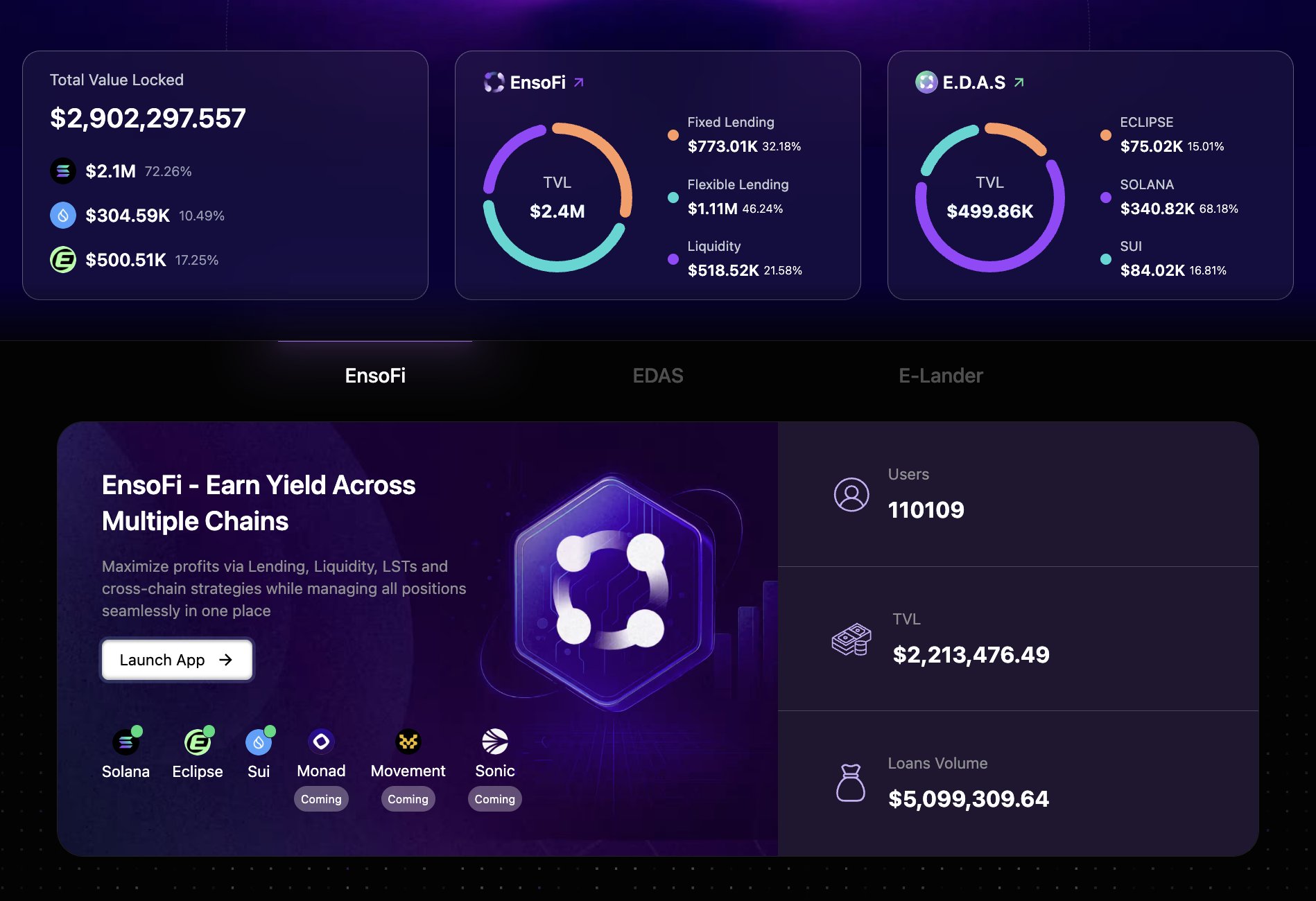
EnsoFi isn’t just another DeFi app. By integrating with Raydium for deep liquidity on Solana and leveraging cross-chain technology, EnsoFi enables users to earn yields effortlessly - even if you’re new to mobile crypto. The platform’s interface is designed for ease of use, making it ideal for both seasoned investors and first-time explorers of mobile DeFi.
The Solana Saga phone amplifies this experience by offering secure wallet management (thanks to its seed vault), instant access to dApps via the dedicated store, and regular rewards or bounties exclusive to mobile users. With SOL currently trading at $237.58, optimizing your staking and liquidity strategies can make a real impact on your portfolio.
Step-by-Step: Setting Up Your Solana Saga for Mobile DeFi
If you’re new to the Solana ecosystem or just unboxing your Saga device, follow these steps before diving into EnsoFi:
Key Steps to Set Up Solana Saga & Install a Wallet
- Unbox and Power On Your Solana SagaBegin by unboxing your Solana Saga device. Follow the on-screen instructions to select your language, connect to Wi-Fi, and complete the initial Android setup.
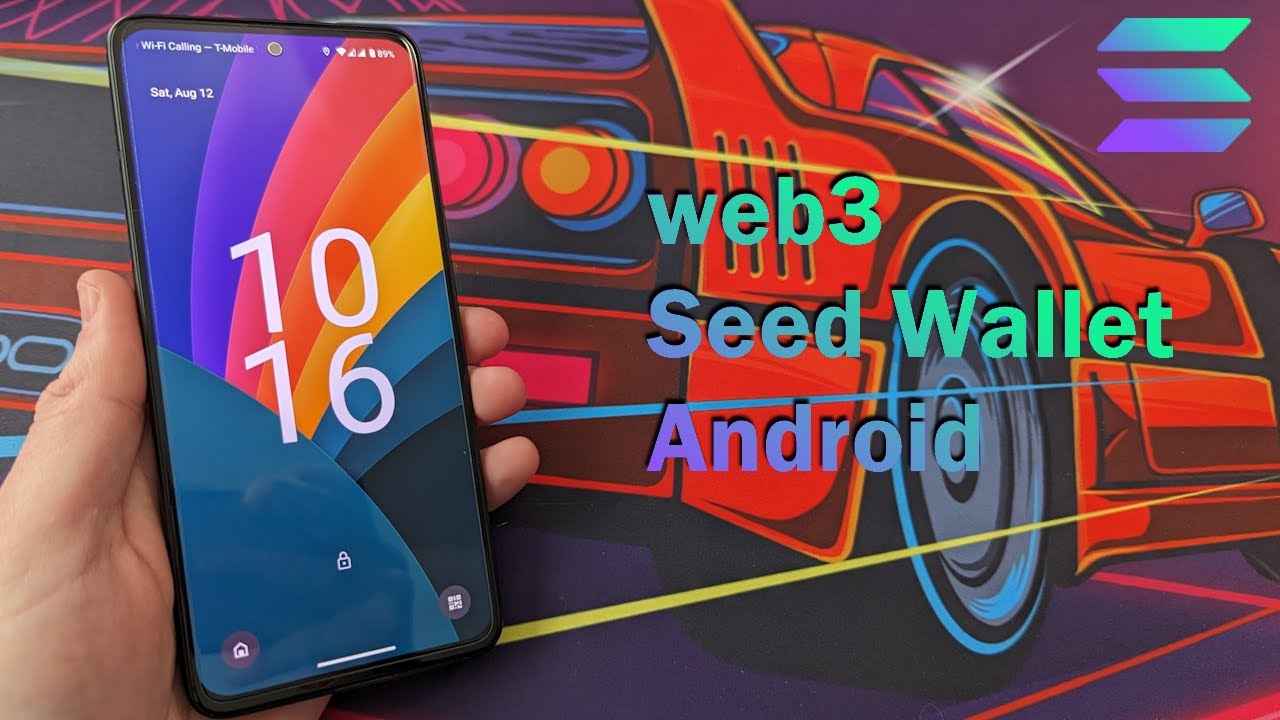
- Update Device Firmware for SecurityNavigate to Settings > System > System update and ensure your Saga is running the latest firmware for optimal security and compatibility.
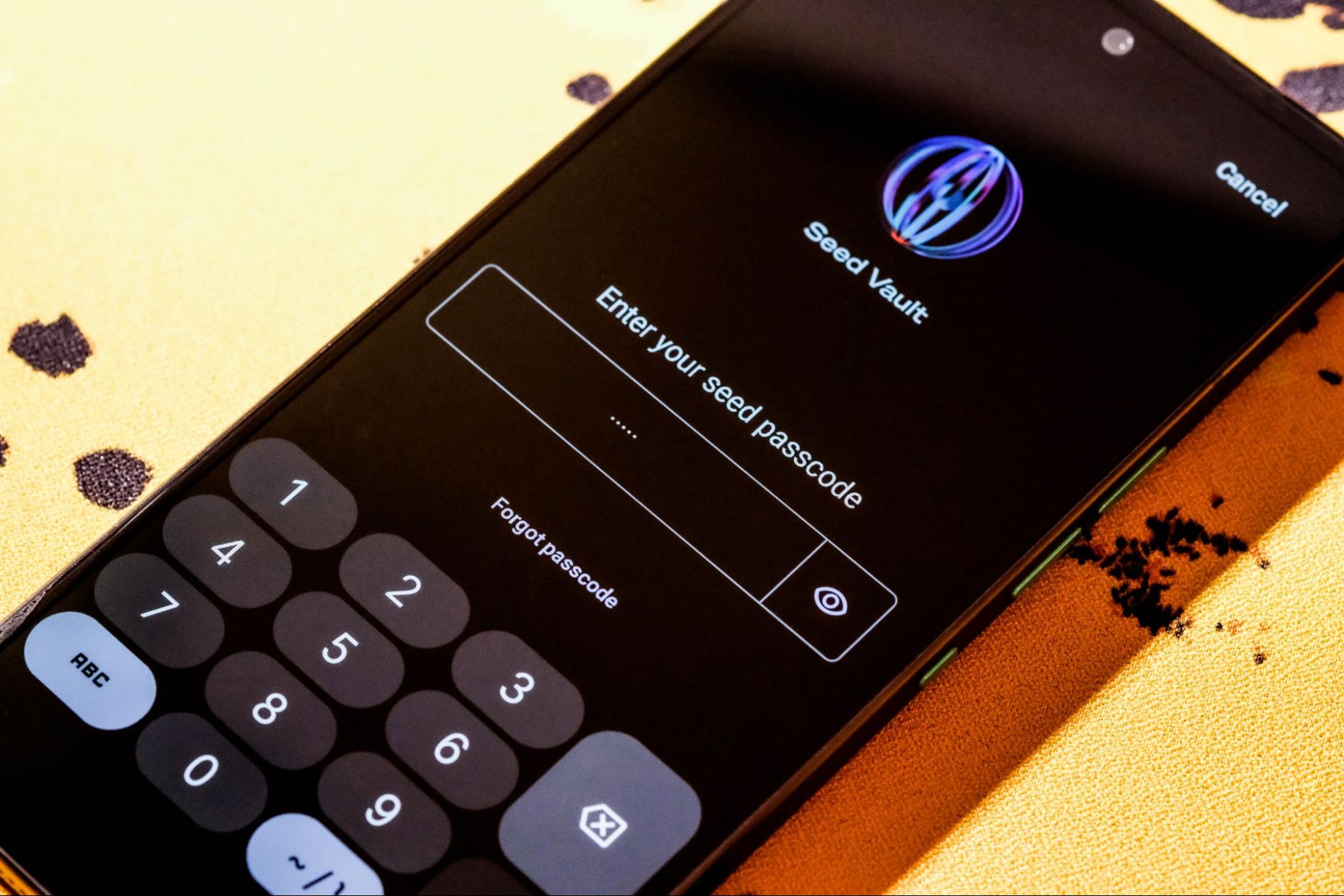
- Set Up Device Security FeaturesEnable a strong screen lock (PIN, password, or biometrics) and activate the Seed Vault for secure private key management, unique to Solana Mobile devices.
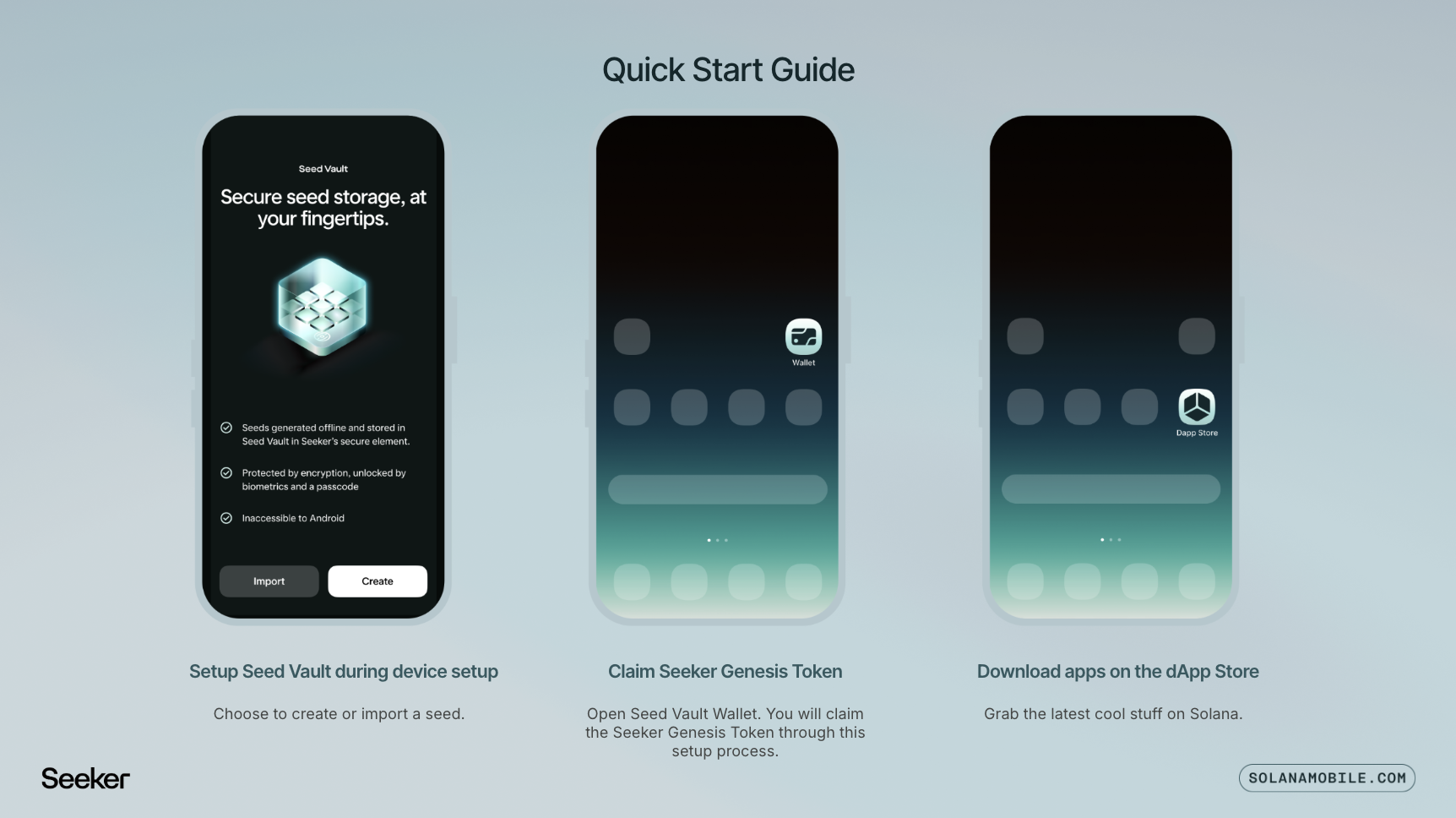
- Access the Solana dApp StoreOpen the Solana dApp Store pre-installed on your Saga. This curated app store features trusted Solana ecosystem apps and wallets.
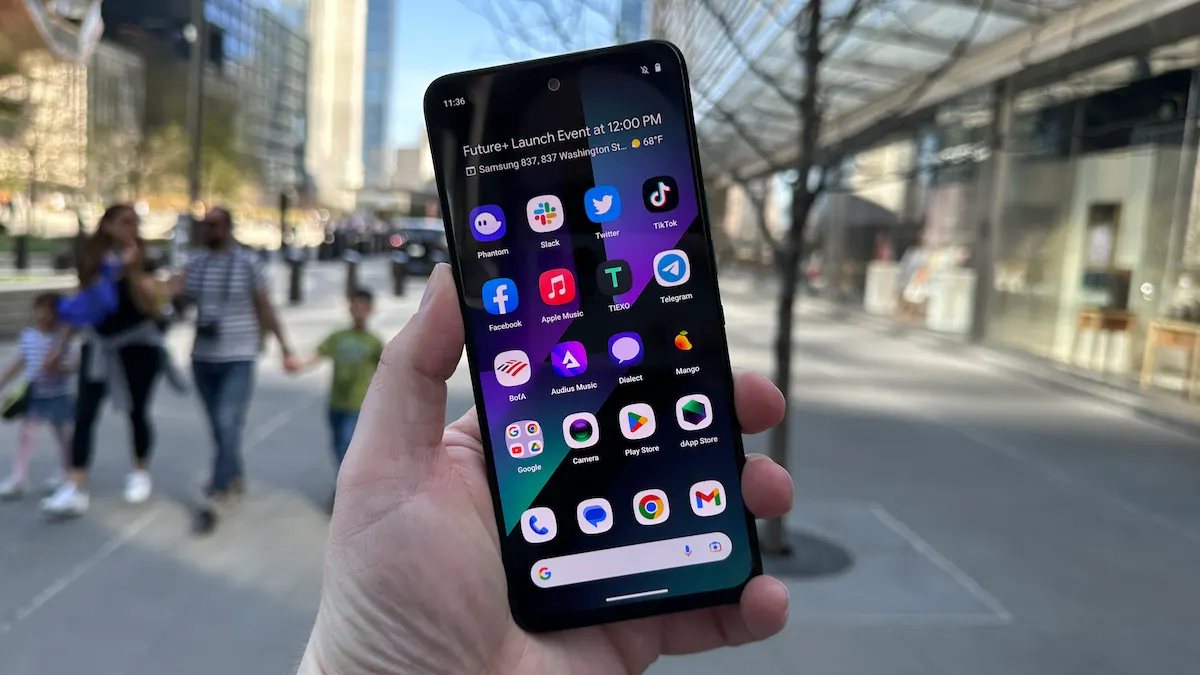
- Install a Solana-Compatible WalletSearch for and install a reputable wallet such as Phantom or Solflare from the dApp Store. These wallets are widely used for Solana DeFi and NFT activities.
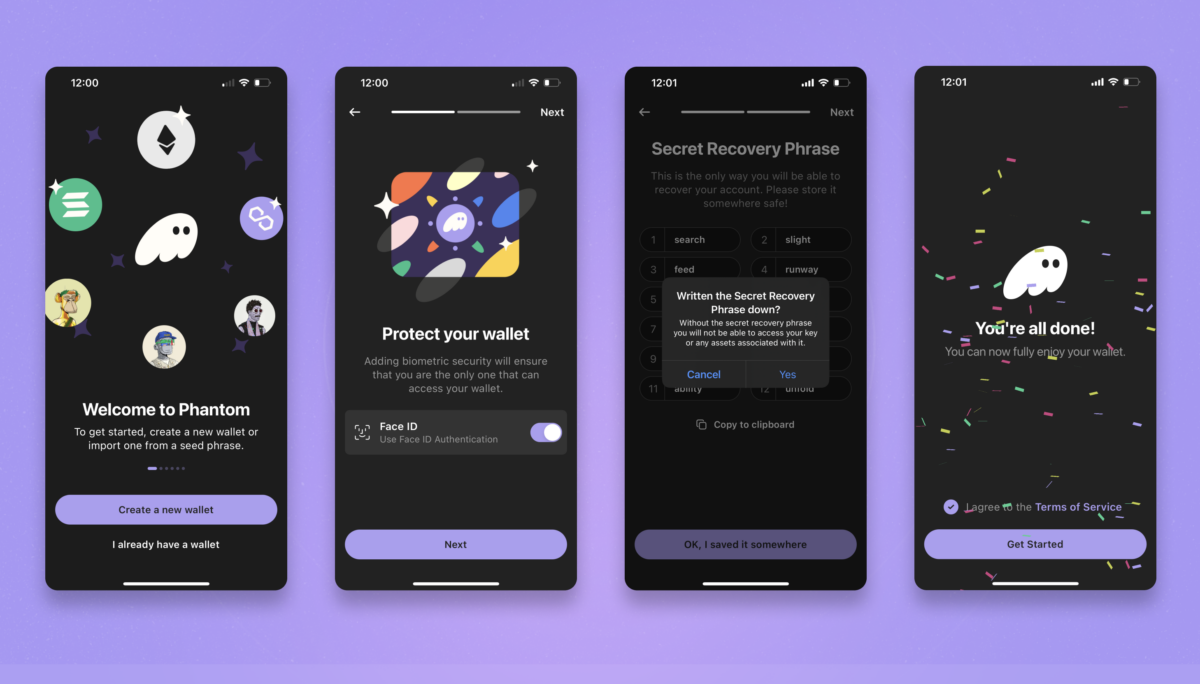
- Create or Import Your WalletOpen your chosen wallet app and follow the prompts to create a new wallet or import an existing wallet using your recovery phrase. Store your recovery phrase securely and never share it.
- Enable App Permissions for Seamless dApp InteractionGrant necessary permissions to your wallet app (such as camera or notifications) to ensure smooth interaction with DeFi platforms like EnsoFi.
Once your device is ready, install a trusted wallet like Phantom or Solflare from the dApp Store. These wallets are optimized for mobile use and easily connect with EnsoFi, ensuring secure transaction signing through the phone’s hardware-based seed vault.
Accessing EnsoFi: Connecting Your Wallet Securely
Navigating from setup to active DeFi participation is straightforward:
- Open your installed wallet (Phantom or Solflare) on your Solana Saga.
- Use the built-in dApp browser or browser feature within the wallet.
- Enter https://www.ensofi.xyz/ into the browser bar.
- Select ‘Connect Wallet’ on EnsoFi’s homepage and approve connection requests directly from your device.
This direct connection ensures that all transactions are signed securely within your device environment - no need for risky copy-pasting of private keys or jumping between apps.
Earning Rewards: Staking SOL and Joining Bounties via Mobile
The appeal of using EnsoFi on mobile isn’t just convenience; it’s also about maximizing returns through staking programs and bounties tailored for active users. Here’s what you can do once connected:
Types of Rewards Available on EnsoFi Mobile
- Staking Yields: Earn passive income by staking SOL tokens directly within the EnsoFi app. Staked assets help secure the Solana network, and users receive regular rewards based on the current network yield and validator performance. As of now, SOL is priced at $237.58.
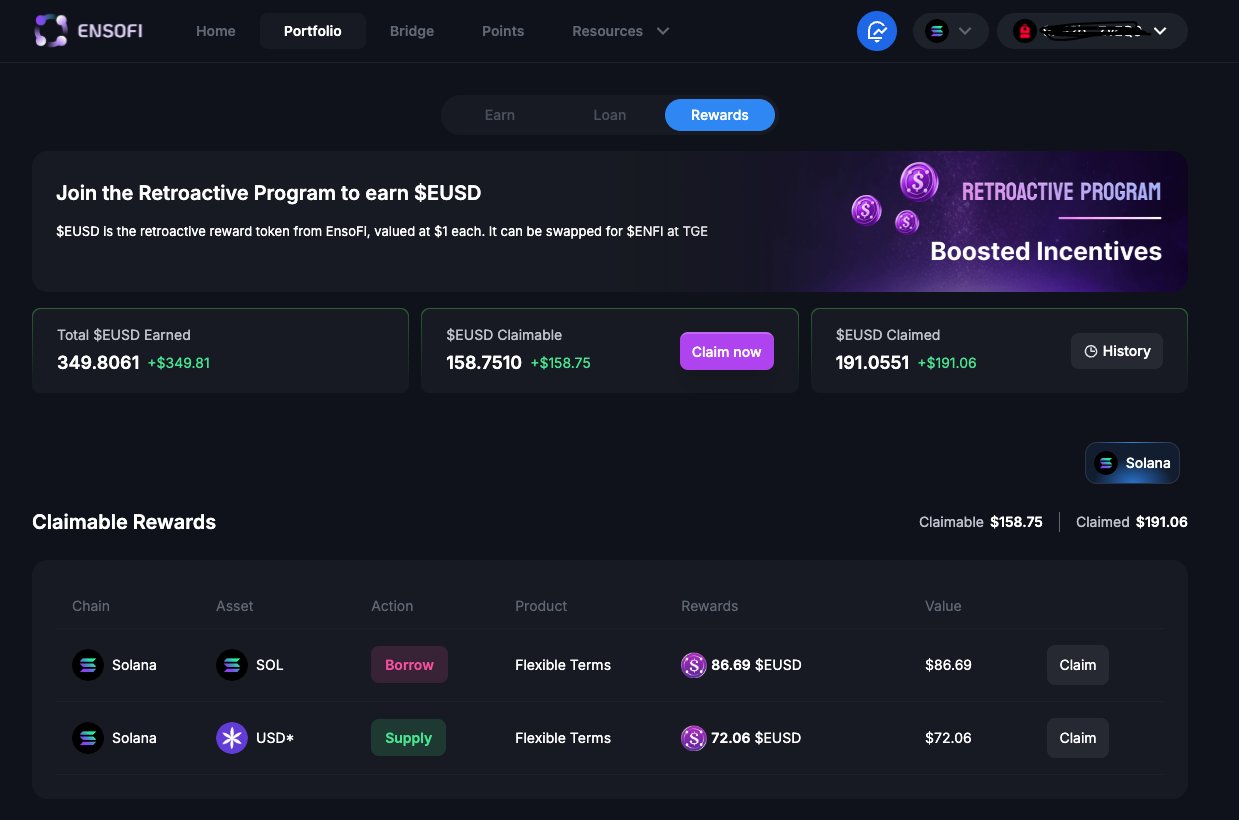
- Cross-Chain Liquidity Provision (LP) Incentives: Provide liquidity to pools integrated with Raydium and other supported protocols on EnsoFi. Users can earn trading fees and additional incentive tokens for supplying assets across multiple blockchains, enhancing overall yield potential.
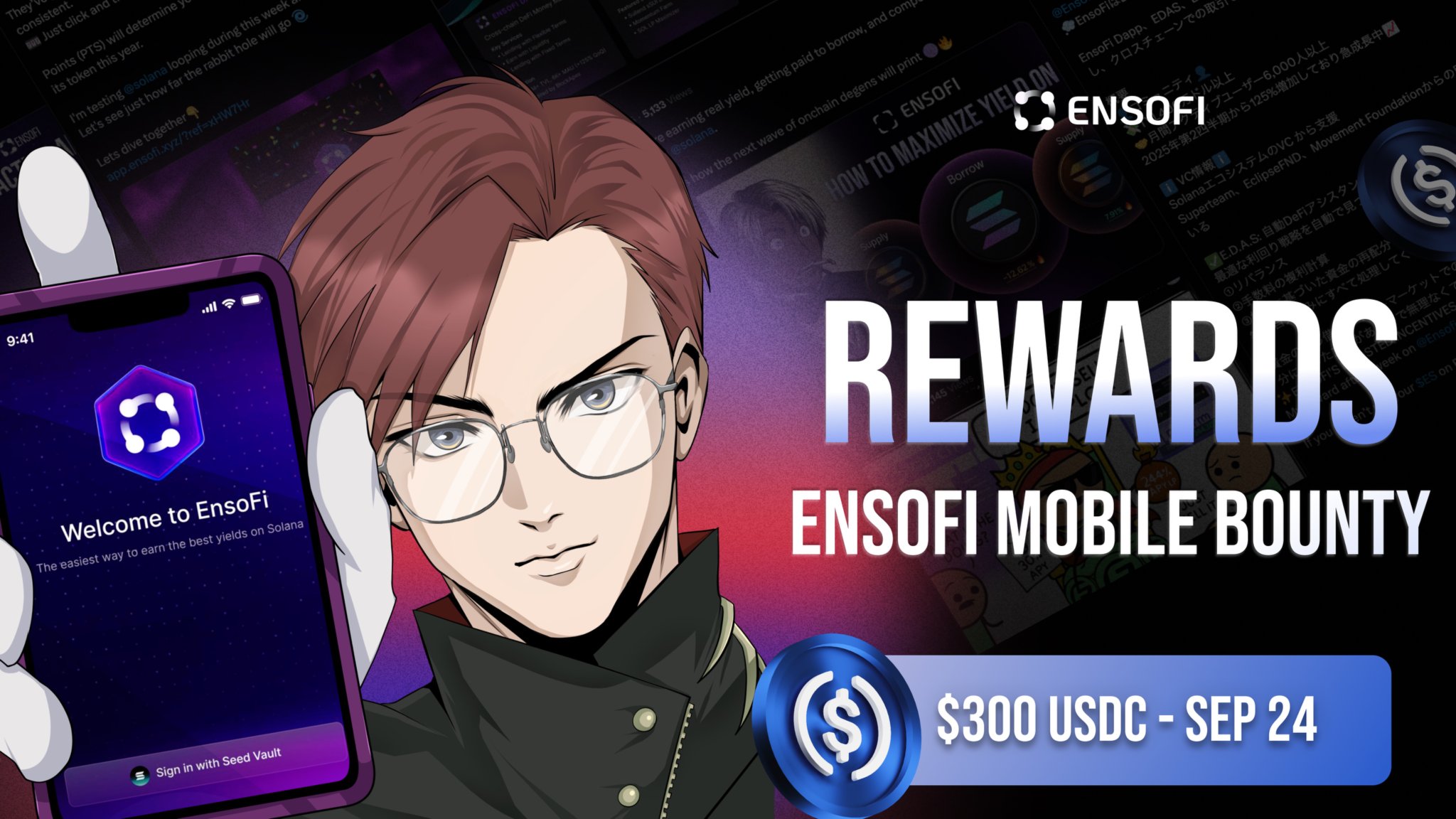
- Bounty Programs & Community Boosts: Participate in special bounties and community incentive campaigns, such as leaving reviews for the EnsoFi app on the Solana dApp Store or sharing your experience on X (formerly Twitter). These programs offer bonus rewards to active users, often announced in the app’s Boosts section or via official channels.
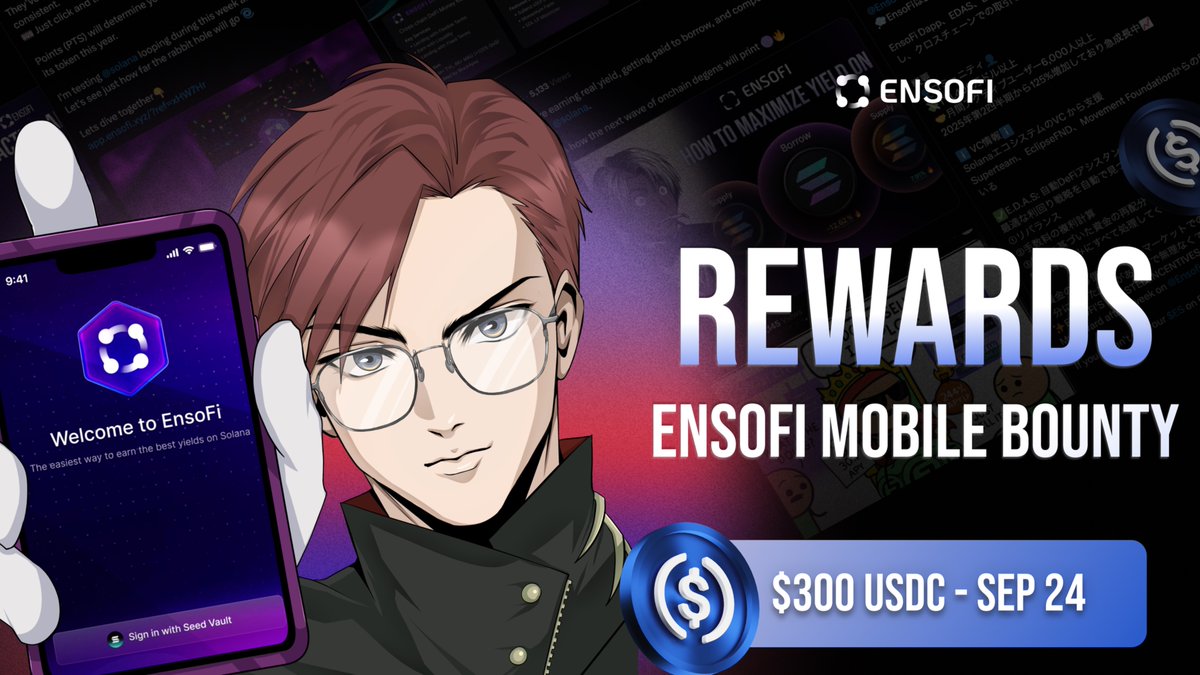
The current market price of SOL at $237.58 means every staking decision counts. Within EnsoFi’s dashboard, navigate to the ‘Staking’ section where you can delegate SOL directly to validators without leaving your phone interface. For bounty hunters, keep an eye out for seasonal campaigns, such as leaving reviews or sharing screenshots, that reward engagement with USDT or project tokens (details here). These incentives are especially valuable in volatile markets where passive income streams help offset price swings.
For users who want to go beyond basic staking, EnsoFi’s mobile interface empowers you to manage liquidity pools and explore cross-chain yield strategies right from your Solana Saga. The platform’s integration with Raydium means you can provide liquidity to SOL pairs and earn a share of trading fees, all while maintaining full control over your assets. This is particularly attractive given SOL’s current price of $237.58, as even small percentage yields can translate into meaningful returns.
Maximize Your Mobile DeFi: Security, Tips, and Best Practices
Security is paramount in mobile-first crypto. The Saga’s hardware-based seed vault provides an added layer of protection for your keys, but it’s still crucial to follow best practices:
Consider enabling biometric authentication and always double-check URLs before connecting your wallet. Remember that phishing attempts are increasingly sophisticated on mobile; never approve transactions you didn’t initiate or recognize.
Participating in EnsoFi Bounties via Solana dApp Store
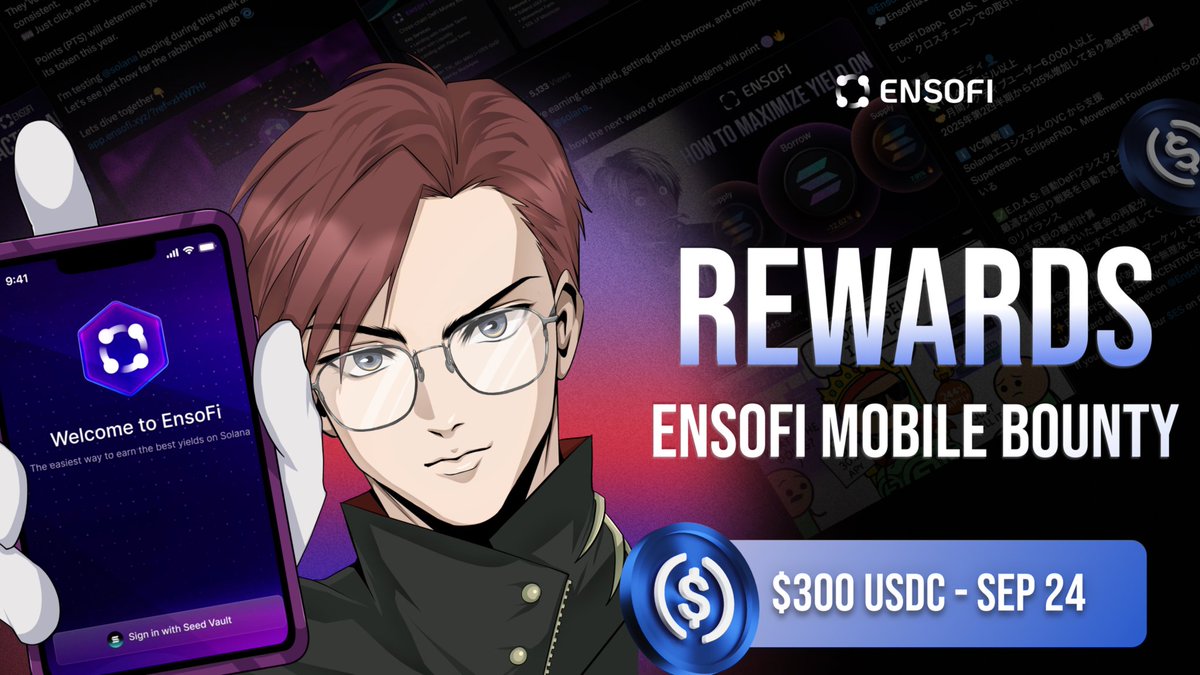
EnsoFi regularly launches bounty programs exclusive to Solana Mobile users. For example, recent campaigns have rewarded users for downloading the EnsoFi app from the dApp Store, leaving a review, and posting a screenshot on X (formerly Twitter). Not only do these activities help improve the ecosystem, but they also provide direct rewards in stablecoins or project tokens, bolstering your mobile DeFi portfolio with minimal risk.
If you’re eager to participate:
- Visit the Solana dApp Store and download EnsoFi Mobile.
- Engage with the app, explore staking or liquidity features.
- Leave an honest review in the dApp Store.
- Take a screenshot of your activity and post it on X, tagging @ensofi_xyz and using any campaign-specific hashtags.
- Monitor EnsoFi’s official channels for confirmation and reward distribution details.
This process not only earns you rewards but also contributes valuable feedback that shapes future updates for both EnsoFi and the broader Solana Mobile ecosystem.
Tracking Your Rewards and Staying Up-to-Date
The pace of innovation on Solana means new DeFi opportunities emerge frequently. To stay ahead:
How to Stay Updated on EnsoFi Bounties & Staking
- Follow the EnsoFi Official X (Twitter) account for real-time announcements on new bounties, staking rates, and app updates. Enable notifications to never miss important news.
- Join the EnsoFi Telegram Community to discuss opportunities, receive alerts, and connect with other users about the latest bounties and feature releases.
- Bookmark the EnsoFi GitBook for comprehensive documentation, official bounty details, and up-to-date guides on staking and app features.
- Check the Solana dApp Store regularly for the latest EnsoFi app updates, user reviews, and official announcements related to the Solana Saga experience.
- Enable in-app notifications within the EnsoFi Mobile App to receive direct alerts about new bounties, staking changes, and important updates on your Solana Saga device.
- Subscribe to the Solana Newsroom for broader ecosystem updates, including major DeFi developments, staking trends, and mobile app advancements.
You can also leverage resources like the official EnsoFi Boosts documentation for detailed program terms and real-time updates on available incentives.
The Future of Mobile-First Crypto: Why Early Adoption Matters
The combination of EnsoFi’s cross-chain DeFi capabilities with the security and accessibility of the Solana Saga phone is more than just technological synergy, it’s a preview of how decentralized finance will be experienced by millions in the coming years. By adopting these tools now, you position yourself at the forefront as both an investor and a contributor shaping tomorrow’s mobile crypto landscape.
With SOL at $237.58, every strategic move, whether staking through EnsoFi or participating in mobile bounties, can help compound your gains while minimizing risk through diversification. As always, remember that smart risk management is essential; never allocate more than you can afford to lose and regularly review your portfolio allocations as market conditions change.



No comments yet. Be the first to share your thoughts!