
Decentralized Physical Infrastructure Networks (DePIN) are quietly rewriting the rules of Web3, and nowhere is this revolution more tangible than on your smartphone. Instead of relying on centralized data centers or specialized mining rigs, DePIN empowers everyday users to strengthen decentralized networks using devices they already own. The Solana Saga phone and other crypto-first mobile devices are at the heart of this shift, transforming smartphones into powerful, income-generating nodes.
Why Run a DePIN Node on Your Smartphone?
Running a DePIN node on your smartphone is about more than passive income. It’s about participating in the infrastructure layer of Web3, contributing bandwidth, compute, or connectivity in exchange for real rewards. Mobile-first crypto nodes foster network resilience by distributing responsibilities across thousands of individual devices, making networks less vulnerable to single points of failure.
For Solana users, the ecosystem is rapidly evolving. Projects like Raiinmaker have launched dApps that let you train AI models or run decentralized compute nodes directly from your palm. Meanwhile, Helium has expanded its decentralized wireless network to include mobile coverage with its MOBILE token program, and Topnotch Crypto introduced a mobile cloud mining app that turns idle phones into profit engines (source).
The Mobile-First DePIN Landscape: What’s Possible Today?
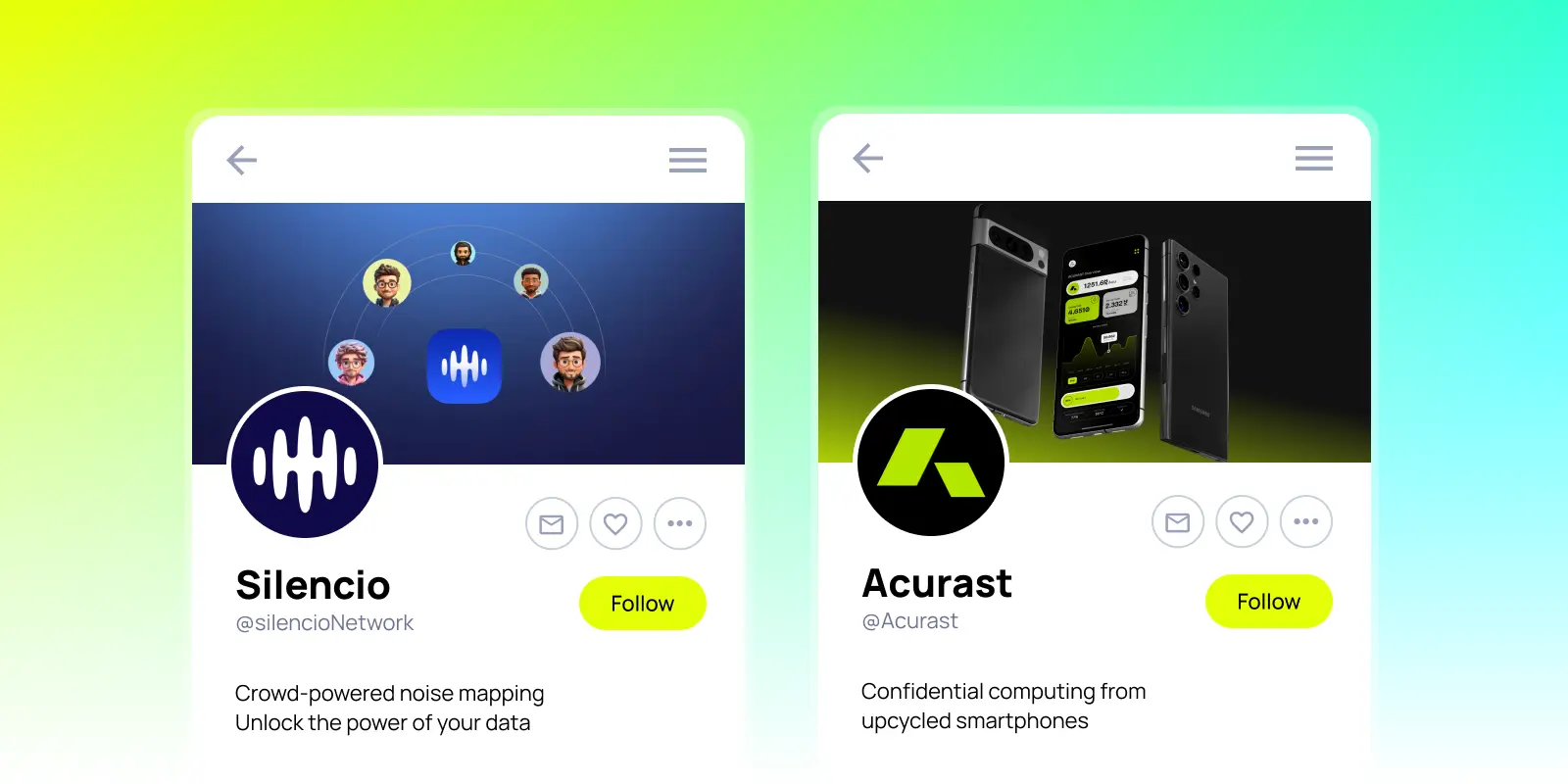
The days when running a crypto node required racks of hardware are over. With the right apps and a capable device like the Solana Saga, you can:
Top 5 Ways to Earn Crypto Running DePIN Nodes on Mobile
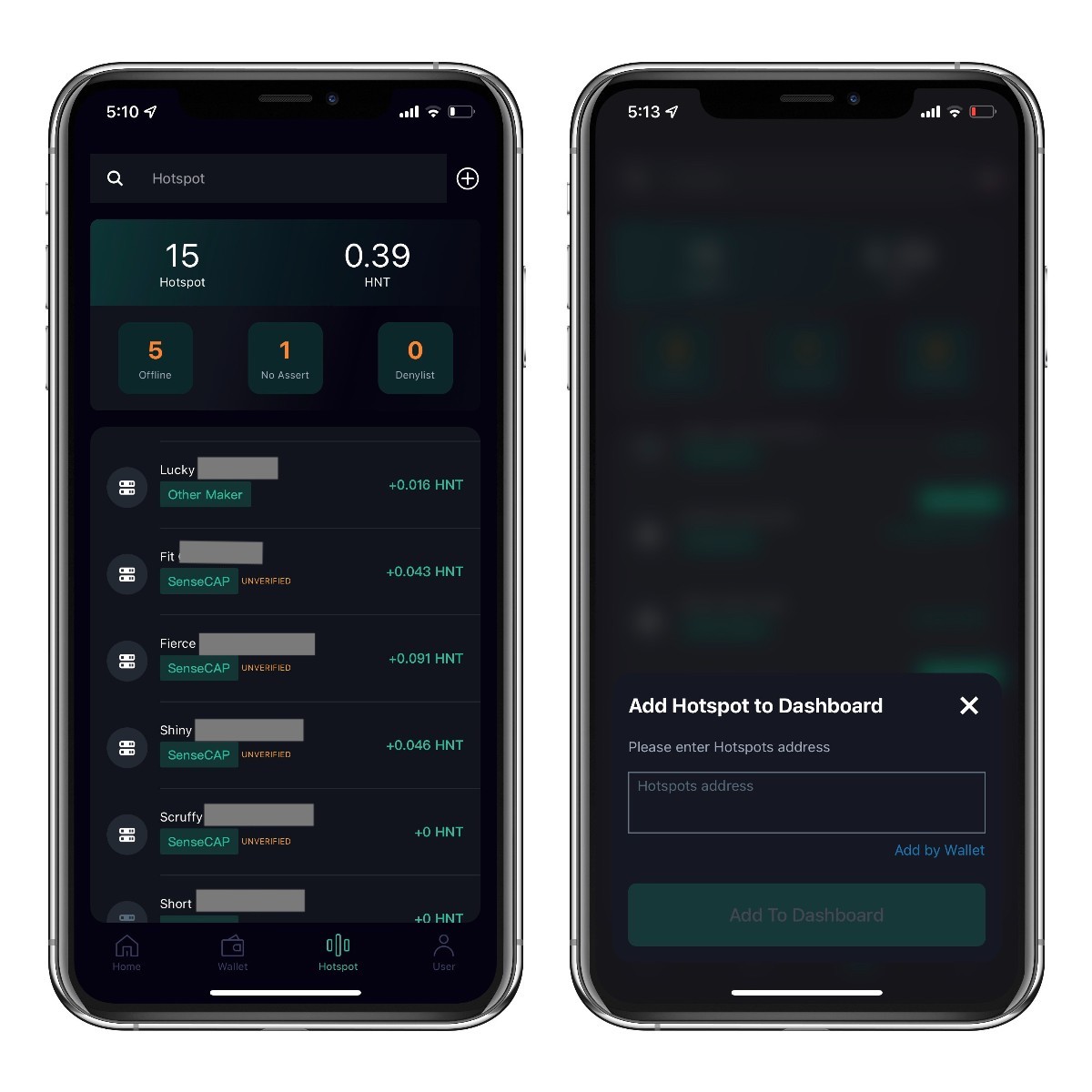
- 1. Run a Helium Mobile Node to Earn MOBILE TokensHelium Network has expanded its decentralized wireless infrastructure to mobile coverage. By deploying a Helium 5G hotspot and running the Helium Mobile app on your smartphone, you can help extend network coverage and earn MOBILE tokens as rewards for your participation.
- 2. Mine Crypto with Topnotch Crypto’s Mobile Cloud Mining AppLaunched in July 2025, the Topnotch Crypto Mobile Cloud Mining App allows users to mine cryptocurrencies directly from their smartphones. Simply download the app, register, and select a mining contract to start earning crypto without the need for specialized hardware.

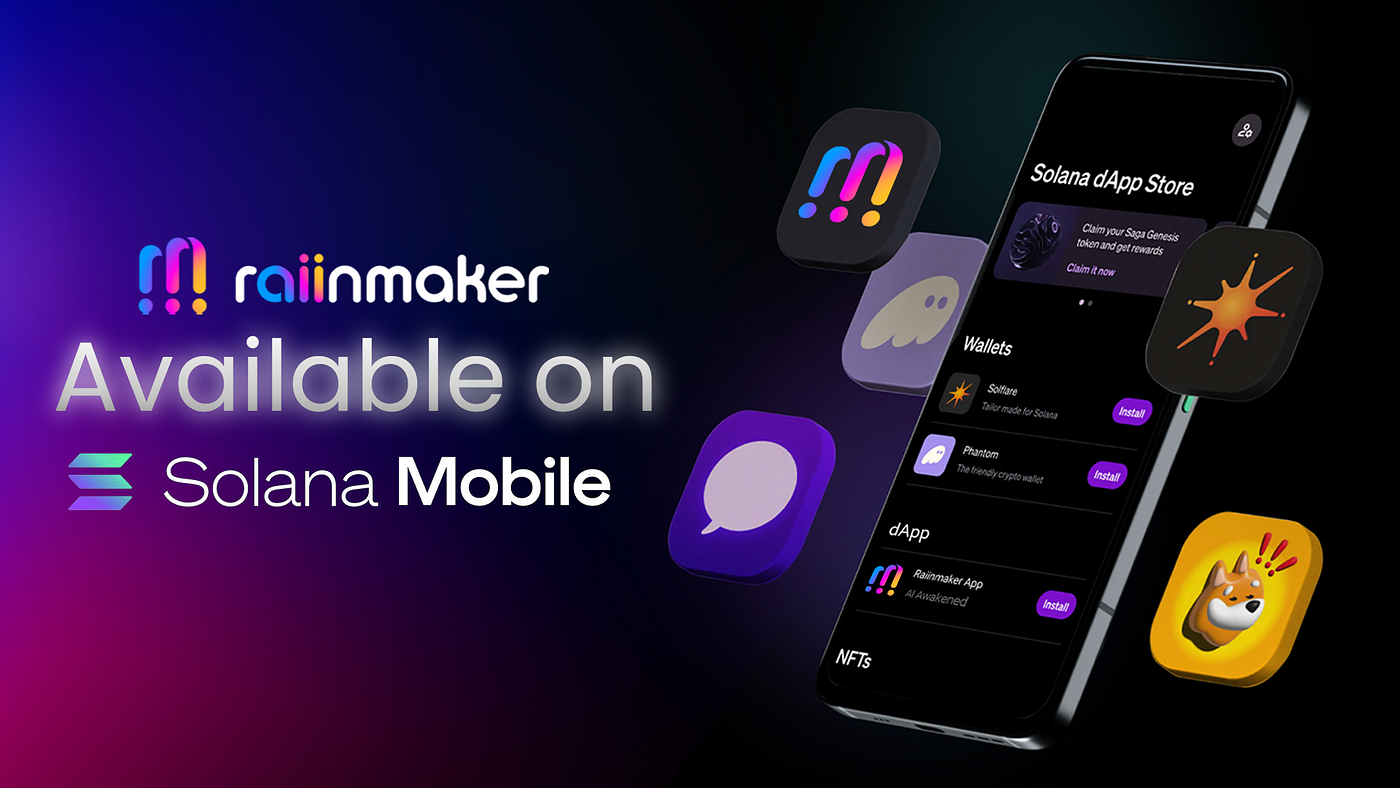
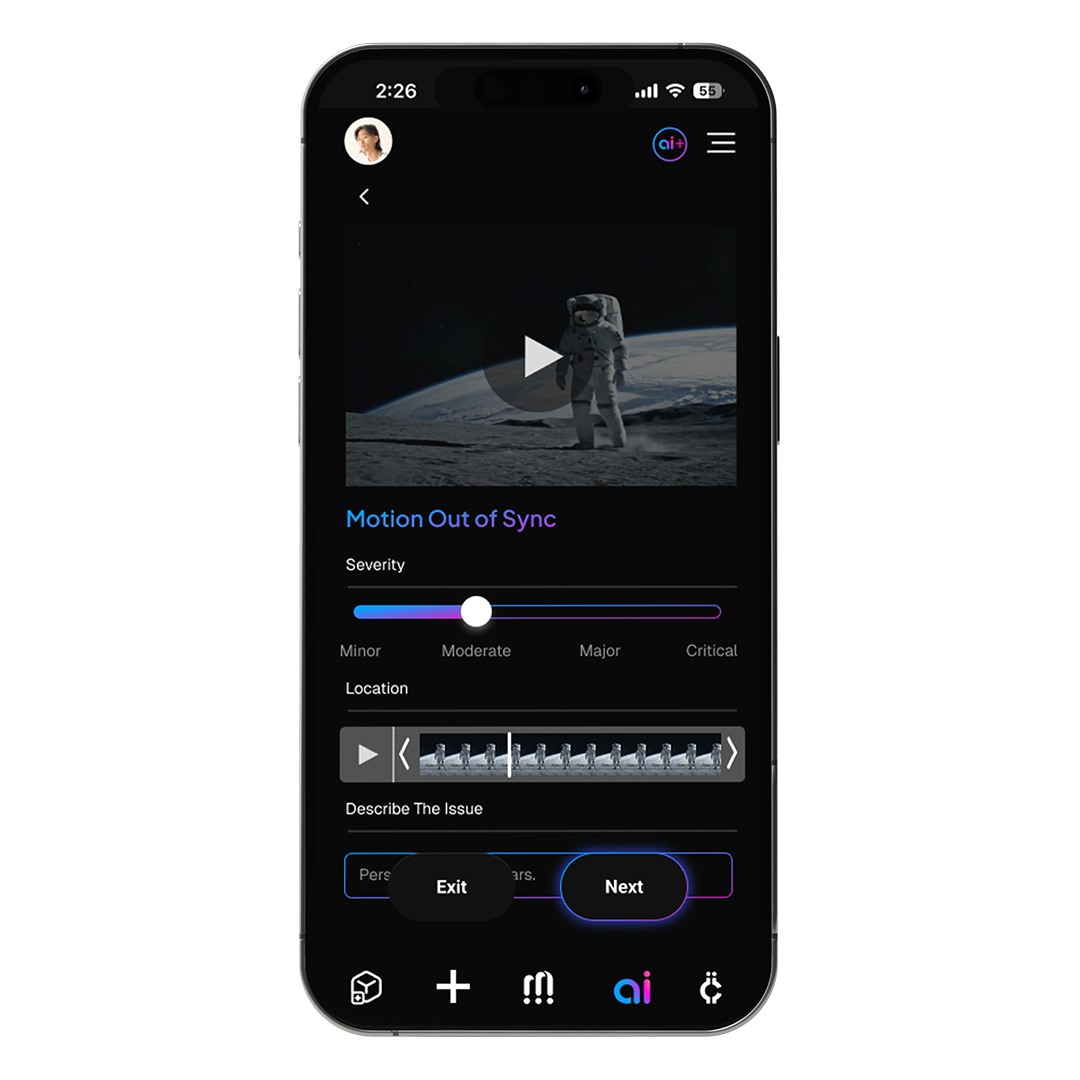
- 3. Participate in Raiinmaker’s DePIN Compute NetworkRaiinmaker offers a Web3 dApp on Solana Mobile devices, enabling users to contribute compute power for AI content generation and model training. By running decentralized compute nodes from your phone, you earn crypto rewards for your contributions to the network.
- 4. Join the Solana Saga DePIN EcosystemThe Solana Saga phone is designed for seamless integration with DePIN applications. By using the Saga, you can run compatible DePIN apps, participate in network activities, and receive crypto incentives, all while supporting the decentralized Solana ecosystem.
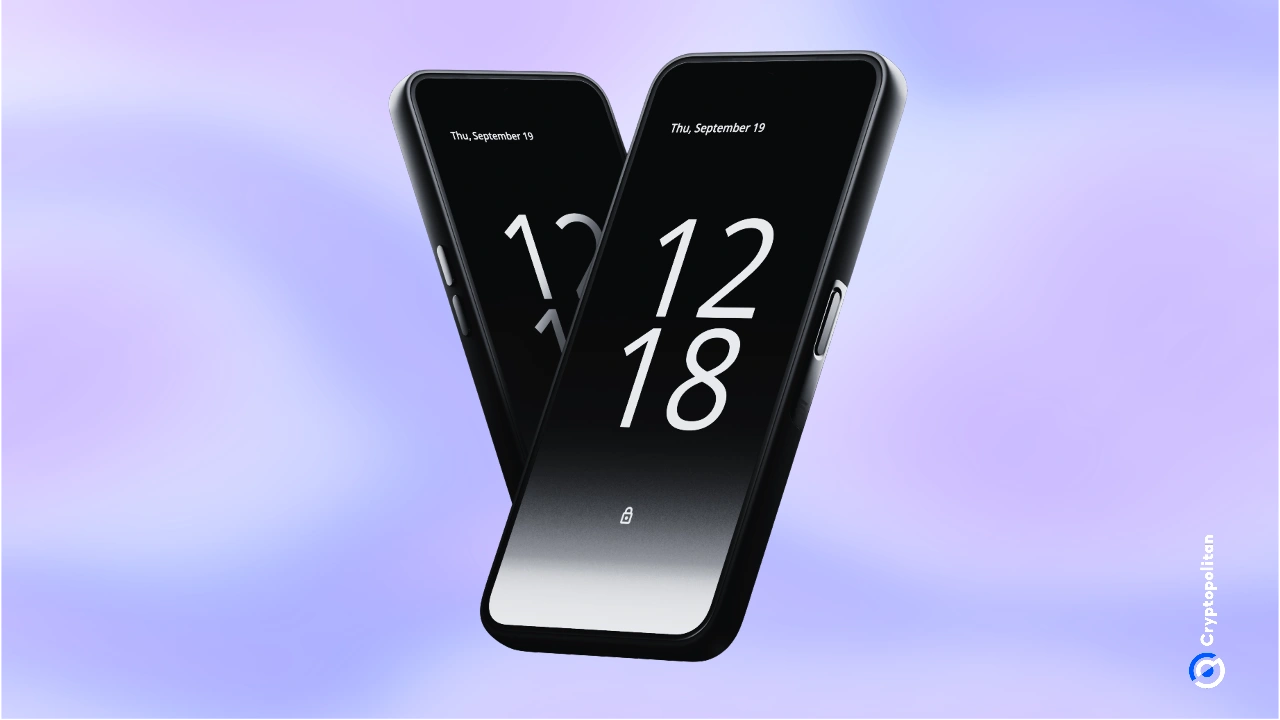
- 5. Contribute to Pi Air on Solana for Digital ProfitsPi Air is a DePIN project on Solana that enables users to run nodes and participate in decentralized physical infrastructure directly from their smartphones. By joining Pi Air, you help expand the network and earn crypto for your contributions.

This isn’t theoretical, real-world adoption is underway. For example:
- Helium Mobile: Deploy 5G hotspots or virtual SIMs and earn MOBILE tokens by enhancing wireless coverage (source).
- Topnotch Crypto Cloud Mining: Choose mining contracts within an app interface and track your crypto earnings without extra hardware.
- Raiinmaker’s AI Compute: Use your phone’s idle cycles to help train decentralized AI models for rewards.
The implications for network scalability and user empowerment are profound. As more projects launch mobile-compatible DePIN solutions, often optimized for CoralOS and on Solana Saga, the opportunities for everyday users will only grow.
Your Step-by-Step Guide to Running DePIN on Mobile
If you’re ready to participate in this new era of Web3 infrastructure, and potentially earn along the way, getting started is surprisingly straightforward.
How to Set Up and Run a DePIN Node on Your Smartphone
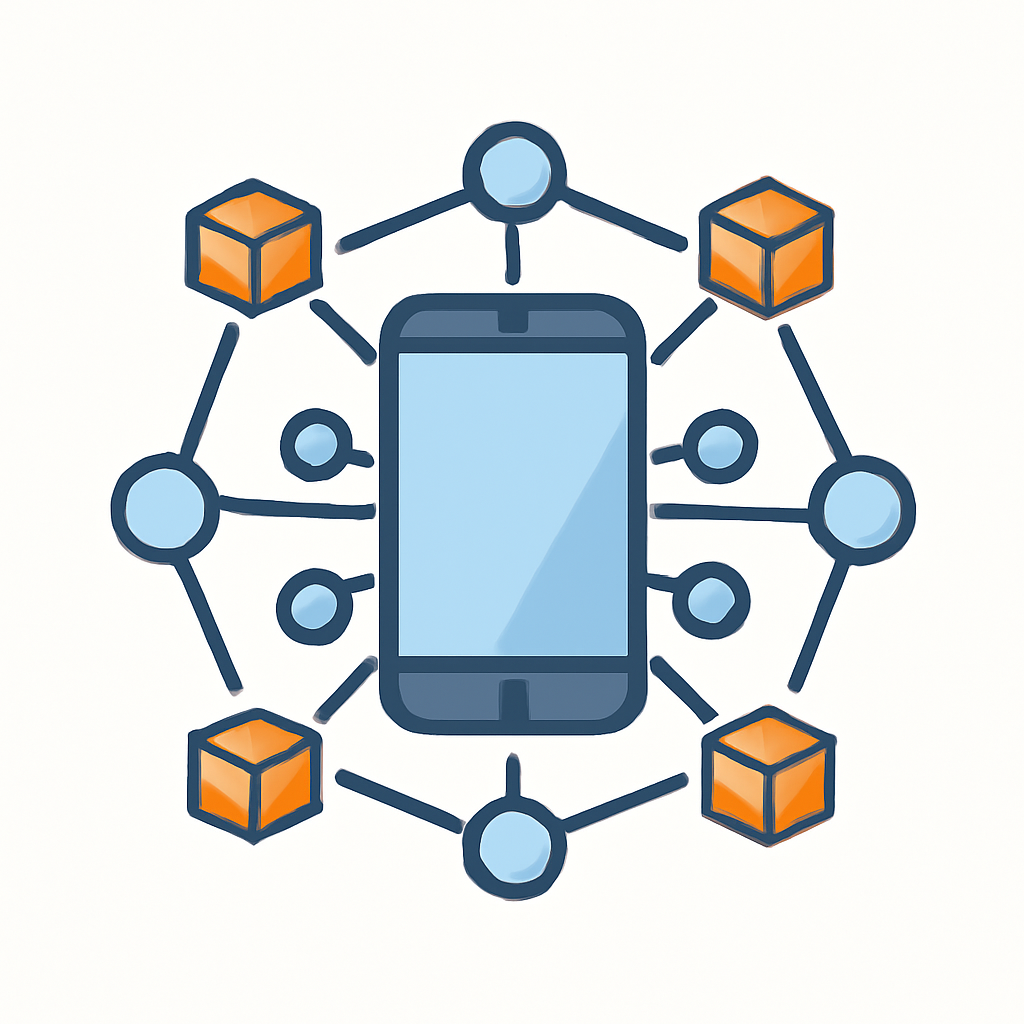
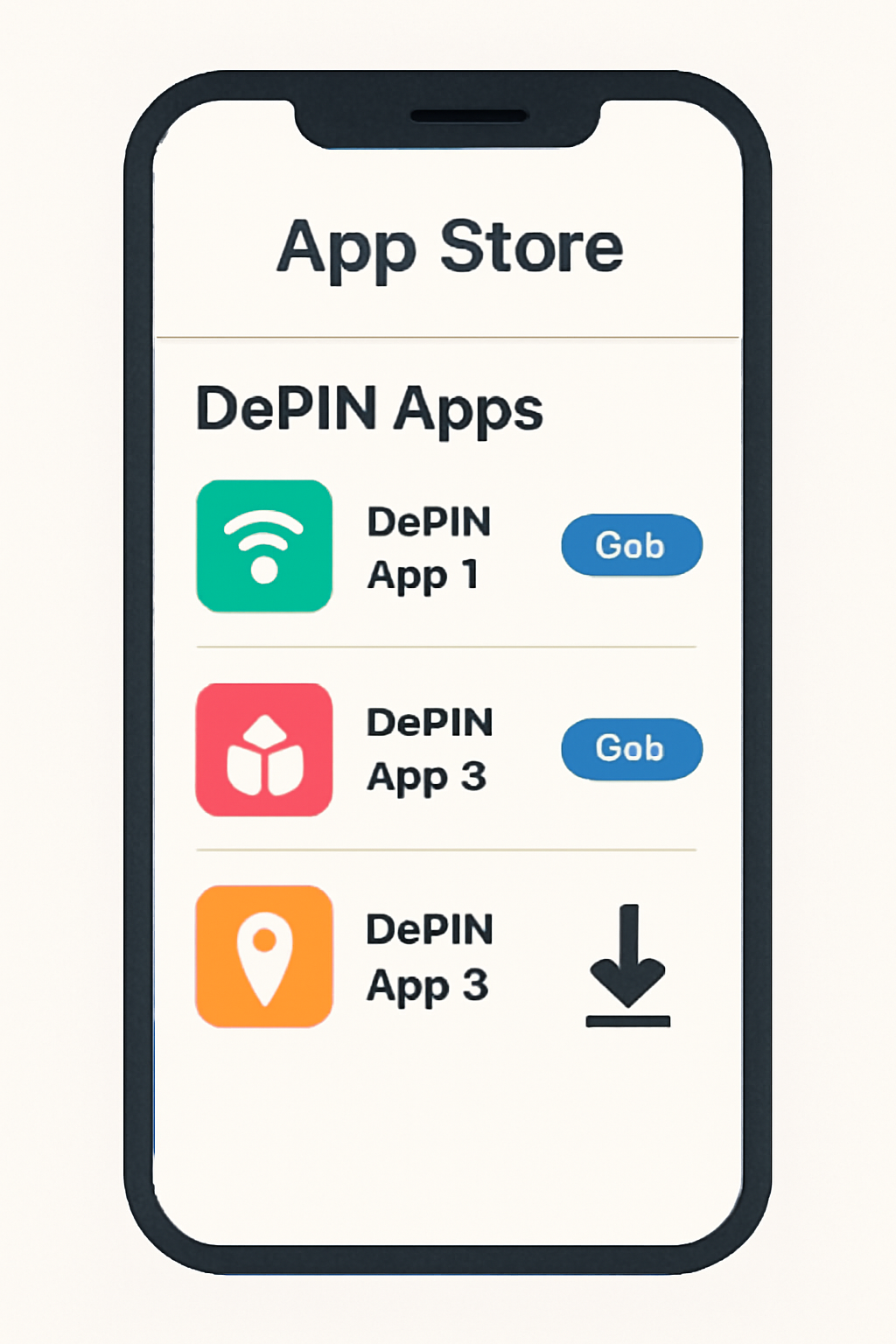
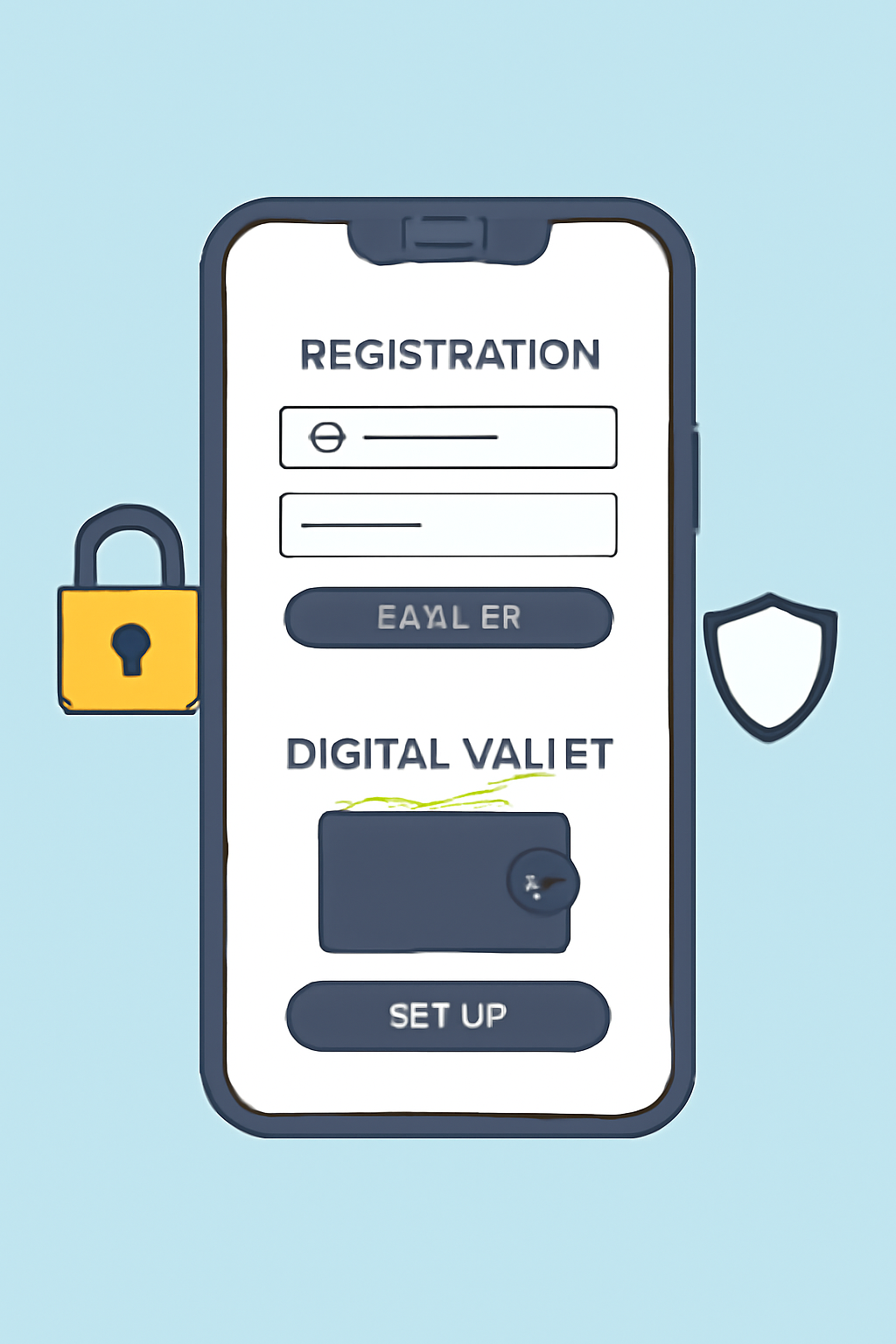
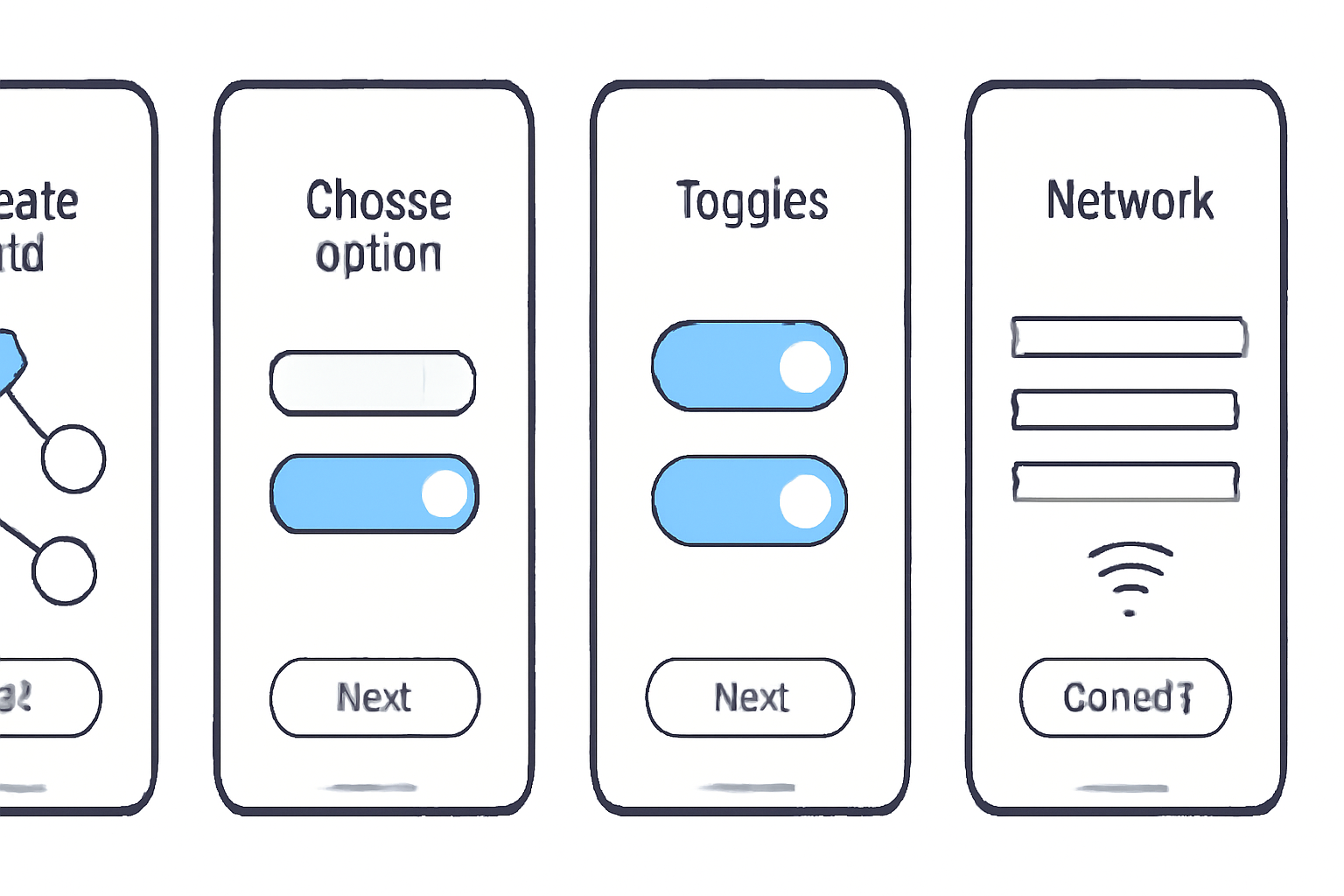
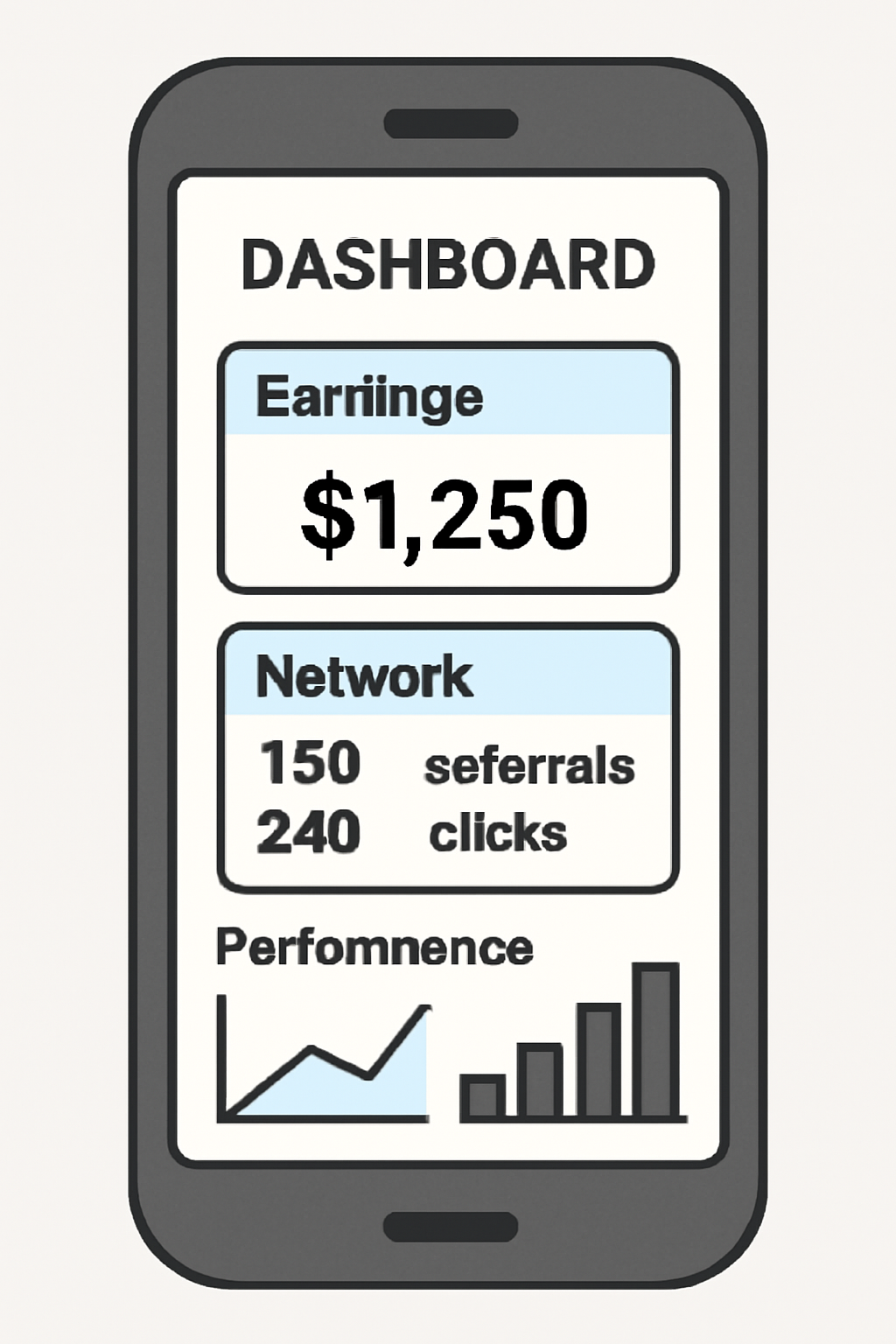
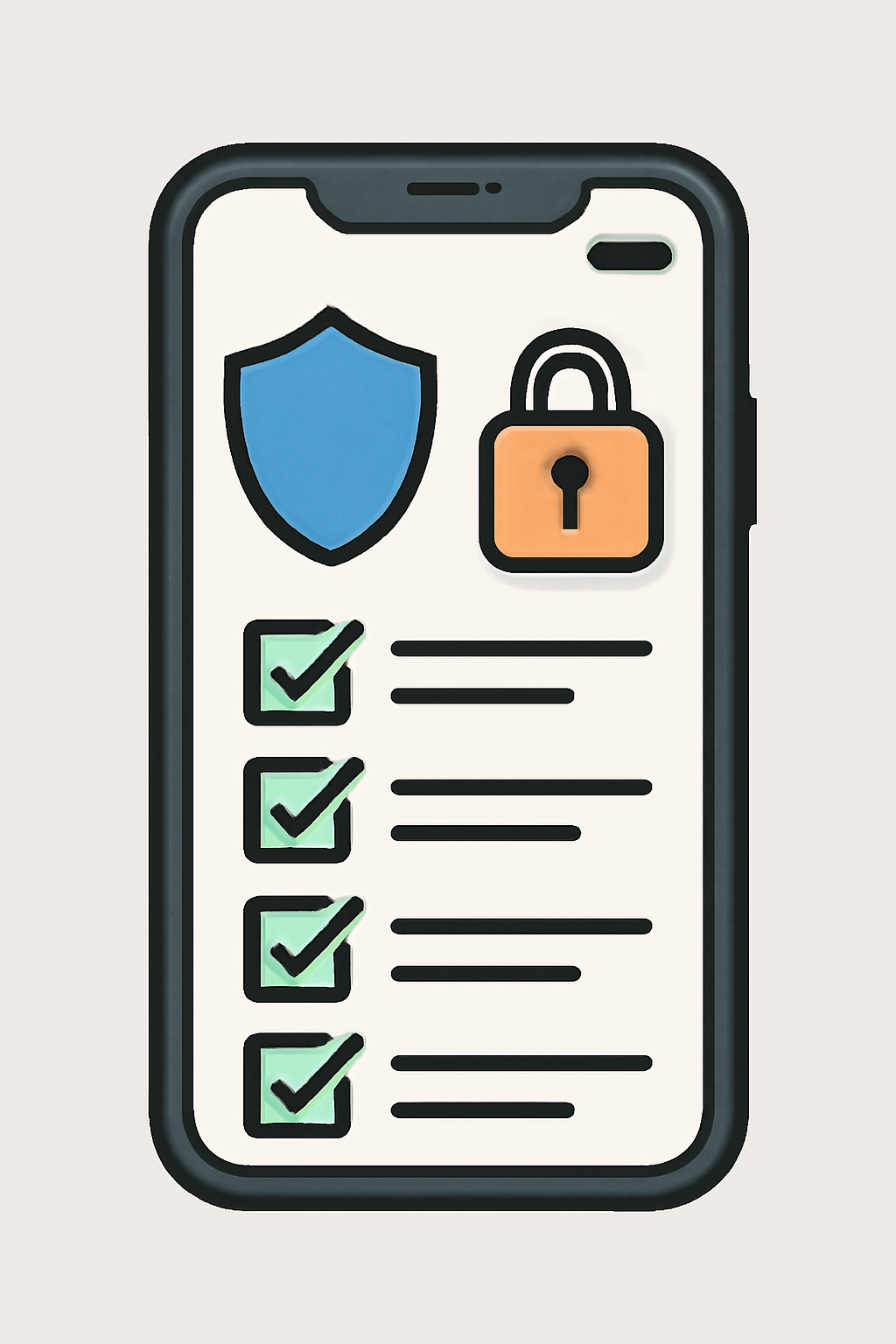
The basics involve selecting a reputable project (like Helium Mobile or Topnotch Crypto), downloading their official app from the appropriate store, registering securely (sometimes including KYC), configuring any required wallet integration or network settings, then simply activating your node inside the app interface. Modern dashboards let you monitor performance, resource usage, and rewards in real time.
This democratization of Web3 infrastructure is not without its nuances, device performance, energy consumption, security best practices, but it represents an unprecedented opportunity for individuals to shape the future of decentralized networks from their pockets.
As mobile-first crypto nodes become more accessible, it’s essential to approach this opportunity with both enthusiasm and caution. While the prospect of earning crypto by running a DePIN node on your smartphone is compelling, maximizing rewards and minimizing risks requires an informed strategy.
Best Practices for Running DePIN Nodes on Mobile
Before you dive in, consider these key factors to ensure a smooth and secure experience:
Best Practices for Securely Running DePIN Nodes on Smartphones
- Download Apps Only from Official Sources: Always install DePIN node applications from official websites or trusted app stores (like Google Play or Apple App Store). This helps prevent malware and ensures you’re using the authentic app from projects like Topnotch Crypto or Helium Mobile.
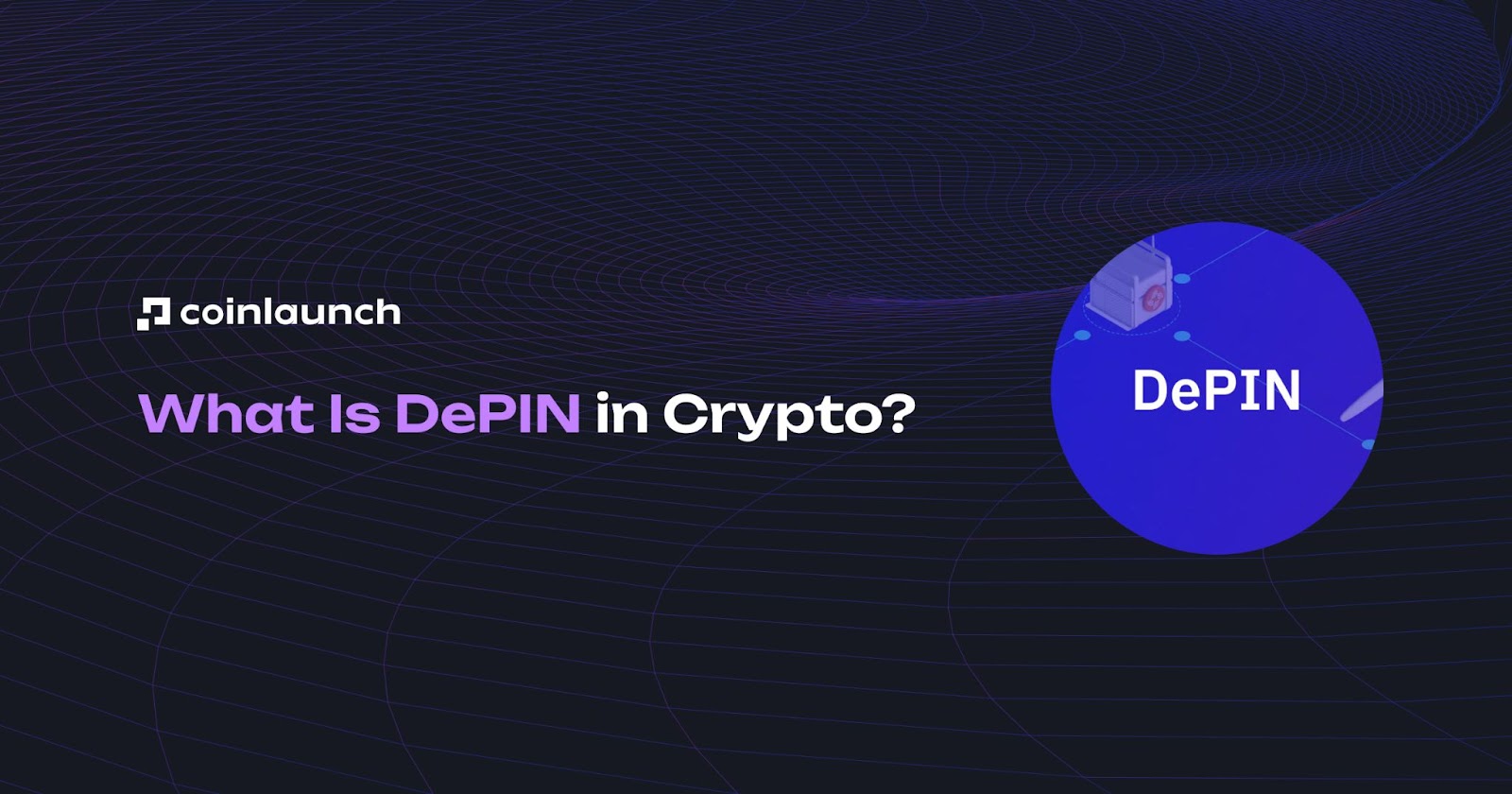
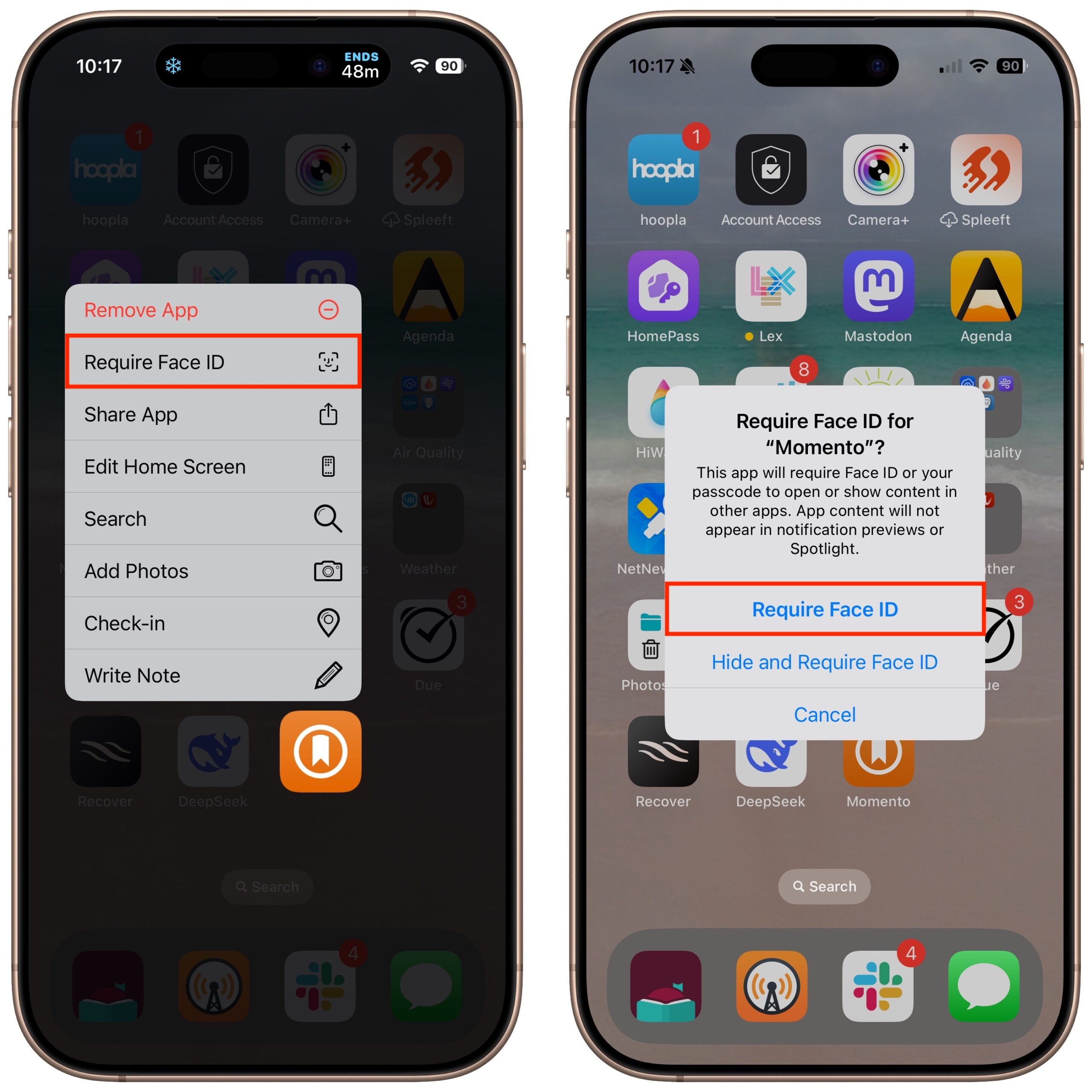
- Enable Device Security Features: Use your smartphone’s built-in security tools, such as biometric authentication (fingerprint or face unlock), strong PINs, and device encryption. This adds an essential layer of protection for your digital wallet and node operations.
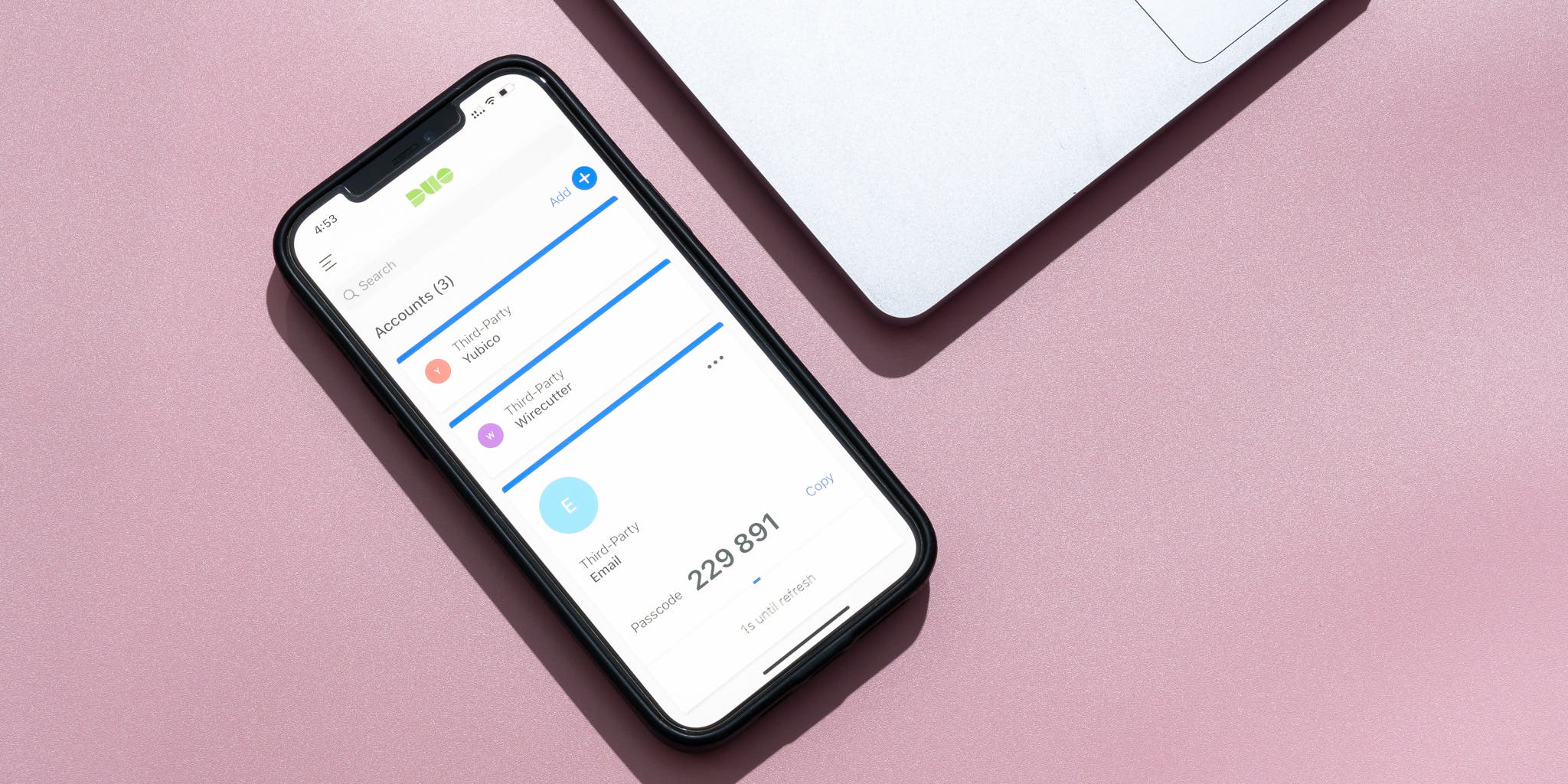
- Activate Two-Factor Authentication (2FA): If your DePIN app or wallet supports it, enable 2FA. This extra step—often via Google Authenticator or SMS codes—helps prevent unauthorized access to your account and funds.
- Keep Software and Apps Updated: Regularly update both your smartphone’s operating system and DePIN node apps. Updates often patch security vulnerabilities and improve performance, reducing the risk of exploitation.
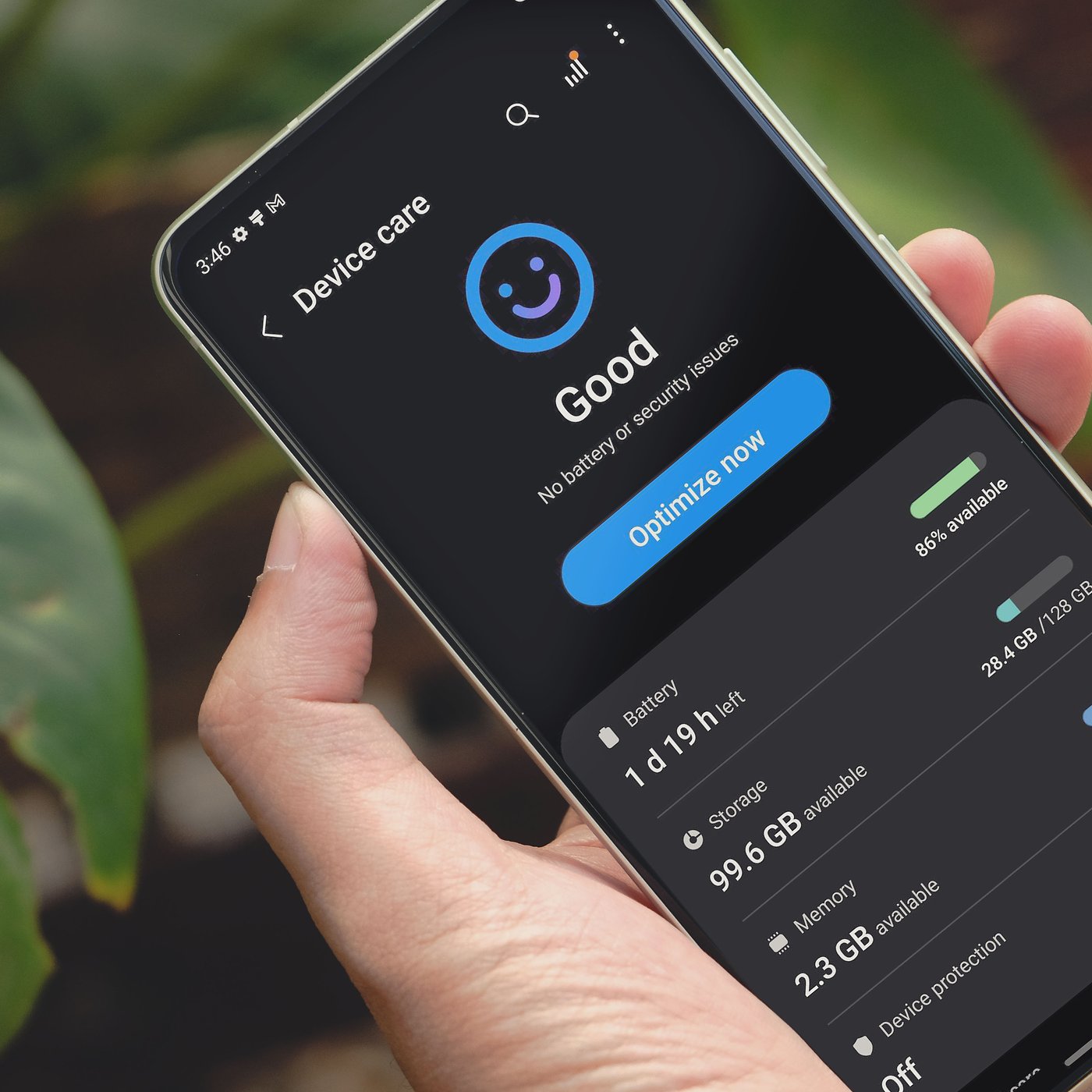
- Monitor Resource Usage: Running a node can increase battery drain and data consumption. Use your device’s battery and data usage monitors to track how the app impacts performance, and adjust settings or schedules as needed.
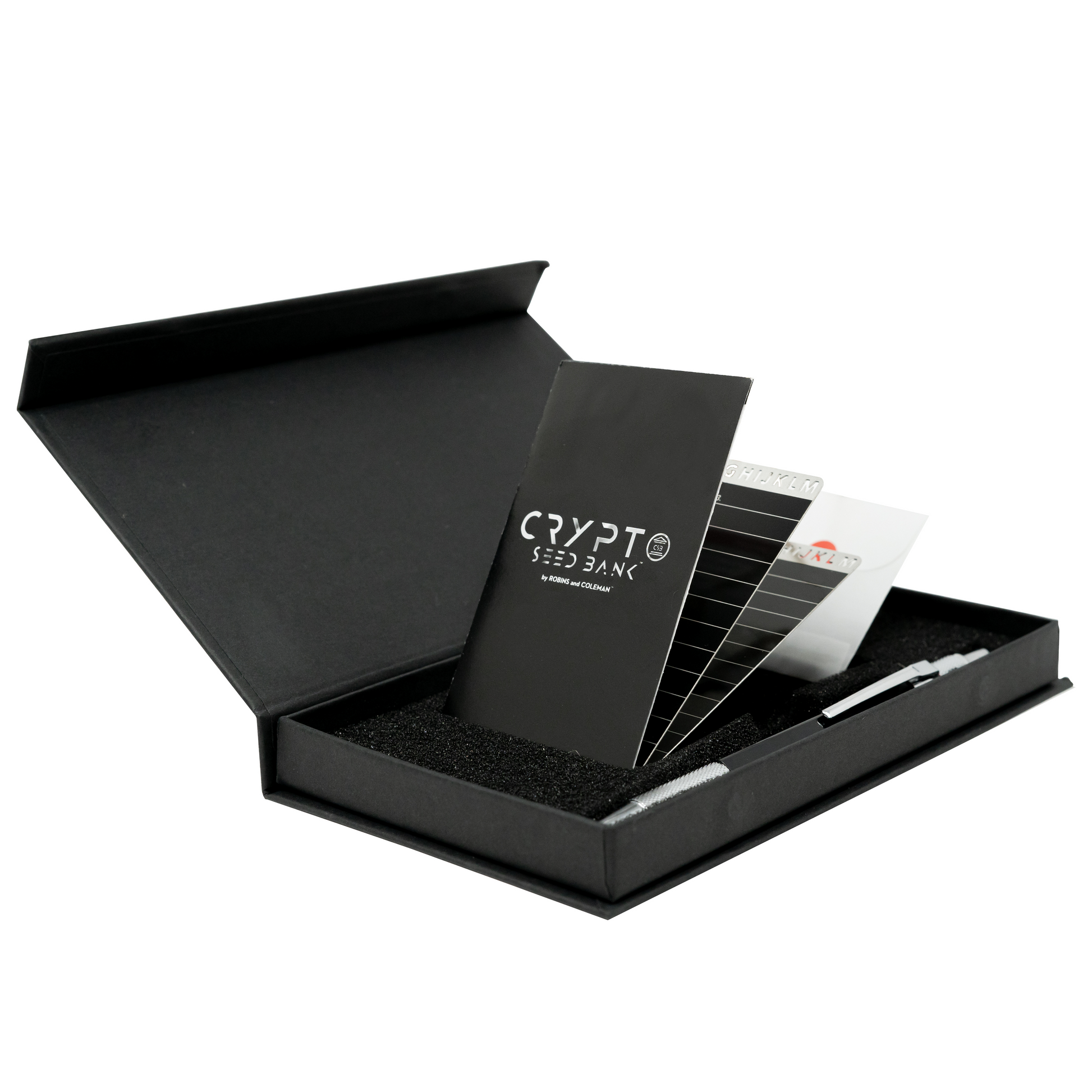
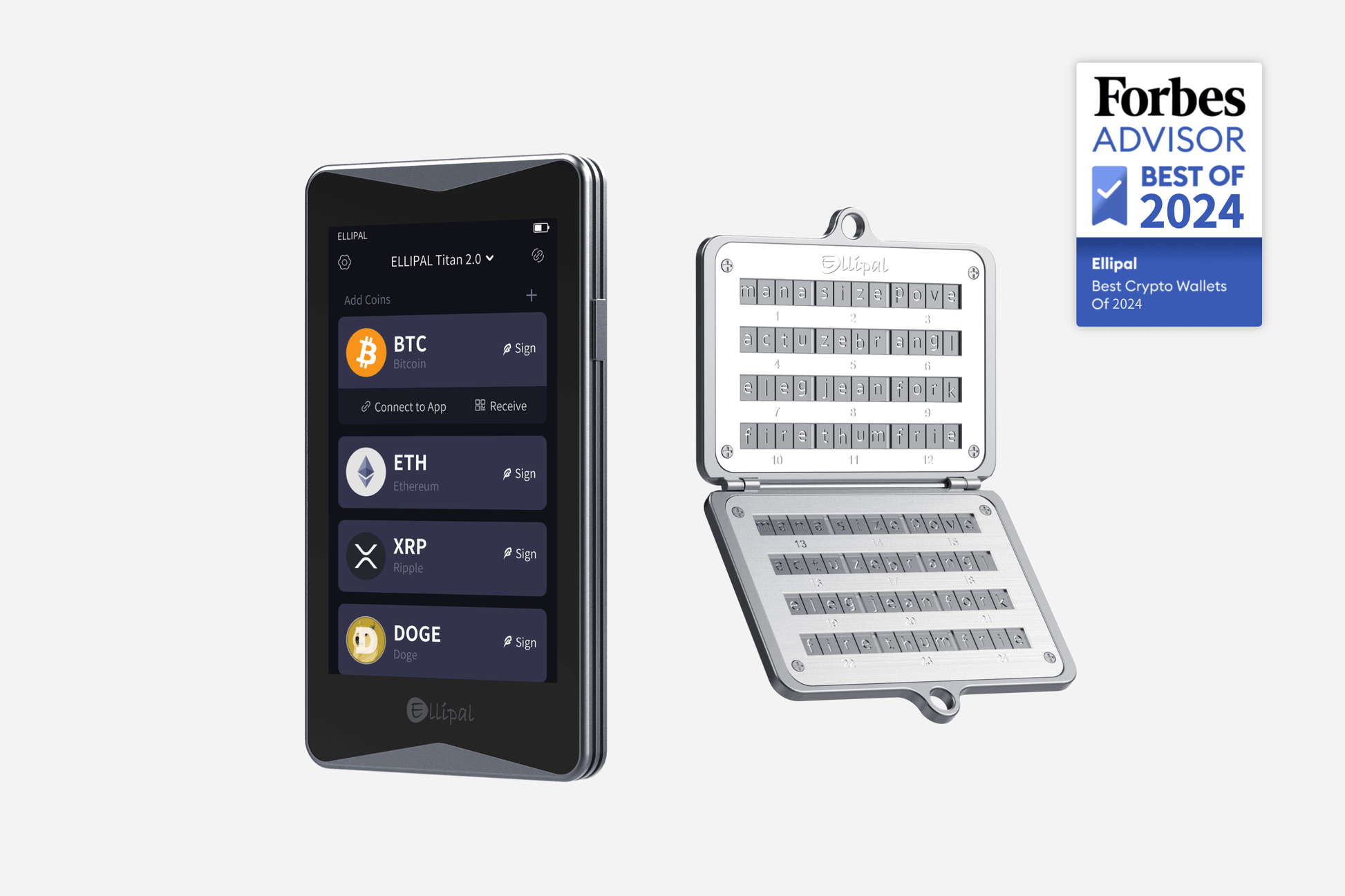
- Secure Your Seed Phrase and Private Keys: Store your recovery phrases and private keys offline in a secure location. Avoid saving them in emails, cloud storage, or unencrypted notes on your device. Consider using a hardware wallet for added protection if compatible.
- Be Aware of Network and Regulatory Risks: Only run nodes on trusted Wi-Fi or private networks to avoid interception. Stay informed about local regulations regarding crypto mining and DePIN participation to ensure compliance.
- Regularly Review App Permissions: Periodically check which permissions your DePIN app requests. Limit unnecessary access to sensitive device features (like contacts or location) to minimize privacy risks.

Device health matters. Running node software can increase battery drain and may impact device longevity if not managed carefully. It’s wise to monitor device temperature and battery usage, especially during prolonged node activity. Many apps offer built-in controls to pause or limit resource consumption, take advantage of these features to strike a balance between participation and device care.
Security is paramount. Only install applications from verified sources, such as the official website or trusted app stores. Enable two-factor authentication where possible, set strong passwords, and keep your device firmware up to date. Remember that your node may process sensitive data or wallet transactions; treat your phone as you would any hardware wallet.
The Rewards: Earning Crypto by Supporting Decentralized Infrastructure
The incentive structures for DePIN participation are evolving rapidly. Projects like Helium reward users with MOBILE tokens for maintaining wireless coverage, while cloud mining apps offer payouts based on computational contributions. Some dApps even provide bonus rewards for early adopters or those who contribute during network growth phases.
“By leveraging my Solana Saga as a DePIN node, I’m not just earning tokens, I’m helping build the backbone of tomorrow’s decentralized internet. ”
The ability to earn directly from your smartphone democratizes access to Web3 infrastructure rewards. Unlike traditional mining, which often favors those with capital for specialized rigs, mobile-first DePIN lowers barriers for everyday users worldwide.
Looking Ahead: The Future of Mobile-First Crypto Networks
The intersection of DePIN and mobile technology is still in its infancy, but the trajectory is clear. As more projects integrate with platforms like CoralOS and on Solana Saga, expect greater diversity in node types, from decentralized storage to AI compute and beyond. This trend not only supports network resilience but also unlocks new forms of economic participation for users everywhere.
For investors and builders alike, monitoring emerging DePIN node on smartphone opportunities will be crucial as Web3 matures beyond its early days. The convergence of hardware innovation, user-friendly dApps, and robust incentive mechanisms signals that the next wave of crypto adoption may be powered from our pockets, not just our desktops.
Frequently Asked Questions
The rise of mobile-first crypto networks is no longer speculative, it’s here today. By staying informed and adopting best practices, you can help shape the future of decentralized infrastructure while earning meaningful rewards along the way.


No comments yet. Be the first to share your thoughts!