
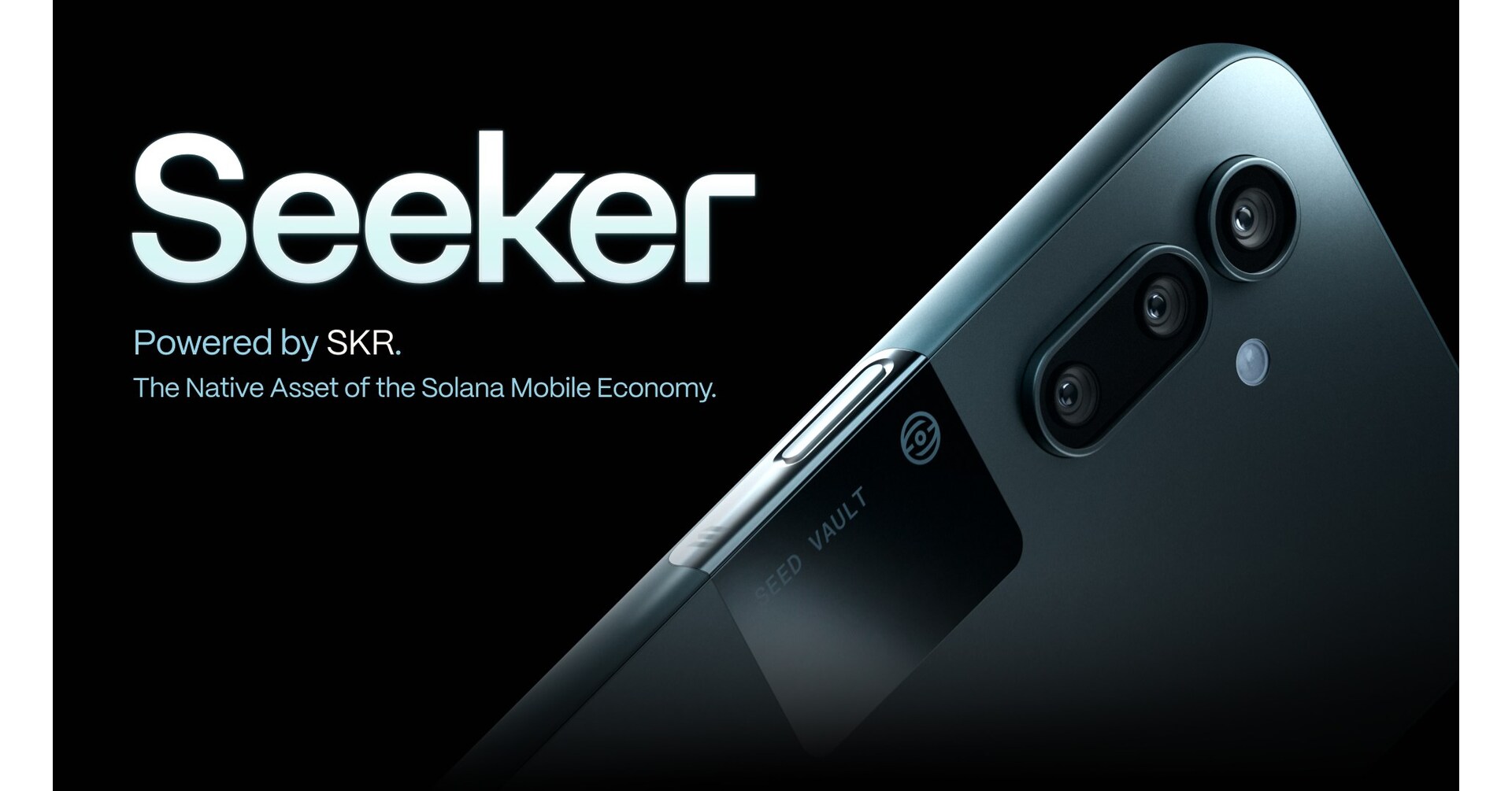
Trading perpetual contracts on your Solana Saga phone is no longer a futuristic concept - it's a reality for mobile-first crypto traders in 2025. With the rise of decentralized finance (DeFi) and Solana’s lightning-fast ecosystem, the Saga phone is positioned as a powerful tool for anyone eager to tap into the world of mobile DeFi trading. Whether you’re a DeFi native or just exploring perpetuals for the first time, this guide will help you navigate the essentials of trading perps on your Solana phone with confidence.
Solana Saga Perpetual Trading: Why Mobile Matters in 2025
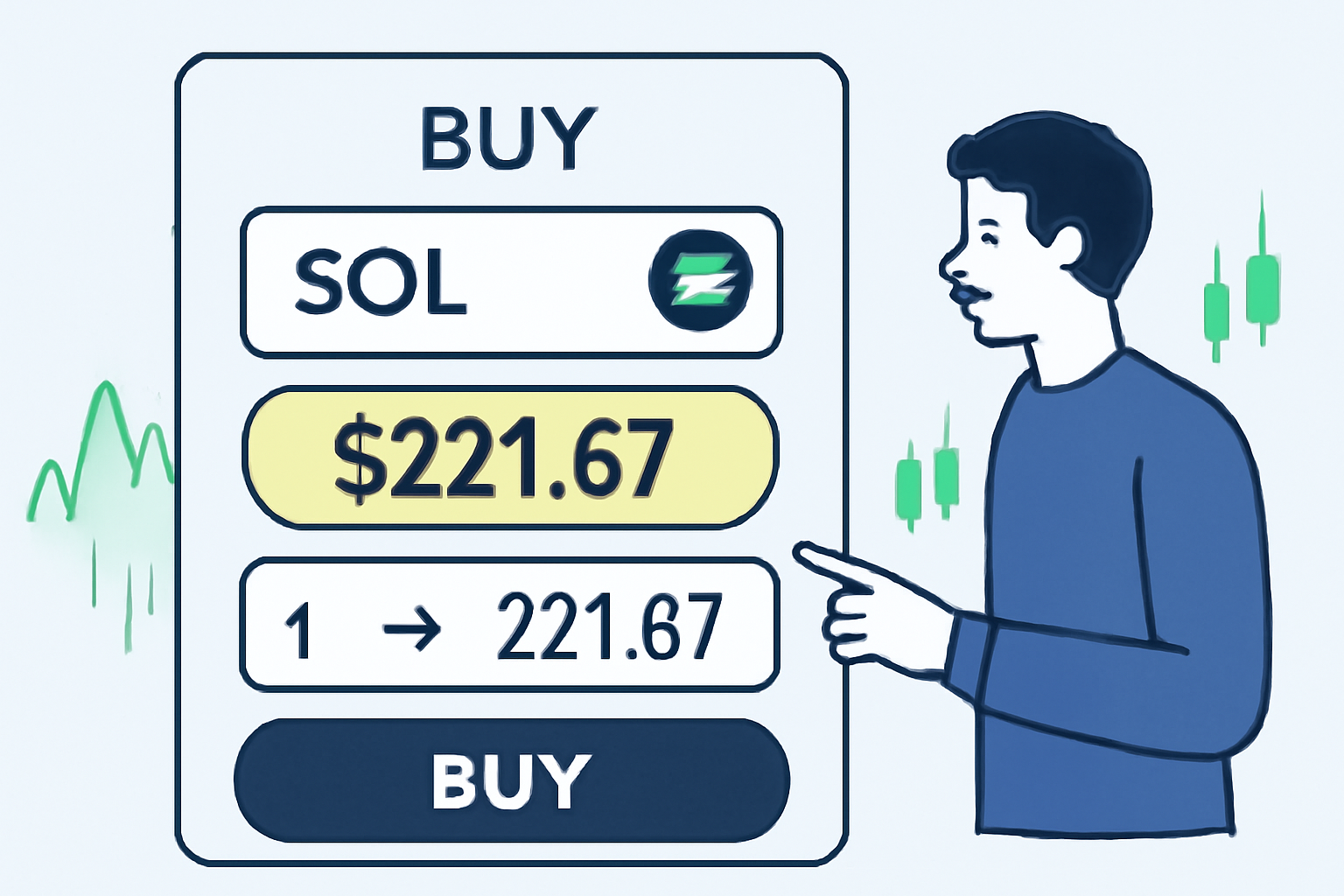
Mobile DeFi trading on Solana has exploded in popularity, and for good reason. With SOL trading at $221.67 as of October 10,2025, traders want instant access to markets wherever they are. The Solana Saga’s integrated seed vault and native dApp store make it uniquely suited for secure, on-the-go DeFi activity.
Trading perpetuals (or “perps”) lets you speculate on SOL and other assets without holding the underlying tokens. These contracts are available on a growing number of decentralized platforms built for mobile, including Drift and Jupiter Perpetual Exchange. The result? You can leverage the full power of Solana’s order book apps and liquidity pools from the palm of your hand.
Setting Up Your Solana Wallet on Saga
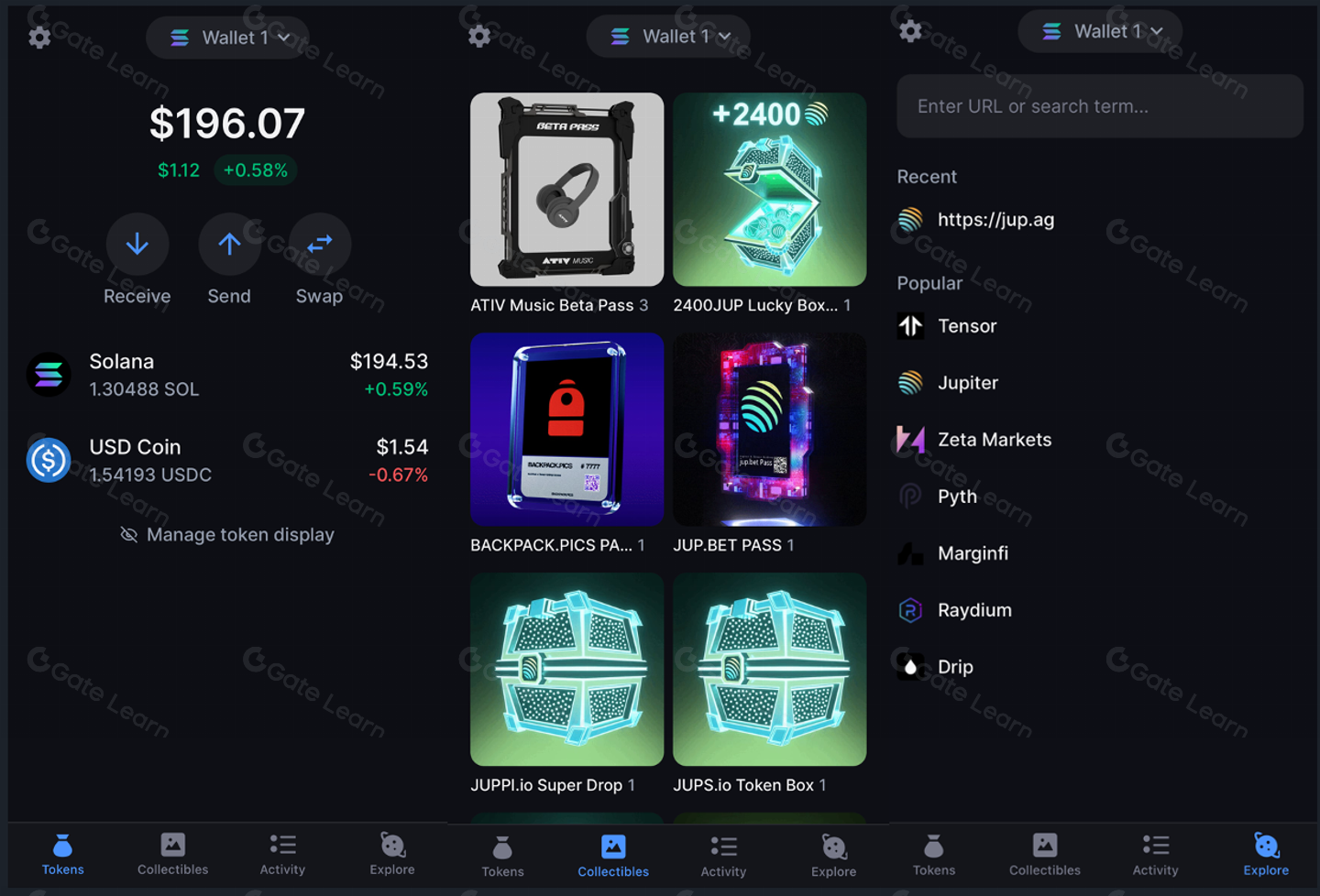
Before you can trade perps, you’ll need a secure Solana wallet. Phantom remains a top pick for its seamless integration with mobile dApps and robust security features. Setting up is straightforward - but treat your seed phrase like gold.
Set Up Phantom Wallet & Fund with SOL on Your Saga Phone
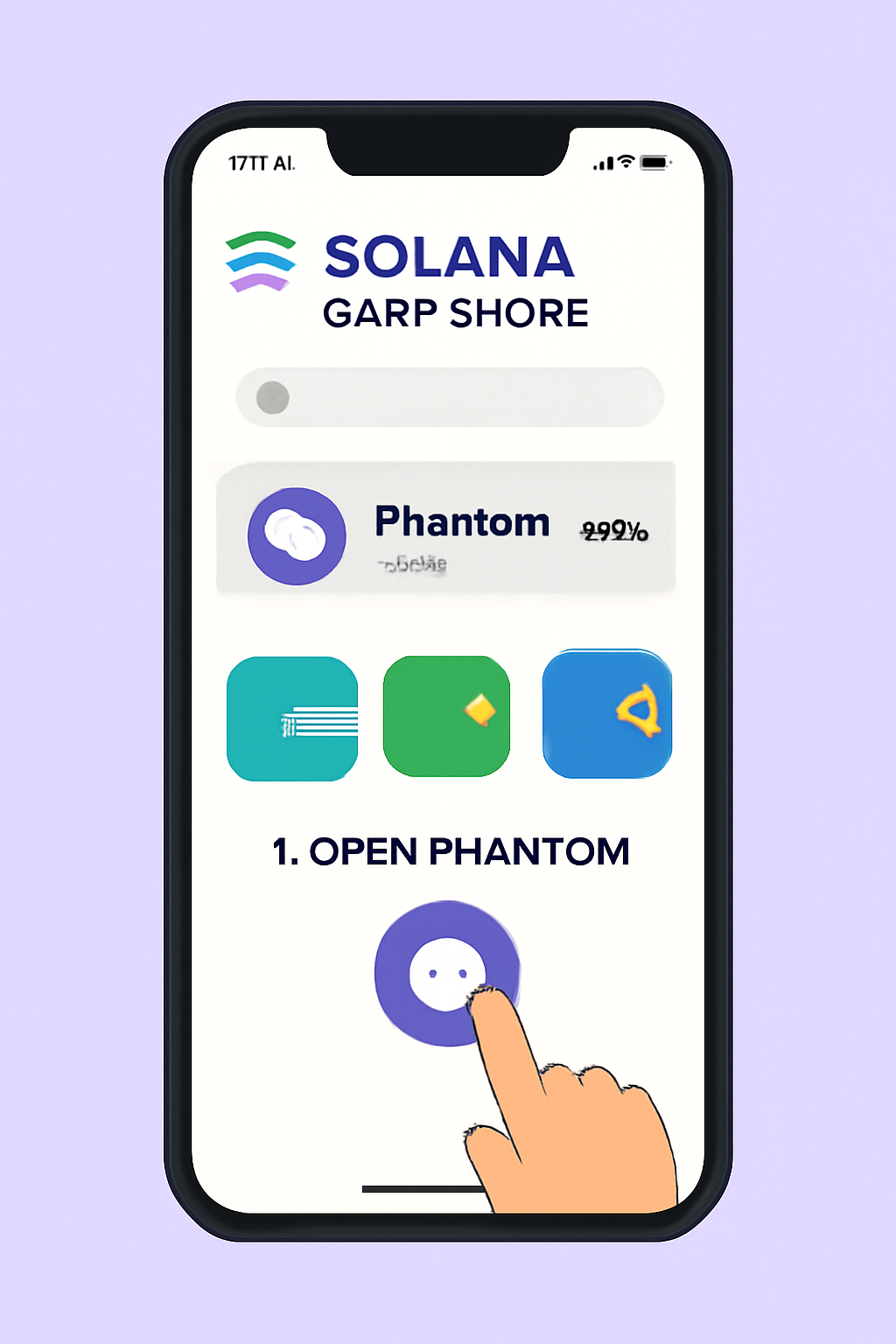
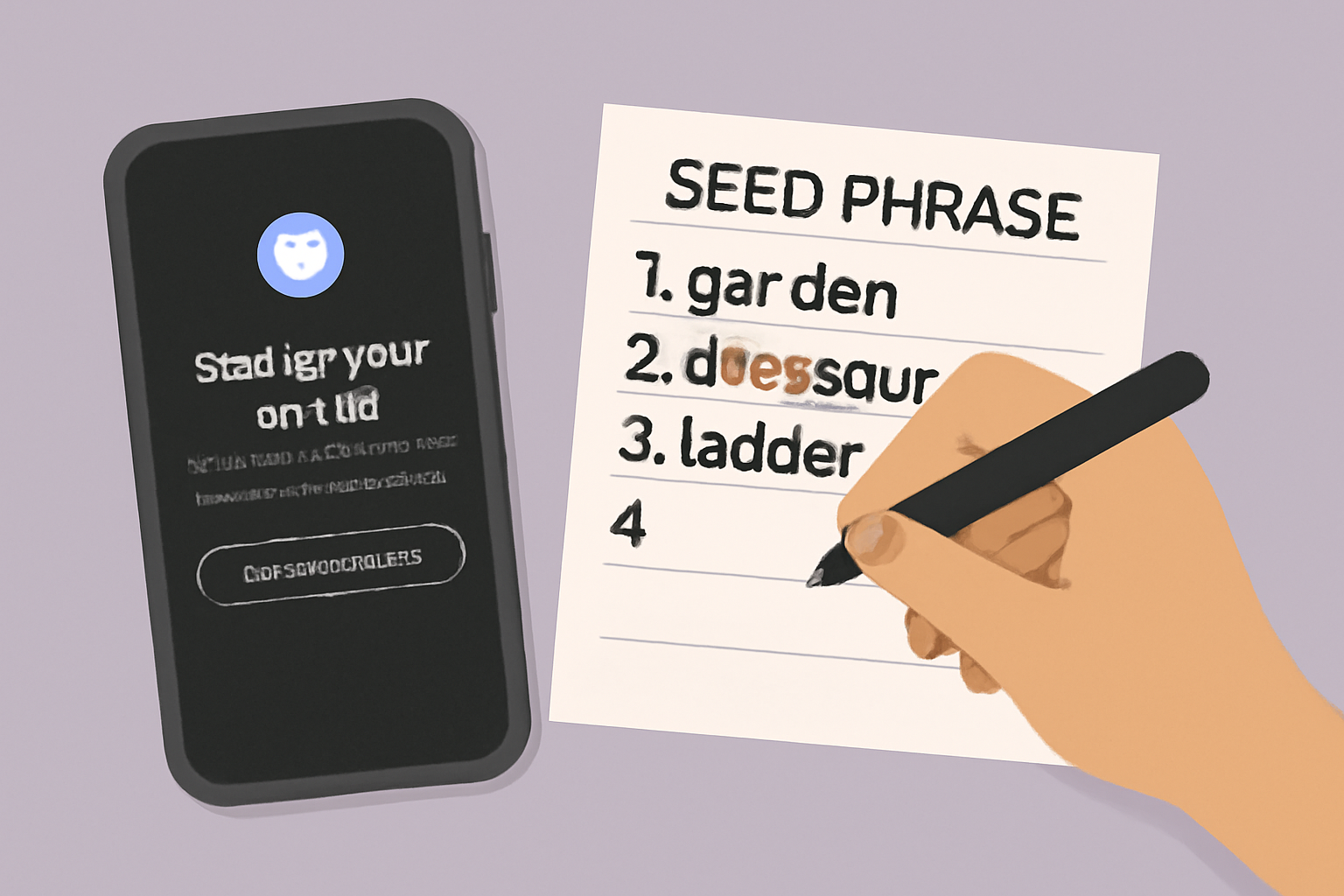
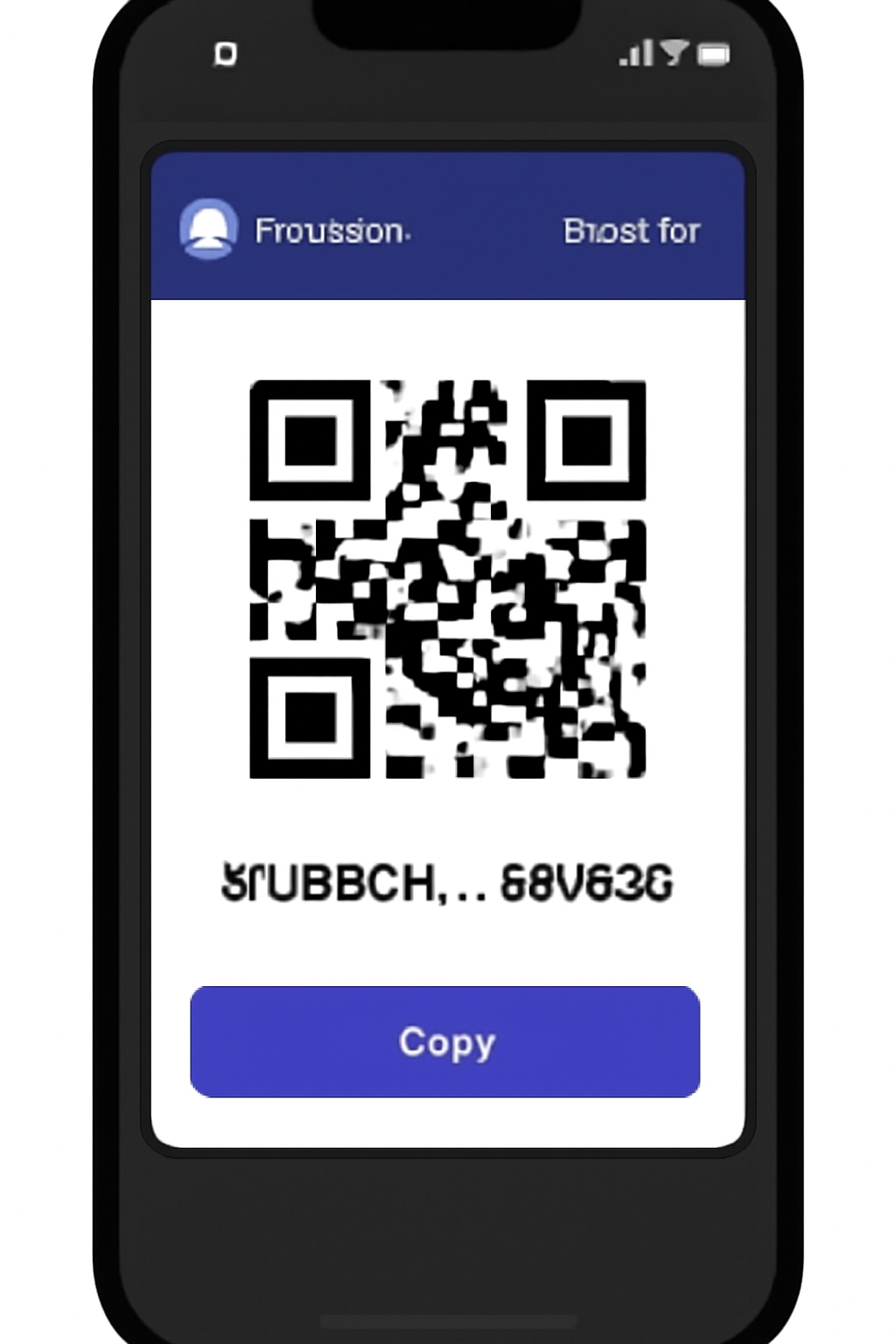
You’ll need to fund your wallet with SOL to cover transaction fees and collateral requirements. Remember: SOL is currently priced at $221.67, so factor this into your initial deposit and risk management strategy.
Exploring Perpetual Trading Platforms Built for Mobile
Once your wallet is ready, it’s time to explore platforms that support mobile-first perpetual trading on Solana:
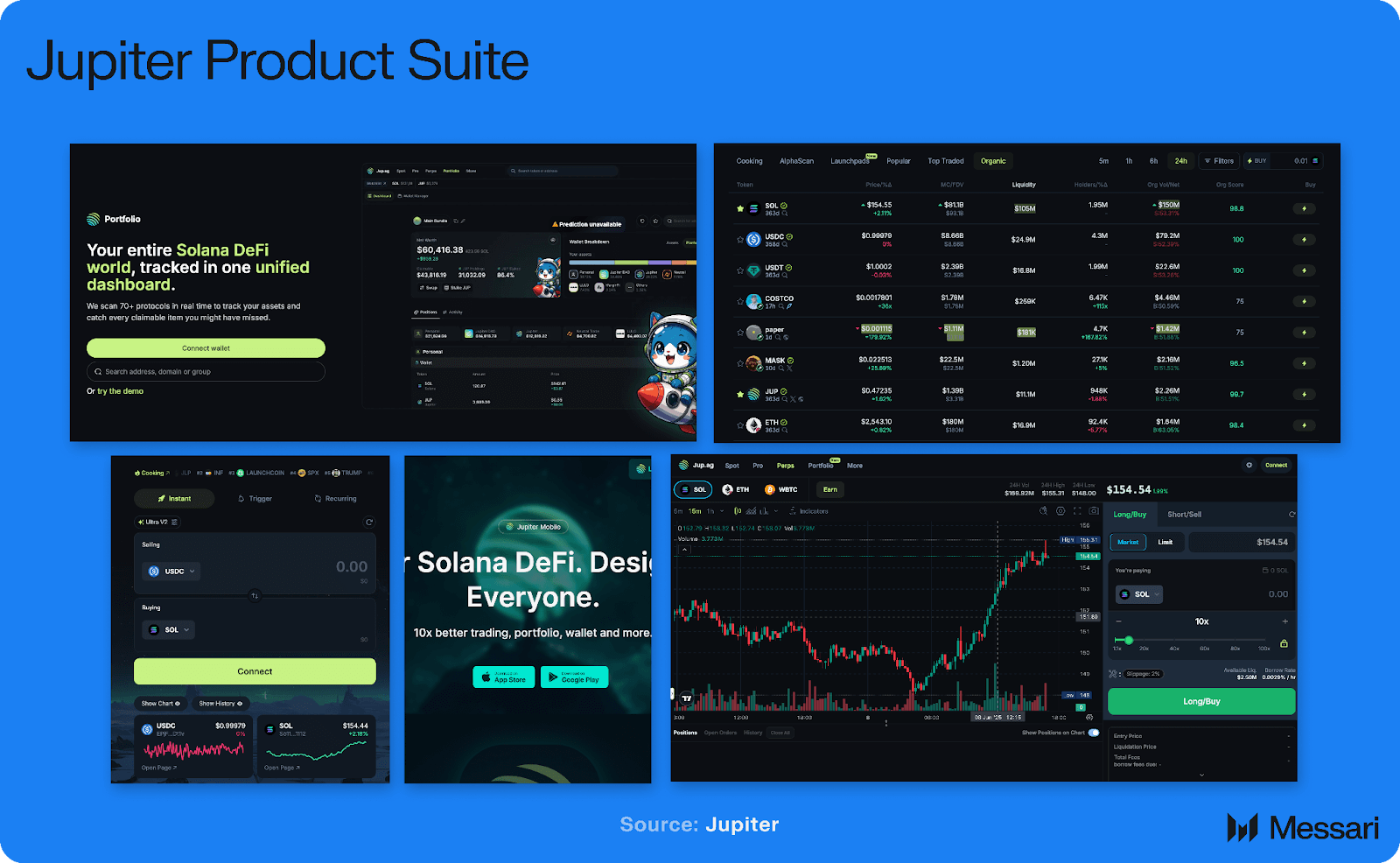
- Drift Protocol: Offers up to 10x leverage with an intuitive order book interface and just-in-time liquidity. Drift’s mobile-friendly site means you don’t have to sacrifice UX or speed when trading from your Saga phone.
- Jupiter Perpetual Exchange: Known for deep LP-backed liquidity and up to 100x leverage, Jupiter allows single-step position management without extra accounts or deposits.
For those who want to see perpetual trading in action directly from their phone wallet, check out this community video demonstration:
Connecting Your Wallet and Placing Your First Trade
Connecting your Phantom wallet to a decentralized exchange (DEX) is as simple as tapping a button in your Saga browser. Once connected, select your desired trading pair - such as SOL/USDT - and choose whether to go long or short based on your market outlook.
Set your leverage carefully - higher multiples mean higher risk as well as higher potential reward. Enter your trade size, review all details (especially with SOL at $221.67), then confirm to open your position.
Checklist: Essentials Before You Trade Perpetuals on Saga
This streamlined process puts advanced DeFi tools squarely in your pocket - but remember that risk management is crucial when using leverage or experimenting with new protocols.
To maximize your Solana Saga perpetual trading experience, it’s important to go beyond the basics and leverage the unique advantages of mobile-first DeFi. Let’s break down a few advanced tips and strategies to help you trade smarter and stay ahead in this fast-moving space.
Advanced Strategies and Risk Controls for Mobile DeFi Trading
Trading perps on your Saga phone isn’t just about convenience. The ability to react instantly to market moves, especially with SOL at $221.67, can be a game changer. Here are some strategies to consider:
Top Strategies for Solana Perpetuals Trading on Mobile
- Set Strict Stop-Loss and Take-Profit Orders: Use platforms like Drift and Jupiter Perpetual Exchange to automate risk management. Setting stop-loss and take-profit levels helps lock in gains and limit losses, especially when trading with leverage on your Solana Saga.
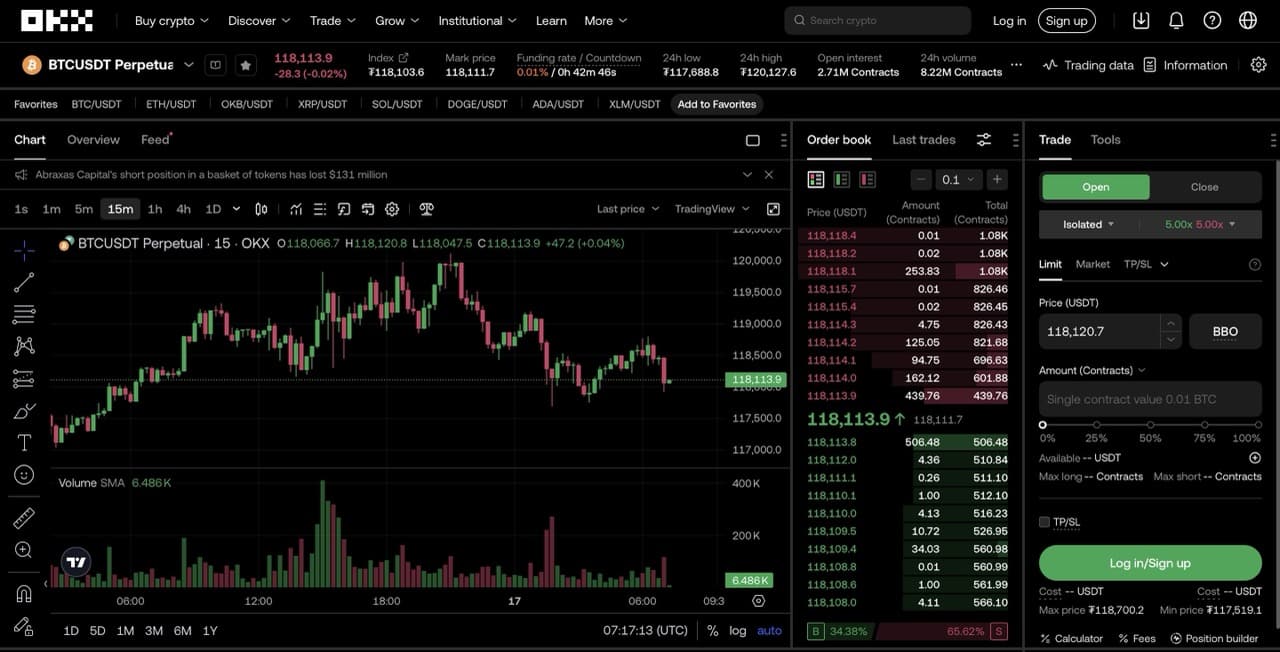
- Start with Lower Leverage: While Drift and Jupiter offer up to 10x and 100x leverage respectively, beginning with lower leverage (e.g., 2x or 3x) reduces the risk of liquidation and allows you to learn platform mechanics safely.

- Monitor SOL Price Volatility Closely: As of October 10, 2025, SOL is trading at $221.67. Use real-time price alerts and charting tools on your mobile app to stay updated on price swings and adjust your positions accordingly.
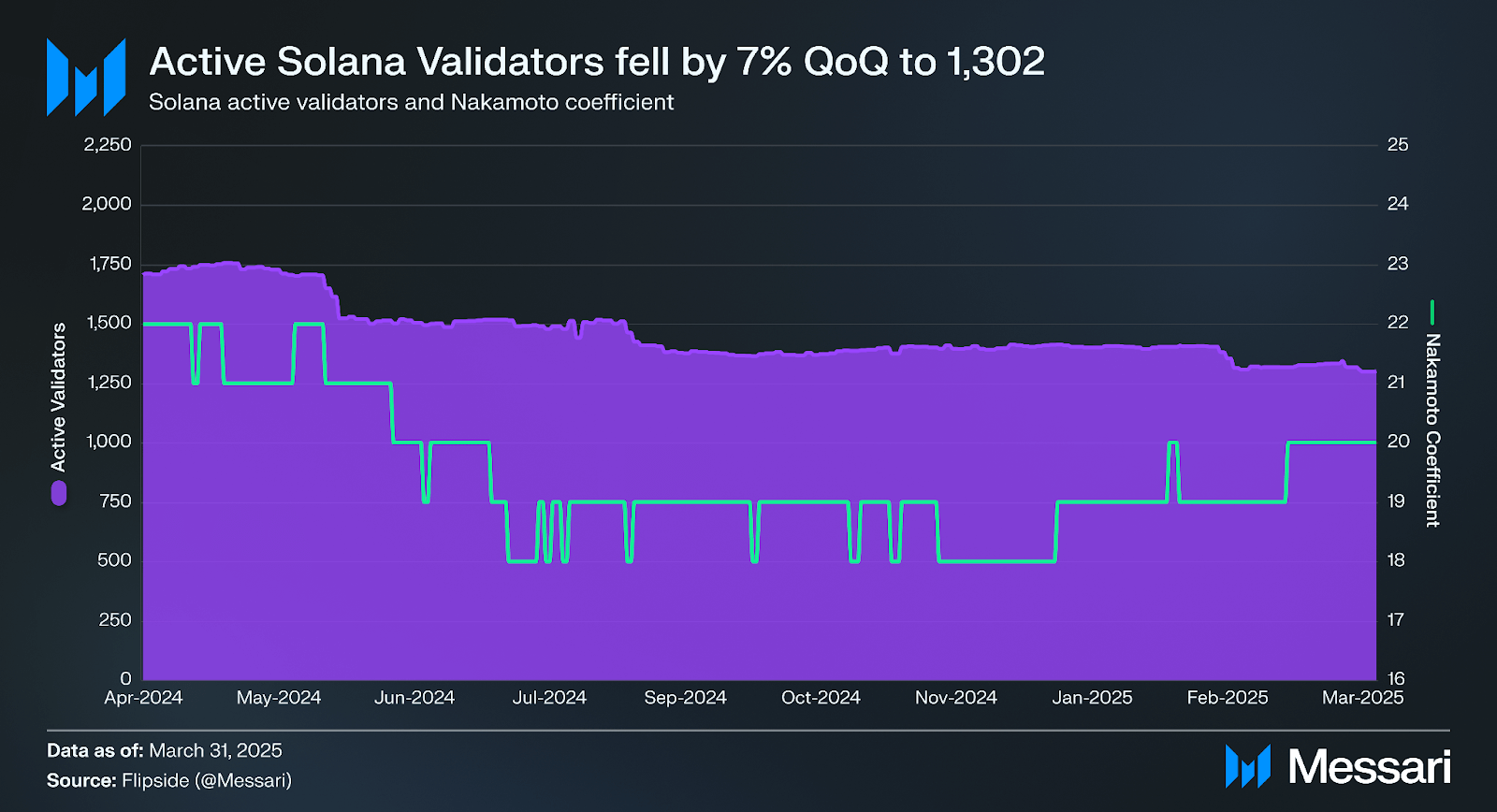
- Diversify Across Reputable Platforms: Trade on established Solana perpetuals platforms like Drift, Jupiter, and Basis Markets. Diversifying reduces platform-specific risks and allows you to compare fees, liquidity, and features directly from your Saga device.
- Stay Informed on Solana Ecosystem News: Solana's price can react sharply to network upgrades, outages, or major announcements. Use news aggregators and social feeds on your Saga to track developments and sentiment before making trading decisions.
Features like stop-loss and take-profit orders are now standard on platforms like Drift and Jupiter. Use them to automate your exits and protect your capital. Also, keep an eye on funding rates, as these can impact your PnL over time, especially if you’re holding leveraged positions overnight.
Mobile Tools: Notifications, Analytics, and Community Insights
The Saga ecosystem is rich with tools that help you stay informed. Set up price alerts for SOL using your wallet or dApp notifications so you never miss a move. For analytics, many DEXs now offer real-time charts, open interest stats, and even community sentiment directly in their mobile interfaces. This empowers you to make data-driven decisions on the go.
Don’t underestimate the power of community. Crypto Twitter is a goldmine for real-time trade ideas, market news, and platform updates. Follow key accounts and join Telegram or Discord groups dedicated to Solana mobile trading. You’ll often catch early signals or learn about new features before they go mainstream.
Security Reminders for Mobile Perpetual Traders
While Saga’s seed vault is robust, mobile security best practices remain essential:
- Never share your seed phrase: not even with support staff.
- Enable biometric authentication where possible.
- Keep your device OS and all apps up to date for the latest security patches.
- Beware of phishing links in DMs or unofficial app stores.
Consider setting spending limits on your wallet or using multisig for larger accounts. These small steps can make a big difference if your device is ever lost or compromised.
FAQ: Solana Saga Perpetual Trading
Why Mobile-First Crypto Trading Is Here to Stay
The combination of blazing-fast Solana infrastructure and the Saga phone’s Web3-native design is reshaping how traders interact with DeFi. Gone are the days when advanced perpetuals were only accessible via desktop terminals. Now, with platforms like Drift and Jupiter optimizing for mobile UX, and SOL maintaining strong liquidity at $221.67: the barrier to entry has never been lower.
Whether you’re scalping short-term moves or building delta-neutral strategies on Basis Markets, mobile DeFi trading on Solana empowers you to act quickly and securely from anywhere. Stay curious, keep learning from the community, and always prioritize risk management as you explore this new frontier of crypto markets.



No comments yet. Be the first to share your thoughts!