
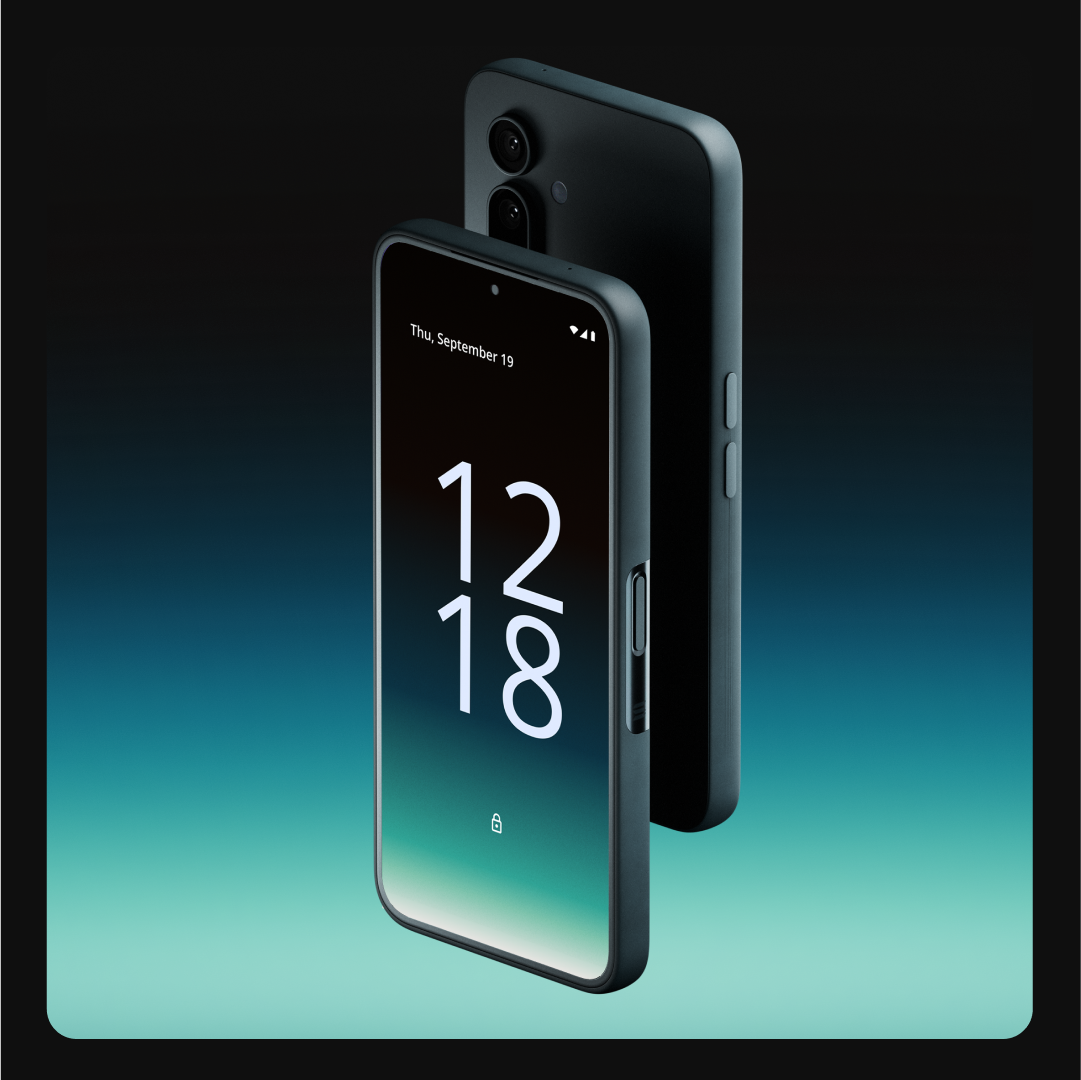
Running a decentralized node on your smartphone was once the stuff of science fiction, but with the Solana Saga and the rapid evolution of DePIN (Decentralized Physical Infrastructure Networks), it’s now a practical reality for crypto enthusiasts and everyday users alike. The convergence of mobile-first hardware and blockchain infrastructure is democratizing access to decentralized networks, allowing anyone with a Solana Saga phone to both contribute to and benefit from these emerging protocols, without needing racks of servers or technical expertise.
Why Run a DePIN Node on Your Solana Saga?
DePINs leverage blockchain to coordinate real-world resources, compute, connectivity, storage, through decentralized apps (dApps). By running a node on your Solana Saga, you directly participate in these networks. The benefits are twofold: you help power censorship-resistant infrastructure while earning rewards for contributing your device’s idle CPU cycles or data. Projects like Raiinmaker even let you generate AI content and train models straight from your mobile, turning your phone into an active participant in the decentralized economy.
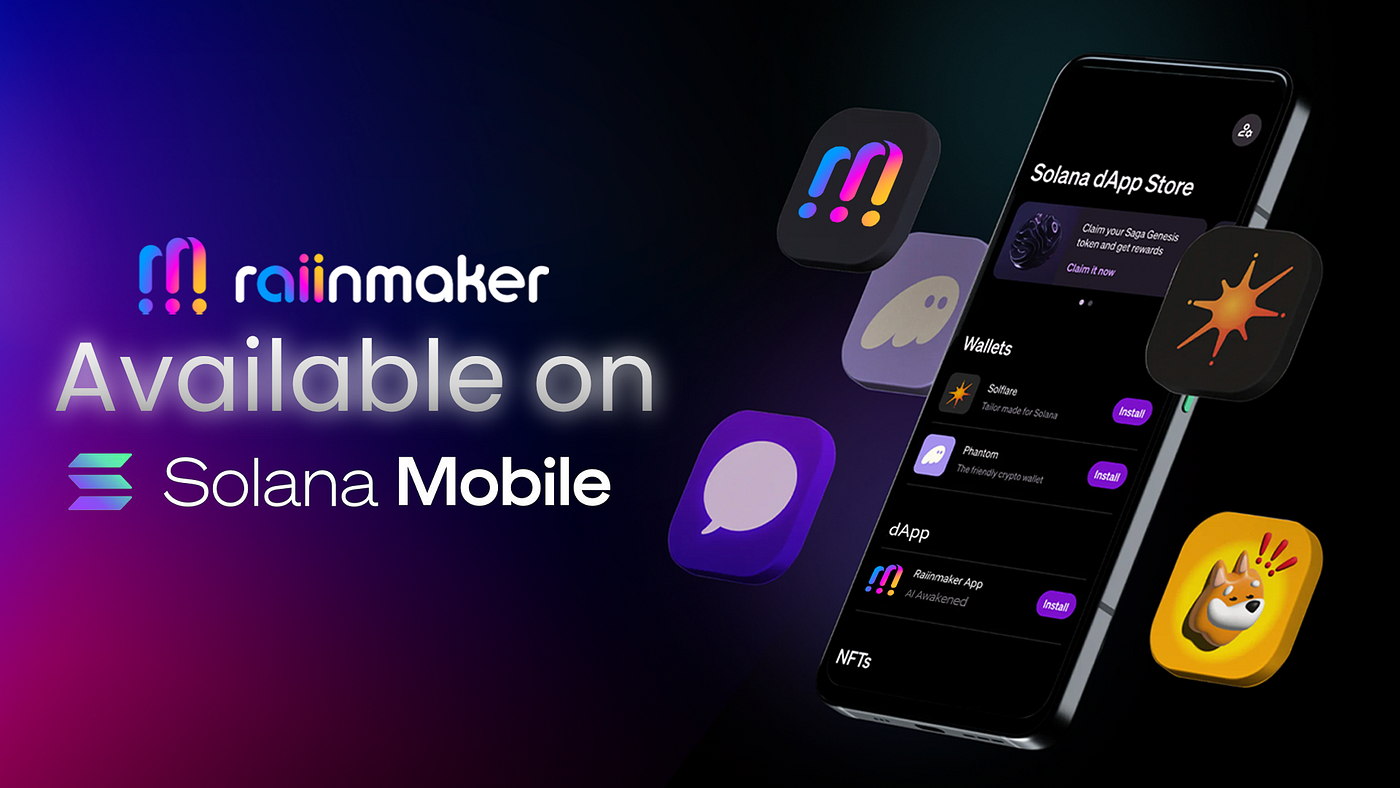
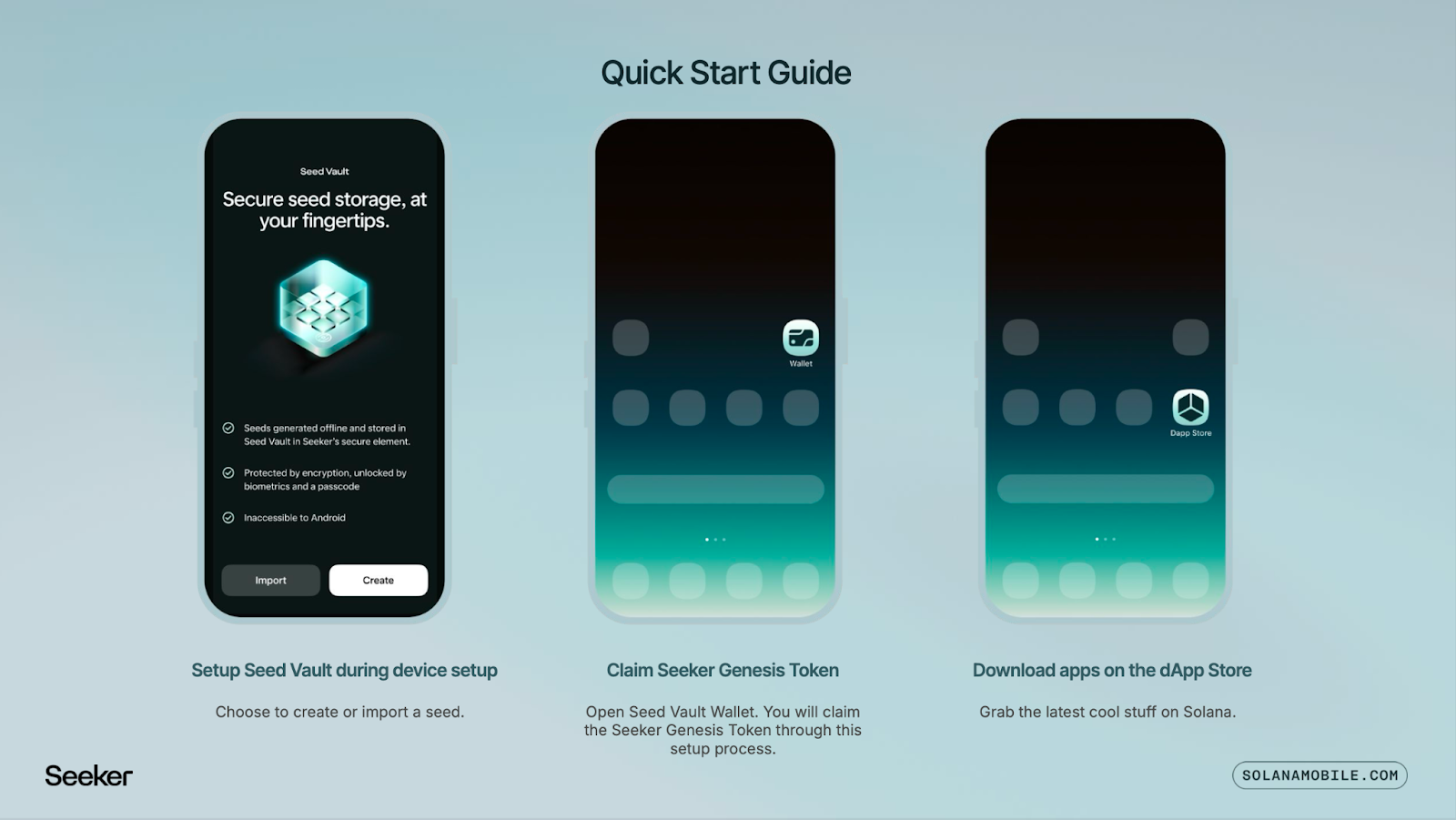
The beauty of this approach is accessibility. With the Solana Mobile Stack (SMS) deeply integrated into Saga devices, onboarding is streamlined: secure key management via Seed Vault, native dApp store access, and wallet compatibility are all built-in. This removes much of the friction that previously kept node participation limited to desktop power users.
Step-by-Step: Setting Up Your Mobile Crypto Node
Get Started with DePIN on Solana Saga: A Step-by-Step Guide
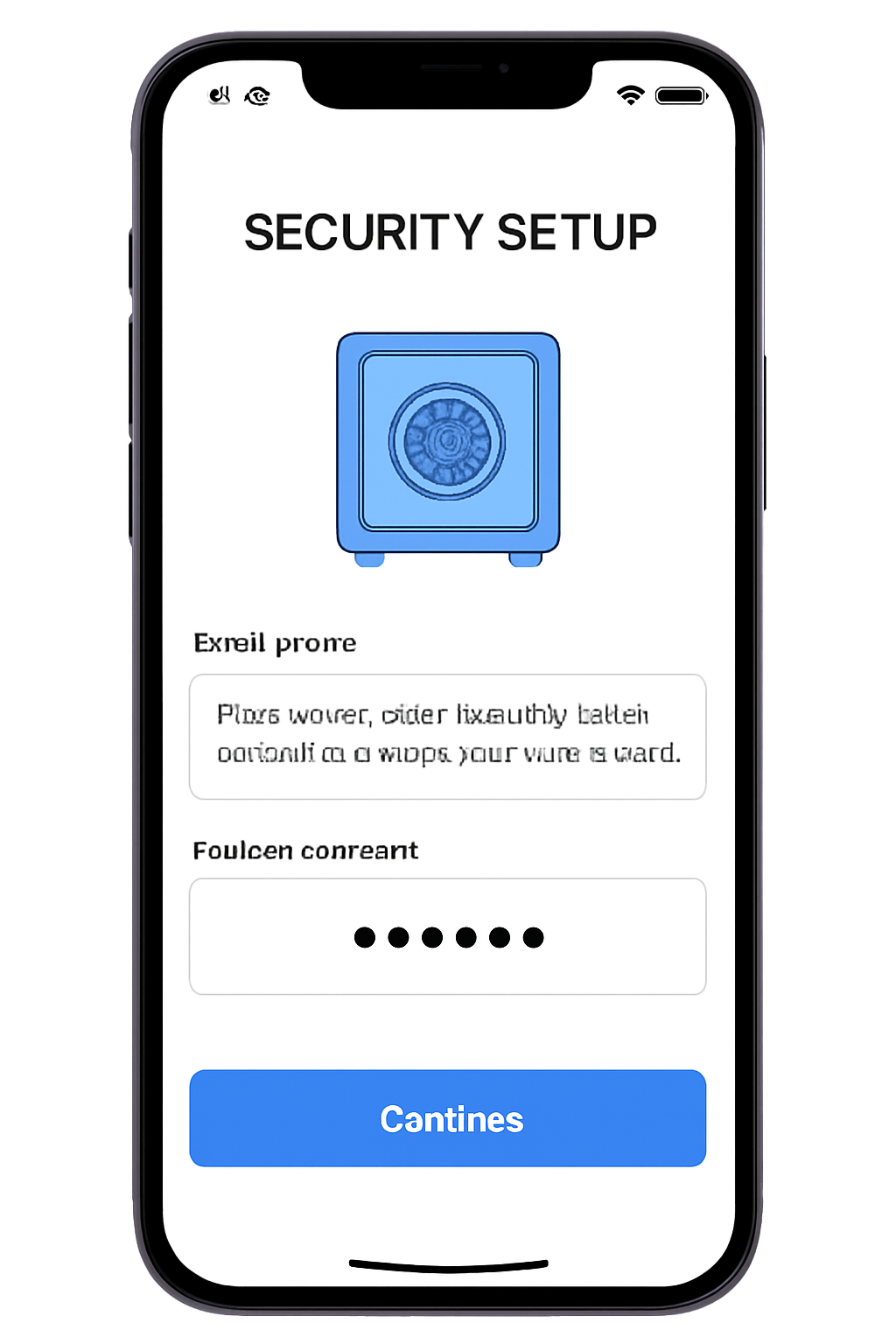
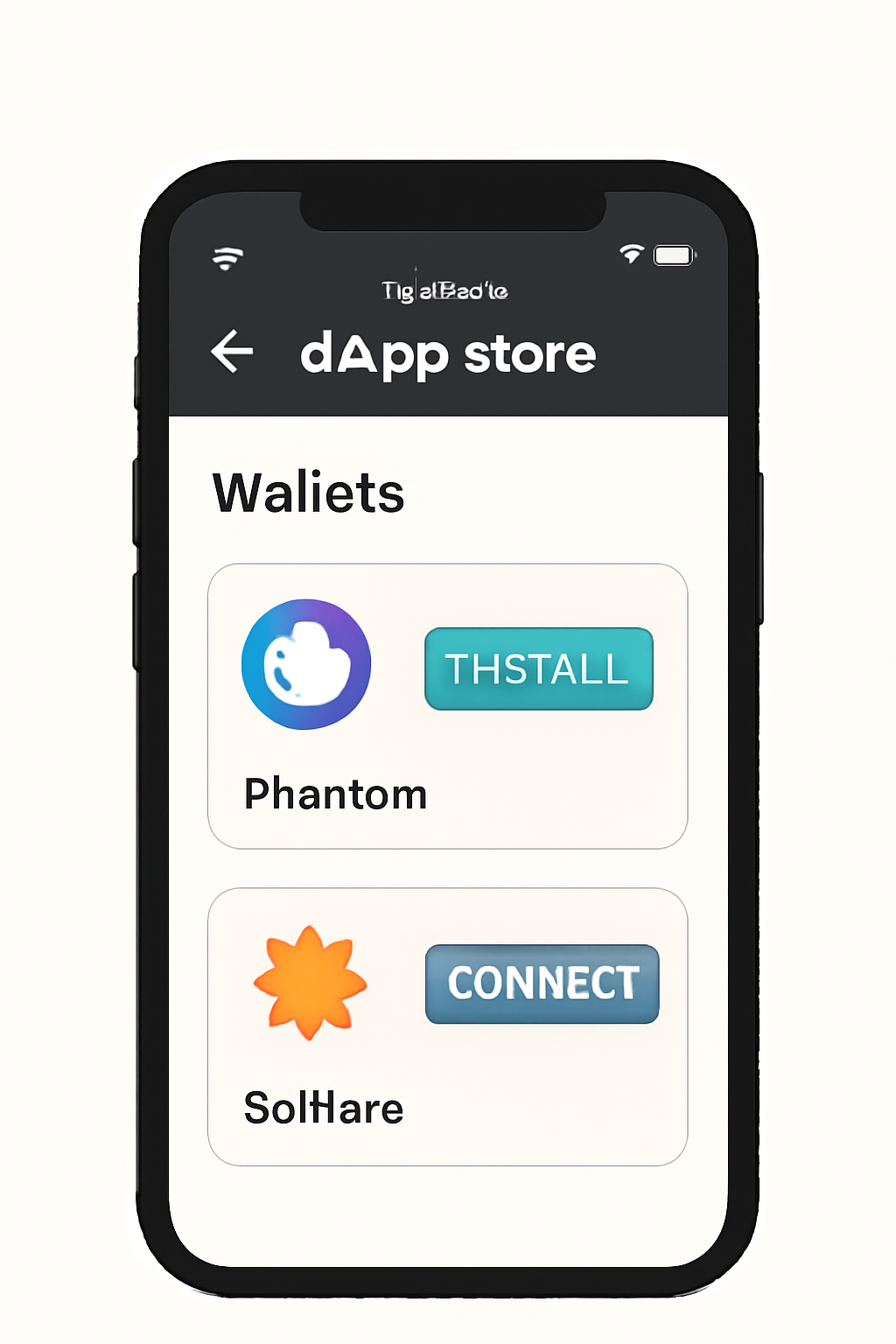
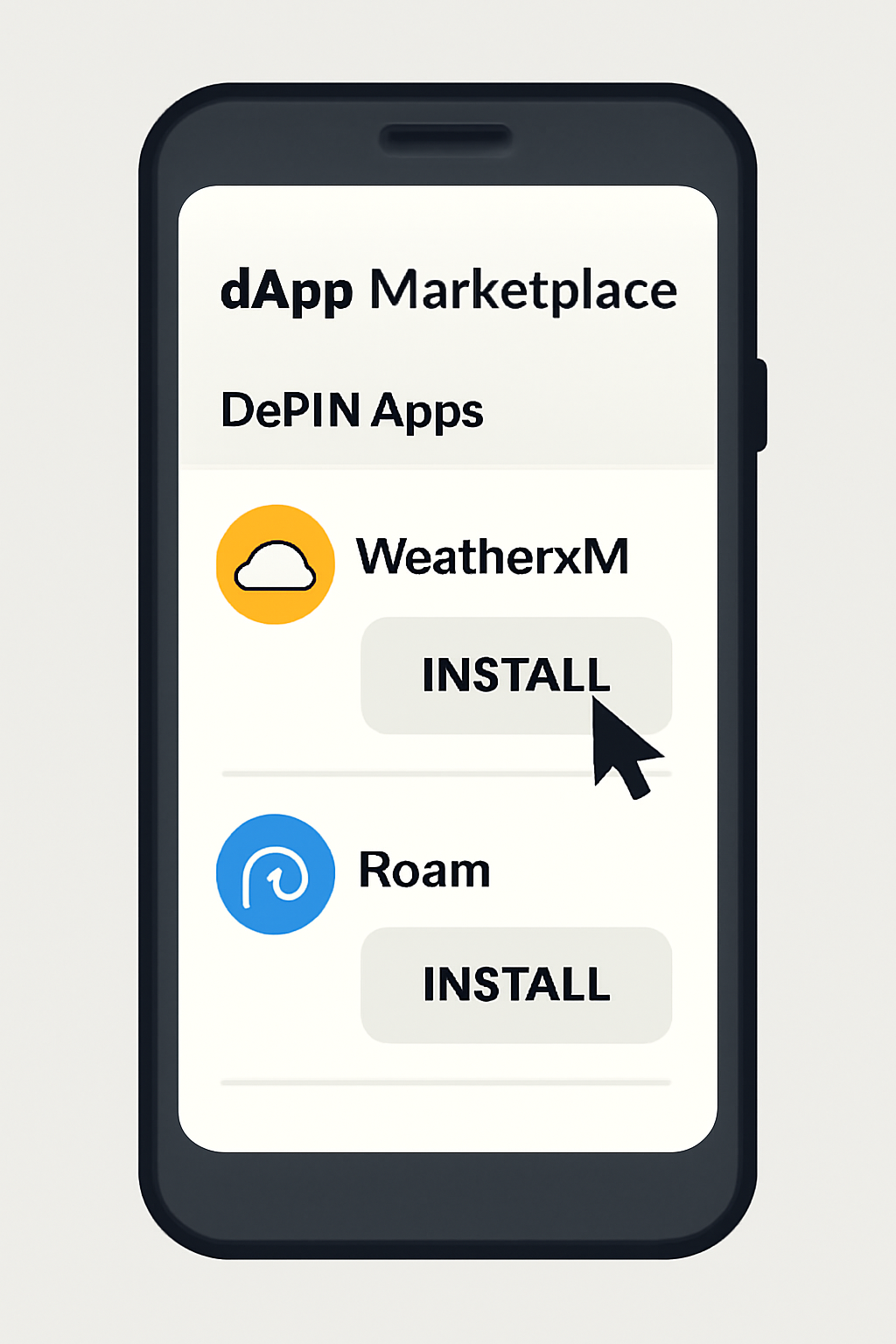
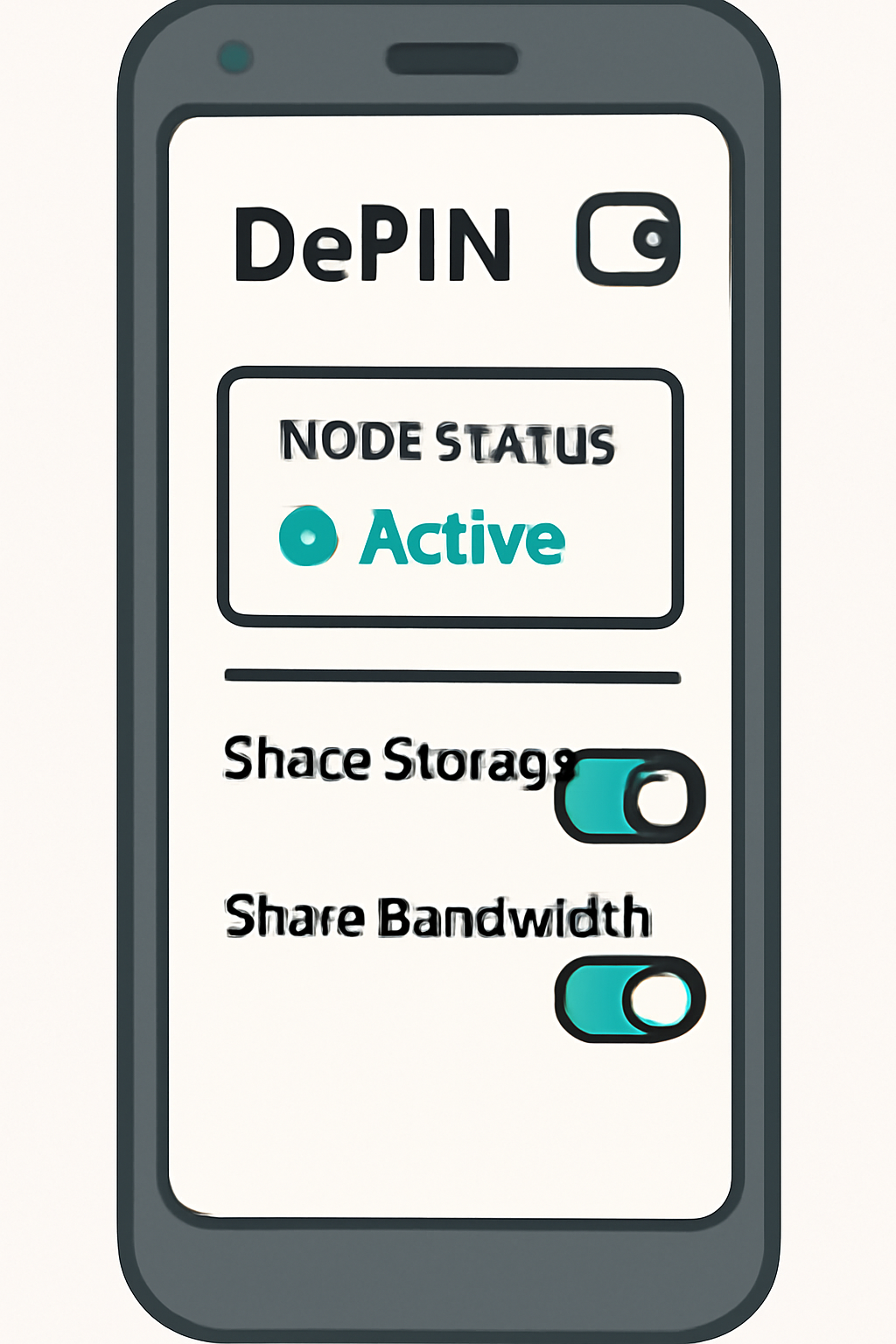
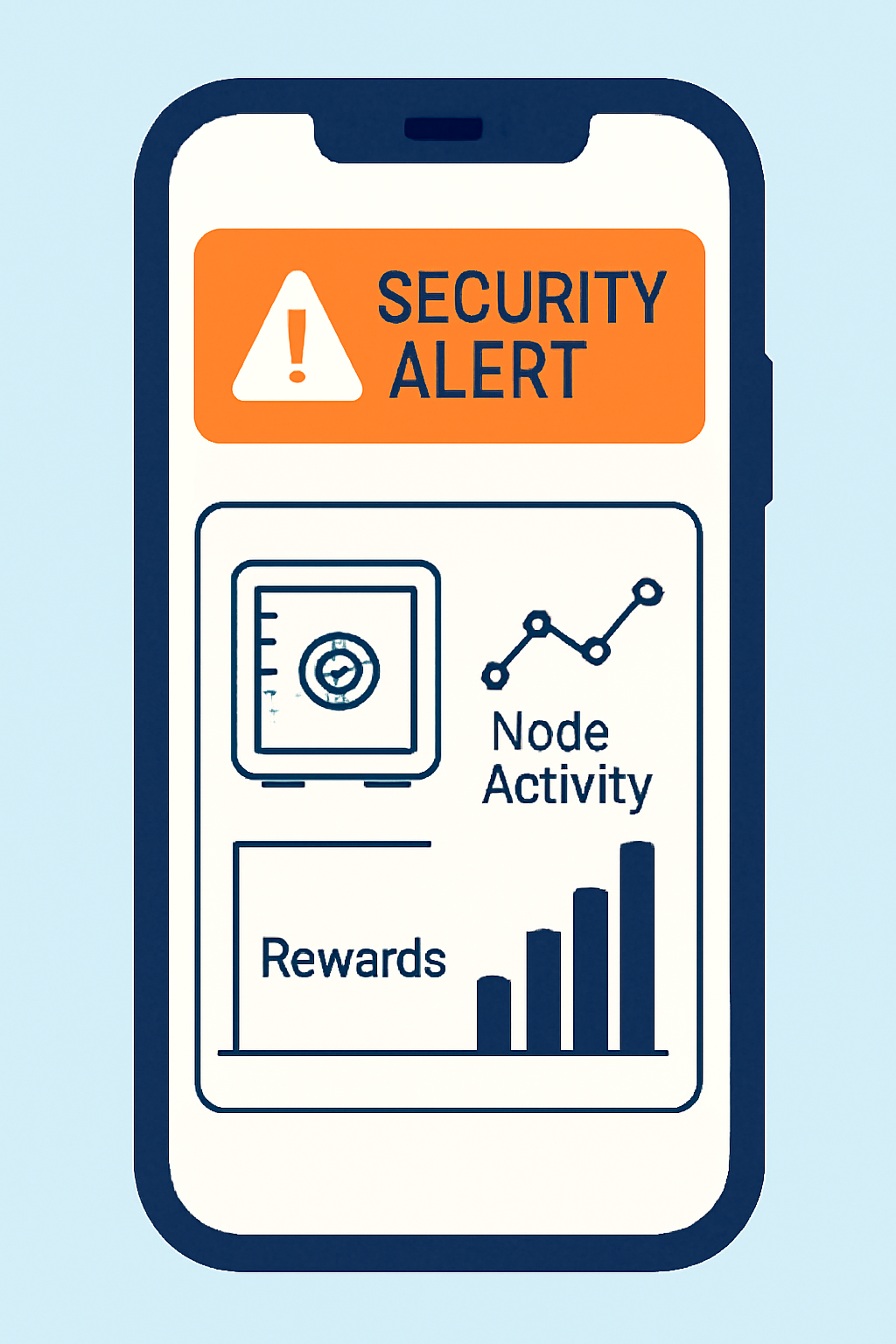
Getting started is refreshingly straightforward. First, initialize your Seed Vault under Settings, a critical step for safeguarding your assets. Next, install a compatible wallet such as Solflare or Phantom from the Solana dApp Store. Connect it securely to Seed Vault so all transactions remain protected by hardware-backed security.
Once your wallet is set up, explore DePIN-enabled applications in the dApp Store. Whether you’re interested in contributing weather data through WeatherXM or enhancing global WiFi coverage with Roam’s integration, there’s an expanding menu of projects ready for mobile participation.
The paradigm shift here isn’t just about running code, it’s about ordinary users becoming micro-operators in global networks from their pocket devices.
Earning Rewards: Monetizing Your Smartphone Resources
Top Ways to Earn Rewards with DePIN Nodes on Solana Saga
- Run a Raiinmaker Node: Use the Raiinmaker DePIN app on your Solana Saga to contribute AI content generation or model training. Earn rewards by offering your device’s compute power to decentralized AI workloads.
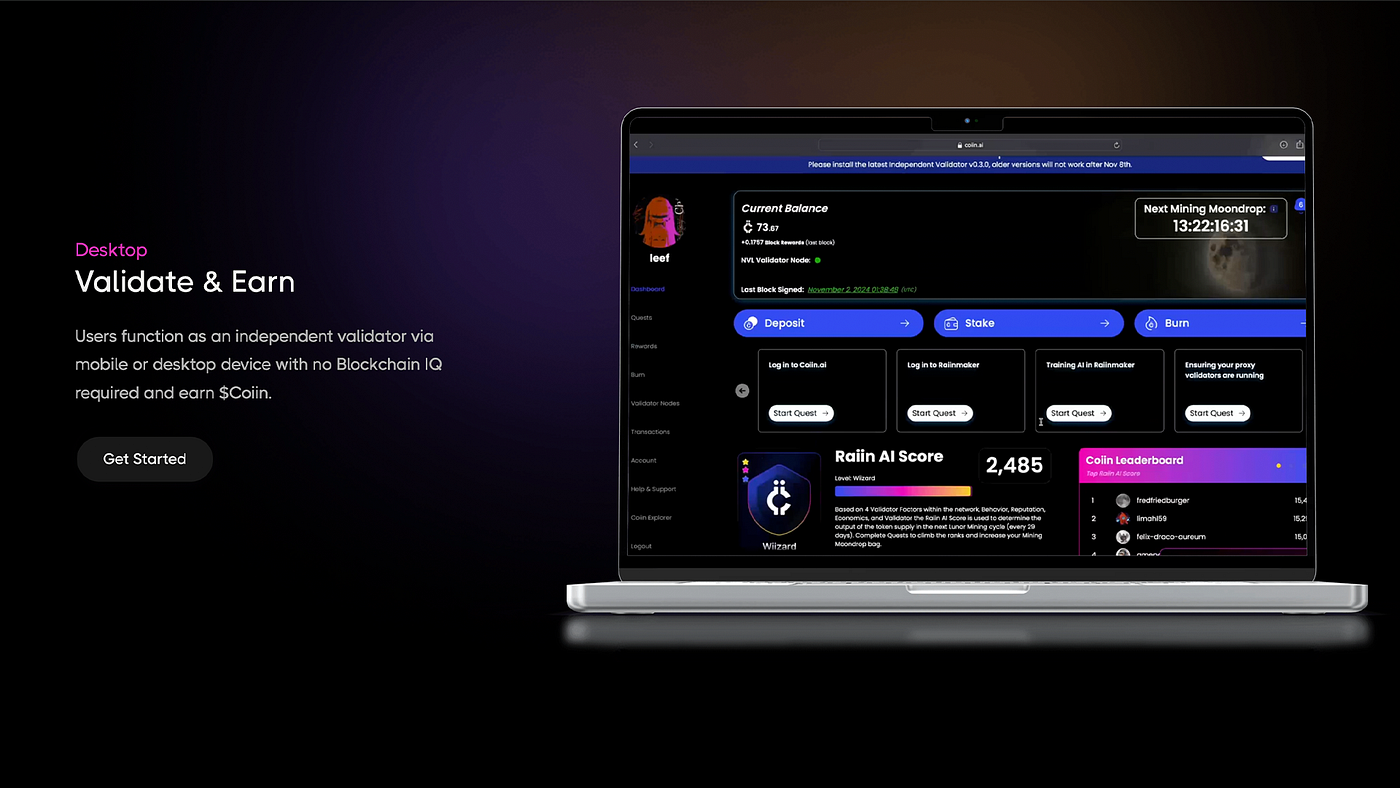
- Participate in WeatherXM Data Collection: Install WeatherXM’s dApp to share local weather data from your phone’s sensors. Earn tokens for contributing accurate, real-time environmental information to the decentralized network.

- Contribute to Roam Global WiFi Network: Join Roam’s decentralized connectivity platform by sharing your device’s connectivity or verifying WiFi hotspots. Receive rewards for helping expand and secure the global DePIN WiFi network.

- Support Render Network Decentralized Compute: Connect your Solana Saga to Render’s decentralized compute network, offering spare processing power for distributed graphics rendering and AI tasks. Earn incentives based on your device’s contributions.
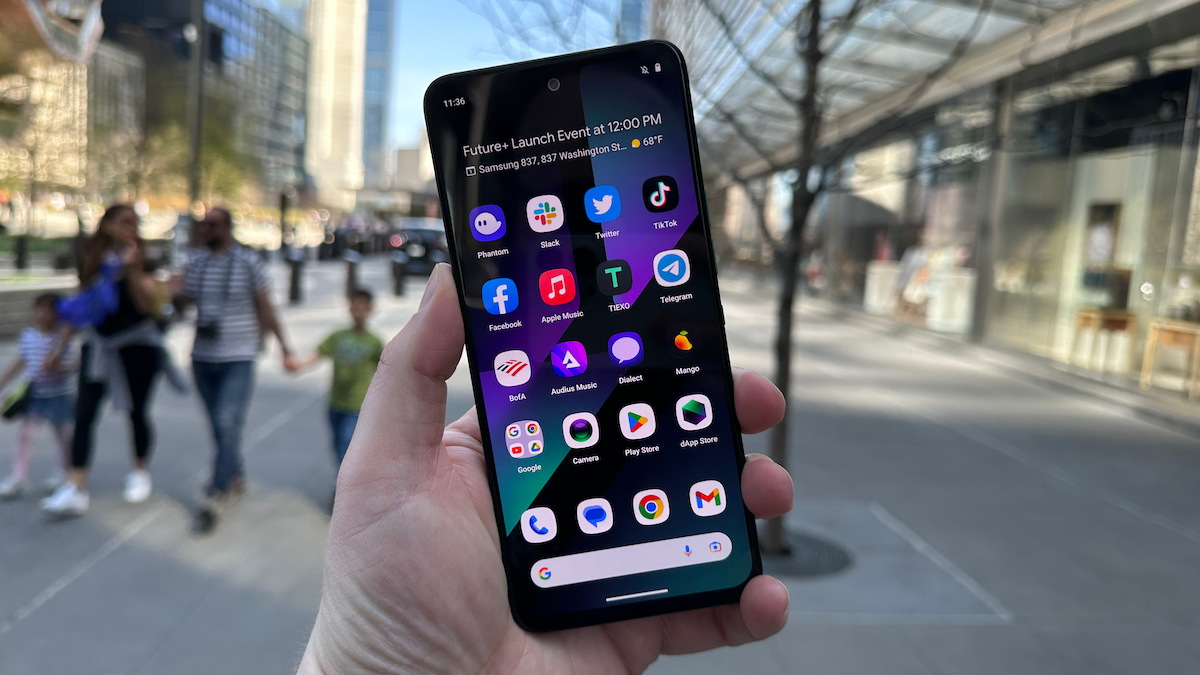
- Engage with Pulse Health-Tracking DePIN: Use Pulse’s health-tracking dApp to contribute anonymized biometric data from your Solana Saga. Earn rewards for supporting decentralized health research and infrastructure.

The incentive layer is what makes this ecosystem truly compelling. As you participate, whether by sharing bandwidth, providing sensor data, or lending compute, you accumulate rewards in SOL or project-specific tokens. For example:
- WeatherXM: Earn tokens by supplying hyperlocal weather data via phone sensors.
- Roam: Share connectivity resources for tokenized incentives.
- Spheron and Raiinmaker: Run decentralized AI workloads and receive compensation based on contribution.
This model isn’t just experimental, it’s already live on several projects listed in Flagship.fyi's Top 7 DePin projects on Solana. The ability to earn passively while supporting network resiliency has drawn interest from both seasoned crypto investors and newcomers seeking alternative income streams.
However, maximizing your returns requires a thoughtful approach. Not all DePIN dApps are created equal, each project has unique requirements for uptime, data contribution, and hardware compatibility. Take time to review the participation guidelines for each app, and consider how much of your device’s resources you’re comfortable sharing. It’s wise to start with well-established projects like WeatherXM or Roam before branching into more experimental protocols.
Security remains paramount as you monetize your smartphone’s capabilities. The Solana Saga’s Seed Vault is engineered for robust protection of private keys, but best practices still apply: keep your seed phrase strictly offline, enable biometric authentication where available, and regularly update your device and apps. Remember, while the mobile-first experience is designed for ease of use, diligence is essential to safeguard your assets.
Practical Tips for Sustained Node Operation
Essential Tips for Running a Secure Solana Saga DePIN Node
- Regularly Update Your dApps and System SoftwareKeep your Solana Saga and all DePIN-related apps—such as Raiinmaker, WeatherXM, and Roam—updated via the official Solana dApp Store to ensure you benefit from the latest security patches and performance improvements.
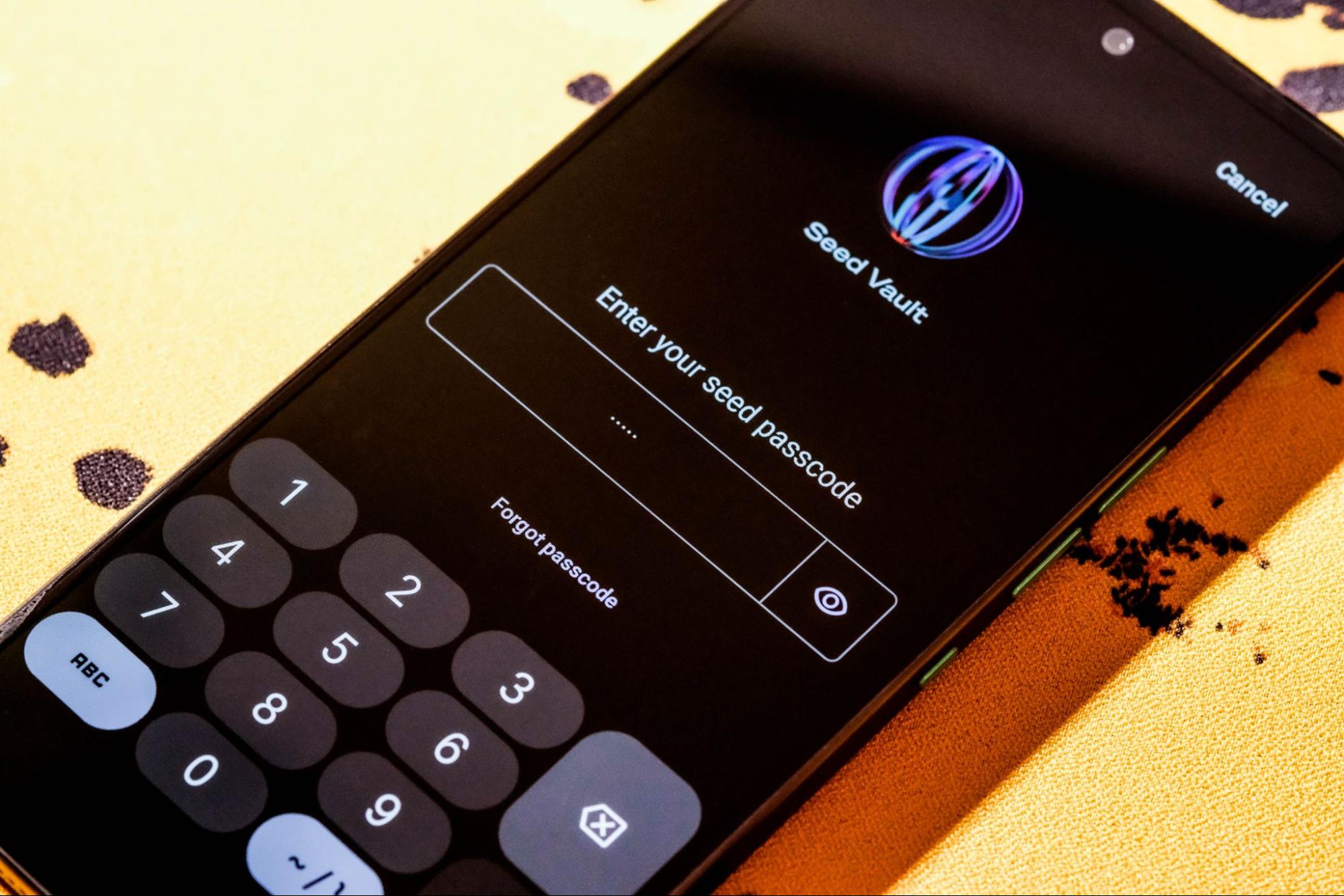
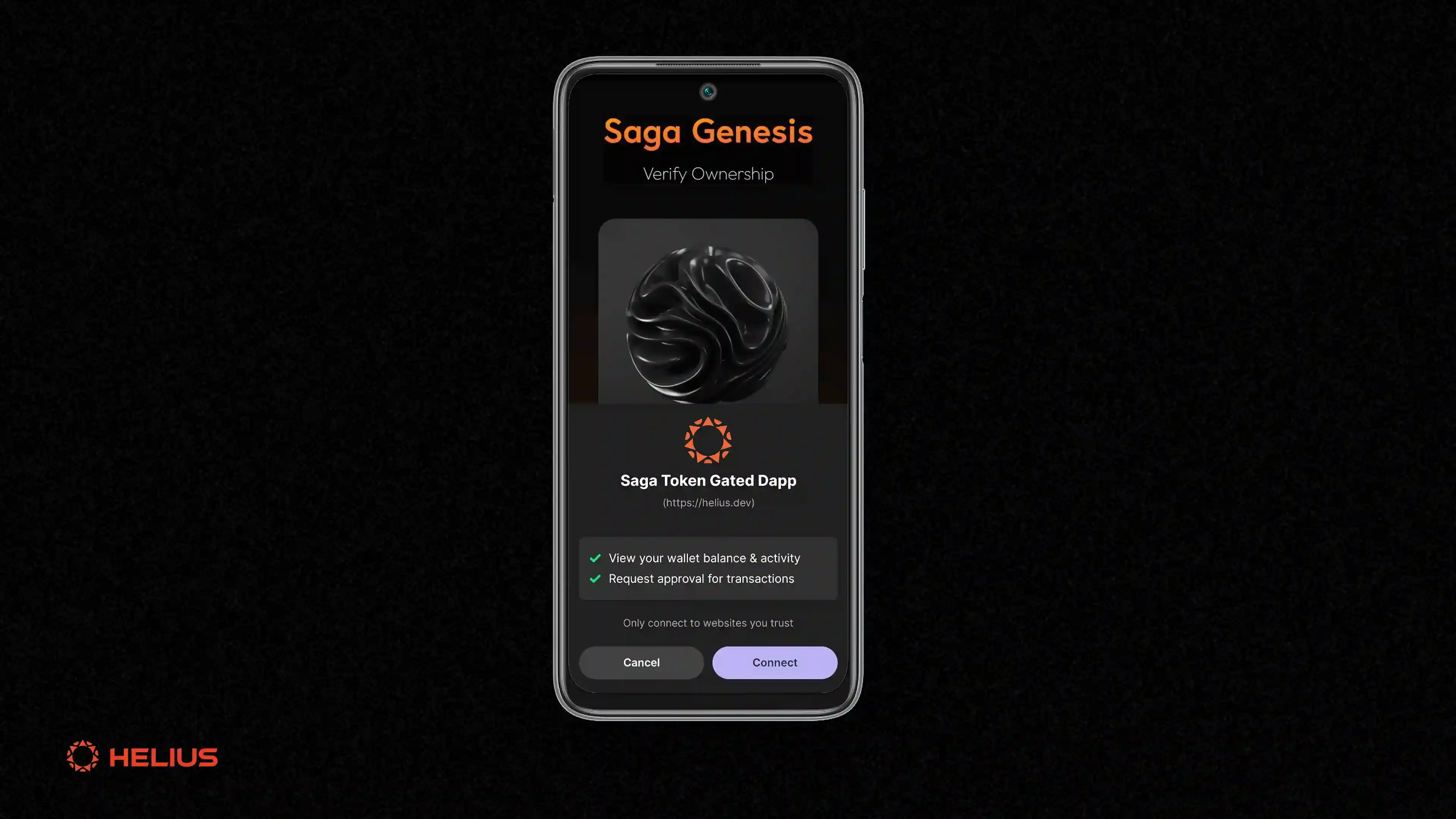
- Enable and Use the Seed Vault for Key ManagementAlways store your private keys in the Seed Vault and set a strong passcode. This built-in security feature protects your assets and node credentials from unauthorized access.
- Monitor Device Resource UsageRunning DePIN nodes can increase CPU and battery consumption. Use the Saga’s built-in monitoring tools to track resource usage and adjust app permissions as needed to maintain device health.
- Backup Your Seed Phrase OfflineWrite down your seed phrase from the Seed Vault and store it in a secure, offline location. Never share it digitally or store it in cloud services to reduce the risk of compromise.
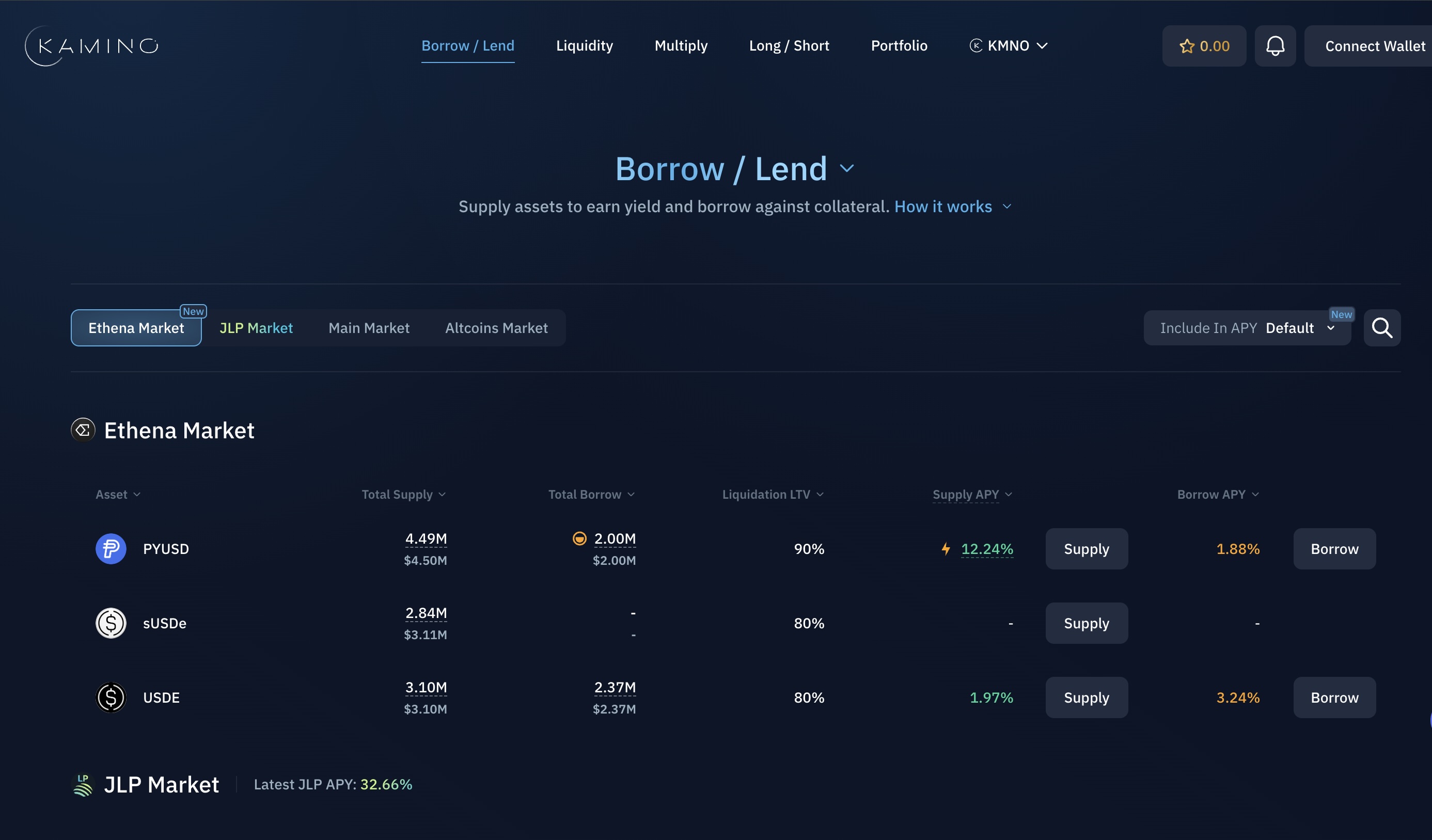
- Use Reputable Wallets for Asset ManagementManage your Solana and DePIN rewards with trusted wallets like Phantom or Solflare, both of which are available on the Solana dApp Store and support Seed Vault integration.
- Participate Only in Verified DePIN ProjectsStick to established DePIN applications such as Raiinmaker, WeatherXM, and Roam to minimize exposure to scams or unvetted software.
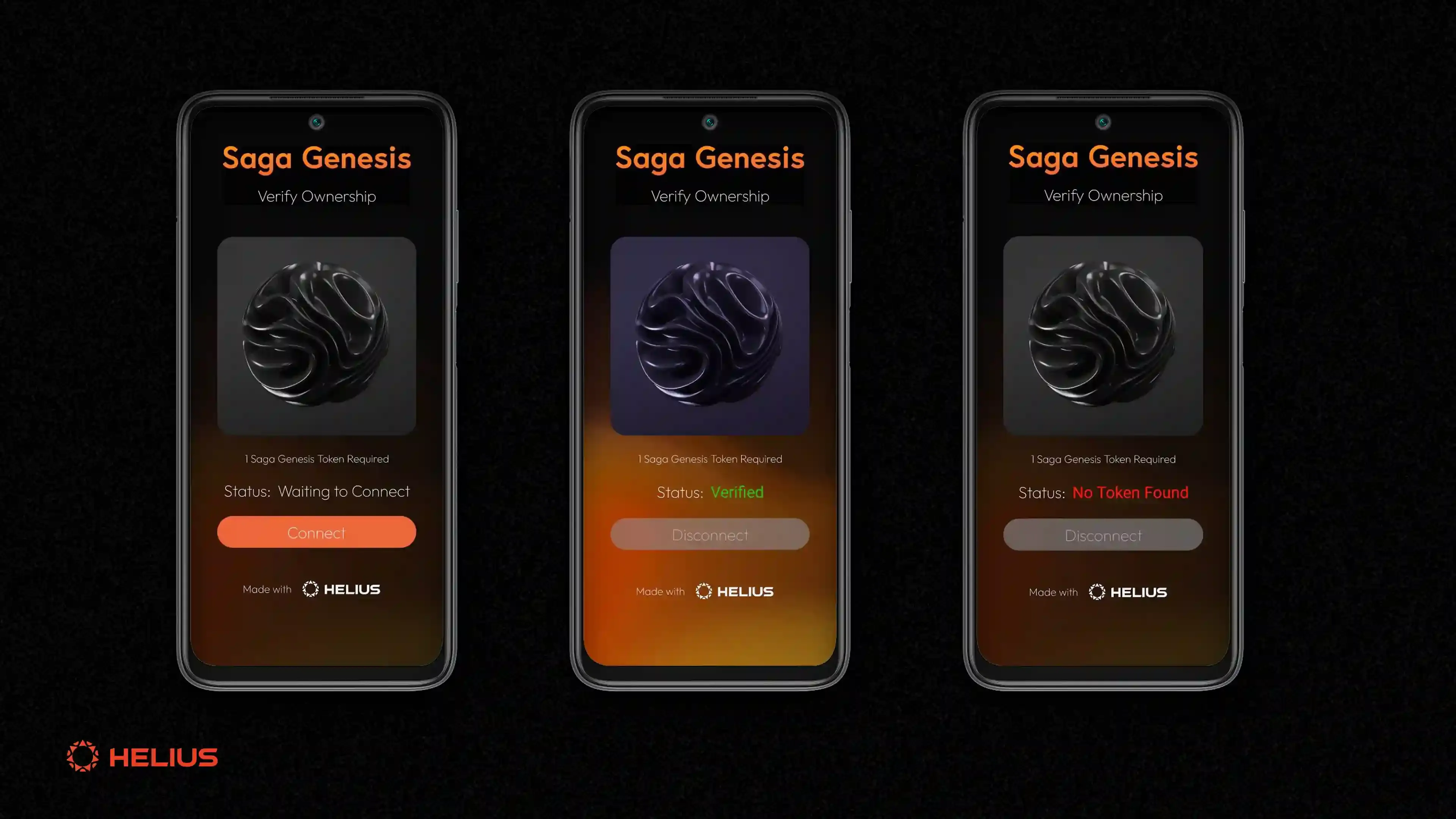
- Review App Permissions RegularlyPeriodically audit the permissions granted to each DePIN app (e.g., location, storage, network access) and revoke unnecessary access to enhance privacy and security.
- Stay Informed via Official Solana ChannelsFollow Solana Mobile and major DePIN projects on platforms like X (Twitter) and Discord for timely updates, security alerts, and best practices.
Battery life and connectivity are two practical factors to monitor. Running compute-intensive tasks or continuously supplying sensor data can impact battery drain, plan to operate while plugged in when possible. Stable WiFi or 5G connections ensure uninterrupted participation in DePIN networks; intermittent service may reduce rewards or even temporarily disconnect you from the protocol.
Community support is another invaluable resource as you navigate this evolving landscape. Many DePIN projects maintain active Discords or Telegram groups where users share troubleshooting tips and best practices. Don’t hesitate to leverage these spaces if you encounter issues or want advice on optimizing node performance.
The Bigger Picture: Why Mobile-First Nodes Matter
The rise of mobile crypto nodes signals a profound shift in decentralized infrastructure. By lowering the barrier to entry, the Solana Saga empowers individuals worldwide to participate in, and benefit from, the next generation of internet services. Whether you’re earning tokens by sharing unused bandwidth or contributing real-time environmental data, your smartphone becomes part of a global mesh that’s more resilient and censorship-resistant than any traditional network.
This democratization isn’t just technical, it’s economic and social too. As more users join DePIN networks via their phones, network effects accelerate adoption and security. The result? A virtuous cycle where participation begets value creation for everyone involved.
Ultimately, running a decentralized node on your Solana Saga phone isn’t just about passive income, it’s about shaping the future of digital infrastructure from your pocket. With careful setup, ongoing vigilance, and a willingness to experiment with new protocols as they emerge, anyone can become an integral part of this mobile-first revolution in crypto.



No comments yet. Be the first to share your thoughts!