
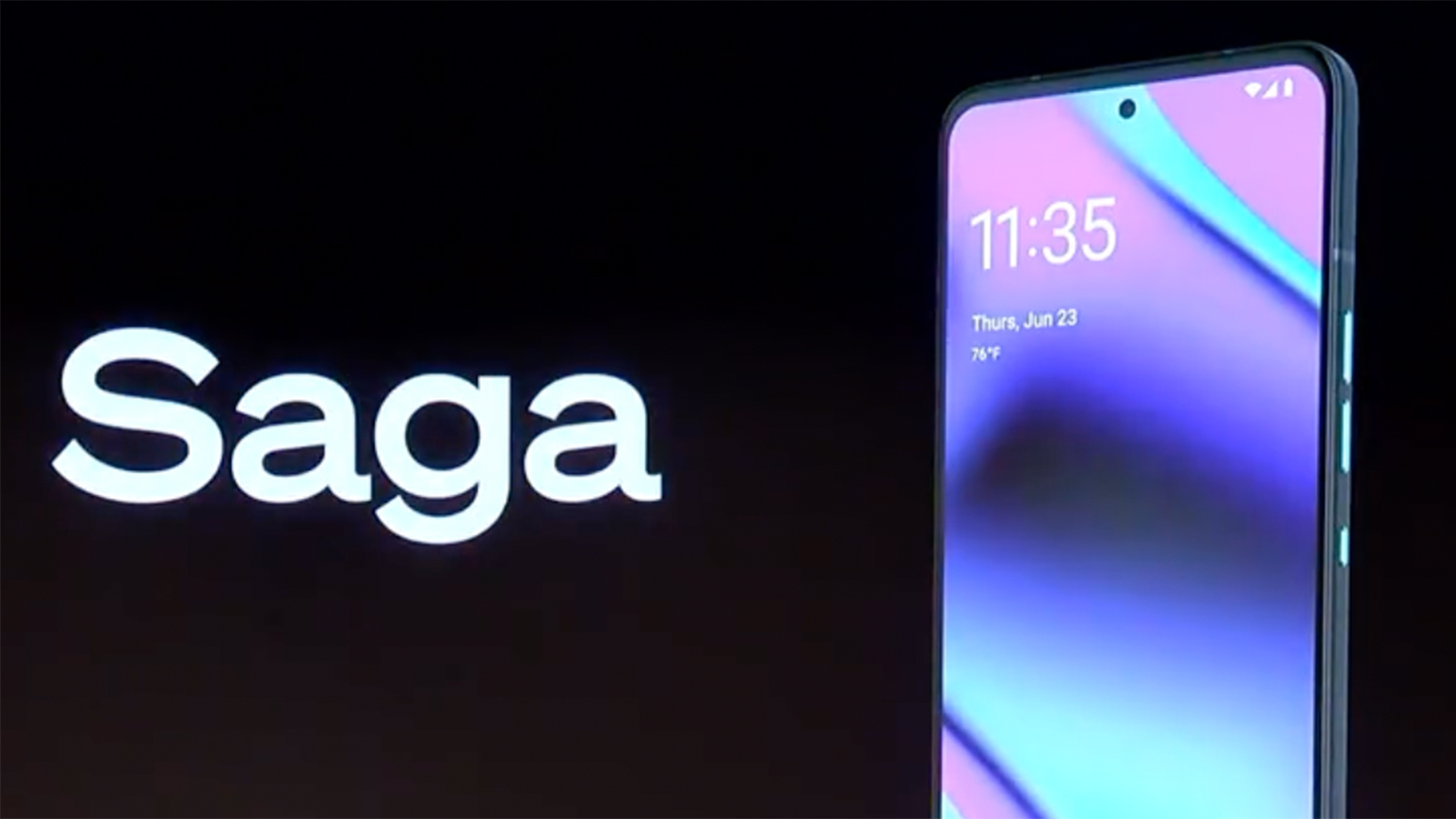
In today's fast-evolving decentralized finance landscape, the Solana Saga smartphone stands out as a purpose-built device for mobile-first crypto users who demand both security and seamless access to DeFi applications. With Solana (SOL) currently trading at $230.83, and mobile DeFi adoption accelerating, leveraging the Saga's unique features can give power users a tangible edge in on-chain trading and yield strategies.
Why Solana Saga Sets the Standard for Mobile DeFi
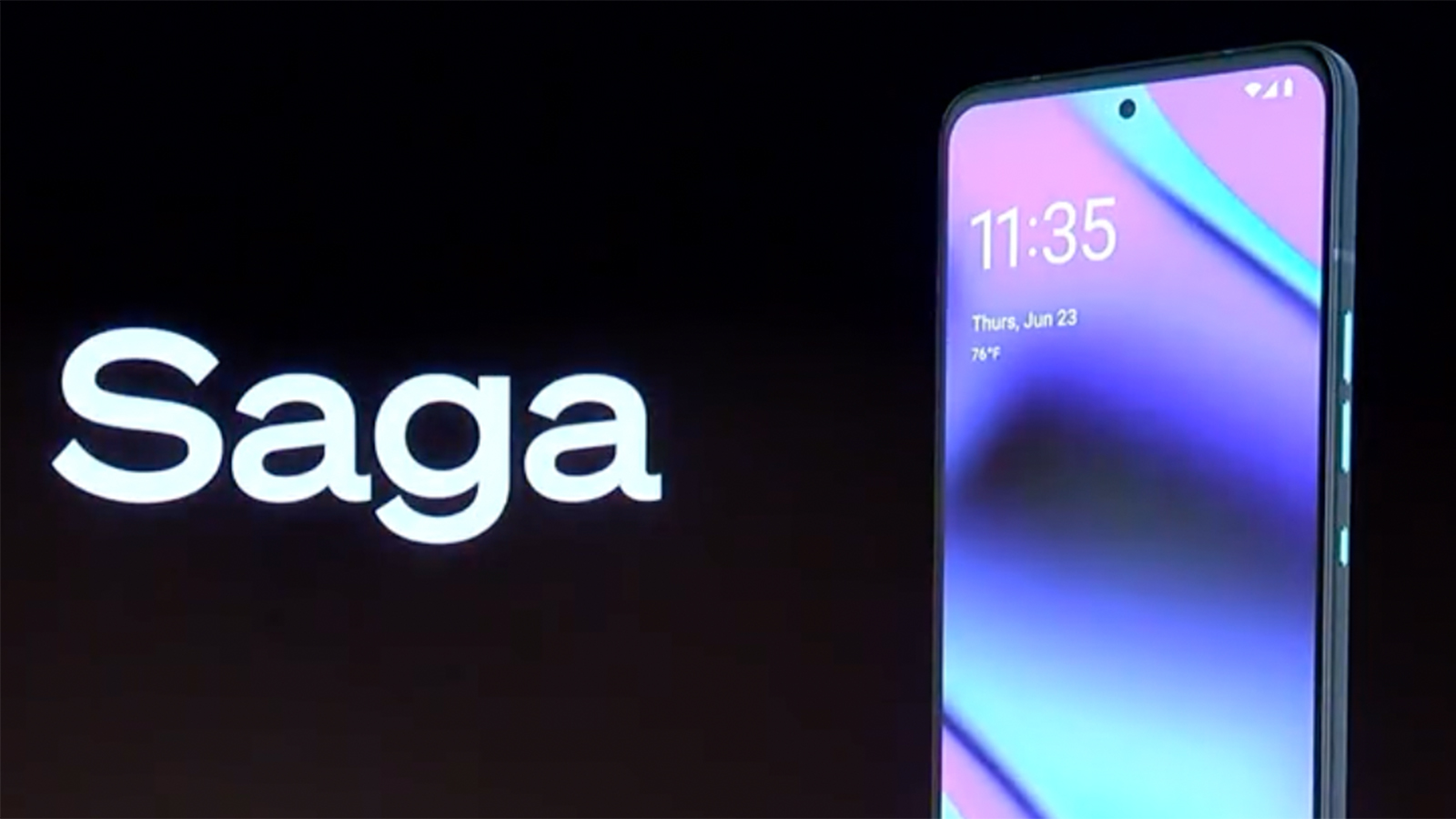
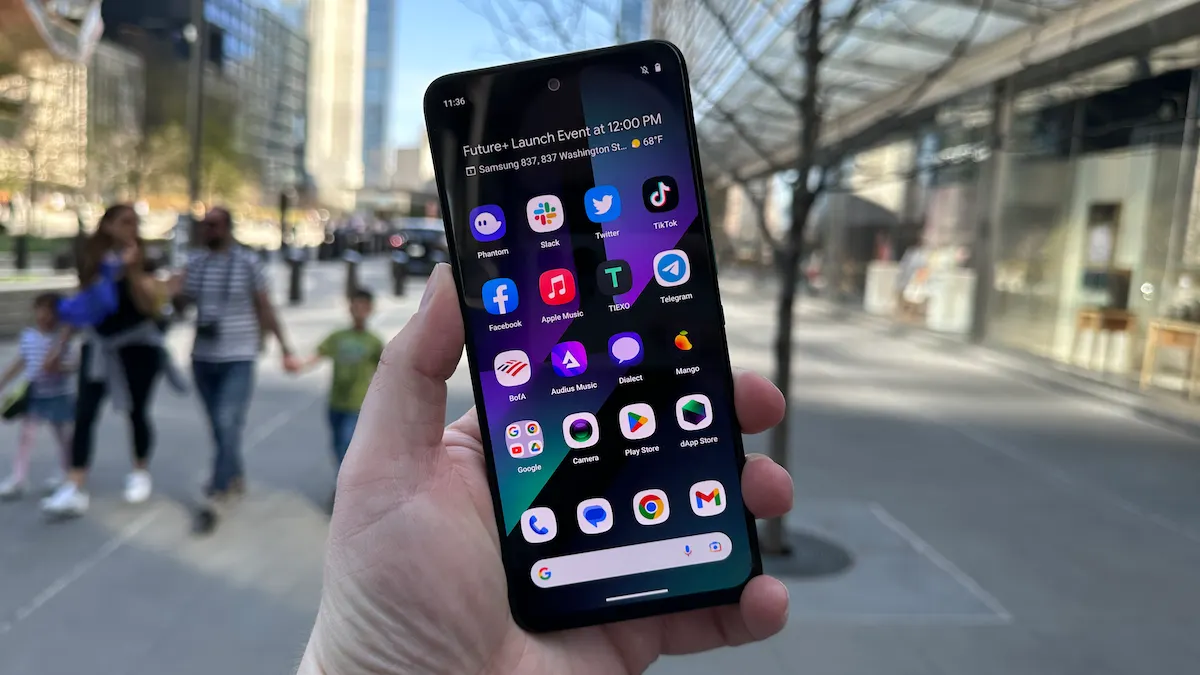
The Solana Saga is not just another Web3-enabled smartphone; it is engineered to integrate deeply with the Solana blockchain and its flourishing ecosystem of decentralized apps. At its core lies the Seed Vault, a hardware-secured enclave that isolates your private keys from the Android OS, ensuring that signing transactions or accessing funds requires biometric authentication. This feature alone addresses one of the biggest pain points in DeFi: private key security on mobile devices.
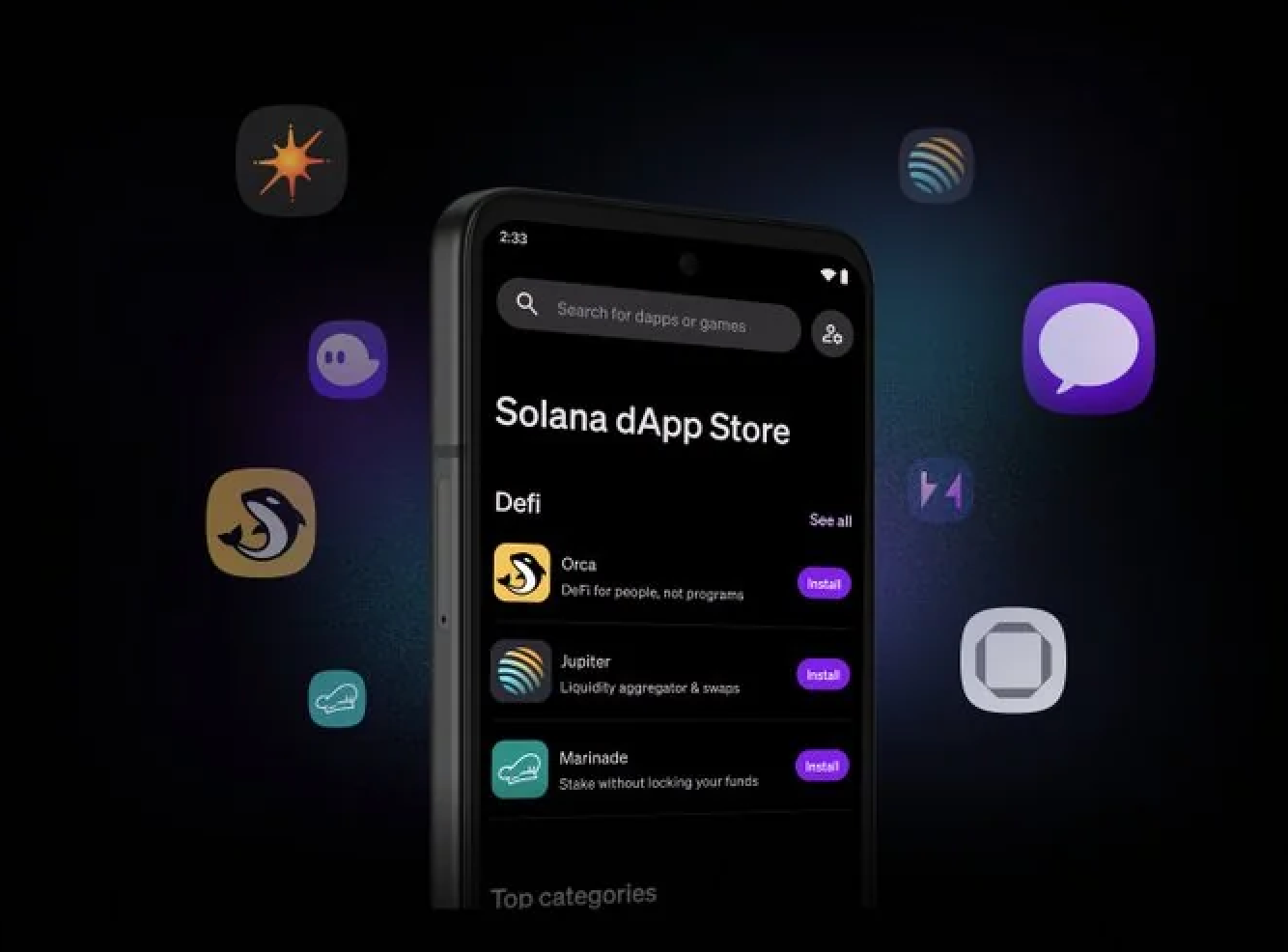
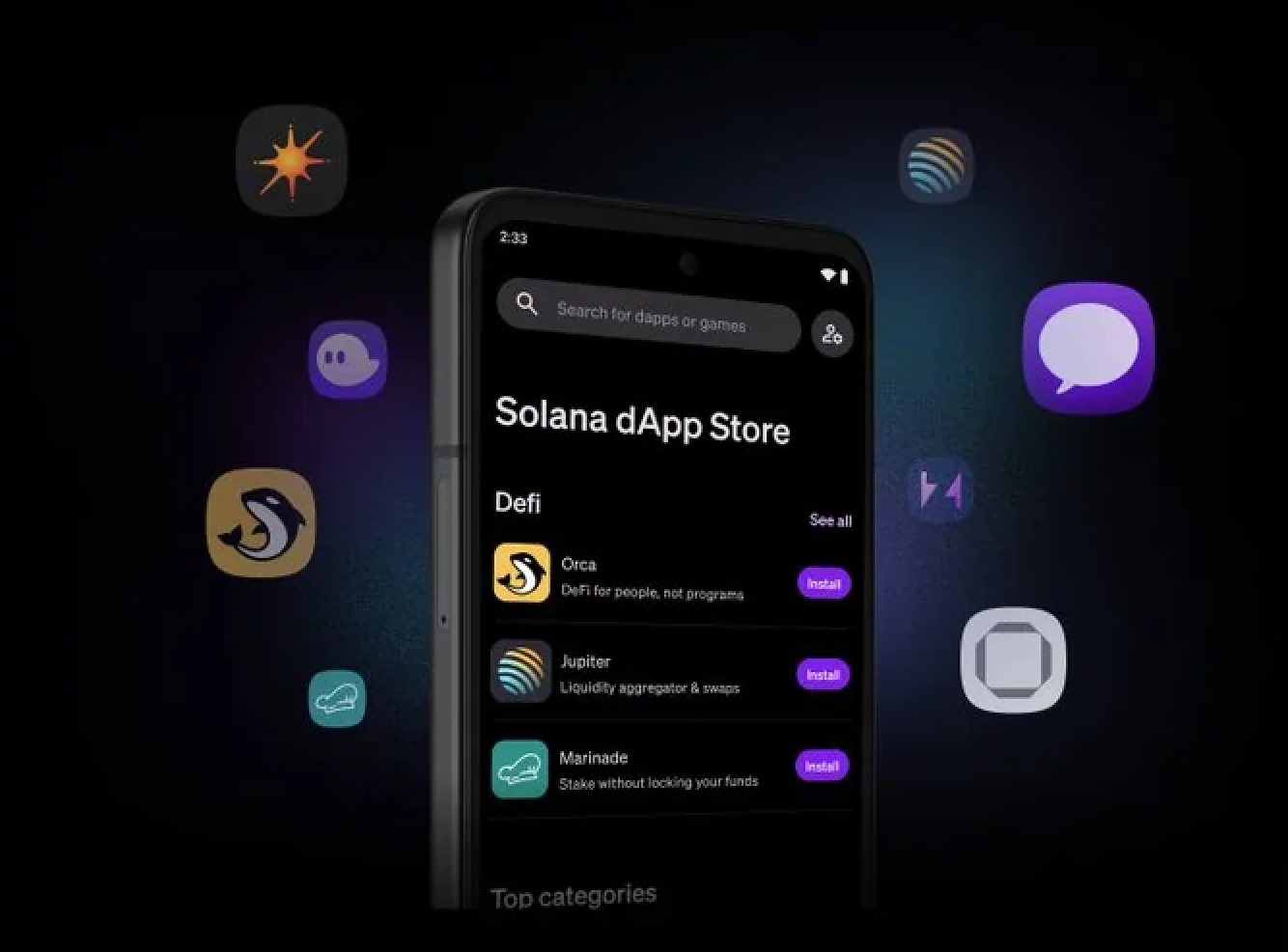
Beyond security, the open Solana dApp Store removes traditional app store restrictions and puts hundreds of innovative DeFi, NFT, and wallet apps at your fingertips. This means you can install, update, or remove dApps without gatekeepers slowing you down or censoring your choices, an essential advantage for power users who want early access to new protocols or beta features.
Setting Up Your DeFi Workflow on Solana Saga
Getting started with mobile-first crypto trading on the Saga is refreshingly intuitive yet robust enough for advanced users. Here’s how to establish a secure and efficient workflow:
Essential Steps for a Secure DeFi Workflow on Solana Saga
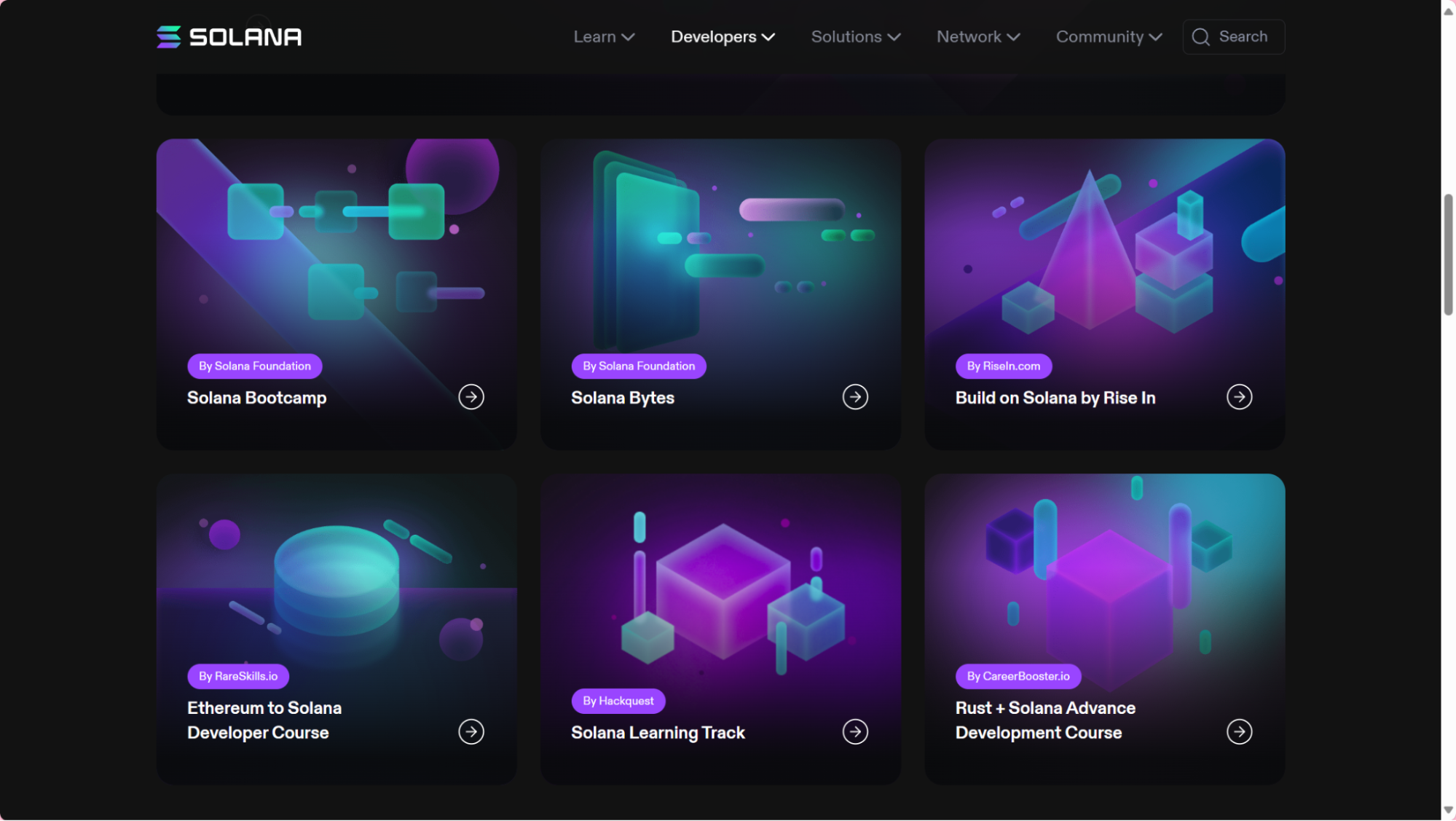
- Access the Solana dApp Store directly from your Saga device to explore a curated selection of decentralized finance (DeFi) wallet applications tailored for the Solana ecosystem.
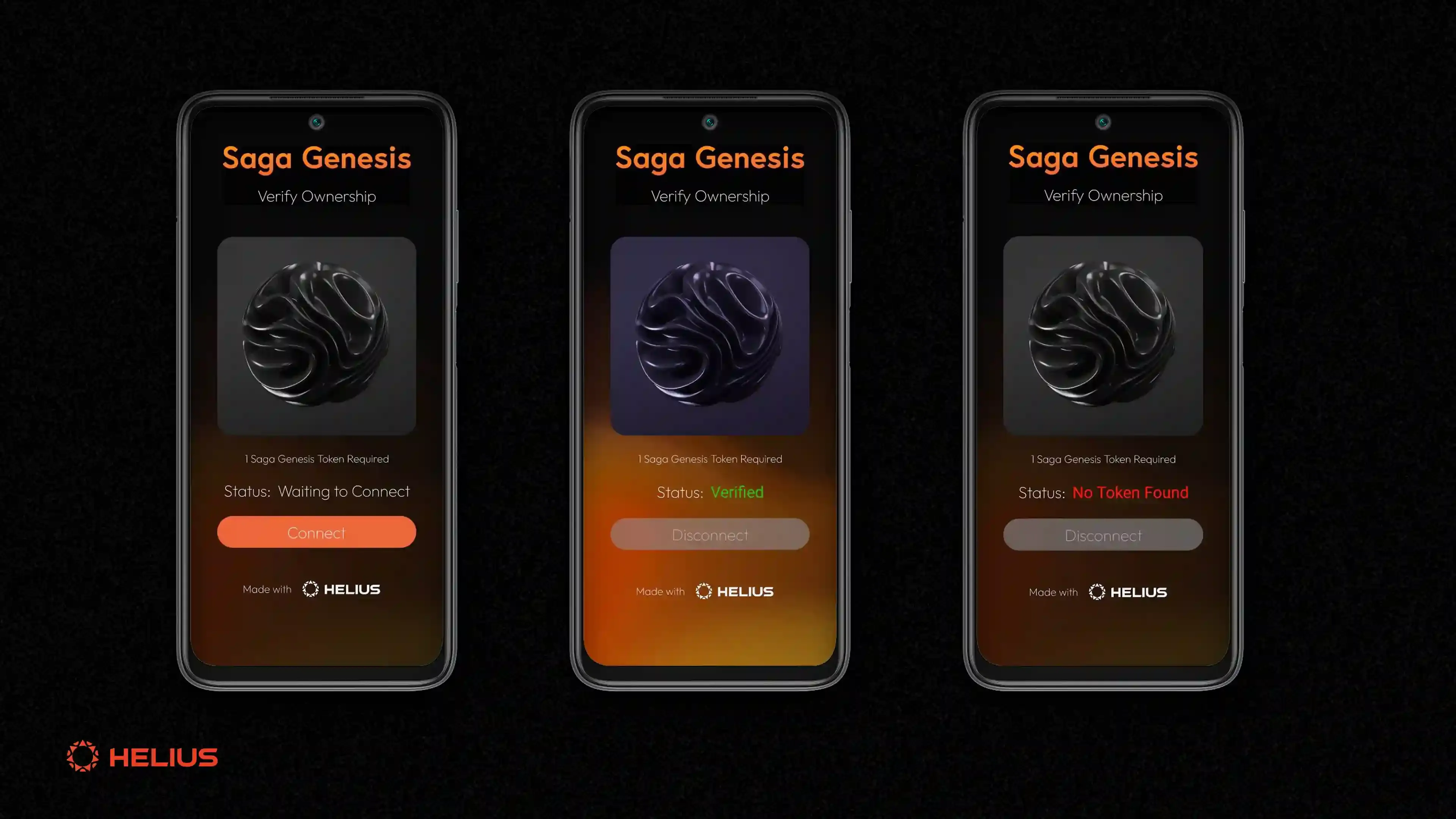
- Initialize Your Wallet by following the in-app instructions to create a new wallet or securely import an existing one. The wallet will interface with the Seed Vault for robust key management.
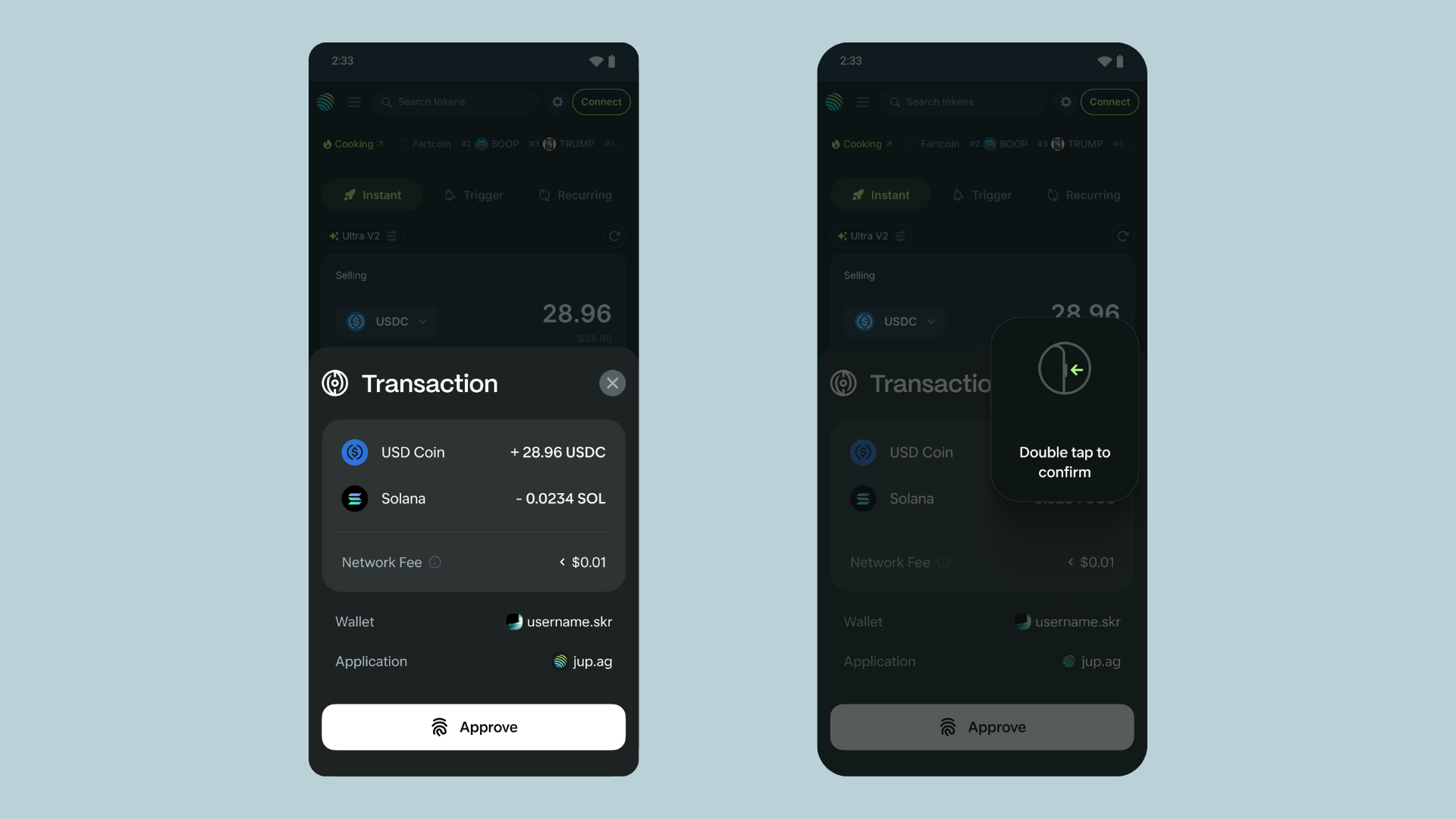
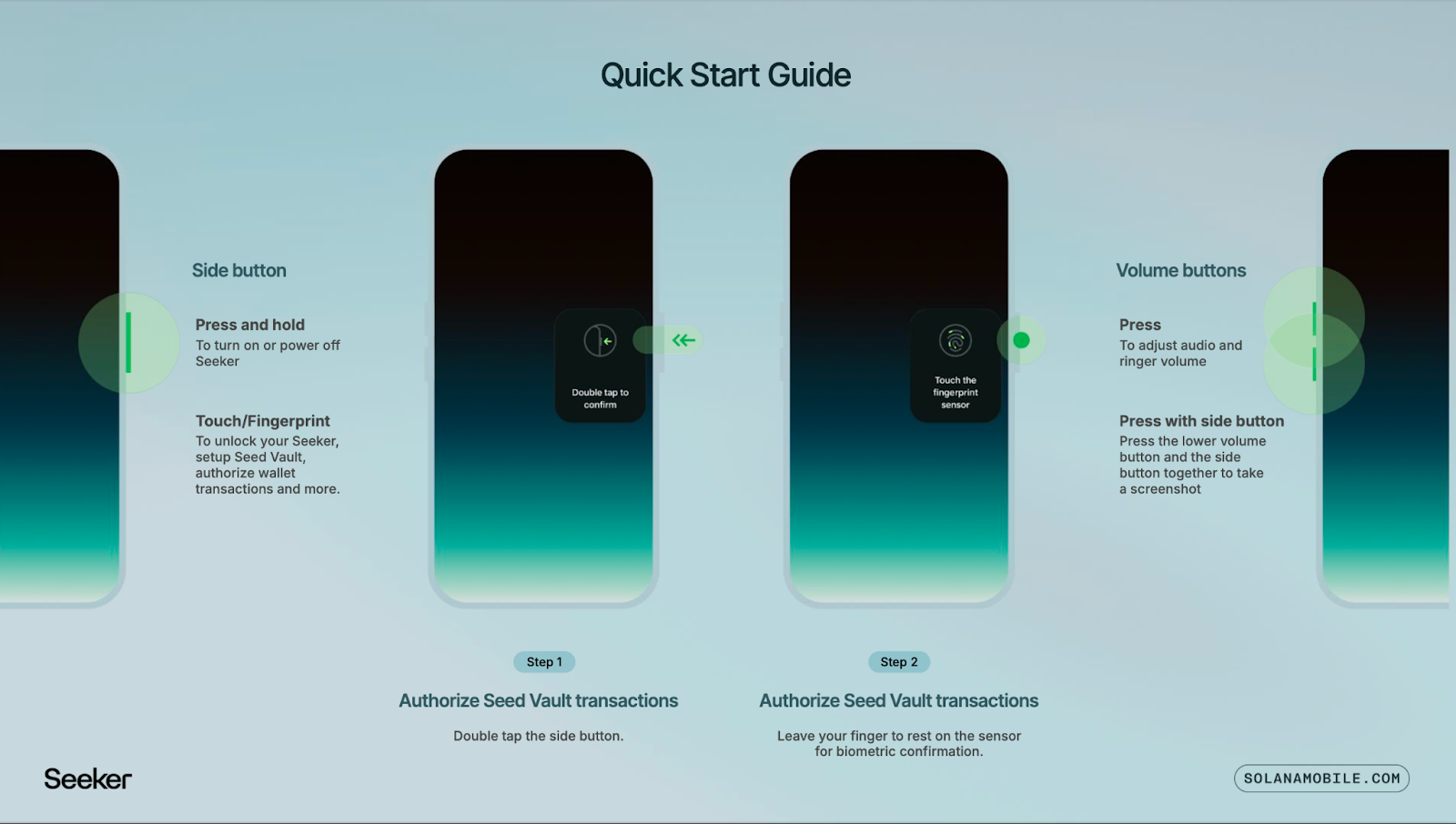
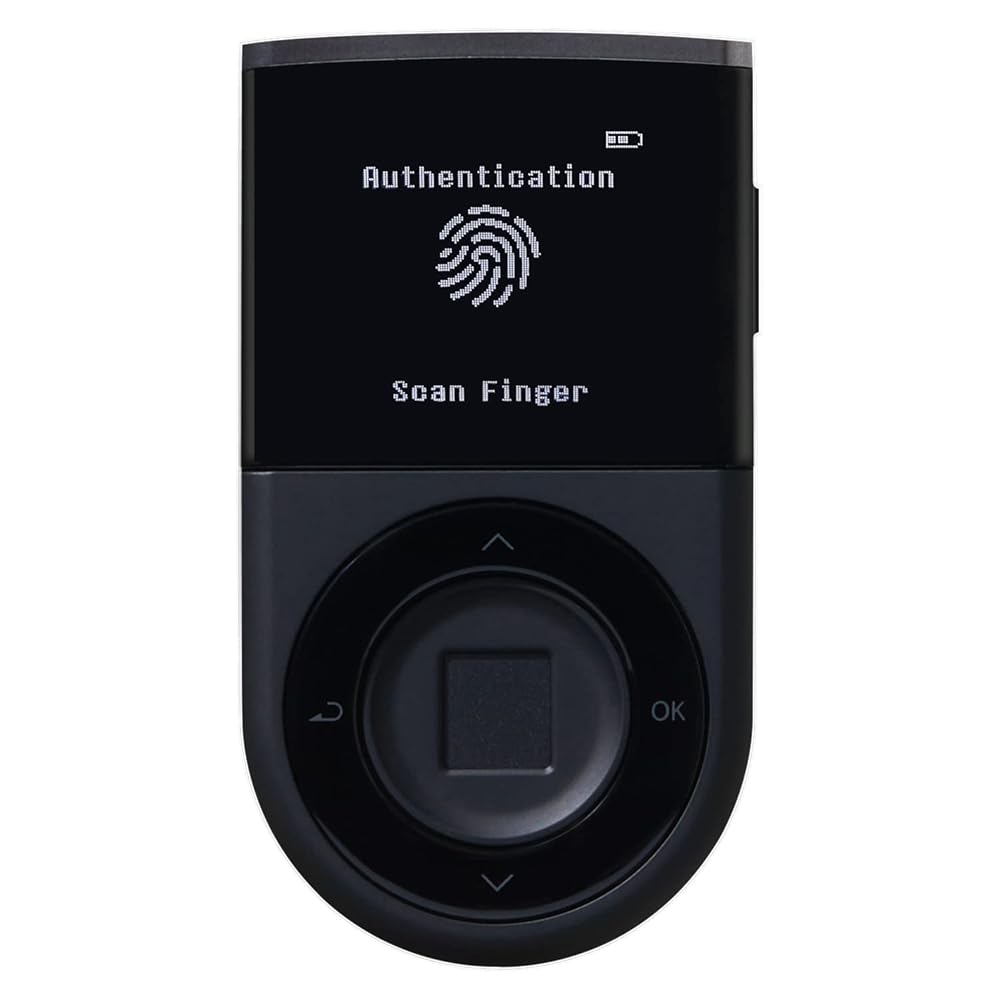
- Enable Biometric Authentication (such as fingerprint recognition) within your wallet app to authorize transactions securely and conveniently, leveraging the Saga’s hardware security features.
- Explore Leading DeFi Apps like ShapeShift, Kamino Finance, and Drift Protocol for activities such as swaps, yield strategies, and perpetual trading—all optimized for mobile use.
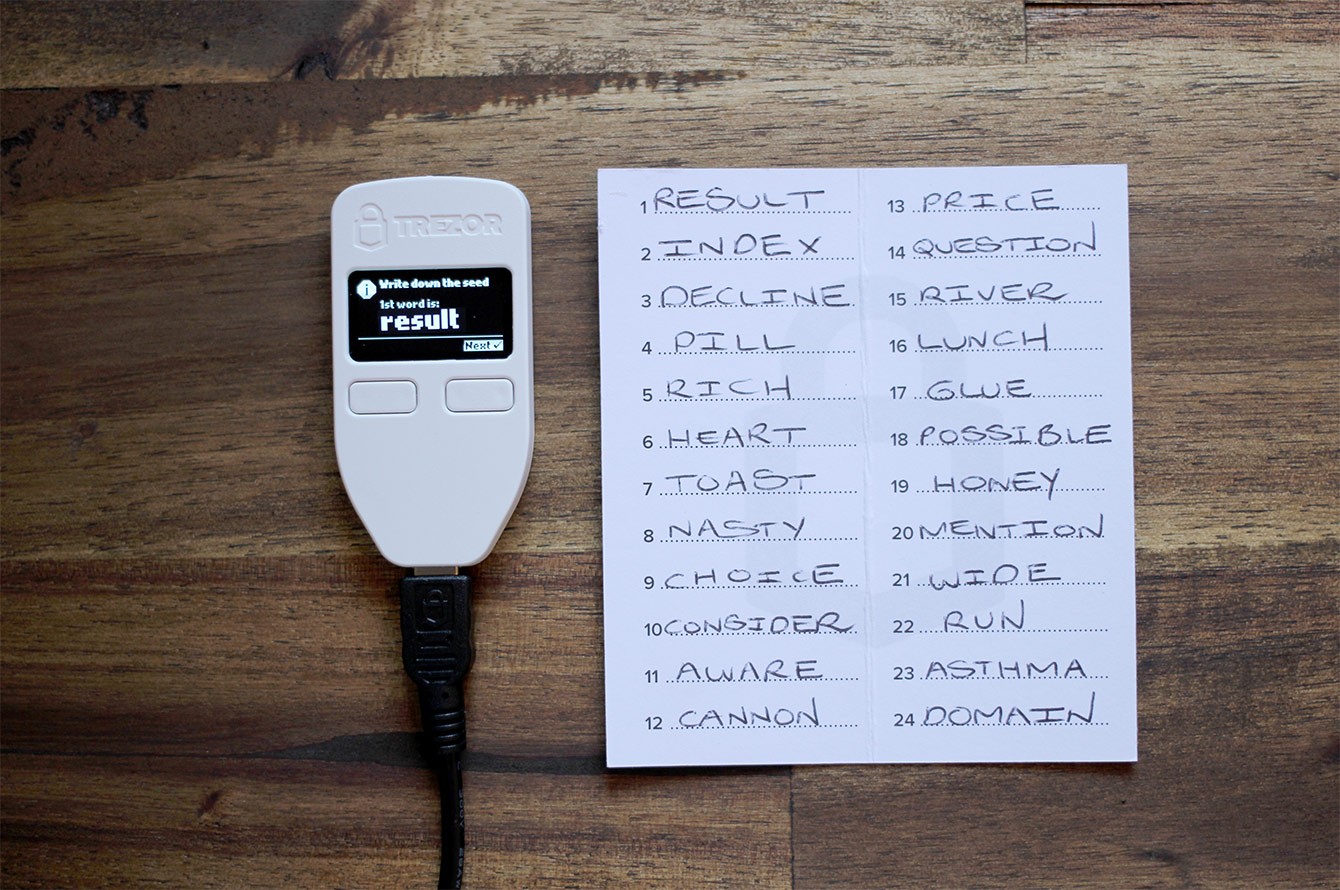
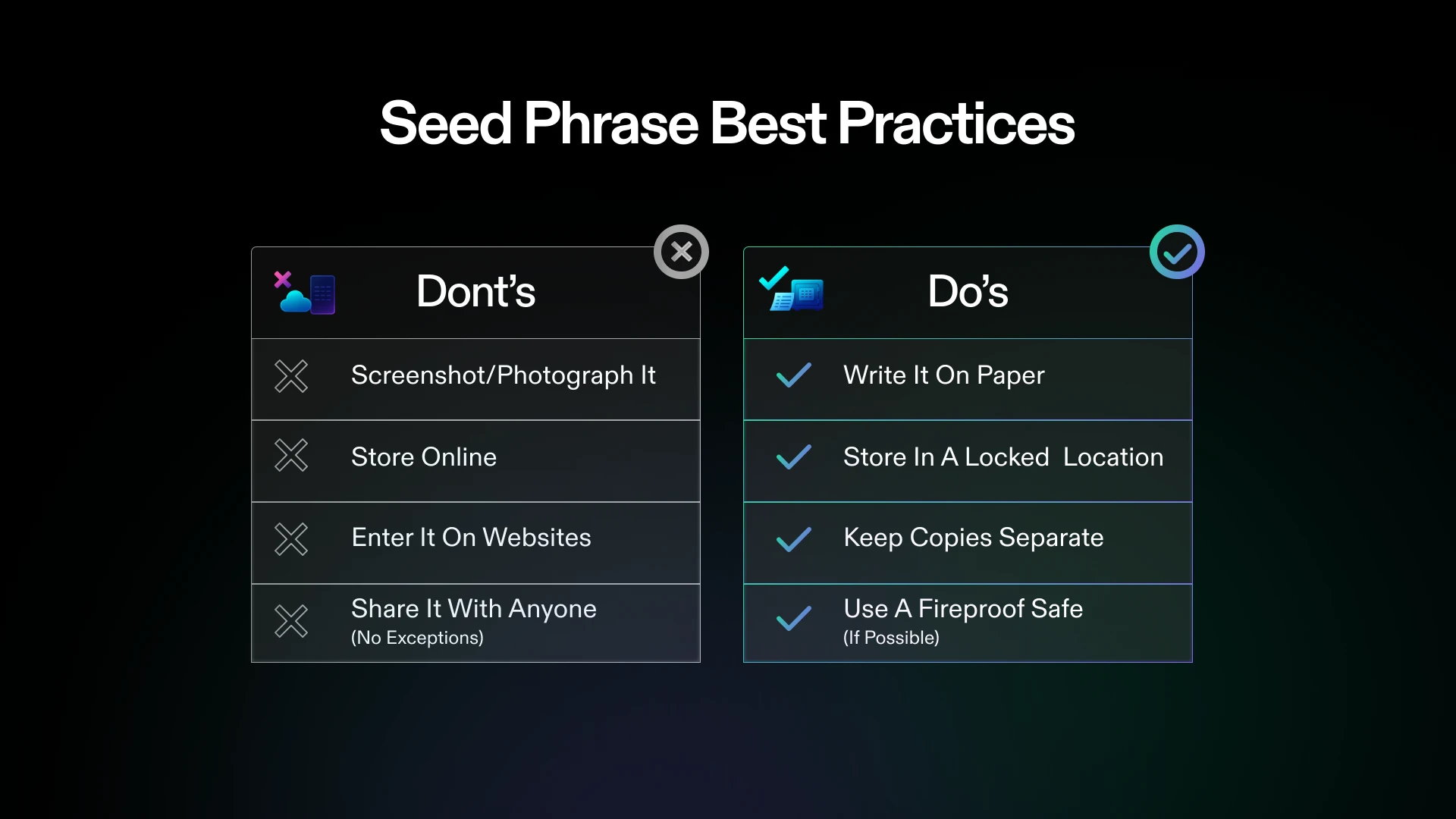
- Secure Your Seed Phrase by writing down your 24-word recovery phrase and storing it offline in a safe location. Never share your seed phrase with anyone.
- Set a Strong Passcode and Nickname for your Seed Vault, adding an extra layer of security and making wallet identification easier.
- Keep Software Updated by regularly updating your Saga device firmware and wallet apps to benefit from the latest security enhancements and features.
- Double-Check Transaction Details before sending SOL (currently $230.83) or other tokens. Always verify recipient addresses and transaction amounts to prevent errors or losses.
- Access the Solana dApp Store: Open your device’s dedicated store to explore verified wallet apps like Phantom and Solflare, both optimized for Seed Vault integration.
- Install Your Preferred Wallet: Download and set up Phantom or Solflare. These wallets offer native support for staking SOL, managing NFTs, and connecting directly to top DeFi platforms, all with hardware-level security.
- Create or Import Your Wallet: Follow in-app instructions to generate a new wallet or import an existing one using your seed phrase. The Seed Vault ensures your keys never leave secure hardware storage.
- Enable Biometric Authentication: Configure fingerprint recognition within your wallet app so transactions can be signed quickly without sacrificing safety.
The ability to sign transactions with biometrics through Seed Vault is a game-changer, it brings desktop-level confidence to every mobile trade.
Navigating Top Mobile-First DeFi Apps on Solana
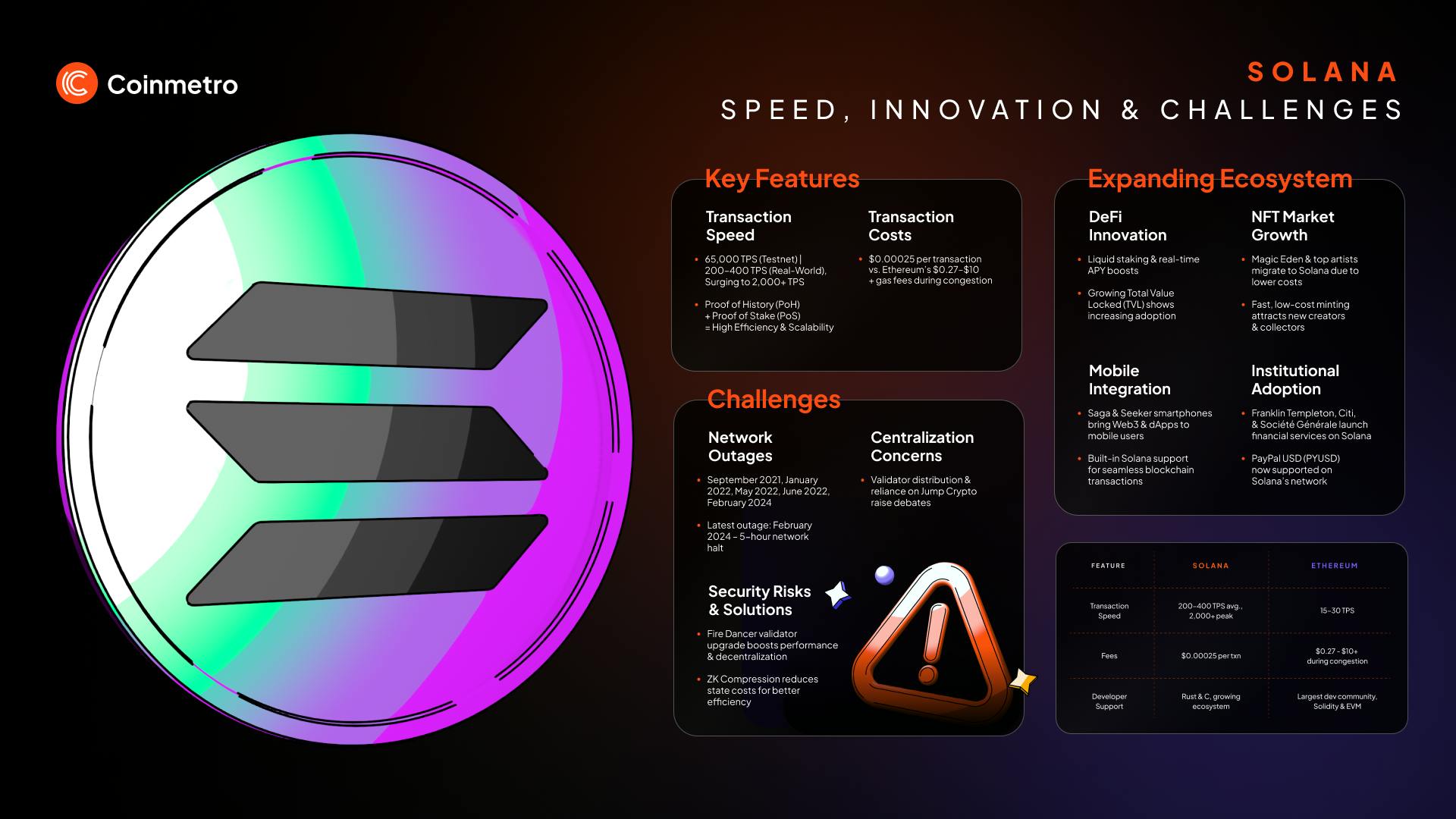
The real power of the Solana Saga emerges when you connect it to high-performance DeFi protocols built specifically for speed and low fees. Here are three standout options that exemplify what’s possible today:
- ShapeShift: A multichain platform offering swaps, portfolio tracking, and wallet integration, all accessible through an elegant mobile interface tailored for active traders.
- Kamino Finance: For yield optimizers, Kamino automates strategies by reallocating funds across lending markets and liquidity pools based on real-time analytics, no desktop needed.
- Drift Protocol: Advanced traders can access perpetual futures with up to 10x leverage via Drift’s dynamic AMM model, directly from their phone while maintaining hardware-backed security.
This integration between device-level security and protocol innovation is what makes mobile-first crypto trading not just possible but preferable for many sophisticated users today. For more hands-on guidance about installing specific apps or optimizing your workflow, see our full guide at How to Use DefiApp Mobile.
Pillars of Security: Protecting Your Assets in a Mobile-First World
No matter how advanced your device is, personal vigilance remains critical. The Seed Vault gives you confidence that private keys stay safe even if Android is compromised, but there are still best practices every user should follow:
- Secure Your Seed Phrase Offline: Write down your 24-word phrase by hand; never store it digitally.
- Create Strong Passcodes: Choose unique codes for both device unlocks and app access; avoid reusing passwords across services.
- Avoid Phishing Traps: Always verify URLs before connecting wallets; bookmark trusted sites within your browser.
- Stay Updated: Regularly check for firmware updates in both Android settings and individual dApps/wallets.
This layered approach ensures that even as you embrace cutting-edge protocols like Kamino or Drift, and capitalize on SOL's current price momentum at $230.83, you’re never exposing yourself unnecessarily to risk.
Maximizing Mobile-First DeFi: Advanced Tips for Power Users
Once you’ve secured your workflow and explored top apps, the next step is to optimize your experience for trading, yield farming, and portfolio management, all from the palm of your hand. The Solana Saga DeFi guide isn’t just about setup; it’s about extracting every ounce of potential from your device’s hardware and software synergy.
Top Mobile-First DeFi Optimization Tips for Solana Saga
- Leverage the Seed Vault for Maximum Security: Always store your private keys and seed phrase in the Saga’s Seed Vault, which uses biometric authentication for transaction approval. This hardware-level protection keeps your assets safe from phishing and malware attacks.
- Install Trusted Wallets from the Solana dApp Store: Download reputable, Solana-optimized wallets like Phantom or Solflare directly from the official dApp Store. These wallets integrate seamlessly with the Seed Vault for secure, mobile-first DeFi access.
- Enable Biometric Transaction Approvals: Activate fingerprint or facial recognition within your wallet app settings. This speeds up DeFi transactions while maintaining a high level of security on your Saga device.
- Explore DeFi Apps Optimized for Mobile: Use the Solana dApp Store to access mobile-first DeFi platforms like ShapeShift for swaps and portfolio tracking, Kamino Finance for automated yield strategies, and Drift Protocol for perpetual trading—all designed for seamless mobile use.
- Regularly Update Firmware and Apps: Keep your Saga’s operating system and wallet apps up to date to benefit from the latest security patches and feature enhancements. This reduces vulnerabilities and ensures smooth DeFi interactions.
- Practice Strong Seed Phrase Management: Write down your 24-word seed phrase offline and store it securely. Never share it digitally or with anyone, and avoid taking screenshots to prevent digital theft.
- Double-Check Transaction Details: Before sending SOL (currently $230.83) or tokens, always verify wallet addresses and transaction amounts. This simple step prevents costly errors and potential loss of funds.
Leverage Real-Time Notifications: Enable push notifications for wallet activity and dApp updates. This allows you to react instantly to market moves or governance proposals, critical when SOL is trading at $230.83 and volatility can create rapid opportunities or risks.
Explore Order Book Trading On-the-Go: Advanced users can access full-featured order books through mobile-first platforms, executing limit or market orders natively on Solana. The speed advantage of Solana’s blockchain, paired with Saga’s secure signing, means you’re never a step behind desktop traders.
Participate in Exclusive Mobile Crypto Rewards: Many dApps on the Solana dApp Store offer mobile-only rewards, airdrops, or early access incentives for Saga users. Keep an eye on app announcements and community channels to maximize these perks.
Staying Ahead: Keeping Your Mobile DeFi Toolkit Current
The mobile DeFi landscape evolves rapidly, with new protocols launching and security standards advancing almost monthly. To maintain an edge:
- Audit dApp Permissions Regularly: Periodically review which dApps have wallet access or spending approvals. Revoke permissions for any unused or suspicious apps via your wallet settings.
- Diversify Across Protocols: Avoid overexposure by spreading assets across multiple vetted platforms, Kamino for yield, Drift for derivatives, ShapeShift for swaps, reducing single-point-of-failure risk.
- Test Beta Features Safely: Use testnet environments before deploying significant funds into new dApps. The Saga’s architecture allows seamless switching between mainnet and testnet configurations within most wallets.
What is your favorite feature of the Solana Saga when using DeFi apps?
The Solana Saga smartphone is packed with features designed for seamless and secure DeFi experiences, like the Seed Vault for key protection, an open dApp Store, and biometric transaction approvals. Which feature stands out most to you as a DeFi user?
The Future of Mobile-First Crypto Trading Is Here
The convergence of hardware-backed security, open app ecosystems, and protocol innovation has made it possible to manage sophisticated DeFi strategies from anywhere. Whether you’re arbitraging SOL at $230.83, farming yields in real time, or participating in governance votes while commuting provides a well-configured Solana Saga puts the entire ecosystem in your pocket.
If you’re ready to go deeper into advanced app installation or want a step-by-step walkthrough of optimizing your mobile-first crypto trading experience, our in-depth resources are just a tap away at How Mobile-First DeFi Apps Like DefiApp Are Revolutionizing Crypto Trading on Solana Saga.
The shift toward mobile-first decentralized finance is not just a trend, it’s a fundamental evolution in how we interact with digital assets. With discipline, vigilance, and the right device in hand, you can capitalize on this new paradigm while keeping your wealth secure for years to come.



No comments yet. Be the first to share your thoughts!