

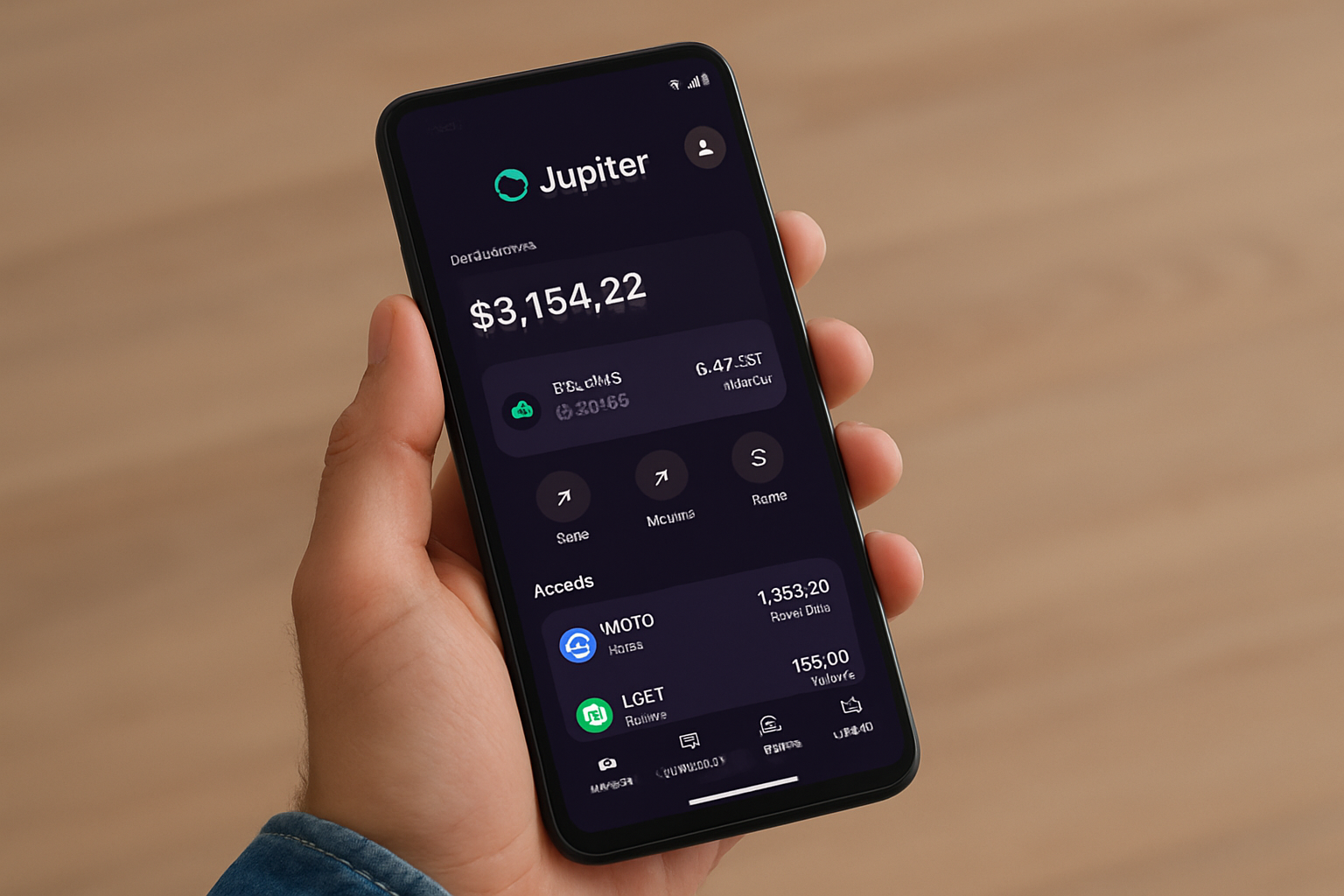
Passive yield farming on Solana is no longer just for desktop power users. With the Jupiter Mobile Wallet, Solana Saga owners can now access top DeFi strategies directly from their phone, combining intuitive UX with advanced earning opportunities. If you’re searching for a practical Jupiter Mobile Wallet guide tailored to the Solana Saga, you’re in the right place. Let’s break down how to set up your wallet and start earning passive income with Jupiter Lend, without ever leaving your mobile device.
Why Earn Passive Yield on Solana Saga?
The current market landscape is rewarding savvy mobile DeFi users. As of now, Binance-Peg SOL (SOL) is trading at $222.97, reflecting the ongoing appetite for high-yield opportunities on the Solana network. Jupiter Mobile leverages this momentum by offering seamless access to lending, staking, and vaults, all from your pocket.
With APYs reaching up to 15% on JUP staking and around 9% on stablecoin lending via Jupiter Lend, mobile-first investors have real options for passive growth. The best part? You don’t need to be glued to a desktop or trust third-party custodians, your private keys stay secure within your own device.
Setting Up Jupiter Mobile on Your Solana Saga
Getting started is refreshingly straightforward:
Set Up Jupiter Mobile Wallet & Import Your Solana Wallet on Saga

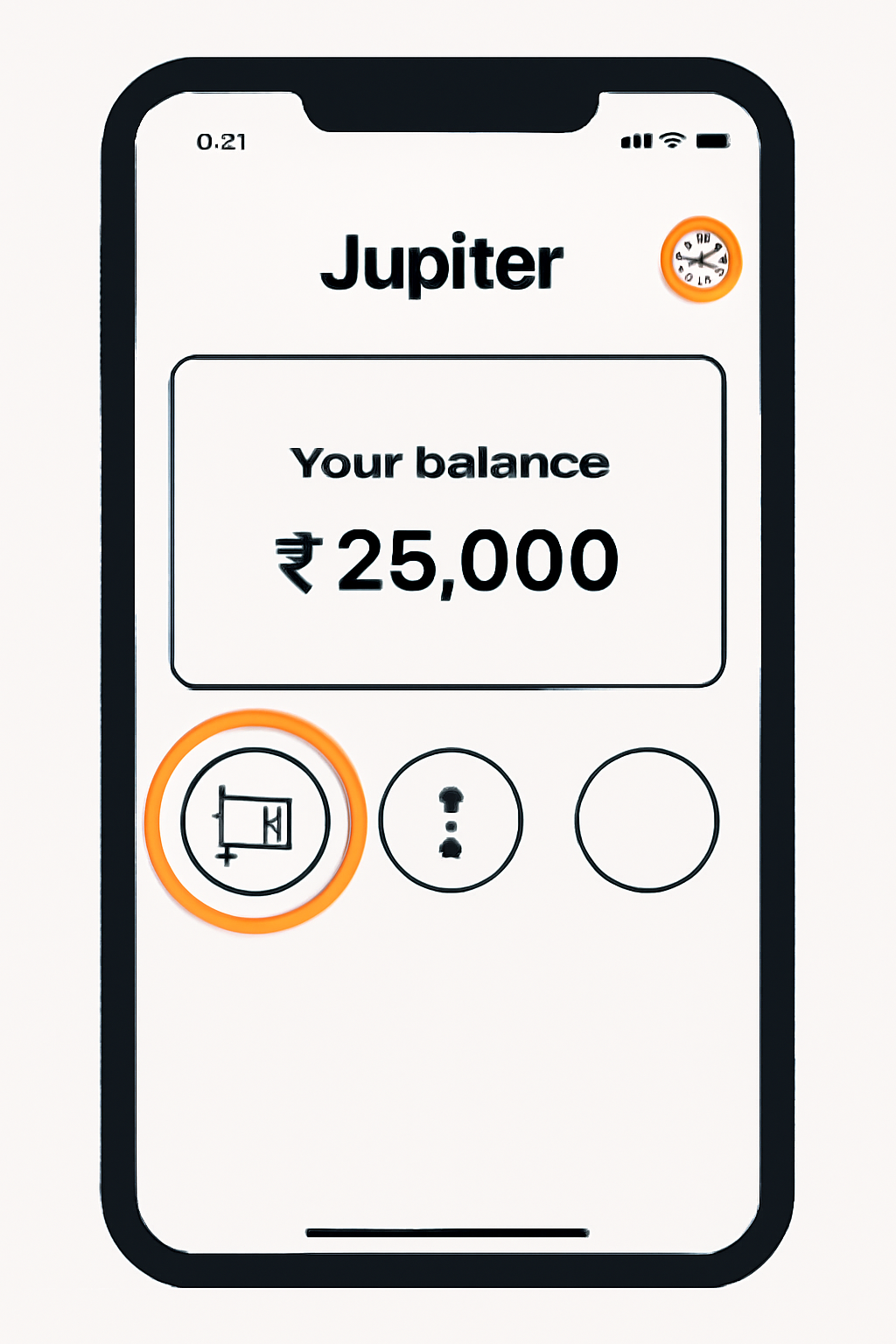
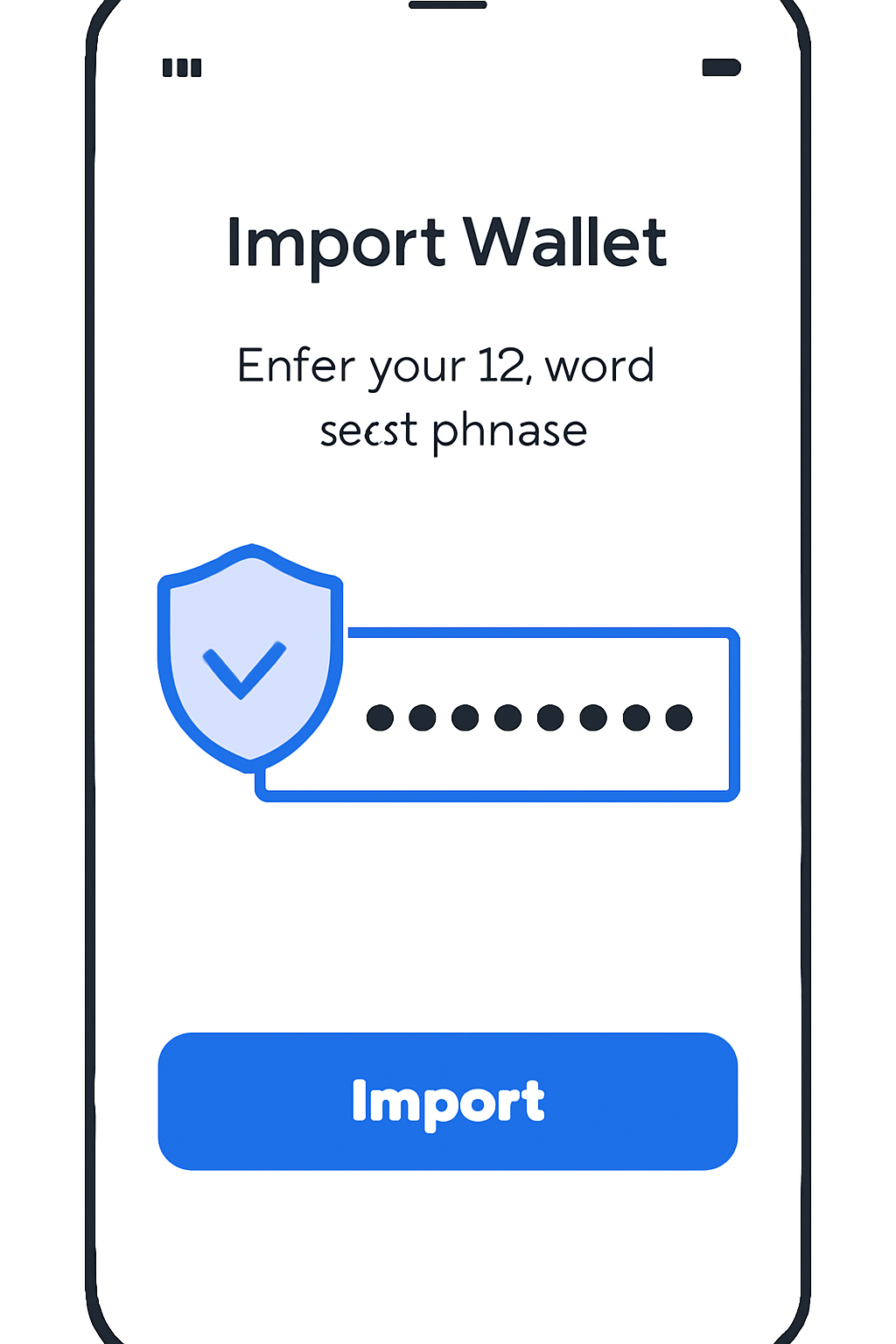
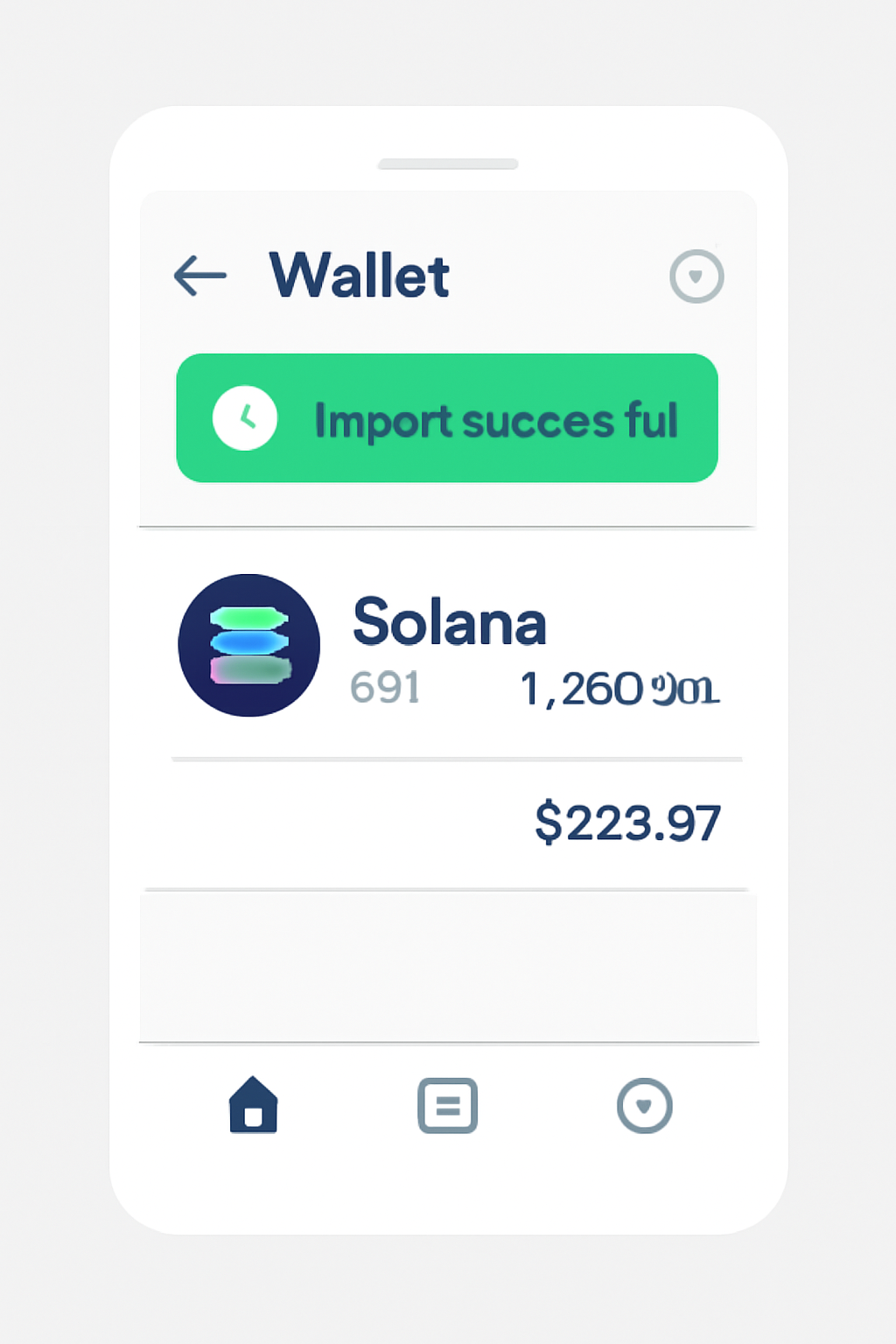
The process begins by downloading Jupiter Mobile from the Seeker dApp store built into every Solana Saga device. Open the app, tap the wallet icon, then your avatar, and finally use the three-dot menu to access “Add Wallet. ” Here you can import an existing wallet using your seed phrase, ensuring all assets remain under your control. For more detailed instructions, check out this official support guide.
Earning Yield with Jupiter Lend: Your Mobile DeFi Powerhouse
Once set up, it’s time to put your assets to work. The latest update brings Jupiter Lend front and center, a money market platform where you can deposit SOL or stables into yield-generating vaults. Here’s what stands out:
- Simplicity: Deposit with just a few taps, no complex DeFi navigation required.
- No lockups: Withdraw anytime without penalty.
- Competitive rates: Earn up to 9% APY on stablecoins or higher rates with riskier assets.
This approach means that even during volatile periods (like today’s SOL price fluctuation between $220.99 and $238.78), you can keep earning steady returns without active trading.
Navigating Risks and Maximizing Returns
No yield strategy is risk-free, smart contract exploits or market downturns are always possibilities in DeFi. However, by staying mobile-first and using well-audited protocols like Jupiter Lend directly from your own device, you reduce reliance on centralized platforms and gain full custody over your funds.
The next section will cover advanced tips for optimizing yields across different asset classes within the wallet, and how to track performance as markets shift around key price levels like today’s $222.97 SOL benchmark.
Advanced Yield Strategies on Jupiter Mobile
After you’ve mastered the basics, it’s time to explore the deeper features that make Jupiter Mobile a true Solana phone DeFi powerhouse. The app isn’t just about simple deposits, it empowers you to diversify across multiple vaults, rebalance your portfolio, and even experiment with risk-adjusted strategies. For instance, you might allocate a portion of your SOL to a high-yield vault while keeping your stablecoins in a lower-risk, steady-yield pool. This flexibility is ideal for active users who want to maximize returns without losing sleep over market swings.
Top Tips to Maximize Passive Yield with Jupiter Mobile
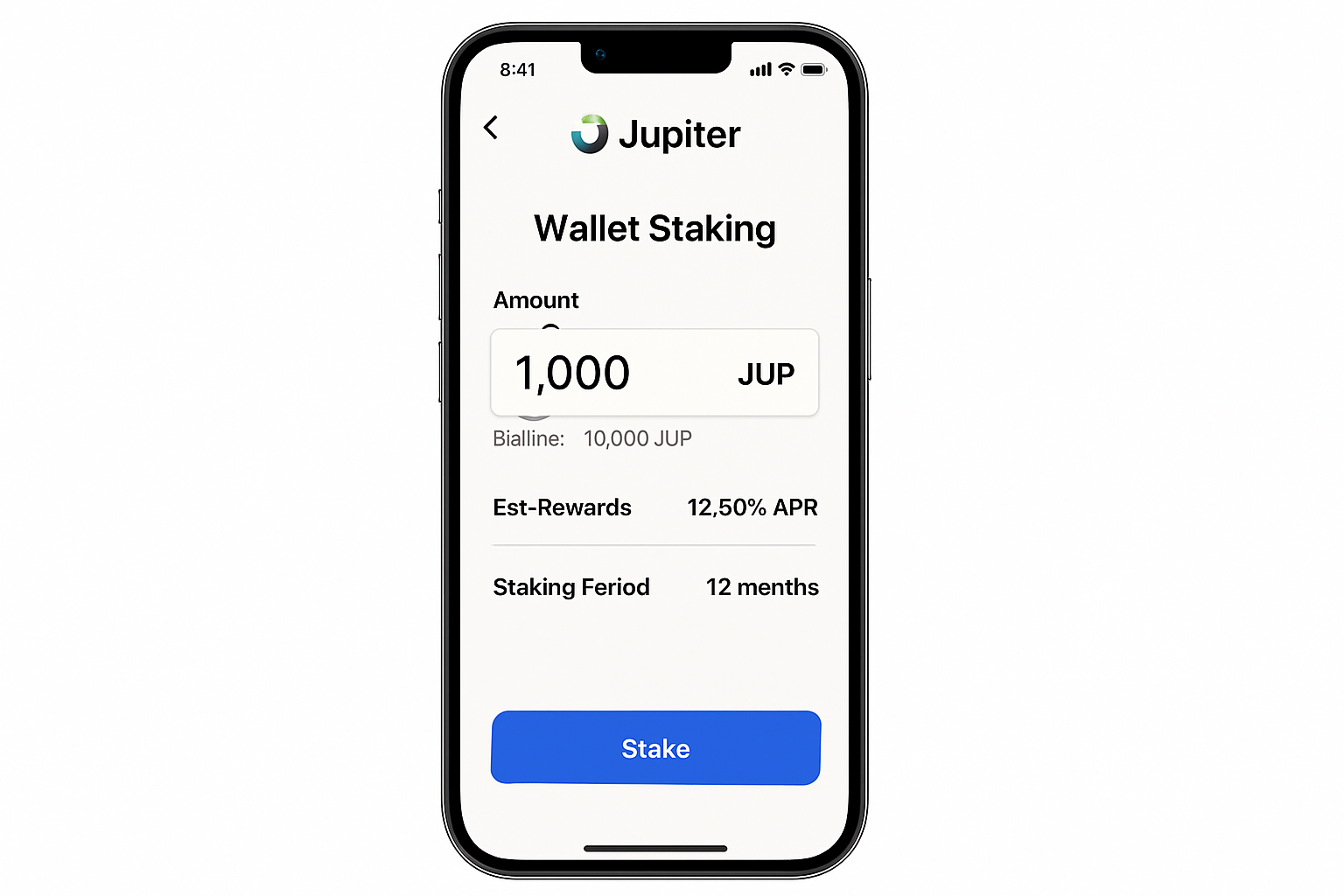
- Stake JUP Tokens for Competitive APY: Use Jupiter Mobile to stake your Jupiter (JUP) tokens directly from your Solana Saga device and earn up to 15% APY. Staking supports the Jupiter network and compounds your rewards over time.
- Utilize Jupiter Lend for Stablecoin Yield: Deposit stablecoins like USDC or USDT into Jupiter Lend vaults to earn passive interest—recent rates have reached 9% APY on stables. This is a lower-risk way to generate yield while holding stable assets.
- Monitor Asset Prices and Adjust Positions: Keep an eye on Solana (SOL) prices—currently $222.97—and adjust your portfolio within Jupiter Mobile to optimize returns or minimize risk, especially during volatile market periods.

- Enable In-App Notifications for Yield Updates: Turn on push notifications in Jupiter Mobile to receive real-time updates on APY changes, vault performance, and new earning opportunities, ensuring you never miss a chance to optimize your passive income.

- Secure Your Wallet and Backup Seed Phrase: Always store your wallet’s seed phrase securely and enable biometric authentication on your Solana Saga device. This protects your funds and ensures uninterrupted access to your passive yield strategies.

Jupiter Mobile also provides real-time analytics, so you can monitor your APY, total earned, and vault health directly from your Saga device. If SOL’s price shifts dramatically from its current $222.97 level, you’ll have the data at your fingertips to make informed adjustments. Remember, yield rates can fluctuate as market conditions evolve, staying engaged via mobile notifications is a smart move.
Tracking Performance and Staying Secure
Performance tracking on Jupiter Mobile is refreshingly transparent. The dashboard gives you a clear breakdown of your deposited assets, accrued yield, and historical returns. For those who want to dig deeper, exportable CSVs make it easy to analyze trends or integrate with your broader portfolio management tools.
Security remains paramount. Always double-check app permissions, keep your device updated, and never share your seed phrase. Jupiter Mobile’s non-custodial architecture means you’re in the driver’s seat. If you ever need a refresher or run into issues, the official support portal at Jupiter Support is just a tap away.
Why Mobile-First Matters as SOL Holds at $222.97
With SOL holding steady at $222.97, mobile DeFi is no longer a novelty, it’s a necessity for staying ahead in today’s fast-paced markets. The ability to deposit, withdraw, and track yields without being tethered to a desktop gives Solana Saga users an agility advantage that can’t be overstated.
As more protocols integrate with Jupiter Mobile and the Solana ecosystem matures, expect even richer yield opportunities and new ways to automate your passive income strategies. Whether you’re staking JUP for up to 15% APY or earning 9% on stables through Jupiter Lend, the path to financial sovereignty is now literally in your pocket.
Ready to unlock the full potential of your Solana Saga? Explore Jupiter Mobile’s latest features and start compounding your crypto, all while keeping security and flexibility front and center.




No comments yet. Be the first to share your thoughts!