
Solana’s mobile-first approach is redefining how users interact with DeFi, and the Saga phone sits at the heart of this transformation. With the Solana dApp Store and Seed Vault, Saga users gain streamlined access to powerful decentralized apps, without compromising on security or user experience. In this guide, we’ll break down how to use the top Solana DeFi apps on your Saga device, spotlighting the five platforms every mobile crypto investor should know: Jupiter Exchange, Pump. fun, Drift Protocol V2, Marinade Finance, and Solend.
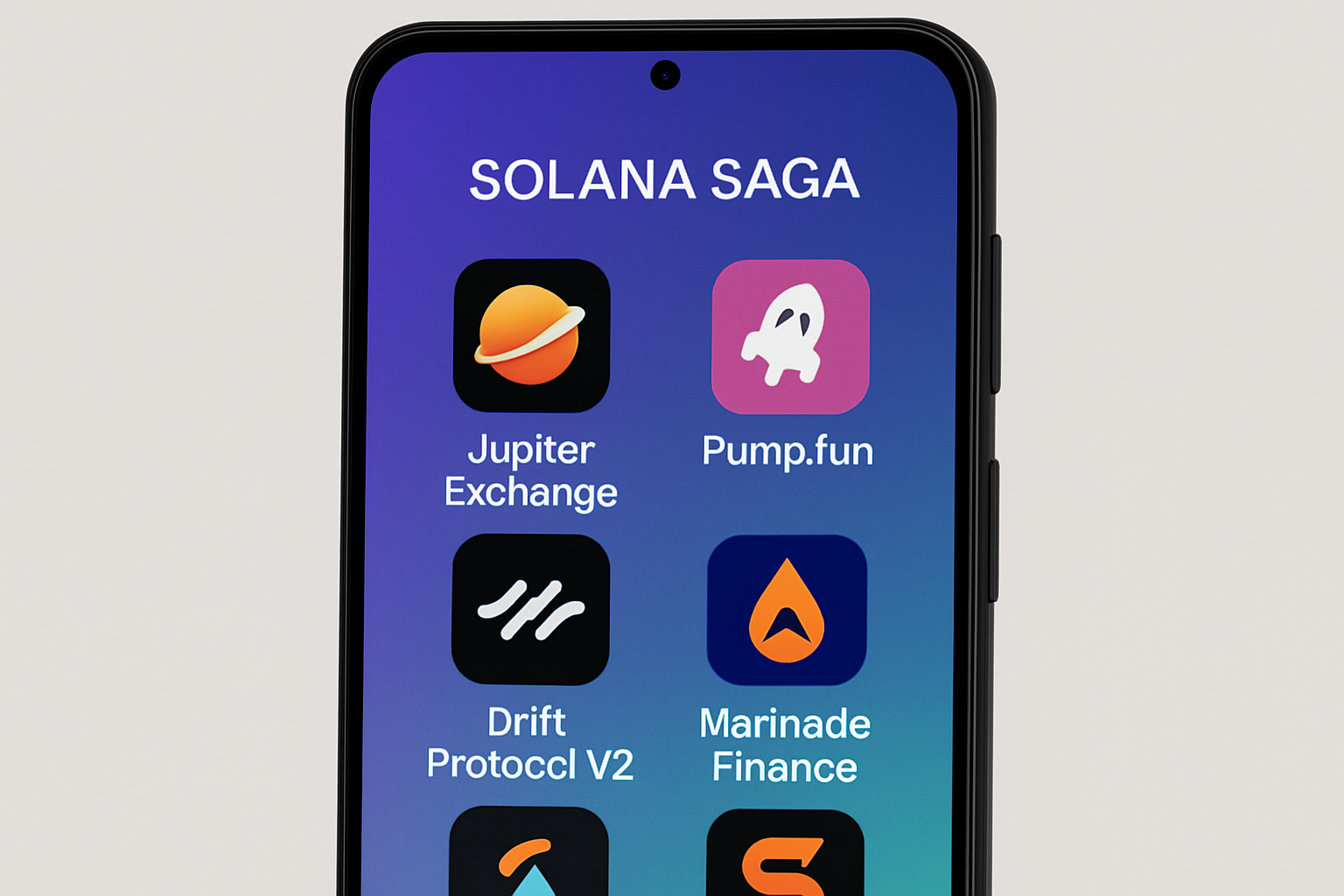
Why Solana Saga Is the Ultimate Mobile DeFi Device
The Solana Saga is not just another Android phone, it’s engineered for on-chain activity. The integrated Solana dApp Store gives you direct access to decentralized applications without the friction of traditional app stores. The Seed Vault isolates your private keys from the main OS, safeguarding your assets even if your phone is compromised. Biometric authentication adds an extra layer of transaction security, making mobile DeFi both convenient and safe.
As of October 2025, Solana (SOL) trades at $192.67, reflecting continued interest in its fast-growing ecosystem. With gasless transactions and account abstraction now standard on Solana mobile apps, you can interact with DeFi protocols without worrying about managing SOL for fees, ideal for users who want seamless, on-the-go crypto management.
Setting Up Your Wallet: The Gateway to Mobile DeFi
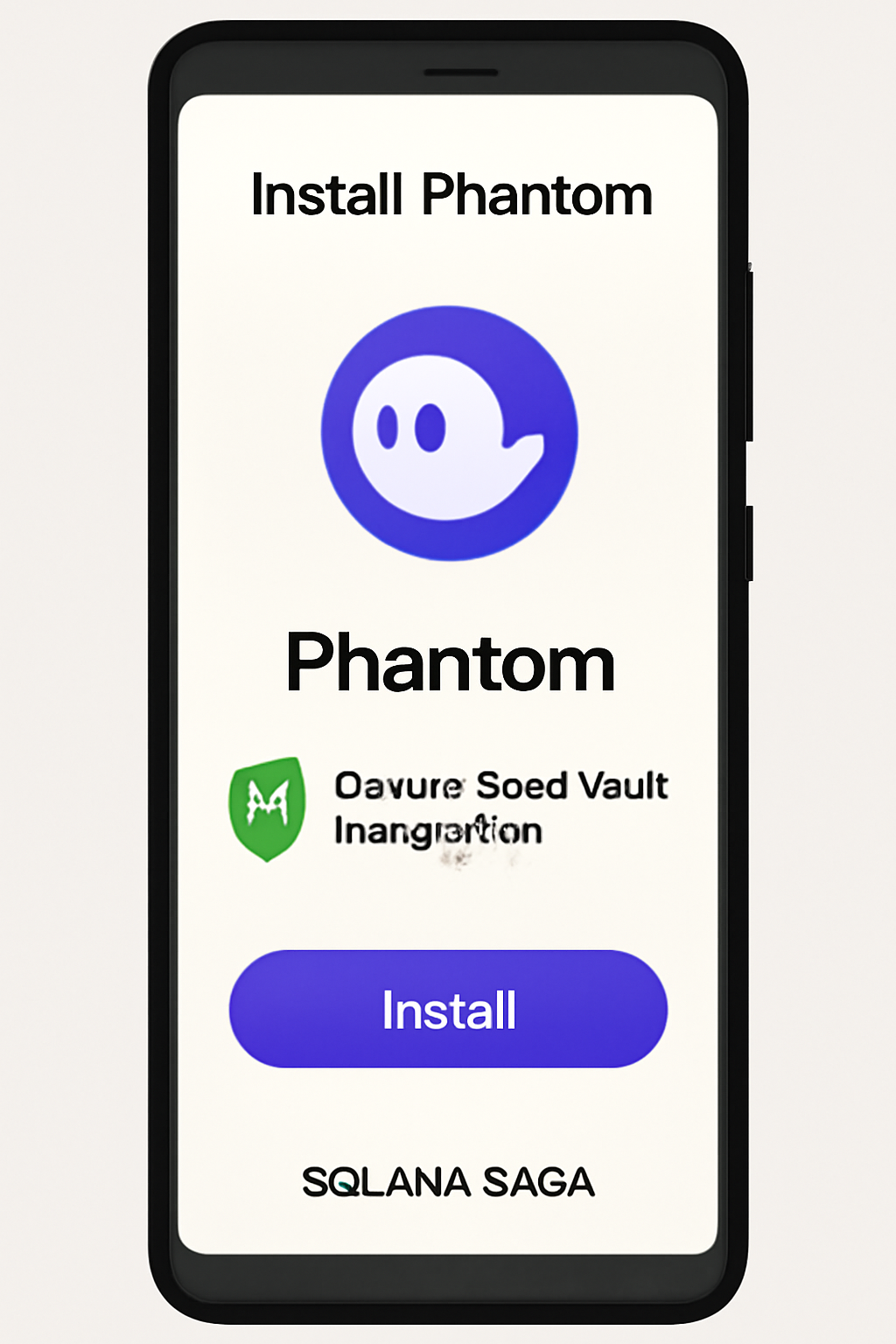
Before diving into DeFi apps, you’ll need a secure wallet. The Phantom and Solflare wallets are both available in the Solana dApp Store and support full Seed Vault integration. Setting up is straightforward: download your preferred wallet, follow the prompts to create or import your existing wallet, and connect it to the Seed Vault for maximum security. This integration ensures all DeFi transactions are signed securely, leveraging biometric authentication for added peace of mind.
For a detailed walkthrough on wallet setup and best practices, see our step-by-step guide: How to Set Up Solana Wallets on the Saga Phone.
The Top 5 Solana DeFi Apps for Saga Users
Solana’s thriving ecosystem features dozens of DeFi apps, but only a handful are fully optimized for mobile-first experiences. Here are the five essential platforms every Saga owner should have on their device:
How to Install and Use the Top 5 Solana DeFi Apps on Your Saga Phone
1. Jupiter Exchange: The Aggregator Powerhouse
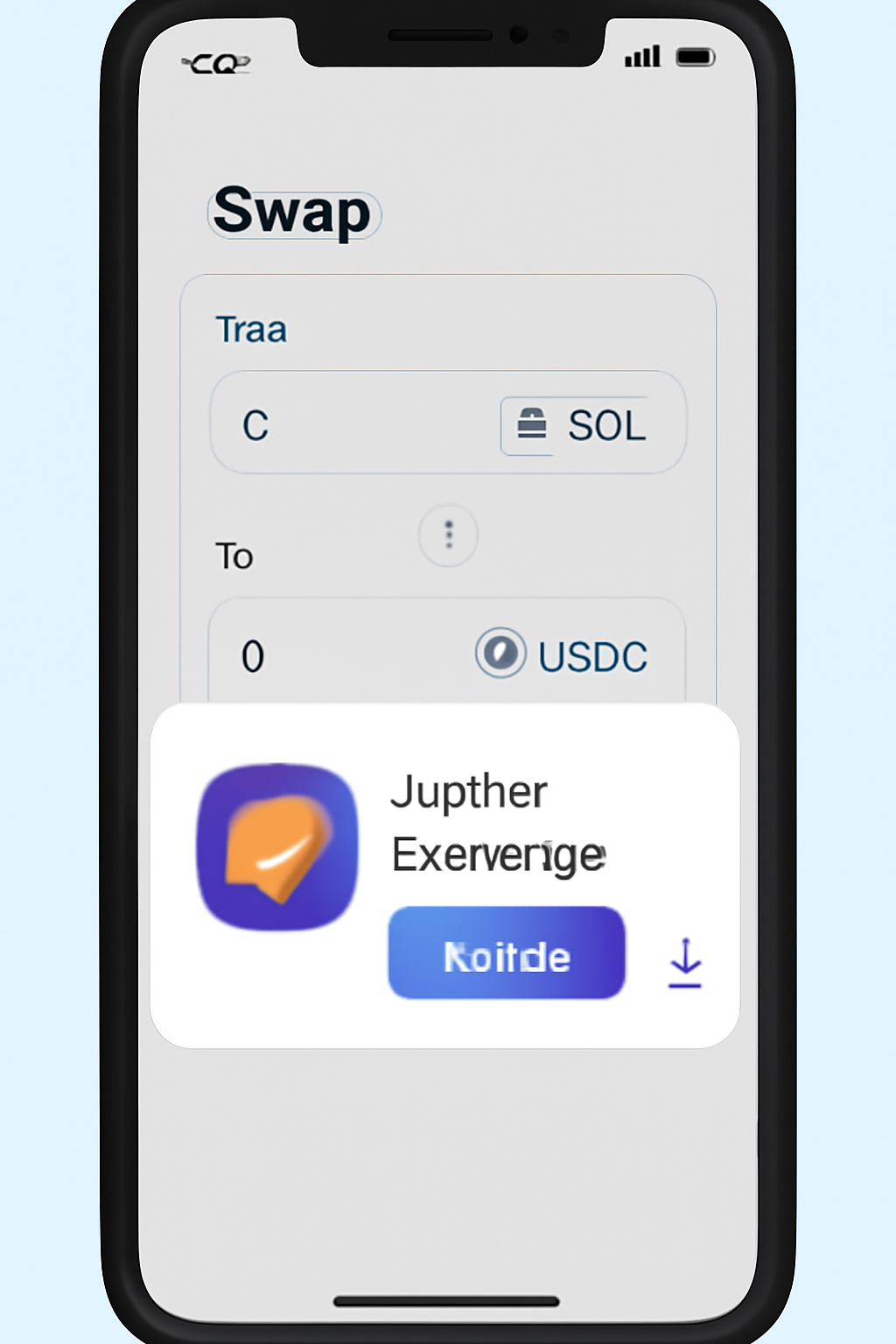
Jupiter Exchange stands out as Solana’s leading DEX aggregator. Its mobile app leverages deep liquidity sources to provide seamless, gasless token swaps directly from your Saga phone. Jupiter’s intuitive UI makes it easy to compare swap rates and execute trades in seconds, a must-have tool for traders who value speed and efficiency in volatile markets.
2. Pump. fun: Meme Coin Launchpad Meets Mobile Simplicity
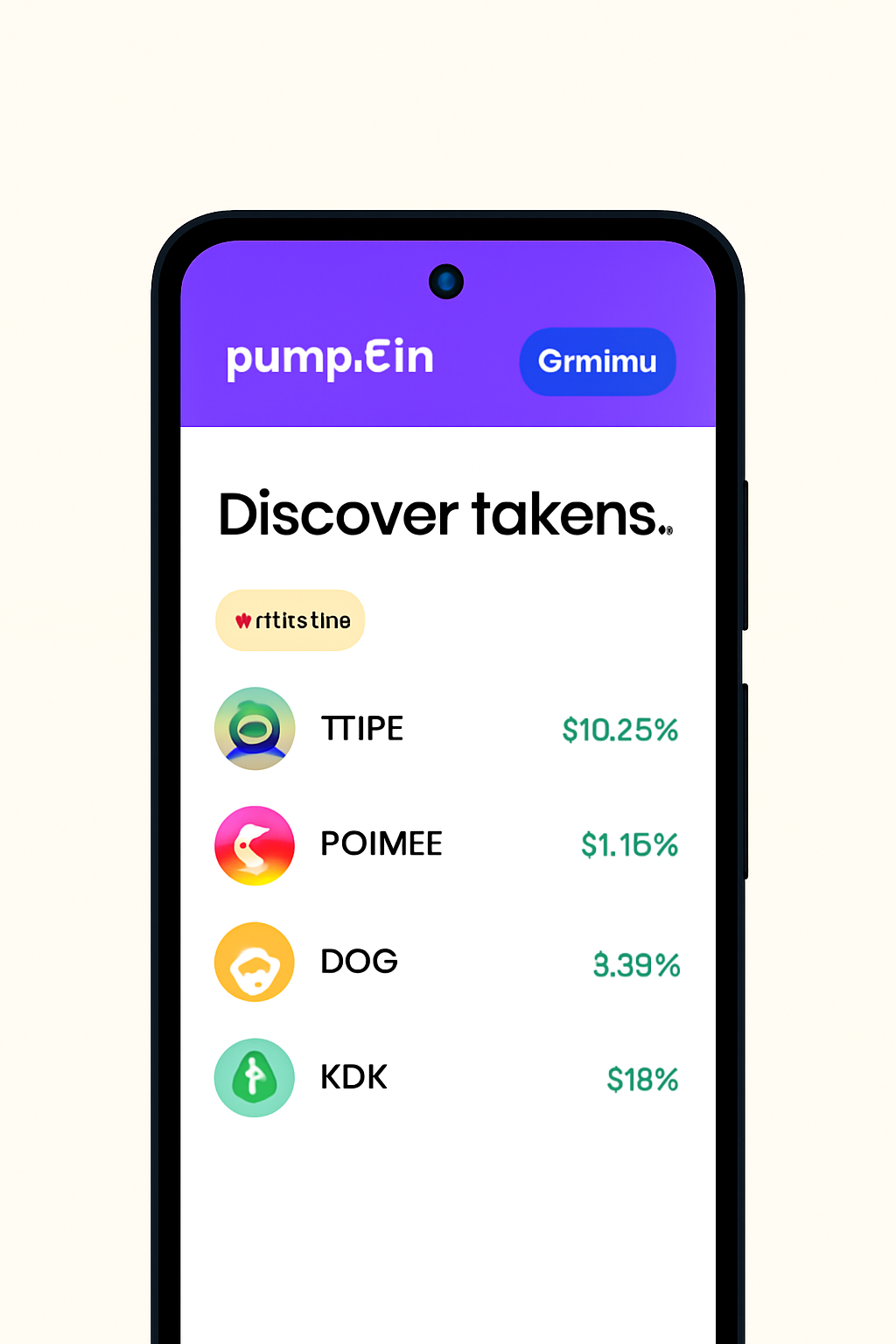
Pump. fun has quickly become a favorite among meme coin enthusiasts and speculative traders thanks to its frictionless launchpad model. On mobile, Pump. fun streamlines the process of minting and trading new tokens, no desktop needed. The app’s gamified interface and instant listings make it ideal for catching the next viral trend while on the move.
3. Drift Protocol V2: Advanced Derivatives Trading in Your Pocket
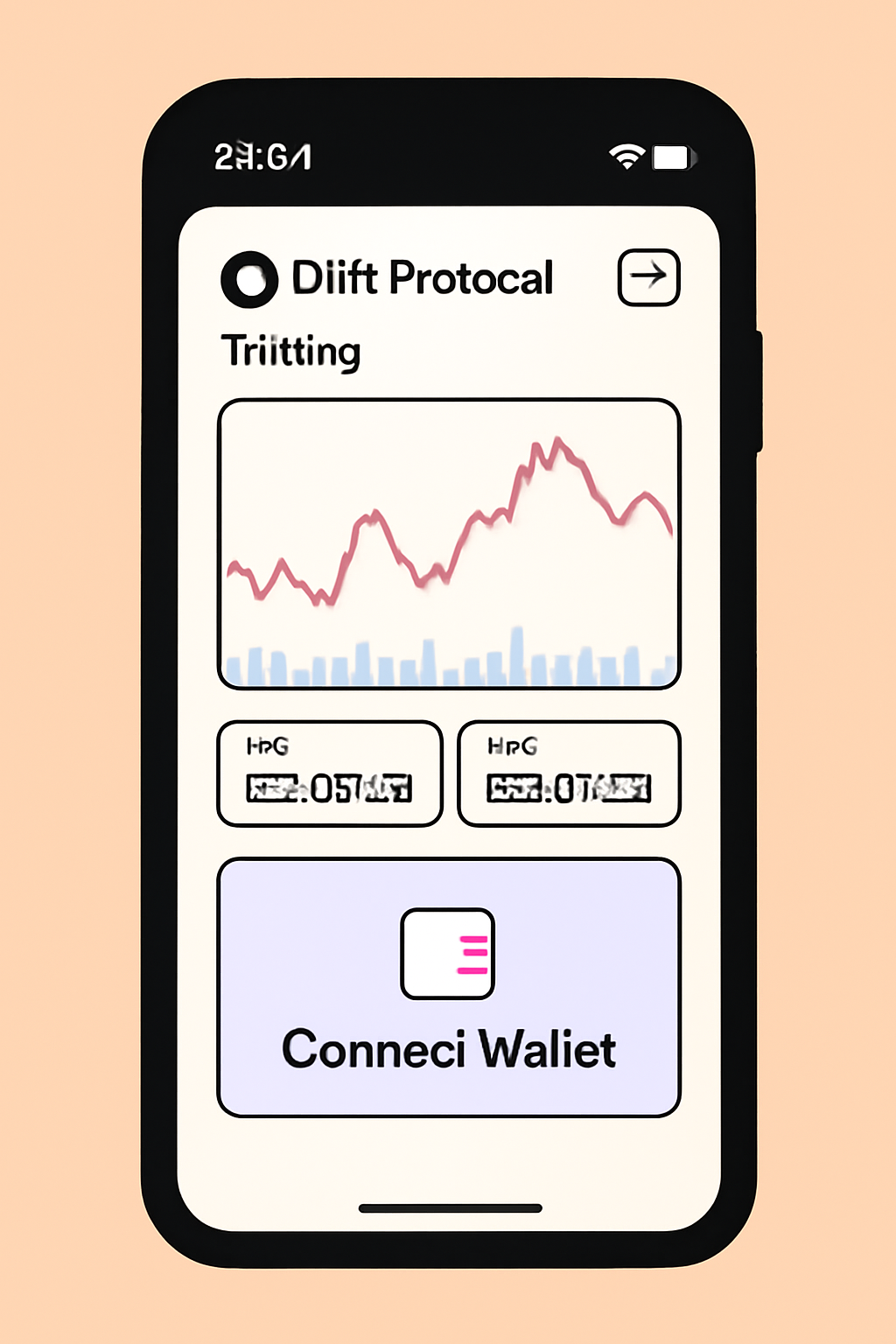
Drift Protocol V2 brings sophisticated perpetuals and derivatives trading to Solana’s mobile ecosystem. With cross-margining and advanced risk controls, Drift empowers active traders to manage leverage positions securely from their Saga device. The platform’s mobile-optimized charts and order management tools rival desktop-grade experiences, demonstrating how far mobile DeFi has come.
In the next section, we’ll explore how to use Marinade Finance for mobile staking and unlock passive income opportunities on your Saga phone.
4. Marinade Finance: Effortless Mobile Staking for Passive Yield
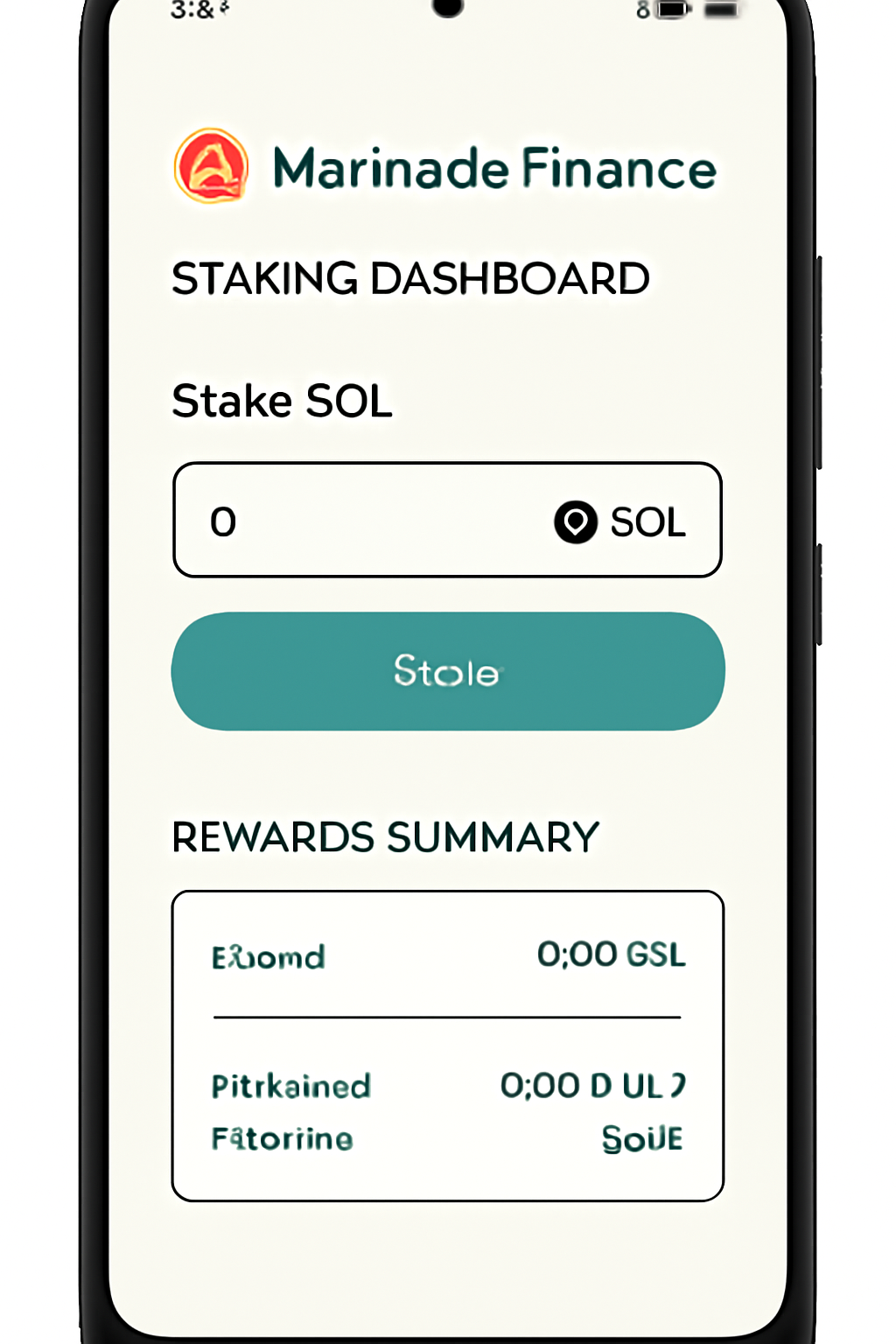
Marinade Finance is Solana’s leading liquid staking protocol, and its mobile-first design shines on the Saga. With just a few taps, you can stake your SOL directly from your wallet, instantly receiving mSOL, a liquid staking token that accrues rewards and can be used across other DeFi platforms. The process is streamlined for mobile: connect your wallet, choose the amount of SOL to stake, and approve with biometric authentication. Marinade’s integration with the Seed Vault ensures your staking operations remain secure, while real-time dashboards let you track yield growth on the go. For those seeking steady, hands-off returns, Marinade Finance is a cornerstone app.
5. Solend: Decentralized Lending and Borrowing in Your Hand
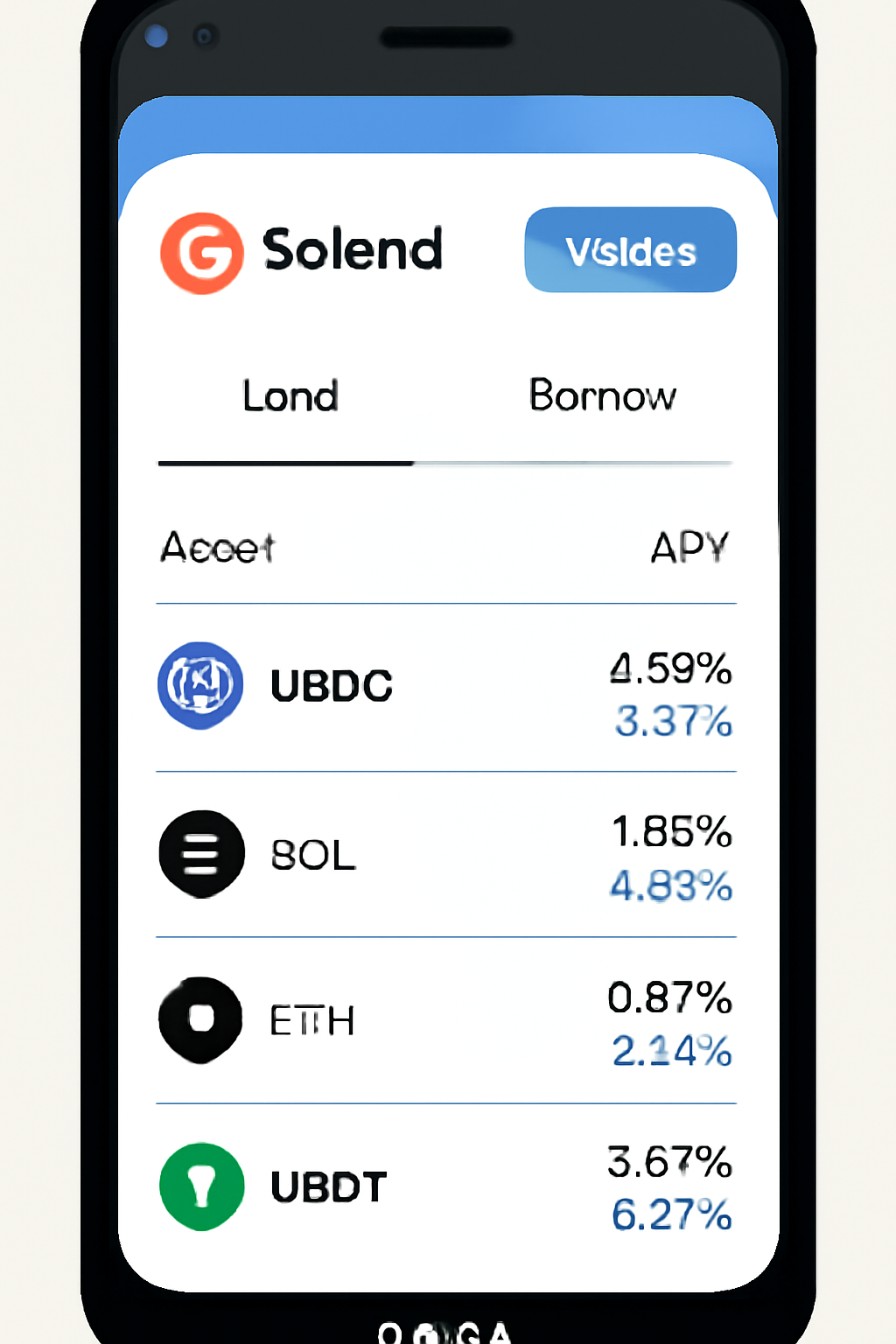
Solend delivers flexible lending and borrowing services tailored for mobile users. On your Saga phone, Solend’s dApp allows you to supply assets like SOL, USDC, or mSOL to earn variable interest, or borrow against your holdings for increased capital efficiency. The mobile interface prioritizes clear risk metrics and loan management tools, so you can monitor health factors and collateral ratios with ease. Thanks to Solana’s rapid transaction speeds and the security of the Seed Vault, lending and borrowing on Solend is both fast and safe, making it an essential tool for active DeFi participants and passive yield seekers alike.
Tips for Maximizing Your Mobile DeFi Experience
To get the most out of DeFi on your Solana Saga, keep these best practices in mind:
- Stay updated: Regularly update your dApps and Saga OS to patch vulnerabilities and access new features.
- Use Seed Vault integration: Always connect wallets to the Seed Vault for hardware-grade private key protection.
- Leverage biometric security: Enable fingerprint or facial authentication to approve transactions securely.
- Monitor market conditions: With SOL currently at $192.67, be mindful of volatility when swapping or leveraging assets.
- Cross-app utility: Use liquid staking tokens like mSOL from Marinade in lending markets like Solend for layered yield strategies.
Why Mobile-First DeFi Matters in 2025
The rise of mobile-optimized DeFi apps is transforming how users interact with blockchain finance. On the Solana Saga, you’re not just trading or staking, you’re participating in a secure, interconnected ecosystem designed for speed and accessibility. The seamless flow between apps like Jupiter Exchange, Pump. fun, Drift Protocol V2, Marinade Finance, and Solend means you can execute complex strategies without ever leaving your phone. This level of integration was unthinkable just a few years ago, but now it’s setting the standard for what DeFi can be.
Ready to dive deeper? Explore more hands-on tutorials and app reviews to master every aspect of DeFi on your Saga device. For advanced tips and walkthroughs, check out our comprehensive guide: How to Use DeFi Apps on Solana Saga.



No comments yet. Be the first to share your thoughts!