
If you’re ready to unlock the full power of mobile DeFi, setting up a Solana wallet on your Saga phone is your gateway. The Solana Saga is designed with security and usability at its core, offering a dedicated Seed Vault for managing your seed phrase and seamless integration with top Solana wallets like Solflare and Jupiter Mobile. In this guide, I’ll walk you through the essential steps for a secure setup, so you can start exploring decentralized apps (dApps), manage your SOL (currently trading at $211.64), and access exclusive rewards like token-gated content tied to the Saga Genesis Token.
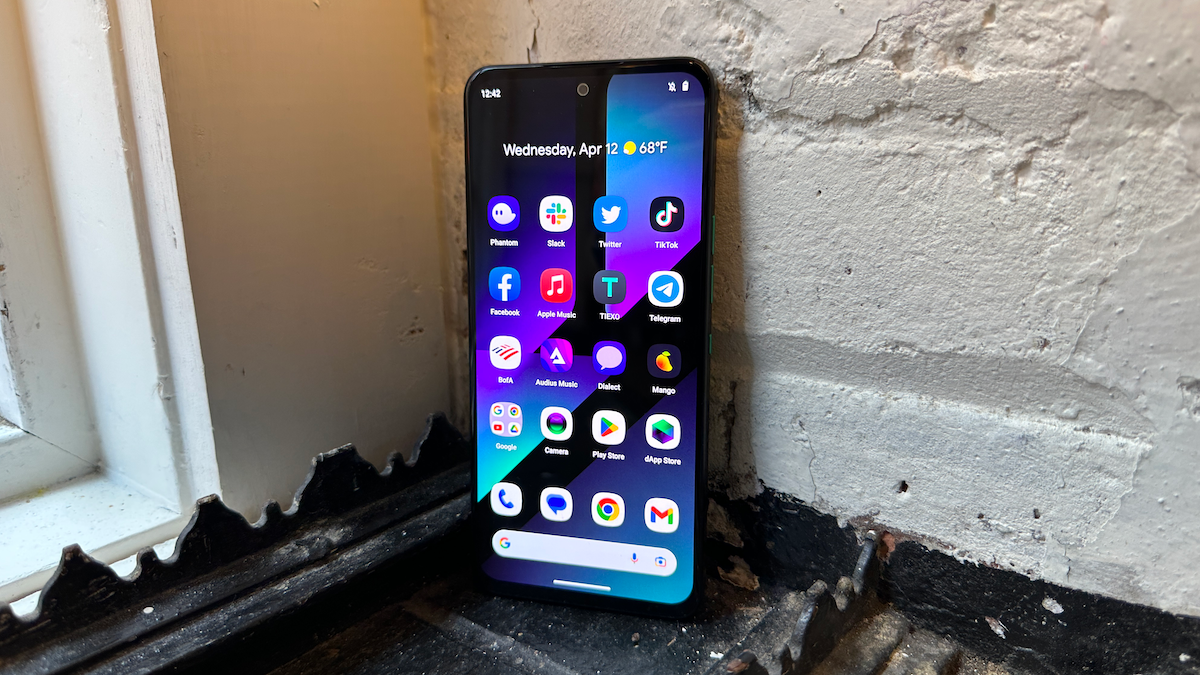
Why Mobile-First Matters: Security and Convenience on the Go
Mobile DeFi isn’t just about convenience - it’s about empowering you to control your assets wherever you are. The Saga phone leverages an isolated Seed Vault that keeps your recovery phrase protected, even from other apps running on Android. This means that even if your device is compromised, your crypto keys remain safe. With SOL’s price holding steady at $211.64, keeping those coins secure has never been more important.
Your keys, your crypto, your control.
Step-by-Step Guide: Setting Up Your Solana Wallet on Saga
Set Up a Solana Wallet on Your Saga Phone with Seed Vault, Solflare, and Jupiter Mobile
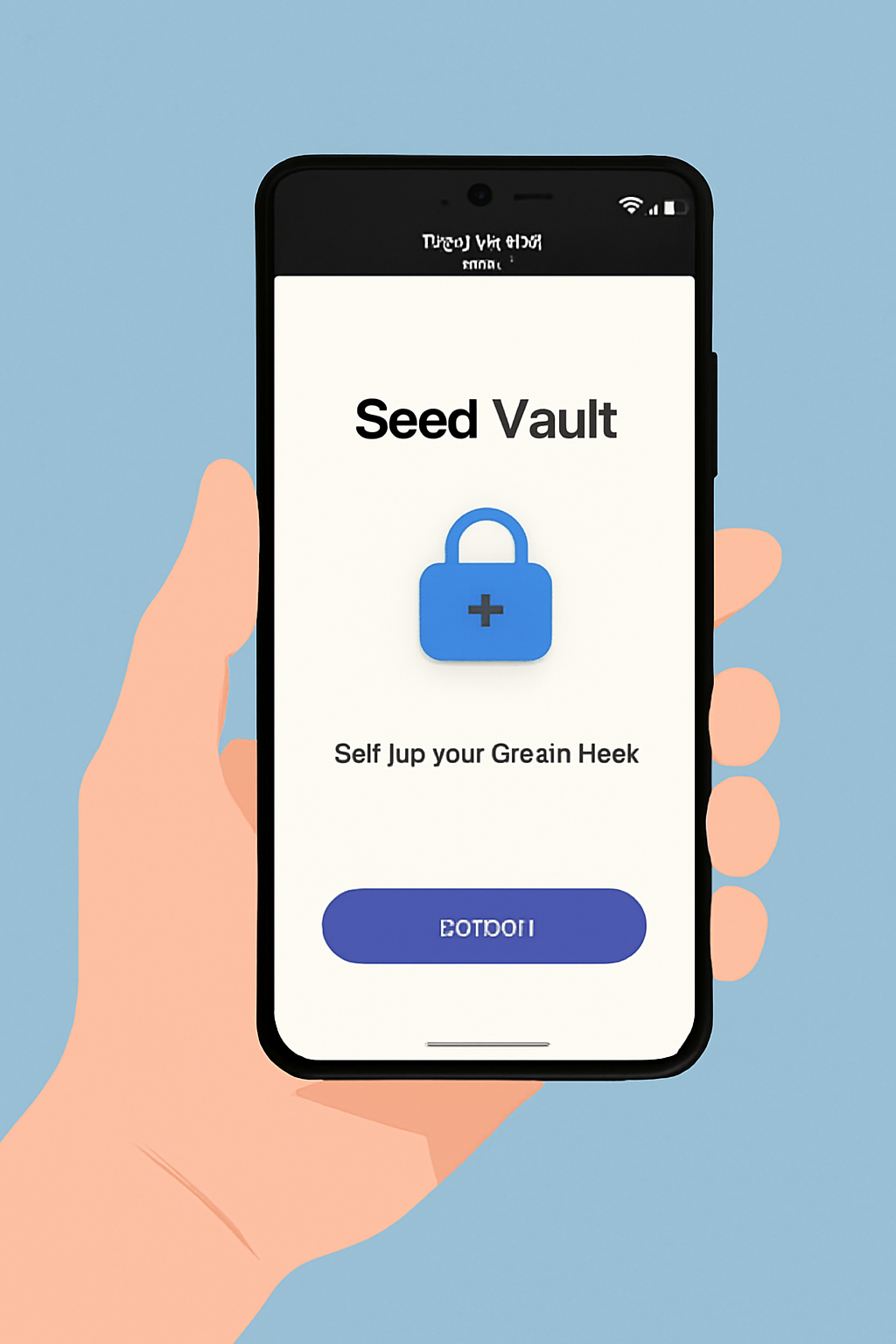
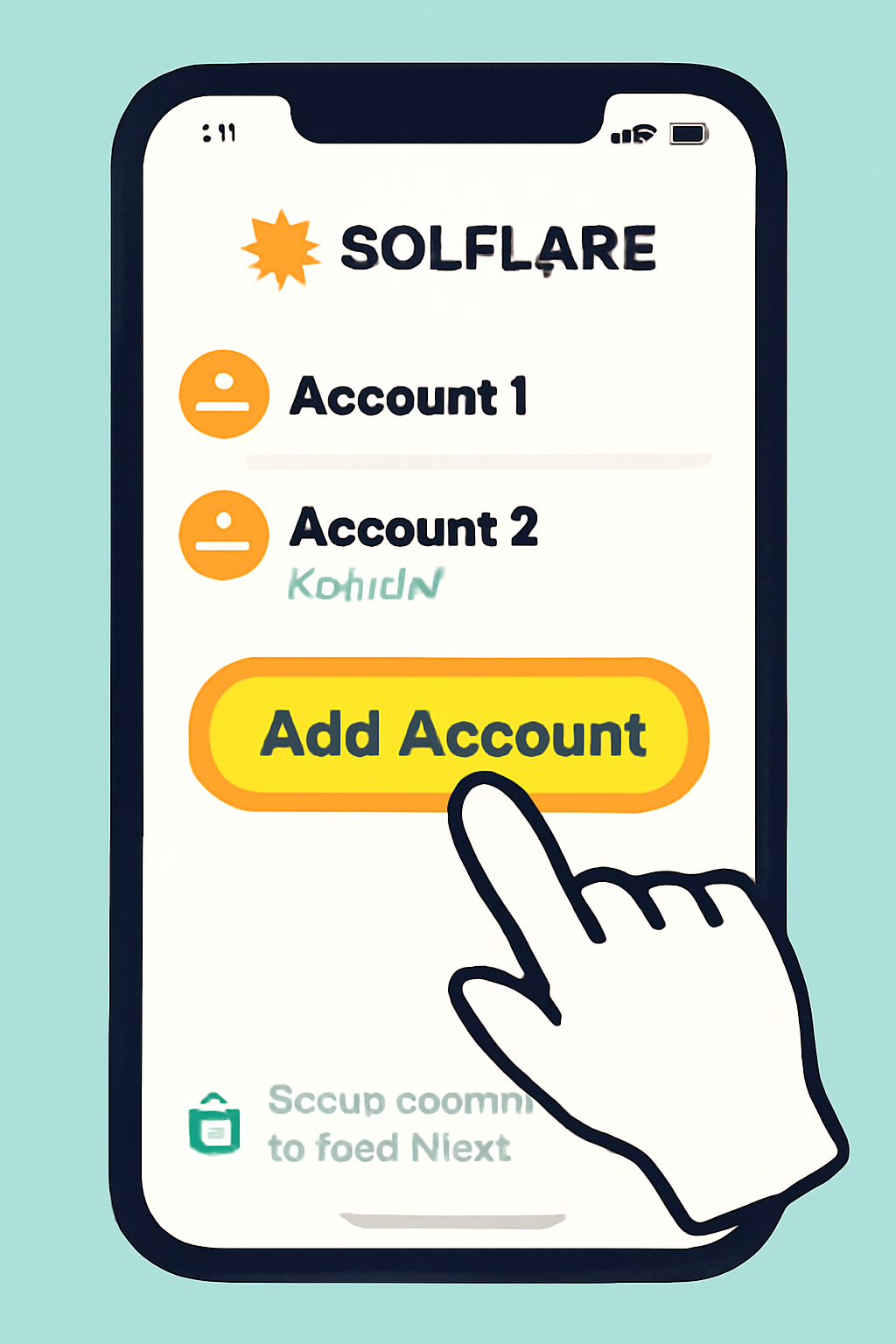
The process is straightforward but requires careful attention to detail for maximum security. Here’s what you’ll do:
- Initialize the Seed Vault: Access Settings and gt; Seed Vault, add or import a seed phrase, set a strong passcode, and give it a nickname.
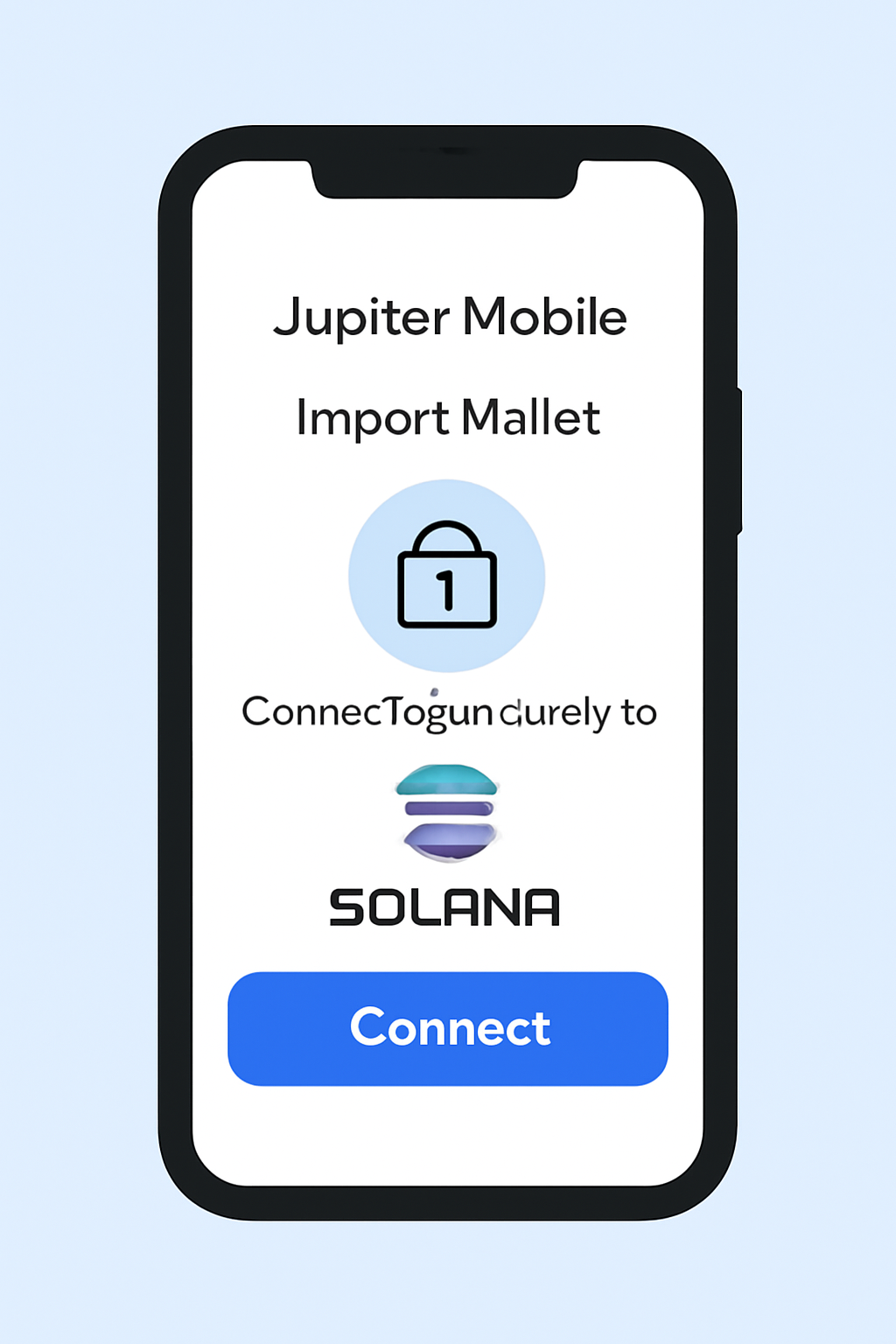
- Connect to Your Wallet App: Download Solflare or Jupiter Mobile from the dApp Store. Import your seed securely from Seed Vault following in-app prompts.
- Backup and Secure: Never share your seed phrase! Store an offline backup in a safe location.
Saga Genesis Token: Unlocking Exclusive Rewards
The Saga Genesis Token isn’t just a badge of early adoption - it’s also used for token-gated content across select dApps. To access these perks, you’ll often need to verify ownership using Sign in with Solana or similar methods built right into participating apps. For more details on these mechanisms, check out the official documentation from Solana Mobile.
The Importance of Backups: Don’t Risk Your Crypto!
Your seed phrase is the ultimate key - lose it and you lose access forever. Write it down offline (never screenshot or email it), store in multiple secure places if possible, and never share it with anyone claiming to be support staff or an admin.
Once your Solana wallet is live on your Saga phone, you’re ready to explore the vibrant world of mobile-first DeFi. The combination of hardware-level security and seamless dApp integration means you can swap, stake, and manage NFTs directly from your pocket, without ever losing custody of your keys.
Next Steps: Maximize Your Mobile DeFi Experience
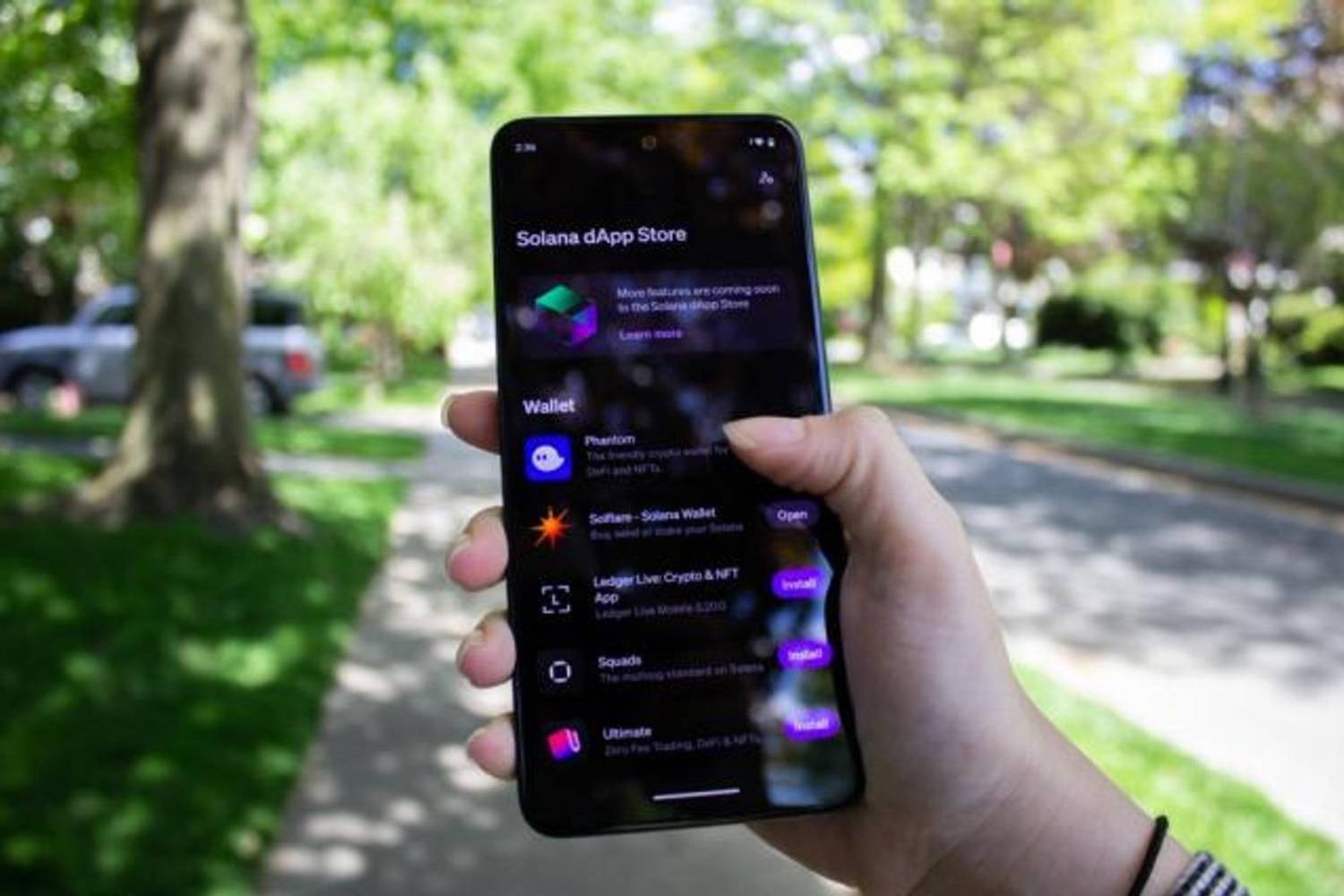
With your wallet secured in the Seed Vault, take advantage of the Solana dApp Store to discover new projects and opportunities. From swapping tokens at lightning speed with Jupiter Mobile to managing staking or accessing NFT marketplaces via Solflare, the possibilities are expanding every month. And remember: many dApps now support token gating using the Saga Genesis Token, so keep an eye out for exclusive content or reward drops available only to verified holders.
Top 5 Must-Try Solana dApps on Saga in 2025
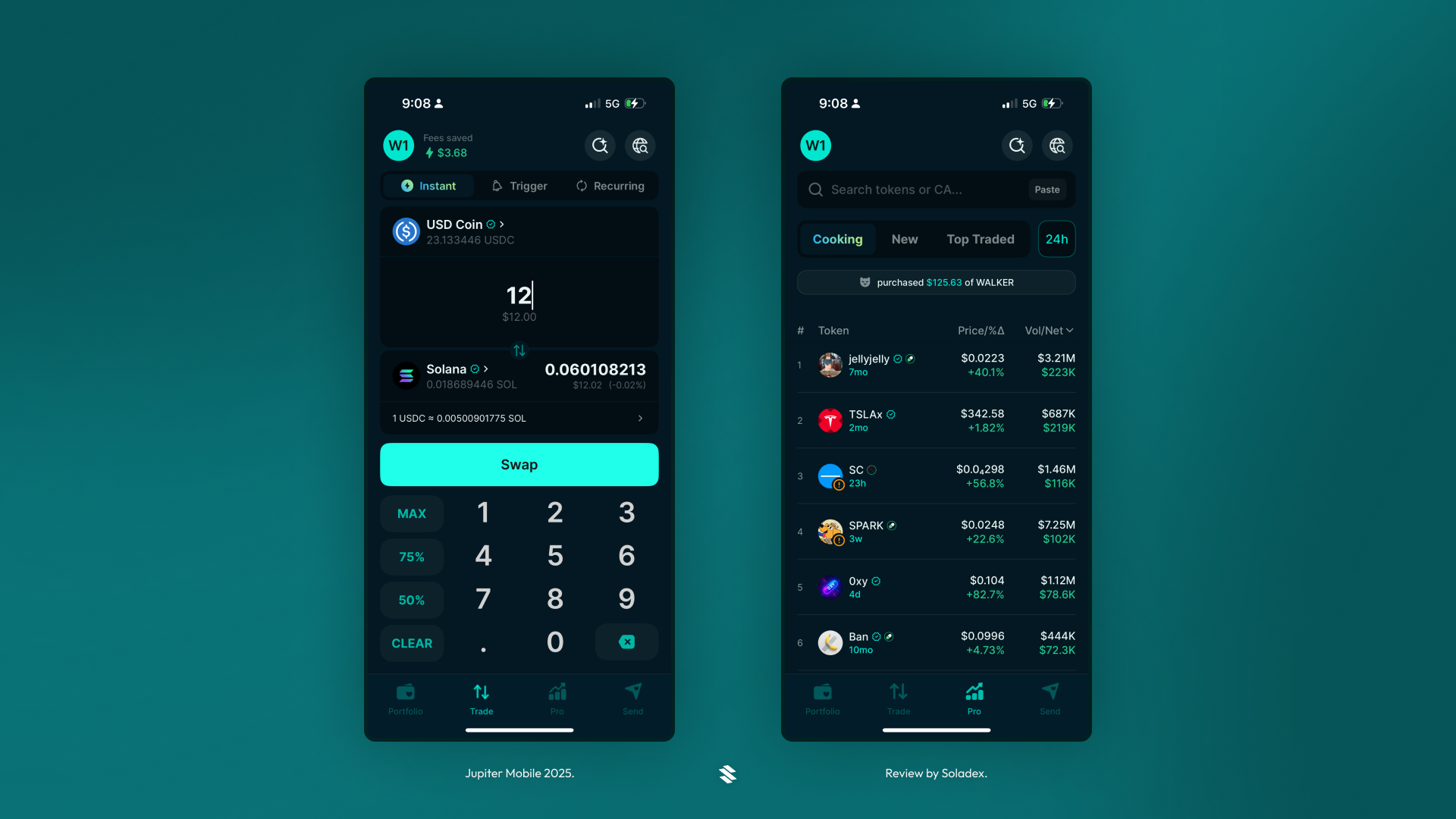
- Jupiter Mobile: The go-to DeFi aggregator on Solana, Jupiter Mobile lets you swap, bridge, and manage tokens directly from your Saga phone. Its seamless integration with the Seed Vault ensures secure, on-the-go trading.
- Solflare Wallet: A feature-rich non-custodial wallet designed for Solana, Solflare supports staking, NFTs, and token management. Its mobile app is optimized for Saga, leveraging the Seed Vault for maximum security.
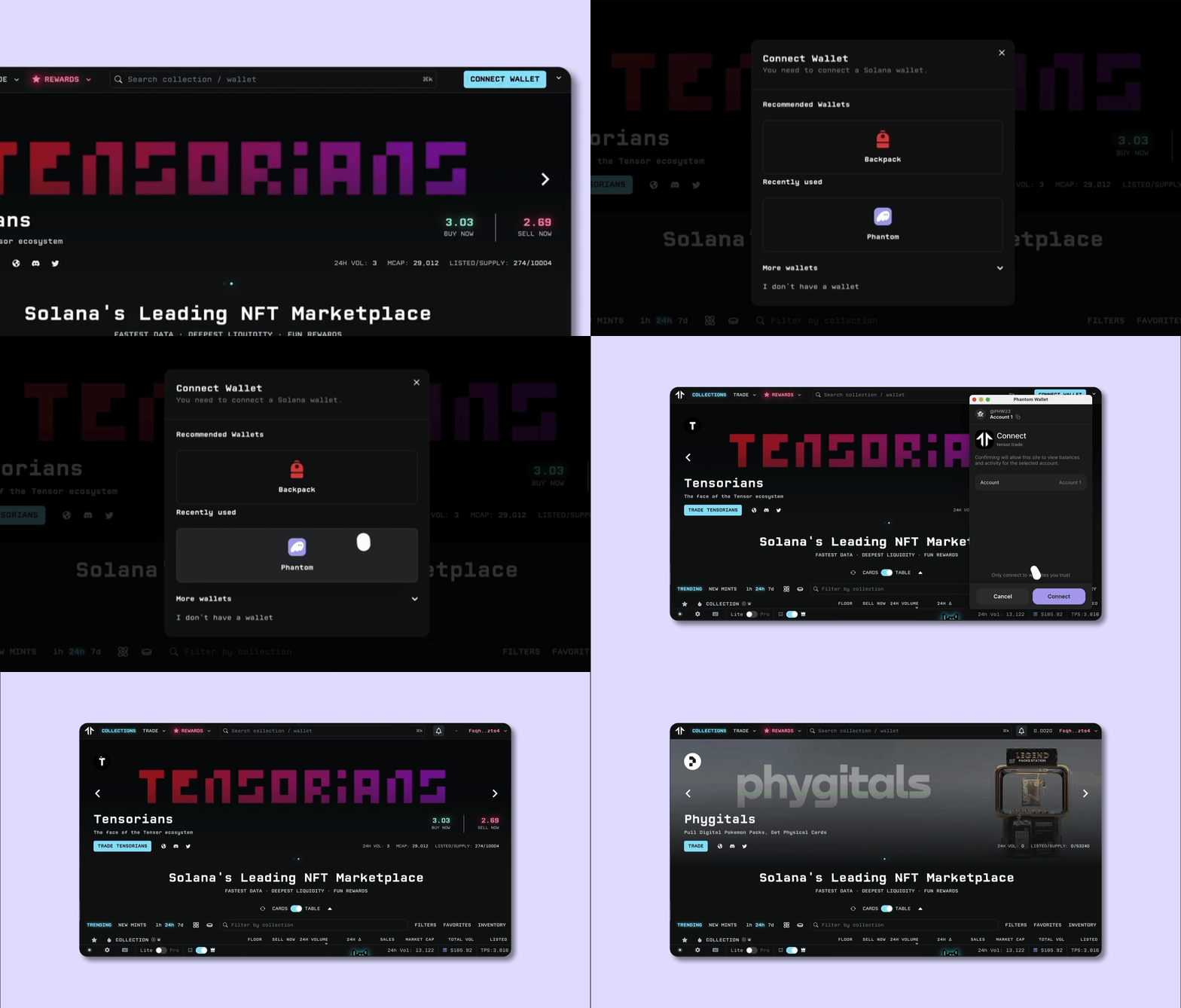
- Tensor: As one of Solana’s leading NFT marketplaces, Tensor offers fast, low-fee trading and advanced analytics. Saga users can browse, buy, and sell NFTs securely through the dApp Store.
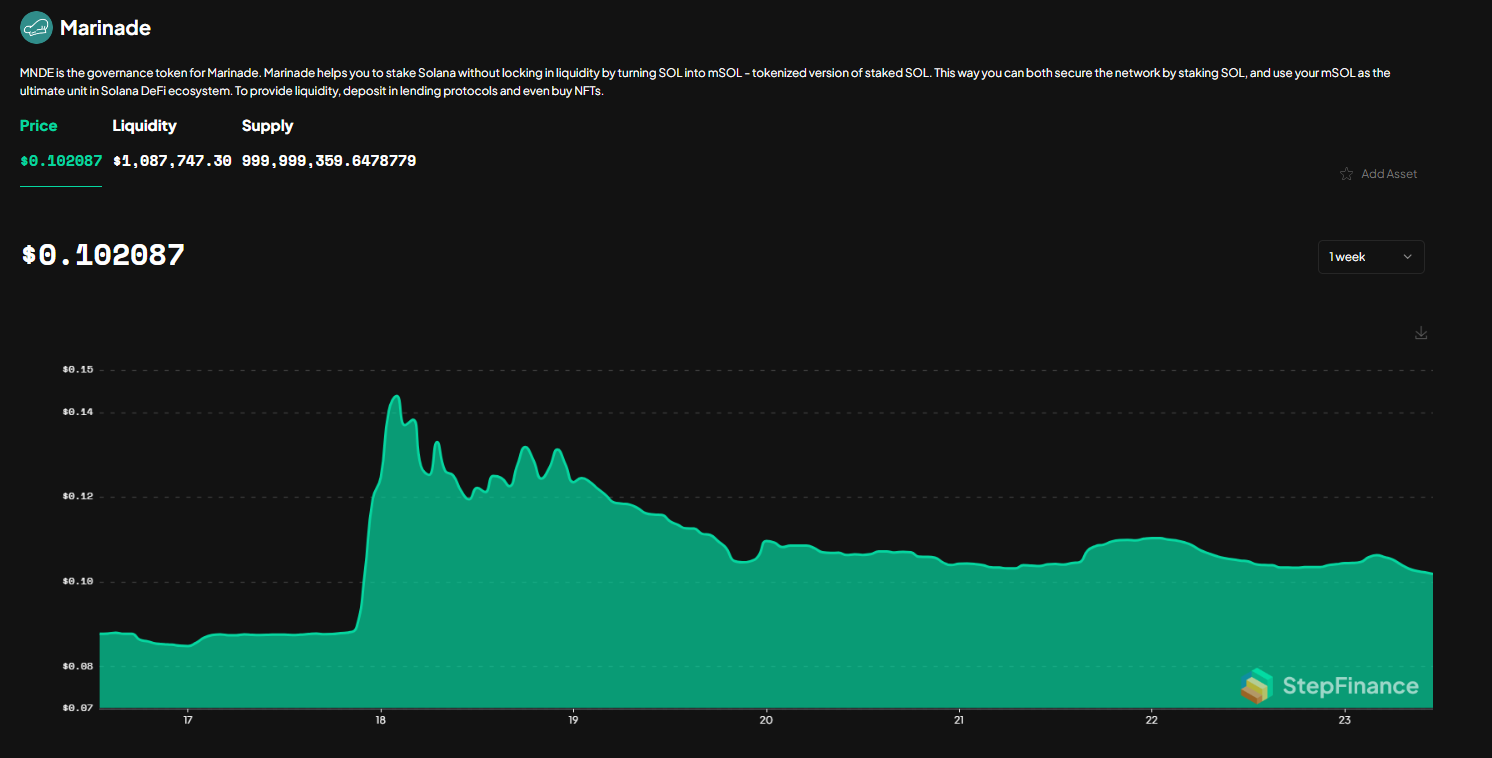
- Marinade Finance: The most popular liquid staking protocol on Solana, Marinade lets you stake SOL (currently priced at $211.64) for mSOL directly from your phone, earning rewards while maintaining liquidity.
- Helius: A powerful developer toolkit and API suite for Solana, Helius also powers token-gated experiences—perfect for Saga Genesis Token holders looking to access exclusive dApps and rewards.

For those tracking their portfolio as SOL holds at $211.64, consider using portfolio tracking features within these wallets or third-party apps from the dApp Store. Real-time price alerts and analytics can help you stay ahead in a fast-moving market.
Security Checklist: Stay Safe on Mobile
Mobile crypto comes with unique risks, phishing links, malicious apps, and physical device theft are real threats. Stick to official sources when downloading apps (like the Solana dApp Store), use biometric authentication where possible, and enable device encryption. If you ever suspect compromise, immediately move funds using your backup seed phrase from a new device.
Community Wisdom: What Saga Users Are Saying
Early adopters are already sharing tips and discoveries on Reddit and Twitter, like finding unexpected airdrops or troubleshooting wallet imports after pre-orders. The community’s collective knowledge makes onboarding smoother for newcomers and helps everyone avoid common pitfalls.
If you run into issues (for example, seeing unexpected balances in a pre-loaded wallet address), double-check that you’re importing the correct seed phrase tied to that address, not just creating a new one by mistake. For more advanced troubleshooting or development guides, consult resources like Solana Mobile’s official docs.
Final Thoughts: Your Keys, Your Crypto
The Saga phone puts powerful tools in your hands, but with great power comes great responsibility! Prioritize security at every step, leverage token-gated rewards where possible, and stay connected with the mobile-first crypto community as new features roll out.



No comments yet. Be the first to share your thoughts!