

In the fast-evolving world of Web3 infrastructure, the idea of running a decentralized node on your smartphone is no longer science fiction, it's a reality, especially for Solana Saga users and DePIN (Decentralized Physical Infrastructure Network) enthusiasts. With Solana’s lightning-fast blockchain and the rise of mobile-first crypto, your phone can now become a gateway to decentralized networks and passive income streams. But what does it actually take to run a mobile crypto node on Solana, and how close are we to a world where every device is a node in a global mesh?
Why Mobile DePIN Matters: Beyond Staking and Into Real Utility
The promise of DePIN is simple yet profound: harness the collective power of everyday devices to build decentralized networks that power real-world applications. Unlike traditional staking or mining, DePIN nodes can contribute bandwidth, storage, compute, or sensor data directly from your smartphone. For Solana users, this means leveraging the network’s speed and low fees to participate in projects like Helium Mobile, Render Network, or custom DePIN apps built with the Solana App Kit.
But here’s the catch: Running a full Solana validator node on a smartphone is still out of reach for most devices due to high hardware demands, think multi-core CPUs, large RAM, and ultra-fast storage. Instead, mobile devices today excel at running lightweight nodes, relayers, or DePIN-specific clients that interact with Solana’s blockchain for real-time data, micro-rewards, and seamless app experiences.
Setting Up Your Solana Mobile Node: A Step-by-Step Overview
Getting started with a Solana DePIN node on mobile is more accessible than ever, thanks to improvements in developer tooling and the open-source community. Here’s a high-level roadmap for turning your Android device, or the flagship Solana Saga, into a decentralized node:
Set Up a Solana DePIN Node on Your Smartphone: Step-by-Step
Let’s break down the essentials:
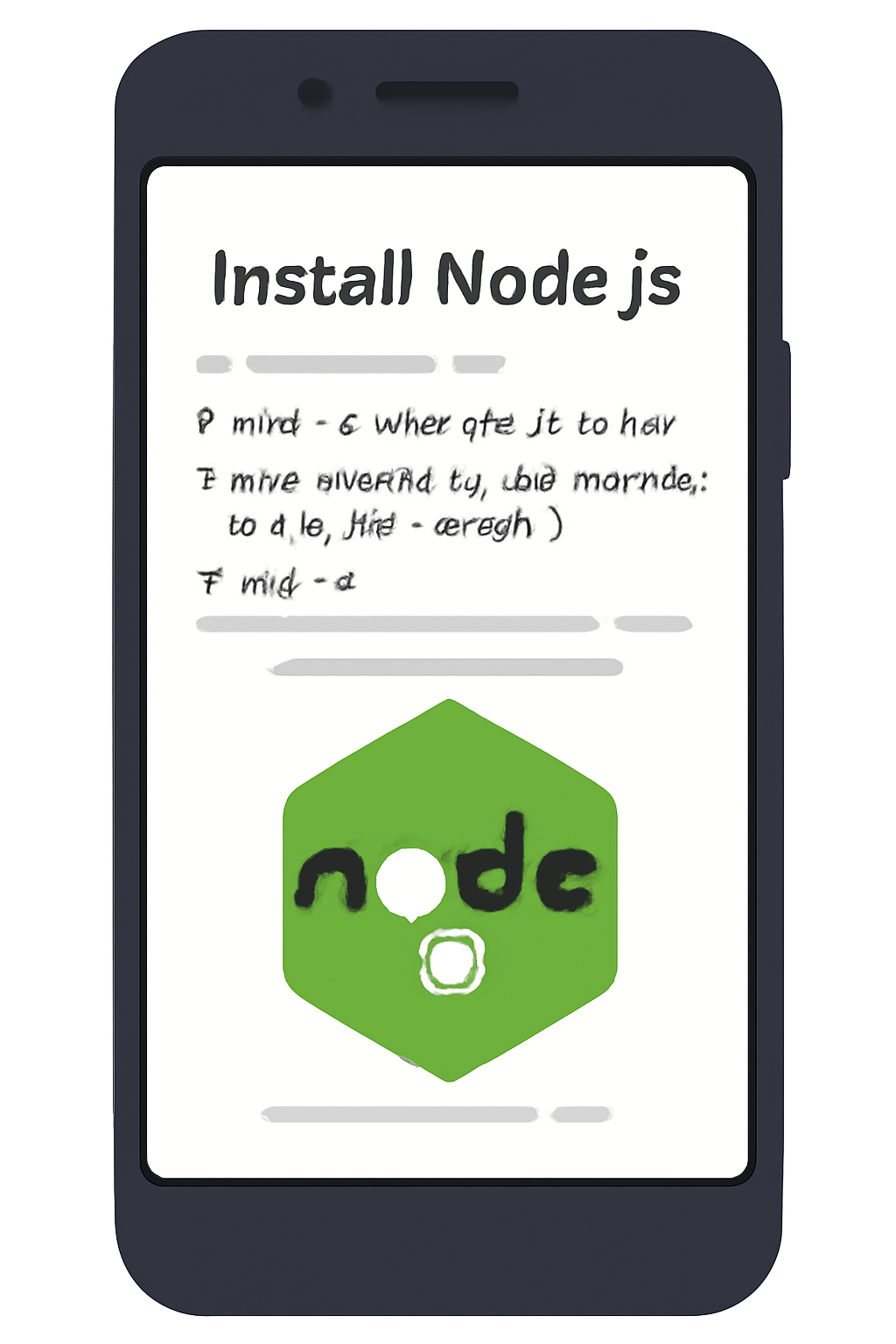
- Install Node. js (v18 and ): This is the backbone for running JavaScript-based Solana tools. Use your device’s terminal or a compatible app.
- Set up Expo for React Native: Expo streamlines mobile development, letting you build and test Solana dApps directly on your phone. Follow the official Expo install guide for Android.
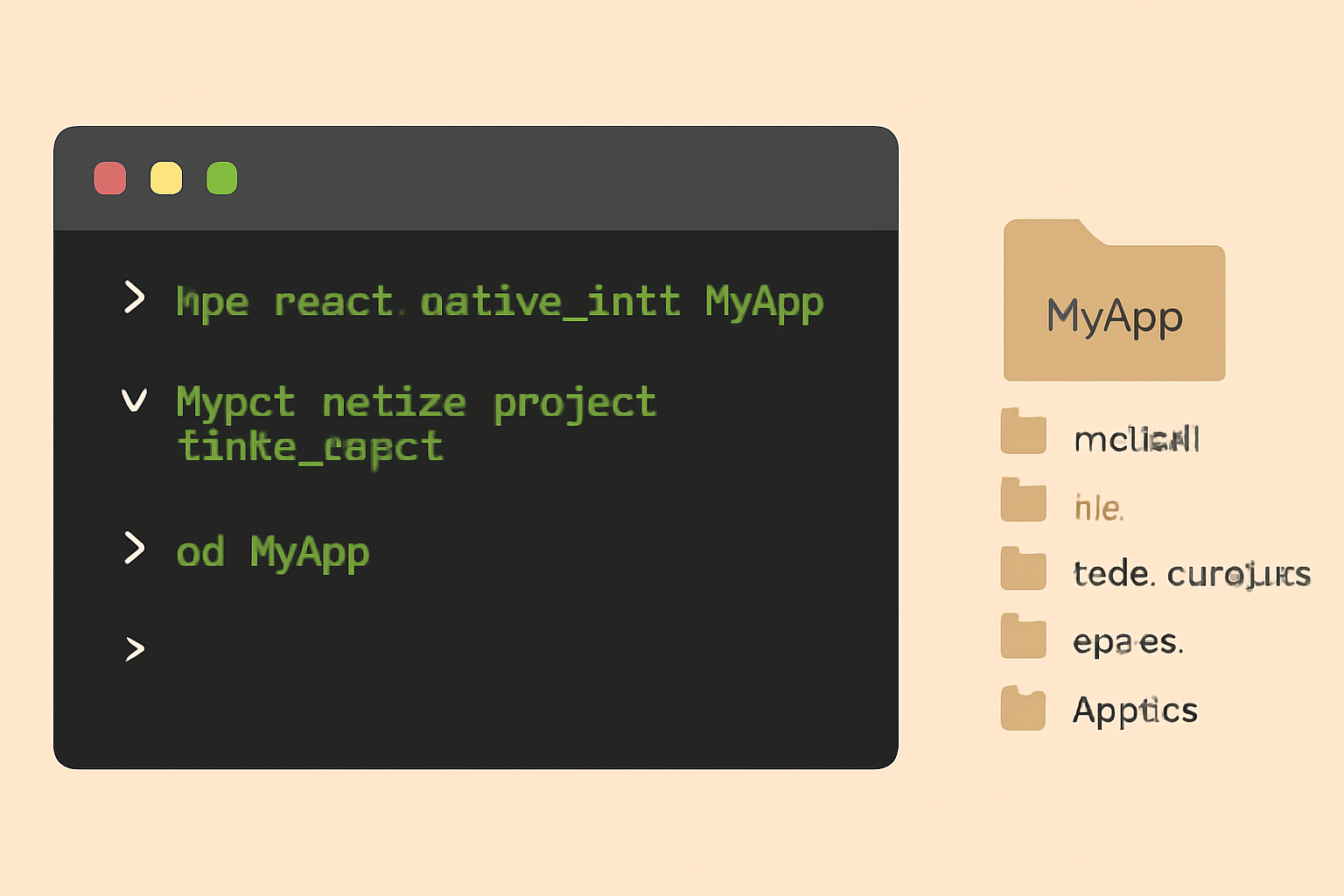
- Initialize Your Project: With one command provides
npx react-native@latest init MySolanaApp --npm: you’re ready to build. - Add Solana Packages: Install packages like
@solana/web3. js,@coral-xyz/anchor, and mobile wallet adapters for seamless blockchain interaction. - Configure Polyfills: React Native needs polyfills for Node modules. Import
buffer,text-encoding-polyfill, andreact-native-get-random-valuesat the top of your app.
For a deep dive into each step, check out our expanded Solana Saga DePIN setup guide.
Narrative insight: "The first time I connected my Saga phone to a live DePIN client, it felt like stepping into the future, seeing my device relay encrypted data packets and earn micro-rewards in real time. This isn’t just about crypto; it’s about empowering everyday users to own a piece of the next-gen internet. "
Current Landscape: What Mobile DePIN Nodes Can (and Can’t) Do
While you won’t be running a full validator on your phone just yet, the scope for mobile DePIN is already impressive. Mobile nodes can:
- Relay transactions for dApps and wallets
- Serve as gateways for IoT devices or sensor data
- Participate in decentralized storage or bandwidth sharing
- Enable location-based services (think Helium Mobile or Map3)
Solana’s ecosystem is rapidly evolving, with projects like Render Network and decentralized storage solutions pushing the boundaries of what’s possible on mobile. For developers, the Solana App Kit and open-source repos provide everything needed to experiment with DePIN use cases, no heavy server infrastructure required.
What’s Next for Mobile-First Crypto?
The next wave of innovation will see tighter integration between CoralOS, mobile wallet adapters, and DePIN protocols, making the process even more seamless for non-technical users. As hardware improves and software stacks mature, expect mobile-first crypto nodes to become as common as mobile wallets, unlocking new earning opportunities and decentralized services for millions worldwide.
Security remains a top priority for anyone running a mobile crypto node. While Solana’s architecture is designed for speed and low fees, it’s crucial to follow best practices, use hardware-backed key storage when available, keep your device updated, and never expose your private keys. Many DePIN-enabled apps integrate with trusted mobile wallet adapters, adding an extra layer of protection for your assets and on-chain activity.
Earning Crypto with Your Phone: Real-World Rewards and the Future of DePIN
One of the most compelling reasons to run a decentralized node on your smartphone is the potential to earn crypto with your phone node. Projects like Helium Mobile and emerging Solana-based DePIN protocols reward users for contributing resources, be it bandwidth, compute, or location data. These micro-rewards can add up over time, especially as DePIN networks scale and demand for decentralized infrastructure grows. The user experience is becoming increasingly frictionless, with rewards distributed directly to your Solana wallet via mobile-first interfaces.
For those eager to dive deeper into Solana DePIN mobile guides, hands-on experimentation is key. Explore open-source examples, join community hackathons, and stay tuned to new releases from the Solana Mobile team. As more projects roll out CoralOS-native apps and wallet integrations, expect an explosion in creative use cases, from decentralized mapping to on-device AI inference nodes.
A Glimpse at the Code: Connecting Your Mobile App to Solana
Developers interested in building their own mobile crypto node or dApp on Solana will appreciate how approachable the tooling has become. Here’s a quick look at initializing a connection to Solana from a React Native app:
This modular approach means you can customize your node’s functionality, whether acting as a relay, gateway, or data provider, without needing deep blockchain expertise. The combination of React Native, Solana App Kit, and wallet adapters abstracts much of the complexity, letting you focus on building user-centric experiences.
The Road Ahead: Mobile Nodes and the Decentralized Web
We’re witnessing a paradigm shift where smartphones are no longer just endpoints, they’re active participants in decentralized networks. As DePIN mobile nodes power the next wave of crypto adoption, expect to see:
- More seamless onboarding for non-technical users through native OS integration (CoralOS, Android)
- Expanded support for sensor-driven applications, bridging IoT and blockchain
- Decentralized marketplaces for device resources (compute, storage, connectivity)
- Greater interoperability between Solana and other DePIN ecosystems like Filecoin or Helium
The journey is just beginning. For early adopters and builders, now is the time to experiment, contribute, and shape what mobile-first Web3 infrastructure looks like. As hardware evolves and protocols mature, running a decentralized node on your smartphone could soon be as effortless, and impactful, as sending a text message.


No comments yet. Be the first to share your thoughts!