
Decentralized Physical Infrastructure Networks (DePIN) are rapidly redefining how real-world resources are provisioned and monetized through crypto incentives. While the vision of running a DePIN node directly on your Solana Saga phone is appealing for mobile-first users, the technical reality in October 2025 is nuanced. Due to hardware and battery constraints, the Saga phone is not suited for hosting full DePIN nodes. However, it excels as a secure, always-on gateway for interacting with DePIN networks and earning rewards through specialized mobile applications.
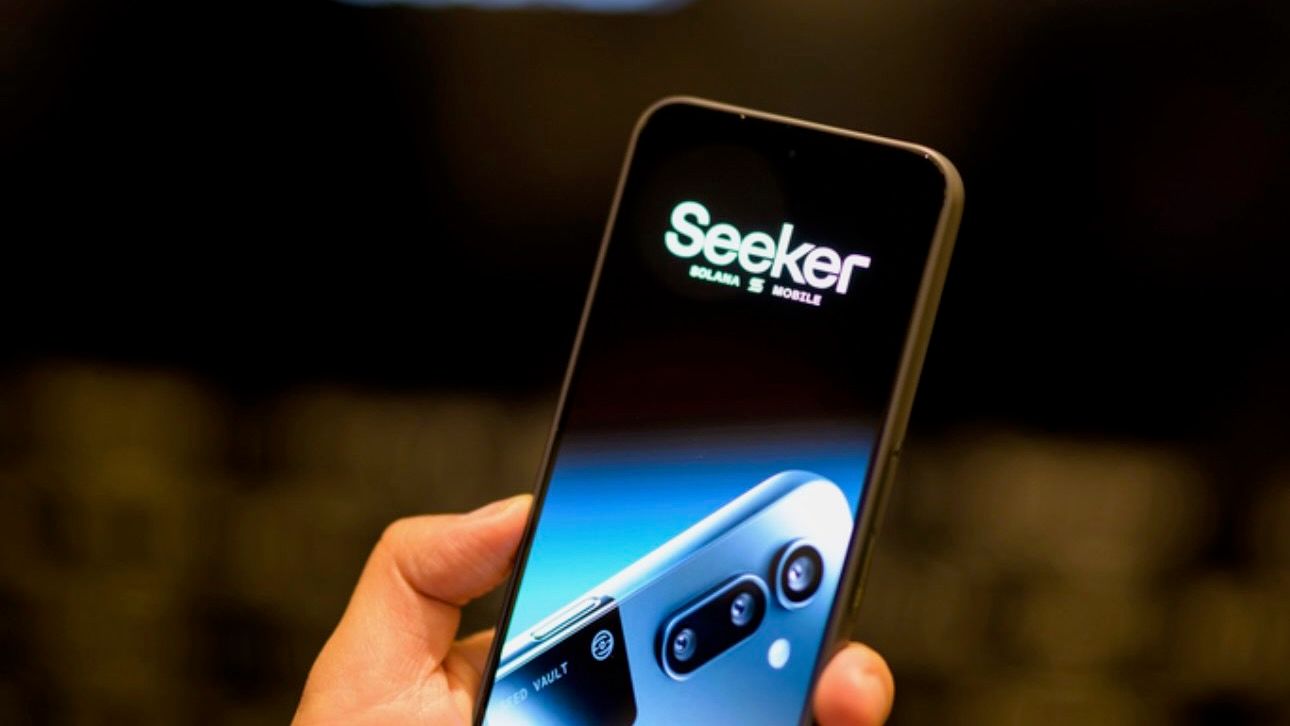
Understanding DePIN on Solana: Mobile Integration, Not Direct Node Hosting
DePIN projects leverage Solana’s high-throughput blockchain to coordinate decentralized infrastructure at scale. These networks include mapping (Hivemapper), weather data (WeatherXM), wireless access (Roam/OpenRoaming), and distributed compute (Raiinmaker). Each project has unique node requirements, but most demand persistent compute power, stable connectivity, and sometimes dedicated hardware - factors that currently exceed what the Saga can sustainably provide.
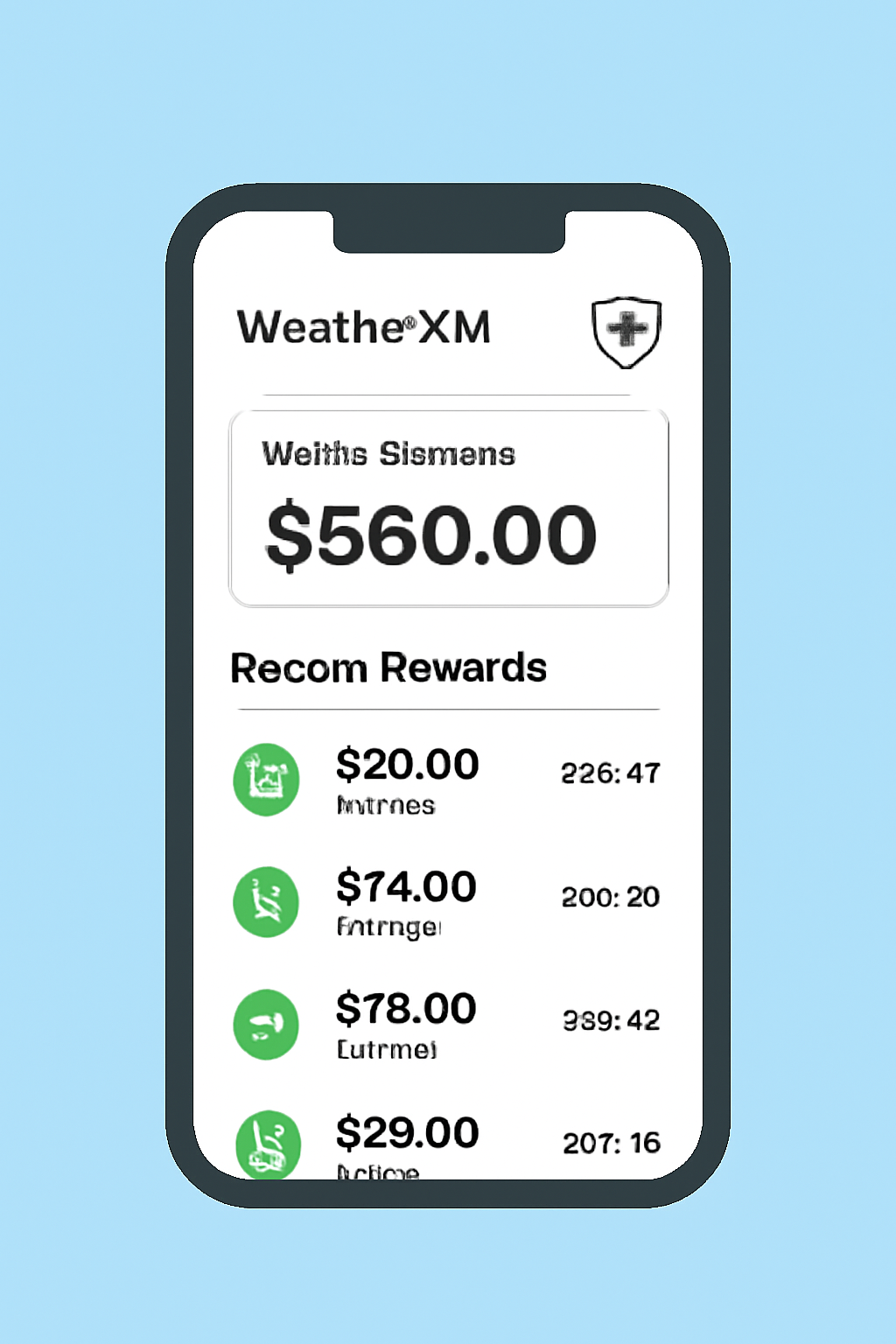
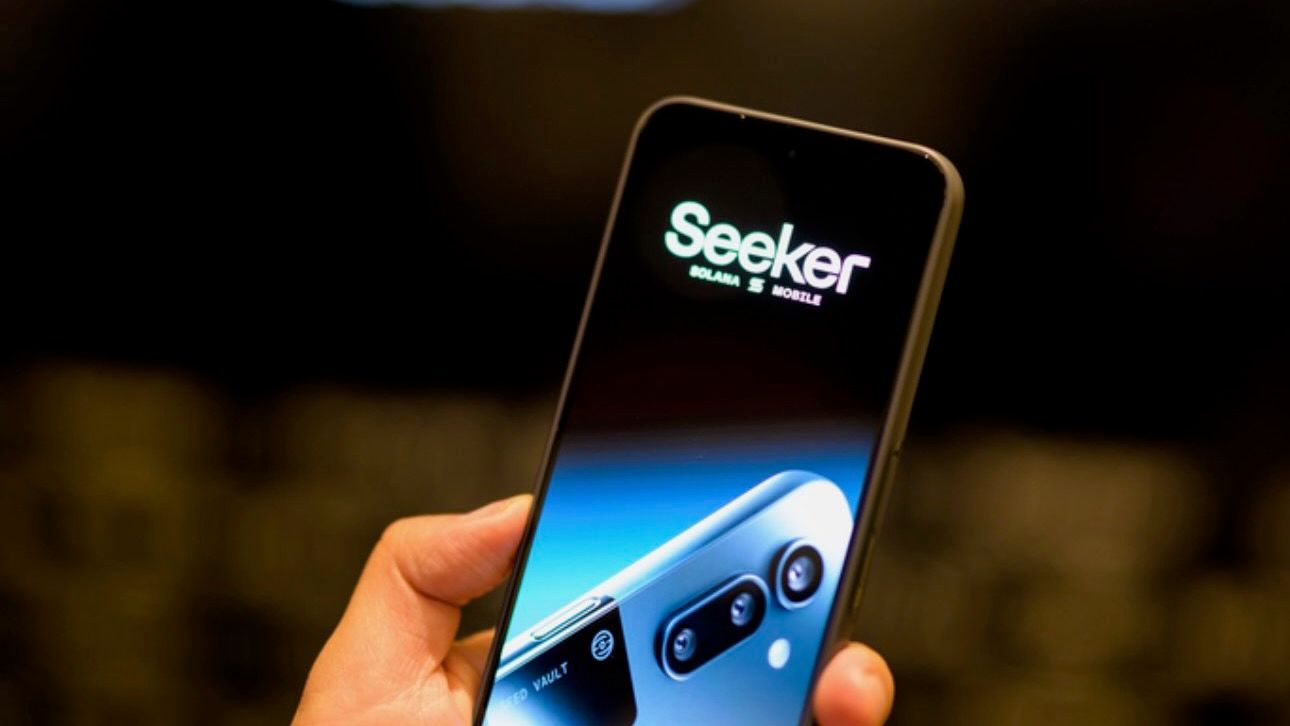
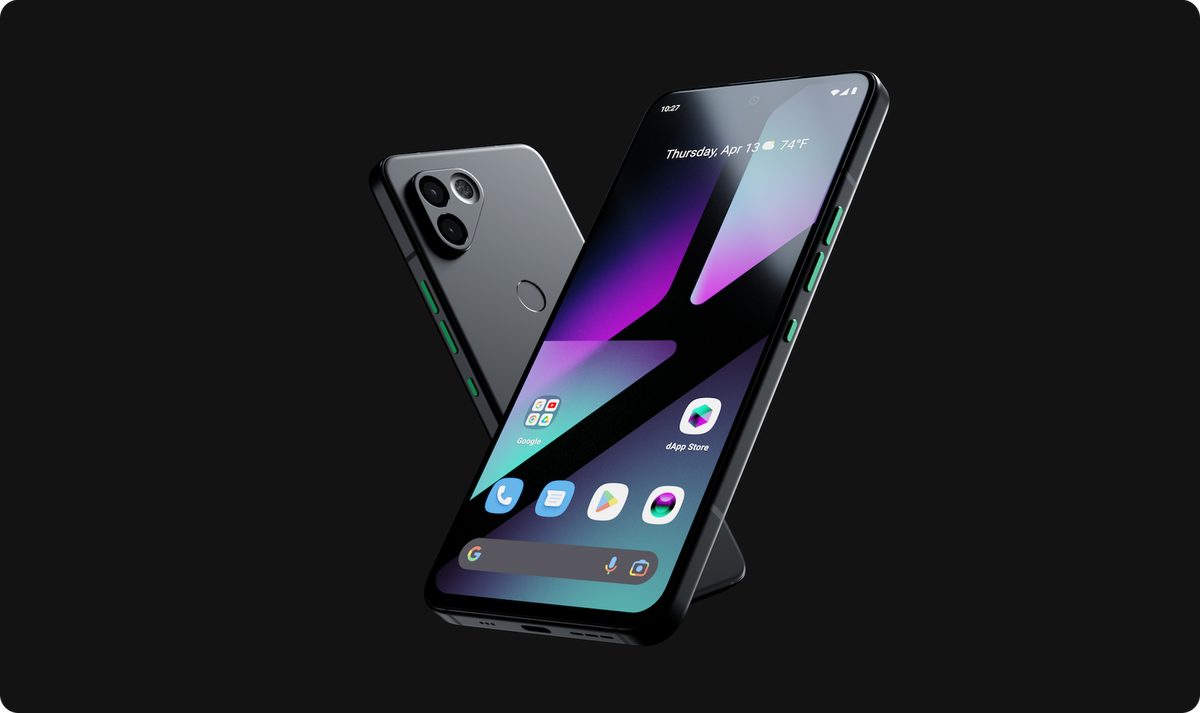
Instead, Solana Mobile’s architecture is optimized for secure interaction with DePIN networks via dApps. For example, with the WeatherXM app installed on your Saga, you can contribute hyperlocal weather data or access community-driven forecasts. Similarly, Roam’s integration allows users to participate in global WiFi sharing using decentralized identifiers. These interactions are validated by your device’s secure enclave and the Solana Seed Vault, ensuring private key safety while maximizing user mobility.
Step-by-Step Guide: Engage with DePIN Networks on Your Solana Saga
While you can’t spin up a DePIN node directly on your phone, participating in these networks is straightforward. Here’s how to get started:
How to Set Up and Use a DePIN App (e.g., WeatherXM) on Your Solana Saga Phone
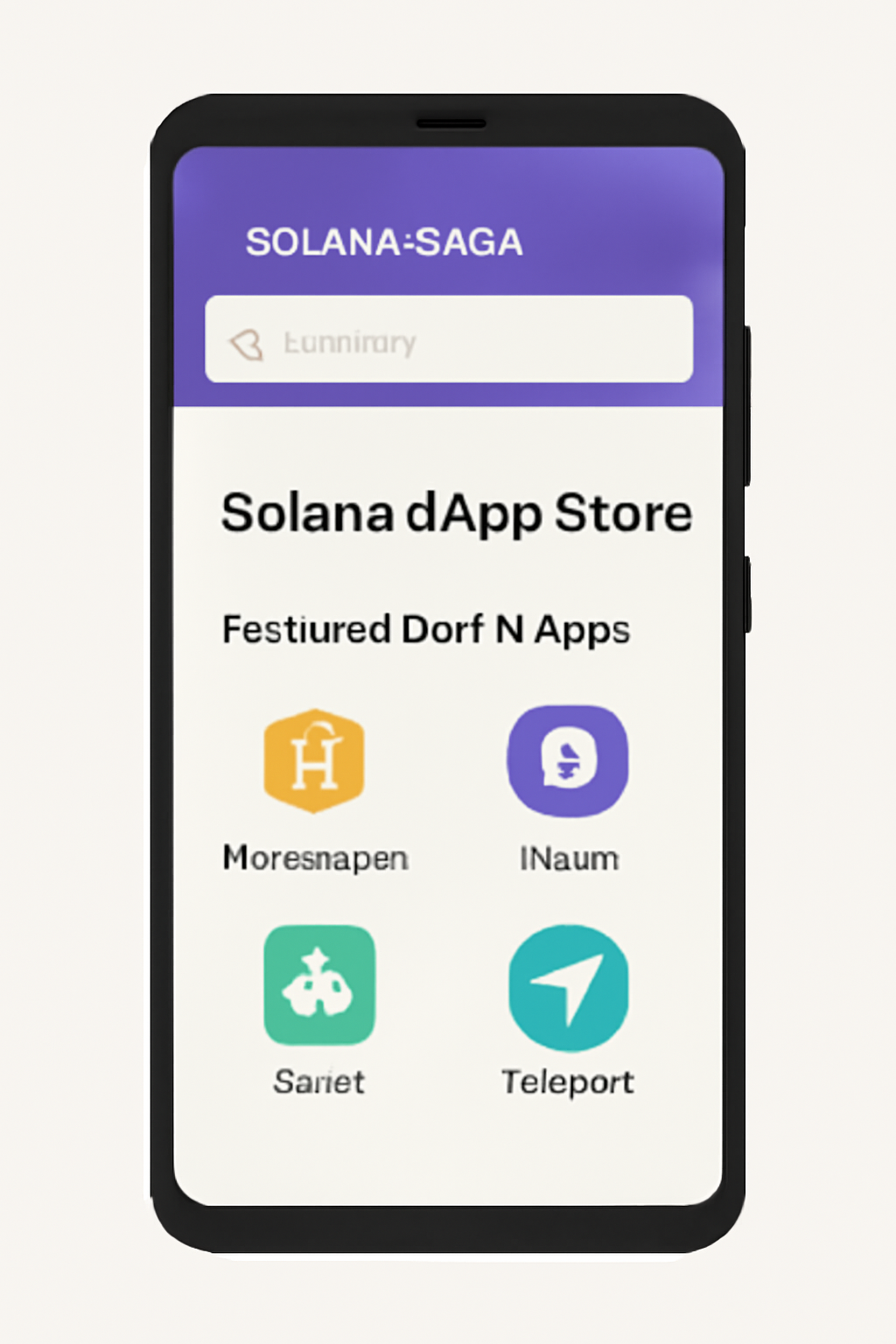
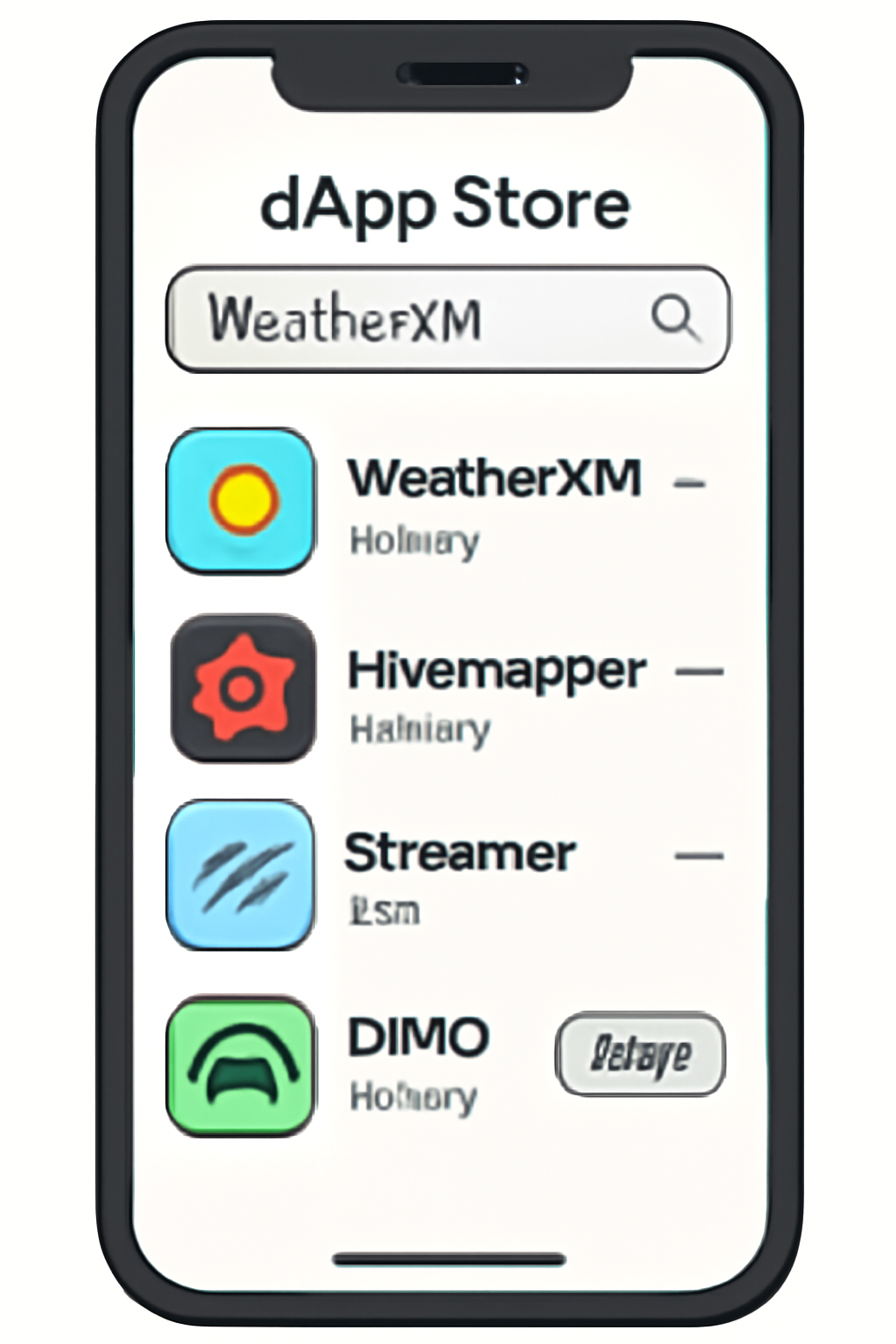
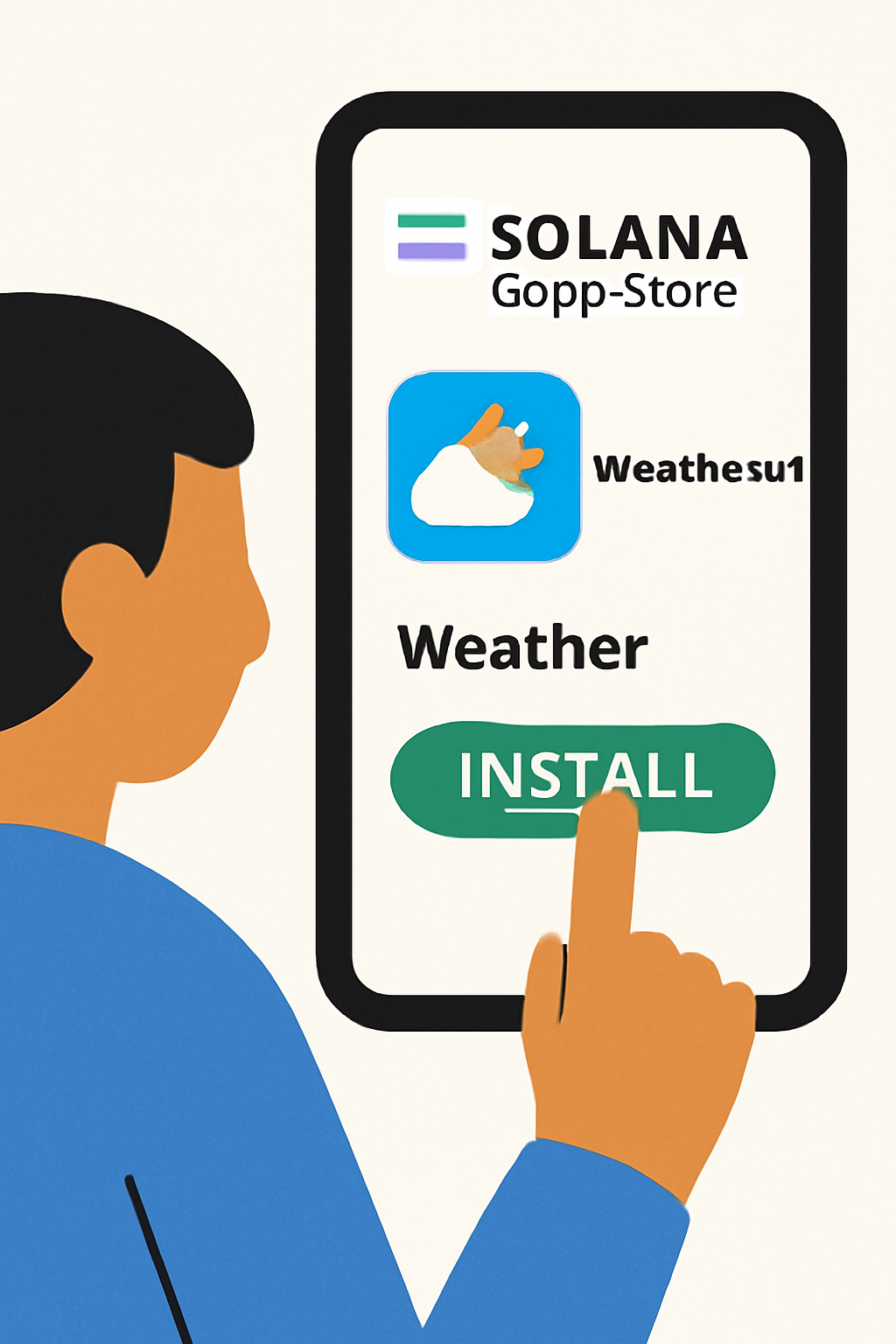
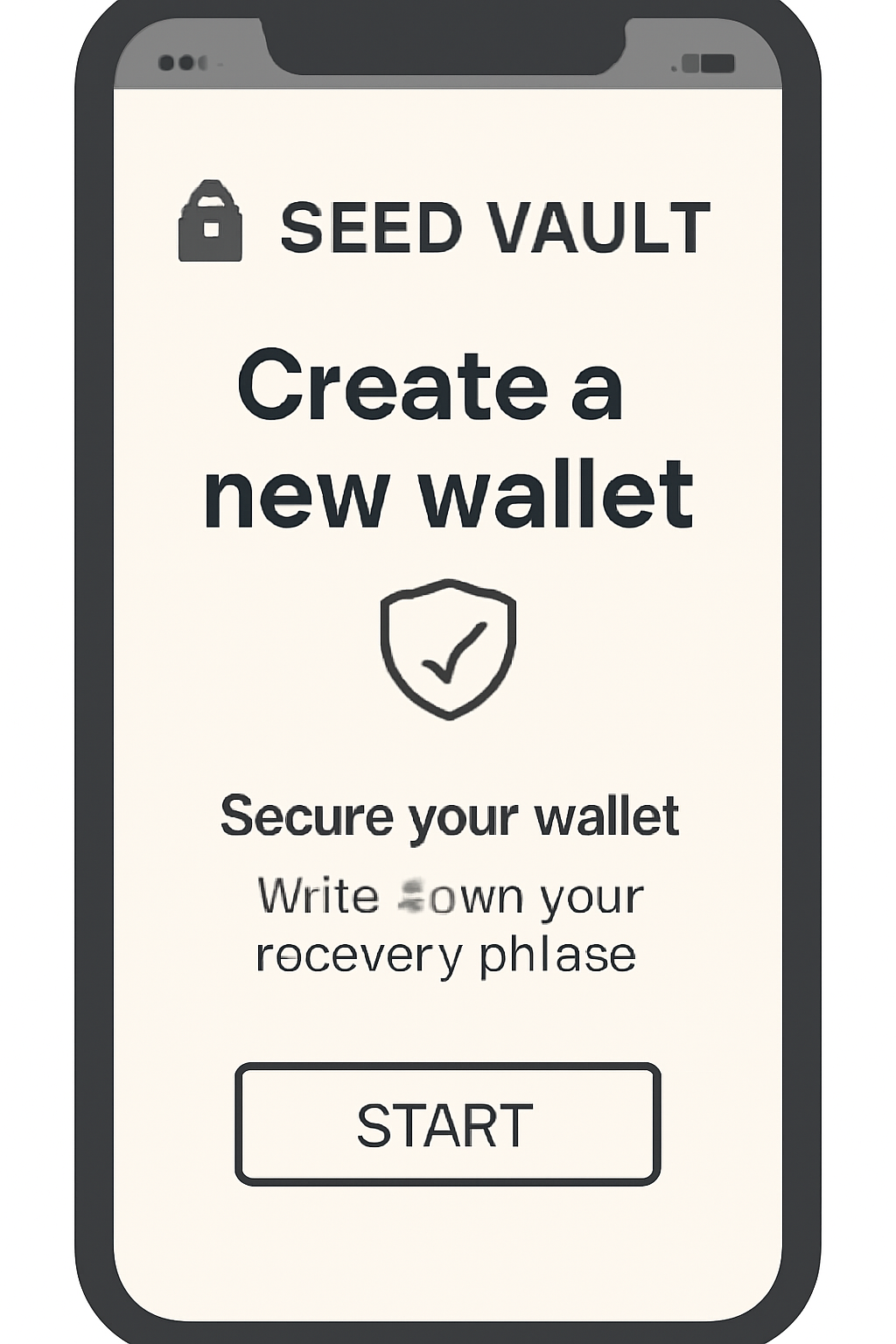
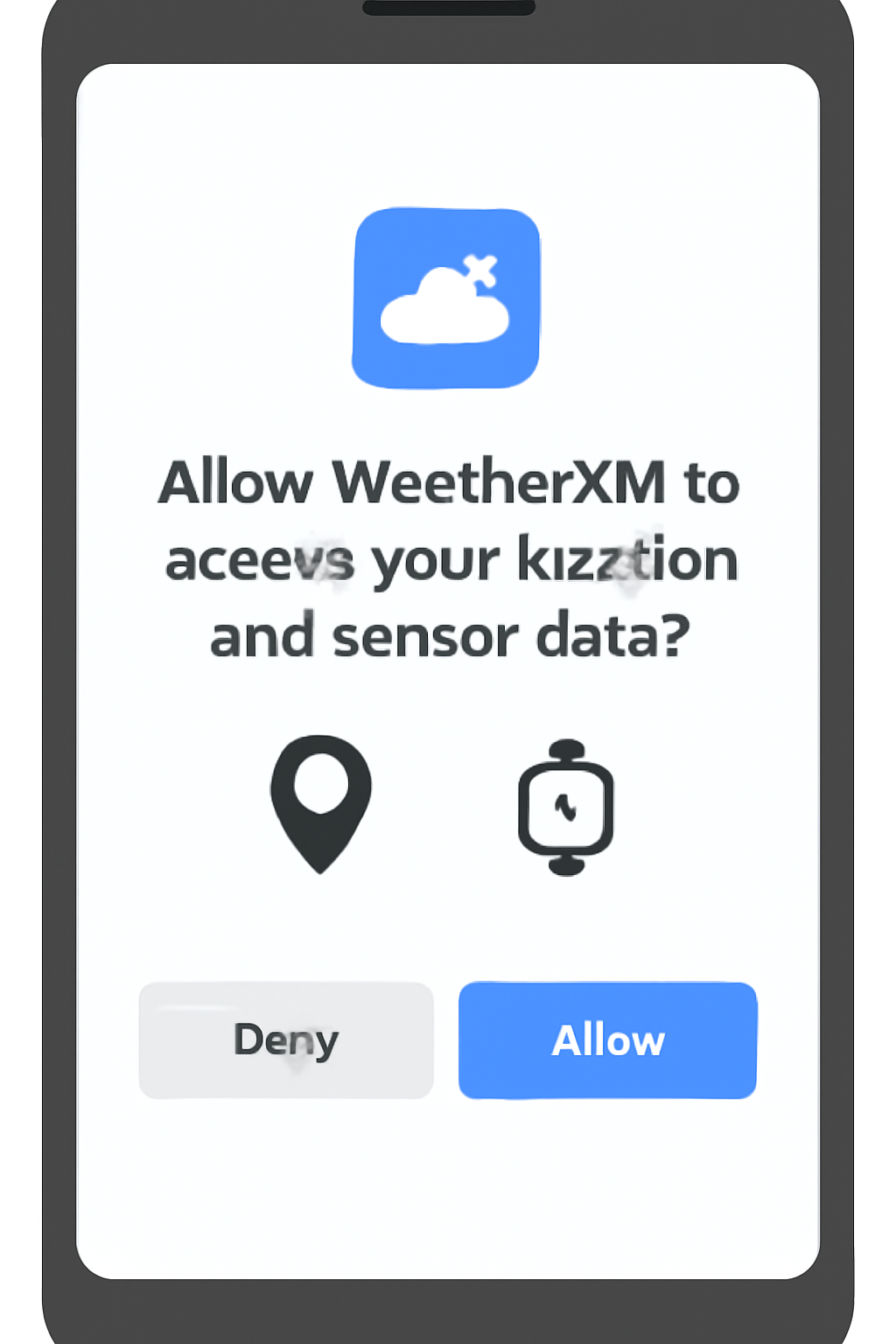
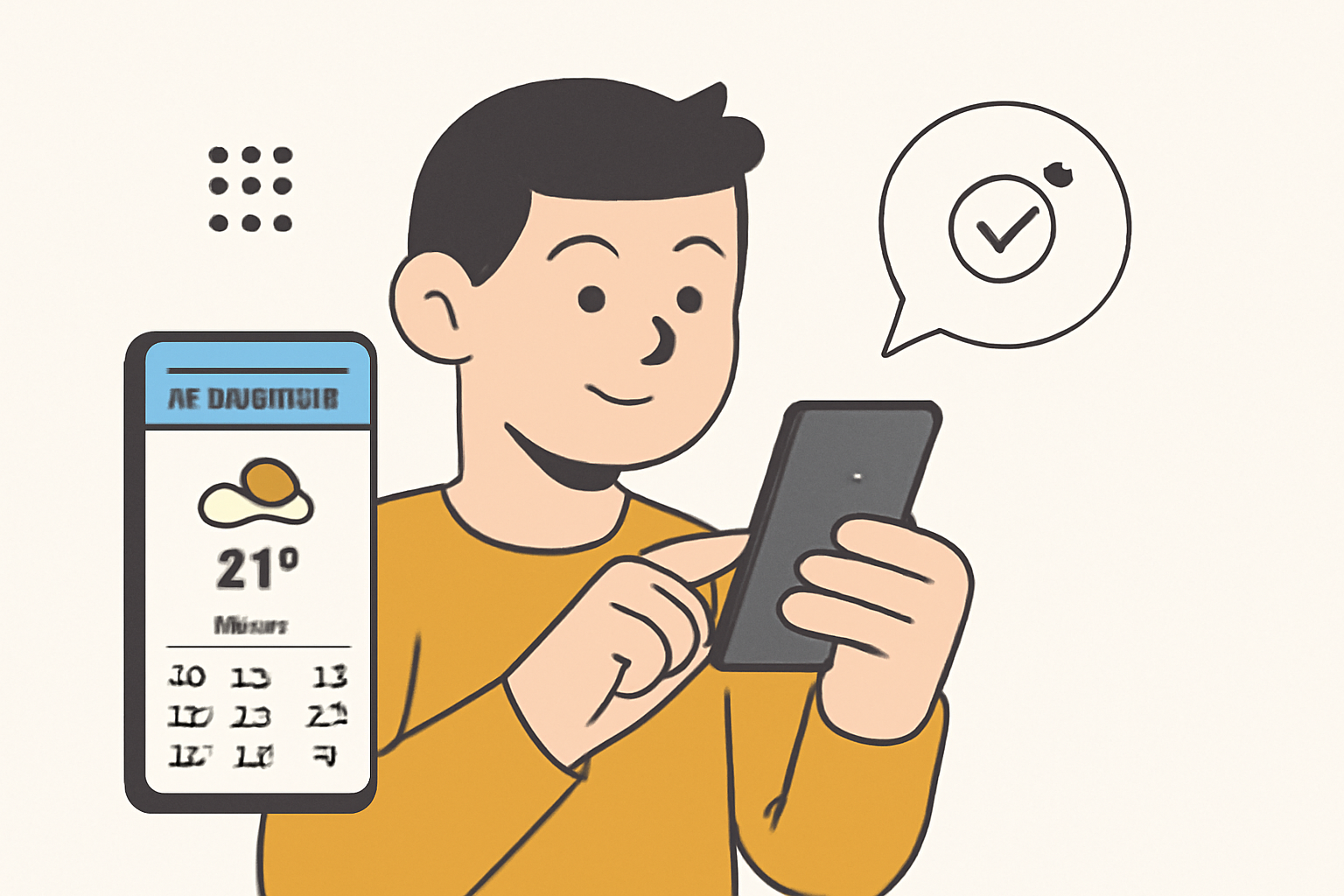
By following these steps, you leverage the Saga’s robust security model and seamless dApp integration to access decentralized infrastructure services - all from your mobile device.
Why Dedicated Servers Still Dominate Node Hosting
If your goal is to maximize passive income or directly support network consensus by running a node, a dedicated server remains essential. Solana nodes require high-performance CPUs/GPUs, substantial RAM, and reliable bandwidth. Attempting to run such workloads on a phone would result in rapid battery drain and degraded performance. For those serious about node operation, consult the official Solana documentation for hardware specs and setup instructions (see here).
Top DePIN Use Cases Accessible from Your Solana Saga
Top DePIN-Enabled Apps on Solana Saga
- WeatherXM: Access and contribute to a decentralized weather data network. The app enables Saga users to view hyperlocal forecasts and, if equipped with compatible sensors, submit weather observations to earn rewards.
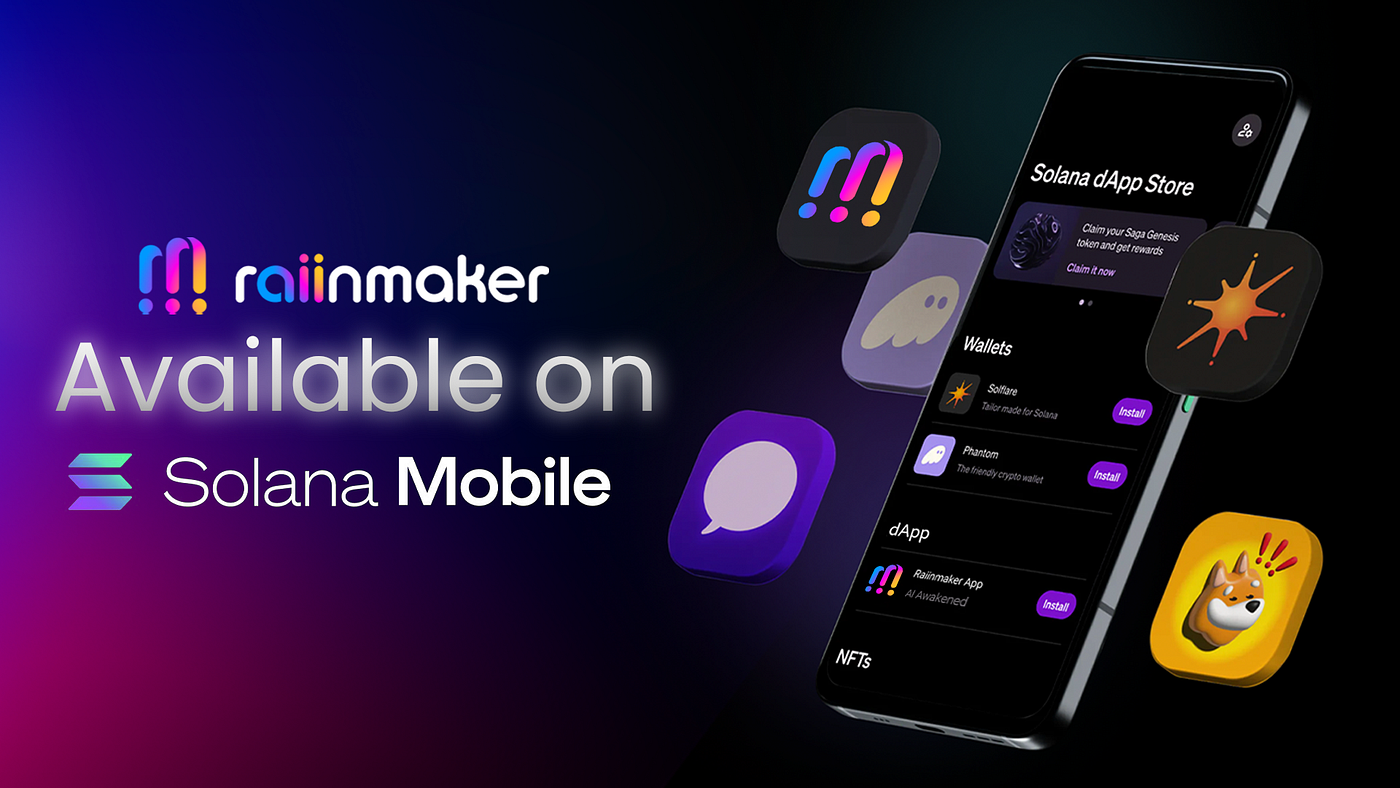
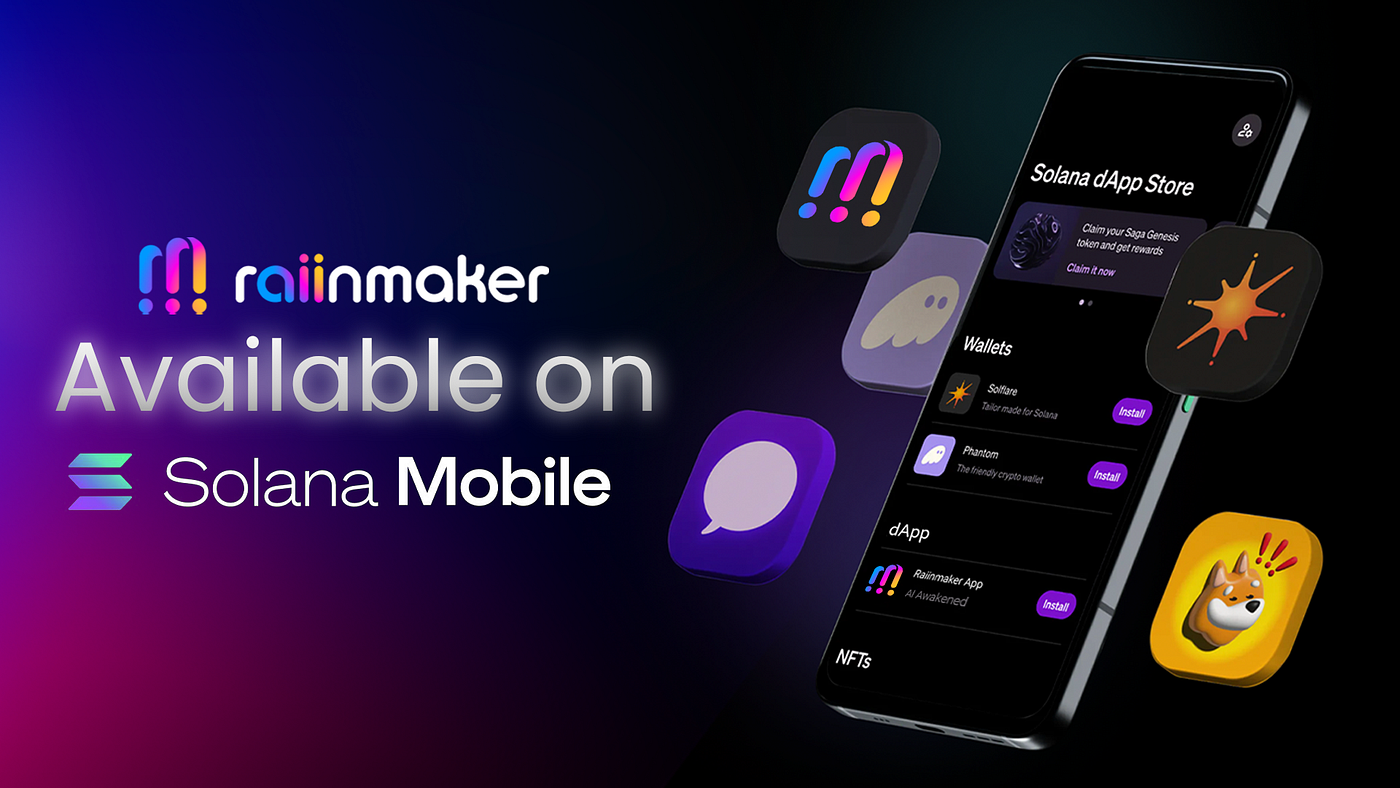
- Raiinmaker: Create AI-driven content, train models, and participate in decentralized compute tasks directly from your Saga phone. Raiinmaker leverages Solana for secure, on-chain rewards and transparent contribution tracking.
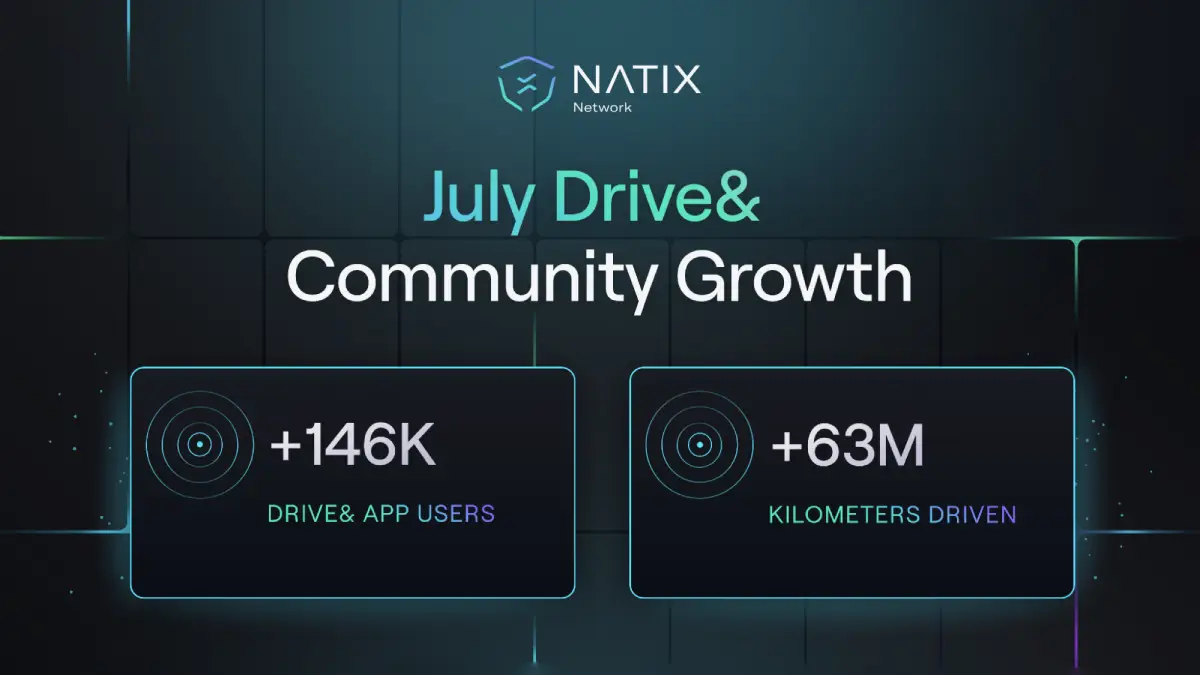
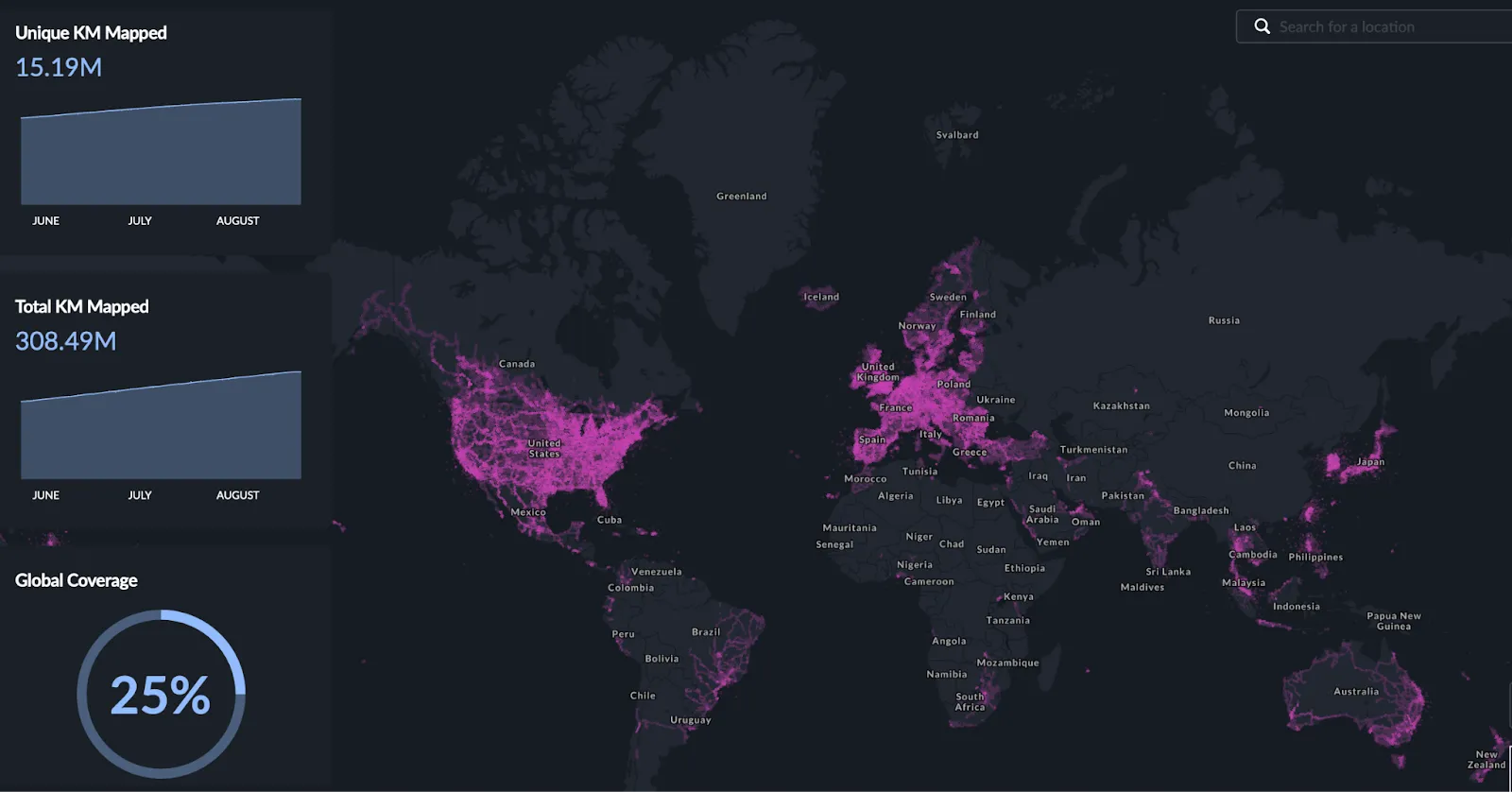
- Hivemapper: Join a decentralized mapping network by contributing street-level imagery using your mobile device. Hivemapper rewards users for mapping new areas and improving map accuracy, with all contributions tracked on Solana.
- Helium Mobile: Connect to and help expand a decentralized wireless network. The Helium Mobile app allows users to manage hotspots, monitor coverage, and earn tokens for network participation—all integrated with Solana's blockchain.
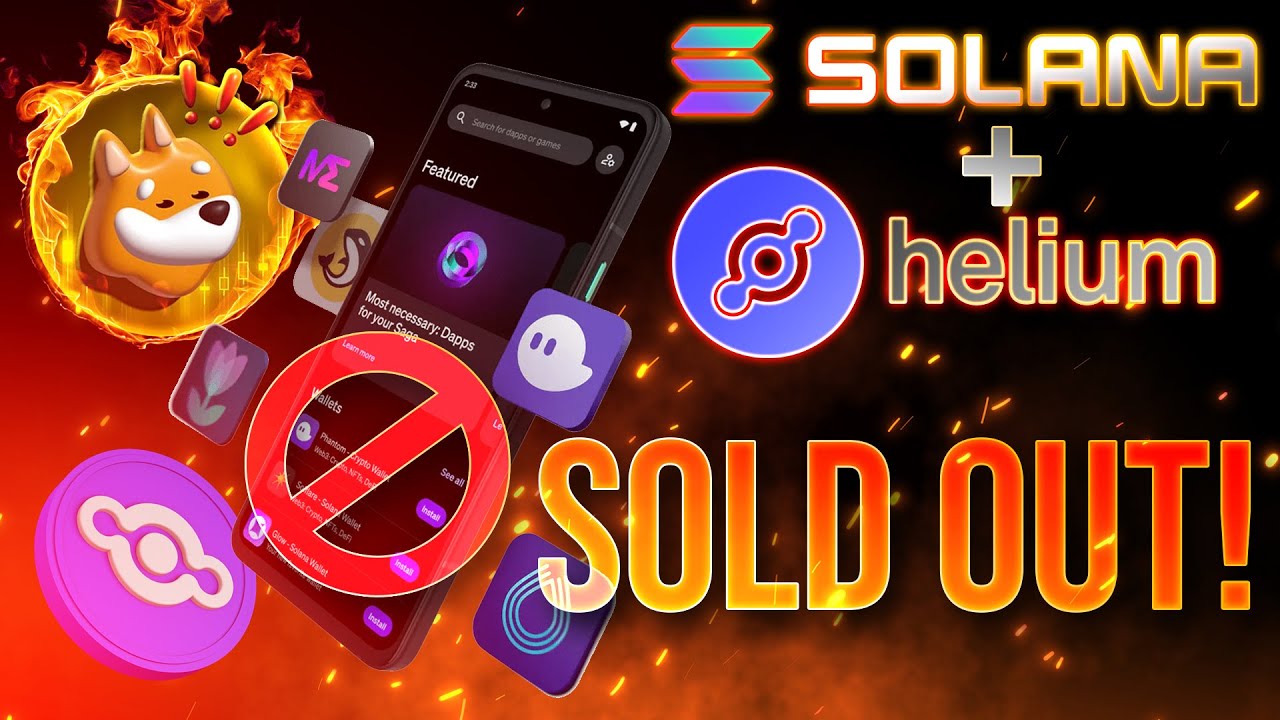
- Roam: Enhance global WiFi access by participating in a decentralized roaming network. Roam integrates with Solana Saga to let users securely connect to and share WiFi, leveraging decentralized identifiers for privacy and security.
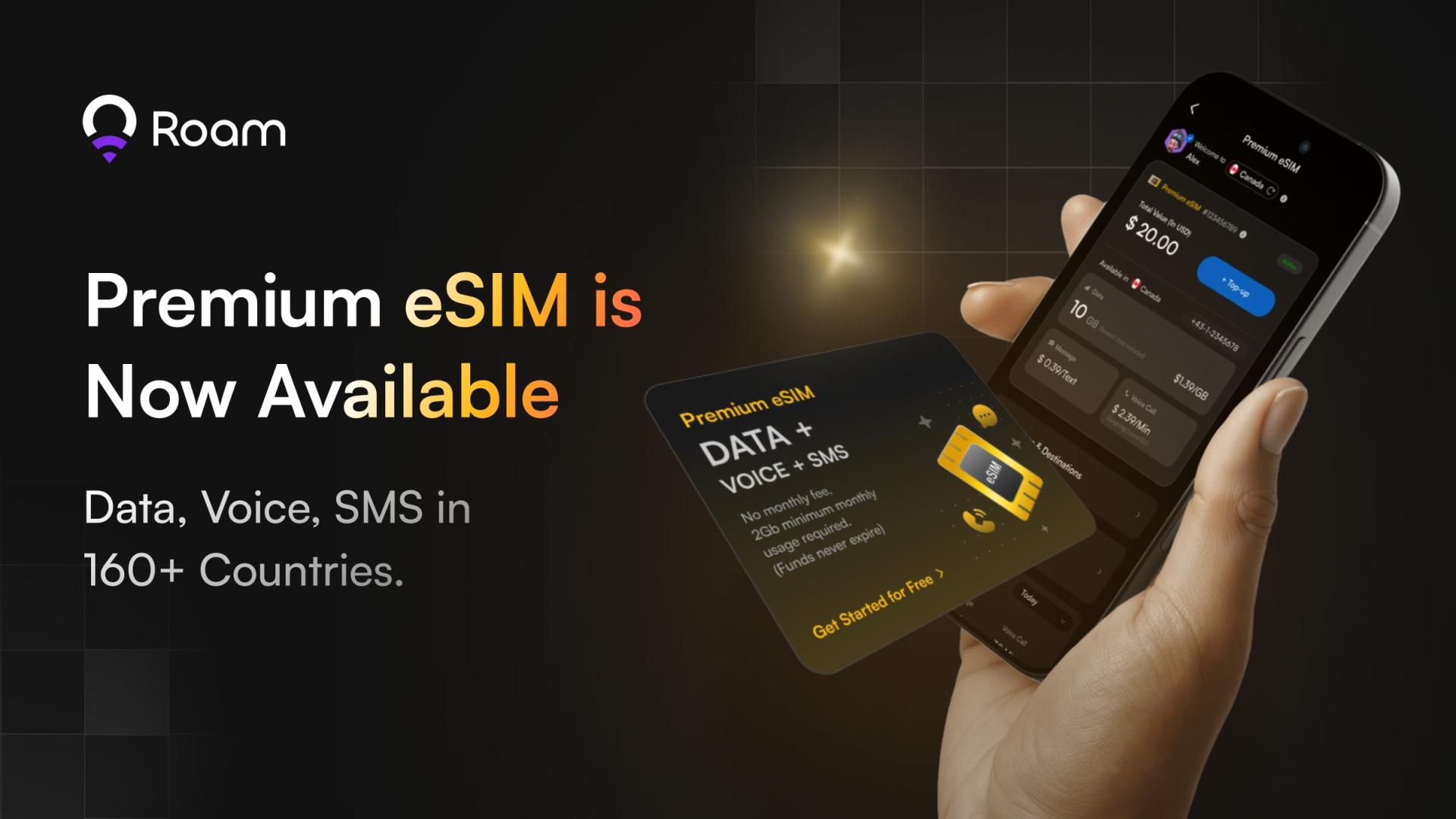
These apps showcase how mobile-first design can democratize access to decentralized infrastructure without requiring users to run full nodes themselves.
For users interested in earning Solana mobile DePIN rewards, the current landscape emphasizes participation via dApps over direct node operation. Most DePIN projects reward contributors for data, compute, or network resources provided through their mobile apps. For instance, using the WeatherXM app, users can submit weather data and receive tokenized incentives proportional to their contributions and network demand. Similarly, Roam’s OpenRoaming integration enables users to earn by sharing WiFi access securely, leveraging the Saga’s decentralized identity features. While these rewards may not match the scale of running a full node on dedicated hardware, they offer a practical entry point for passive income on the go.
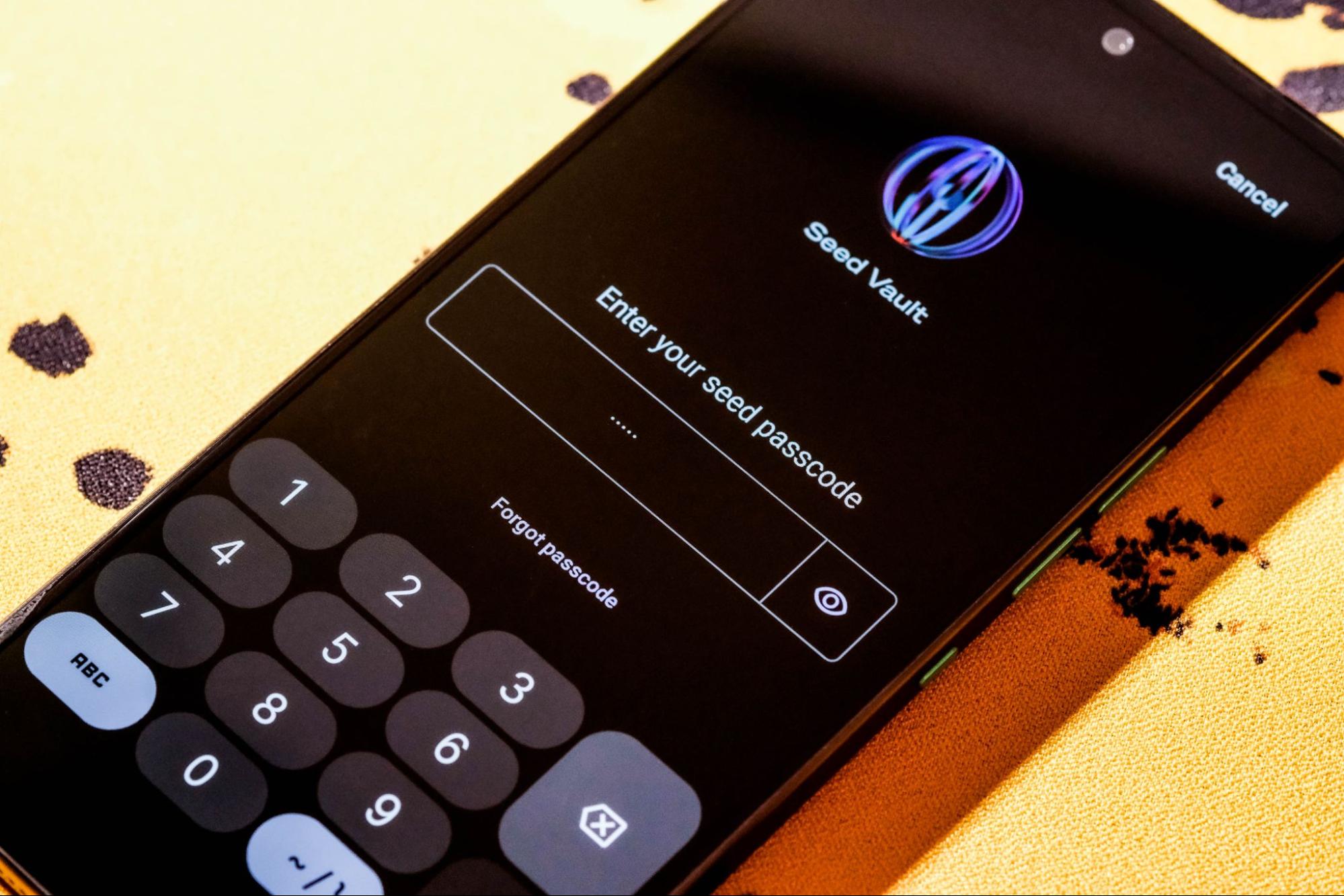
Security Tip: Always use the Saga’s Seed Vault for wallet management. This hardware-based enclave isolates your private keys from the operating system, reducing the attack surface for mobile-specific exploits.
Key Considerations for Mobile DePIN Participation
When interacting with DePIN networks on your Solana Saga phone, keep the following technical and operational factors in mind:
Technical Tips for Secure & Efficient DePIN Use on Saga
- Leverage the Saga's Seed Vault for Wallet Security: Always use the Seed Vault to generate and store your private keys. This hardware-backed solution ensures your keys never leave the device, protecting your assets when interacting with DePIN apps.
- Keep Your Saga OS and dApps Updated: Regularly check for and install updates for both the Saga operating system and your DePIN applications. Updates often include critical security patches and performance improvements.
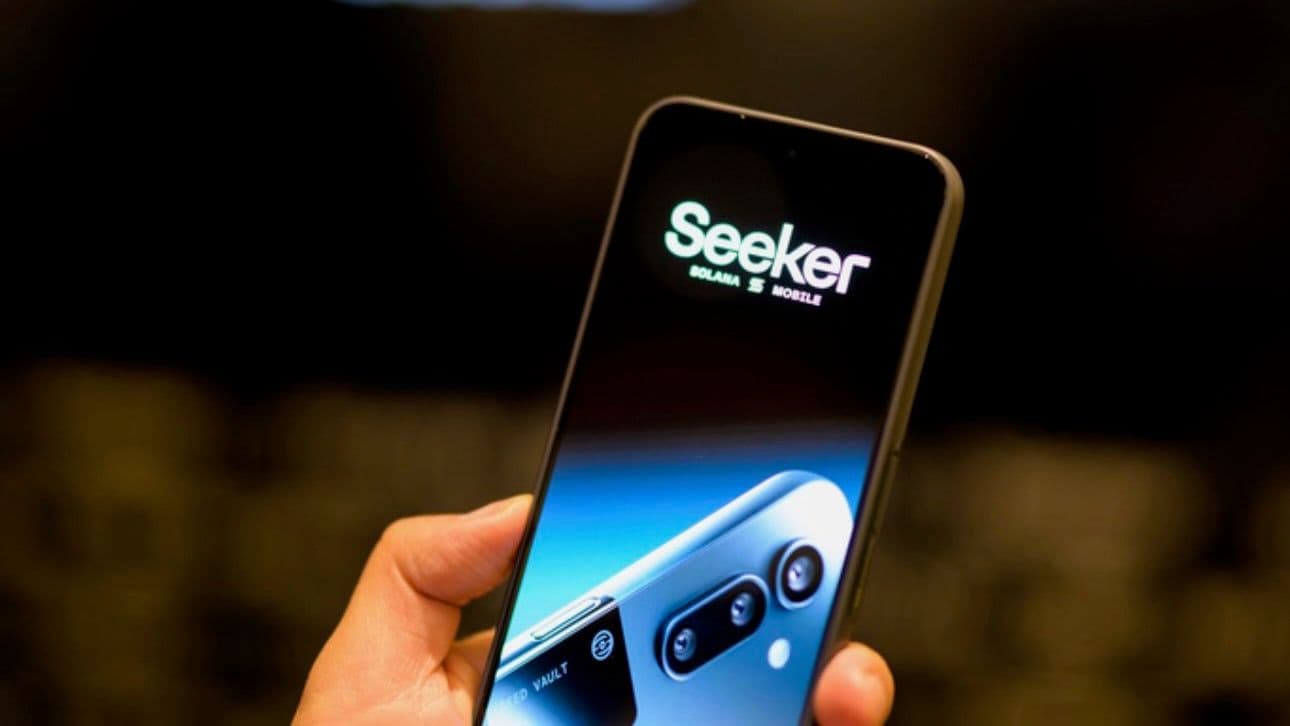
- Limit App Permissions to Essential Functions: When installing DePIN apps, review and restrict permissions to only those necessary for core functionality. This reduces potential attack surfaces and protects your personal data.
- Use Secure Wi-Fi or Mobile Data Connections: Always connect to trusted, encrypted networks when accessing DePIN services. Avoid public Wi-Fi to prevent interception of sensitive data during wallet or app interactions.
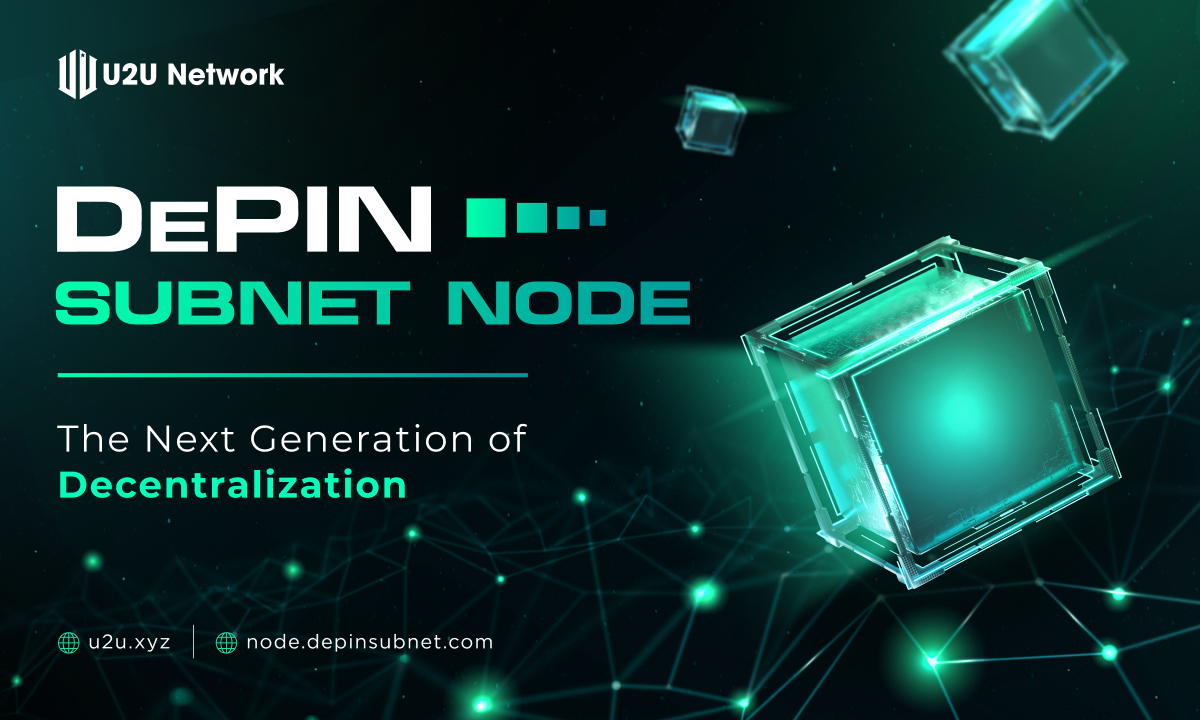
- Monitor DePIN Network Activity via Trusted Platforms: Use established explorers like DePIN Scan to track network status, validate transactions, and ensure the legitimacy of your interactions.
- Understand Hardware Limitations for Node Operation: Be aware that the Saga phone cannot run full DePIN nodes due to hardware constraints. For actual node participation, set up a dedicated server as outlined in Solana's official documentation.
Unlike traditional node operators, mobile-first users should focus on:
- Ensuring app permissions are tightly controlled
- Keeping the device updated with the latest firmware and dApp versions
- Monitoring battery and data usage, as some DePIN apps can be resource-intensive
The Future of DePIN Node Hosting on Mobile
While hardware constraints currently prevent direct DePIN node hosting on the Solana Saga, the pace of mobile silicon innovation suggests this could change within the next few years. Projects like Raiinmaker are already pushing the boundaries by enabling distributed compute tasks from mobile devices. As edge computing and mobile hardware evolve, expect future generations of crypto phones to support lightweight node participation or delegated staking models directly from the device.
"No DePIN network can operate on probabilistic finality. Users expect real-time interaction, be that a GPU marketplace or a mobile data protocol. " - DePIN Scan
For now, the Solana Saga DePIN node journey is about smart participation and leveraging mobile-first dApps to interact with decentralized infrastructure. Whether you’re contributing sensor data, sharing connectivity, or engaging in distributed compute, the Saga phone puts these opportunities in your pocket, securely and conveniently.
No comments yet. Be the first to share your thoughts!