
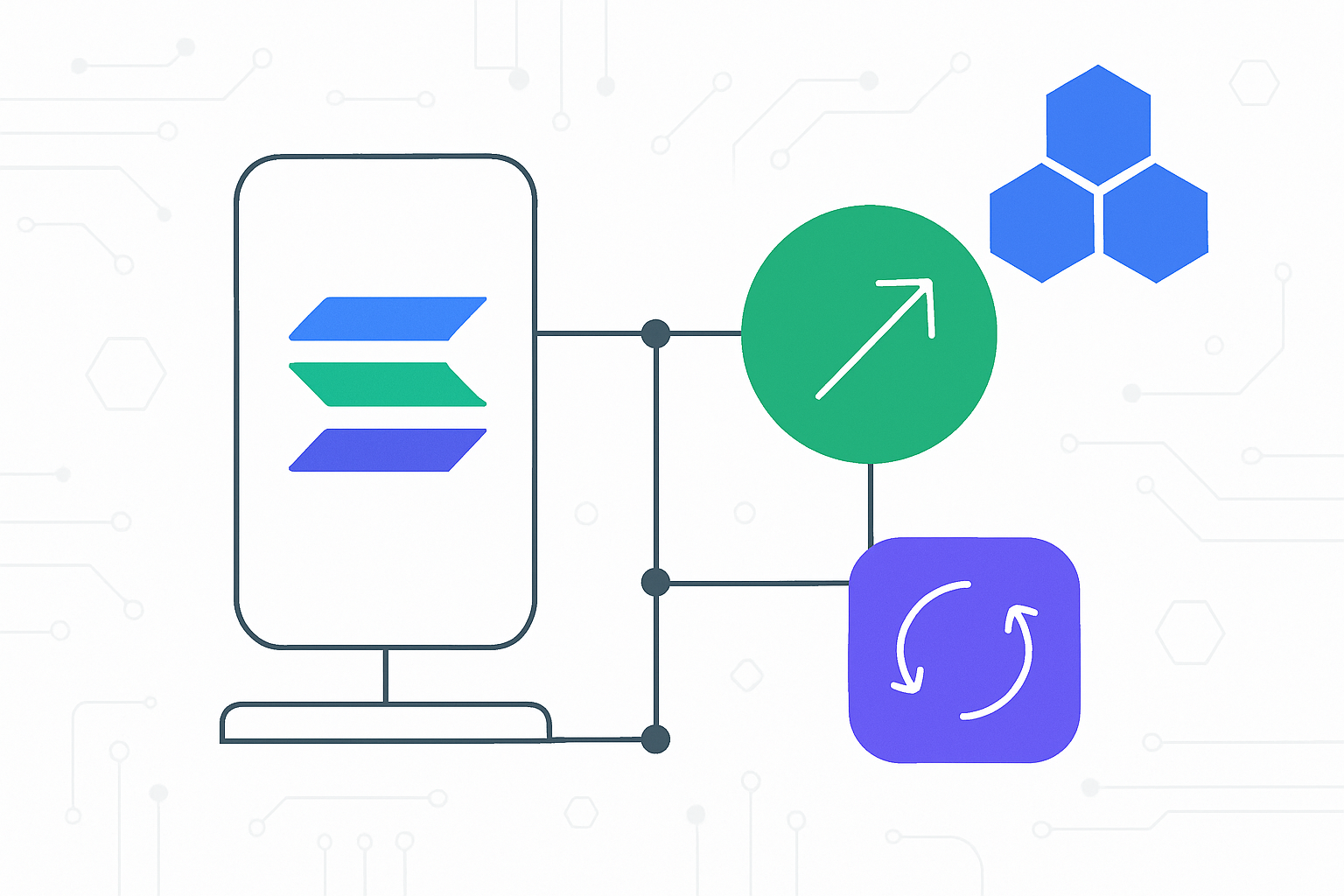
Mobile-native DeFi is rapidly evolving, and the Solana Saga smartphone sits at the forefront for users who want to trade, swap, and earn on-chain rewards directly from their pocket. With Solana’s blazing-fast execution and the Saga’s seamless Web3 integration, you can access decentralized finance tools once reserved for desktop power users, now optimized for mobile-first experiences.
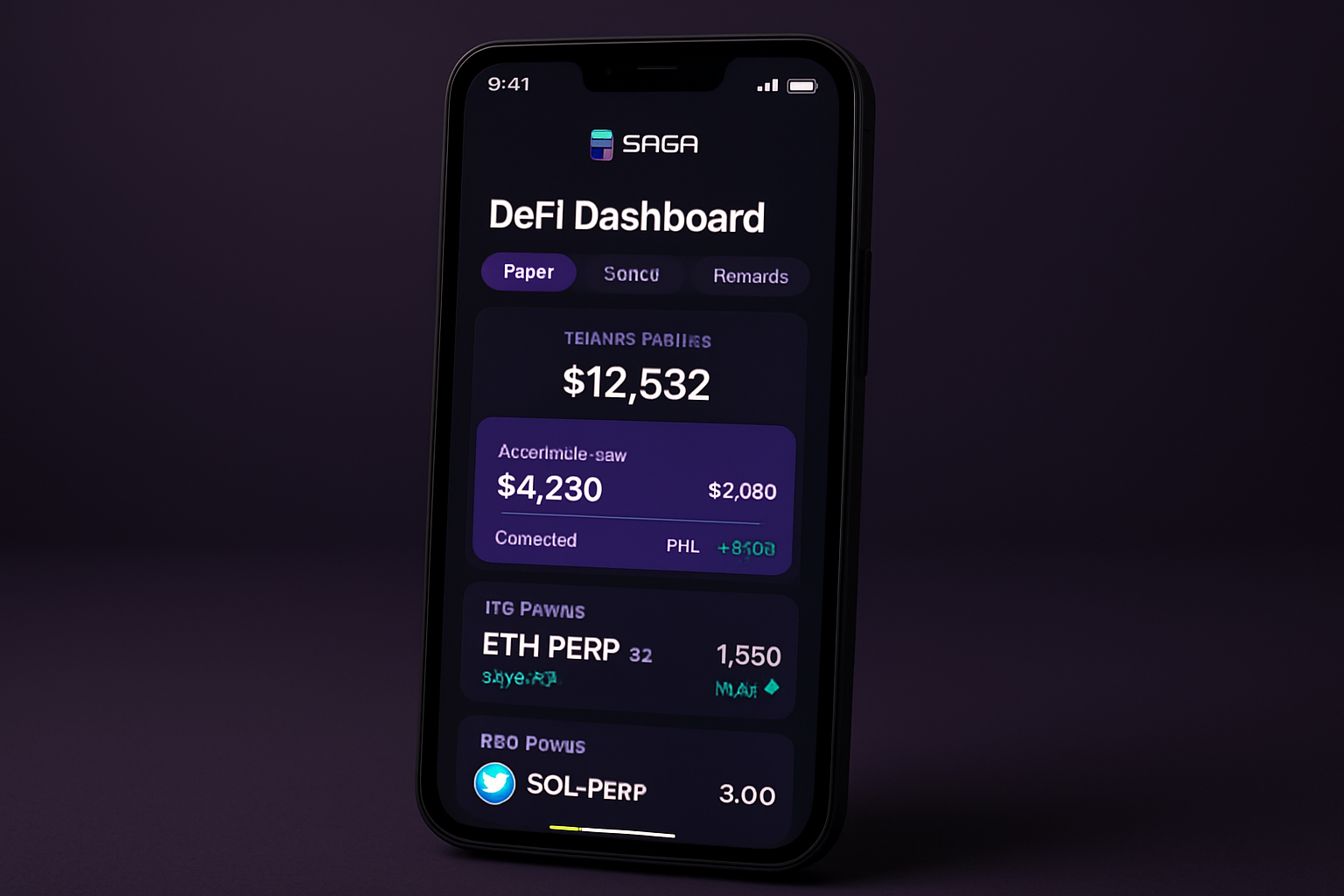
Getting Started: Secure Your Mobile Wallet
Your journey into mobile-first DeFi starts with a secure wallet. The Solana Saga comes equipped with the Seed Vault, a hardware-level secure enclave that keeps your private keys safe from prying eyes. For most users, Phantom, Backpack, or Solflare wallets are top picks. Each offers unique features:
- Phantom: Multi-chain support (Solana, Ethereum, Polygon), NFT management, swaps, staking.
- Backpack: xNFTs and app integrations, open-source ethos.
- Solflare: Solana-only but deeply integrated with DeFi protocols and staking options.
If you need a step-by-step walkthrough of wallet setup tailored to mobile-first security best practices, check out our comprehensive guide: How to Set Up Solana Wallets on the Saga Phone.
Navigating the Solana dApp Store: Your Gateway to Mobile DeFi
The dApp Store on your Saga device is unlike any other app marketplace. It’s open-access, no gatekeeping from centralized app stores, and curated specifically for Web3 apps that shine on mobile. Here’s how to get started:
- Open the dApp Store: Tap the native icon on your home screen.
- Browse or Search: Look up trending DeFi protocols like Jupiter (for swaps), Drift (for perps), or marginfi (for lending).
- Install dApps: One-tap installs put powerful trading tools right at your fingertips.
This open ecosystem means you’re never limited by what Apple or Google allow, if it’s built for Solana, it’s available to you first on Saga.
SOL Onboarding: Funding Your Wallet for Mobile Trading
You’ll need SOL in your wallet to pay transaction fees and interact with DeFi apps. The easiest path? Buy SOL from a major exchange like Coinbase or Binance and transfer it to your mobile wallet address. Some wallets (like Magic Eden Wallet) even let you buy SOL using fiat directly inside the app, making onboarding frictionless for new users.
If you’re looking for a detailed breakdown of funding options plus security tips for first-time buyers, see our in-depth resource: How to Use DeFi Apps on Your Solana Saga Phone: A Beginner’s Guide to Mobile-First Crypto.
Diving In: Perpetuals, Swaps and Rewards, All from Your Pocket
The real power of mobile-native DeFi comes alive once your wallet is funded and connected. Let’s break down three core experiences now available natively on Solana Saga:
- Saga-Optimized Perps Trading: Platforms like Drift let you long or short assets with leverage, directly from your phone, with lightning-fast execution thanks to Solana’s low latency. No more waiting hours for confirmations or dealing with clunky interfaces built for desktop first.
- Crowd-Sourced Swaps via Jupiter: Jupiter aggregates liquidity across all major DEXs so you always get optimal pricing when swapping tokens, a huge advantage when gas fees spike elsewhere but remain negligible on Solana.
- Earning On-Chain Rewards: Beyond traditional staking (think Marinade or Jito), new reward models are emerging fast. For example, Perp Labs just launched daily $PERP holder rewards via Nekodex, no staking or lockups required. If you hold or trade $PERP on supported dApps through your Saga device, rewards accrue automatically every day, a true set-and-forget system designed for busy mobile users.
Mobile-first DeFi means you can now take advantage of cutting-edge protocols, cross-chain swaps, and innovative rewards programs, all while on the go. Let’s explore how to maximize these features for a seamless crypto experience on your Solana Saga.
Trading Perpetuals: Leverage and Speed in Your Palm
Trading perps (perpetual contracts) used to require desktop-grade setups, but with apps like Drift or Jupiter’s new perps interface, you can open leveraged long or short positions on assets like SOL, BTC, and ETH directly from your Saga. The process is simple: connect your wallet, deposit collateral (usually SOL or USDC), select your asset and leverage, and execute trades with real-time execution speeds.
For those new to perps trading or wanting a visual walkthrough of the latest mobile-native interfaces, check out:
Solana’s high throughput ensures you won’t miss market moves due to network congestion. And with gasless transaction options increasingly available through services like Plena paymasters, your trades are frictionless, even if your SOL balance is low.
Swapping Tokens: Best Rates Across Chains
The power of cross-chain swaps is now at your fingertips. Jupiter’s aggregator taps into all major Solana DEXs to find you the lowest slippage and best rates, no matter what token pair you’re after. Simply select the tokens you want to swap, review the quoted price (including all fees), approve via biometric authentication if enabled, and confirm. In seconds, your new tokens appear in your wallet.
For advanced users, look for features like limit orders or multi-hop routing that maximize efficiency for larger trades, these are increasingly supported on mobile-first interfaces.
Unlocking Mobile Crypto Rewards
The rewards landscape for mobile DeFi users is evolving quickly:
- $PERP Holder Rewards via Nekodex: Earn daily rewards simply by holding or trading $PERP, no staking or lockups required. This model is perfect for mobile users who want passive yield without extra steps.
- Saga Genesis Token Benefits: Every Saga device comes with a non-transferable NFT that unlocks exclusive airdrops and dApp perks in the Solana ecosystem. Check regularly for new offers inside the dApp Store.
- Traditional Staking and Liquid Staking: Stake SOL through Marinade or Jito directly from your phone; receive liquid staking tokens (LSTs) that can be deployed in other DeFi strategies without losing yield.
If you’re curious about maximizing these opportunities and staying ahead of upcoming airdrops or protocol launches tailored for mobile users, bookmark our resource hub for ongoing updates.
Your Security Checklist for Mobile-First DeFi
- Always use Seed Vault integration, never expose private keys outside secure hardware enclaves.
- Enable biometric authentication for wallet access where possible.
- Download dApps only from the official Solana dApp Store to avoid phishing risks.
- Regularly review app permissions and connected sites within your wallet settings.
Staying Ahead: Tips and Resources for Power Users
The world of mobile-native DeFi is fast-paced, protocols update frequently, new rewards models emerge overnight, and UI improvements roll out regularly. Here are some tips to ensure you’re always ahead:
- Follow project updates: Join official Discords/Telegram channels of leading protocols like Drift, Jupiter, Marinade, and watch their Twitter feeds for flash incentives or feature drops.
- Diversify protocols: Don’t put all funds into one platform; try different perps venues (Drift vs. Jupiter), swap aggregators (Jupiter vs. OpenOcean), and staking solutions (Marinade vs. Jito).
- Avoid FOMO traps: Not every reward campaign is worth chasing; weigh risk/reward before jumping into new launches from your phone.
If you’re ready to deepen your expertise or troubleshoot specific issues, like failed transactions or optimizing cross-chain swaps, explore our advanced guides at How to Use DeFi App on Solana Saga: A Complete Mobile-First Guide for On-Chain Trading.



No comments yet. Be the first to share your thoughts!