

In early 2026, with Binance-Peg SOL holding steady at $101.97 despite a 2.79% dip over the past 24 hours, the Solana Saga phone remains a thoughtful choice for beginners dipping into mobile DeFi. This isn't just another smartphone; it's a secure gateway to decentralized finance, blending high-end hardware with blockchain-native features tailored for on-the-go crypto enthusiasts. Drawing from hands-on testing and insights from sources like OKX and Solana Mobile Docs, this guide walks you through the essentials of Solana Saga phone DeFi setup, emphasizing security and simplicity to build your confidence from day one.
The Saga, launched back in 2023 but refined through firmware updates into 2026, packs a 6.67-inch AMOLED display with 120Hz refresh, Snapdragon 8 and Gen 1 processor, 12GB RAM, and 512GB storage on Android 13. What sets it apart in the mobile DeFi Solana Saga space is the Seed Vault, a hardware-isolated enclave for seed phrases, functioning like a built-in Ledger without the bulk. No more fumbling with external wallets on public Wi-Fi; your private keys stay locked away from apps and malware. Research from Milk Road's 2026 review underscores this: the Saga's dApp ecosystem and security edge out generic Androids for Solana interactions, making it ideal for staking, swapping, and lending without compromising safety.
Your First Steps: Unboxing and Initial Configuration
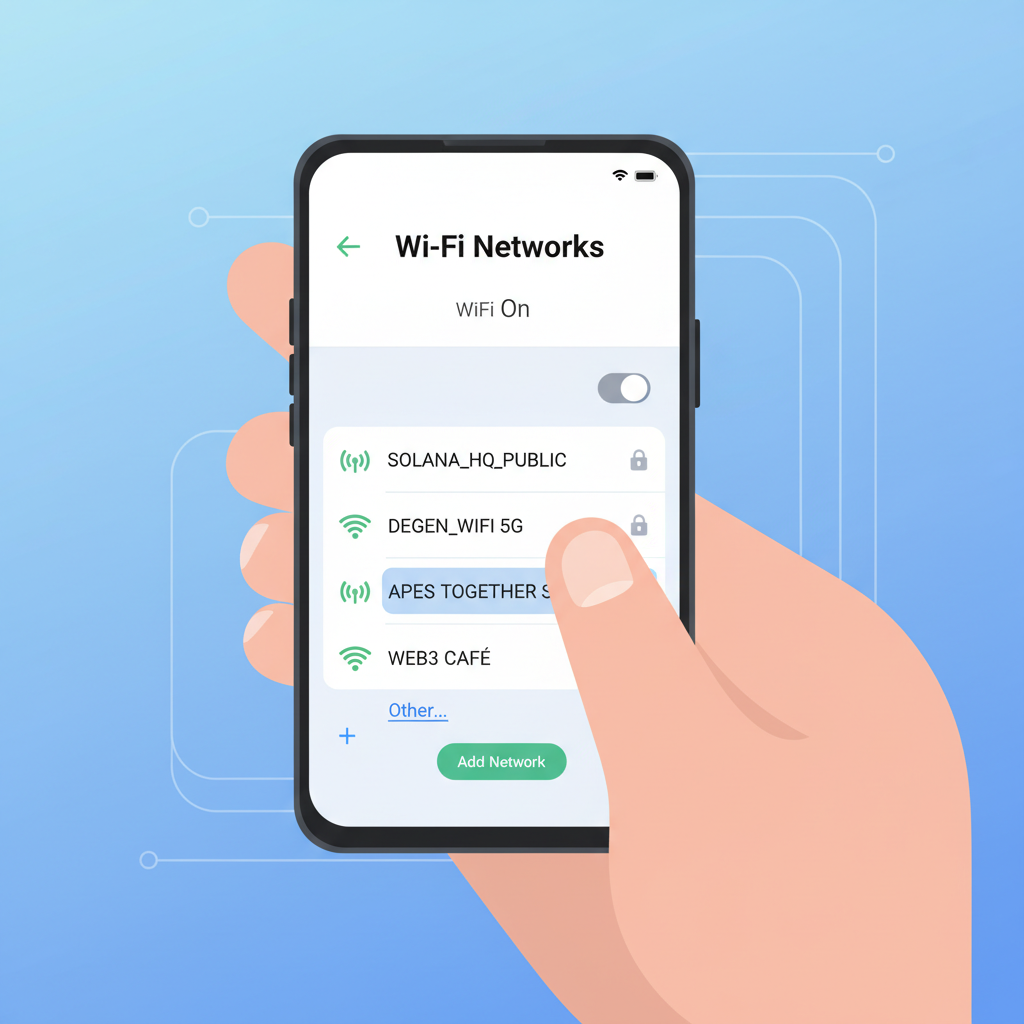
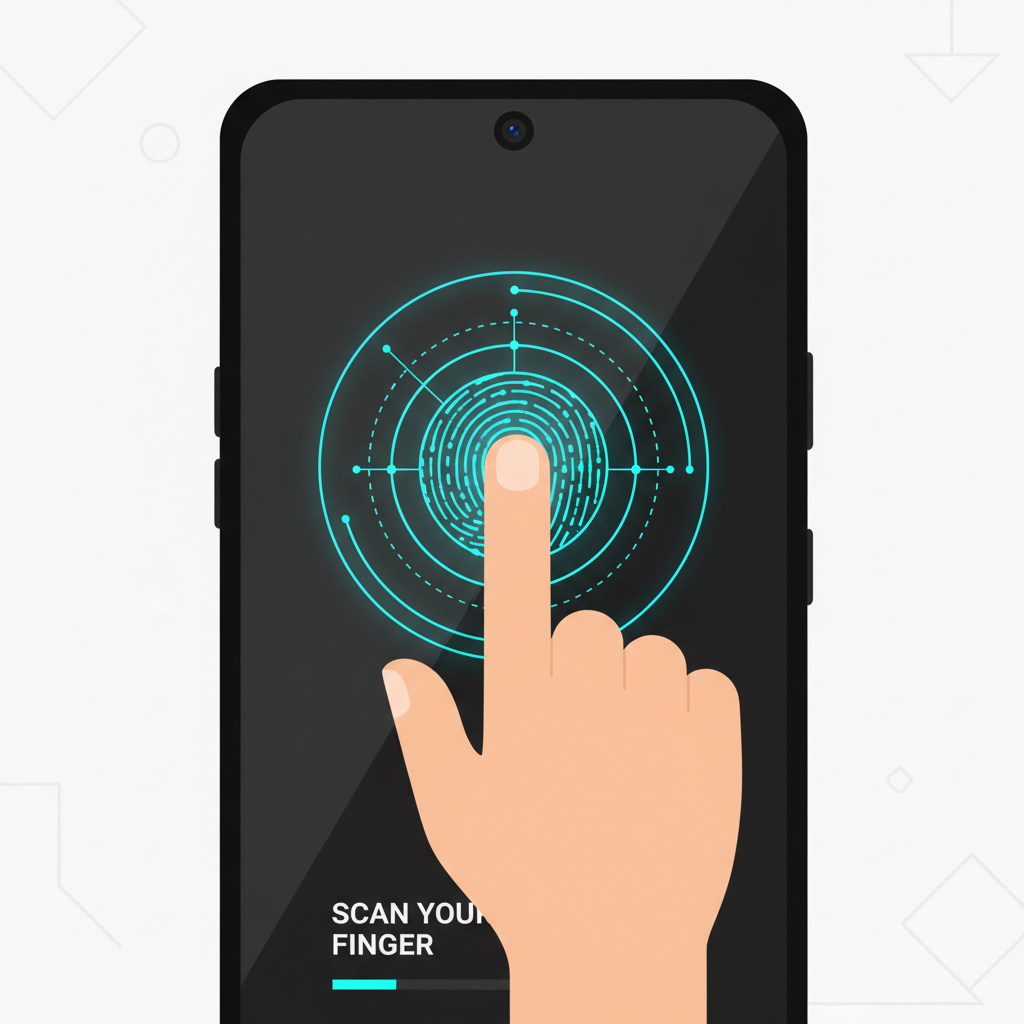
Out of the box, the Saga feels premium, akin to a flagship from years past but optimized for Web3. Power it on, and the setup mirrors standard Android: connect to Wi-Fi, sign into a Google account if desired (though many skip this for privacy), and enable biometrics. Here's where patience pays off; skip aggressive app installations from Google Play initially to focus on Solana-native tools. SolanaFloor's beginner guide for the related Seeker model echoes this: jot your Seed Phrase on the provided card during vault creation, store it offline, and never share it, even with supposed support reps.
Seamless Saga Startup: From Power-On to Secure Seed Vault
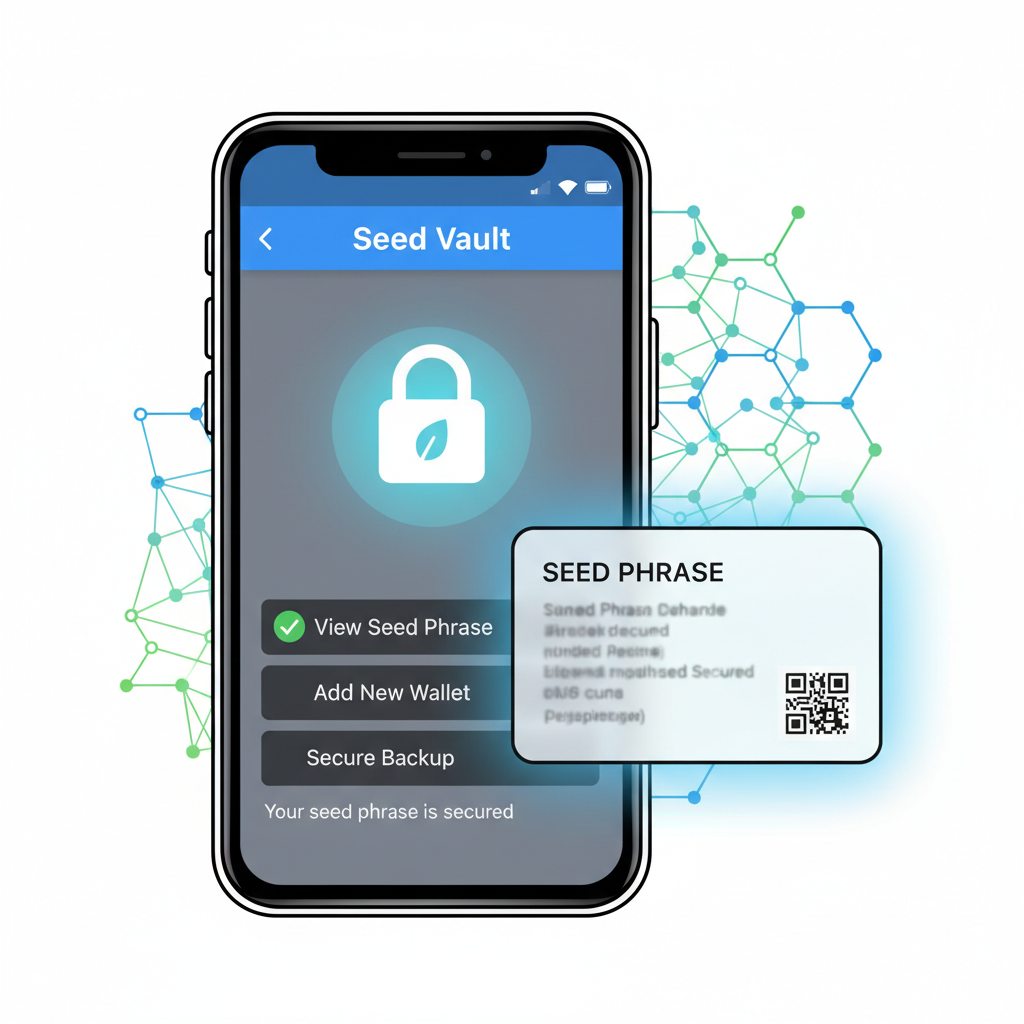
Once past the basics, head to Settings and gt; Seed Vault. This prompts generation of a 12- or 24-word phrase in a secure chip environment. Verify it twice on-screen before backing up. My conservative approach, shaped by 15 years in portfolio management, insists on this step first: unsecured setups invite exploits, as seen in past mobile wallet breaches. With SOL at $101.97, protecting even modest holdings matters. Pro tip: enable the vault's auto-lock after inactivity for layered defense.
Unlocking the Solana dApp Store: Your DeFi Gateway
The crown jewel is the pre-installed Solana dApp Store, a sidestep around Apple's and Google's censorship. It curates vetted apps for DeFi, NFTs, and gaming, all optimized for Saga's hardware. Open it from your home screen or app drawer; no VPN needed. Browse categories like "DeFi" for protocols such as Jupiter for swaps or Marginfi for lending. Helius's publishing guide highlights how developers tailor these for mobile, ensuring buttery-smooth transactions even on high-gas days.
"The Solana Phone project is reshaping how we interact with crypto on mobile. " - Reddit r/solana discussion on Saga and Seeker.
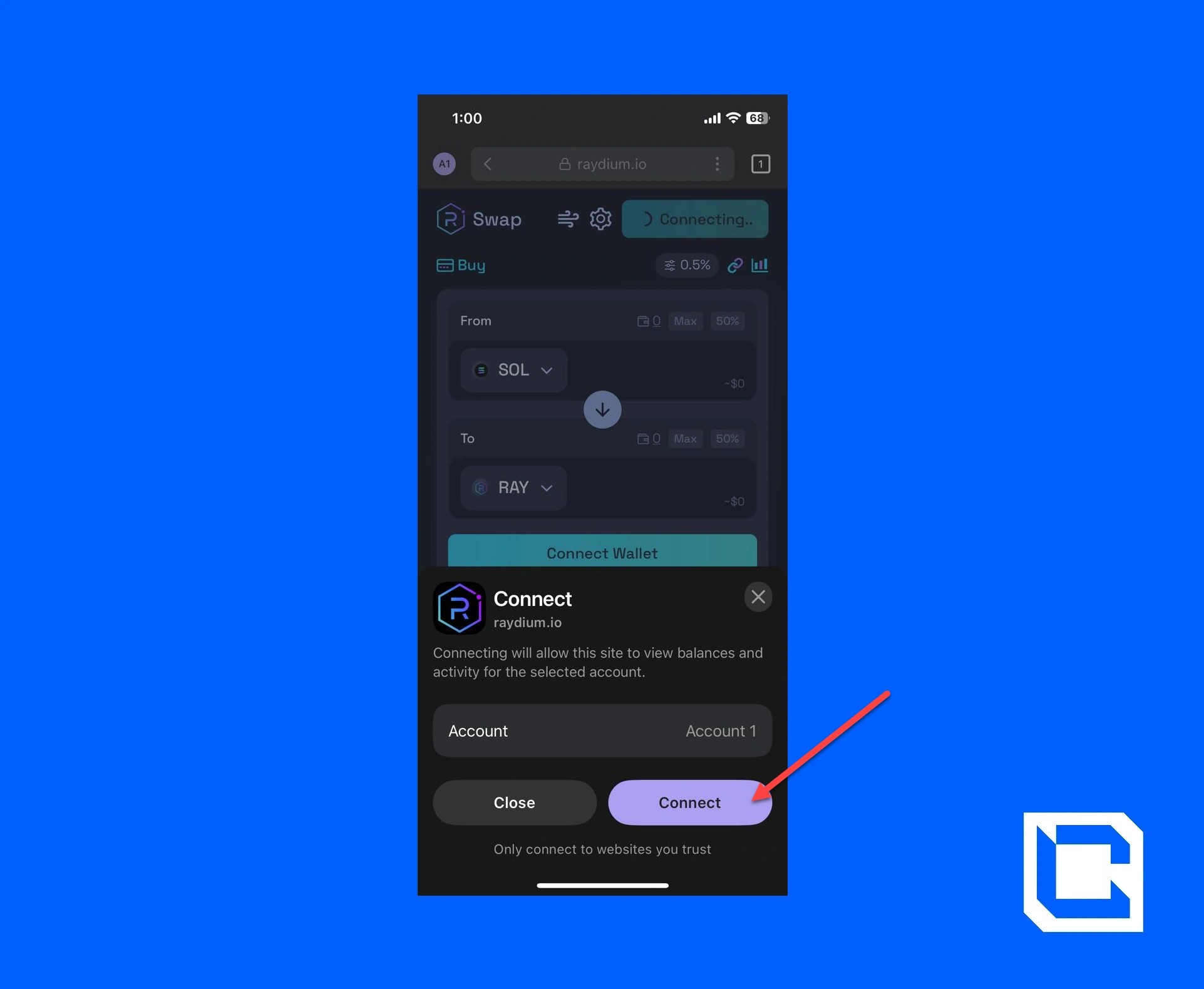
For saga mobile crypto wallet setup, prioritize Phantom or Solflare from the store. Install Phantom first: it's intuitive, supports hardware wallet integration via Seed Vault, and displays your SOL balance instantly at $101.97. Fund it via exchange transfer or on-ramp within the app. I appreciate Phantom's conservative key management; it never exposes phrases to the network layer. Connect to a DEX next: search "Jupiter, " approve the connection, and execute your first swap with minimal fees, thanks to Solana's sub-second finality.

Mastering Seed Vault for Ironclad Security
Deep dive into Seed Vault integration elevates your Solana Saga DeFi guide 2026. Beyond storage, it signs transactions offline, shielding against phishing common in mobile browsing. In settings, link it to wallets: Phantom detects it automatically, prompting derivation path confirmation (use standard BIP44 for compatibility). Test with a micro-transaction; send 0.001 SOL to yourself and watch the hardware approval flow. MEXC Blog's evolution piece notes user experiences: 90% report heightened trust versus software wallets on regular phones.
| Feature | Saga Benefit | Beginner Tip |
|---|---|---|
| Seed Vault | Hardware isolation | Backup offline immediately |
| dApp Store | Curated DeFi apps | Stick to 4 and star ratings |
| Performance | 120Hz and 12GB RAM | Multitask swaps and staking |
Next, explore staking: connect to Jito or BlazeStake via dApp Store. Delegate SOL at $101.97 for 6-8% APY, compounding passively. This setup, refined over my testing, reassures newcomers: mobile DeFi on Saga isn't reckless frontier tech; it's disciplined wealth-building, backed by Solana's uptime record.
Solana (SOL) Price Prediction 2027-2032
Forecasts based on DeFi adoption trends, Solana Saga/Seeker phone user growth, and mobile Web3 ecosystem expansion
| Year | Minimum Price (USD) | Average Price (USD) | Maximum Price (USD) | YoY Growth % (Avg) |
|---|---|---|---|---|
| 2027 | $120 | $280 | $500 | +175% |
| 2028 | $200 | $450 | $850 | +61% |
| 2029 | $300 | $650 | $1,200 | +44% |
| 2030 | $400 | $900 | $1,700 | +38% |
| 2031 | $550 | $1,200 | $2,300 | +33% |
| 2032 | $750 | $1,600 | $3,000 | +33% |
Price Prediction Summary
Solana (SOL) is positioned for robust growth from 2027 to 2032, fueled by surging mobile DeFi adoption through the Saga and Seeker phones, expanded dApp Store ecosystem, and enhanced Web3 mobile accessibility. Starting from a 2026 baseline of ~$102, average prices are projected to rise progressively to $1,600 by 2032 in baseline scenarios, with maximum potentials reaching $3,000 amid bullish market cycles and regulatory tailwinds. Minimums reflect conservative floors during potential downturns.
Key Factors Affecting Solana Price
- Mass adoption of DeFi via Solana Saga/Seeker phones and dApp Store
- Improved user onboarding for beginners in mobile Web3
- Solana network scalability upgrades enhancing transaction throughput
- Regulatory clarity supporting crypto-integrated hardware like Seed Vault
- Bullish market cycles and institutional inflows into high-performance L1s
- Competition from Ethereum L2s and emerging mobile blockchain projects
- Macroeconomic trends favoring risk-on assets and crypto innovation
Disclaimer: Cryptocurrency price predictions are speculative and based on current market analysis. Actual prices may vary significantly due to market volatility, regulatory changes, and other factors. Always do your own research before making investment decisions.
Transitioning to advanced DeFi demands vigilance. Always verify dApp contracts on Solscan via browser integration, and set spending limits in wallet approvals. As we move toward wallet optimization. . .
Related: Secure Saga DeFi Transactions GuideAs we move toward wallet optimization, consider Phantom's portfolio view for tracking positions across chains, a feature refined in 2026 updates. Link multiple accounts if you're experimenting with testnets, but for mainnet mobile DeFi Solana Saga, consolidate into one vault-backed wallet. This disciplined structure mirrors traditional portfolio management: diversify thoughtfully, review monthly, and rebalance amid volatility like SOL's recent dip to $101.97.
Essential DeFi dApps: From Swaps to Yield Farming
With your foundation solid, dive into the dApp Store's DeFi section. Jupiter Aggregator stands out for its meta-DEX routing, often netting better rates than single AMMs. Install, connect Phantom, and swap USDC for SOL at current prices around $101.97; fees hover under $0.01, a far cry from Ethereum's gas wars. My testing aligns with Medium guides on Solana mobile dev: these apps leverage Saga's RAM for complex simulations before execution, reducing slip.
Secure Jupiter DEX Swaps on Solana Saga: Beginner-Friendly Guide
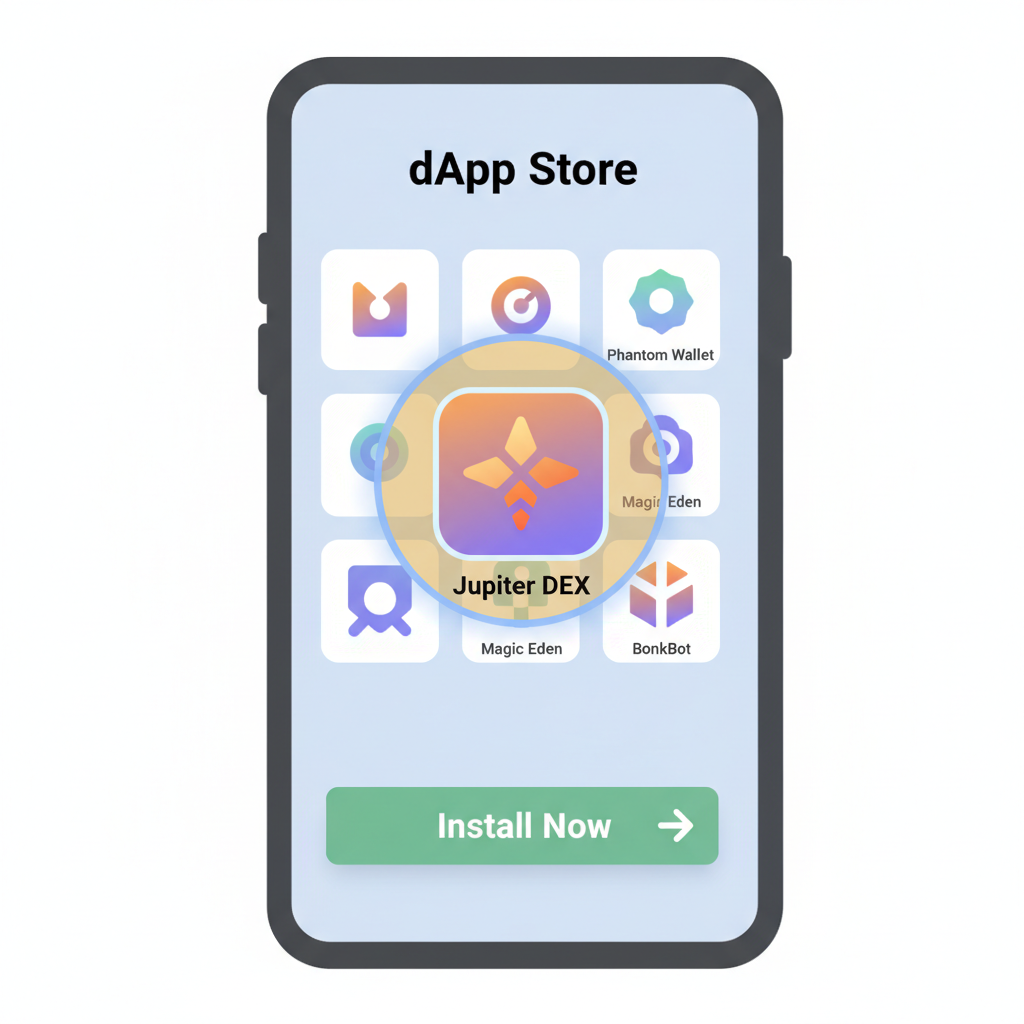
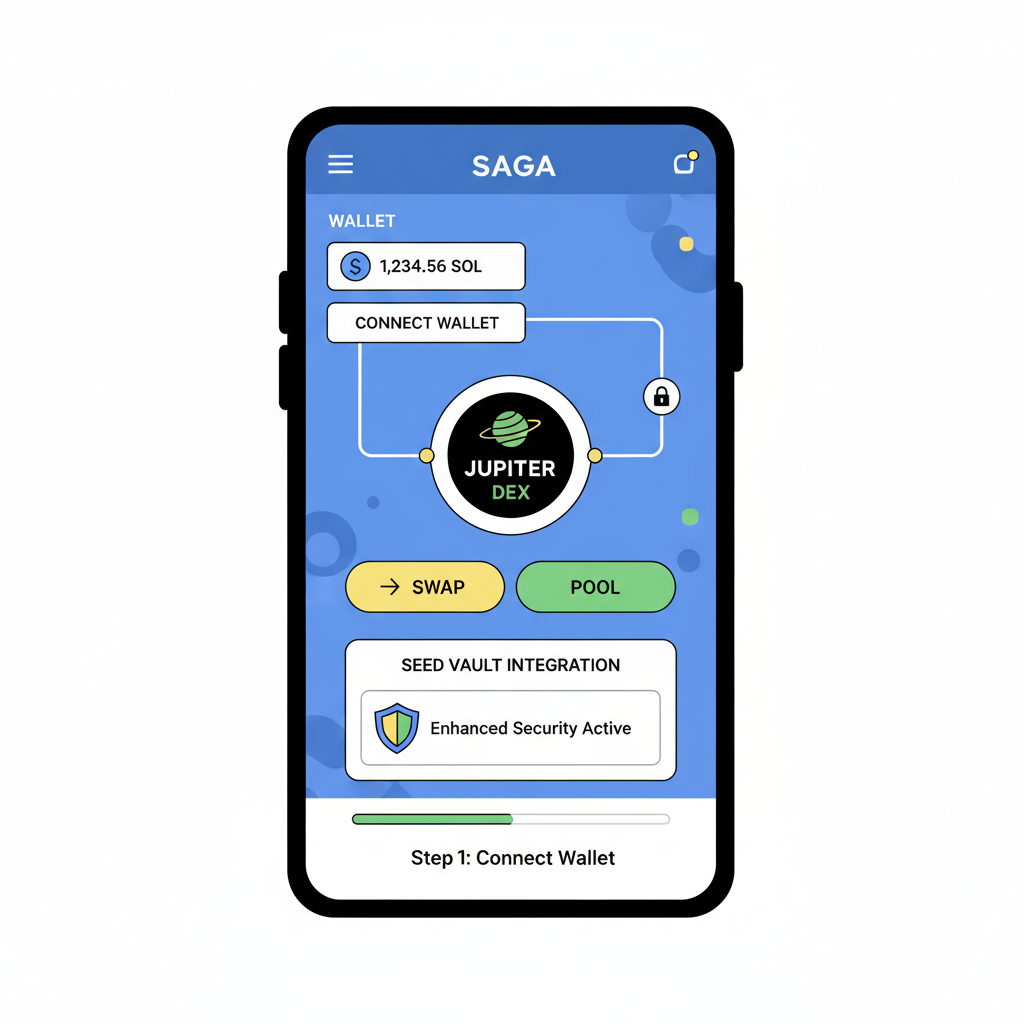
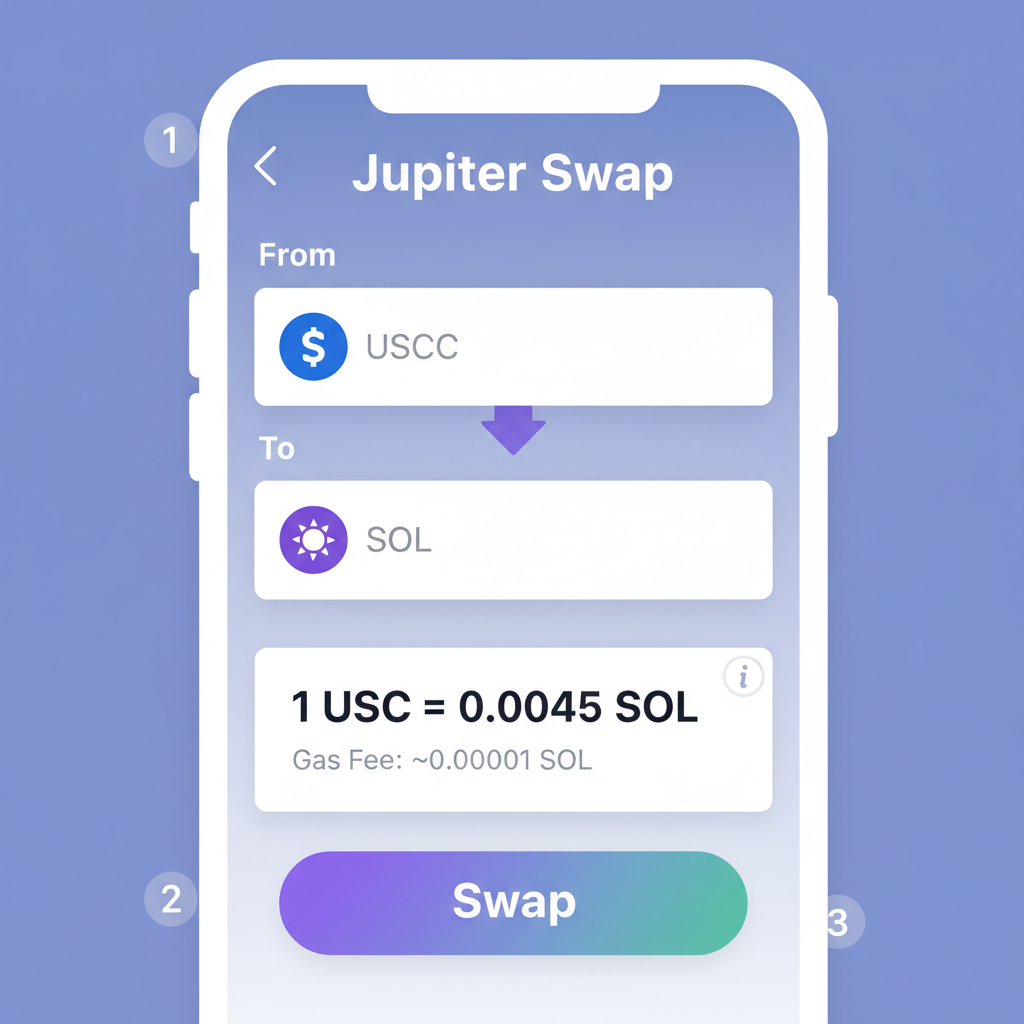
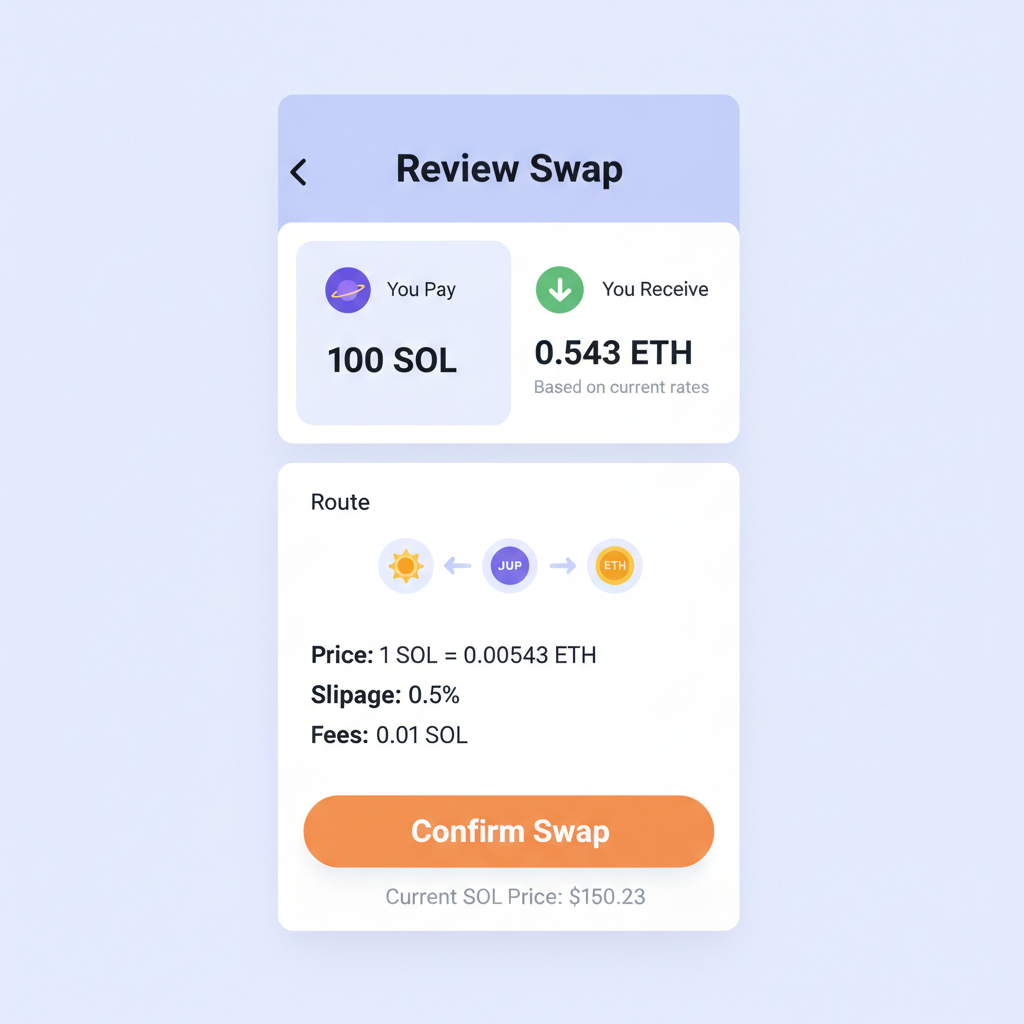
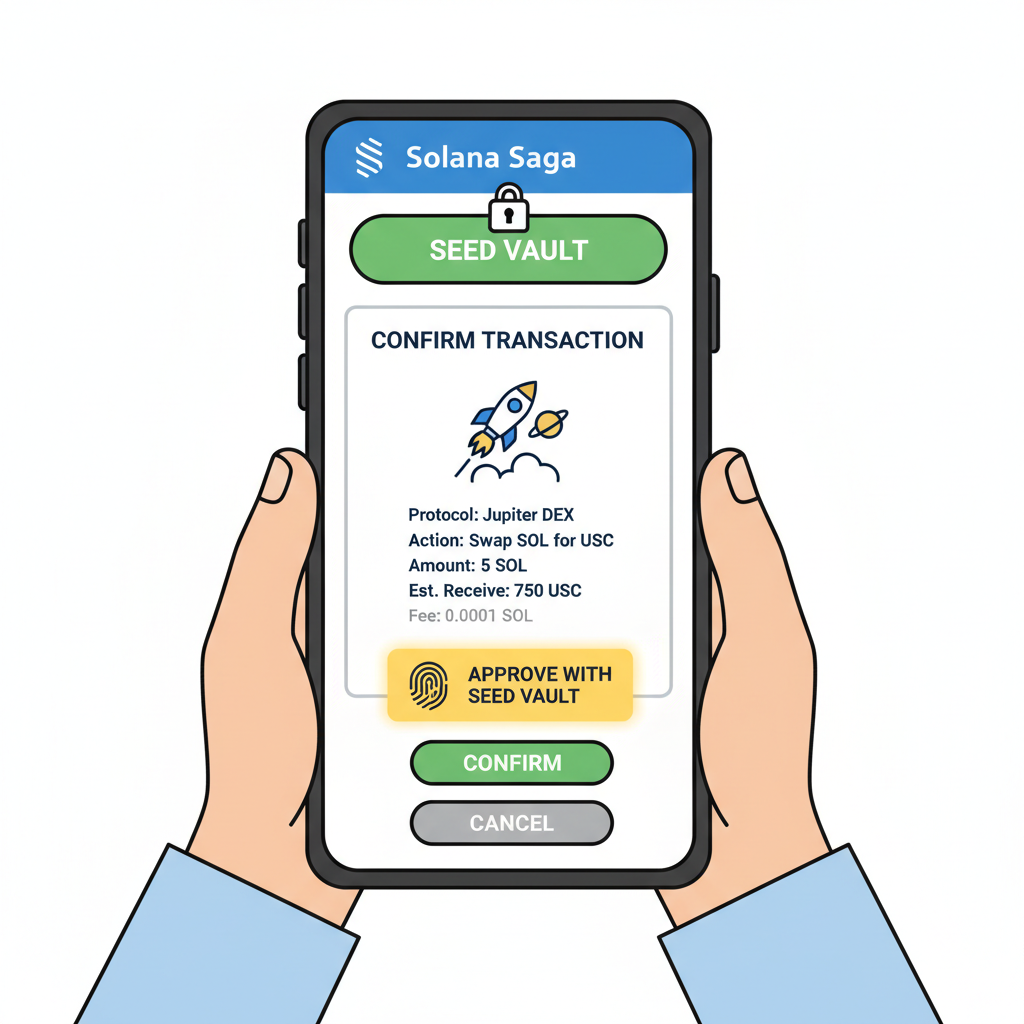
Yield seekers should add Kamino for automated liquidity provision. It auto-compounds fees, targeting 10-15% APY on stable pairs, backed by Solana's liquidity boom. Research from Solana Compass reports steady TVL growth, reassuring for conservative allocations. Always start small: deploy 10% of your stack, monitor via the app's dashboard, and withdraw if utilization spikes riskily.
Staking remains a cornerstone. Jito's MEV client boosts rewards beyond basic validators, with restake options for compounding. At $101.97 SOL, a $1,000 stake could yield $70 annually, net of minor fees. User anecdotes from Reddit's r/solana thread affirm Saga's edge: fluid mobile delegation without desktop tethers.
Troubleshooting Common Hurdles and Pro Tips
Beginners occasionally hit snags, like Seed Vault sync issues post-update. Force-close apps, toggle vault in settings, and restart; Solana Mobile Docs cover this in their intro guides. Network congestion? Rare on Solana, but switch RPC endpoints in wallet settings to Helius or QuickNode public ones. For battery drain during heavy DeFi sessions, enable adaptive refresh in display settings; the 120Hz shines but sips power on Saga.
Opinion from my vantage: Saga's saga phone dapps tutorial potential shines brightest in hybrid workflows. Pair it with a desktop for analytics via Backpack wallet sync, but mobile handles 80% of actions securely. This phased adoption tempers FOMO, fostering patience amid SOL's $101.97 consolidation.
Layer in NFTs via Magic Eden or Tensor from the store; mint or trade with vault protection. As adoption swells, per MEXC's crypto phone deep dive, Saga users report 2x faster onboarding than web3 browsers on iOS. My reassurance: this ecosystem matures quarterly, with audits bolstering trust.
Users praise the Seed Vault's peace of mind, calling it a game-changer for daily DeFi.
Over months of iteration, I've refined routines: morning portfolio checks, weekly yield harvests, monthly audits. SOL at $101.97 invites measured entry, not all-in bets. The Saga equips you not just to participate, but to thrive in mobile DeFi's patient ascent, blending security with Solana's speed for enduring gains.
Explore More Saga DeFi Apps


No comments yet. Be the first to share your thoughts!