

Mobile-first DeFi is no longer a vision of the future - it’s here, and Solana Saga users are at the forefront. With EnsoFi Mobile now live on the Solana dApp Store and fully optimized for both Saga and Seeker devices, earning yield through your phone has never been more seamless. This guide will walk you through using EnsoFi Mobile on your Saga to unlock cross-chain yield strategies, maximize rewards, and keep your assets secure with self-custody.
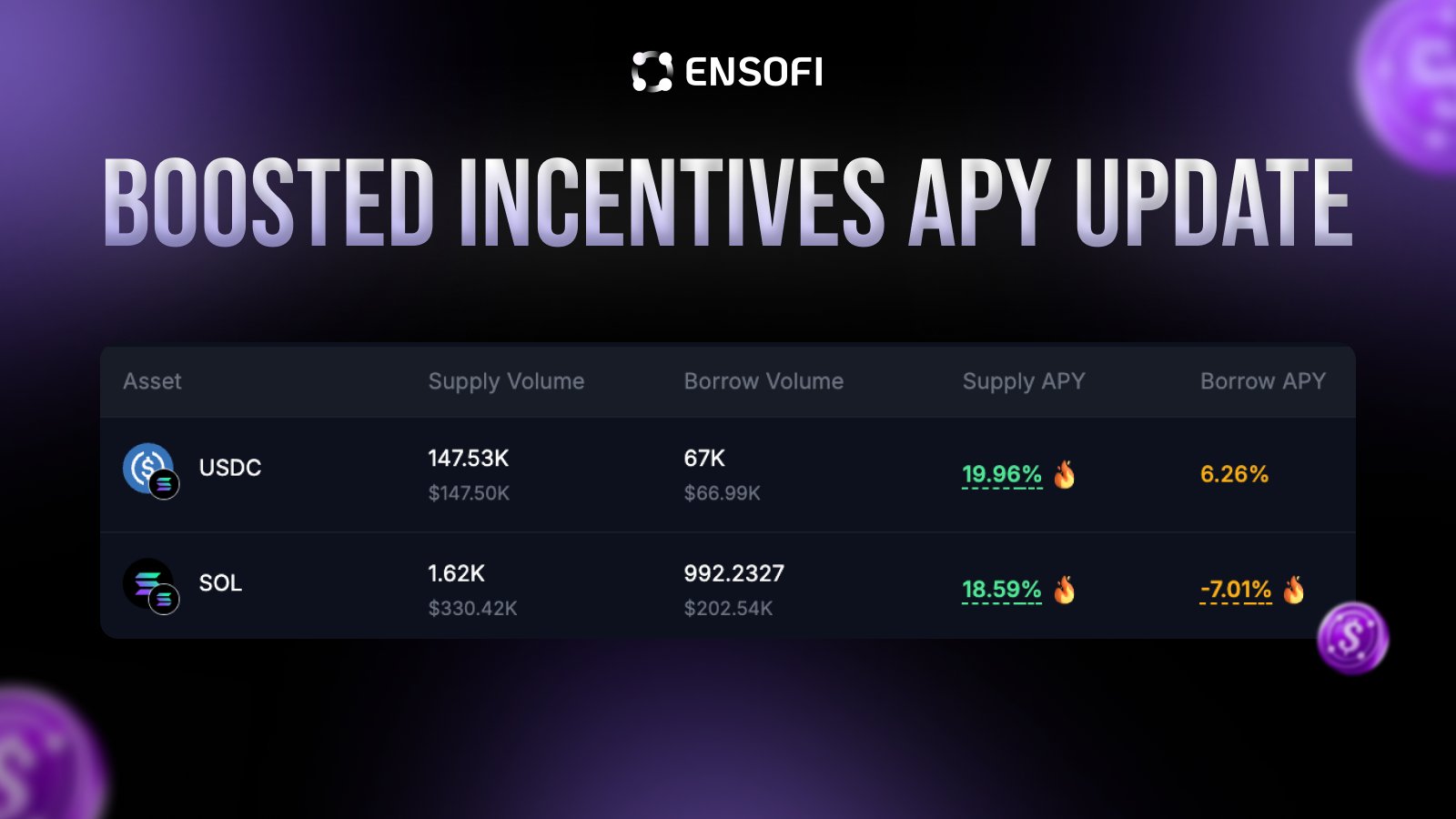
Why Choose EnsoFi Mobile on Solana Saga?
The combination of Solana Saga’s hardware security and EnsoFi’s cross-chain DeFi aggregation offers a user experience that rivals desktop platforms. With up to 10% APY available during periods of high activity (source: r/solana), mobile users can access flexible lending, liquidity pools, and incentive programs directly from their pocket. The integration of the Seed Vault ensures private keys never leave your device, providing peace of mind while you chase yield across multiple blockchains.
Setting Up Your Solana Saga for DeFi
If you’re new to mobile crypto or just unboxing your Saga, here’s how to get started:
Set Up a Secure Solana Wallet on Saga
- Initialize Your Solana Saga Device: Power on your Saga and follow the on-screen setup instructions. During initial setup, you'll be prompted to mint a Saga Genesis Token, which unlocks exclusive features and rewards.

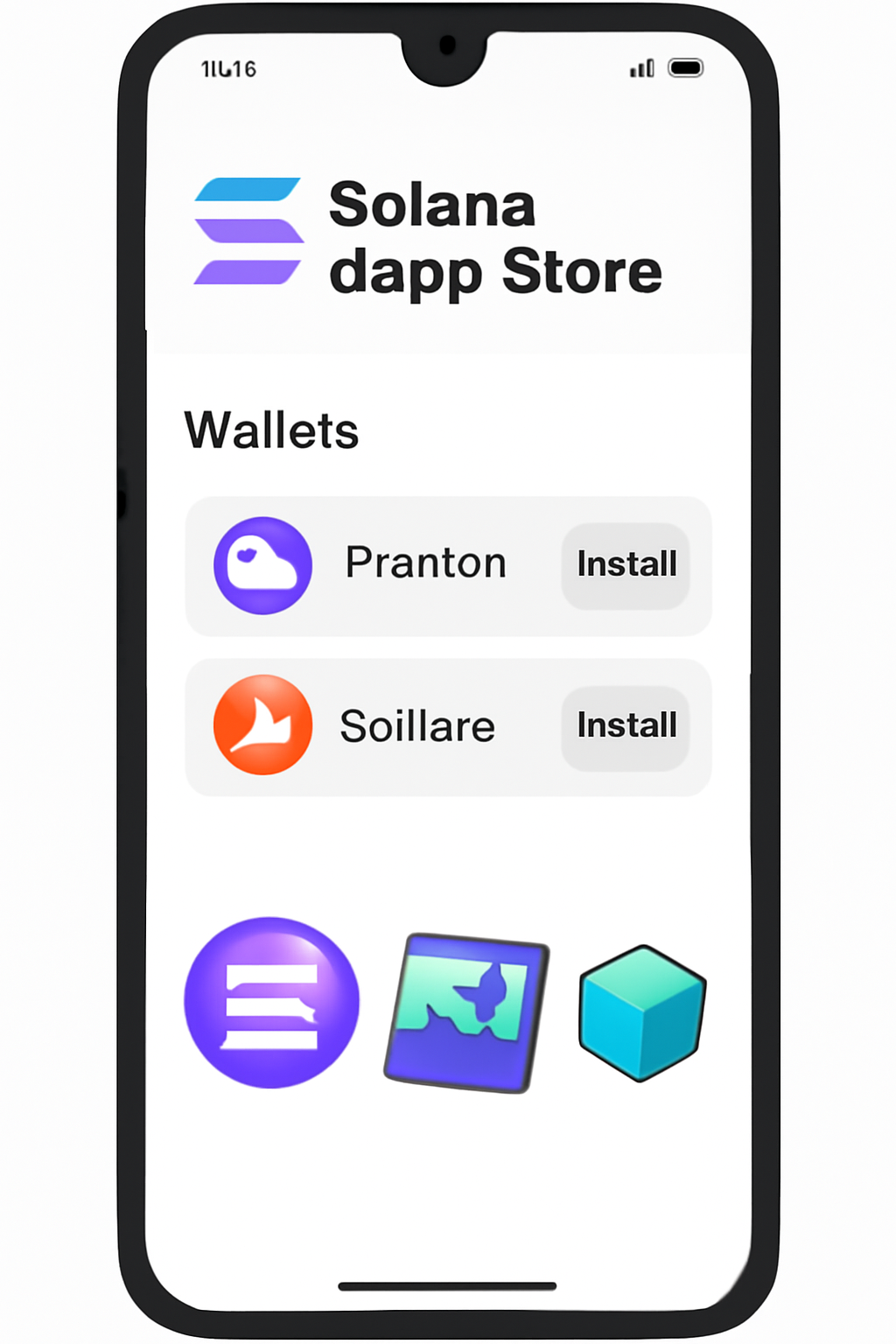
- Install a Solana-Compatible Wallet: Open the Solana dApp Store on your Saga and download a reputable wallet app such as Phantom or Solflare. These wallets are optimized for Solana and support integration with Saga's security features.
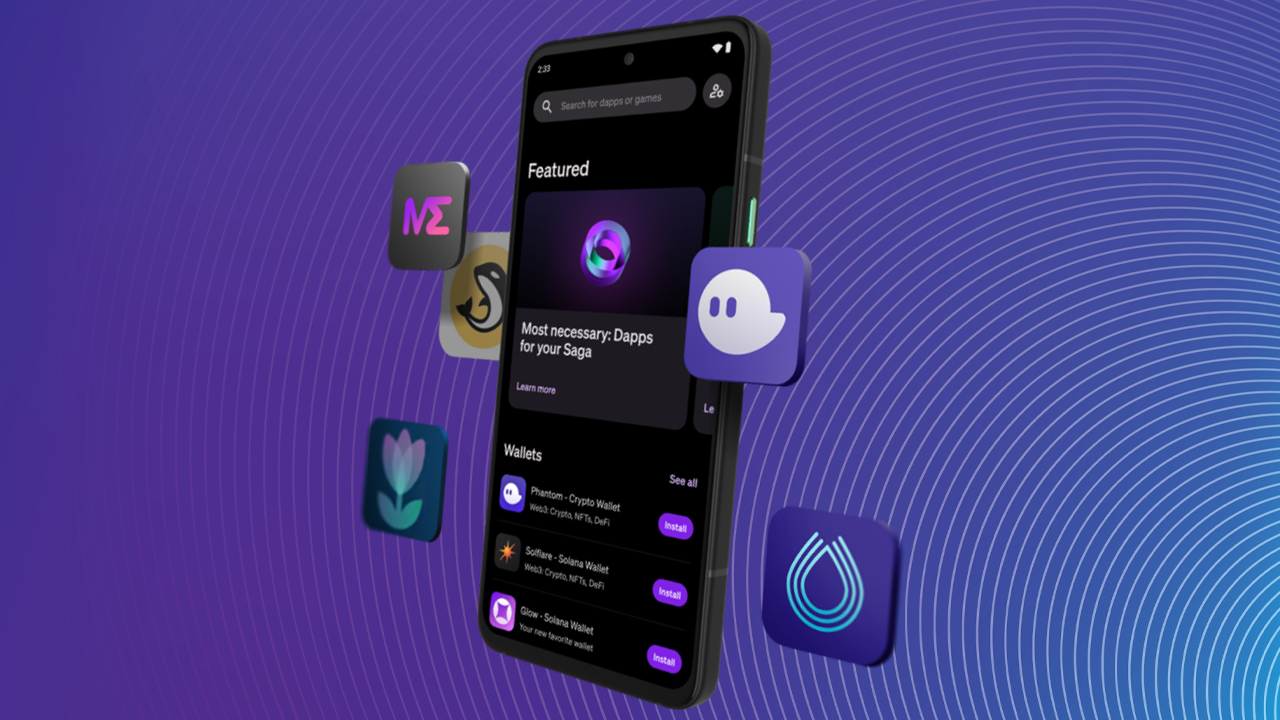
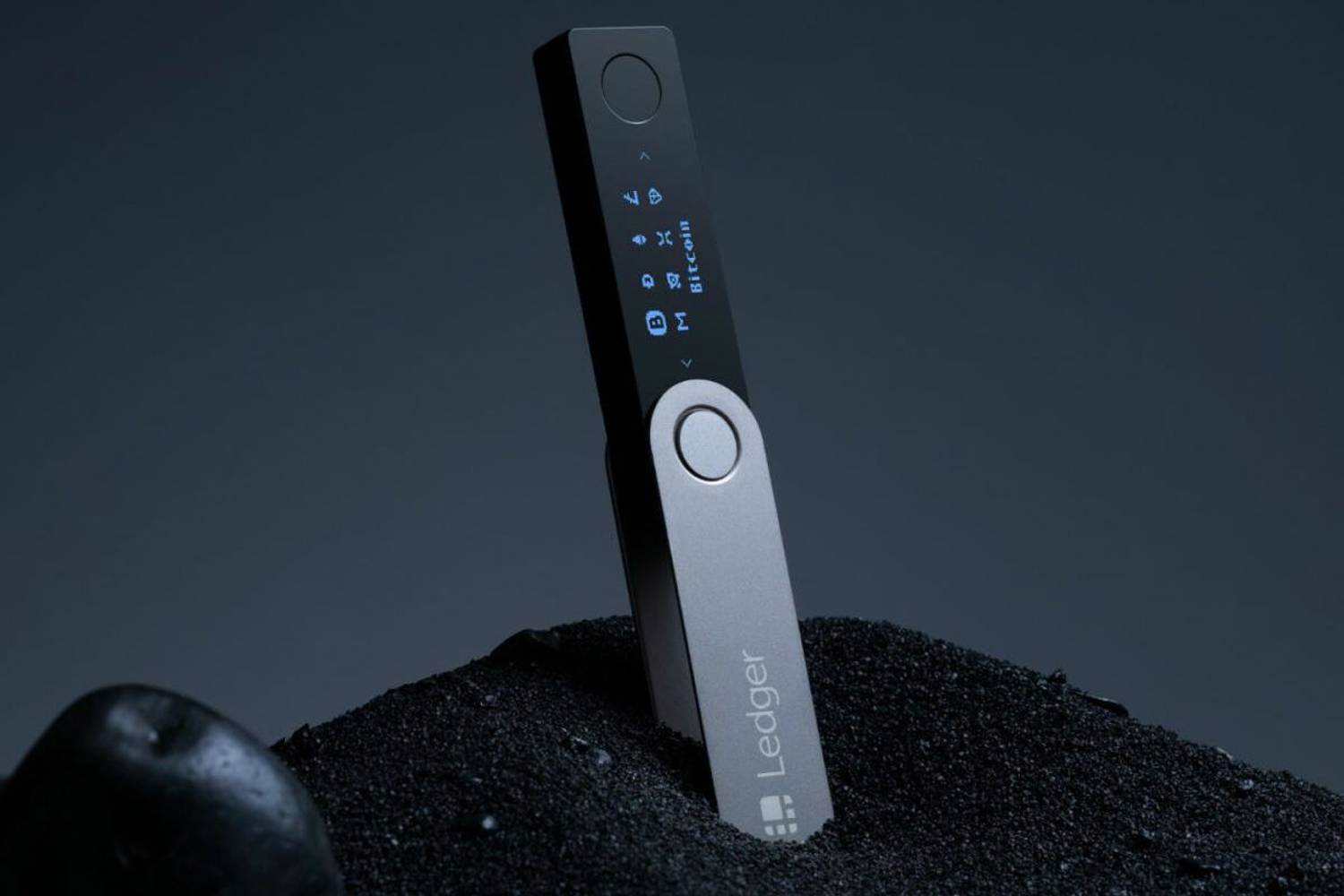
- Secure Your Wallet with Seed Vault: When creating or importing your wallet, opt to store your private keys in the Seed Vault. This hardware-backed enclave provides enhanced protection for your cryptographic secrets on the Saga device.
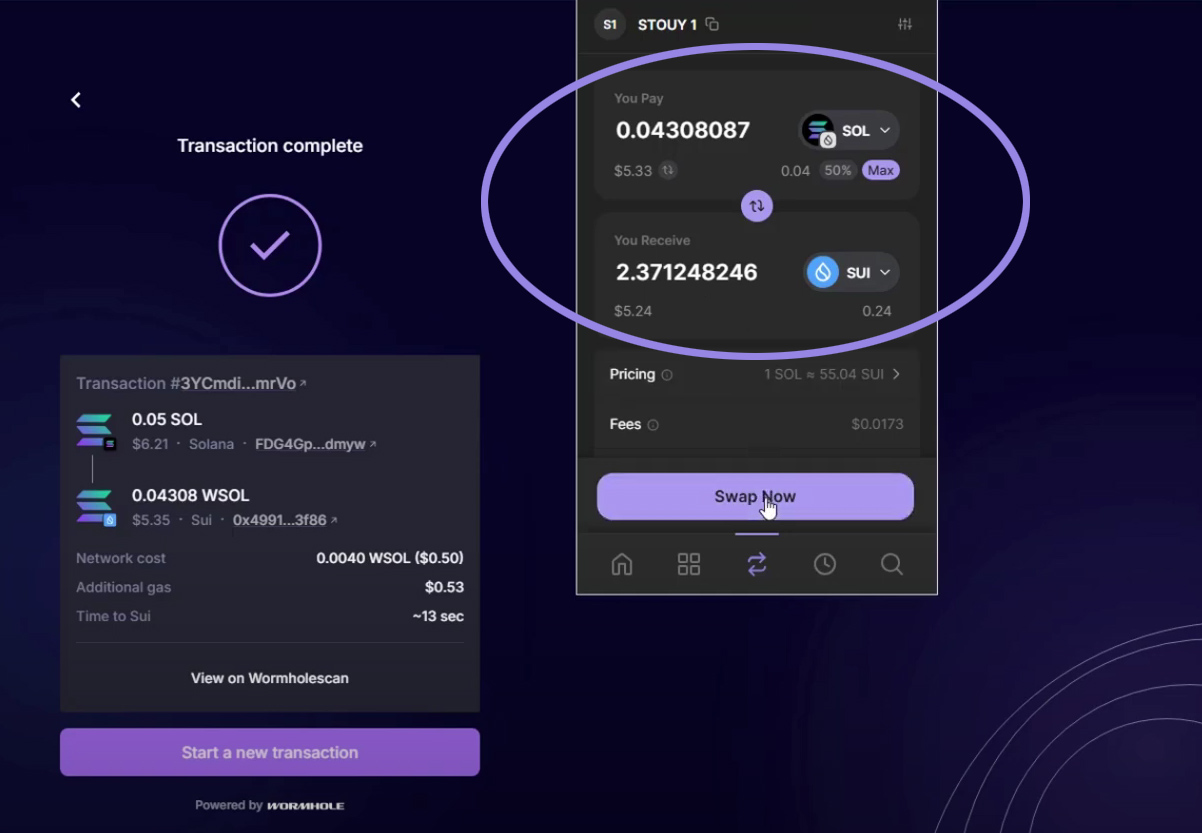
- Fund Your Wallet: Transfer SOL or other supported Solana assets into your new wallet address. This enables you to participate in DeFi activities and interact with apps like EnsoFi.
- Back Up Your Recovery Phrase Securely: Write down your wallet’s recovery phrase and store it in a safe, offline location. Never share this phrase online or with anyone else, as it grants full access to your funds.
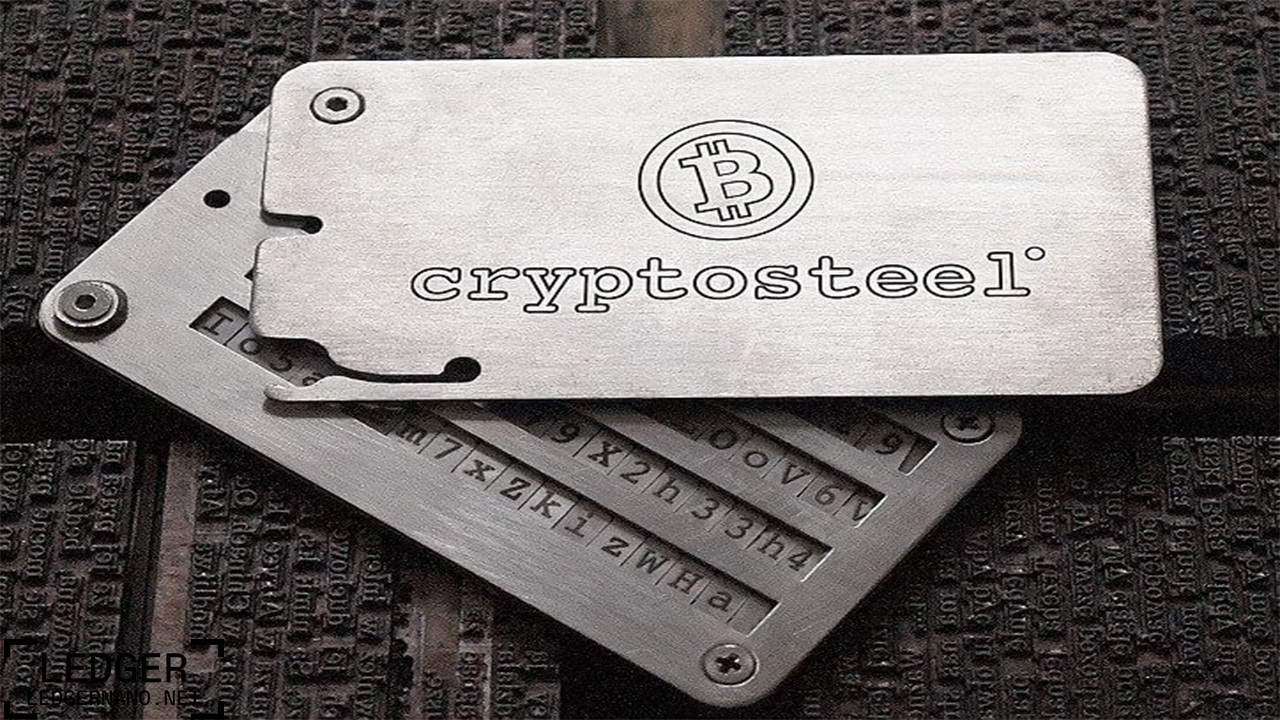
- Initialize your device: During setup, mint your Saga Genesis Token for exclusive features and rewards.
- Install a wallet: Download Phantom or Solflare from the official dApp Store. Both are designed for deep integration with Solana’s ecosystem.
- Secure with Seed Vault: Activate Seed Vault to keep your private keys isolated from potential threats.
- Fund your wallet: Transfer SOL or supported tokens so you’re ready to participate in DeFi activities.
This streamlined process puts powerful self-custody tools in every user’s hands. For a detailed walkthrough, see the full setup guide at MobileCryptoReport. com.
Navigating EnsoFi Mobile: Connect and Explore Yield Strategies
Once your wallet is funded and secured, accessing EnsoFi is just a tap away:
How to Connect Phantom/Solflare Wallet to EnsoFi Mobile on Solana Saga
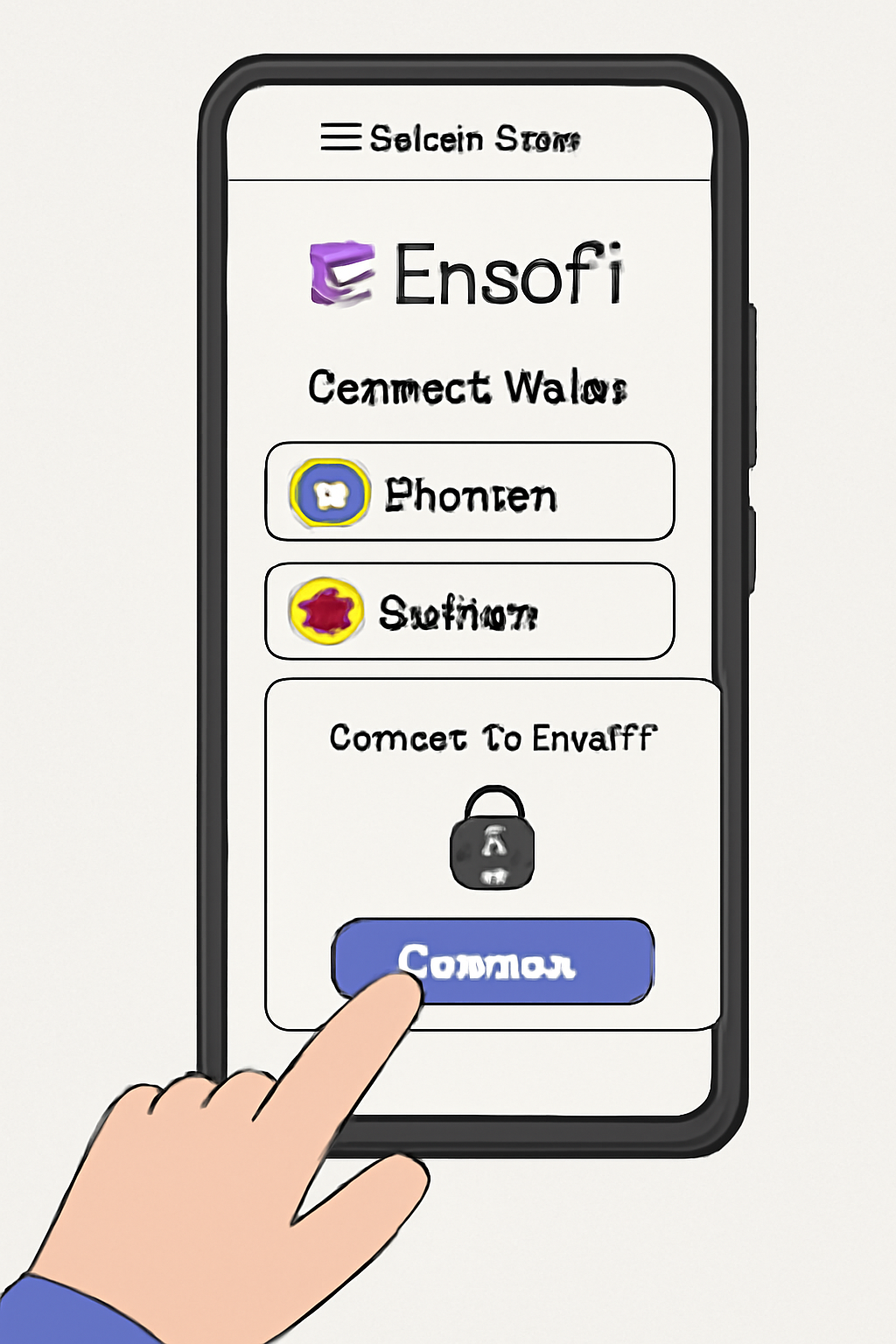
- Open your browser or dApp Store app launcher, then visit app. ensofi. xyz.
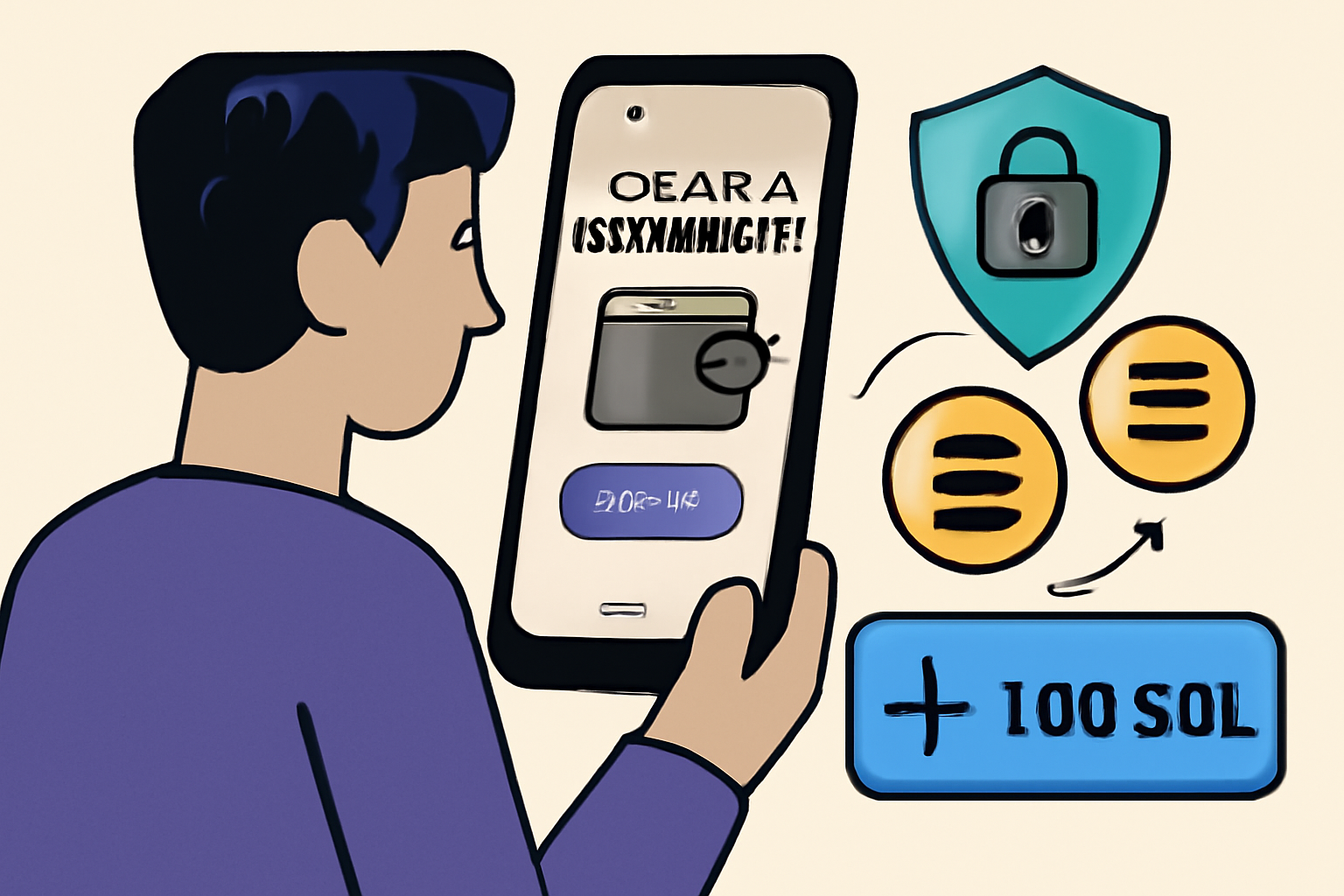
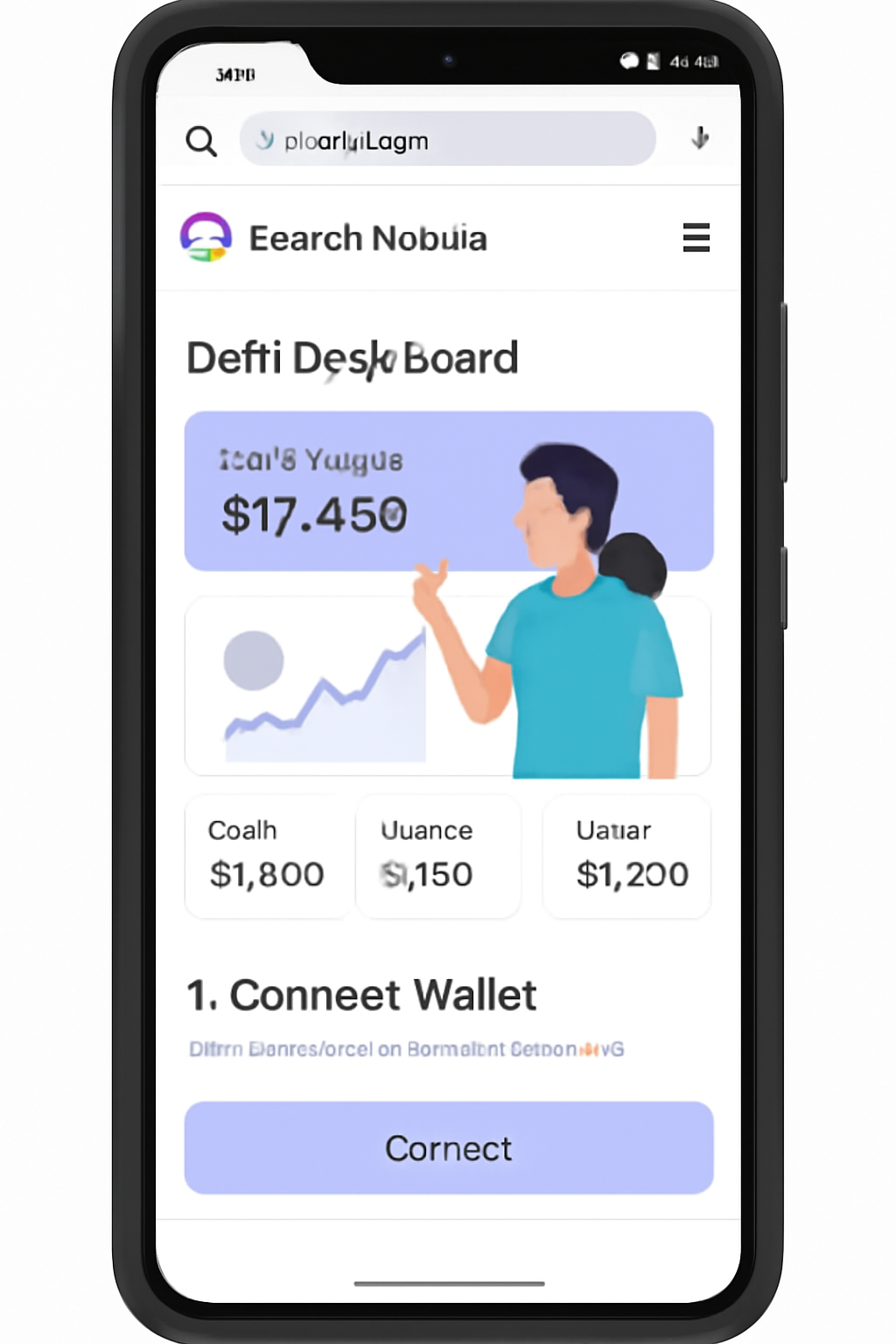
- Select ‘Connect Wallet’. Choose Phantom or Solflare as prompted; approve permissions via secure enclave.
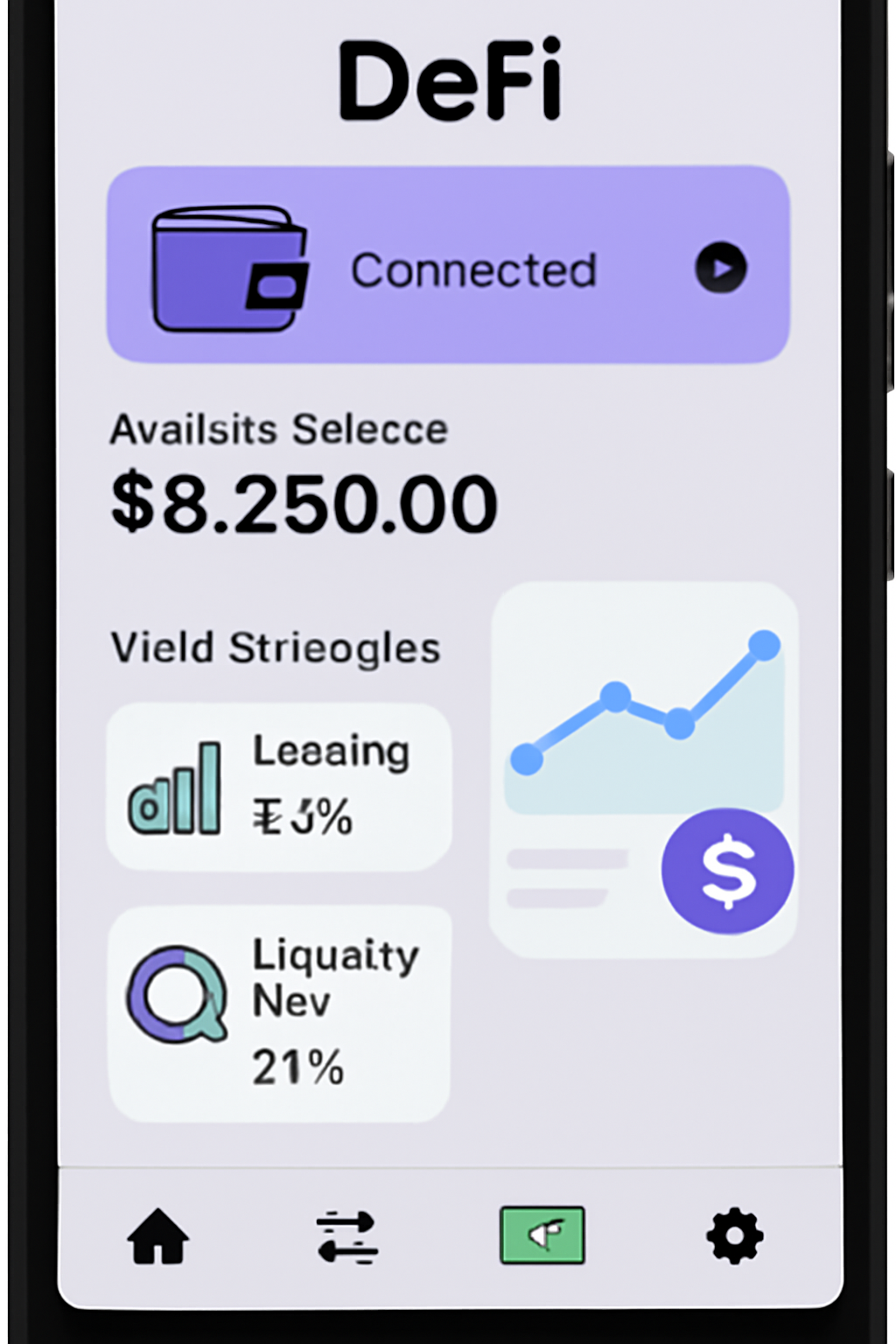
- You’ll see an intuitive dashboard showing available lending pools, liquidity farms, cross-chain opportunities, and seasonal rewards.
- Select a strategy that fits your risk profile - whether it’s flexible lending for variable APY or providing liquidity in top-tier pools powered by Raydium integrations.
Diversifying Your Yield: Flexible Lending and Cross-Chain Liquidity Pools
The real power of EnsoFi lies in its ability to aggregate yields across blockchains without ever leaving the comfort (and security) of your phone. With one tap you can supply assets for lending (earning interest), borrow against collateralized positions, or add funds to liquidity pools that collect trading fees plus incentives during high network activity periods. In times when Solana’s economic activity spikes, yields can approach 10% APY, thanks to base fees, priority fees, tips, and MEV capture (source: r/solana).
What separates EnsoFi from legacy DeFi apps is its cross-chain capability. You’re not limited to Solana only, EnsoFi’s integrations let you deploy capital to top-performing pools across multiple blockchains, all through a single mobile interface. This means you can quickly pivot between networks, chasing the best APYs and incentive rewards as market dynamics shift.
"Having access to tokens of new projects who are basically marketing to you for your retention means that your mobile is a self-funding device. " – Raoul Pal, on Solana Mobile's unique DeFi approach
Optimizing Your Yield: Rewards, Boosts, and Seasonal Incentives
EnsoFi’s point-based incentive system is designed to reward active participation. By holding a Boosting Pass, available to select Solana community members, you can multiply your points and unlock early access to new features or higher-yield pools. Seasonal programs rotate regularly, so it pays to monitor announcements within the app or on official channels.
Top Ways to Maximize DeFi Yield on EnsoFi Mobile
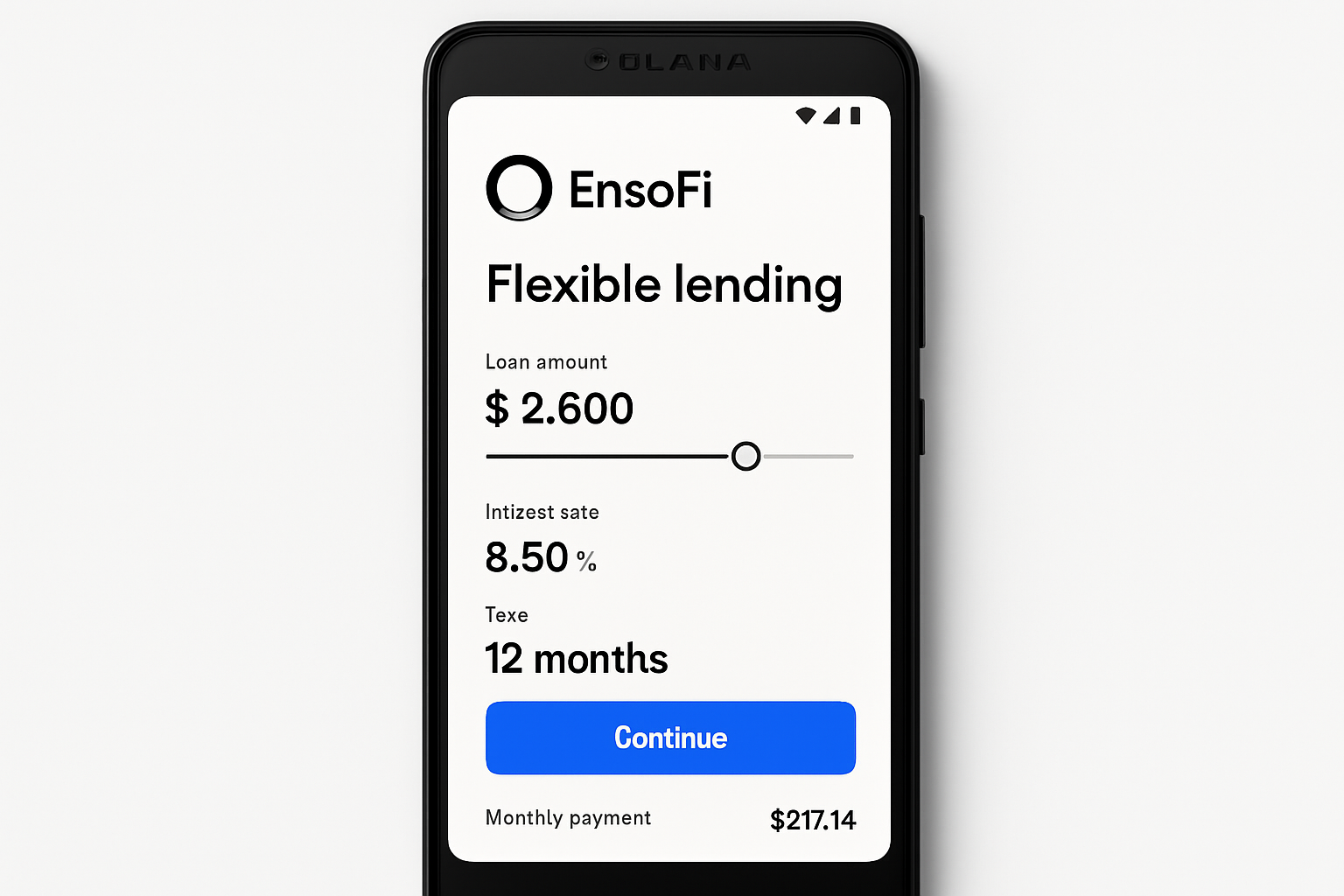
- Supply Assets for Flexible Lending: Use EnsoFi Mobile to supply SOL or other supported tokens to lending pools, earning variable yields while retaining the option to withdraw or borrow against your collateral at any time.
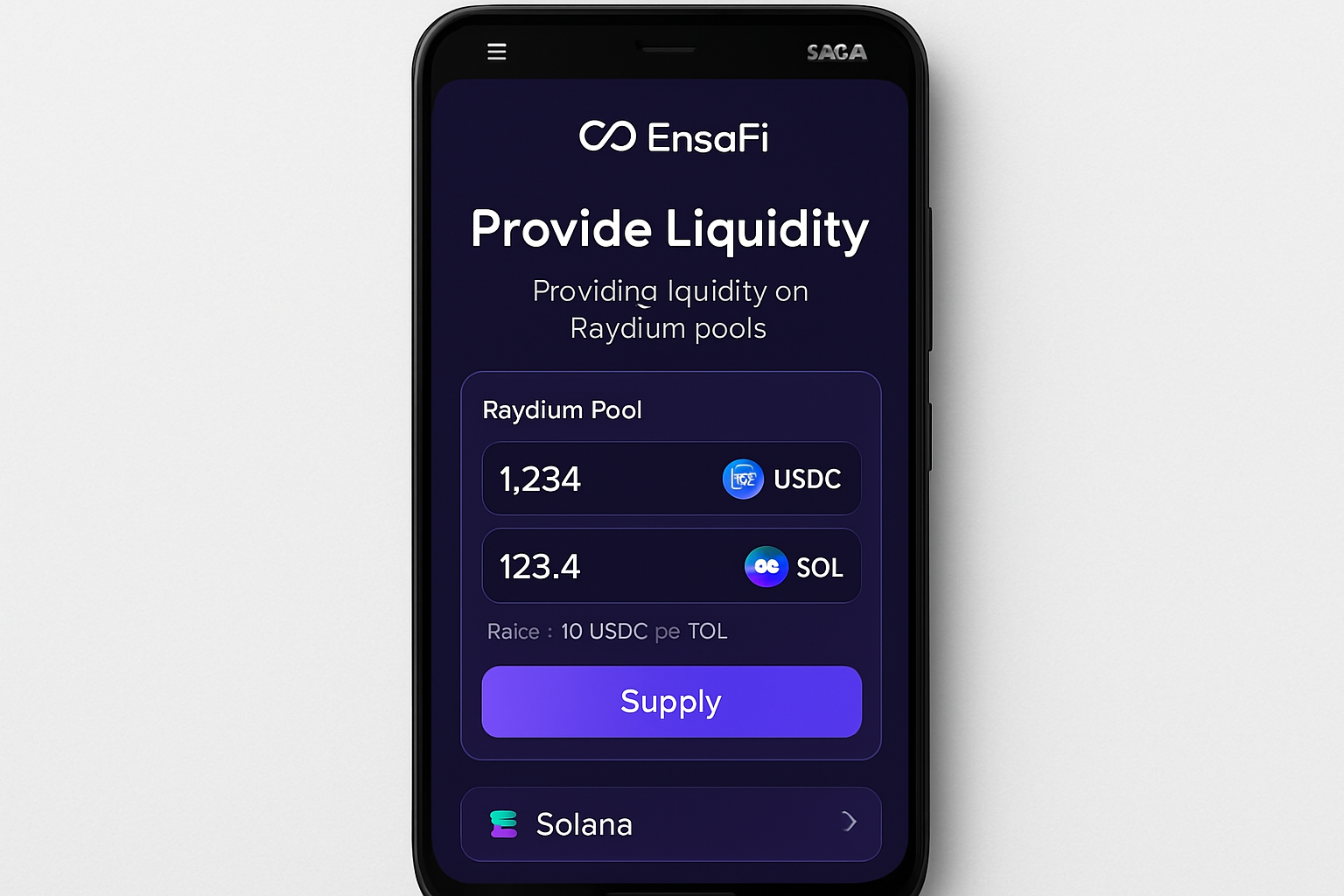
- Provide Liquidity to Solana DEX Pools: Contribute assets to liquidity pools integrated with EnsoFi, such as Raydium, to earn trading fees and potential rewards, increasing your passive income opportunities.
- Participate in Fixed & Cross-Chain Lending: Lock your assets in fixed-term or cross-chain lending products on EnsoFi for predictable yields, leveraging opportunities across multiple blockchains, not just Solana.
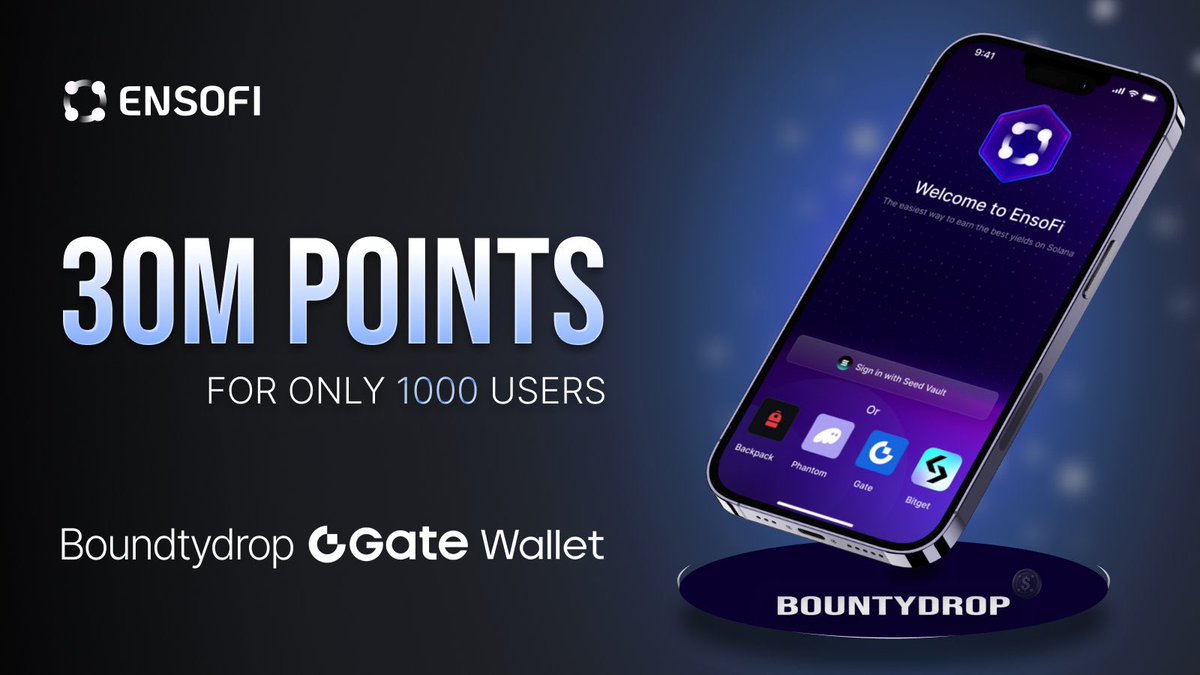
- Unlock Boosting Passes for Enhanced Rewards: Acquire and activate EnsoFi Boosting Passes—available to select Solana community members—to multiply your yield points and earn additional initial rewards.
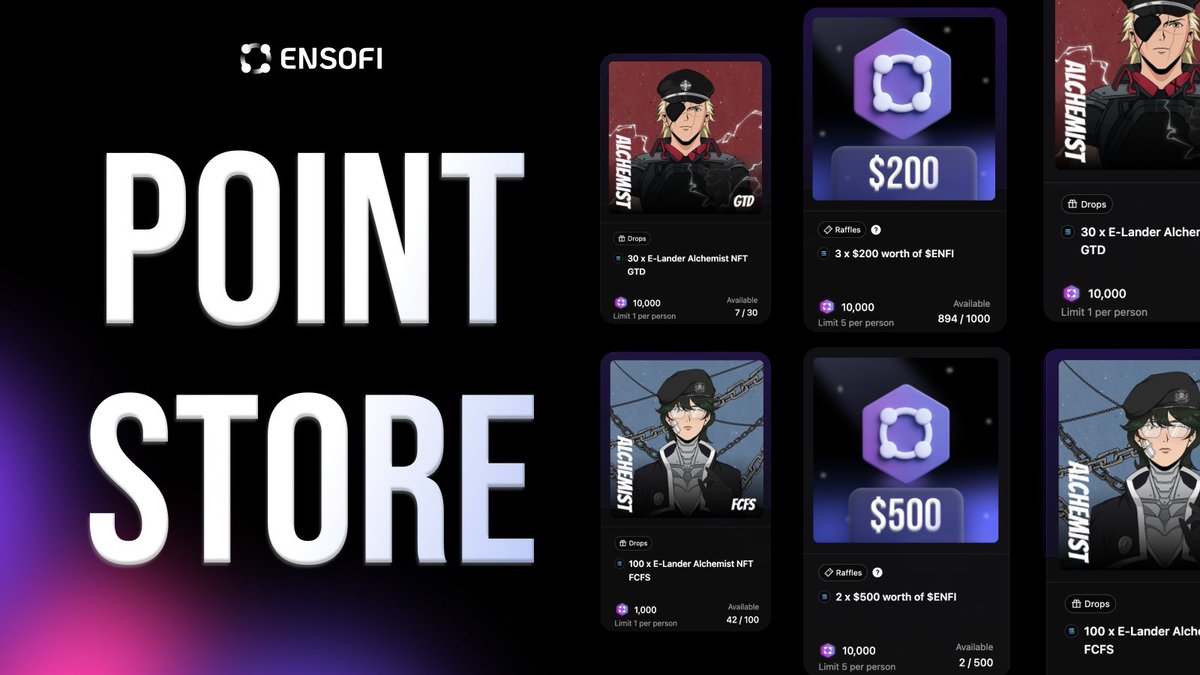
- Engage in Seasonal Incentive Programs: Take part in EnsoFi’s limited-time seasonal reward campaigns to earn bonus incentives and maximize your overall DeFi yield.
- Monitor and Adjust Strategies via the EnsoFi Dashboard: Use the EnsoFi Mobile dashboard to track portfolio performance in real time and rebalance your strategies based on current market conditions and personal goals.
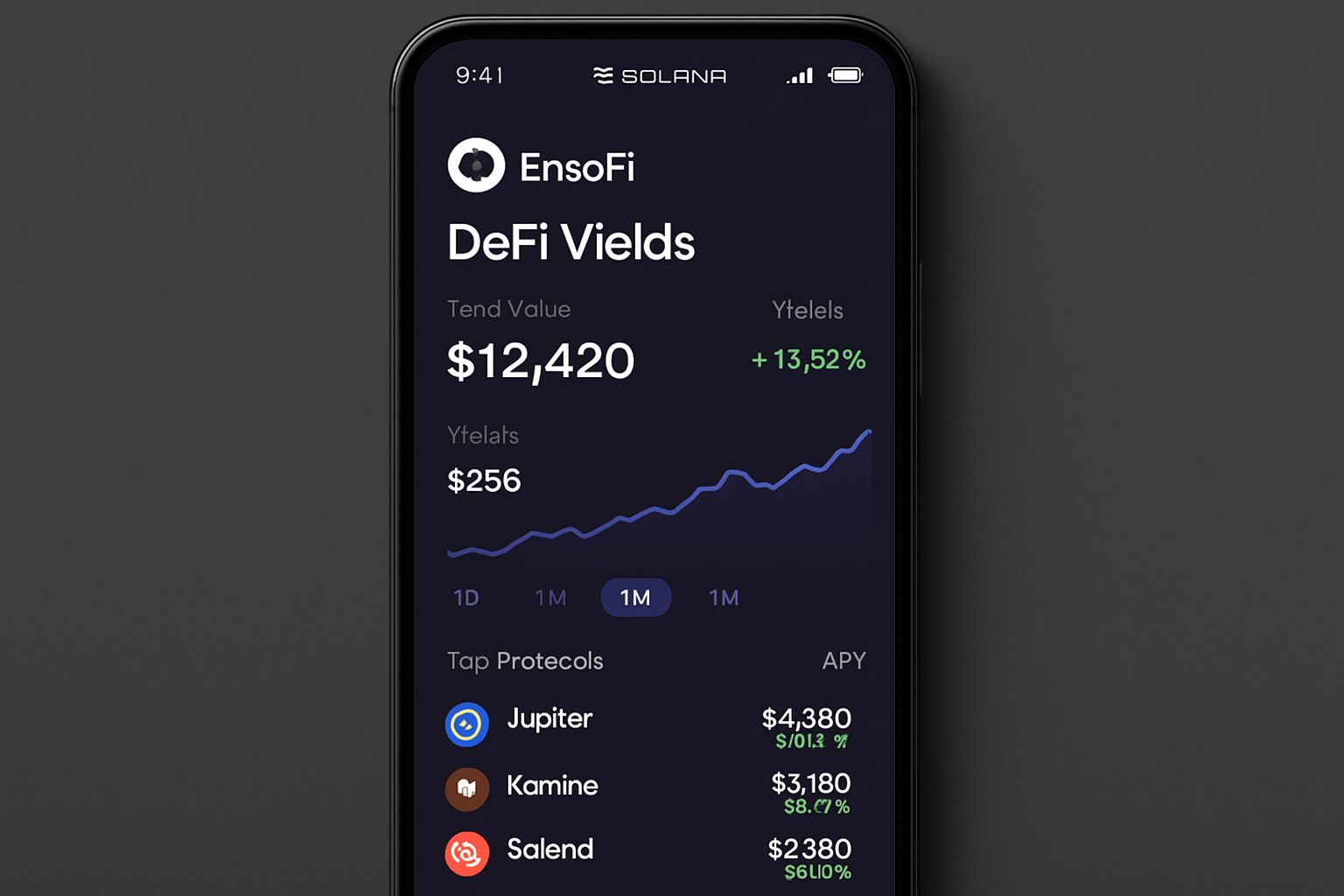
For example:
- Stake in high-activity pools: During periods of increased trading volume, APYs can spike, be ready to move funds swiftly.
- Leverage cross-chain lending: Supply assets where demand is highest; EnsoFi’s platform shows comparative yields in real time.
- Engage in seasonal events: Limited-time campaigns often offer bonus rewards for early adopters and active users.
The beauty of this approach is that it transforms your phone into an agile yield engine, no desktop required. And with the Solana Saga’s Seed Vault integration, every transaction remains under your exclusive control.
Security Best Practices for Mobile DeFi
Your security posture matters more than ever as mobile DeFi adoption accelerates. Always double-check wallet permissions before connecting; use only official dApp Store downloads. The Seed Vault ensures that private keys never leave your device or get exposed online, a crucial line of defense against phishing and malware attacks. For extra peace of mind, enable biometric authentication on your Saga for wallet access and transaction approvals.
If you’re seeking additional guidance on securing your setup or understanding the nuances of self-custody on mobile, consult the comprehensive guide at MobileCryptoReport. com.
Staying Ahead: Monitor Performance and Iterate Strategies
The most successful mobile-first DeFi users are those who monitor their positions closely and adjust strategies as conditions evolve. With EnsoFi Mobile’s dashboard, portfolio tracking is intuitive, review yields across chains, check historical performance graphs, and rebalance based on risk appetite or changing APYs. Remember: markets move quickly; staying informed about new pools or incentive programs can make a measurable difference in long-term returns.
Which yield strategy do you prefer using EnsoFi Mobile on your Solana Saga?
Solana Saga users can easily access DeFi yield opportunities through EnsoFi Mobile, from lending to liquidity pools and cross-chain strategies. Which method do you find most appealing for earning yield on your device?
The intersection of hardware-level security and cross-chain liquidity aggregation marks a new era for decentralized finance. With tools like EnsoFi Mobile running natively on the Solana Saga, anyone can become their own bank, earning competitive yields while retaining full control over digital assets from anywhere in the world. As always in crypto: smart risk is the best investment.



No comments yet. Be the first to share your thoughts!