
Running a decentralized DePIN node on your Solana Saga phone is no longer a futuristic concept - it’s a practical route to earning crypto rewards and participating in the next generation of Web3 infrastructure. The Solana Saga, purpose-built for mobile-first DeFi, empowers users to contribute to decentralized physical infrastructure networks (DePIN) directly from their pocket. Whether you’re a passive income seeker or a hands-on crypto enthusiast, the ability to operate nodes on your smartphone is a game changer for accessibility and network participation.
Why DePIN Nodes Matter for Solana Saga Users
DePIN (Decentralized Physical Infrastructure Networks) are transforming how we think about blockchain utility. Instead of relying on centralized servers, DePINs distribute storage, compute, and connectivity tasks across thousands of devices. By running a node on your Solana Saga, you’re not just earning potential rewards - you’re actively supporting network resilience and true decentralization. The phone’s integrated Seed Vault, CoralOS security, and seamless dApp experience make it one of the most secure and convenient ways to join this movement.
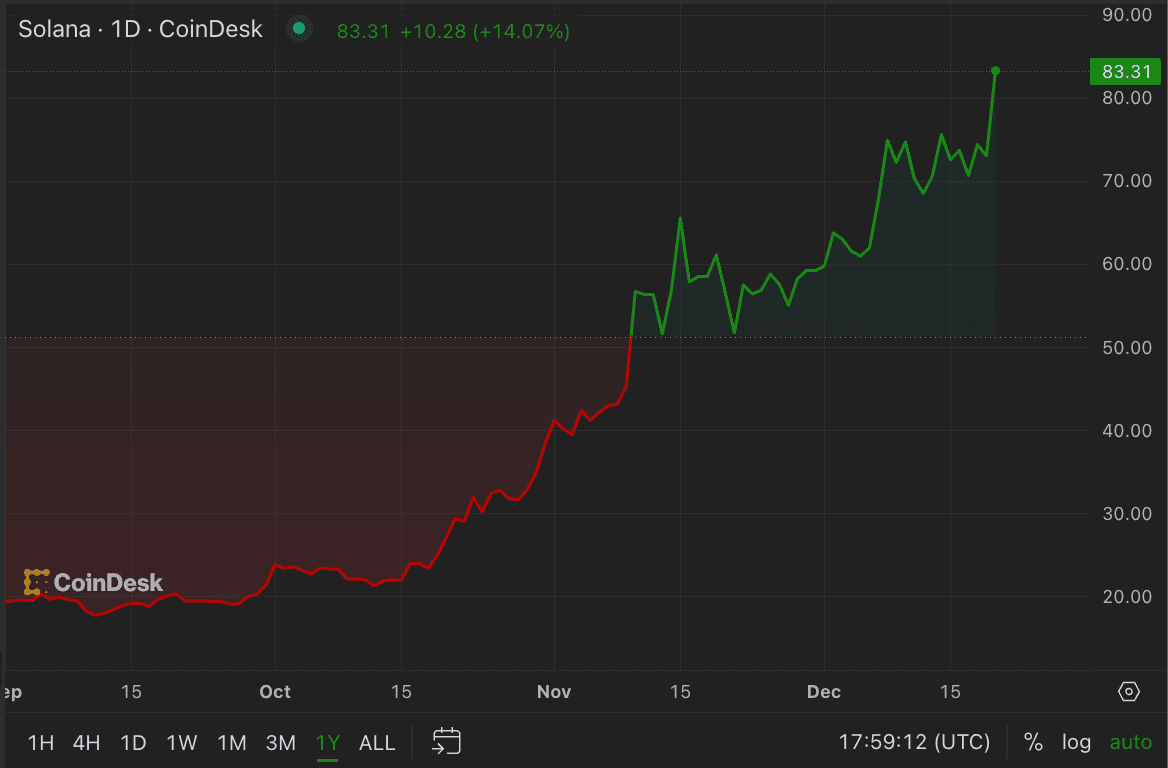
Major projects like GenesysGo’s shdwDrive and Raiinmaker’s DePIN app have already launched mobile node solutions that don’t require expensive hardware or deep technical expertise. With just a few taps, your Saga can become a node operator, contributing compute, storage, or even AI training power to the network. The best part? You retain full custody of your keys and rewards, thanks to Solana’s mobile-first security architecture.
Step-by-Step: Setting Up Your First DePIN Node on Solana Saga
Before you begin, ensure your Solana Saga is fully charged and updated to the latest CoralOS version. This maximizes compatibility and security for DePIN applications. Here’s a breakdown of the process you’ll follow:
How to Set Up and Run a DePIN Node on Your Solana Saga Phone
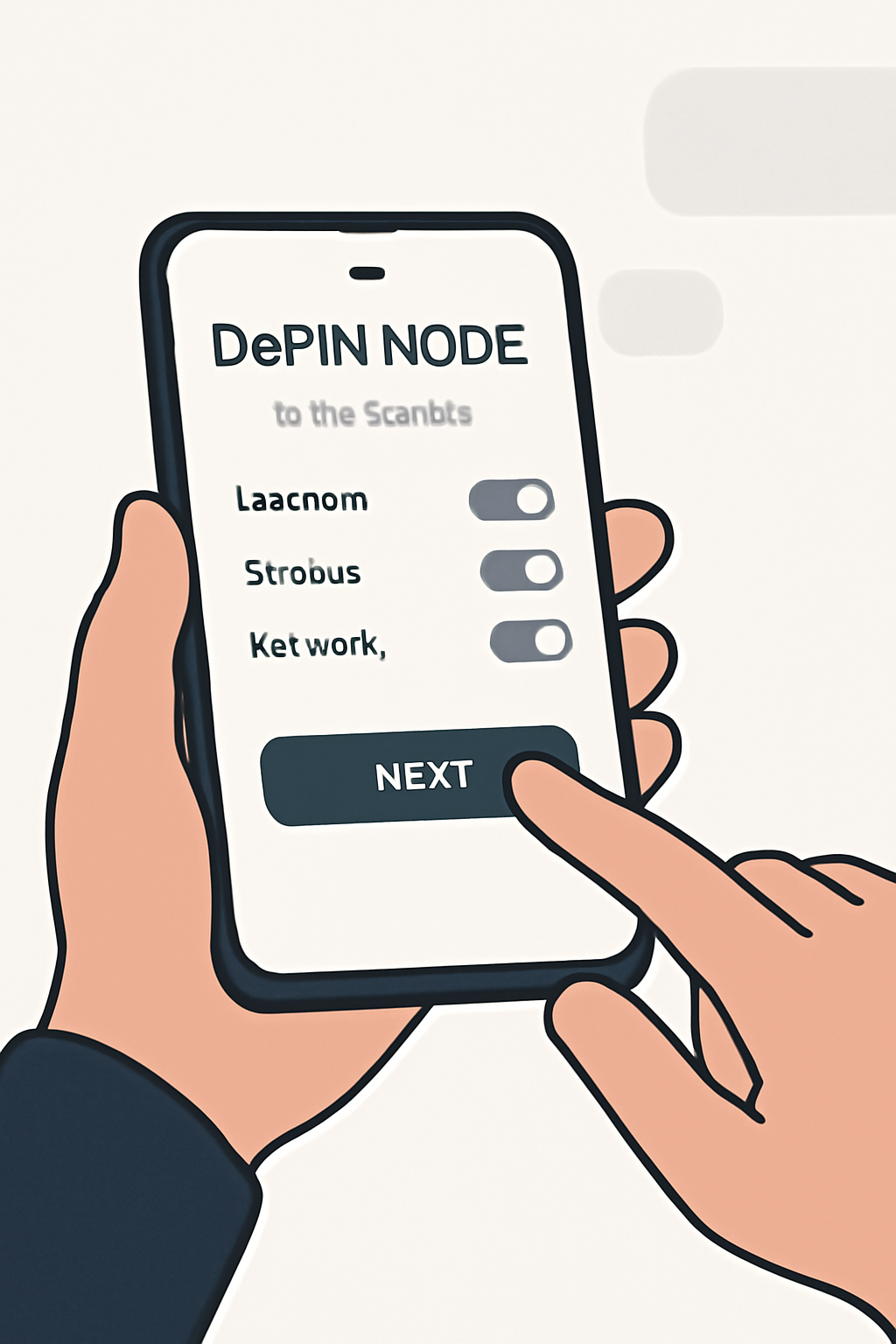
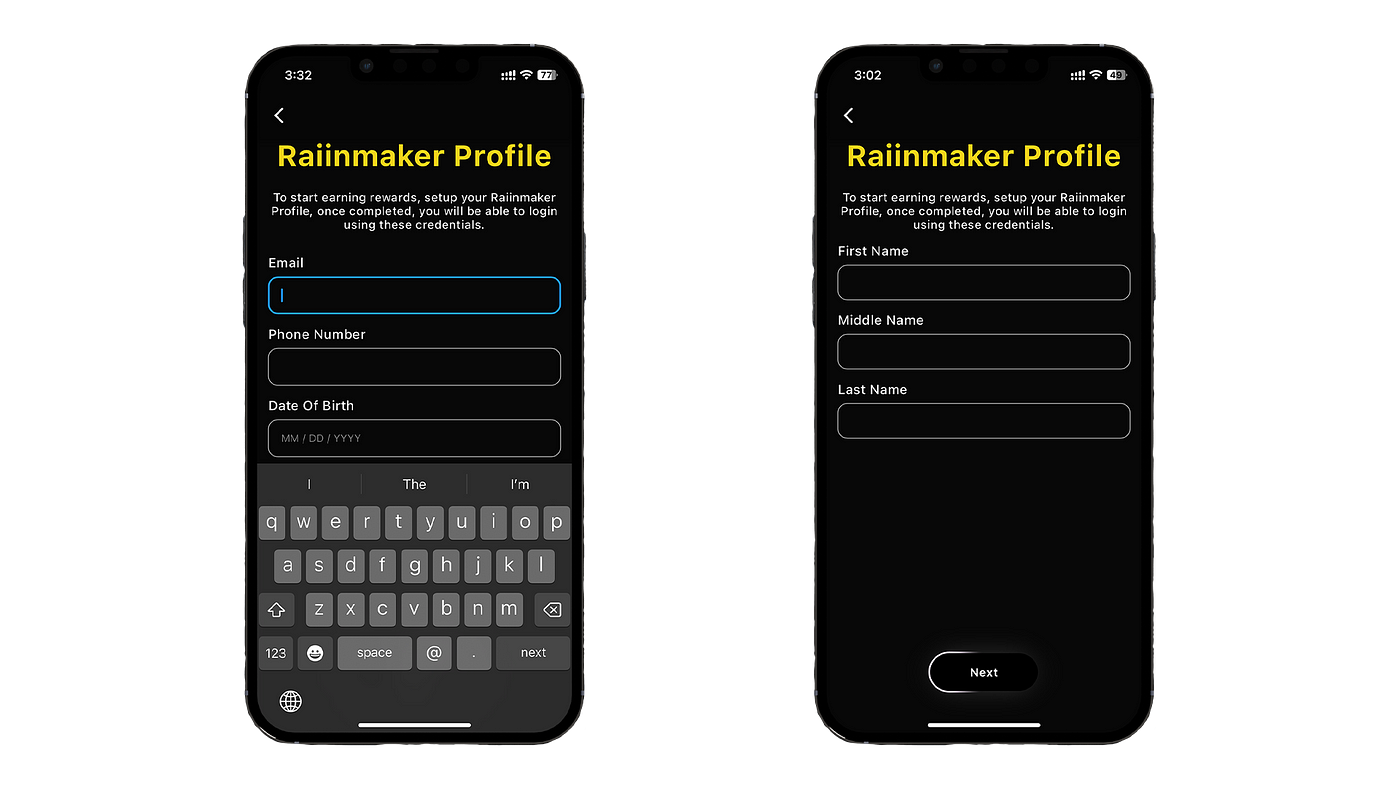
It’s worth noting that most DePIN apps available on the Solana dApp Store are designed for ease of use. For instance, Raiinmaker’s mobile app lets you register, select a mining contract, and start earning without specialized hardware. Similarly, GenesysGo’s shdwDrive enables decentralized storage node operation with a few simple permissions and taps.
Security Essentials: Protecting Your Keys and Node Operations
Security is non-negotiable when running a DePIN node from your smartphone. The Seed Vault on Solana Saga ensures your private keys never leave the device, reducing exposure to phishing or malware attacks. Always generate or import your seed phrase in a secure environment, and store it offline. Only grant application permissions that are necessary for node operation - avoid giving blanket access to your files or contacts unless explicitly required by the dApp.
Regularly updating both your DePIN apps and device firmware is critical. This protects against newly discovered vulnerabilities and keeps your node eligible for the latest network rewards. For a deeper dive on how mobile DePIN nodes are powering new forms of crypto adoption, check out our full analysis here.
The earning potential from running a DePIN node on your Solana Saga phone is directly tied to your uptime, the specific project’s reward structure, and network demand. For example, GenesysGo’s shdwDrive rewards node operators with $SHDW tokens, while projects like Raiinmaker distribute incentives based on participation in compute or AI model training. Although returns may fluctuate, participating early in emerging DePIN networks can offer outsized benefits as the ecosystem grows and matures.
Maximizing Rewards: Tips for Passive Income and Network Impact
To optimize your Solana Saga passive income, consider these best practices:
Strategies to Maximize DePIN Node Rewards on Solana Saga
- Optimize Device Uptime: Keep your Solana Saga phone powered and connected to a reliable WiFi network to maximize node availability and reward accrual. High uptime is often directly linked to higher token earnings on DePIN platforms like GenesysGo's Mobile shdwDrive and Raiinmaker.
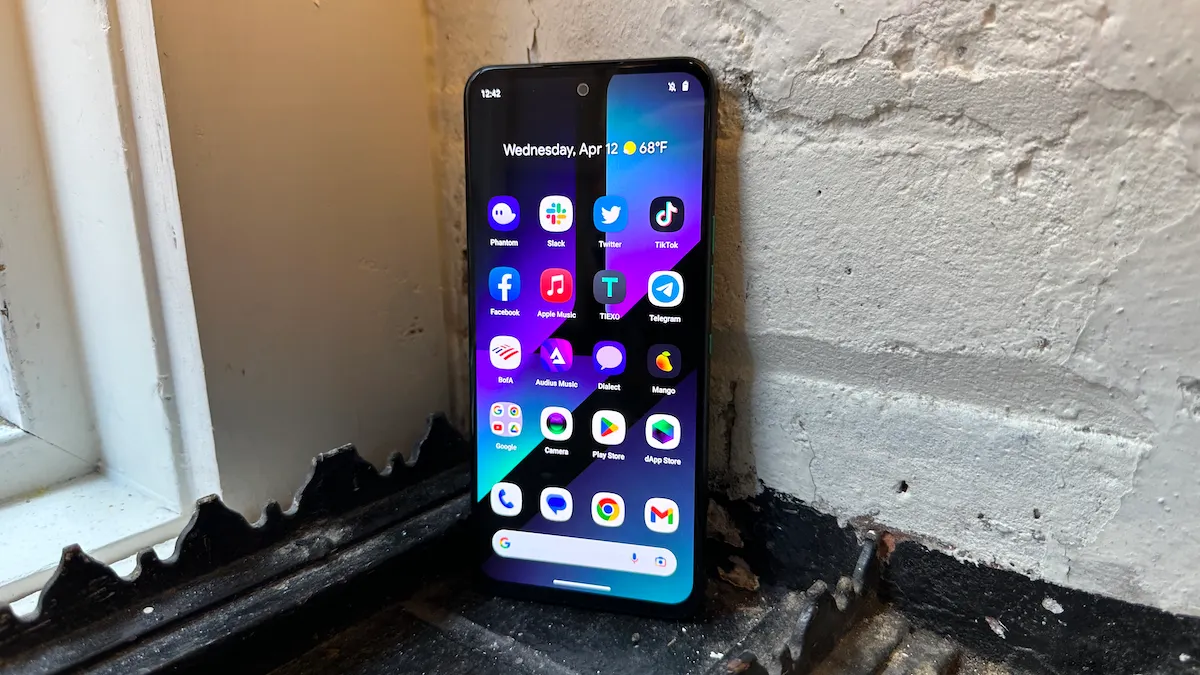
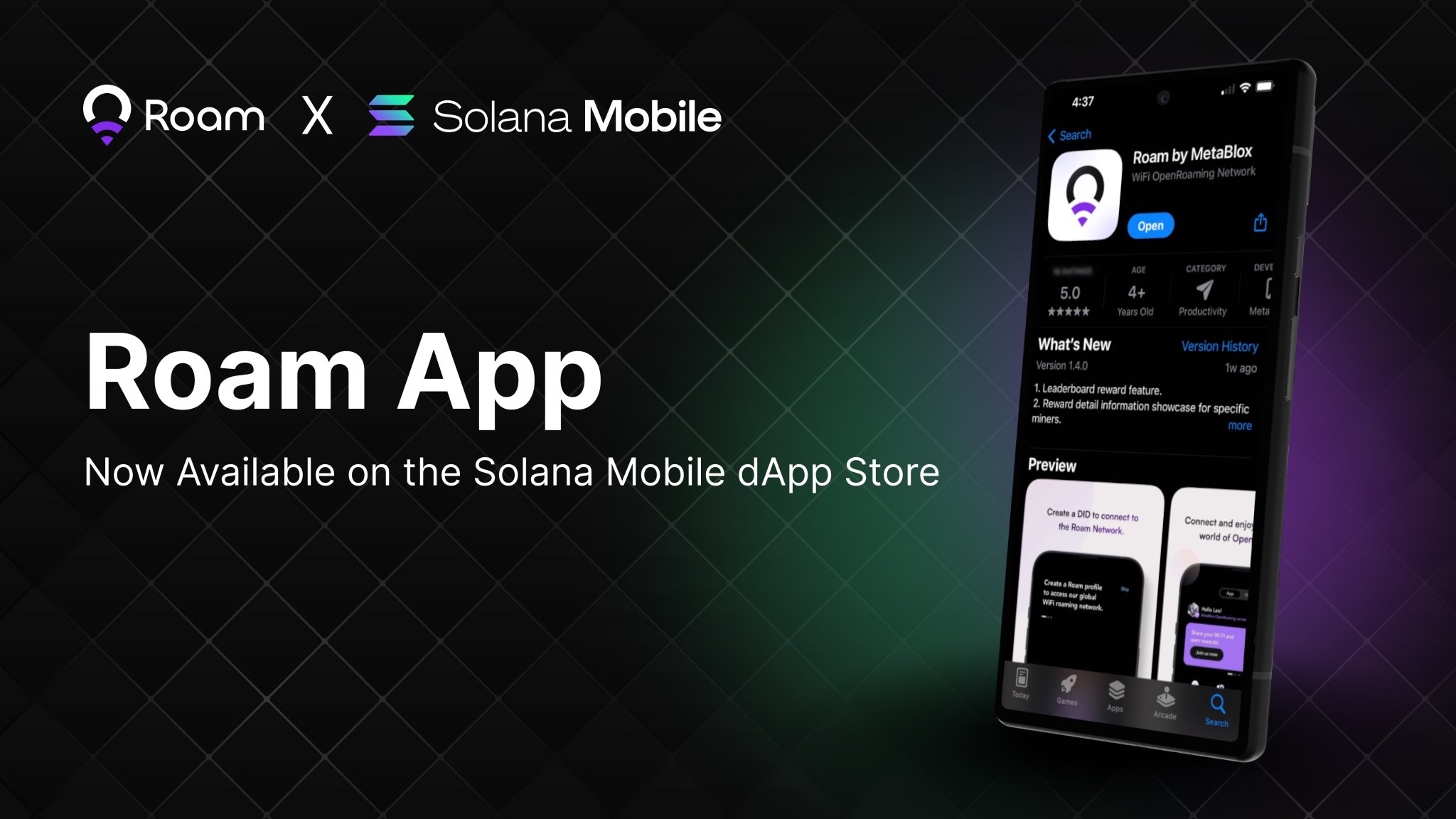
- Utilize Official dApps from the Solana dApp Store: Always install DePIN applications such as Raiinmaker or GenesysGo Mobile shdwDrive from the official Solana dApp Store to ensure compatibility, security, and access to the latest features.
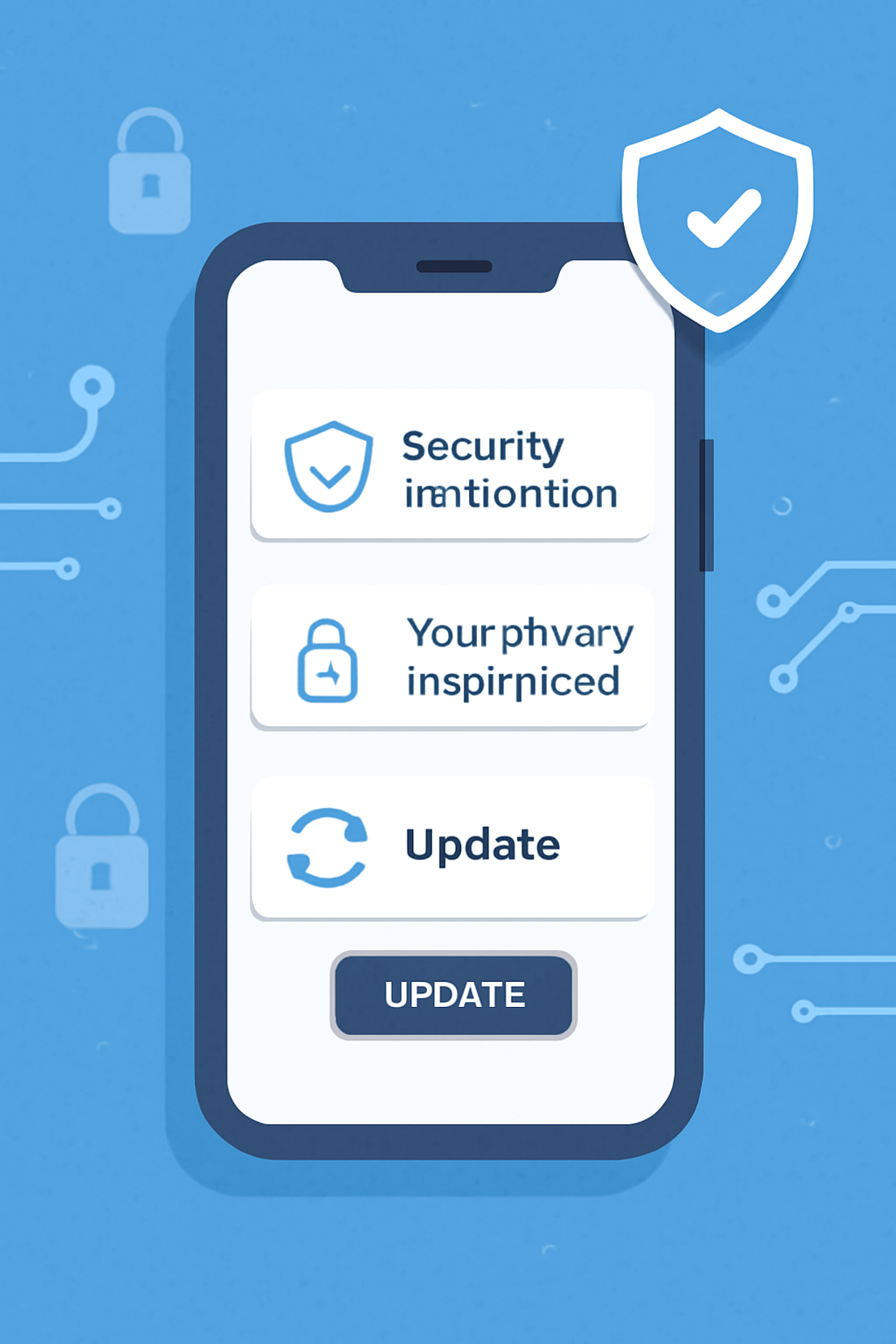
- Regularly Update Firmware and dApps: Keep your Solana Saga's CoralOS and DePIN applications updated to the latest versions. Updates often include performance improvements, bug fixes, and enhanced security, which can directly impact node reliability and earnings.
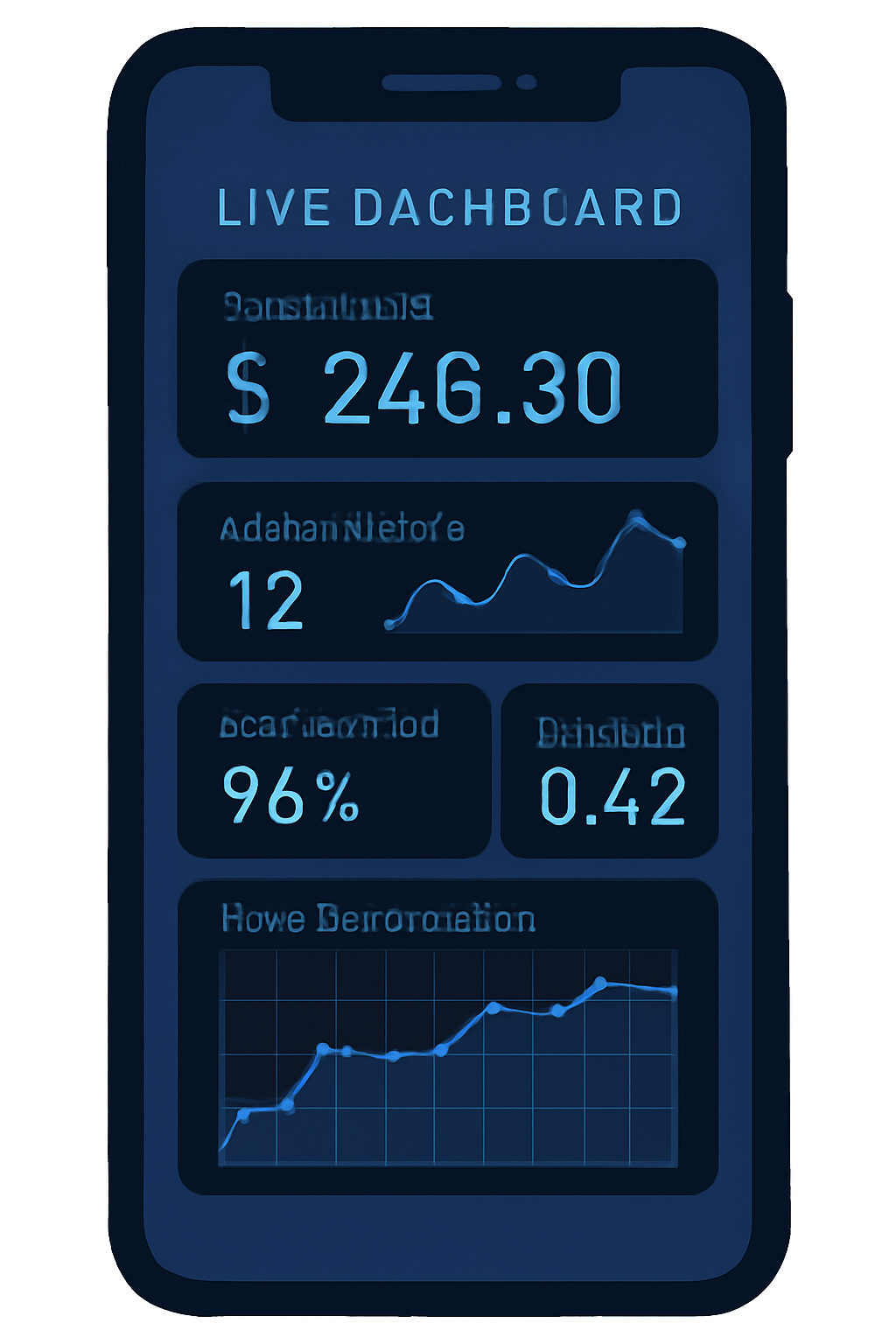
- Monitor Node Performance and Earnings: Use the built-in dashboards in DePIN apps like Raiinmaker to track your node's status and reward accumulation. Monitoring helps you quickly address issues and optimize your setup for better returns.
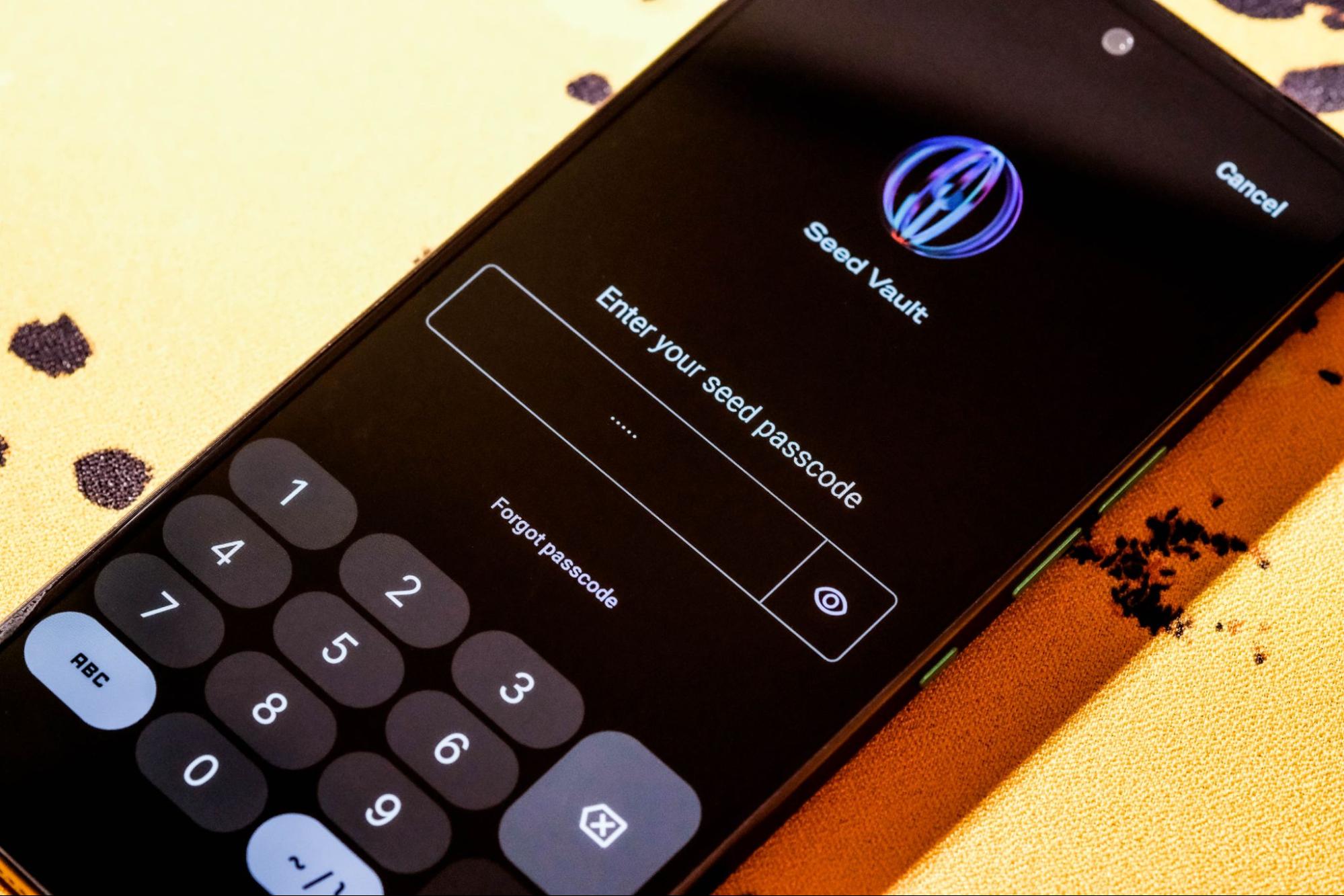
- Practice Robust Seed Vault Security: Secure your Seed Vault by storing your seed phrase offline and never sharing it. This safeguards your rewards and prevents unauthorized access to your DePIN node and wallet.
- Grant Only Essential Permissions: When configuring DePIN apps, only allow permissions necessary for node operation. Limiting unnecessary access helps protect your device and personal data while maintaining node functionality.
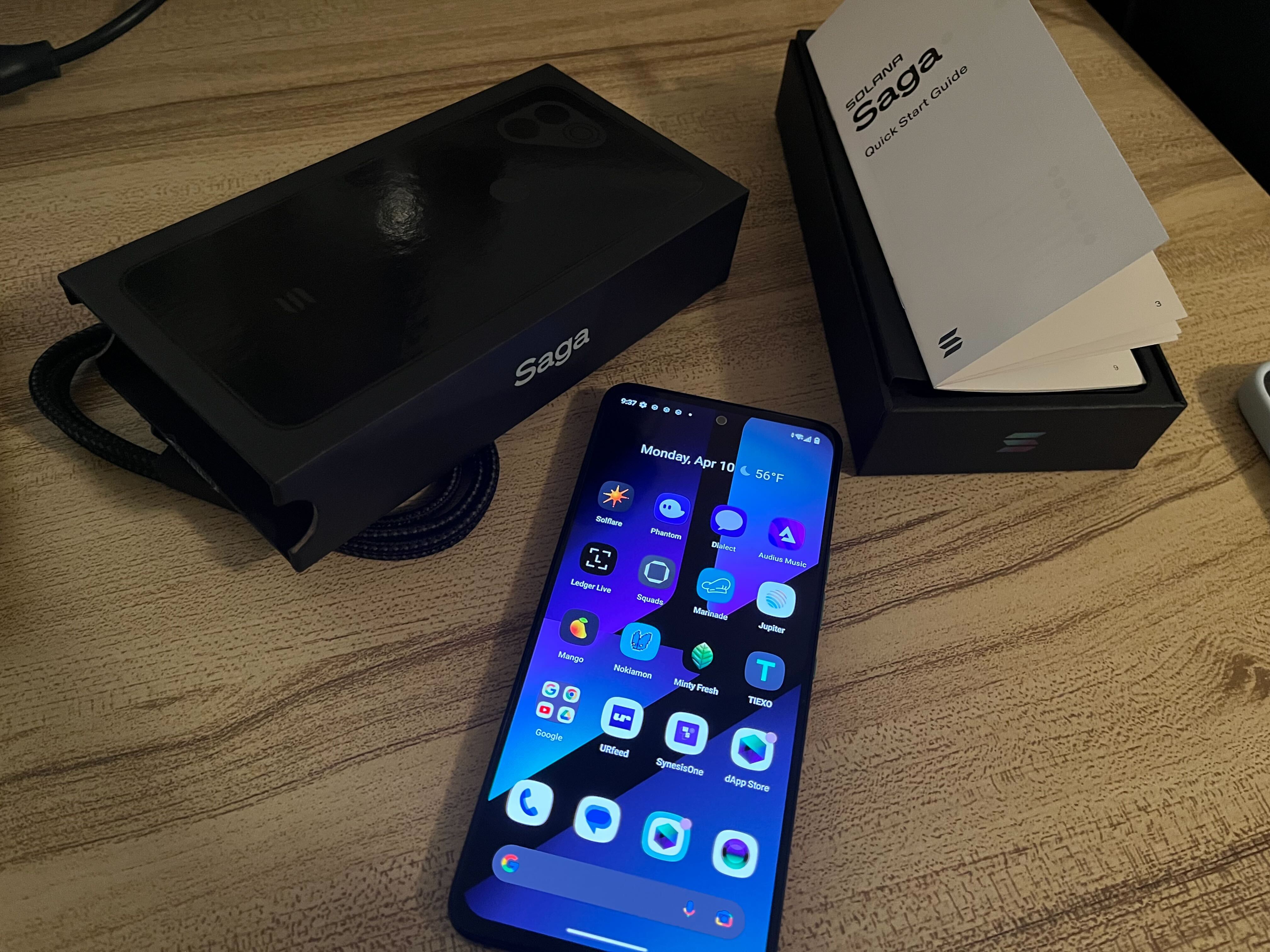
- Participate in High-Demand DePIN Networks: Focus on established, high-activity networks like GenesysGo's shdwDrive and Raiinmaker on Solana, where token rewards and network contribution opportunities are more substantial.
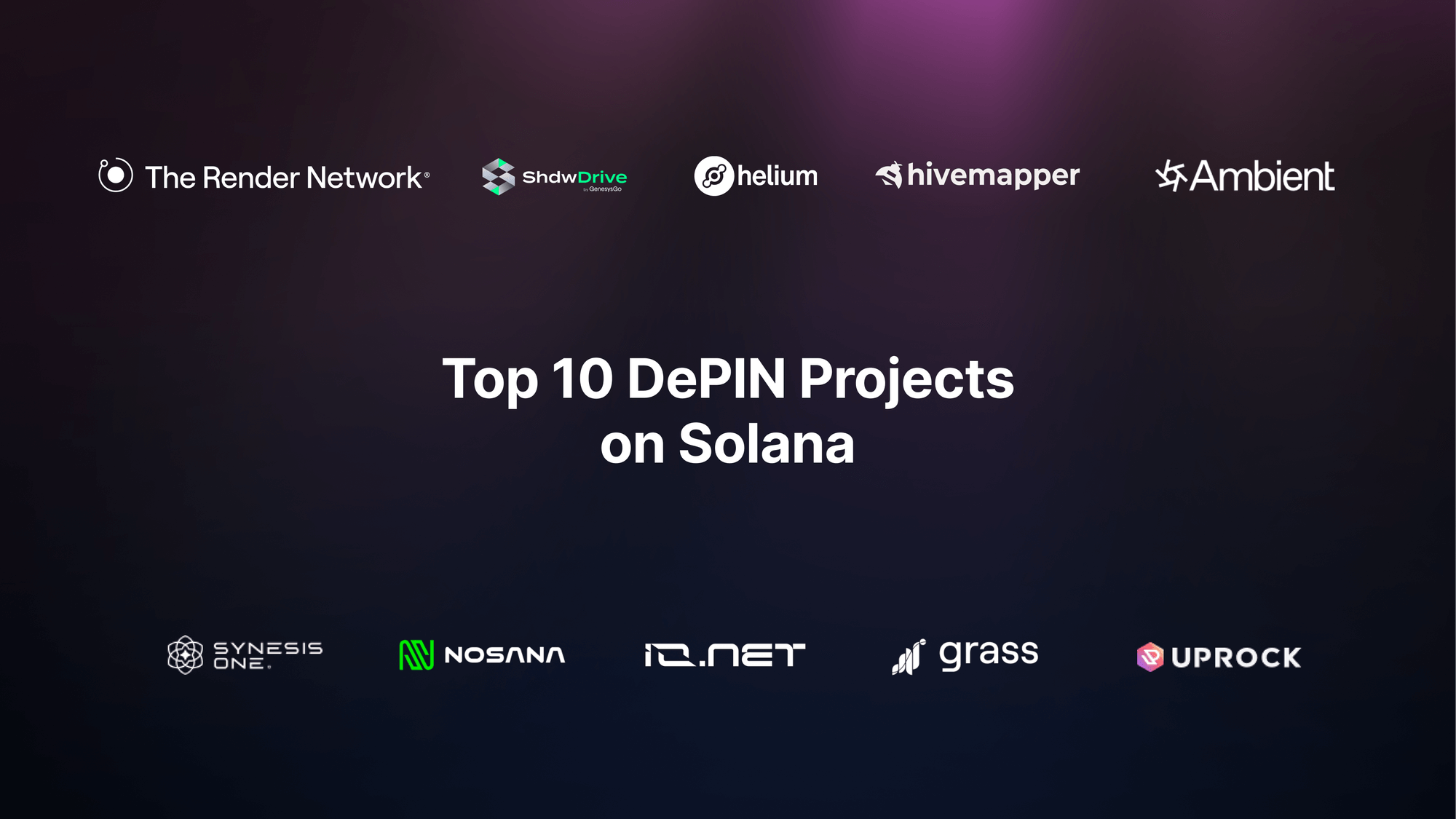
Keep your device connected to WiFi and plugged in when possible to ensure maximum uptime. Monitor your node’s performance using the built-in dashboards provided by DePIN apps. Some projects also offer bonus rewards for referring new users or contributing additional resources, so explore community forums and official documentation for extra opportunities.
What’s Next for Mobile-First DePIN on Solana?
The rapid pace of Solana’s DePIN innovation means new opportunities are emerging monthly. As more physical infrastructure projects migrate to decentralized models, expect broader support for mobile-first node operation and new dApps tailored for Saga users. With the integration of advanced security features and seamless dApp experiences, the Solana Saga is poised to remain at the forefront of Web3 infrastructure.
For those ready to deepen their participation, advanced configuration options allow for resource allocation tuning, notification setup for downtime, and integration with external wallets for reward management. Staying informed about protocol updates and participating in governance can further enhance your influence and earnings within these networks.
Pro tip: Always verify that you’re downloading genuine DePIN applications from the official Solana dApp Store to avoid malicious clones or phishing attempts.
Running a decentralized node on your smartphone is no longer just a technical achievement - it’s a meaningful way to support open networks while earning crypto. The combination of robust hardware, secure key management, and an expanding app ecosystem makes the Solana Saga uniquely positioned for this new era of mobile-first DePIN setup. For a detailed walkthrough or troubleshooting tips, revisit our step-by-step guide.




No comments yet. Be the first to share your thoughts!