
Crypto on mobile is no longer a novelty - it’s the new normal. The Solana Saga phone, launched in April 2023, kicked off a seismic shift in how we interact with decentralized finance (DeFi) on the go. With Solana’s dApp Store, built-in Seed Vault security, and seamless wallet integration, users can now trade, stake, mint NFTs, and farm yield directly from their pocket. But what’s hype and what’s real? Let’s dive into actual user experiences and the evolving security landscape that’s shaping mobile DeFi.
Firsthand User Experiences: From Airdrops to On-Chain Trading
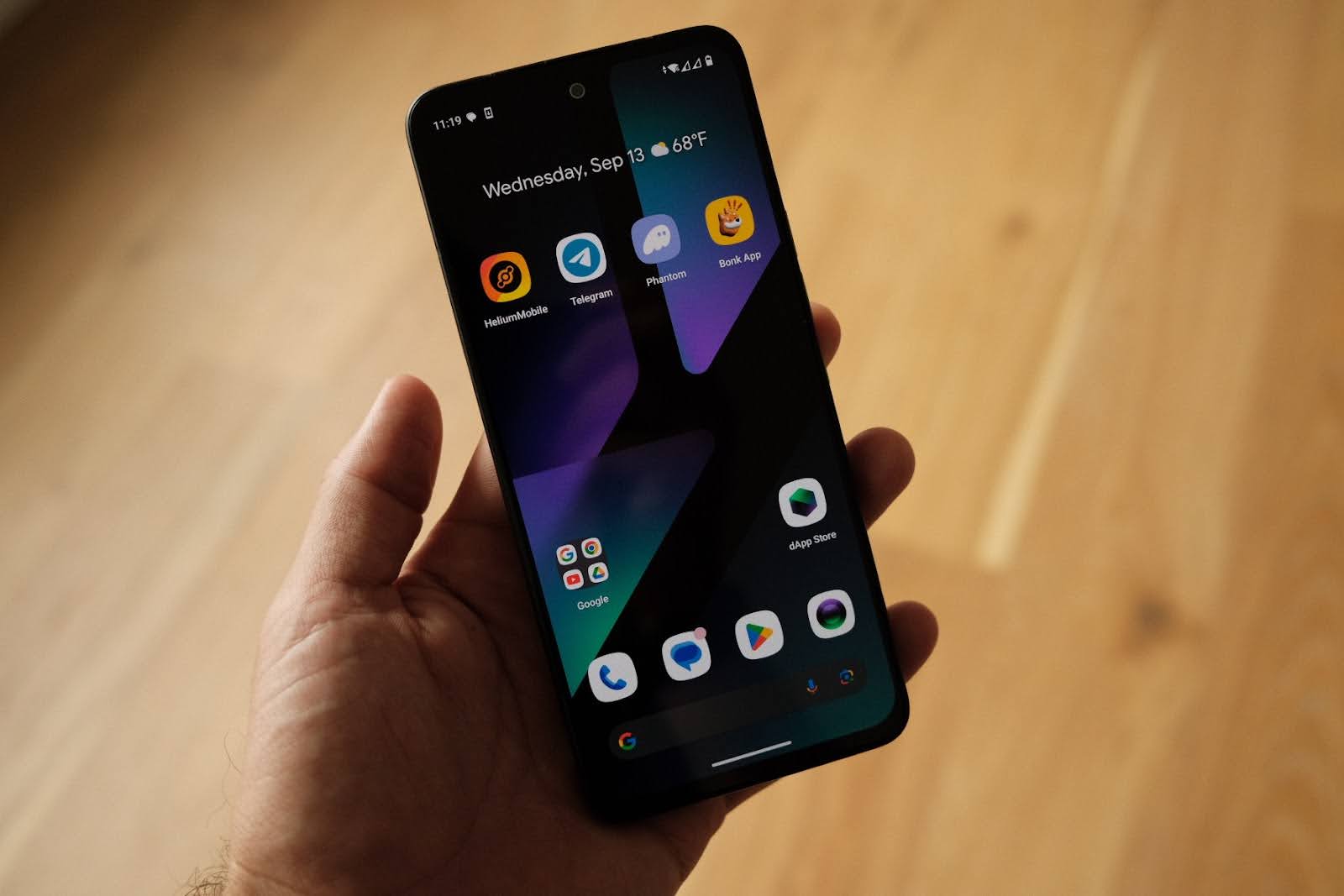
The Solana Saga phone wasn’t just another Android device with a crypto sticker. Early adopters were quick to notice its game-changing features: secure transaction signing with the Seed Vault, smooth integration of Backpack and Phantom wallets, and - let’s be honest - those legendary airdrop opportunities. Some users reported earning two to three times the cost of their device through exclusive token drops alone.
Marques Brownlee called out the phone's ability to make crypto trading “much smoother” than on regular phones. Community members echoed this on r/solana: DeFi swaps are faster, wallet popups are snappier, and you’re never more than two taps away from your favorite protocol. For many, using Solana Saga for airdrops wasn’t just lucrative - it was frictionless.
Still, not everything was perfect out of the box. Users flagged occasional app freezes and the need to restart dApps after heavy use sessions. Performance hiccups aside, most agreed that on-chain DeFi with Solana mobile is fundamentally different when your device is purpose-built for Web3.
The Security Question: Hardware Wallet vs Crypto Phone?
No conversation about mobile DeFi security on Solana is complete without addressing the elephant in the room: Can a phone ever be as safe as a hardware wallet? The answer isn’t black-and-white.
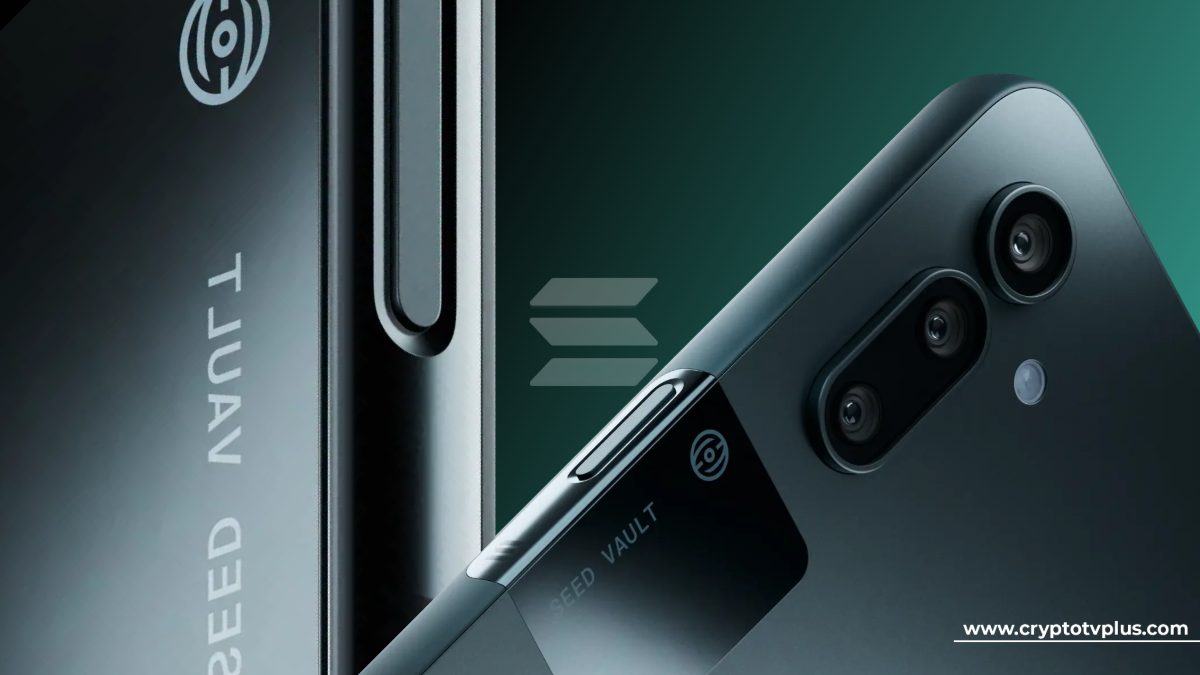
The Saga’s Seed Vault introduced hardware-backed key management directly into the device - isolating private keys from Android OS-level threats. Unlike traditional software wallets vulnerable to malware or phishing attacks, Seed Vault keeps your secrets tucked away in a secure enclave. Approving transactions requires biometric verification or PIN entry every single time.
But controversy struck in late 2023 when CertiK flagged a potential vulnerability in the bootloader. Their claim? A determined attacker with physical access could flash custom firmware to extract sensitive data like private keys. Solana Labs responded fast: unlocking the bootloader is disabled by default and wipes all user data (including keys) if enabled manually by an expert user.
If you’re looking for step-by-step advice on maximizing your device’s protection for trading or yield farming on-the-go, check out our deep dive here: How to Secure Your Solana Saga Phone for Mobile DeFi Transactions.
Saga vs Seeker: Next-Gen Mobile DeFi Gets Leaner and Meaner
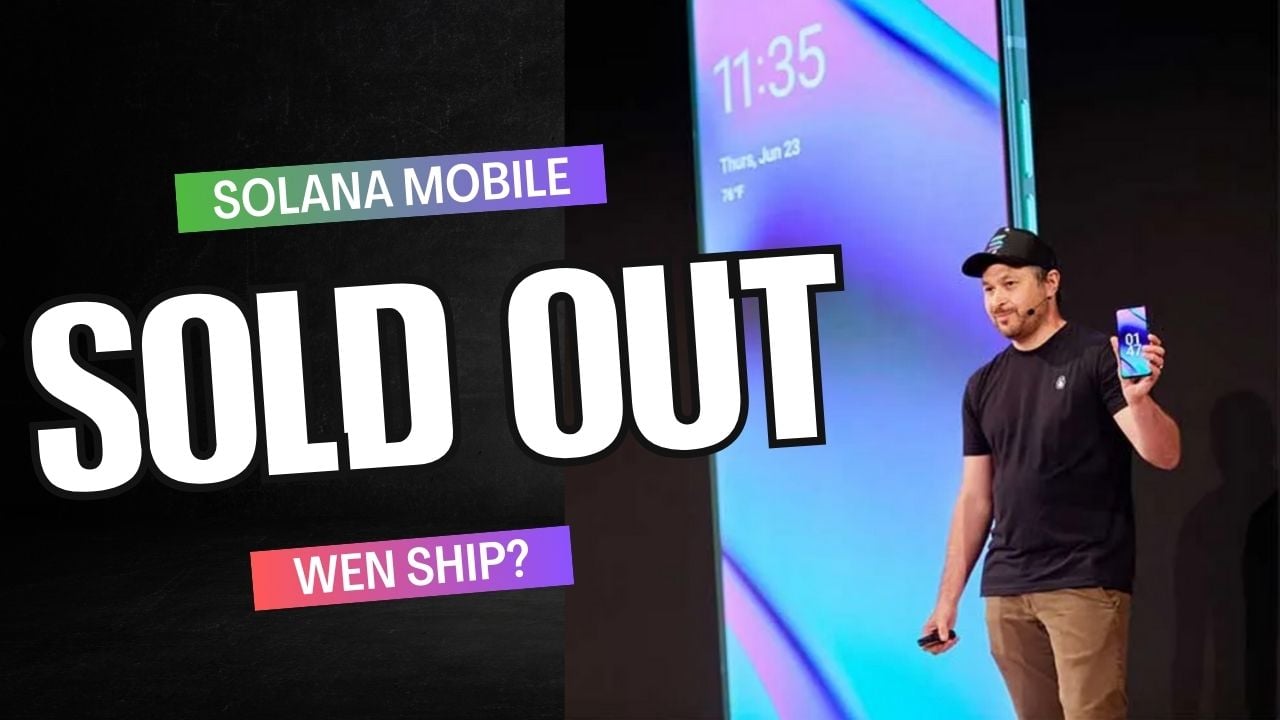
The market spoke - and Solana Mobile listened. After initial sluggish sales at $1,000 (now slashed to $600), feedback poured in about performance bottlenecks and battery life limitations during heavy trading sessions. Enter Seeker: smaller footprint, lighter build, beefed-up battery life.
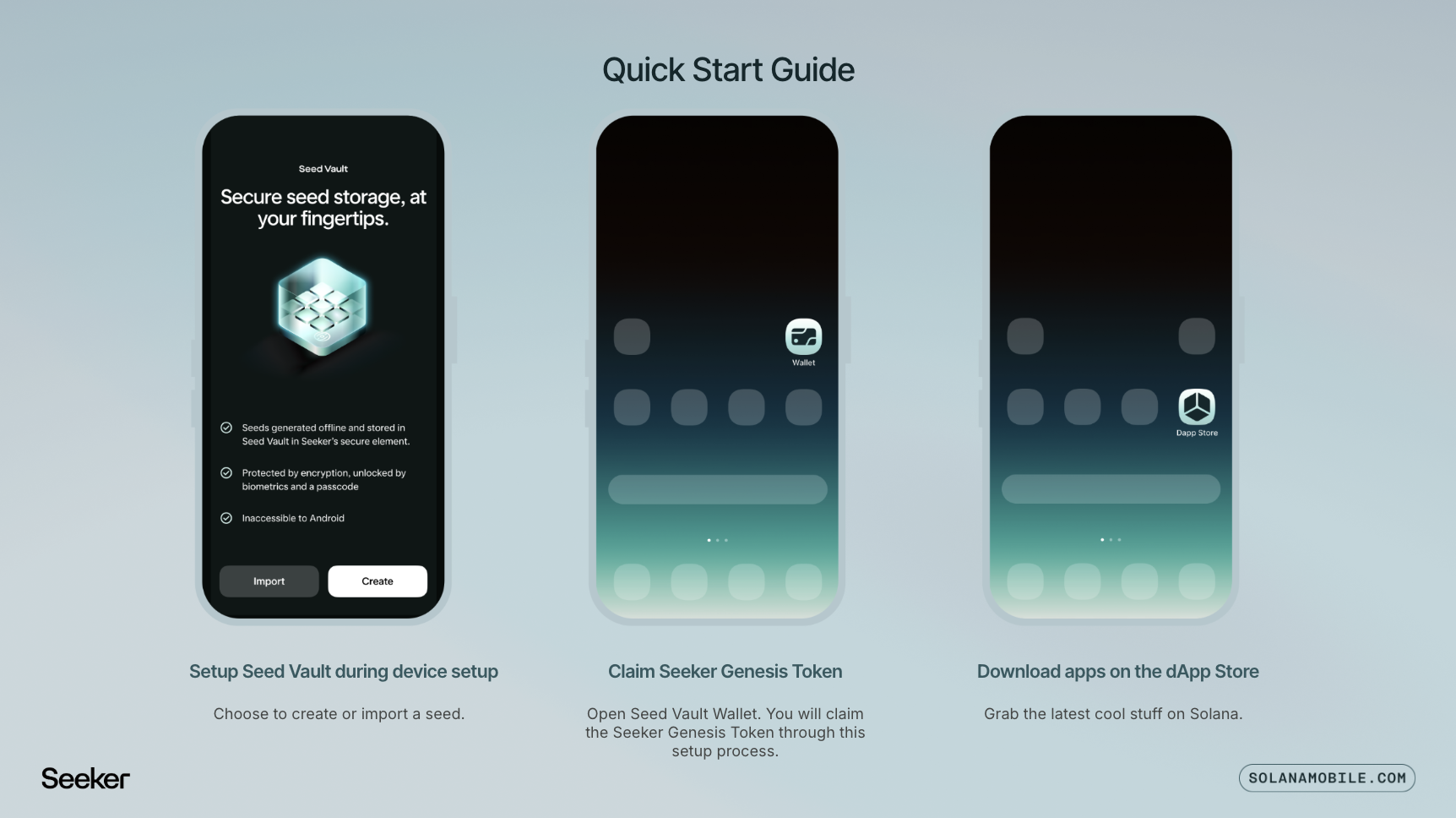
The Seeker also doubles down on streamlined security with its upgraded Seed Vault Wallet experience - think one-click approvals with fingerprint verification instead of clunky password prompts. It’s clear that each iteration is laser-focused on making mobile-first crypto not just possible but practical for everyday power users.
With Binance-Peg SOL (SOL) trading at $185.53, mobile DeFi users are more active than ever - and the Solana Saga and Seeker phones are at the heart of this action. The ability to trade, stake, and claim airdrops on-the-fly is no longer a futuristic dream; it’s a daily reality for thousands who’ve embraced these devices.
Real-World Impact: How Mobile-First DeFi Changes the Game
Let’s break down what’s actually different about using Solana Saga or Seeker as your primary DeFi device:
How Solana Saga & Seeker Phones Are Transforming DeFi
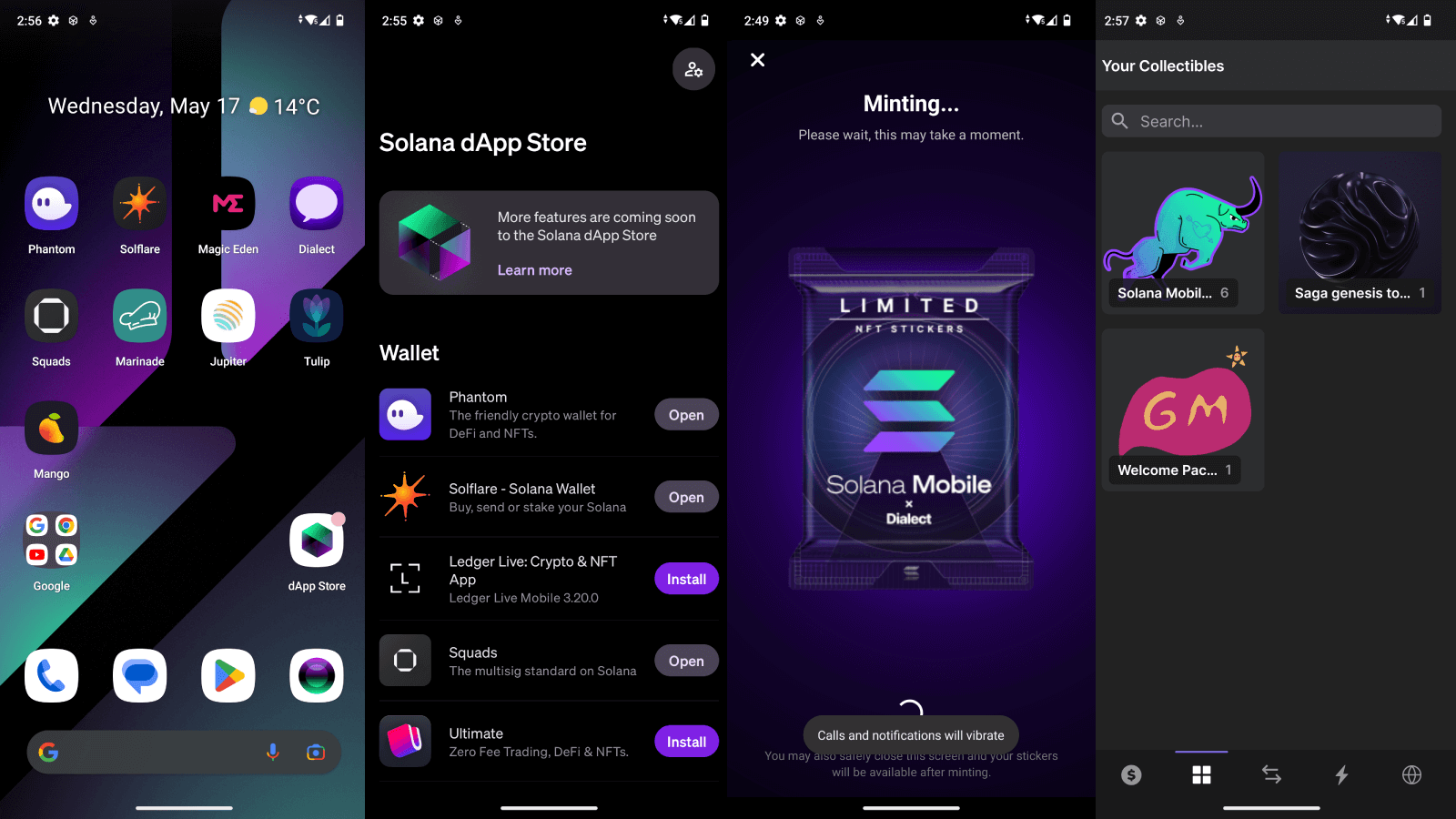
- Seamless Access to DeFi Apps: Both the Solana Saga and Seeker phones feature a dedicated Solana dApp Store, letting users instantly access DeFi platforms, wallets, NFT marketplaces, and social apps without extra downloads or complicated setups.
- Enhanced On-Device Security: The Seed Vault and Seed Vault Wallet provide hardware-level protection for private keys. Transactions can be approved with a fingerprint, adding a strong layer of security for DeFi activities directly on the phone.
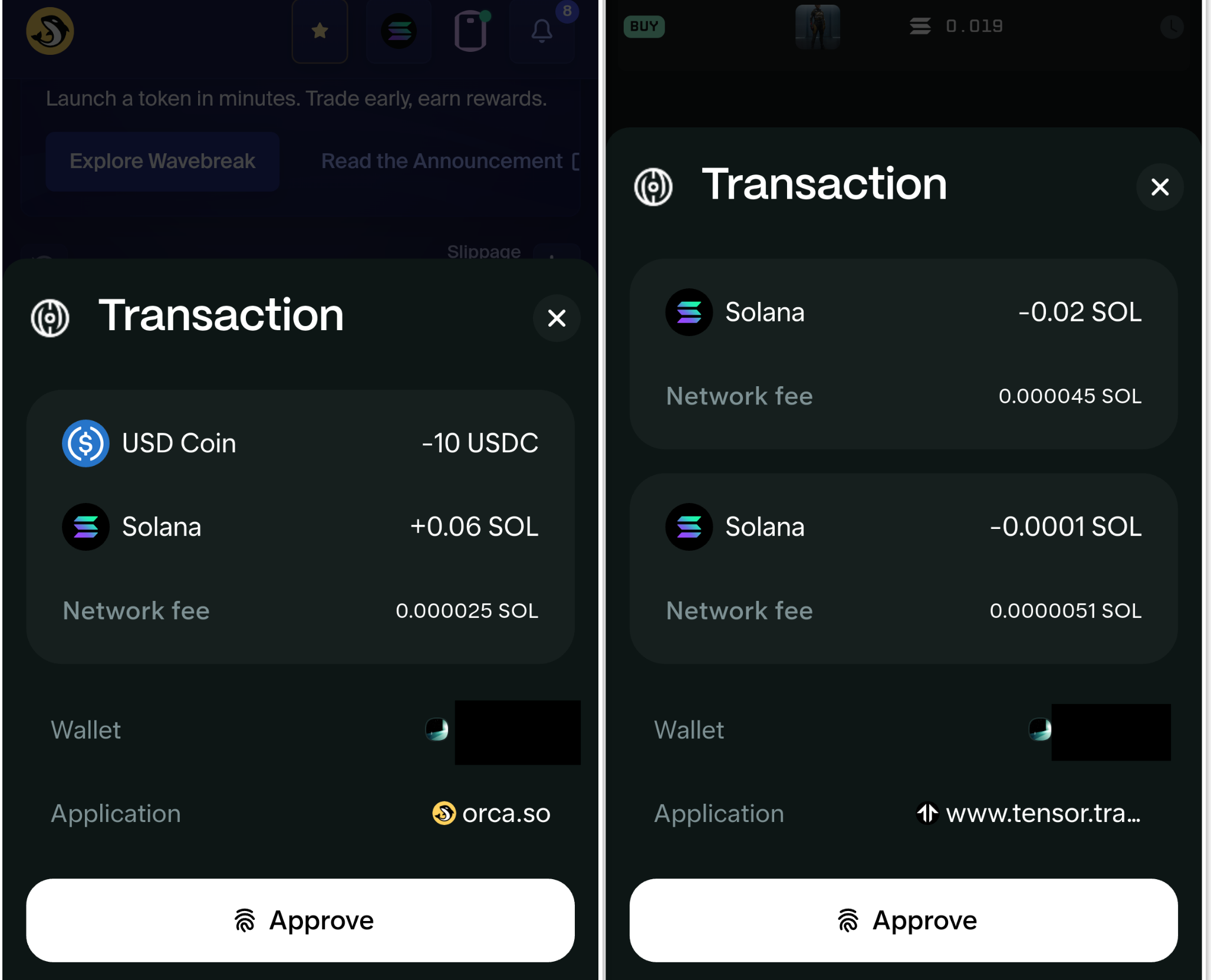
- One-Click Crypto Transactions: The Seeker phone streamlines DeFi with one-click transaction approvals, making swaps, staking, and NFT purchases faster and more user-friendly than traditional mobile wallets.
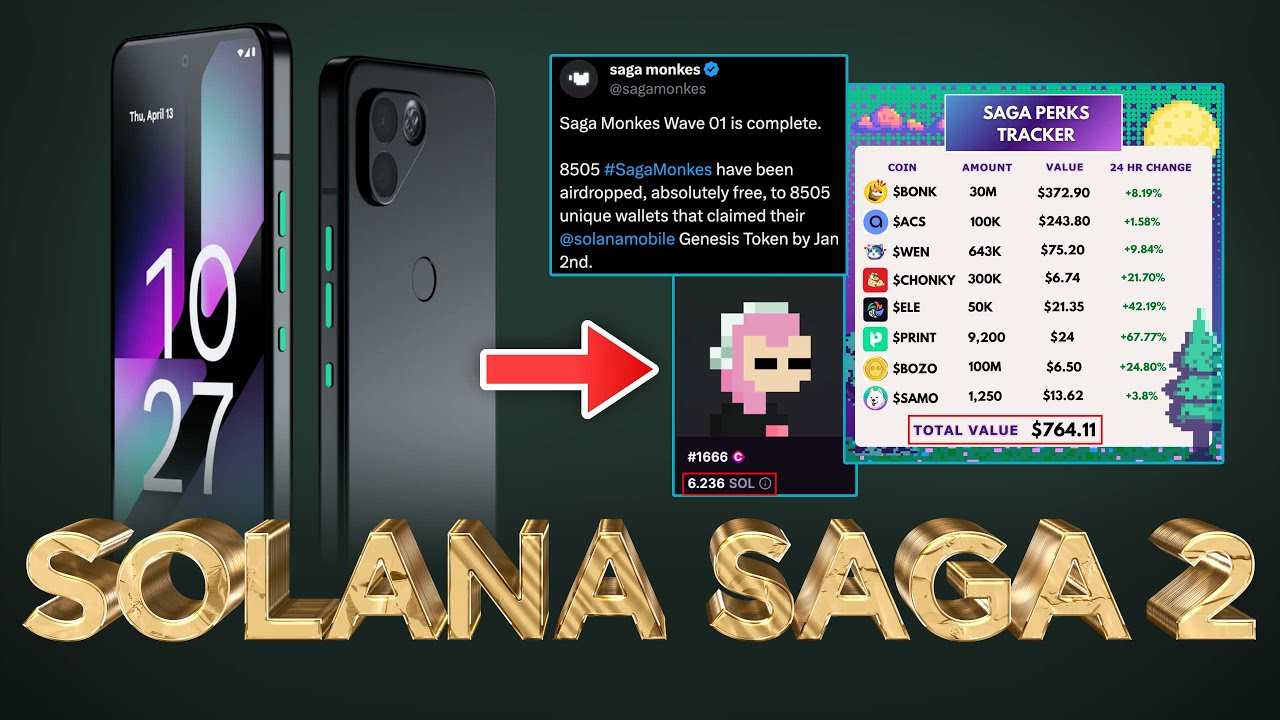
- Exclusive Airdrops & Rewards: Saga users gained access to lucrative airdrops from major Solana projects, with some earning back two to three times the phone's cost in tokens. This trend continues with Seeker, offering real incentives for active DeFi users.
- Continuous Security Improvements: After security concerns surfaced (like the CertiK bootloader report), Solana Mobile responded with updates and transparency, including disabling risky features by default and requiring full device wipes to unlock advanced settings, helping build user trust.
- Developer Grants & Ecosystem Growth: Solana Mobile actively supports DeFi innovation by funding hackathons and builder grants, accelerating the creation of new mobile-first DeFi experiences for users worldwide.
Users consistently report that staking SOL, swapping tokens, and minting NFTs are all faster compared to juggling browser extensions or QR codes between desktop and mobile. Having your wallet natively integrated means you’re never hunting for seed phrases or waiting for Bluetooth connections like with traditional hardware wallets.
The dApp Store also curates apps specifically optimized for mobile, reducing the risk of phishing or malicious downloads. For those who live on-chain, features like push notifications for price alerts or transaction confirmations make it easier to react quickly in volatile markets - a critical edge when every tick counts.
Getting the Most Out of Mobile DeFi: Tips from Power Users
If you’re thinking about making the jump to a crypto phone, here’s what seasoned users recommend:
For detailed guides on wallet setup and best practices, check out our resources like How to Set Up Solana Wallets on the Saga Phone.
The Airdrop Effect: Earning While You Explore
No review of user experience would be complete without talking about airdrops. The Saga phone’s reputation was turbocharged by early airdrop campaigns, with some users claiming back two or three times their investment in tokens. While the feeding frenzy has cooled off as supply increased, opportunities still exist - especially as new dApps launch exclusively on mobile-first platforms.
This model isn’t just about free money. It incentivizes deeper engagement with emerging protocols and rewards users willing to experiment at the bleeding edge of mobile DeFi. If you want to maximize your shot at future drops, stay active in community channels and keep your dApp Store updated regularly.
What’s Next? Solana Mobile Ecosystem Keeps Evolving
The pace of innovation is relentless. With hackathons fueling new dApps, grants incentivizing creative builders, and every iteration bringing tighter security plus better UX, Solana Mobile is setting the standard for what mobile-first crypto should look like. The move from Saga to Seeker proves that user feedback matters - lighter hardware, longer battery life, improved Seed Vault workflows.
If you’re ready to dive deeper into using these devices safely and efficiently for on-chain trading or yield farming, don’t miss our advanced walkthroughs like How to Use DeFi Apps Seamlessly on Solana Saga.
Bottom line? The future of crypto is in your pocket - but only if you know how to use it right. Whether you’re staking SOL at $185.53 from your kitchen table or chasing down exclusive airdrops while riding the train, mobile-first DeFi is no longer optional; it’s essential.
No comments yet. Be the first to share your thoughts!