
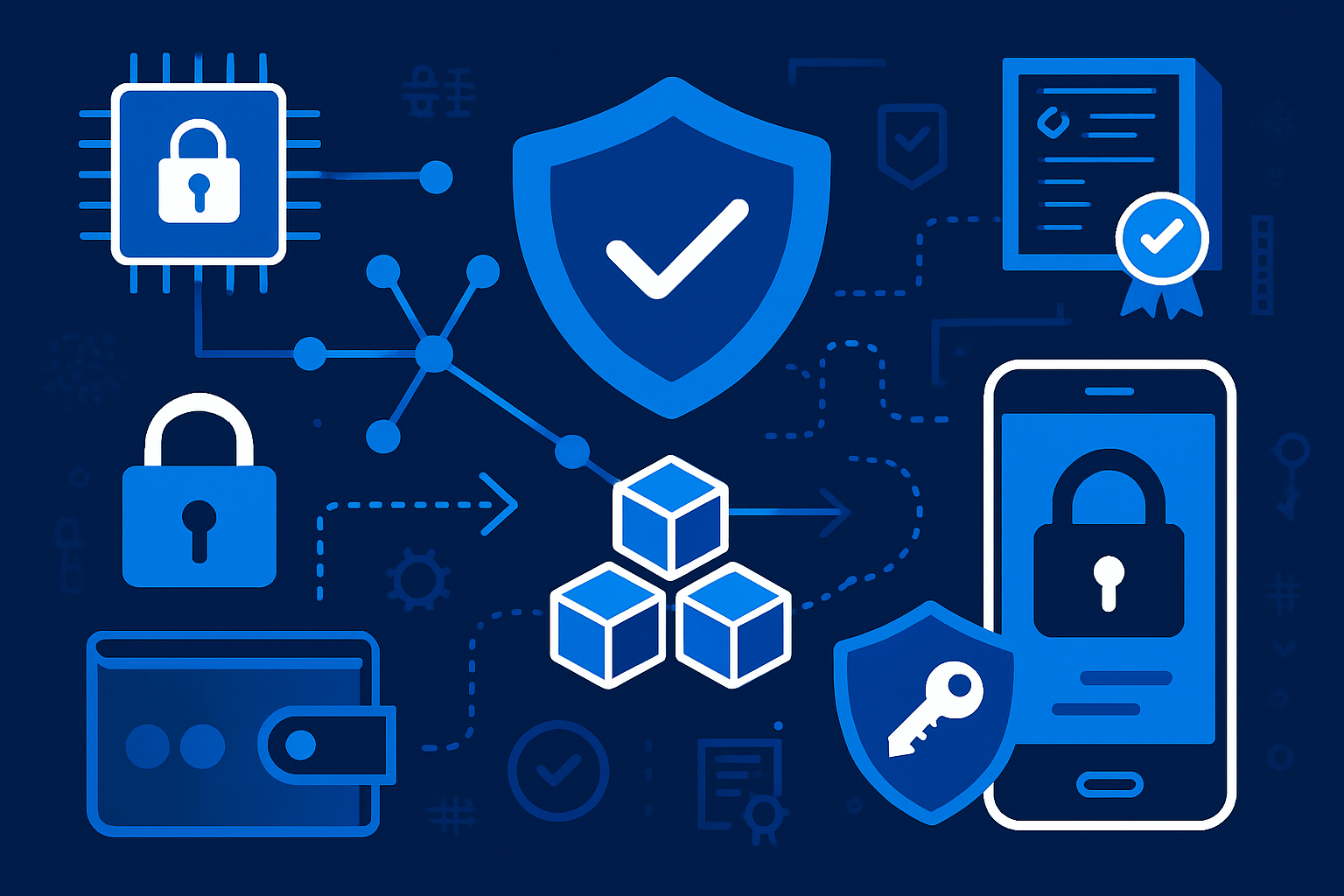
Picture this: your smartphone humming quietly in your pocket, not just connecting you to the world, but actively powering the next era of decentralized infrastructure. With the rise of DePIN (Decentralized Physical Infrastructure Networks), this is no longer a sci-fi fantasy, but the reality for early adopters in the mobile-first crypto movement. As Solana’s Saga phone and its peers redefine what’s possible, running a decentralized node on your smartphone is emerging as both a technical marvel and a new way to earn crypto rewards.
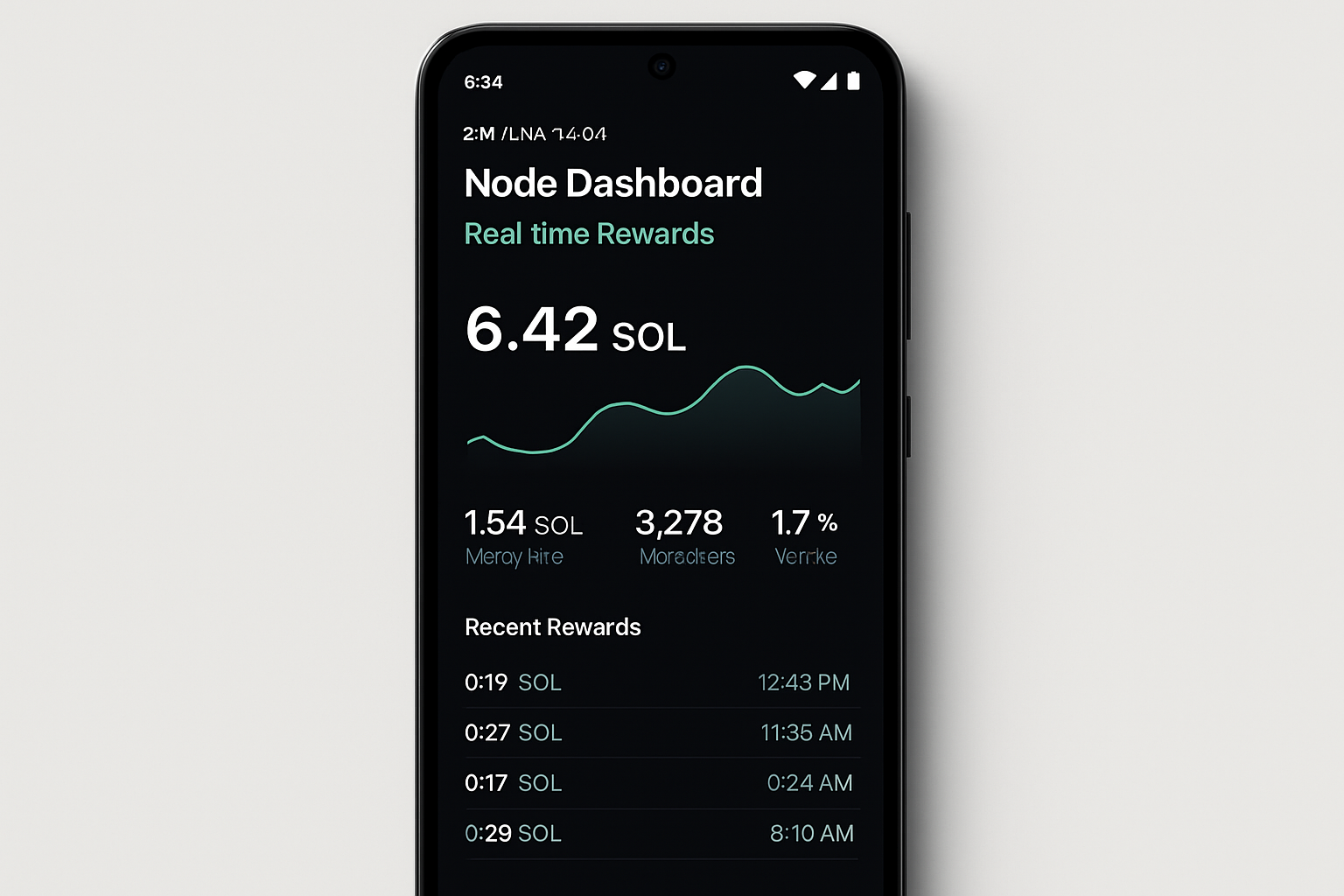
DePIN: The Backbone of Mobile Web3
At its core, DePIN leverages everyday devices - especially smartphones - to support decentralized networks. Instead of relying on centralized servers, these networks harness the collective power of user devices to validate transactions, process data, and maintain security. The result? A more robust, censorship-resistant infrastructure where anyone can participate and be rewarded for their contribution.
This shift is being propelled by advances in mobile hardware and protocols designed to run efficiently on resource-constrained devices. Solana’s Saga phone, with its secure enclave and native dApp support, stands at the forefront, but it’s joined by innovative players like XForge, Gaia AI Phone, Minima Protocol, and Nodle Cash. Each offers a unique approach to running decentralized nodes directly from your mobile device.
Meet the Mobile Node Pioneers: What’s on Offer?
The ecosystem is rapidly diversifying. Here’s a look at some of the most compelling options for those ready to run a decentralized node on their smartphone:
Top Mobile Platforms for Running Decentralized Nodes
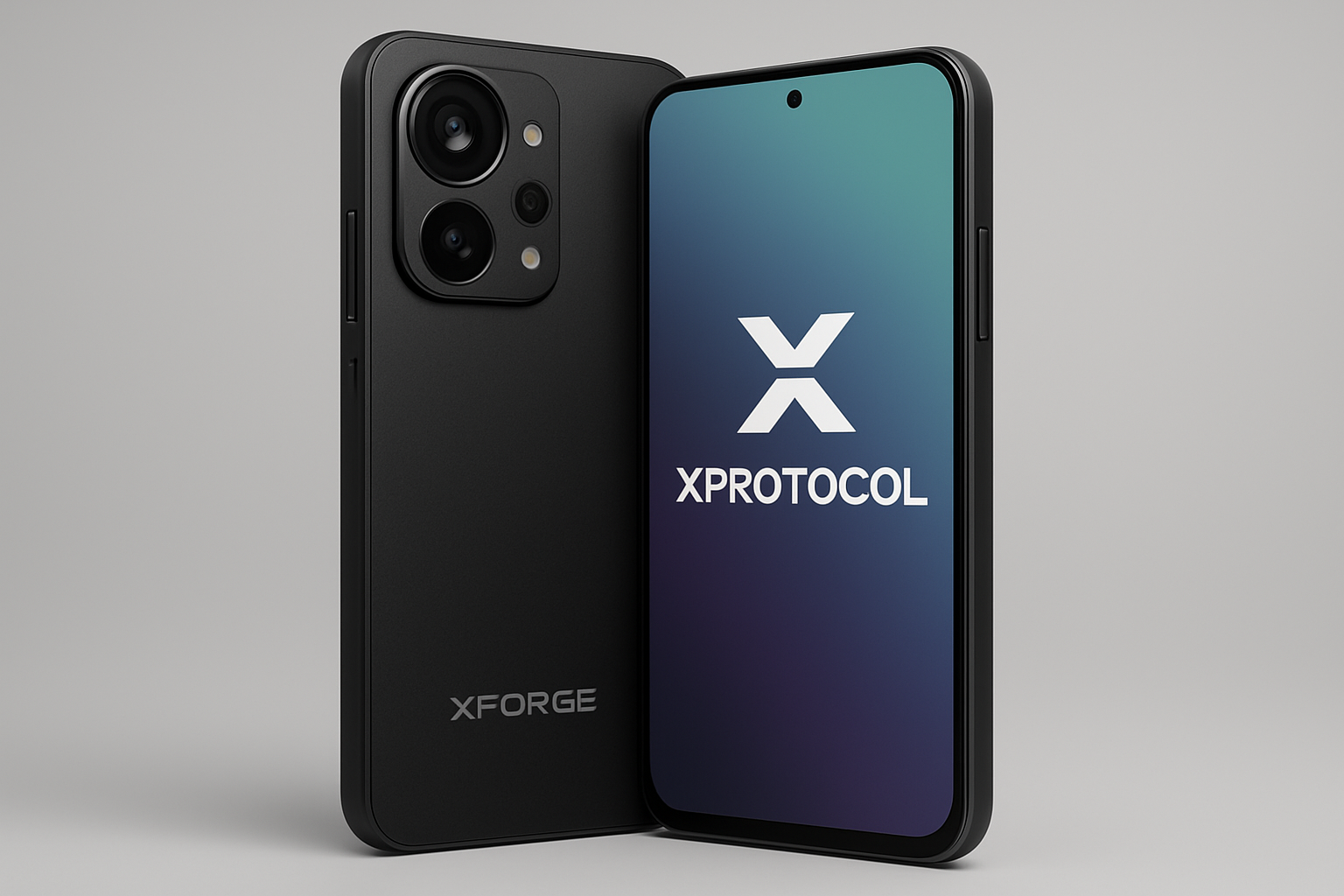
- XForge DePIN Smartphone: Developed by XProtocol, XForge is the world's first node-operated blockchain DePIN smartphone. For $299, users can run Xardian nodes directly on their device, earning $KICK token rewards. Early adopters receive a node key (valued at $280) and can operate up to 20 node keys per phone. Learn more.
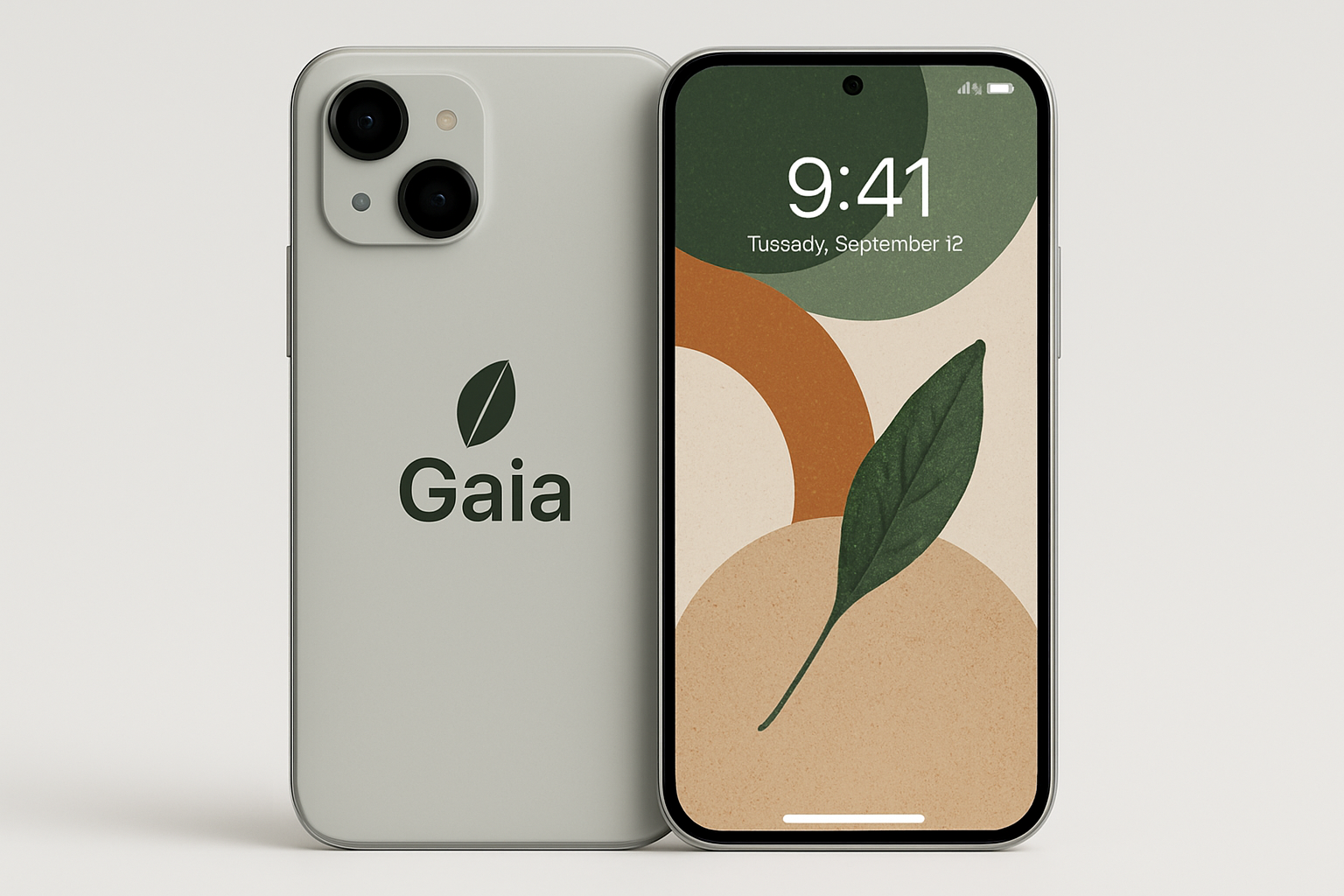
- Gaia AI Phone: Launched in September 2025, the Gaia AI Phone is designed to run AI computations entirely on-device while functioning as a full network node. Each phone contributes to decentralized AI infrastructure and earns token rewards for providing inference capacity. See the Gaia AI Phone.
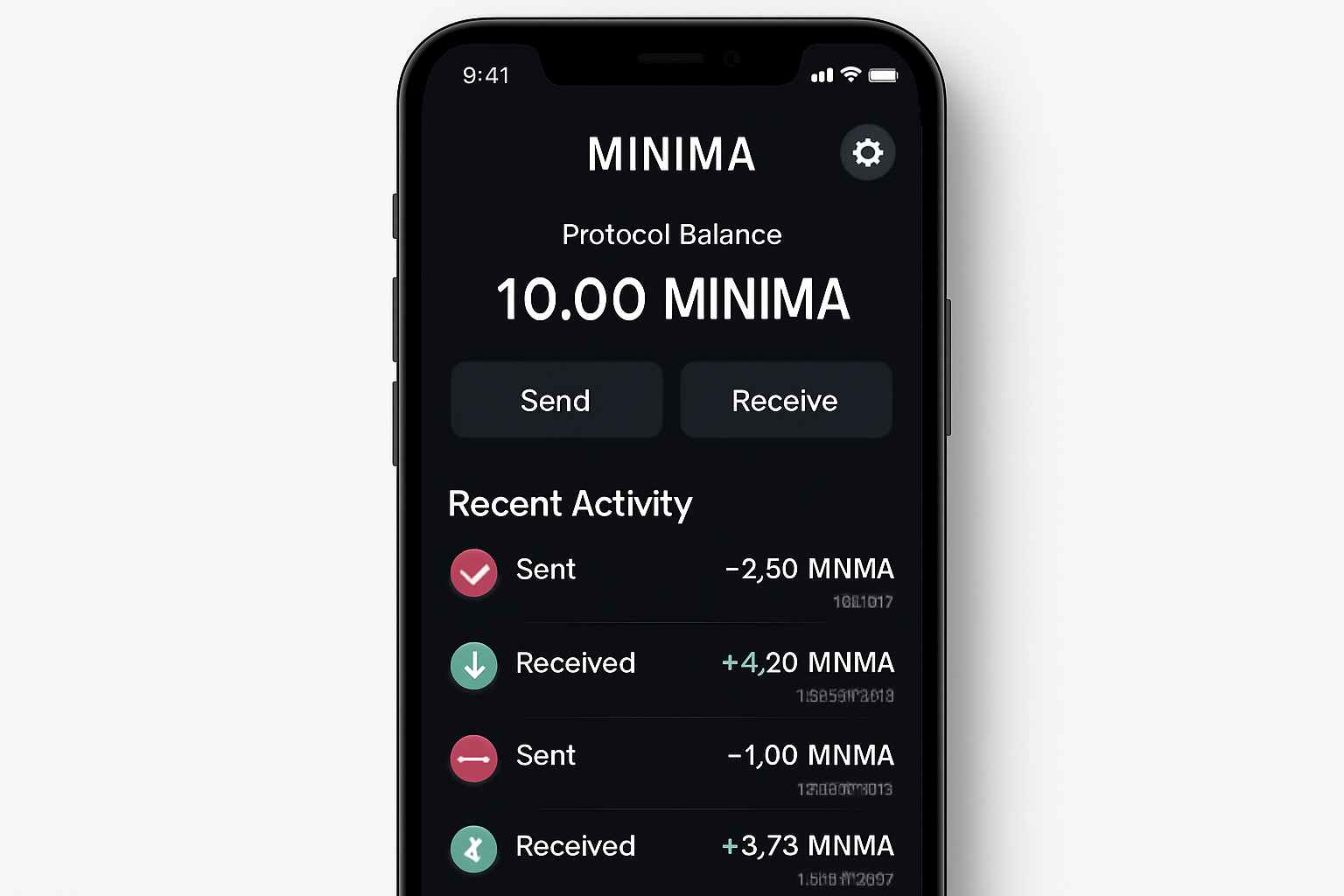
- Minima Protocol: Minima offers an ultra-lightweight blockchain protocol that allows users to run a full node directly on their smartphone. By installing the Minima app, anyone can participate in the network, validate transactions, and earn rewards, all with minimal resource consumption. Discover Minima Protocol.
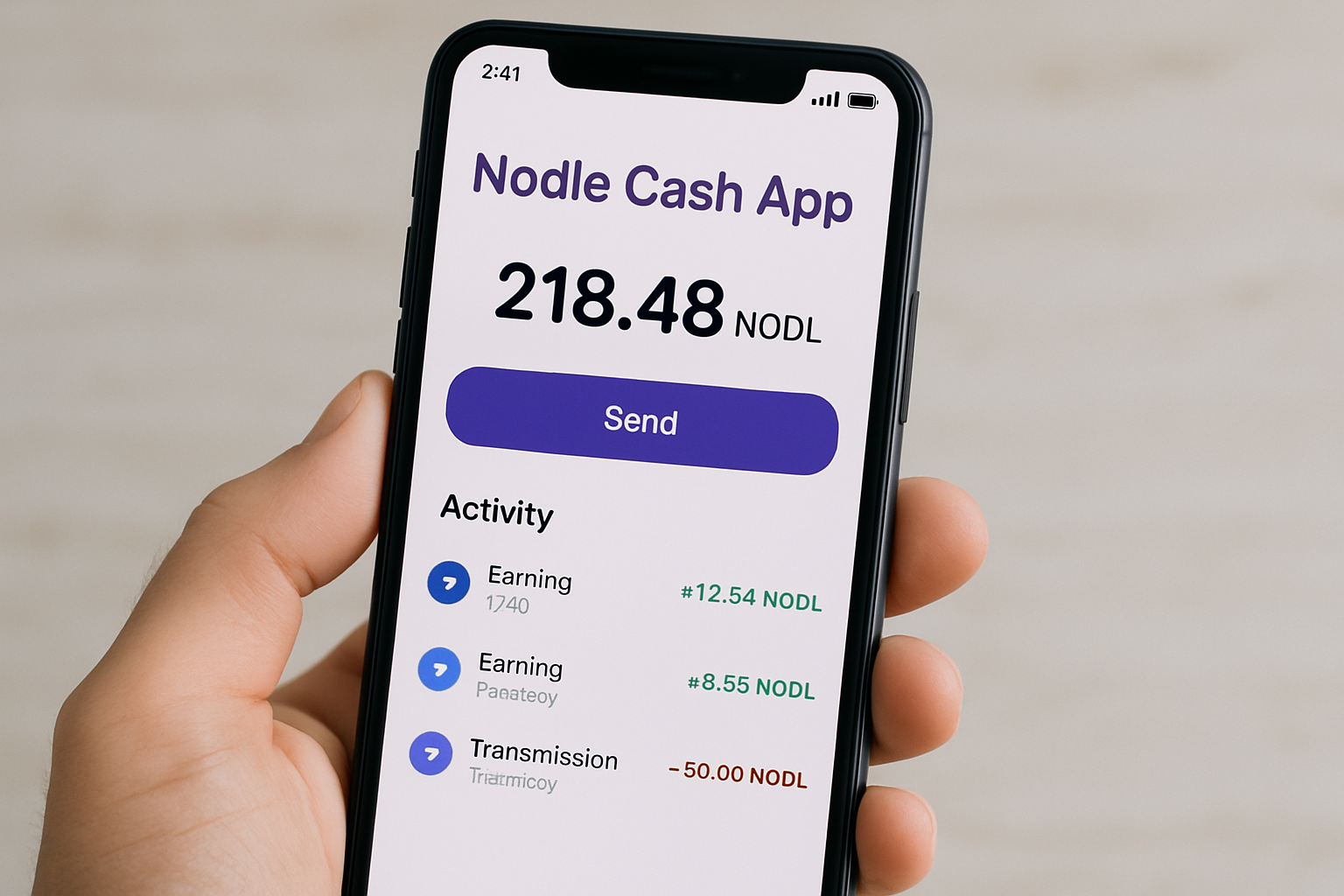
- Nodle Cash App: With the Nodle Cash app, users can turn their smartphone into a node using Bluetooth Low Energy. By keeping the app active, users help secure the network and earn cryptocurrency rewards, all while maintaining privacy and security. Explore Nodle Cash App.
- Solana Saga: The Solana Saga phone is a flagship Web3 device that supports native dApp integration and offers the potential to run decentralized compute nodes via Solana Mobile Stack (SMS). It features built-in crypto wallets, enhanced security, and direct access to the Solana ecosystem. View Solana Saga.
XForge DePIN Smartphone grabs headlines with its $299 price tag, allowing users to operate Xardian nodes and earn $KICK token rewards. Early buyers get a valuable node key (worth $280), with up to 20 node keys per device, making it one of the most accessible entry points for mobile-first node runners.
Gaia AI Phone, launched in September 2025, is engineered for the AI era. It runs all AI processes on-device, doubling as a full network node. Each phone lends its compute power to the decentralized AI network, earning tokens for providing inference capacity. This model blurs the line between personal device and public infrastructure.
Minima Protocol takes minimalism seriously. Its ultra-lightweight blockchain protocol lets you run a full node on any smartphone via the Minima app, with minimal impact on battery or data. Users earn rewards for supporting the network - proof that decentralization need not come at the expense of usability.
Nodle Cash App turns Bluetooth Low Energy into a tool for good. The app runs quietly in the background, using your phone’s connectivity to relay data and support the Nodle network. In return, users earn cryptocurrency rewards, all while maintaining strict privacy standards.
And then there’s Solana Saga, which, with its secure hardware enclave and seamless integration with Solana Mobile Stack (SMS), is designed to make crypto-native experiences effortless. While not every Saga user will want to run a node, the hardware is ready for those who do, positioning it as a flagship for the mobile web3 revolution.
Getting Started: What You Need to Know Before You Run
Running a decentralized node from your phone isn’t just plug-and-play - yet. But it’s closer than ever. Here are the essential steps:
How to Set Up Your First DePIN Node on Mobile
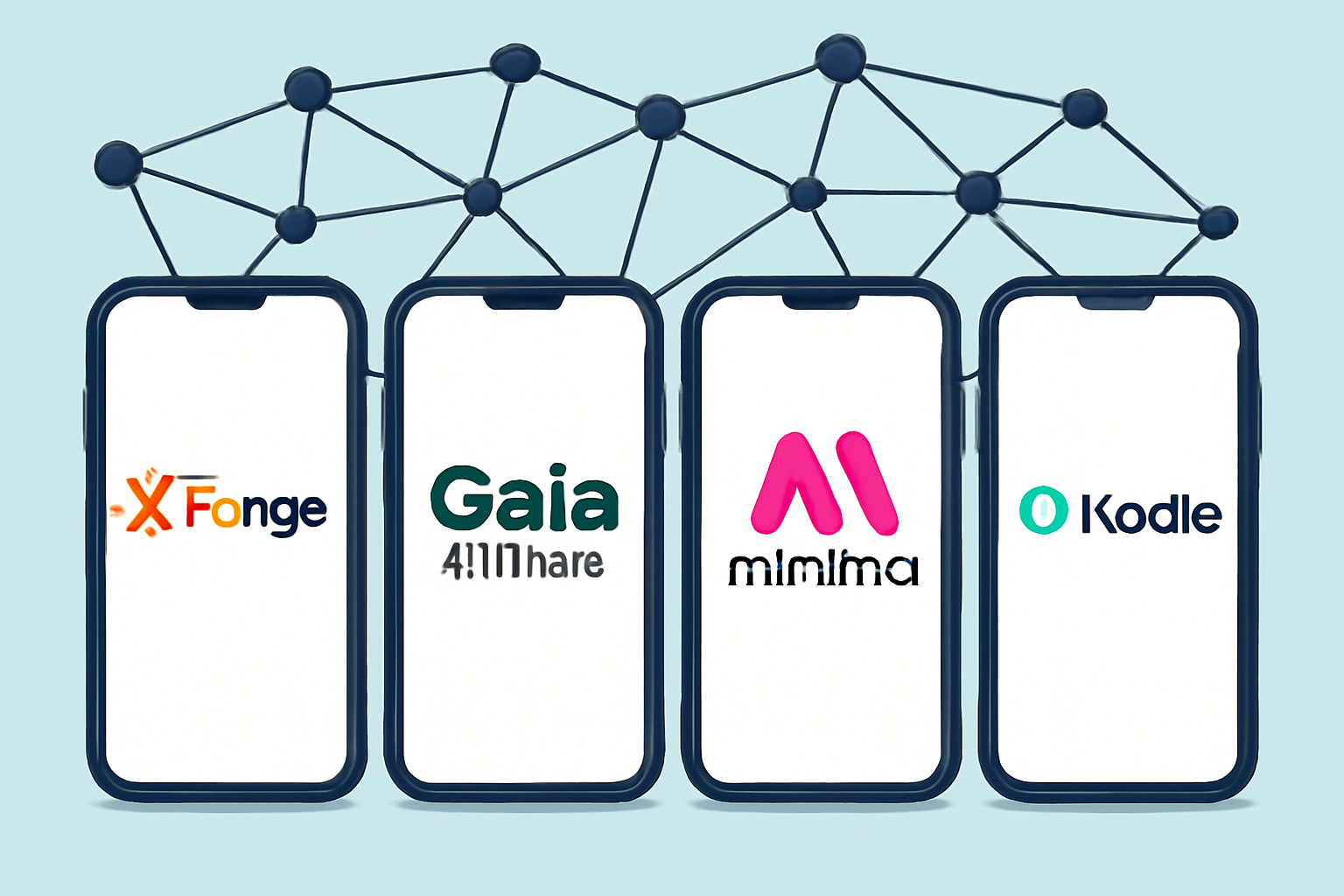
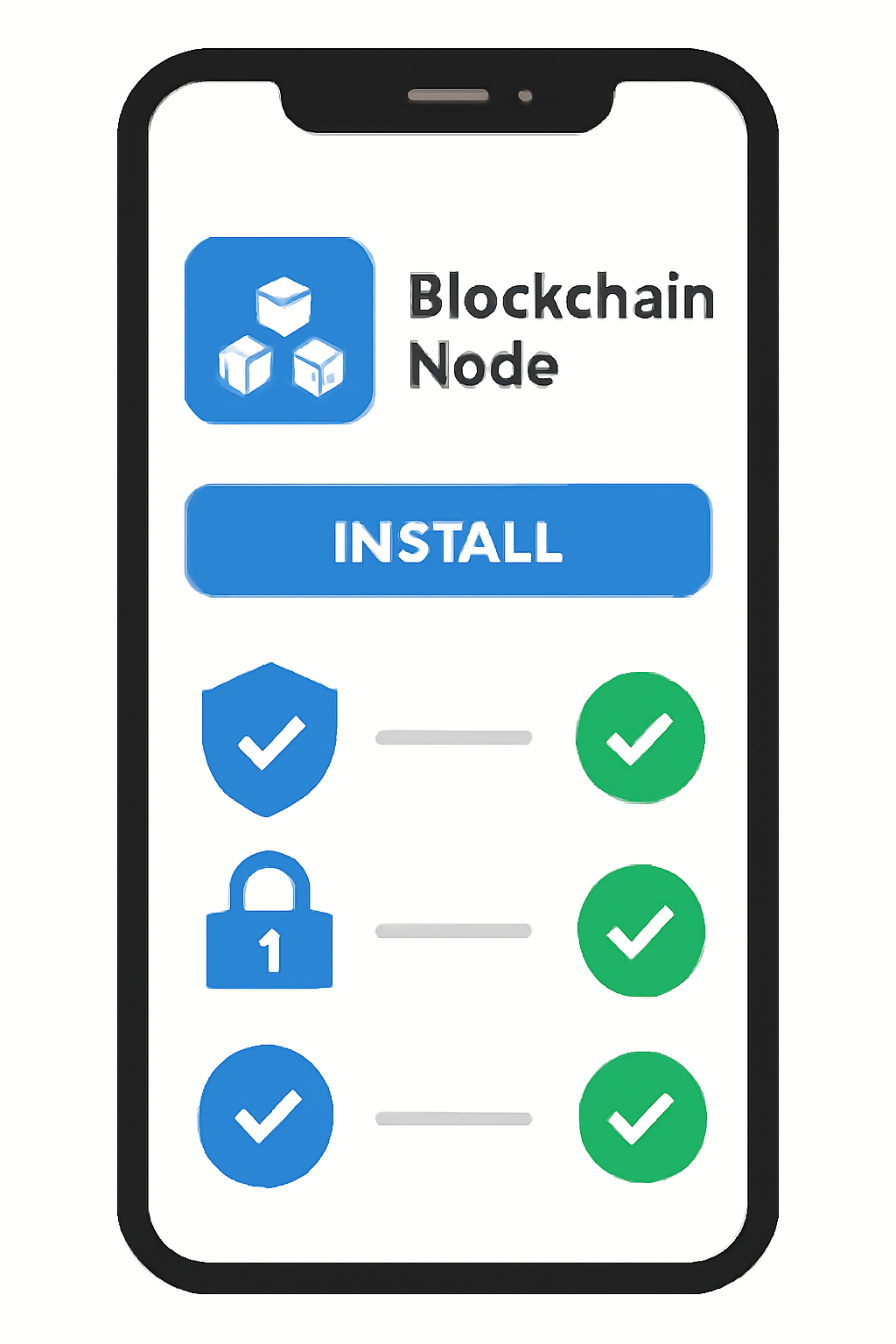
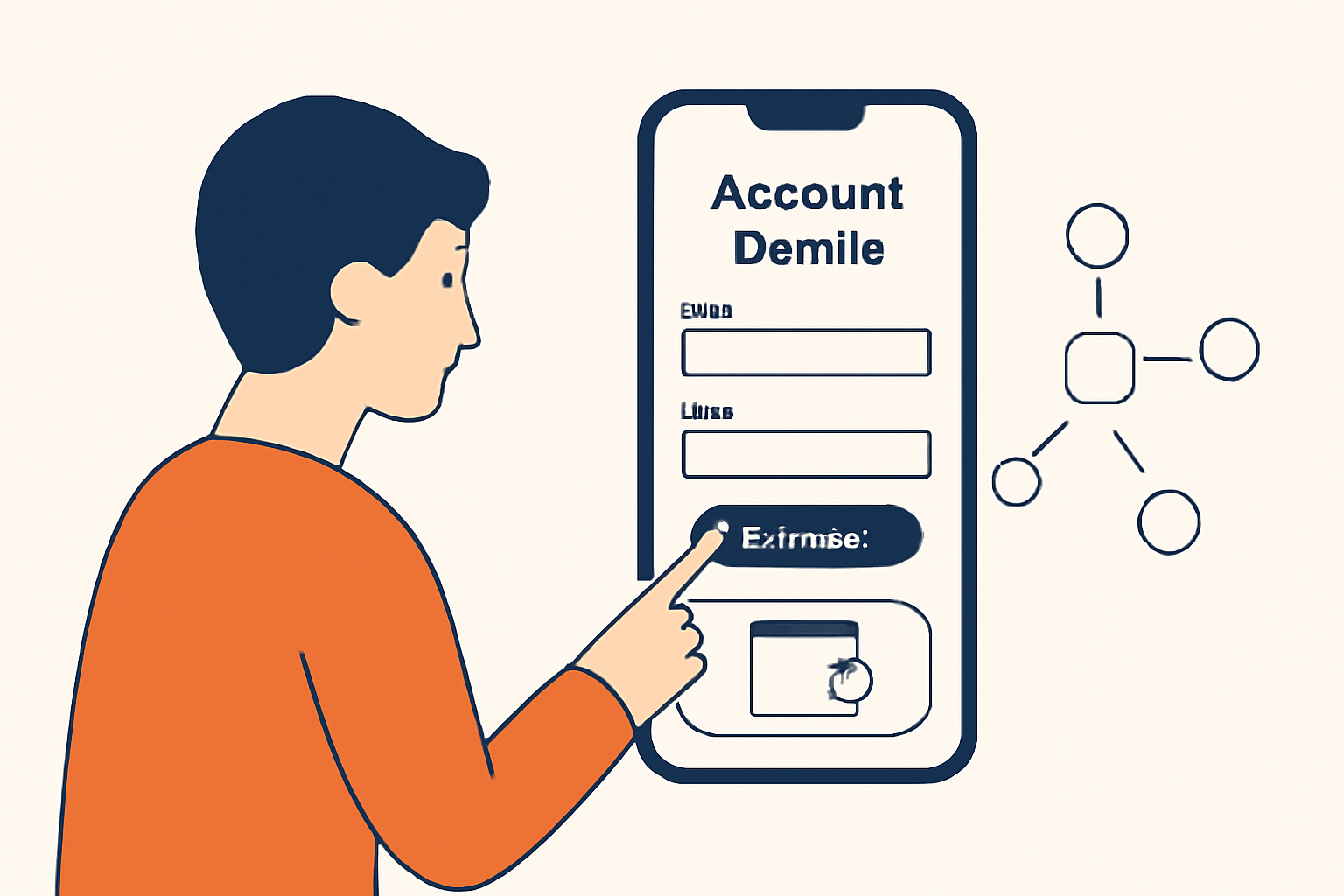
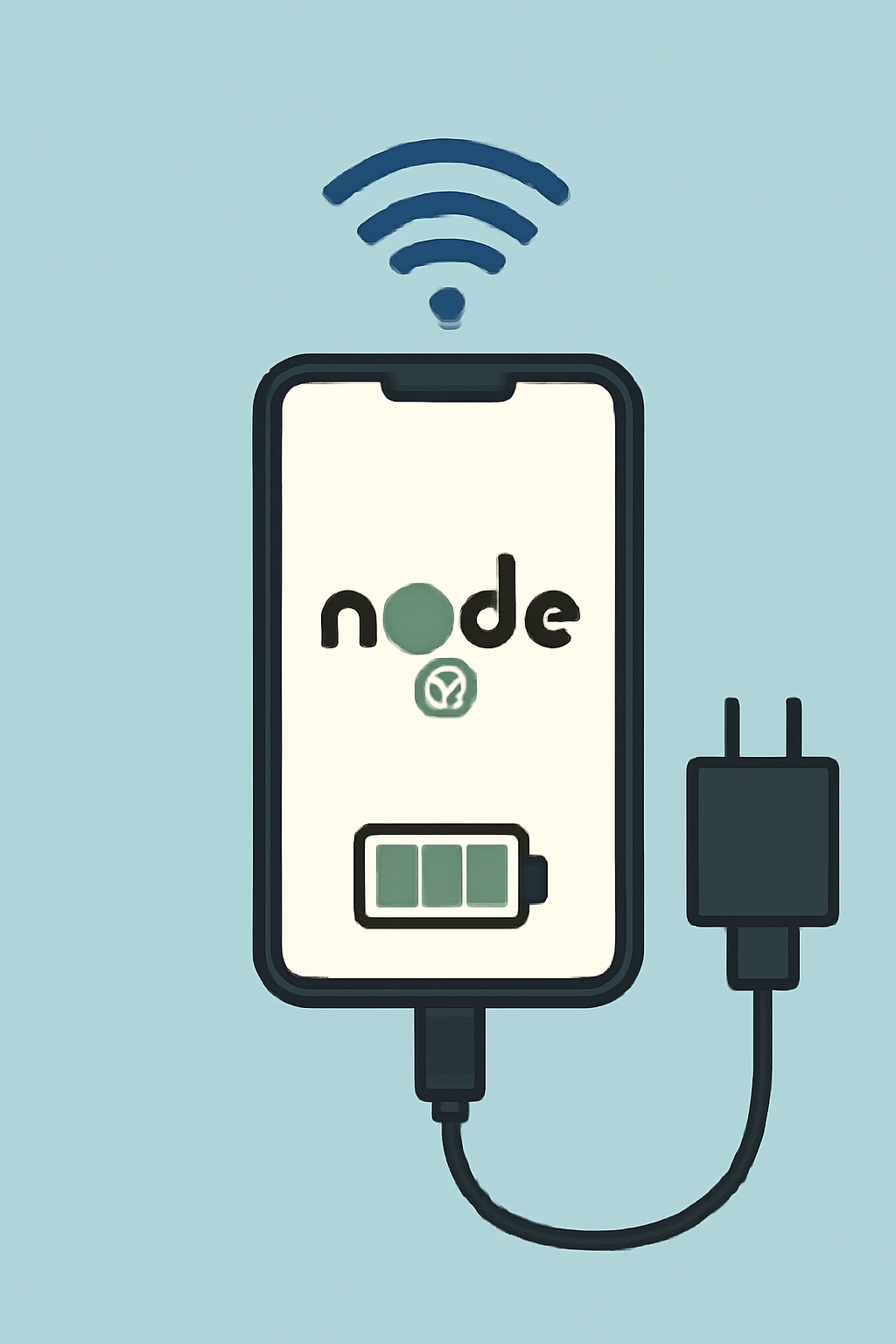
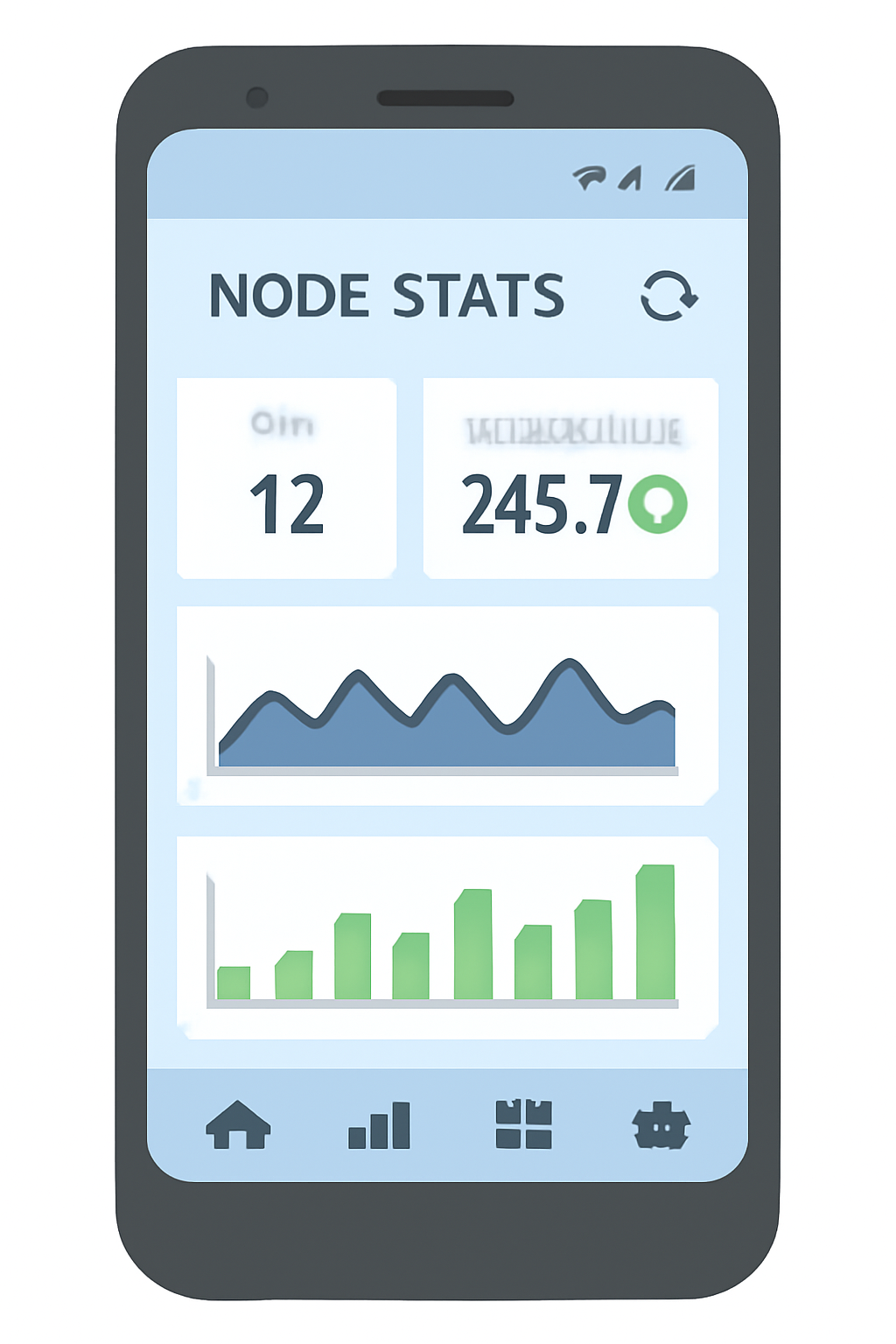
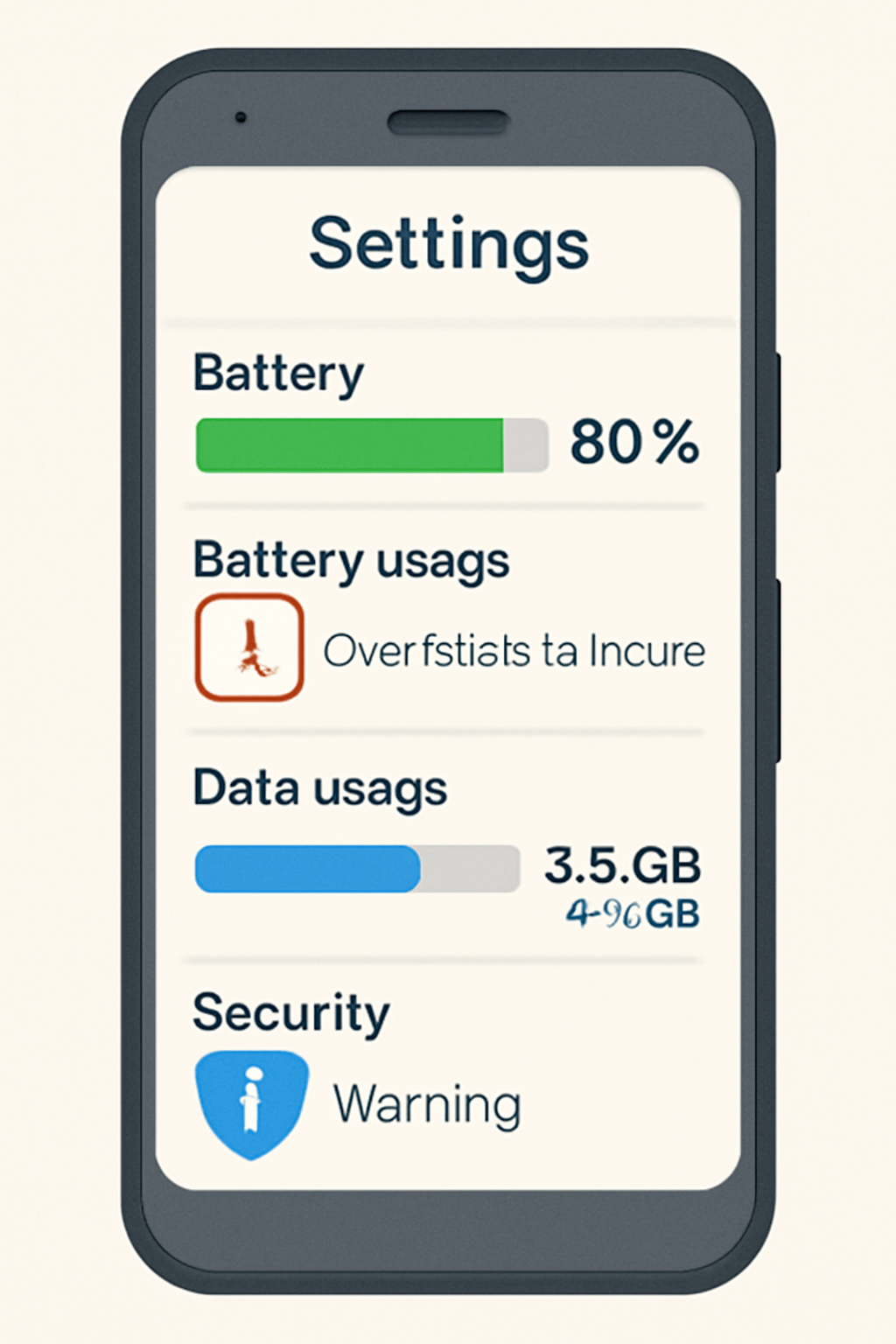
Start by selecting the platform that fits your goals - whether it’s maximizing rewards with XForge, contributing to AI infrastructure with Gaia, or supporting lightweight blockchains with Minima. Download the official app from trusted sources, set up your node (often just a few taps), and ensure your device stays connected to WiFi or mobile data. Some platforms, like Nodle, are designed to have negligible impact on battery life; others may require you to monitor usage more closely.
Security remains paramount: only use verified apps, keep your OS updated, and never share sensitive keys or credentials. As with any crypto endeavor, understanding the reward structure - including any fees or minimum payout thresholds - is crucial before you dive in. For more detailed walkthroughs tailored to Solana Saga users, check out our step-by-step guide here.
But beyond the technical setup, the real story is how these platforms are changing the relationship between individuals and digital infrastructure. With DePIN, your smartphone isn’t just a passive endpoint - it’s an active participant in a vast, decentralized economy. The incentives are tangible: run a node, contribute resources, and unlock streams of mobile web3 rewards that were once reserved for those with expensive hardware or deep technical knowledge.
This democratization of access is particularly evident with Solana Saga and its CoralOS-powered ecosystem. By making node-running as simple as installing an app and toggling a few settings, Saga is lowering the barrier to entry and paving the way for mainstream adoption. For users eager to maximize their device’s potential, projects like Raiinmaker now let you generate AI content or train models directly from your phone, blurring the line between creator, validator, and network provider.
Risks and Rewards: What Every Mobile Node Operator Should Consider
Of course, running a decentralized node on your smartphone isn’t without trade-offs. While protocols like Minima and Nodle are designed for efficiency, there’s still an impact on battery life and data usage. Some platforms may require you to keep your phone connected to power or WiFi for optimal performance. And as always in crypto, security is non-negotiable: stay vigilant against phishing apps or scams masquerading as legitimate node software.
Yet for many, the rewards far outweigh the risks. Whether it’s earning $KICK tokens with XForge, participating in decentralized AI with Gaia, or supporting Solana’s ever-expanding dApp universe through Saga, the opportunities are multiplying fast. The mobile DePIN movement is not only about earning crypto; it’s about reclaiming agency over the networks we depend on every day.
Where Next? The Future of Decentralized Infrastructure on Mobile
The momentum behind DePIN mobile networks is unmistakable. As more users join these platforms and more developers build for mobile-first crypto experiences, expect to see new forms of collaboration and competition emerge. Imagine millions of smartphones quietly maintaining blockchains, powering AI models, or even hosting microservices, all while their owners are rewarded in real time.
For those ready to take the leap, now is the time to explore what your device can do as part of this new digital commons. Whether you’re drawn by the promise of mobile web3 rewards or simply want to be part of building censorship-resistant infrastructure for everyone, running a node on your smartphone is no longer the domain of tech elites, it’s open to anyone willing to participate.
Ready to dive deeper into setting up your own node on Solana Saga or another leading platform? Our hands-on guides cover everything from initial setup to optimizing rewards. Start your journey here: How to Run a Decentralized Node on Your Smartphone with DePIN and Solana Saga.
No comments yet. Be the first to share your thoughts!