

As of October 2025, the Solana Saga phone sits at a critical juncture for mobile crypto security. With Solana Mobile discontinuing official support and security updates, the roughly 20,000 Saga devices in circulation now require proactive measures from users to maintain asset protection. This is especially vital given the current price of Binance-Peg SOL (SOL) at $199.15, reflecting ongoing market confidence and a growing attack surface for mobile crypto holders.
Understanding Solana Saga’s Security Architecture
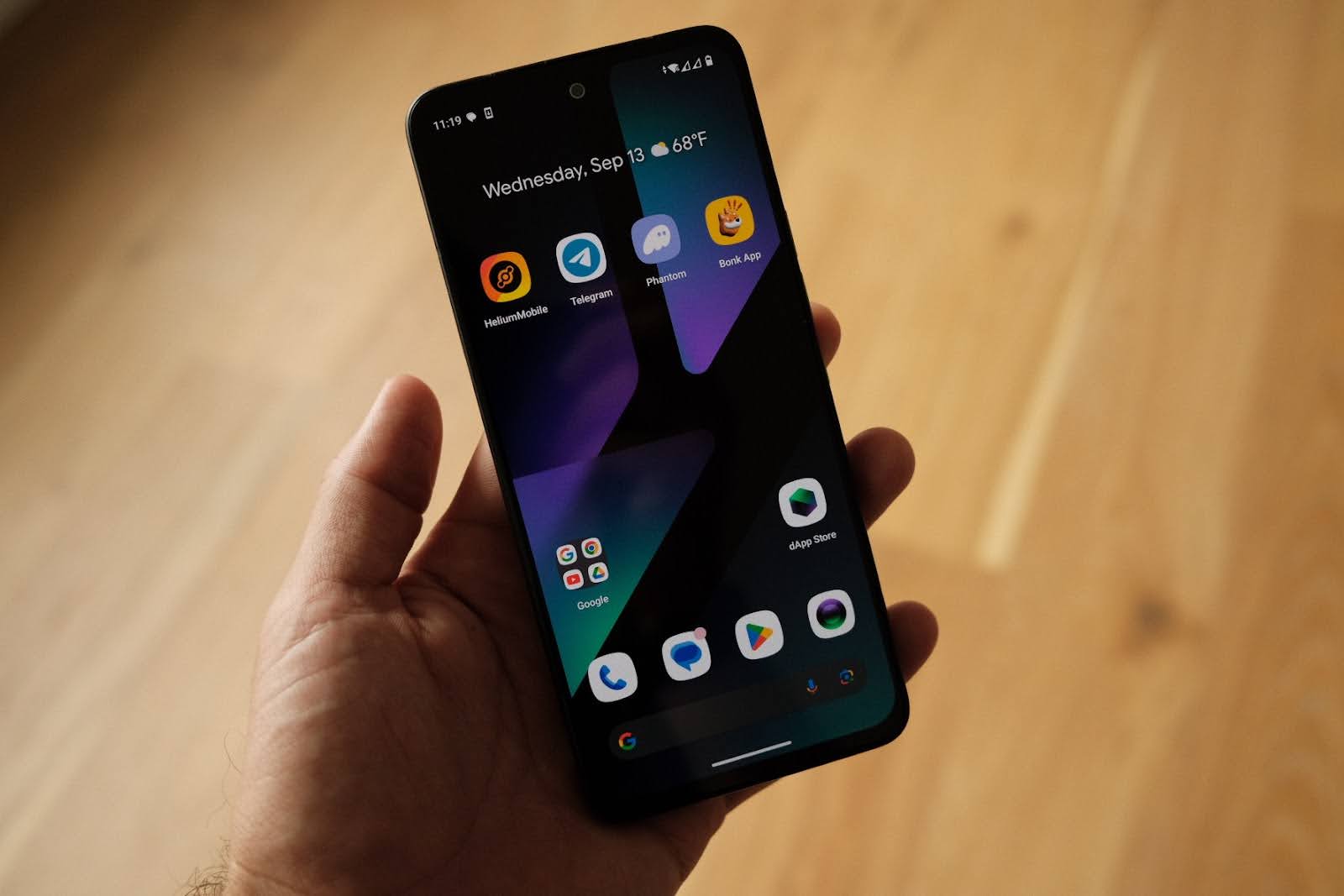
The Solana Saga was engineered to advance secure mobile crypto transactions, integrating features like the Seed Vault. This hardware-backed enclave leverages a Trusted Execution Environment (TEE) to isolate private keys from Android’s primary OS. In practical terms, even if an attacker compromises your device’s main operating system, your cryptographic secrets remain walled off and inaccessible outside the TEE. The Seed Vault is not just marketing, it’s an essential barrier between your assets and potential exploits.
Transaction signing on Saga occurs within this secure enclave, ensuring that sensitive operations never expose your seed phrase or private keys to third-party apps or system-level malware. This approach mirrors best-in-class hardware wallets but is uniquely integrated into a daily-use smartphone environment, ideal for DeFi power users who demand both mobility and robust security.
Critical First Steps: Key Management and App Hygiene
Given that no further firmware or software patches will be released, users must treat their device as an isolated vault. Start by leveraging the Seed Vault for all wallet setups and never export private keys outside this environment. When creating new wallets or restoring existing ones, always confirm you are inside the official Seed Vault interface, never input seed phrases into any external application or browser window.
App hygiene is another high-impact area for reducing risk:
- Review app permissions regularly: Periodically audit which apps have access to sensitive data or device controls. Revoke permissions from unused or untrusted apps immediately.
- Avoid sideloading: Only install dApps from verified sources such as the official Solana dApp Store. Sideloaded APKs are a common vector for malicious payloads targeting crypto wallets.
- Compartmentalize wallets: Use separate wallets for daily transactions versus long-term storage. If one wallet is compromised, your core holdings remain protected in another partitioned account.
Tactical Defenses: Network Security and Phishing Awareness
The end of official support means you can no longer rely on automatic patching against new vulnerabilities. As such, network hygiene becomes paramount when transacting with Binance-Peg SOL at $199.15. Public Wi-Fi networks are notorious hunting grounds for man-in-the-middle attacks; avoid them entirely when sending or signing transactions on-chain. If unavoidable, use a trusted VPN to encrypt your connection and minimize exposure.
Phishing attempts are also escalating in sophistication. Never respond to unsolicited messages requesting wallet access or credentials, even if they appear to come from reputable sources within the Solana ecosystem. Always double-check URLs before connecting your wallet to any platform; bookmark trusted dApp addresses and avoid clicking links in emails or social channels.
How to Securely Store Your Solana Seed Phrase Offline with Redundancy
The Importance of Offline Seed Storage
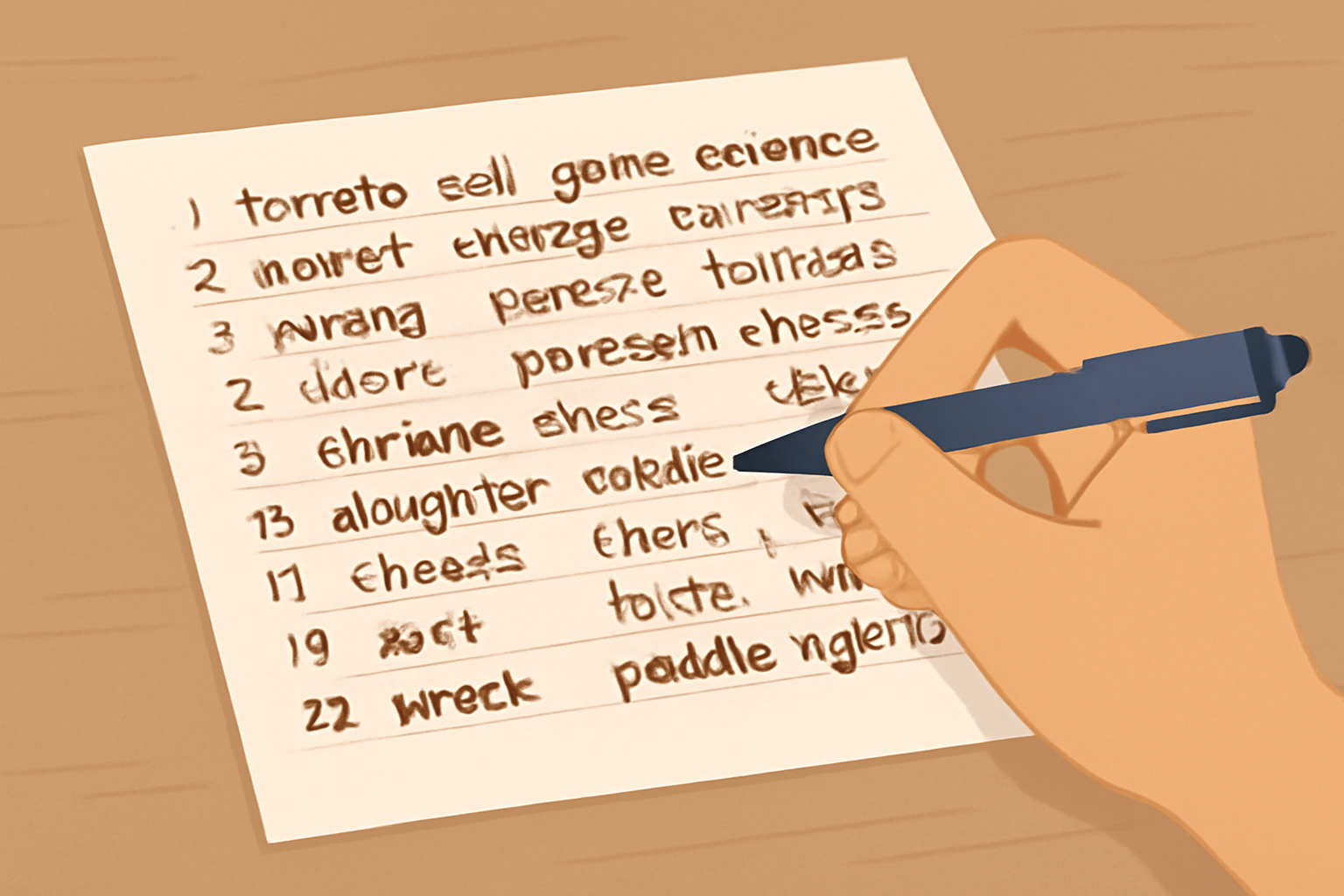
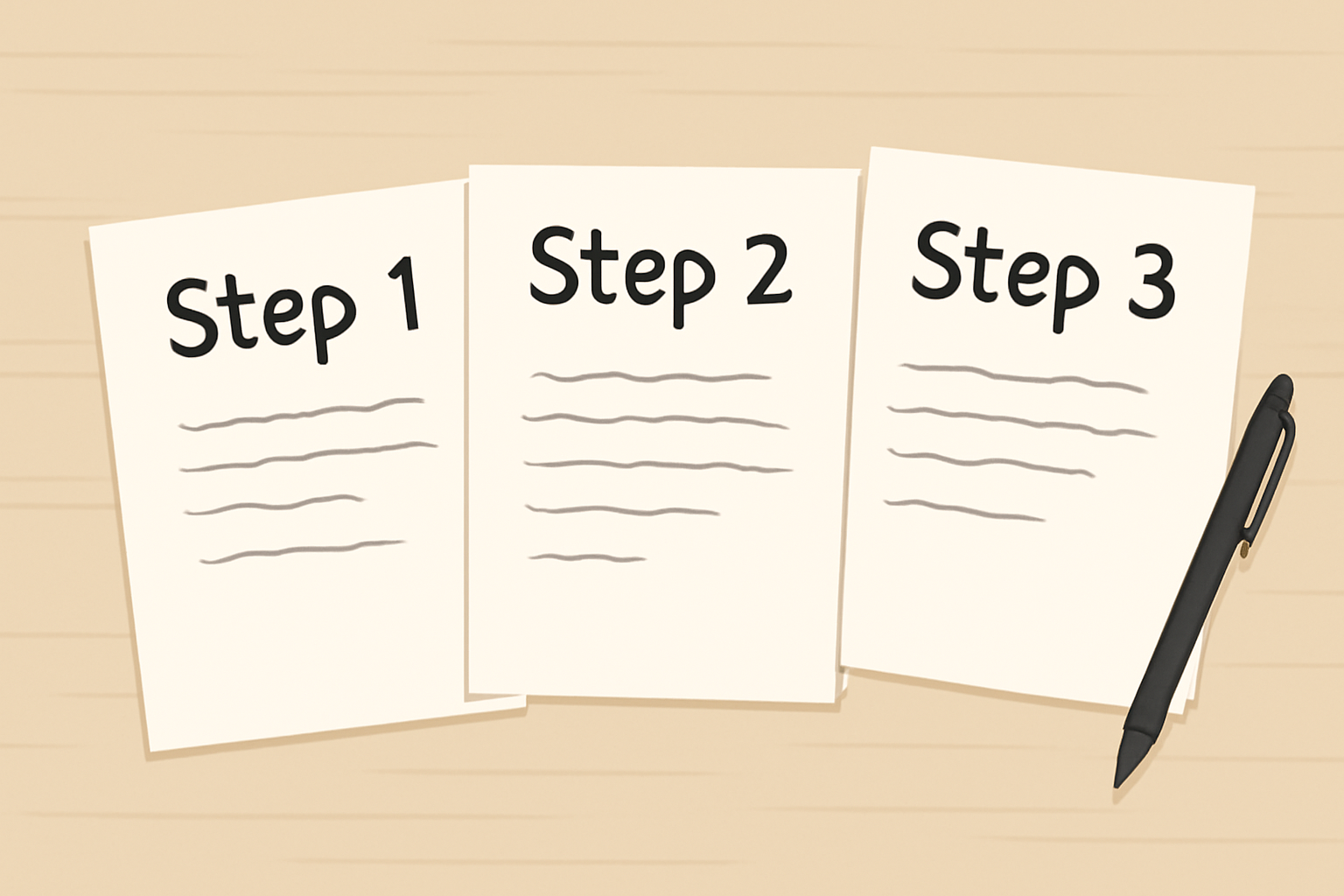
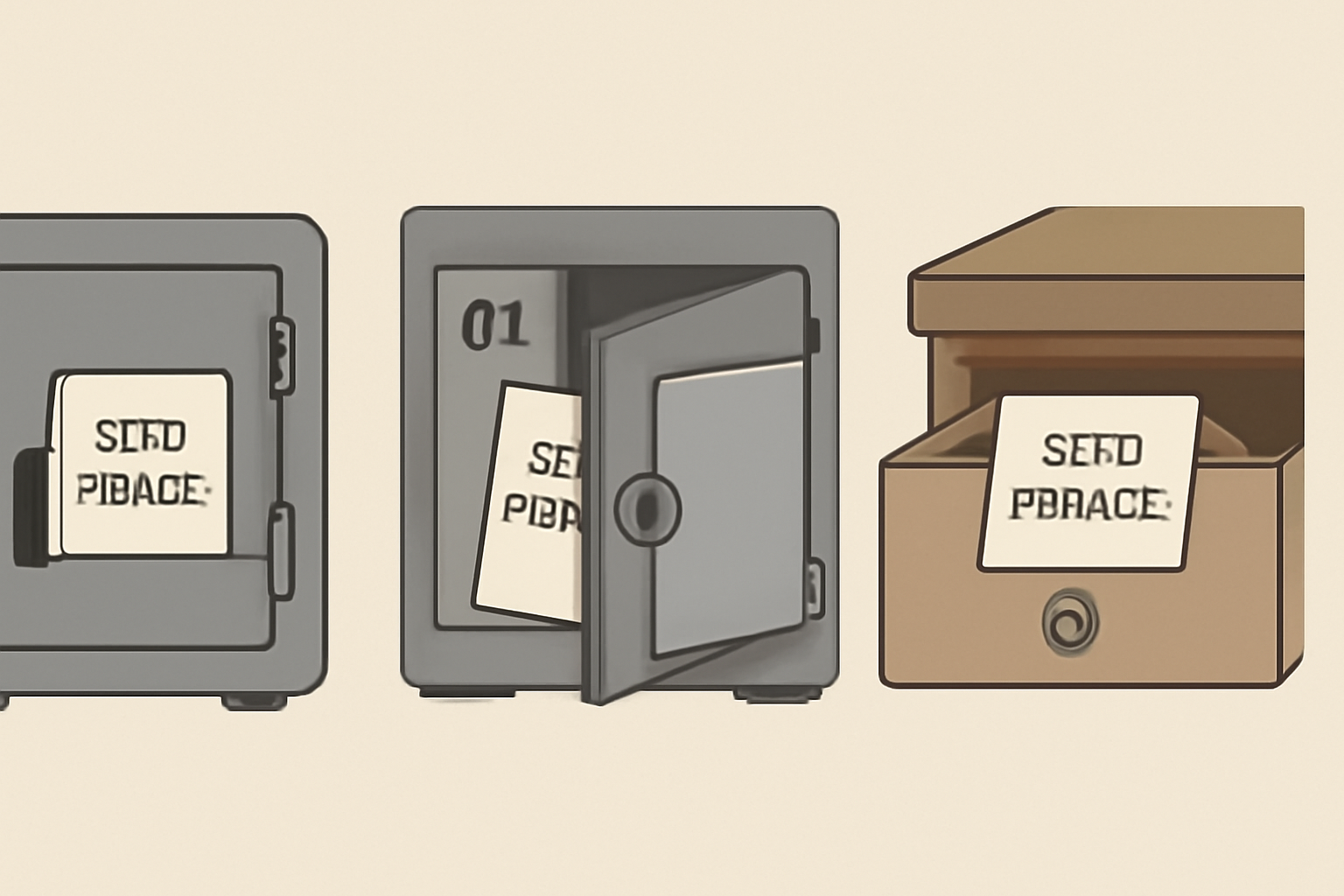
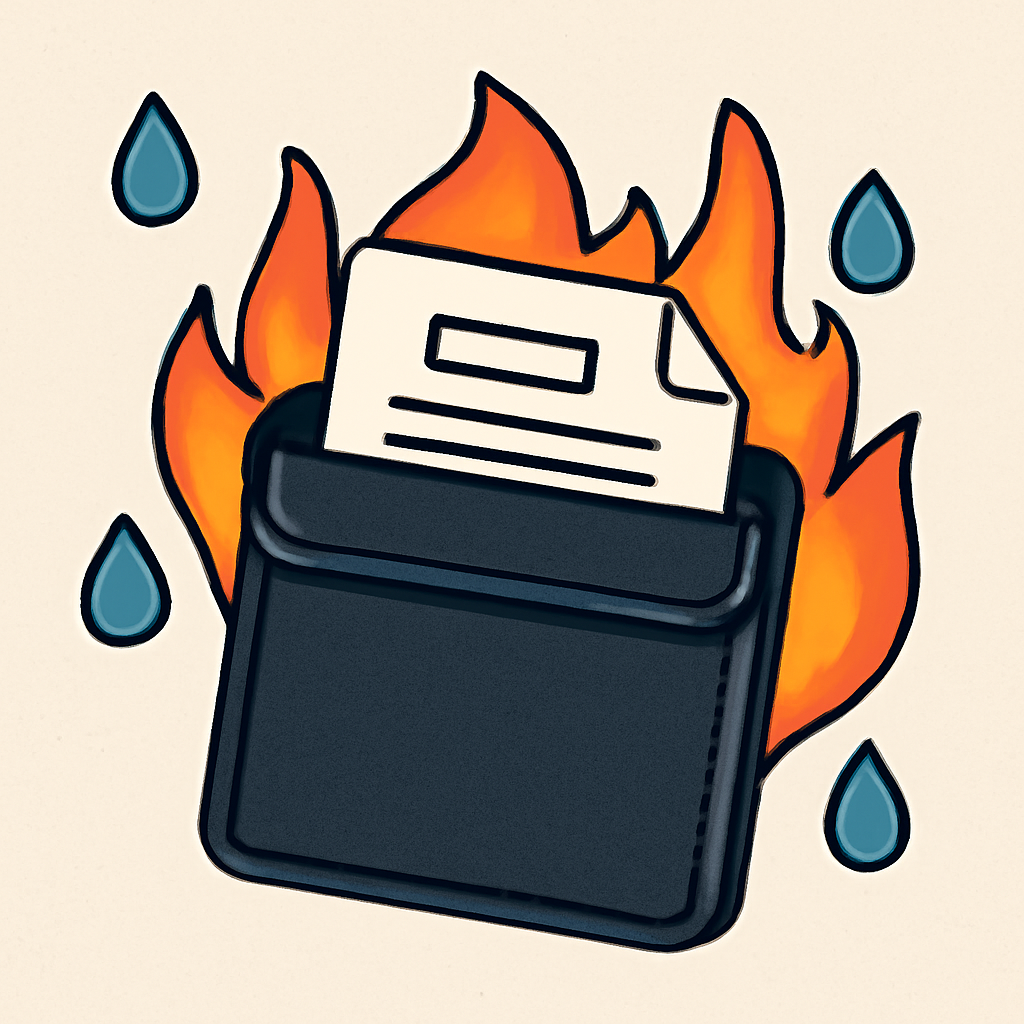
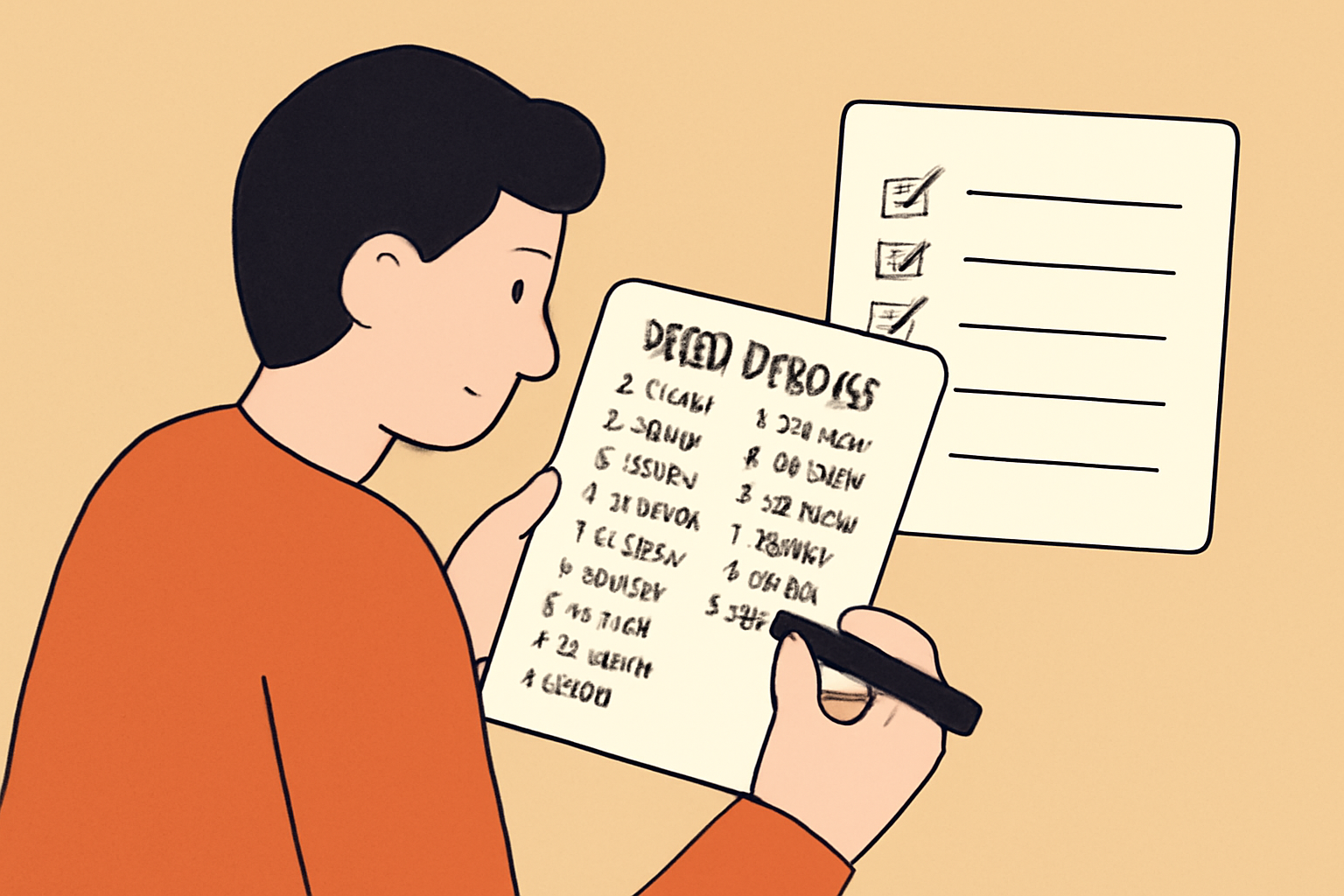
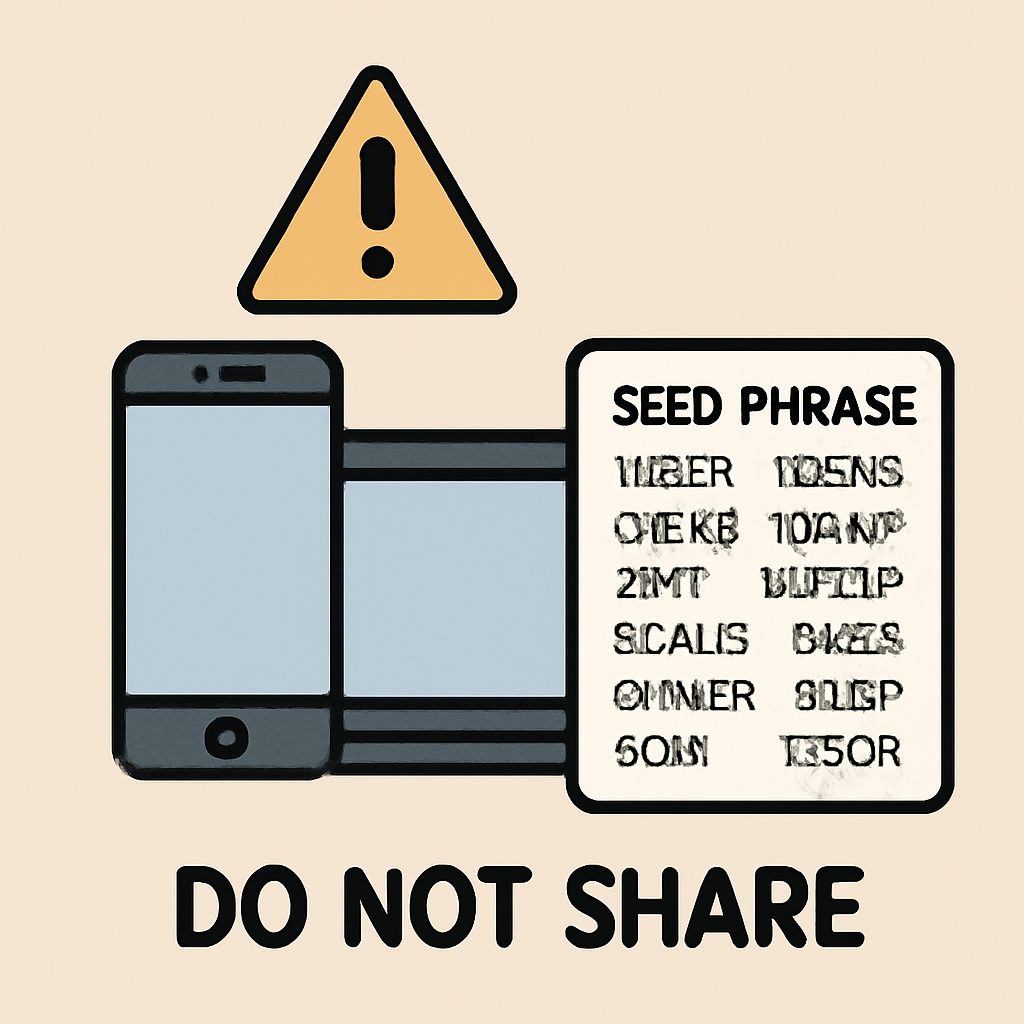
No matter how secure your device claims to be, physical seed phrase management remains foundational for asset safety. Write down your 24-word recovery phrase on paper (or preferably a steel backup plate) and store it in an offline location inaccessible by others, never digitally photograph it or upload it anywhere online. For more detailed guidance on setting up secure wallets and managing seed phrases with redundancy, visit our comprehensive guide: How to Set Up DeFi Wallets on the Solana Saga Phone: A Step-by-Step Guide.
Given the discontinuation of software and security updates, users should also consider the long-term viability of the Solana Saga for active crypto management. While the Seed Vault provides robust hardware-level isolation, it cannot compensate for vulnerabilities that may arise from outdated Android components or unpatched third-party libraries. For those managing significant holdings, it is prudent to periodically assess whether the device still meets your risk tolerance as the threat landscape evolves.
Advanced Practices: Layering Security for Mobile Crypto
To further harden your Solana Saga against emerging threats, adopt a layered approach to mobile crypto security:
- Enable biometric authentication for device unlock and wallet access. This adds a physical factor that cannot be phished or remotely exploited.
- Use strong, unique PINs and change them periodically. Avoid birthdays or guessable patterns.
- Regularly back up your device settings and wallet metadata. In case of loss or failure, you can restore your environment without exposing private keys.
- Monitor device integrity. Be alert to unusual battery drain, unexpected pop-ups, or performance issues, these may signal malware attempting to bypass OS-level protections.
The mobile-first nature of the Solana Saga means attack vectors can shift rapidly. Stay engaged with trusted community channels and security bulletins to learn about new exploits targeting outdated Android builds or known vulnerabilities in crypto wallet apps. Proactive education is just as critical as technical controls in maintaining mobile crypto security.
Protecting Your Assets in a Dynamic Market
The current price of Binance-Peg SOL (SOL) remains at $199.15, underscoring both market confidence and the ongoing incentive for attackers to target mobile wallets. As liquidity and transaction volumes increase on-chain, so does adversarial interest in compromising endpoint devices like the Saga. If you continue using your device for daily DeFi operations, consider lowering exposure by transferring larger balances to cold storage solutions when not actively trading.
If you are exploring advanced use cases, such as interacting with new dApps or staking protocols, always verify contract addresses and app sources through official channels before connecting your wallet. For more strategies on maximizing safety while engaging with DeFi on mobile, see our related resource: How to Secure Your Solana Saga Phone for Mobile DeFi Transactions.
Summary Checklist: Securing Your Solana Saga Device
The end-of-life status of the Solana Saga does not have to mean an end to secure mobile crypto transactions, but it does demand vigilance and disciplined operational security from every user. By understanding its architecture, practicing strict app hygiene, leveraging network defenses, and maintaining robust offline seed storage protocols, you can continue to transact confidently even in an unsupported environment.

No comments yet. Be the first to share your thoughts!