
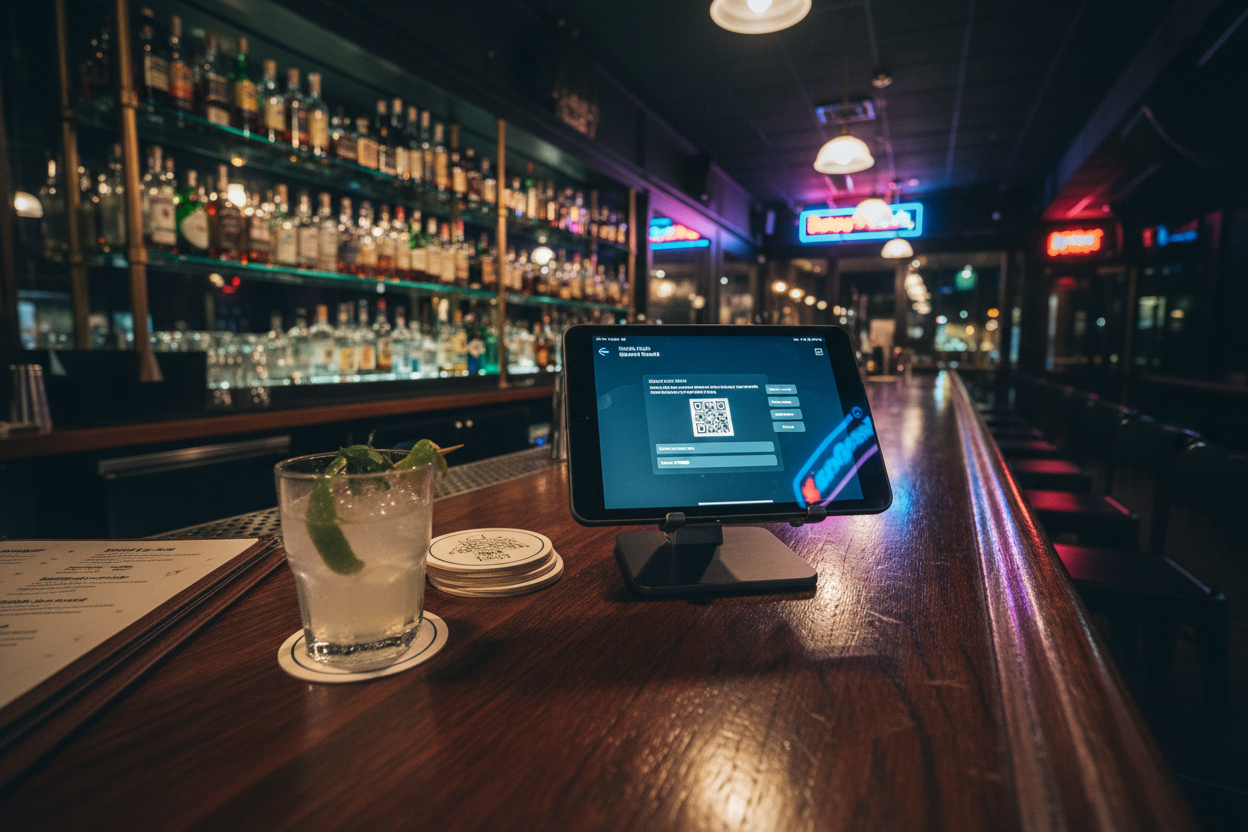
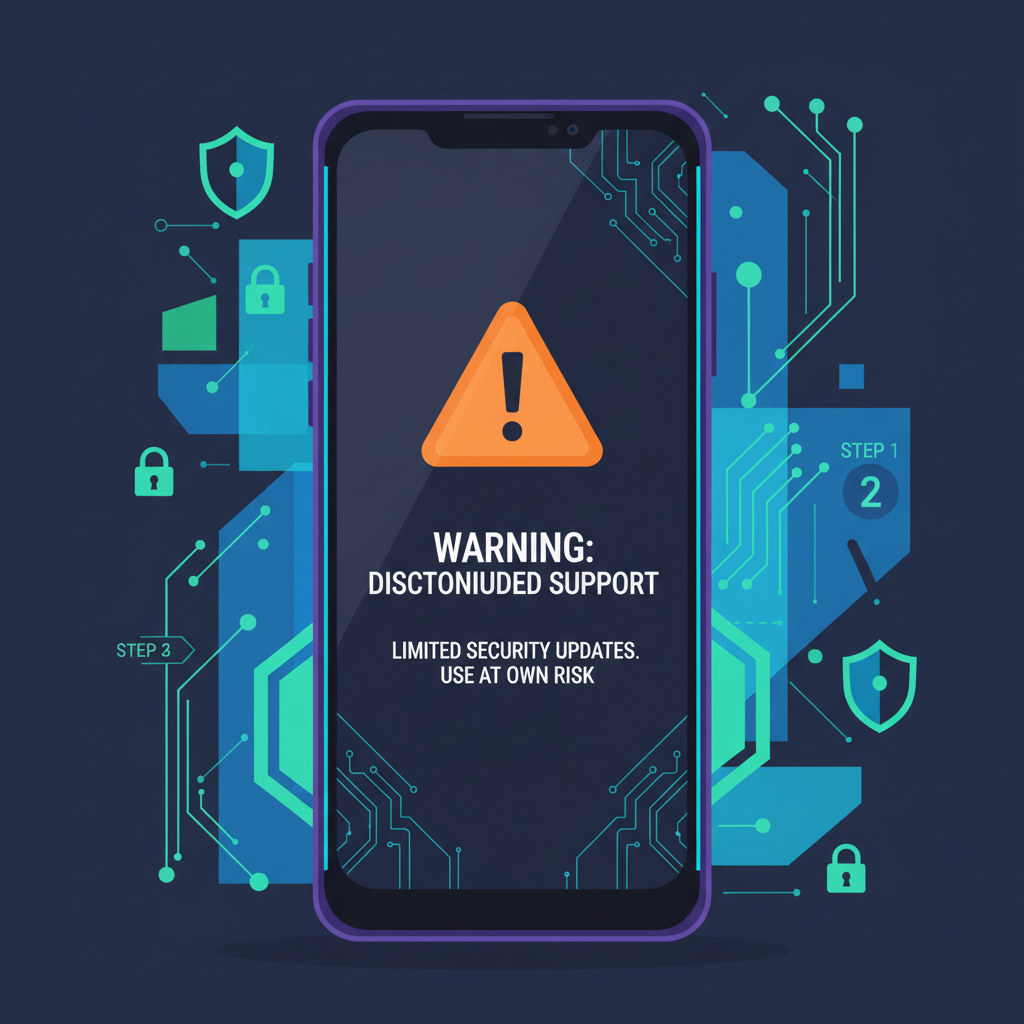
With Solana Mobile pulling the plug on Saga support as of December 2025, thousands of users are suddenly staring down a ticking clock. Your Seed Vault holds the keys to your mobile wallet, but without ongoing security patches, that pioneering device is now a vulnerability waiting to happen. If you're still holding Solana assets on your Saga, prioritizing a solana saga seed vault backup isn't optional, it's your lifeline in 2026. I've seen too many folks lose access because they dragged their feet, and trust me, migrating now beats regret later. Your keys, your crypto, your control.
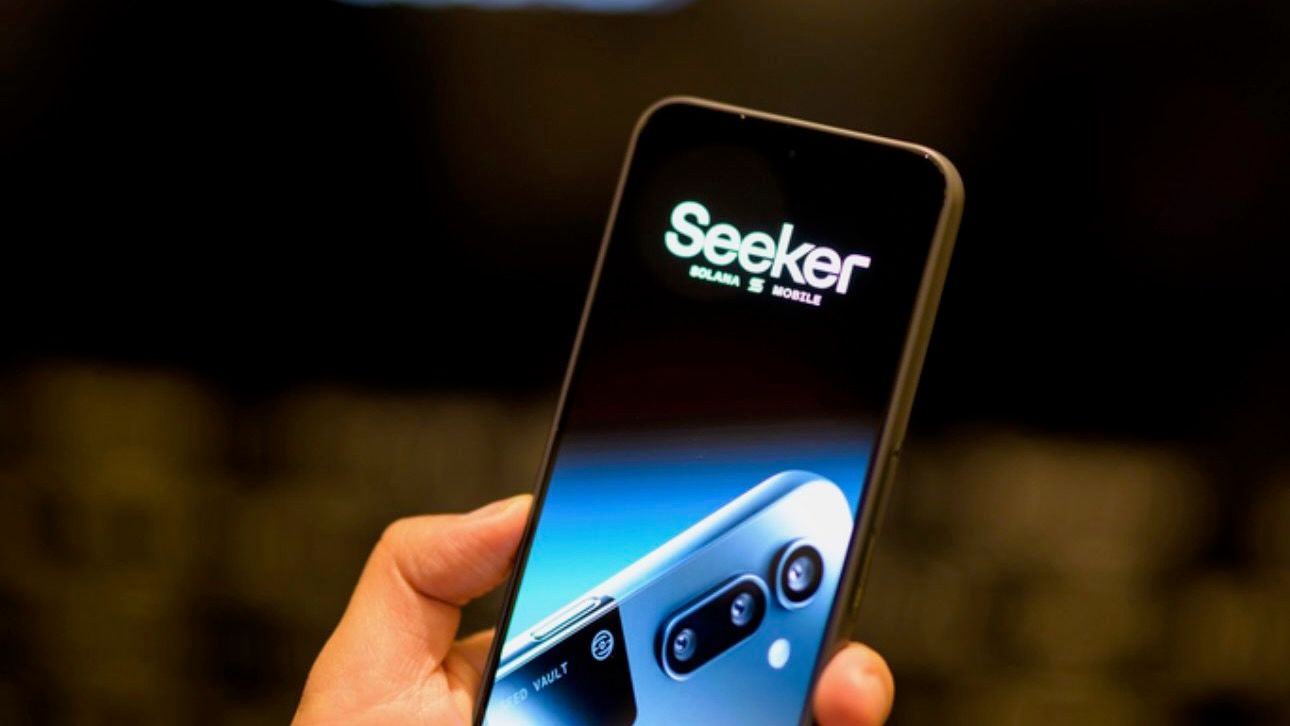
The Seed Vault was Saga's crown jewel, a hardware-backed enclave that kept private keys and seed phrases locked away from prying apps and malware. Integrated with the phone's secure execution environment, it let you run DeFi apps like a pro while promising top-tier isolation. But end-of-life means no more fixes for emerging threats. Reddit threads in r/solana are buzzing with users scrambling for saga phone wallet security 2026 tips, and the consensus is clear: export that seed phrase yesterday.
Why Your Seed Phrase is Non-Negotiable in the Mobile Era
Picture this: you drop your Saga in a lake during a hike, or a zero-day exploit finally cracks the unpatched OS. No seed backup? Your funds vanish into the ether. A seed phrase, those 12 or 24 words, is your master key, regenerating your wallet on any compatible device. Solflare docs confirm you can import it seamlessly, but only if you've got it stored right. General best practices from Ethereum Wiki and Trust Wallet echo this: never snap photos, never type it digitally. Offline, split, or metal-plated are my go-tos for mobile crypto seed phrase guide reliability.
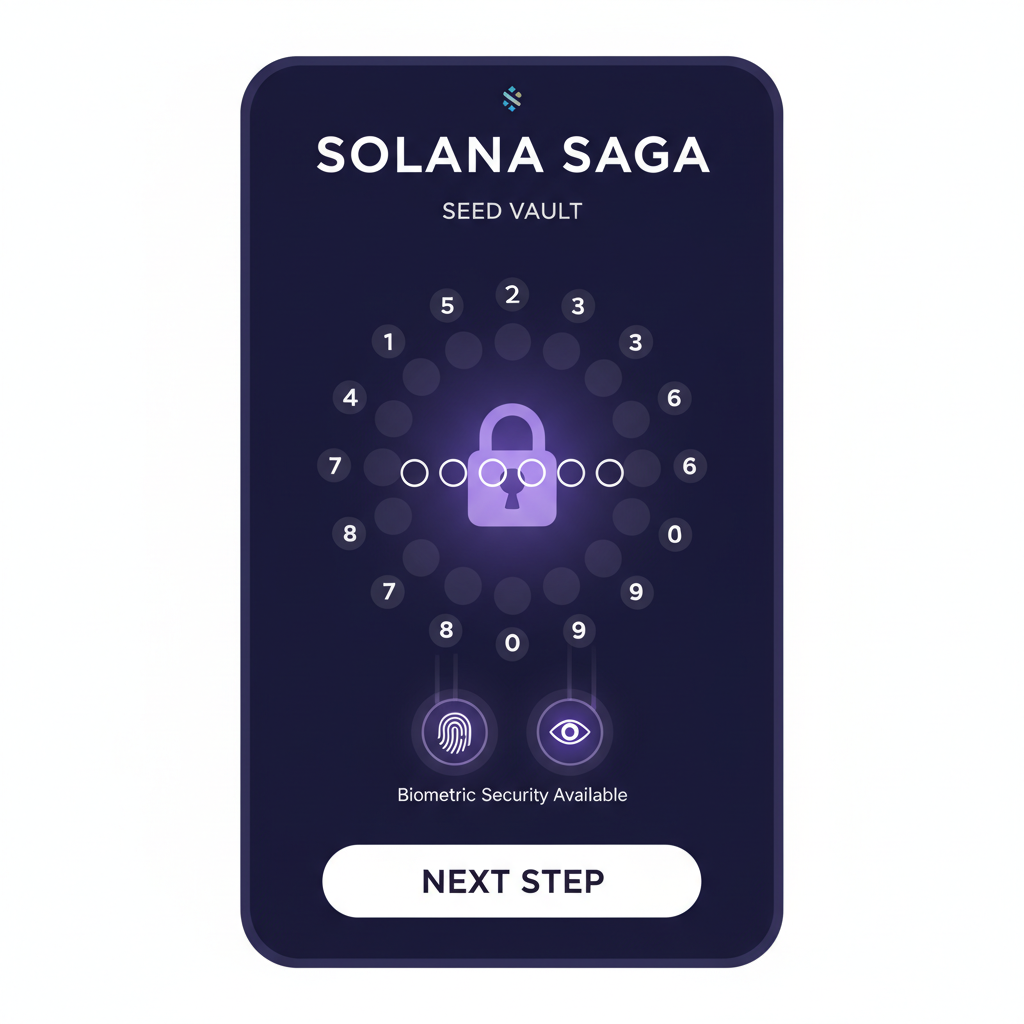
Saga's twist? Seed Vault generates or imports phrases with biometric gates and passcodes, making casual peeks impossible. Yet, even fortresses fall without an escape plan. Offside Labs' deep dive into Saga's security praised this setup, but they warned about single points of failure like device loss. Crynet and OneKey resources hammer home the stats: over 20% of crypto holders have faced seed-related scares. Don't join them.
Accessing Your Seed Vault: The Critical First Steps
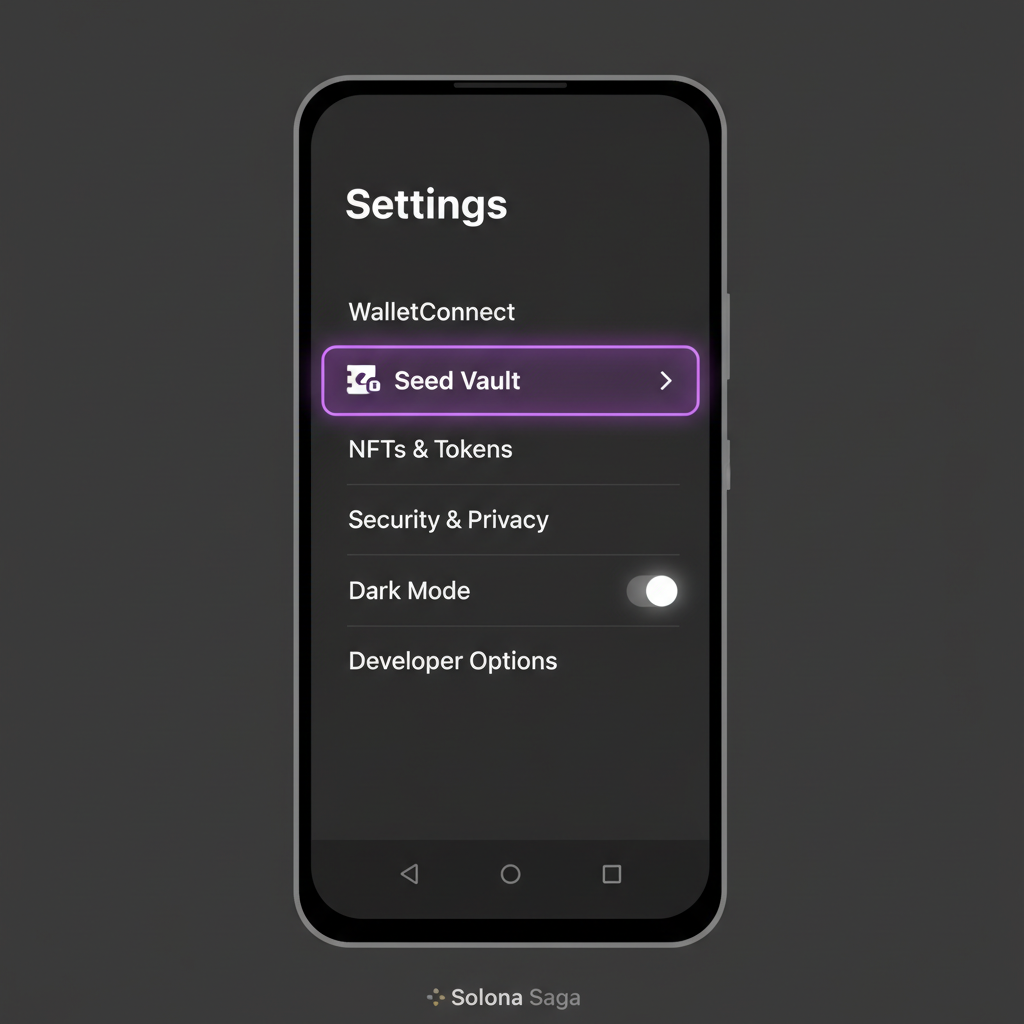
Before we dive into the how-to, a reality check from Solana Mobile docs and SolanaFloor: if you've lost both device and phrase, recovery is a myth. OKX recovery guides for Solana wallets start and end with that seed. On Saga, it's tucked in Settings under Seed Vault. You'll need your passcode, biometrics alone won't cut it for viewing. Pro tip: test this process with a tiny test wallet first to build muscle memory.
Given the discontinued updates, pair this backup with a full asset sweep to a hardware wallet like Trezor or Ledger. Solana Seeker's newer features get all the love now, but your Saga data doesn't auto-migrate. I've guided dozens through this; hesitation costs SOL.
Safely Extracting and Documenting Your Backup
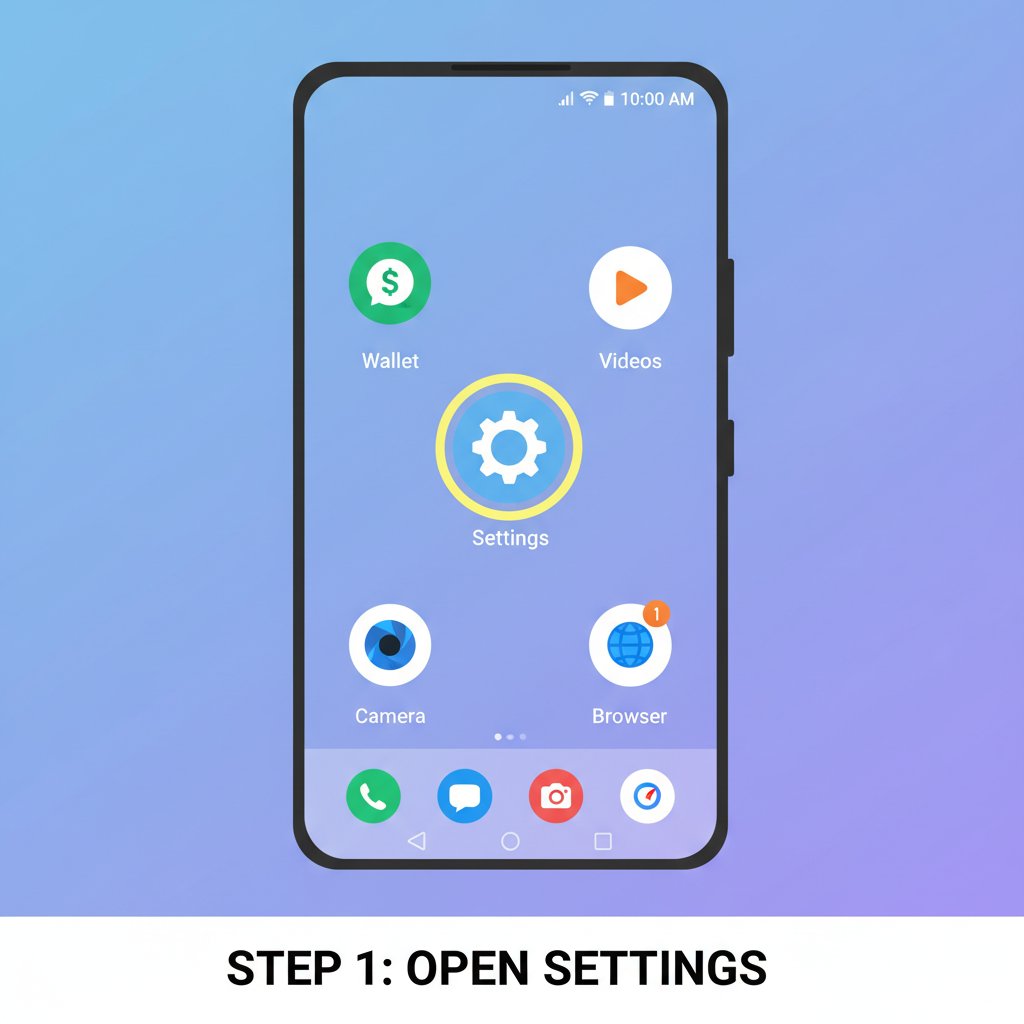
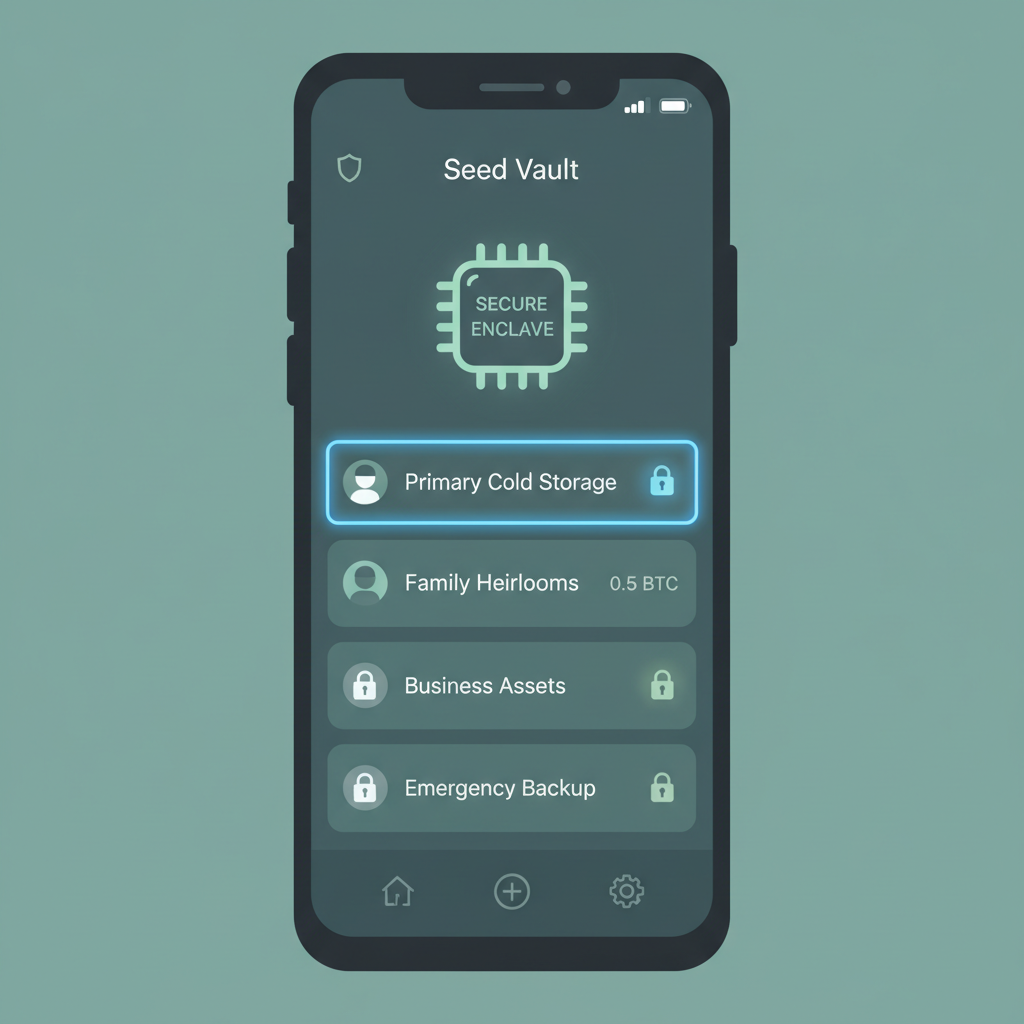
Ready to grab that phrase? Here's where precision pays off. Open Settings, hit Seed Vault, pick your vault, authenticate, and view. Write it on paper, nothing else. No phones, no clouds. Then, verify by re-entering on a test setup. This mirrors Ethereum Wiki's gold standard: multiple verifications, no digital traces.
Secure Saga Seed Vault Backup: Protect Your Solana Wallet in 2026
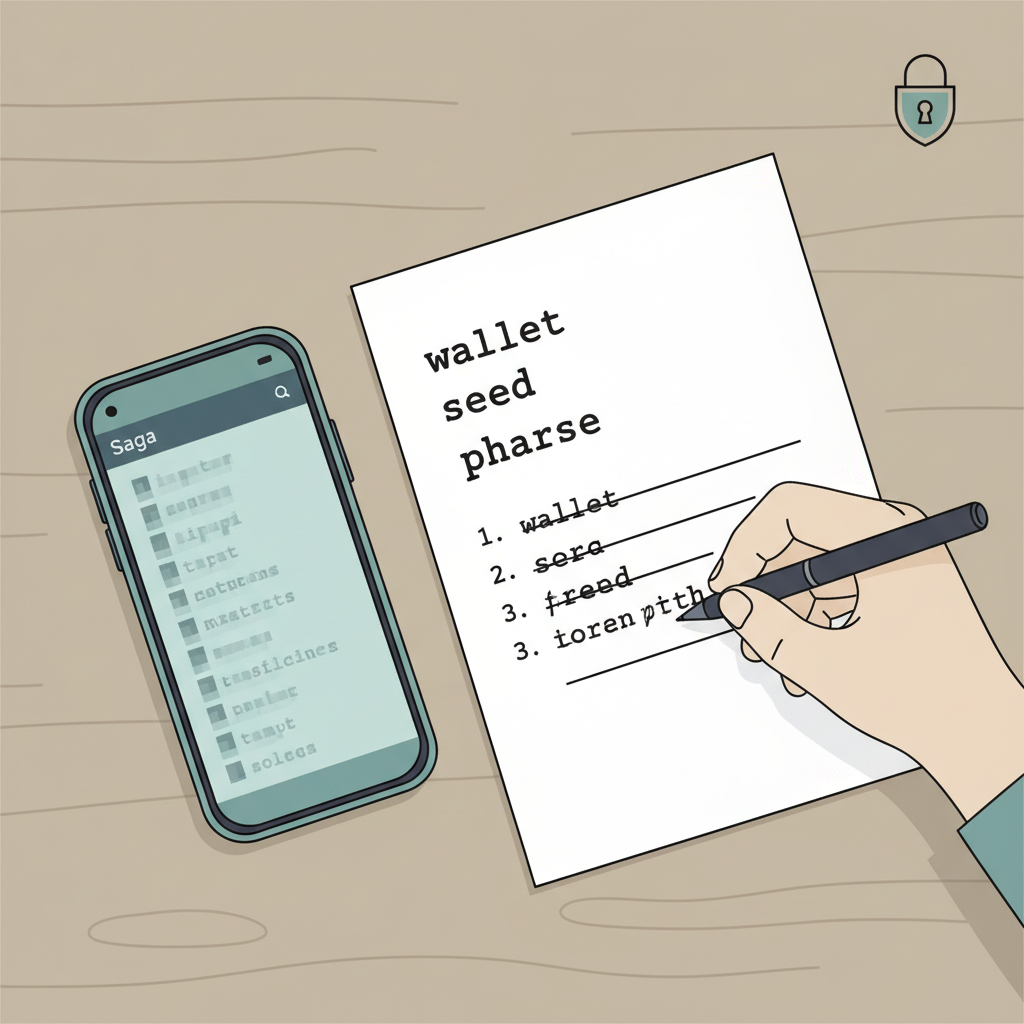
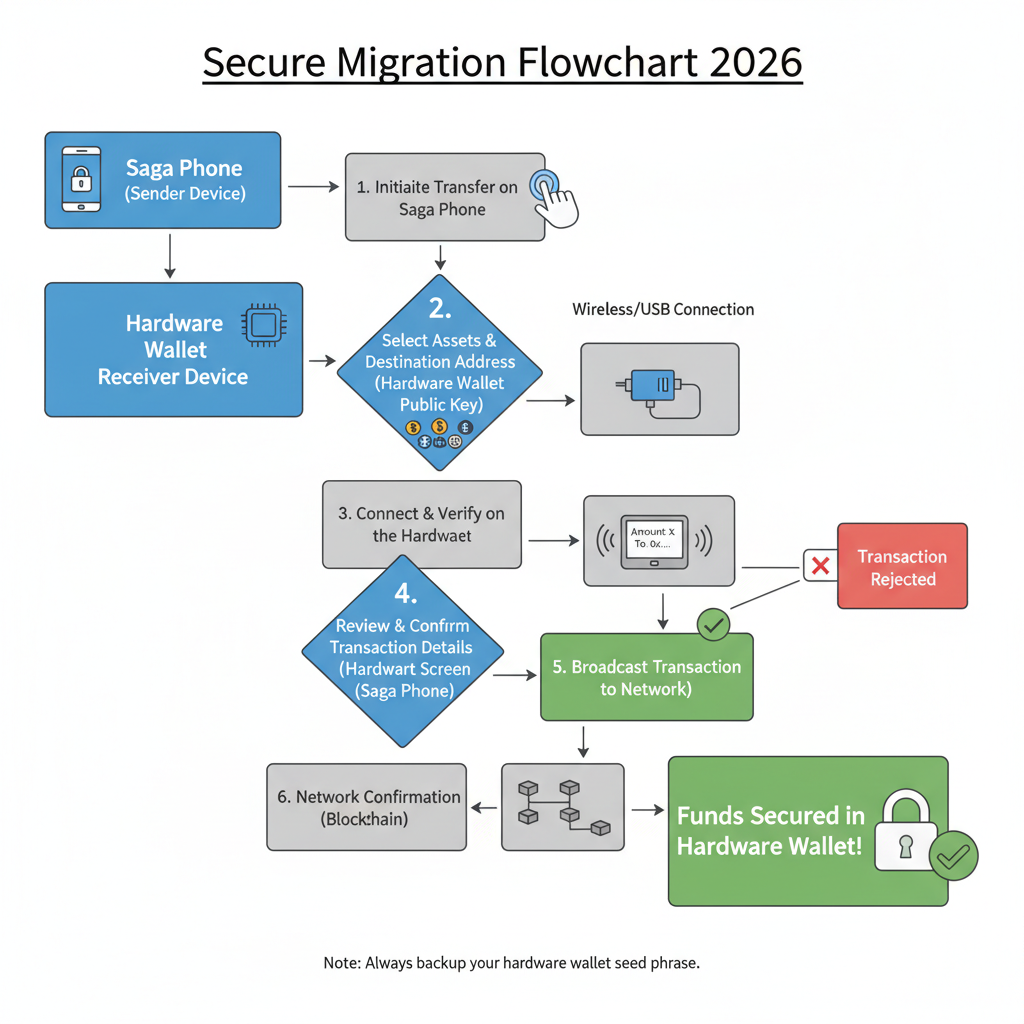
Once extracted, storage is your next battleground. Split it across fireproof safes, engrave on titanium (shoutout to Billfodl-style plates), or use Shamir's Secret Sharing for shares needing a quorum. Avoid notebooks that burn or relatives who snoop. For solana saga defi wallet protection, layer it with multi-sig where possible on fresh wallets. Check out our guide on Saga phone security for complementary hardening steps before you ditch the device.
Users importing existing phrases via Solflare into Seed Vault often skip backups, assuming the phone's immortal. Big mistake in 2026. Reddit's solana crowd shares horror stories of bricked devices post-update drought. Act now, and you'll sleep sound while others panic-sell into the dip.
That complacency hits hard when notifications stop and exploits start. Time to fortify your position with ironclad storage strategies tailored for the post-Saga world.
Fortifying Your Backup: Storage Strategies That Last
Handwritten on sturdy paper? That's step one, but let's level up for mobile crypto seed phrase guide endurance. I swear by splitting the phrase using Shamir's scheme- divide into shares where, say, three of five reconstruct it. Stash shares in geographically dispersed spots: a bank safe deposit, a trusted family member's fireproof safe, and your buried time capsule. Titanium plates from brands like Cryptosteel withstand floods and fires, turning your backup into a relic that outlives fads.
Forget digital sins like screenshots or encrypted notes apps; they're magnets for keyloggers. SolanaFloor notes that Seed Vault phrases work universally on Solana-compatible wallets, so test recovery on a burner device with pocket change first. OneKey's Bitcoin tips apply here too: laminate paper backups, avoid obvious hiding spots like drawers. In my four years auditing mobile setups, I've found physical diversification beats any app's promises. Layer in decoy phrases for extra paranoia if high-value holdings are at stake.
Physical threats like house fires claim more backups than hacks. Pair your phrase with a hierarchy of access: biometric for daily use on new devices, passphrases for cold storage. This setup kept my test portfolios intact through simulated disasters.
Seamless Migration: From Saga to Secure Horizons
Backup secured? Now sweep those assets before Saga's vulnerabilities bite. Start by importing your fresh phrase into a battle-tested wallet: Solflare on a new phone, Phantom for desktop bridging, or a Ledger Nano for offline chill. Solana Mobile's docs outline the drill- once viewed, transcribe accurately, then use the 'Settings > Seed Vault > View my seed phrase' path under passcode guard.
Transfer funds in small batches to minimize gas fees and exposure. Verify each tx on Solscan before sending the bulk. If Seeker's your upgrade path, its evolved Seed Vault boasts ongoing patches absent on Saga. Reddit's r/solana users rave about the seamless port, but warn of passcode lockouts if you fat-finger it. I've migrated dozens; the key is patience and double-checks. Check our setup guide for Solana wallets to ease the transition, even as you phase out the old hardware.
Post-migration, wipe your Saga clean or repurpose it as a display piece- never reuse for crypto. Enable multi-sig on your new setup for DeFi heavyweights like Jupiter or Raydium. This isn't just backup; it's evolution in solana saga defi wallet protection.
Pros and Cons: Migrating Saga Seed Vault to Hardware Wallets vs. Solana Seeker Phone
| Migration Option | Pros | Cons |
|---|---|---|
| Hardware Wallets | ✅ Air-gapped security protects against online hacks ✅ Long-term support from established manufacturers (e.g., Trezor, Ledger) ✅ Portable and compatible with any Solana wallet app ✅ Ideal for long-term cold storage | ❌ Less convenient for frequent mobile transactions ❌ Requires physical connection to device/app for signing ❌ Risk of losing the device (mitigated by seed backup) |
| Solana Seeker Phone | ✅ Modern Seed Vault with ongoing security updates ✅ Seamless mobile integration for Solana ecosystem ✅ Always accessible on your phone ✅ Recovery phrase portable to other Solana-compatible devices | ❌ High upfront cost for new phone ❌ Physical loss/theft risk (like any phone) ❌ Dependent on Solana Mobile for future support |
Recovery Realities and Red Flags to Dodge
Lost device but have the phrase? Restore via any Solana wallet app- OKX guides confirm it's straightforward. No phrase, no device? That's game over, as Solana's decentralized ethos offers no central savior. Crynet's recovery tales underscore this: prep now or pray later.
Watch for phishing lures posing as 'Saga migration tools. ' Stick to official apps, verify URLs. In 2026's wild west, saga phone wallet security 2026 means skepticism first. Run antivirus scans during transfers, use VPNs for public Wi-Fi.
I've grilled security pros at conferences; their verdict aligns with Trezor's playbook- offline everything, verify obsessively. Your Saga chapter closes strong when you emerge with funds fortified elsewhere.
Act today: backup, migrate, reclaim control. The mobile DeFi wave rolls on, and with your seed in hand, you're riding shotgun, not scrambling from the sidelines. Your keys, your crypto, your control.
No comments yet. Be the first to share your thoughts!