

Mobile-first DeFi is no longer a futuristic concept - it’s here, and the Solana Saga phone is leading the charge. If you’re new to decentralized finance or just transitioning from desktop to mobile, the Saga offers a streamlined, secure way to access the Solana ecosystem. With SOL currently trading at $185.57, and the dApp Store rapidly expanding, there’s never been a better time to get started with DeFi on your phone.
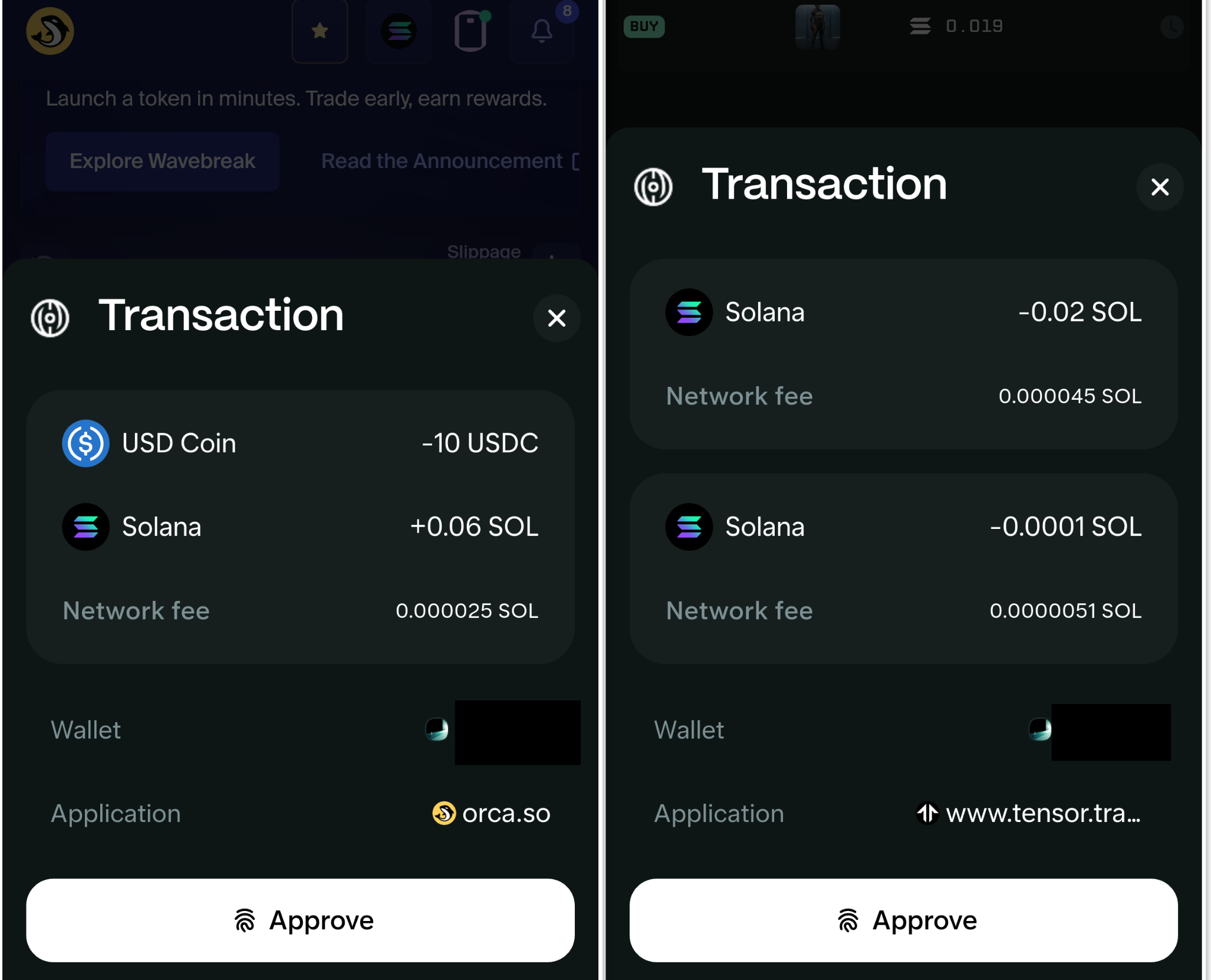
Why Go Mobile-First With Solana DeFi?
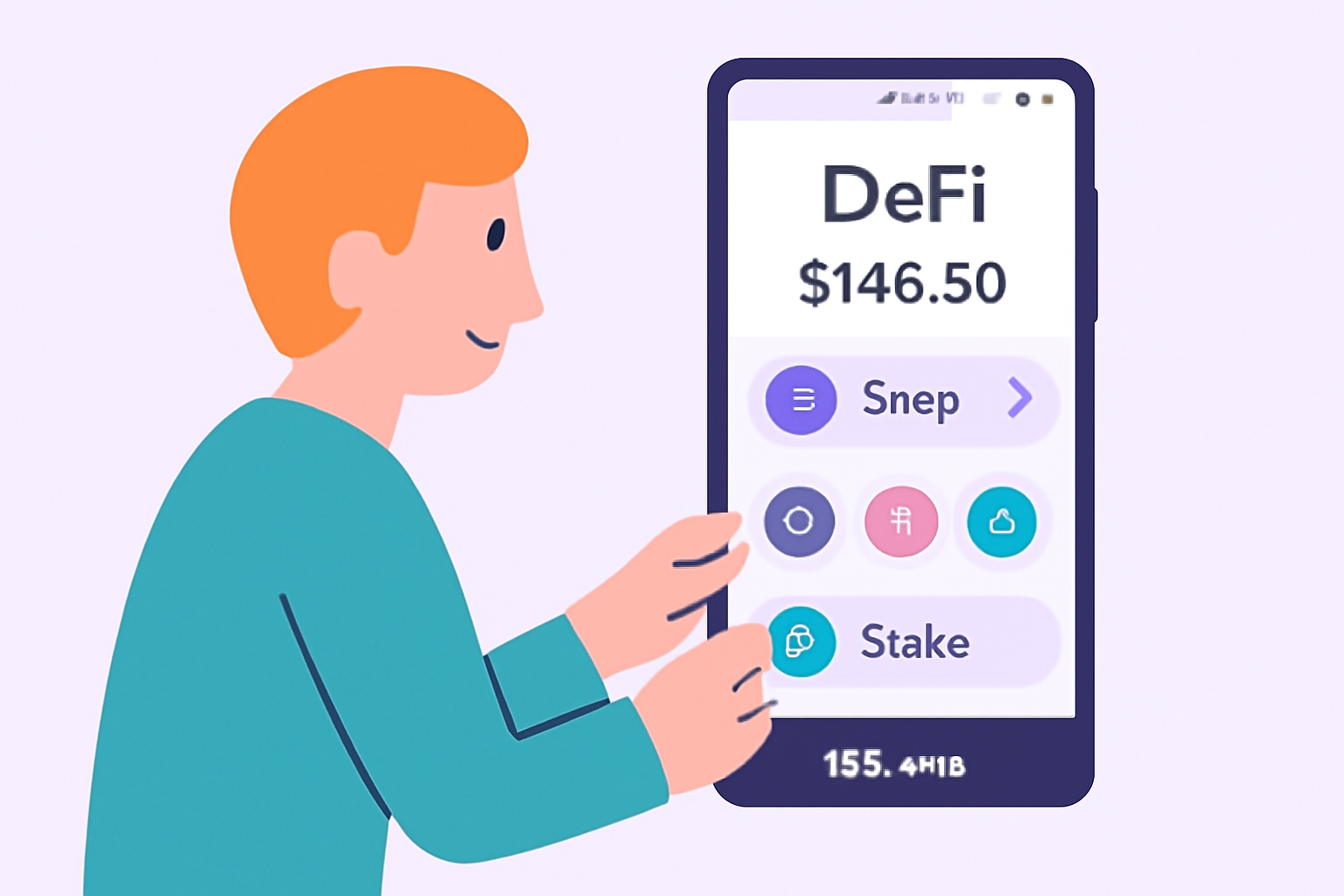
The crypto landscape is quickly shifting toward mobility. The Solana Saga phone was purpose-built for this evolution, offering native integration with the Solana blockchain and a dedicated dApp Store. This means you can stake, swap, or lend assets from anywhere - no laptop required.
Key advantages of using your Saga phone for DeFi include:
- Enhanced security: The Seed Vault keeps your private keys isolated from Android OS.
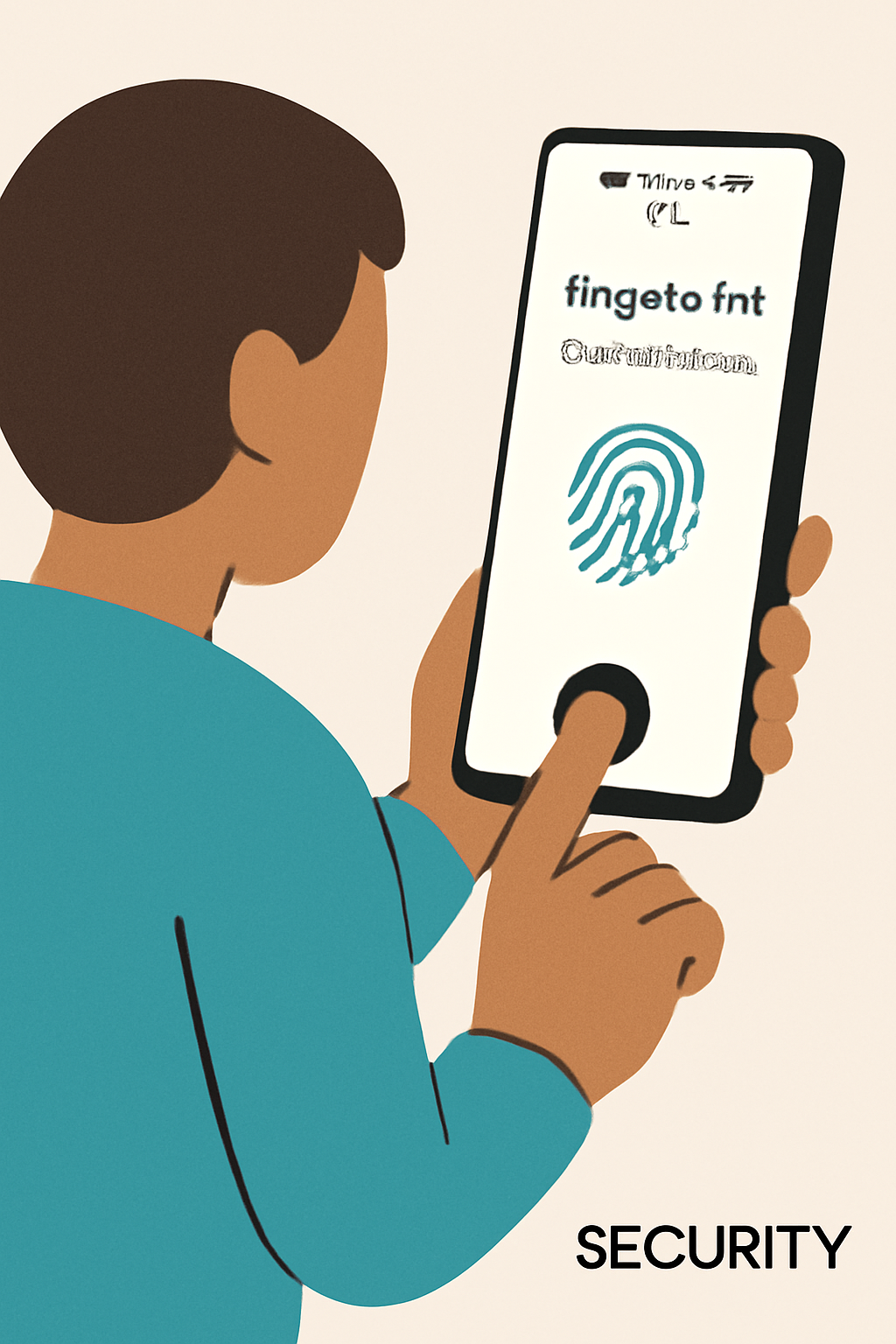
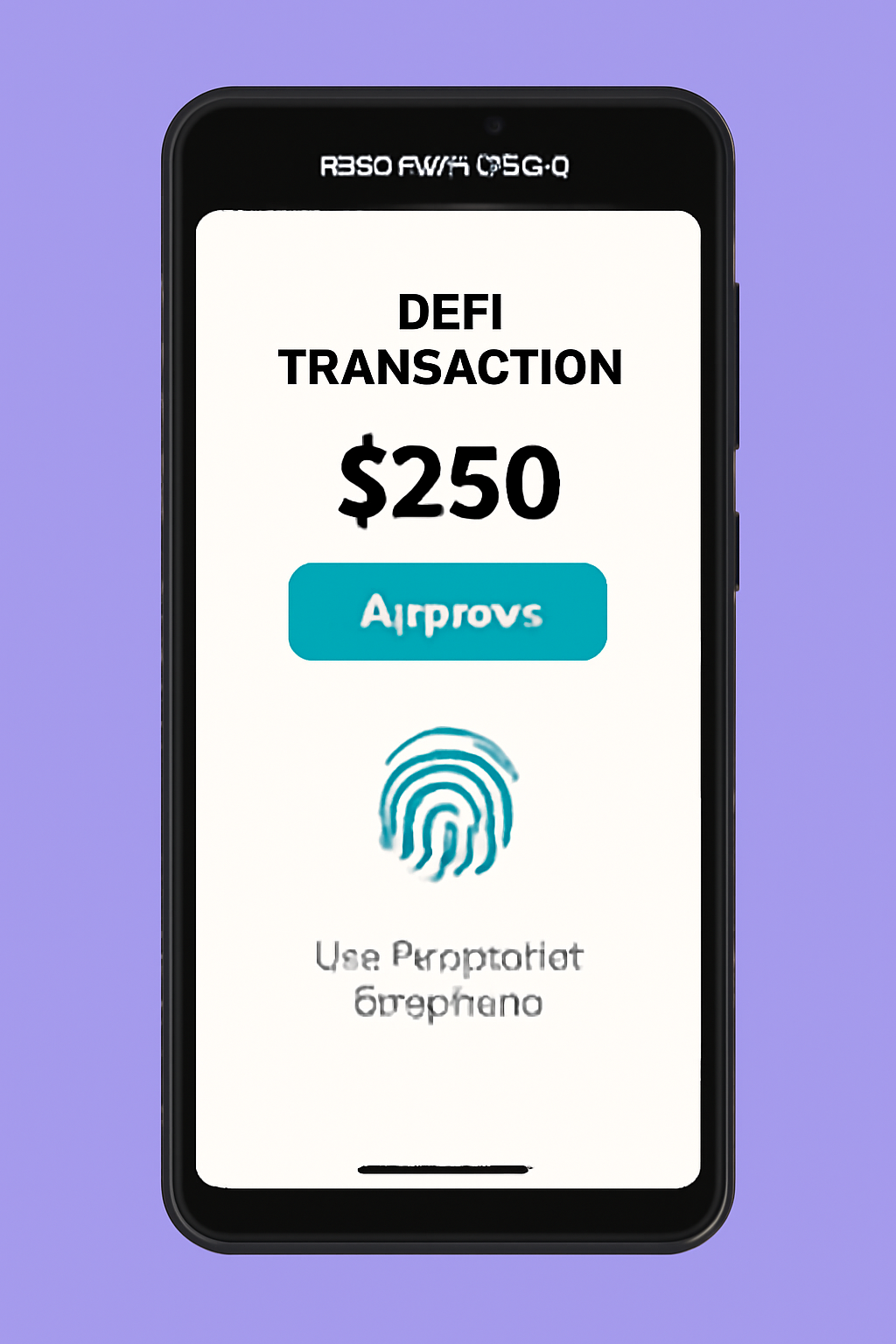
- Biometric authentication: Confirm transactions with your fingerprint or face for added peace of mind.
- Simplified onboarding: Install wallets like Phantom or Solflare directly from the dApp Store.
- Always-on access: Manage your portfolio or catch market opportunities on-the-go.
Setting Up Your Solana Saga Phone for DeFi
The first step is preparing your device for secure crypto activity. Here’s how:
Getting Started with DeFi on Your Solana Saga Phone
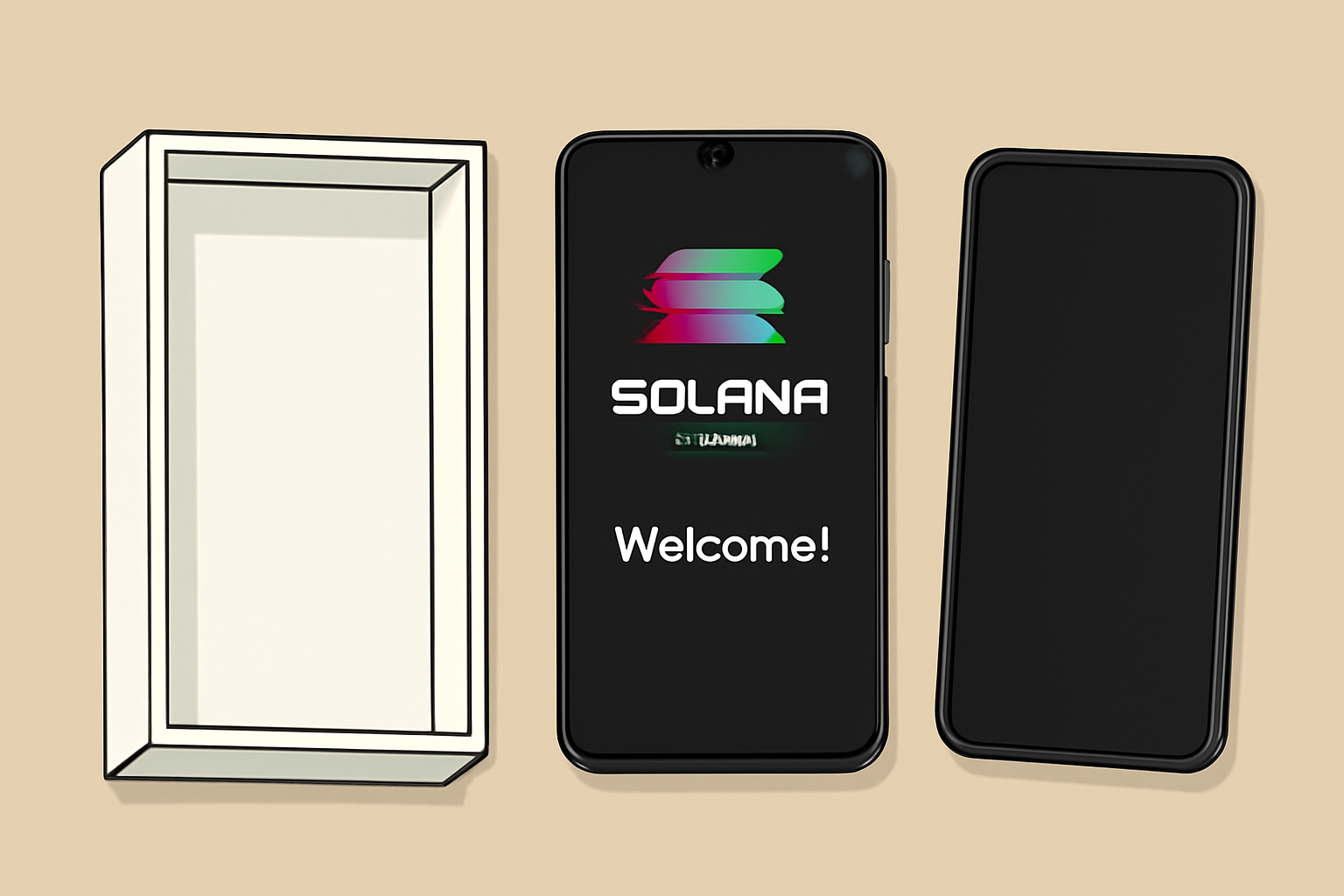
1. Initialize Your Device: Power up your Saga and follow standard Android setup prompts.
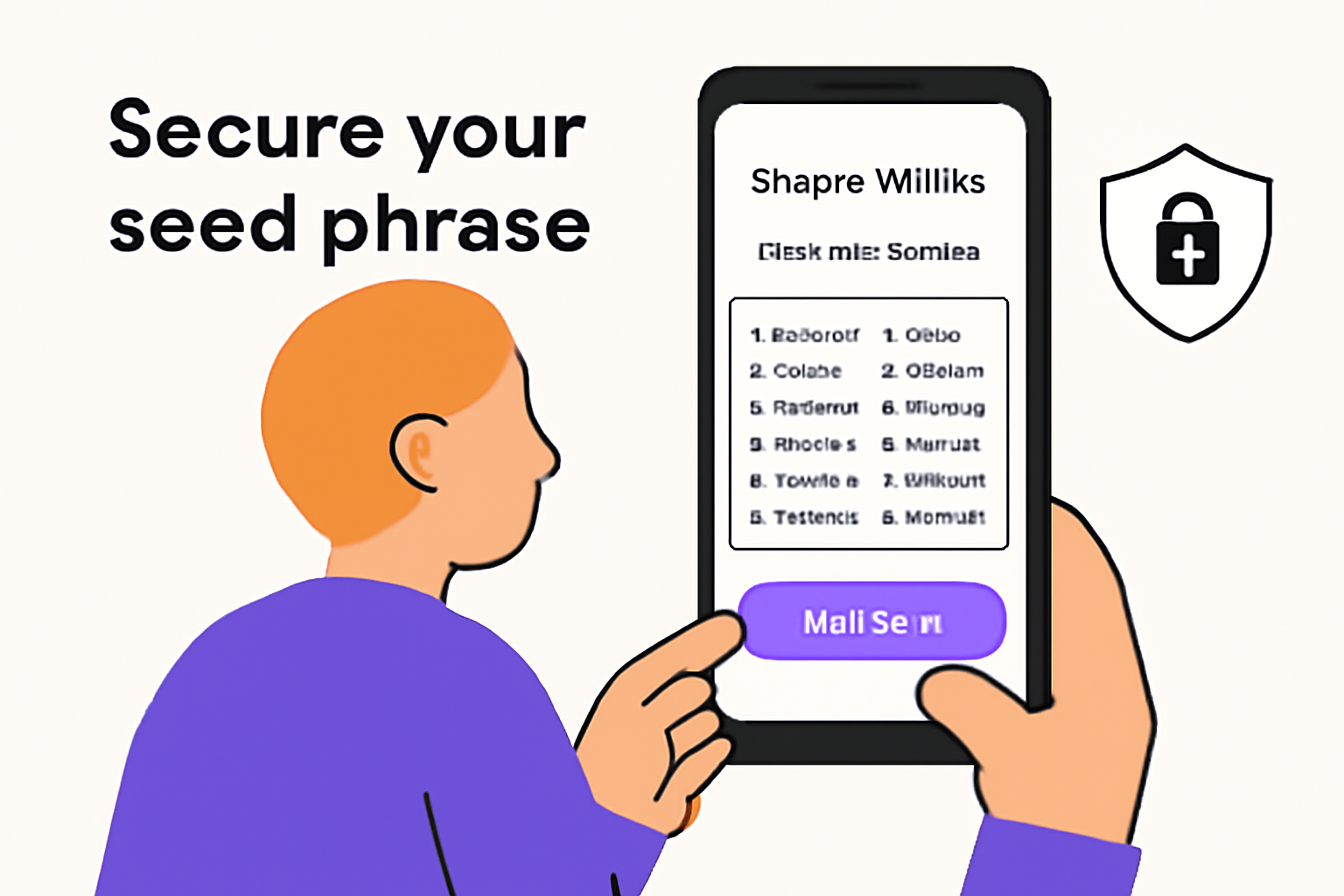
2. Configure the Seed Vault: During onboarding, create a Seed Vault - this is where your private keys are stored securely using biometric authentication.
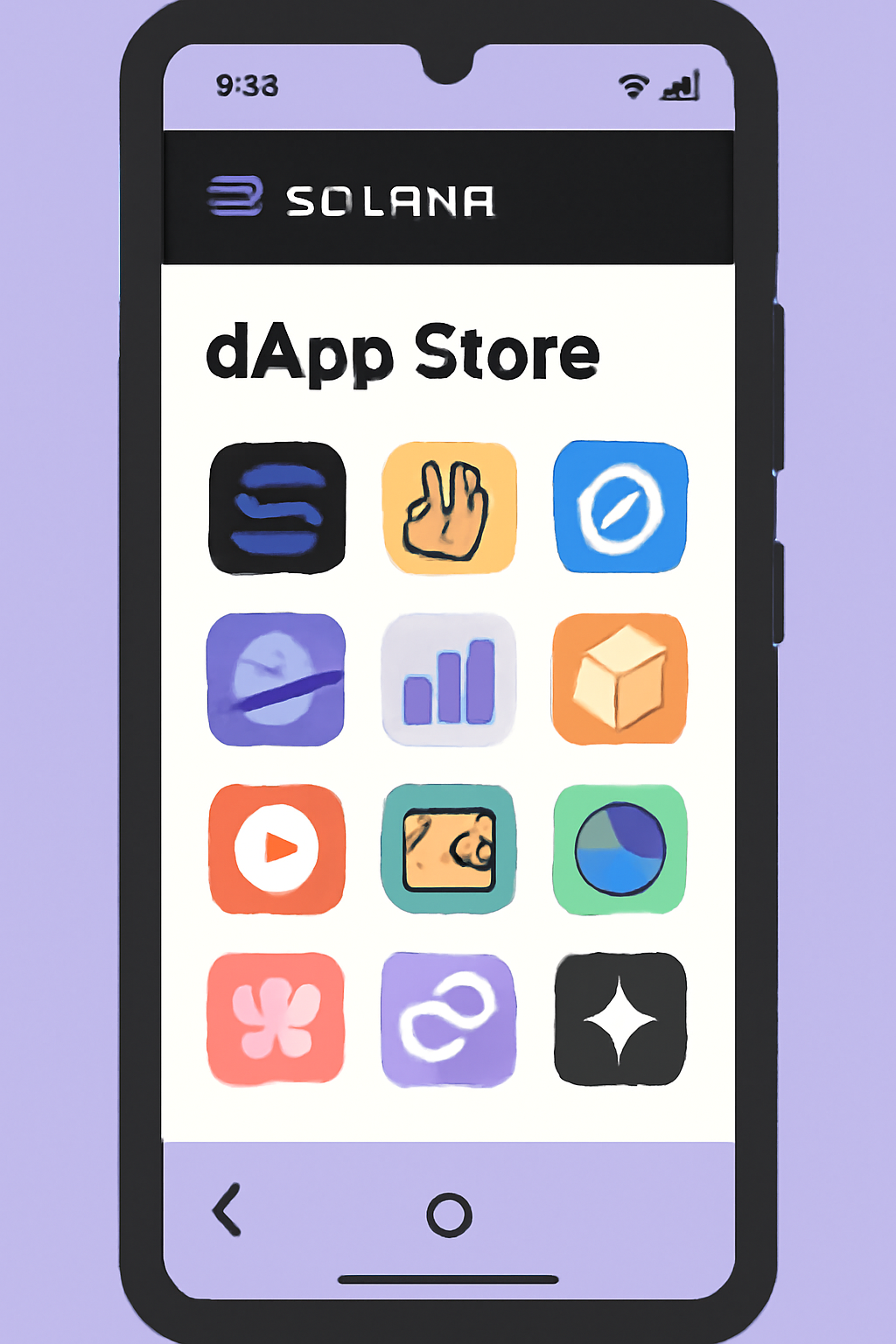
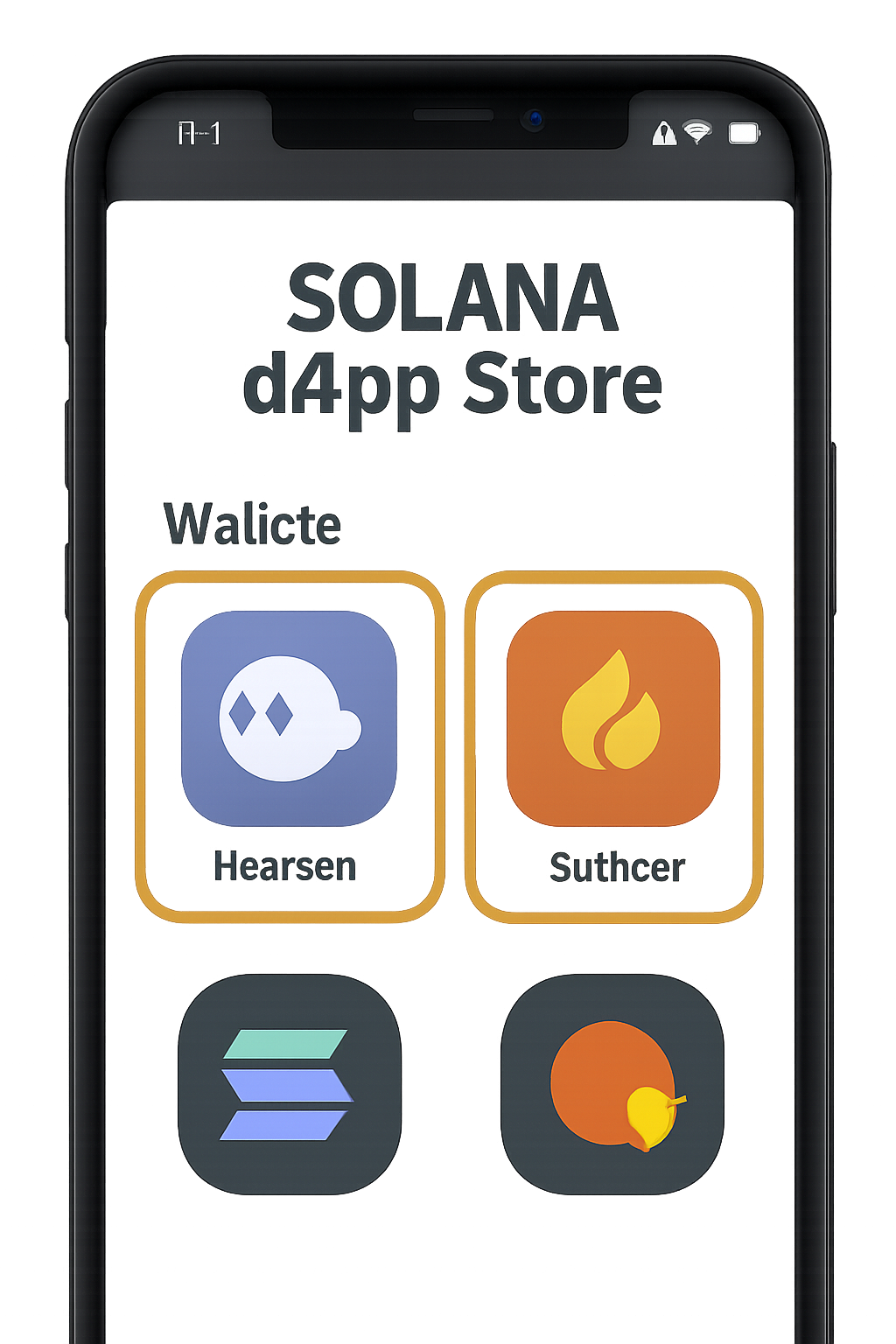
3. Access the dApp Store: Once set up, head to the dedicated Solana dApp Store on your device to browse available applications.
If you need more detailed instructions on device setup and wallet security, check out our in-depth guide: How To Set Up Solana Saga For Secure Mobile DeFi Transactions.
Selecting and Installing Your First DeFi Wallet
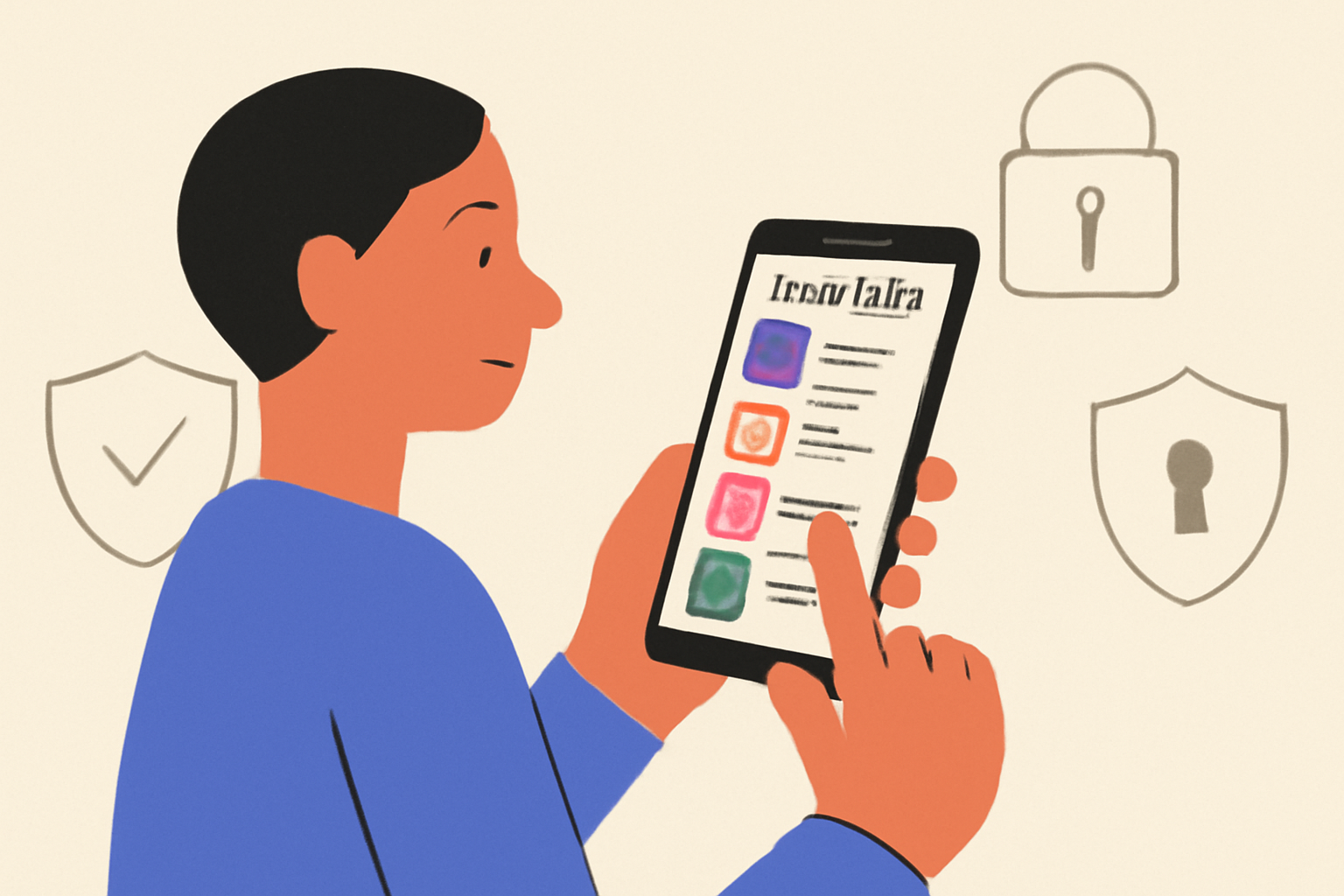
Your wallet is your gateway to all things DeFi on mobile. On the Saga, Phantom and Solflare are two top choices - both support deep integration with Seed Vault and provide seamless access to staking, swaps, lending, and more.
- Install Phantom or Solflare: Visit the dApp Store on your device and download your preferred wallet app.
- Create or import a wallet: Follow in-app prompts; all sensitive data stays protected by Seed Vault’s hardware-level security.
- Enable notifications: Stay updated about important transactions or protocol updates right from your lock screen.
If you want a visual walkthrough of wallet setup steps tailored for beginners, see our resource here: How To Set Up DeFi Wallets On The Solana Saga Phone: A Step-by-Step Guide.
Diving Into Mobile-First DeFi Apps: What’s Available?
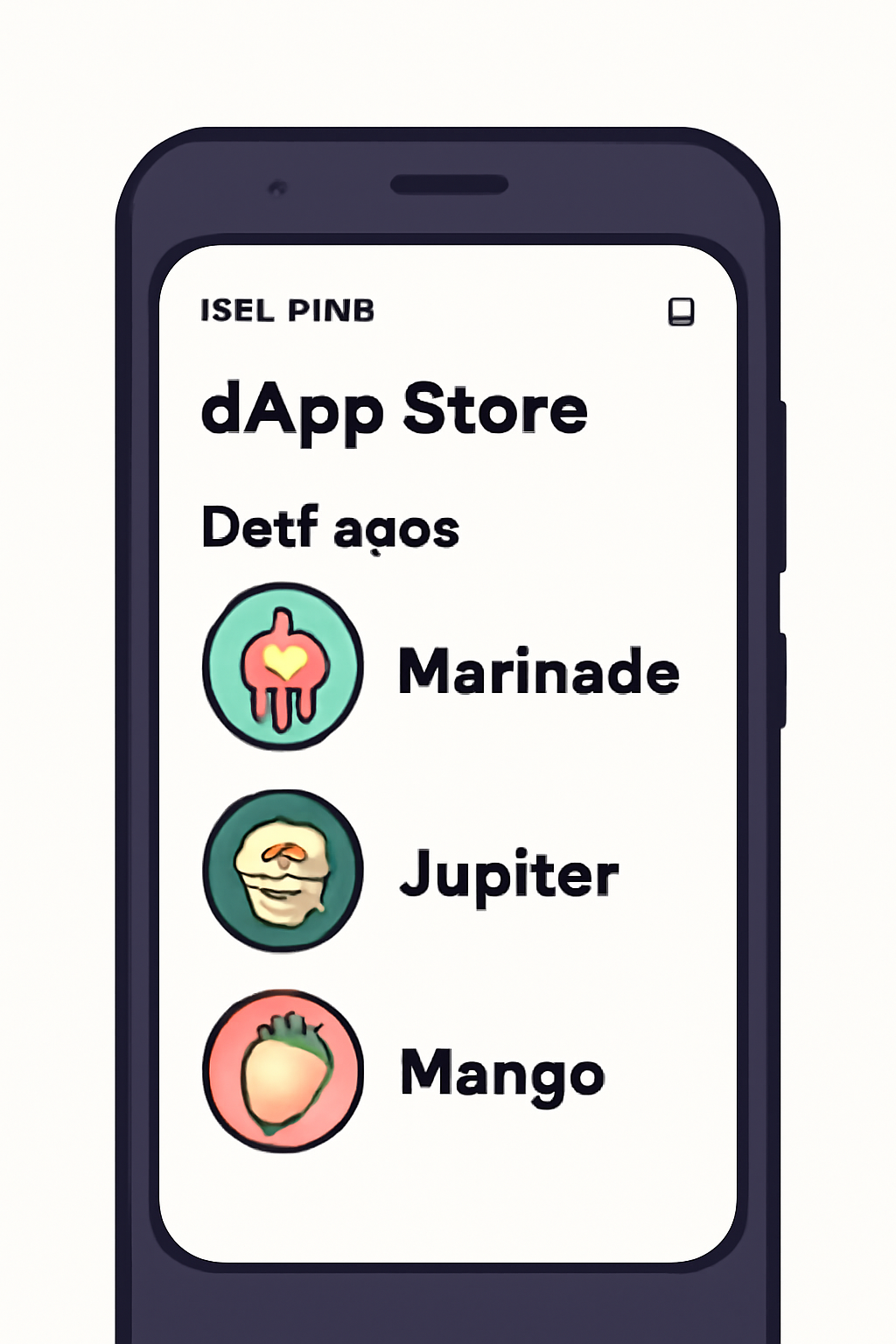
The current lineup of DeFi apps on the Saga covers everything from staking (Marinade. finance) to swaps (Jupiter) and advanced trading (Mango). Each app leverages native mobile features like biometric authentication for transaction approvals - simplifying what used to be complex desktop workflows.
- How To Use DeFi Apps Seamlessly On Solana Saga: A Mobile-First Guide For Power Users
- Complete Guide For Using Solana DeFi Apps On Mobile
Once your wallet is live, you’re ready to engage with Solana’s DeFi ecosystem directly from your Saga phone. Let’s walk through best practices for interacting with decentralized finance protocols on mobile, and how to maximize both security and convenience.
Transacting Securely With Biometric Authorization
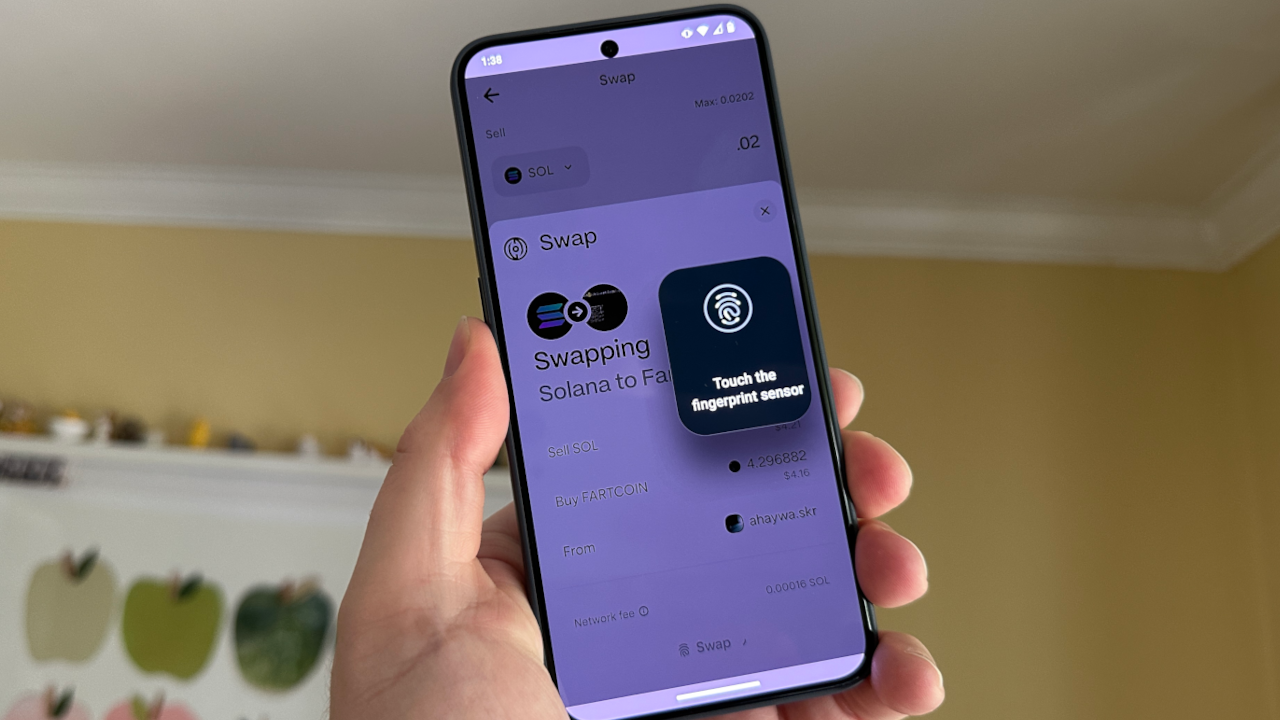
Every DeFi transaction on your Saga phone, whether it’s staking SOL, swapping tokens on Jupiter, or opening a margin position on Mango, requires explicit approval. Thanks to the Seed Vault and biometric authentication, this process is both simple and secure. When prompted by an app:
- Review the transaction details carefully before confirming.
- Authorize using your fingerprint or facial recognition; no passwords or exposed seed phrases needed.
- Your private keys never leave the secure enclave of the Seed Vault.
This mobile-first approach not only streamlines user experience but also raises the bar for on-device crypto security. For those new to DeFi or worried about hacks, these features provide confidence that your assets remain protected, even if your phone is lost or stolen.
Staying Ahead: Updates, Expanding dApps, and Market Moves
The Solana dApp Store is evolving fast. New protocols are added regularly, so make it a habit to:
- Check for app updates weekly, improved features and security patches arrive often.
- Explore new dApps: From NFT platforms to lending protocols, diversity keeps growing.
- Track SOL price action: With SOL currently at $185.57, market swings can create unique opportunities for staking yields or trading strategies right from your phone.
If you want more tips on optimizing your mobile DeFi workflow as new apps launch, see our detailed guide: How To Use DeFi App On Solana Saga: A Complete Mobile-First Guide For On-Chain Trading.
Real-World Usage: What Sets Mobile-First DeFi Apart?
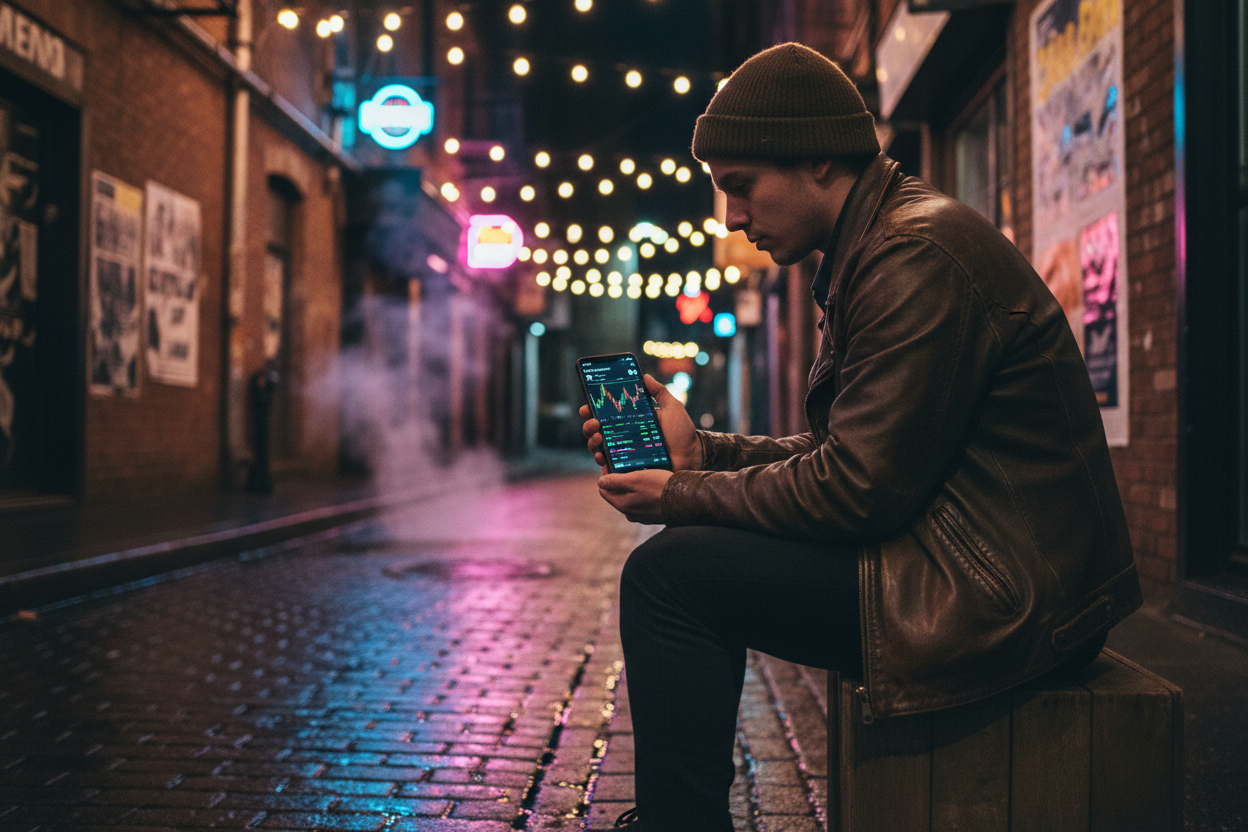
The difference with Saga isn’t just convenience, it’s about unlocking financial freedom wherever you are. Whether you’re staking via Marinade. finance while traveling or catching a flash loan opportunity during a commute, the combination of hardware-level security and native dApp support puts full control in your pocket. The days of missing out because you’re away from your desktop are over.
The current market volatility (SOL at $185.57, down 4.33% in 24 hours) also highlights why mobile access matters: being able to react instantly can make a real impact on portfolio outcomes. As more users shift toward mobile-native crypto tools, expect this edge to become standard practice, not just an early adopter perk.
Level Up: Power Tips for Mobile DeFi Success
- Enable two-factor authentication (2FA) where available in wallet apps for extra protection.
- Avoid public Wi-Fi networks; use VPNs if transacting outside trusted environments.
- Bookmark trusted dApps only via the official dApp Store; sideloading increases risk of phishing or malware.
- Back up recovery phrases offline, ideally written down and stored securely away from your device.
If you’re ready to dive deeper into advanced strategies, from yield farming on-the-go to leveraging new protocol launches, explore our expert resources tailored for power users:
- How Mobile-First DeFi Apps Like DefiApp Are Revolutionizing Crypto Trading On Solana Saga
- How The Solana Saga Phone Is Changing DeFi: Real User Experiences and Security Insights
The bottom line? The future of decentralized finance is already in your hand, literally. With robust hardware security, seamless app integration, and live access to market opportunities like SOL at $185.57 today, there’s never been a more empowering time to go mobile-first with Solana DeFi.
No comments yet. Be the first to share your thoughts!