
Securing your mobile DeFi experience starts with the right foundation. The Solana Saga smartphone is engineered for seamless, secure crypto transactions, providing a robust environment for both new and advanced users. In this guide, we’ll walk through the essential steps to set up your Solana Saga for secure mobile DeFi operations, leveraging its industry-leading hardware and Solana’s dynamic ecosystem.
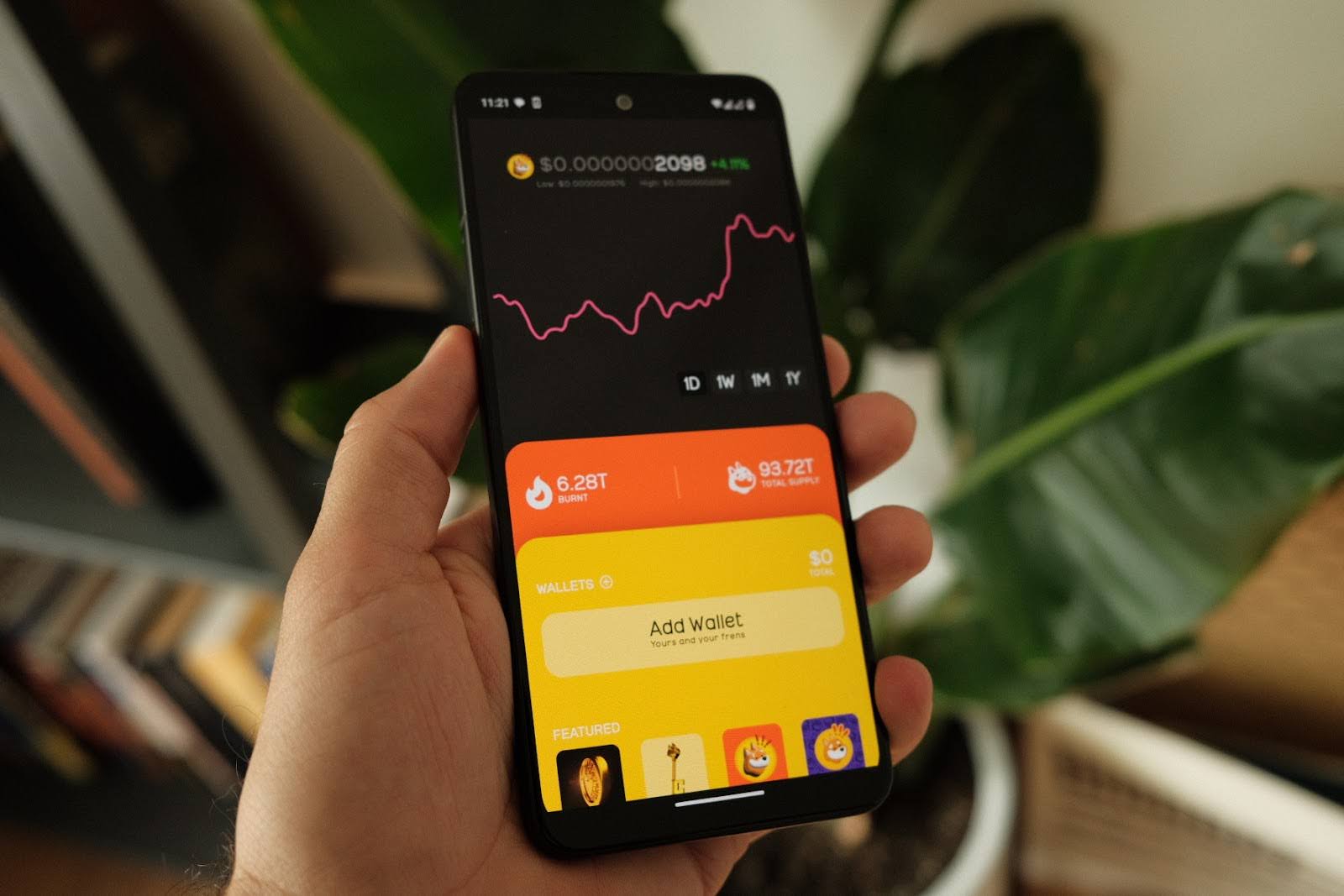
Why Mobile-First Security Matters in DeFi
The rise of decentralized finance has made security more critical than ever. Mobile devices are increasingly targeted by sophisticated threats, but the Solana Saga stands out by integrating a secure enclave and hardware security module (HSM) to protect your sensitive information. This ensures that your private keys never leave the device’s trusted environment, an approach highlighted in multiple reviews and technical breakdowns (see: CryptoRated, Offside Labs).
With SOL trading at $238.49, even modest portfolios represent significant value. A single misstep, like exposing your seed phrase, can result in irreversible loss. That’s why starting with strong security practices on your device is non-negotiable.
Step 1: Initialize the Seed Vault for Maximum Protection
The Seed Vault is at the heart of Solana Saga setup. It acts as a digital fortress for your private keys, ensuring they are never exposed during app interactions or transaction signing.
Initialize Seed Vault on Solana Saga: A Step-by-Step Guide
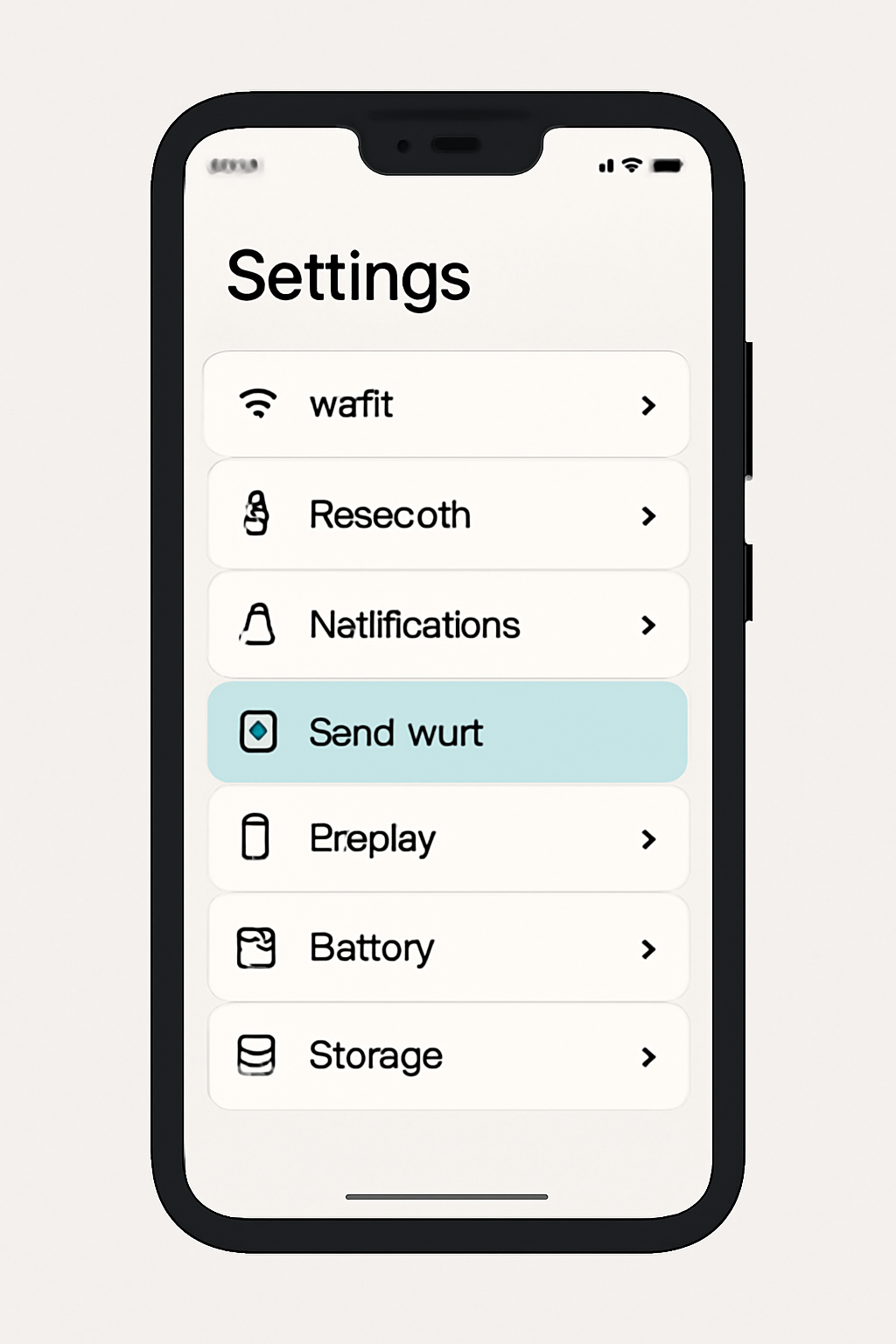
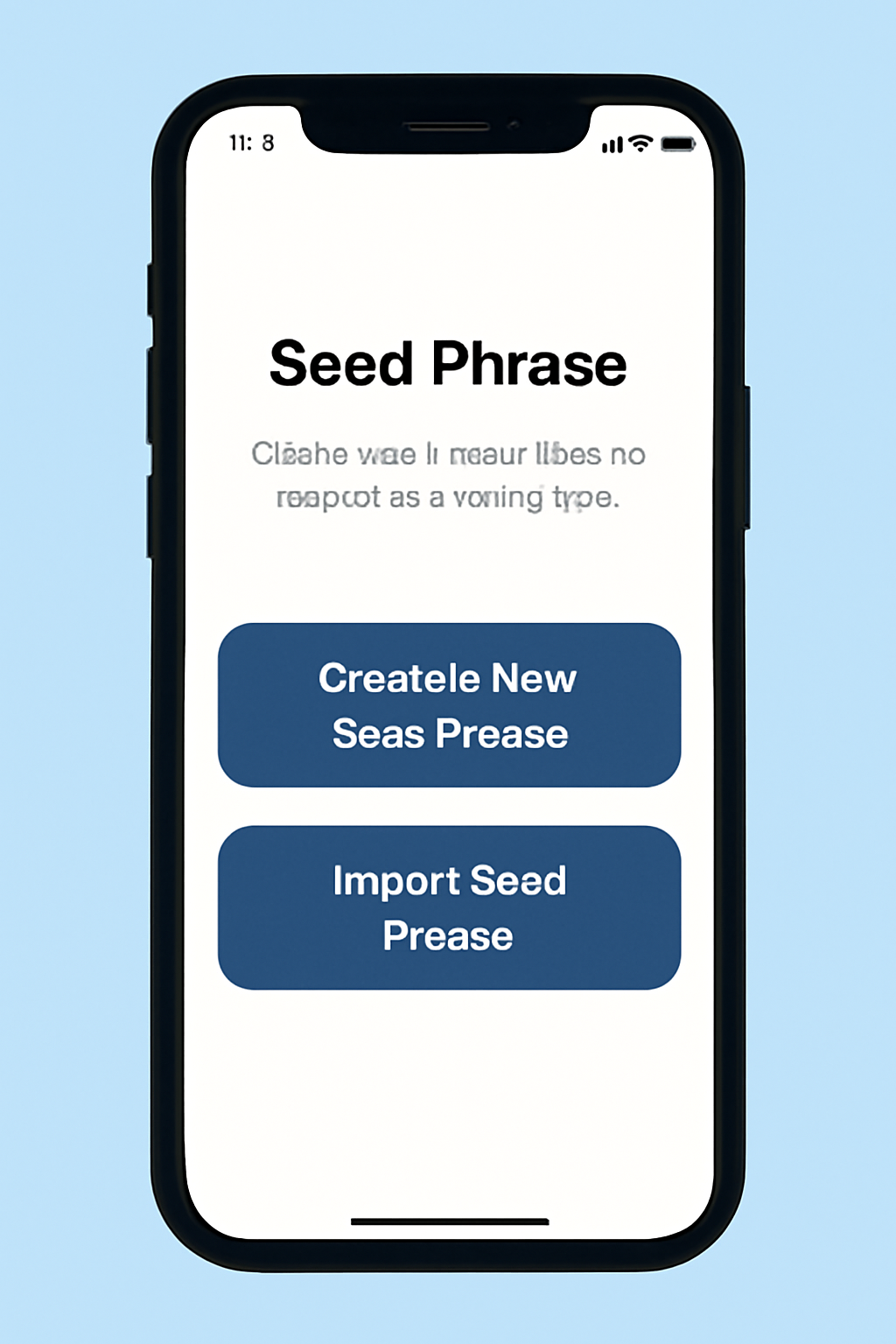
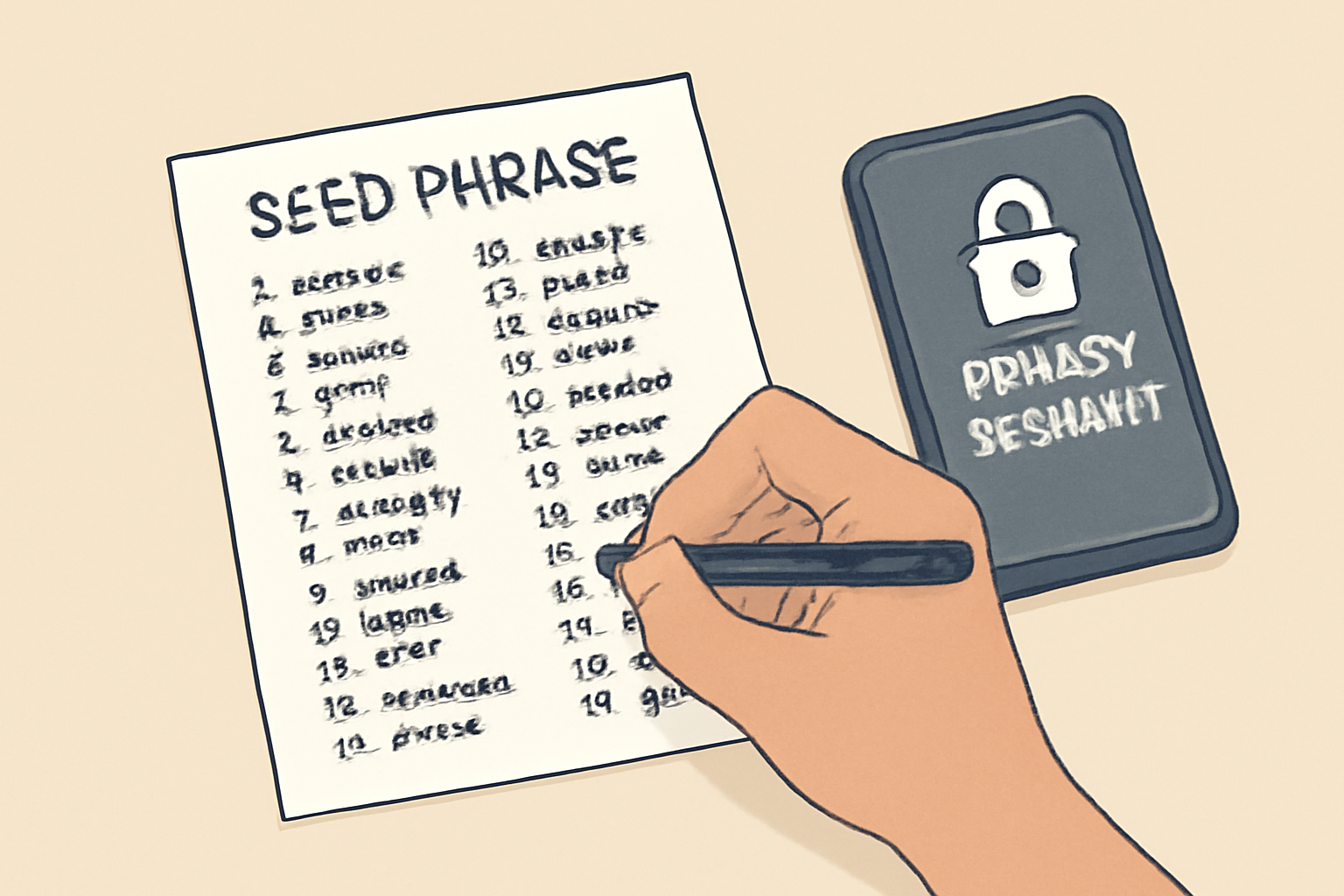
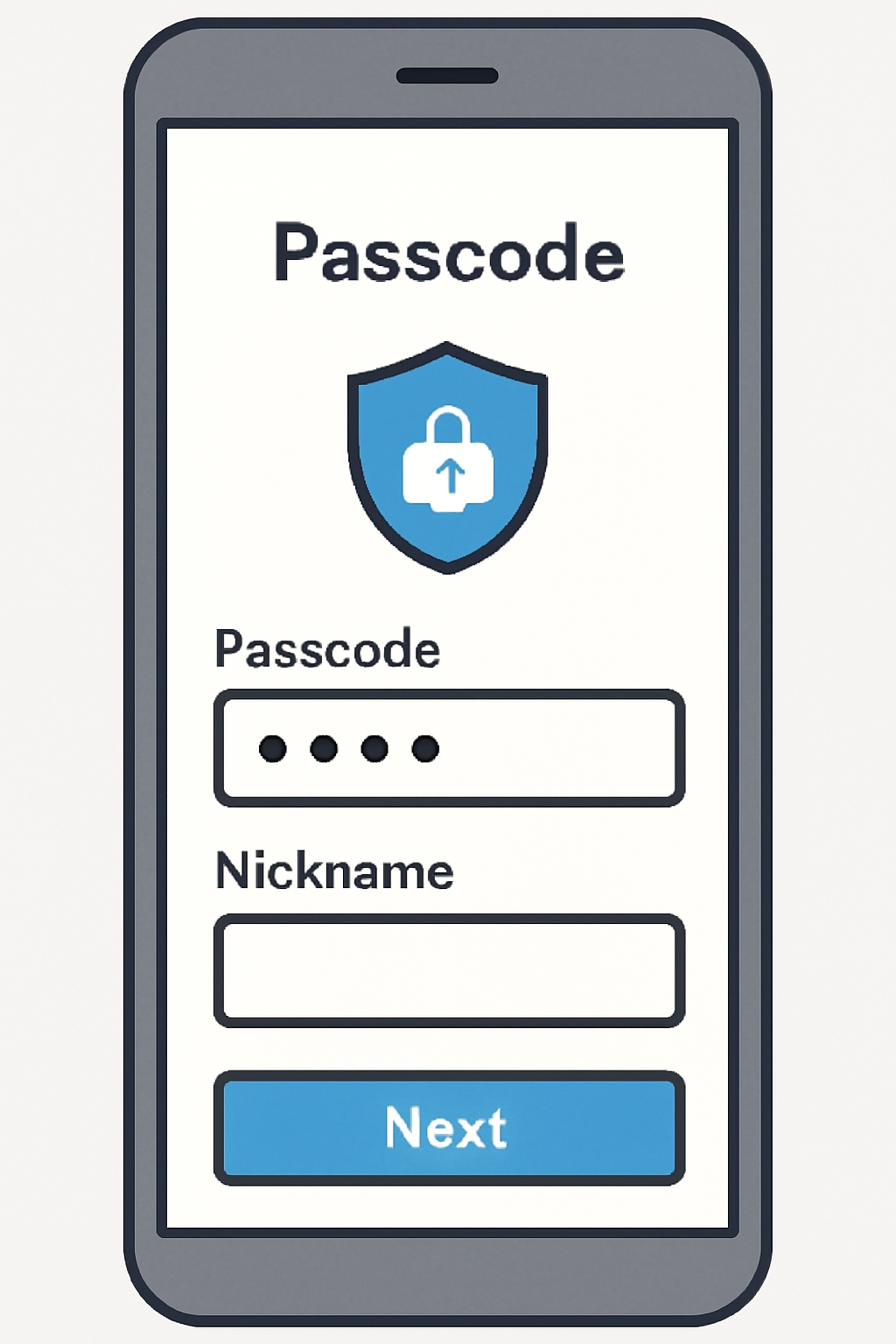
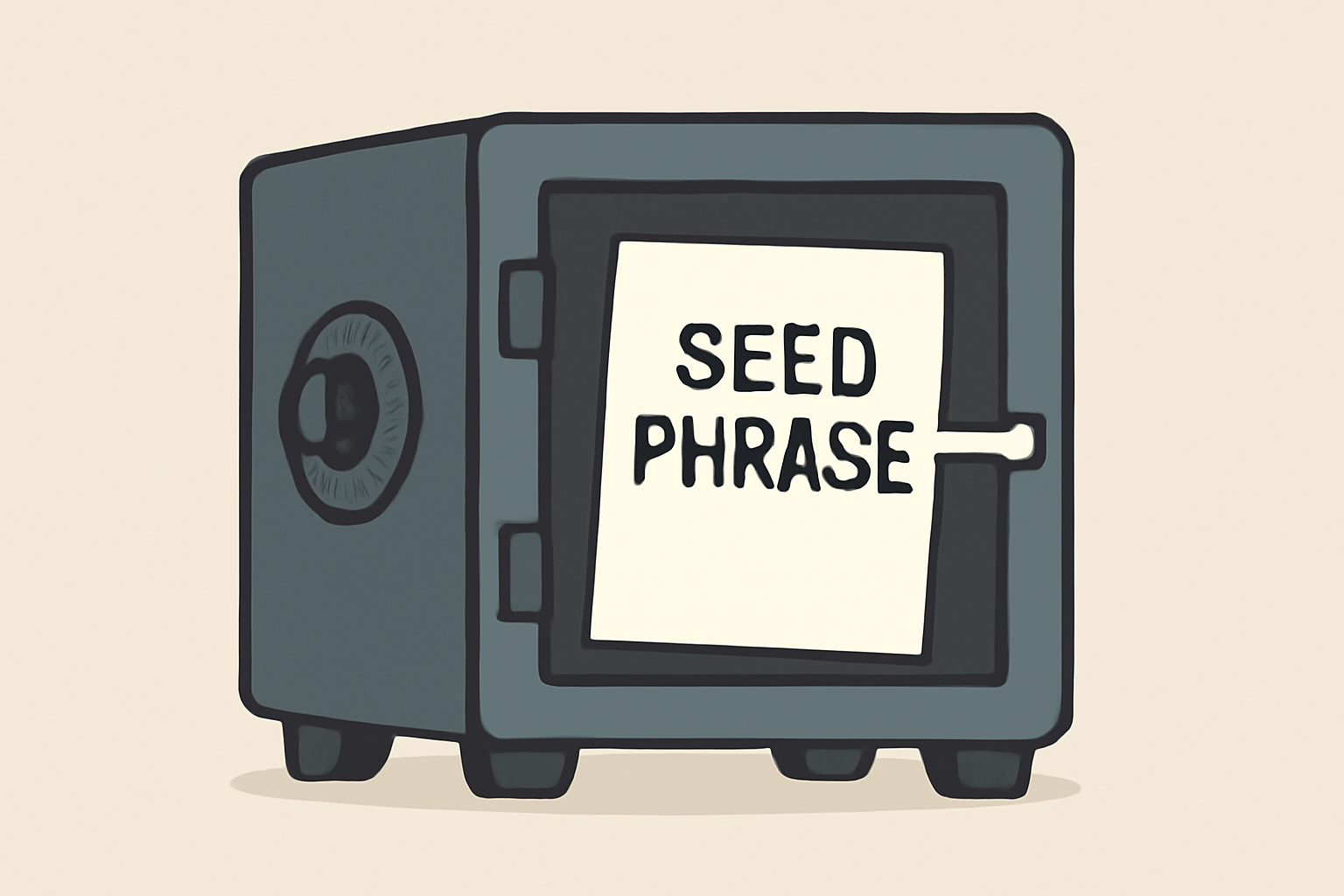
Pro Tip: When generating or importing your seed phrase, always write it down on paper and store it somewhere offline, never take a photo or upload it to cloud storage.
Step 2: Install and Configure Your Wallet App
The next critical step in Solana Saga wallet configuration is selecting a compatible wallet app that integrates with Seed Vault. Popular choices like Phantom and Solflare are available directly from the Solana dApp Store, ensuring you’re not downloading compromised apps from unofficial sources.
- Download: Access the official dApp Store on your device.
- Install: Choose your preferred wallet (e. g. , Phantom or Solflare).
- Connect: Follow prompts within the app to link it securely with Seed Vault.
This integration means that every transaction request goes through hardware-backed authentication instead of exposing sensitive data, a key feature differentiating Solana Saga from generic Android devices (MNTD. , Cointelegraph). For further reading on developing mobile apps using Solana, check out Raunak Raj Rauniyar’s detailed guide on Medium.
Add SOL Funds Safely at Current Market Rates
No DeFi journey can begin without funding your wallet. As of now, SOL trades at $238.49, reflecting ongoing confidence in the network even amid market fluctuations (24h high: $241.12; low: $236.20). Only acquire SOL through reputable exchanges before transferring to your freshly secured address. Always double-check addresses, mistakes here are costly and irreversible.
Once your wallet is funded, you’re ready to unlock the full spectrum of decentralized finance directly from your Solana Saga. With secure wallet integration and real-time price tracking, you can confidently interact with DeFi protocols while maintaining complete control over your assets.
Explore Top DeFi Apps on Solana Saga
The Solana dApp Store is your portal to innovative DeFi tools. Start with user favorites such as Jupiter for lightning-fast token swaps and Marinade for seamless staking. These apps are optimized for mobile-first security, leveraging the Seed Vault’s hardware-backed signing to ensure every transaction is protected.
Essential Solana DeFi Apps for Saga Users
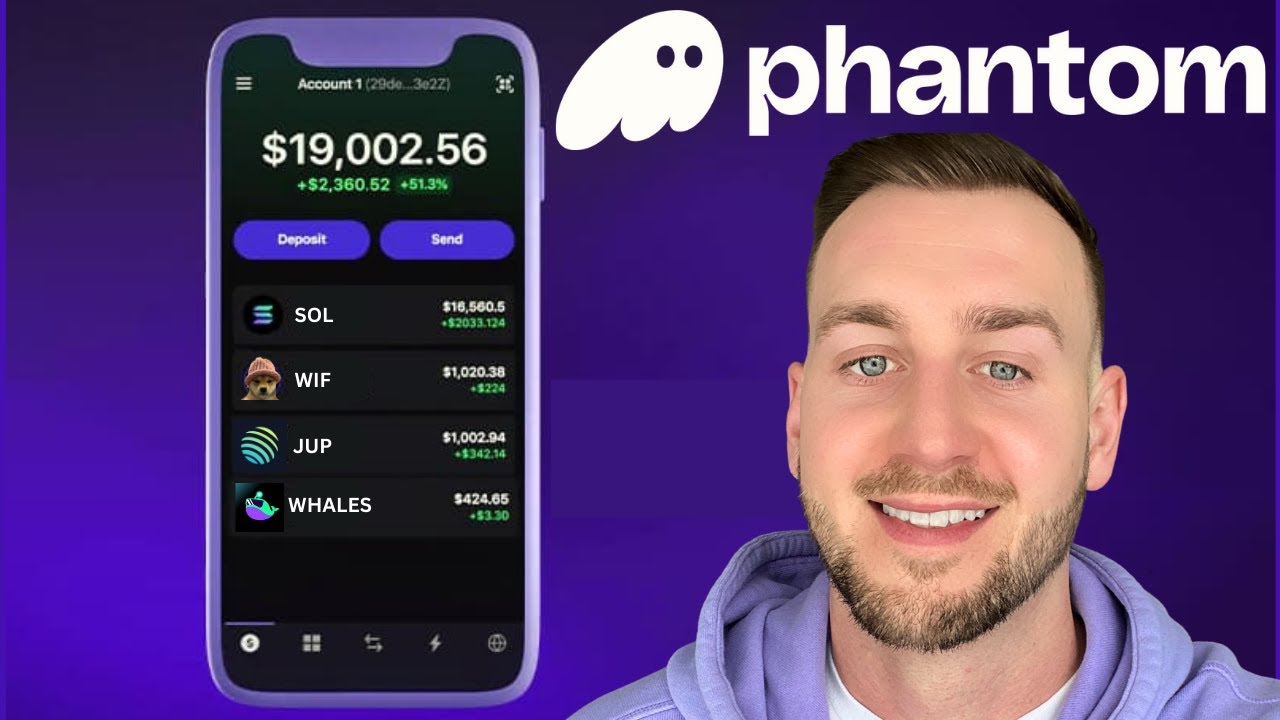
- Phantom Wallet: A leading Solana wallet app, Phantom offers seamless integration with the Saga's Seed Vault for secure storage and easy access to DeFi dApps. It supports token swaps, NFTs, and staking directly from your mobile device.
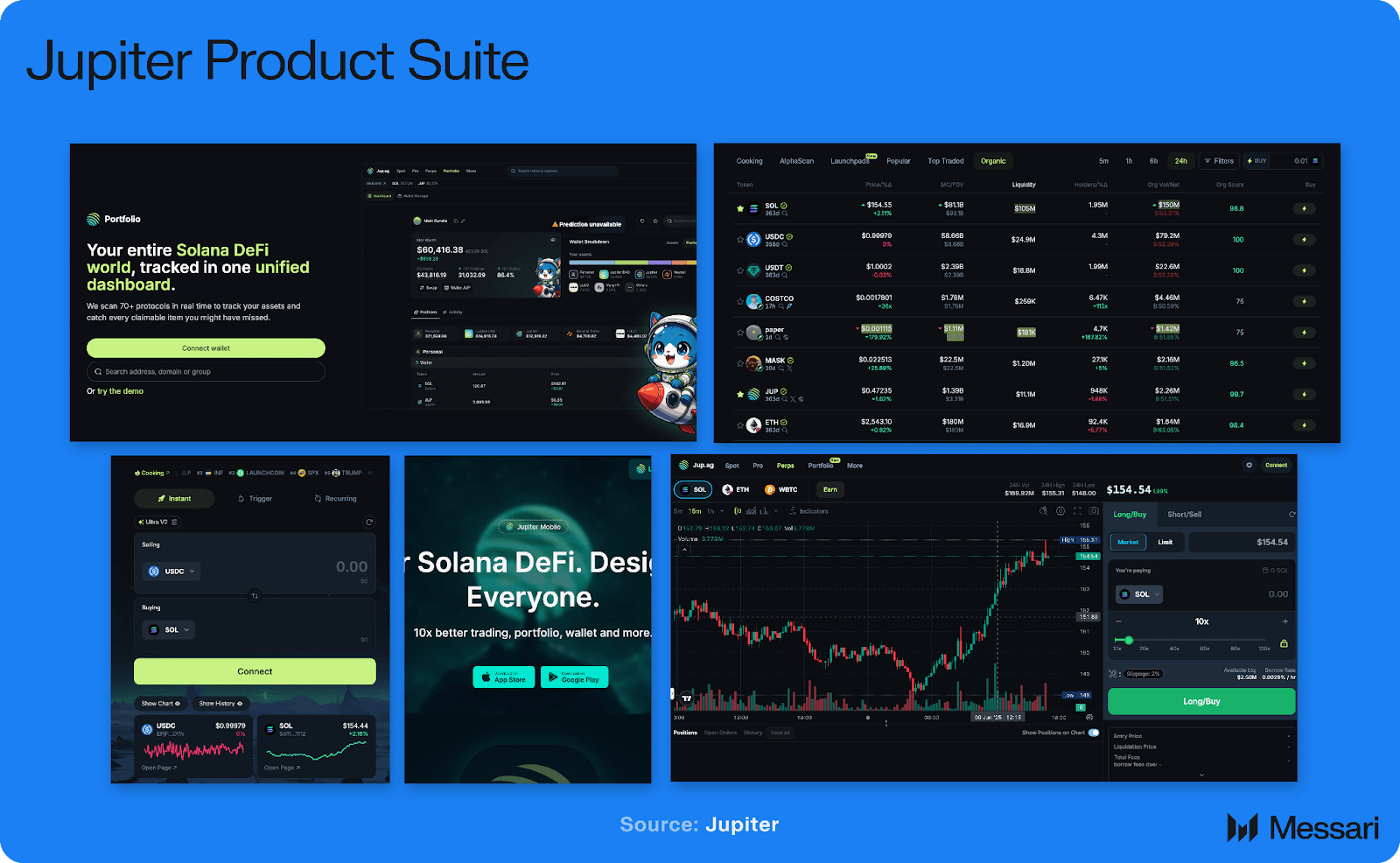
- Jupiter: Known as Solana's top decentralized exchange aggregator, Jupiter allows users to find the best rates for token swaps across the Solana ecosystem. Its mobile-optimized interface ensures fast, secure trades on the go.
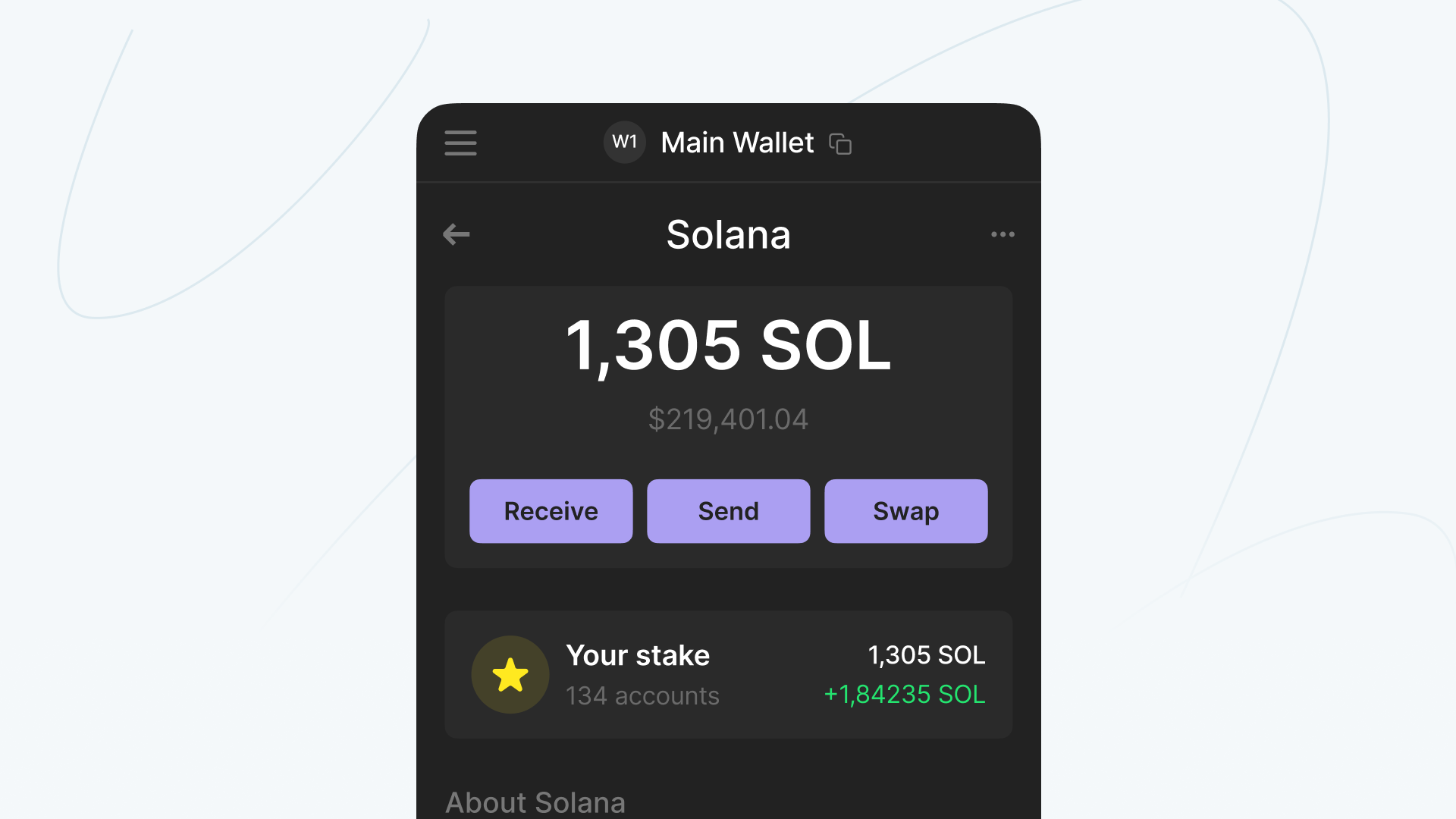
- Marinade Finance: Marinade is the largest liquid staking protocol on Solana, enabling users to stake SOL and receive mSOL, which can be used in other DeFi protocols while earning staking rewards.
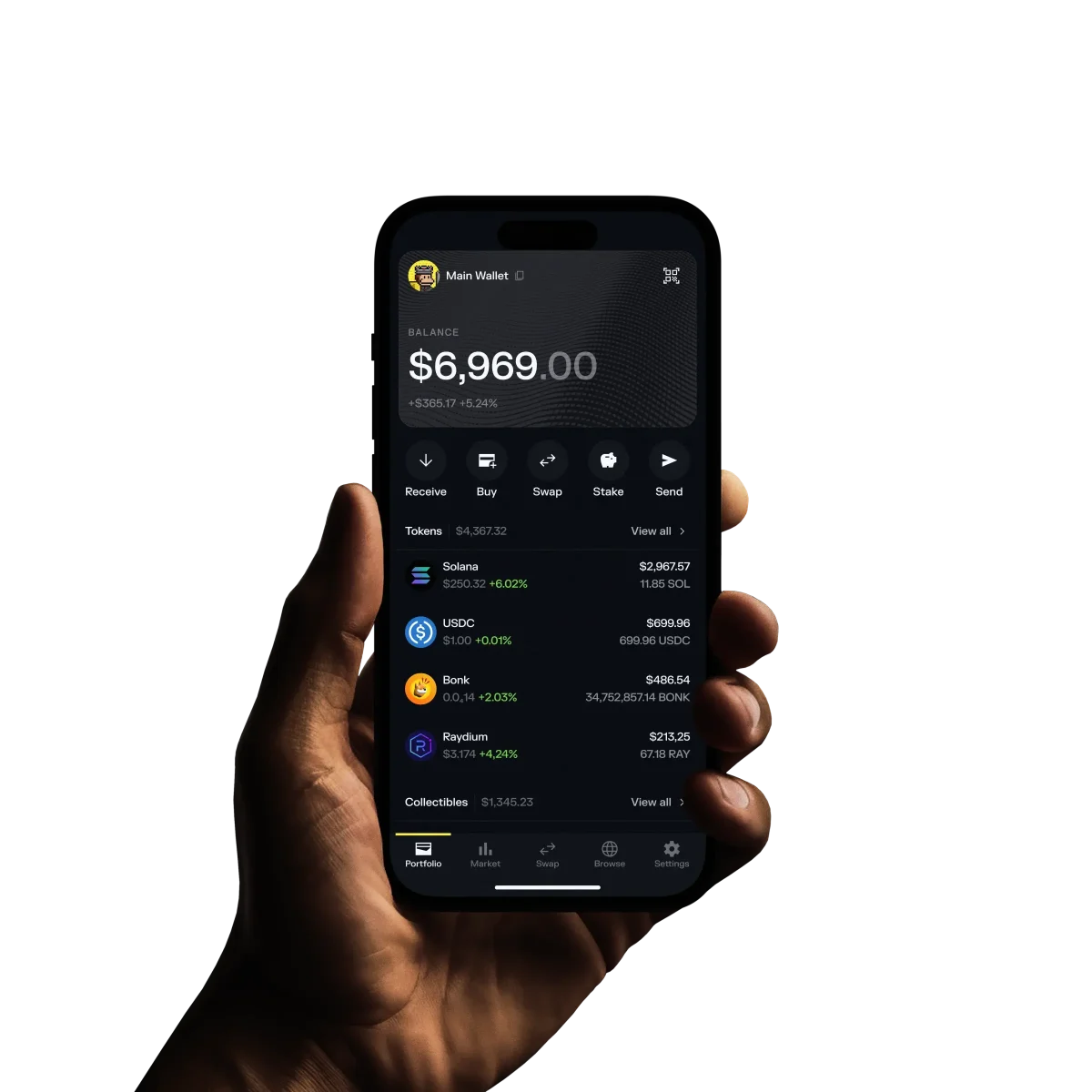
- Solflare: Another popular Solana wallet, Solflare offers robust DeFi features including staking, swapping, and NFT management, with direct integration to the Saga's secure enclave for transaction signing.
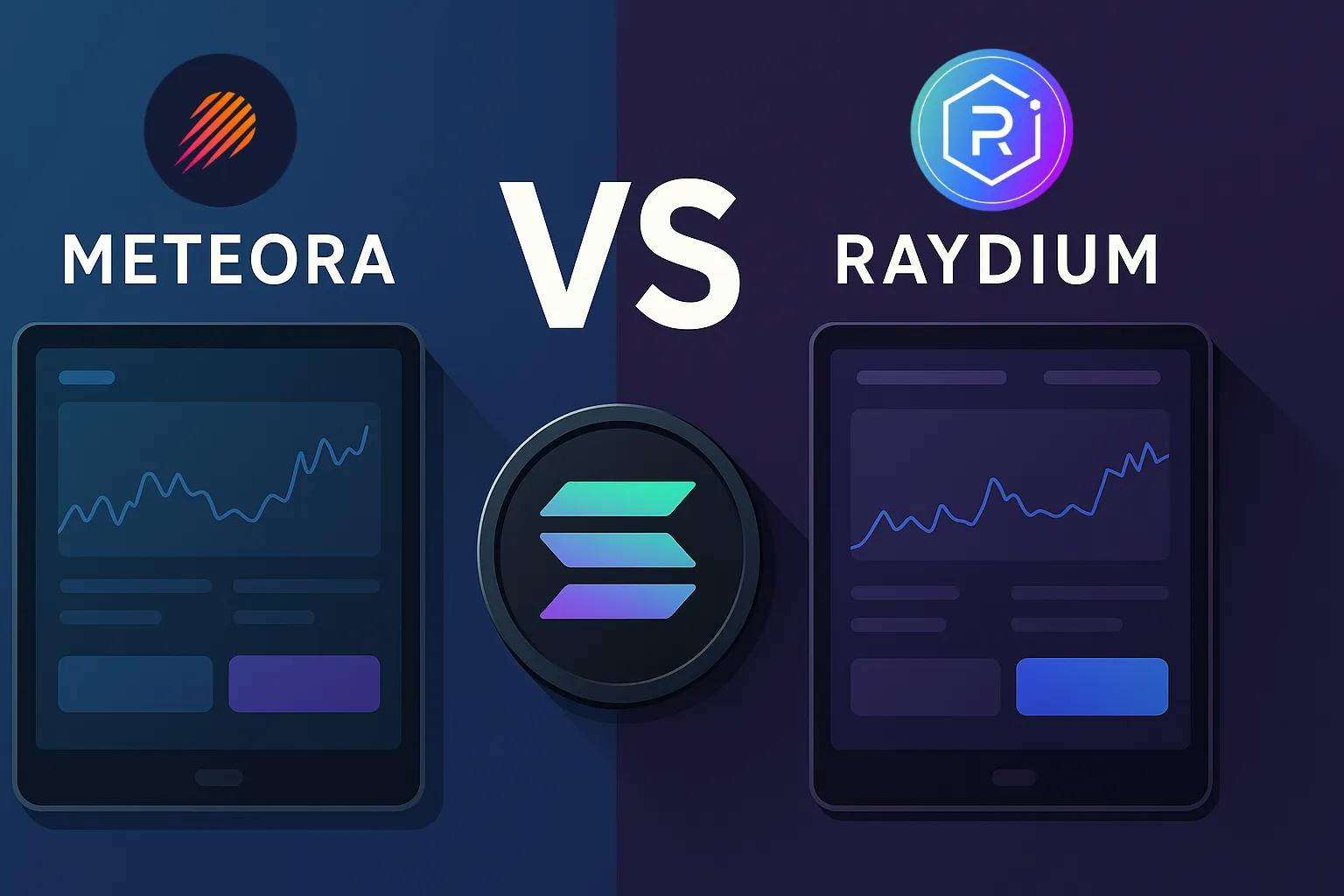
- Meteora: Meteora provides a suite of DeFi tools, including stablecoin swaps, yield farming, and liquidity provision, all optimized for Solana's fast transaction speeds and mobile accessibility.
Each app in the dApp Store undergoes rigorous vetting, minimizing risks from malicious code or phishing attempts. When connecting your wallet, always verify permissions and avoid granting unnecessary access. The Seed Vault ensures that even if an app is compromised, your private keys remain secure within the device’s trusted execution environment.
Biometric Security: Next-Gen Transaction Protection
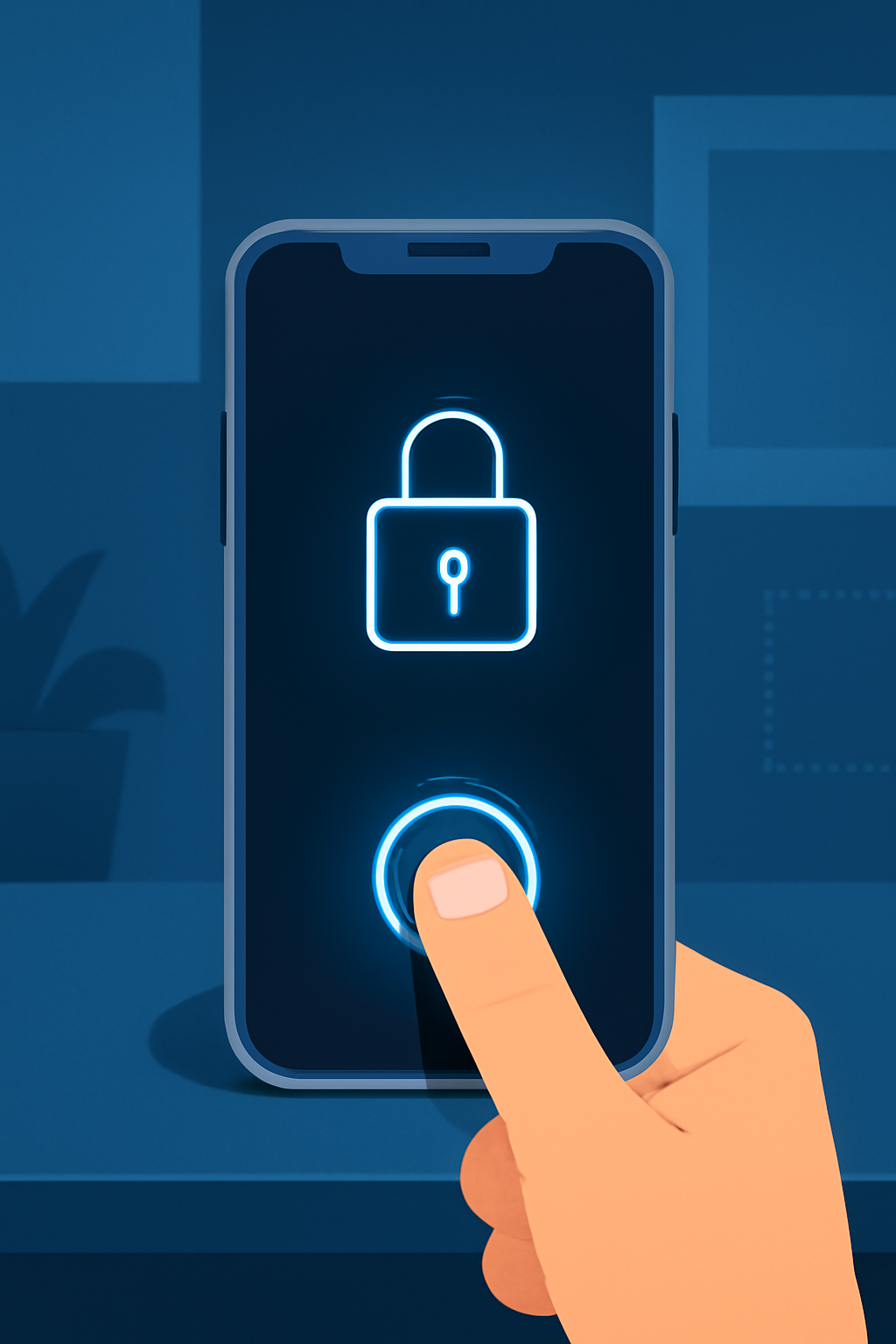
Your biometric data, such as fingerprints, adds a crucial layer of authentication on top of traditional passcodes. On the Solana Saga, every transaction request can require biometric approval, making unauthorized access nearly impossible without your physical presence.
This approach mirrors best-in-class security seen in banking apps but is uniquely tailored to safeguard crypto assets. According to recent guides (see: SolanaFloor), enabling biometrics is one of the most effective ways to protect onchain transactions from remote attacks or SIM swap fraud.
Maintain Vigilance: Best Practices for Ongoing Mobile DeFi Security
The mobile-first crypto landscape evolves rapidly. To stay ahead:
- Regularly update your device firmware and all installed DeFi apps via the official dApp Store.
- Avoid public Wi-Fi: Use VPNs or trusted networks when managing funds.
- Nurture good backup habits: Periodically review where your seed phrase is stored offline and consider using a fireproof safe.
- Monitor activity logs: Most wallets let you review recent transactions and login attempts, check these often for suspicious behavior.
- Stay informed about threats: Follow official channels and community forums for news on vulnerabilities or scams targeting mobile crypto users.
If you ever suspect compromise, use the Seed Vault’s recovery options immediately and transfer assets to a new address generated within a fresh secure enclave instance.
Real-Time Price Awareness: Why It Matters Now More Than Ever
SOL’s current market price at $238.49, with a daily range between $236.20 and $241.12, means even small portfolio changes can have outsized impacts on your net worth. By monitoring live prices directly within your wallet or using widgets, you’ll make more informed decisions, whether swapping tokens or staking for yield.
Your Mobile-First Crypto Advantage Awaits
The combination of hardware-backed key management, biometric authentication, curated dApps, and vigilant security practices positions Solana Saga as a leader in secure mobile DeFi transactions. As adoption grows globally and new features roll out (like upcoming token-gated dApps), mastering these setup steps ensures you’ll benefit from both innovation and peace of mind in this dynamic ecosystem.

No comments yet. Be the first to share your thoughts!