5 Mobile Crypto Wallets for 2026: Security, Speed, and Staking Rewards Compared
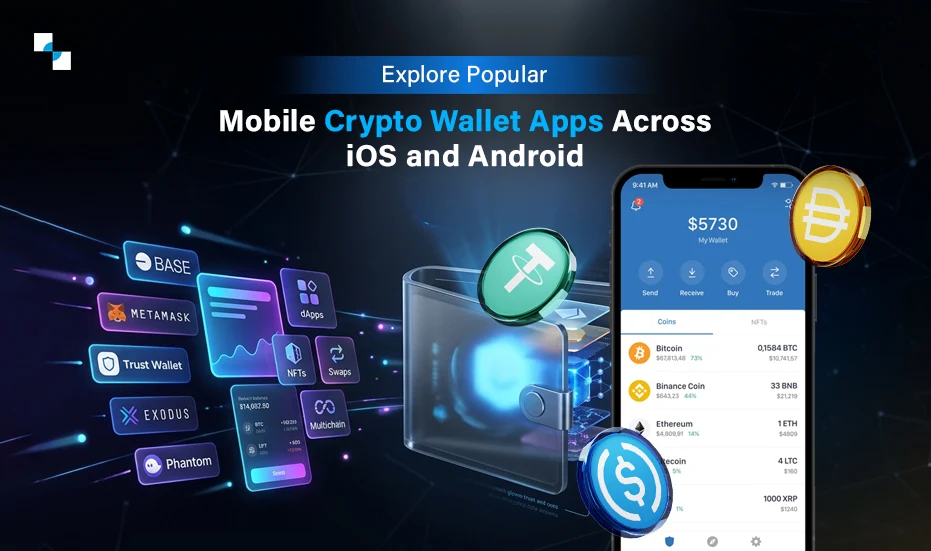
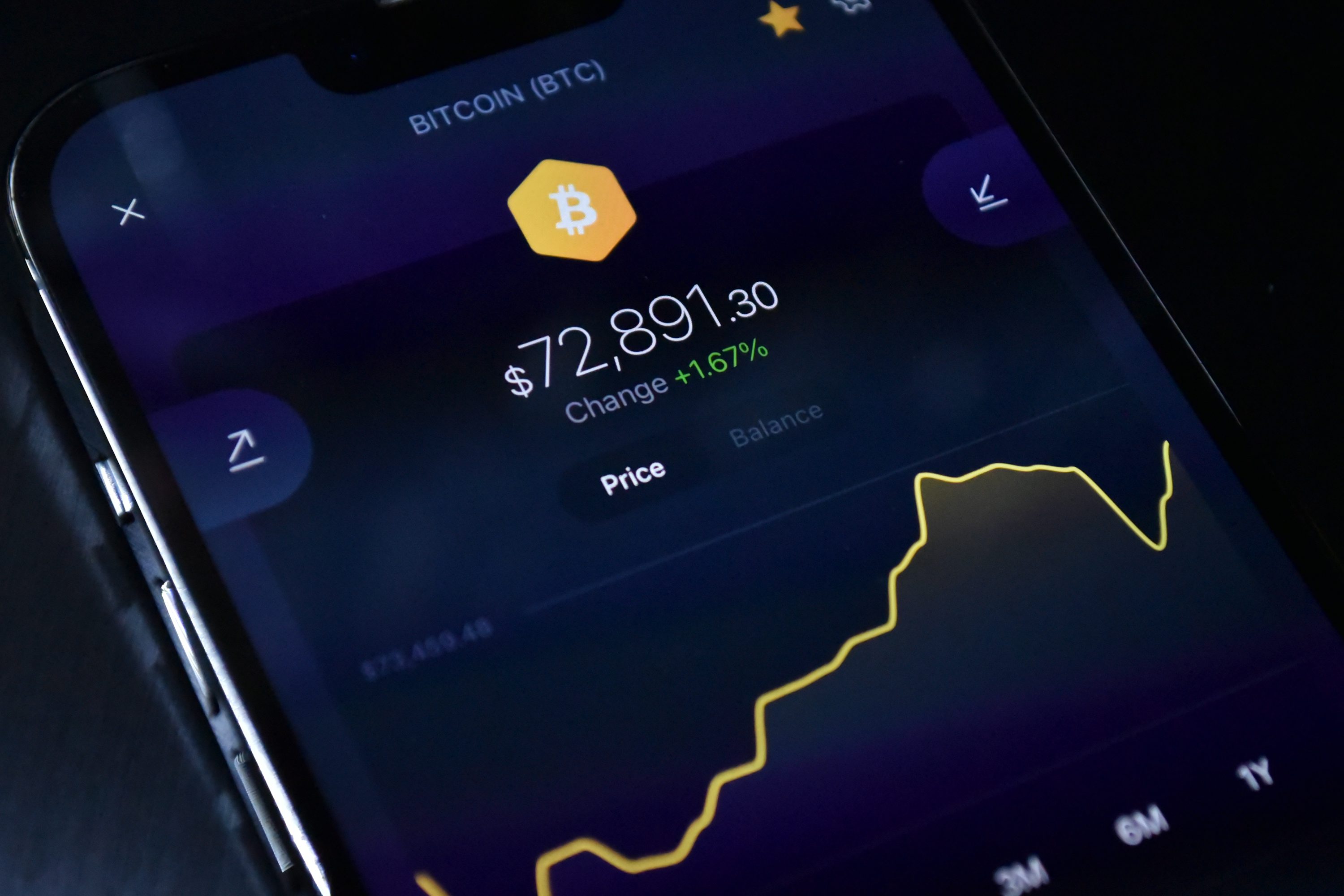
Selecting the right mobile crypto wallet in 2026 requires balancing non-negotiable security protocols with competitive staking yields. We evaluate five specific applications against verified official features to determine which offers the optimal combination of speed, safety, and returns for your portfolio.
1. Trust Wallet: Best for multi-chain staking
Trust Wallet operates as a comprehensive Swiss Army knife for multi-chain enthusiasts, supporting over 70 blockchains and millions of tokens. Its built-in staking feature allows users to earn passive rewards directly from their mobile devices without complex setups. The interface balances accessibility with depth, making it ideal for those who hold diverse assets across different networks.

2. MetaMask: Best for EVM ecosystem access
MetaMask remains the undisputed gateway to the Ethereum Virtual Machine ecosystem, offering seamless interaction with decentralized applications. Its browser extension and mobile app provide a consistent experience for managing ERC-20 tokens and NFTs. For users deeply embedded in DeFi protocols, its robust support for custom networks and token swaps makes it an essential tool.
3. Exodus: Best for beginners and portfolio tracking
Exodus prioritizes user experience with a clean, intuitive interface that simplifies complex crypto concepts. Its built-in portfolio tracker provides real-time insights into asset performance across multiple chains. The integrated exchange feature allows for quick swaps without leaving the app, making it an excellent choice for newcomers who value clarity and ease of use.
4. Coinbase Wallet: Best for integrated fiat on-ramps
Coinbase Wallet bridges the gap between traditional finance and crypto through seamless fiat on-ramps. Users can easily purchase cryptocurrencies using bank transfers or debit cards directly within the app. This integration simplifies the entry process for new investors, while its non-custodial nature ensures users retain full control over their private keys and assets.

5. Phantom: Best for Solana and high-speed swaps
Phantom has become the go-to wallet for Solana enthusiasts, offering lightning-fast transaction speeds and low fees. Its interface is designed for efficiency, allowing users to swap tokens, stake SOL, and manage NFTs with minimal friction. The app’s growing support for other chains makes it a versatile option for users who prioritize speed and simplicity.

How we picked the best mobile crypto wallet 2026
Use this section to make the Top 5 Mobile Crypto Wallets for decision easier to compare in real life, not just on paper. Start with the reader's actual constraint, then separate must-have requirements from details that are merely nice to have. A practical choice should survive normal use, maintenance, timing, and budget. If a recommendation only works in an ideal situation, call that out plainly and give the reader a fallback path.
The simplest way to use this section is to write down the must-have criteria first, then compare each option against those criteria before weighing nice-to-have features.
Compare mobile wallet features side by side
Use this section to make the Top 5 Mobile Crypto Wallets for decision easier to compare in real life, not just on paper. Start with the reader's actual constraint, then separate must-have requirements from details that are merely nice to have. A practical choice should survive normal use, maintenance, timing, and budget. If a recommendation only works in an ideal situation, call that out plainly and give the reader a fallback path.
| Factor | What to check | Why it matters |
|---|---|---|
| Fit | Match the option to the primary use case. | A good deal still fails if it does not fit the job. |
| Condition | Verify age, wear, and service history. | Hidden condition issues erase upfront savings. |
| Cost | Compare purchase price with likely upkeep. | The cheapest option is not always the lowest-cost option. |
Secure your mobile crypto app setup
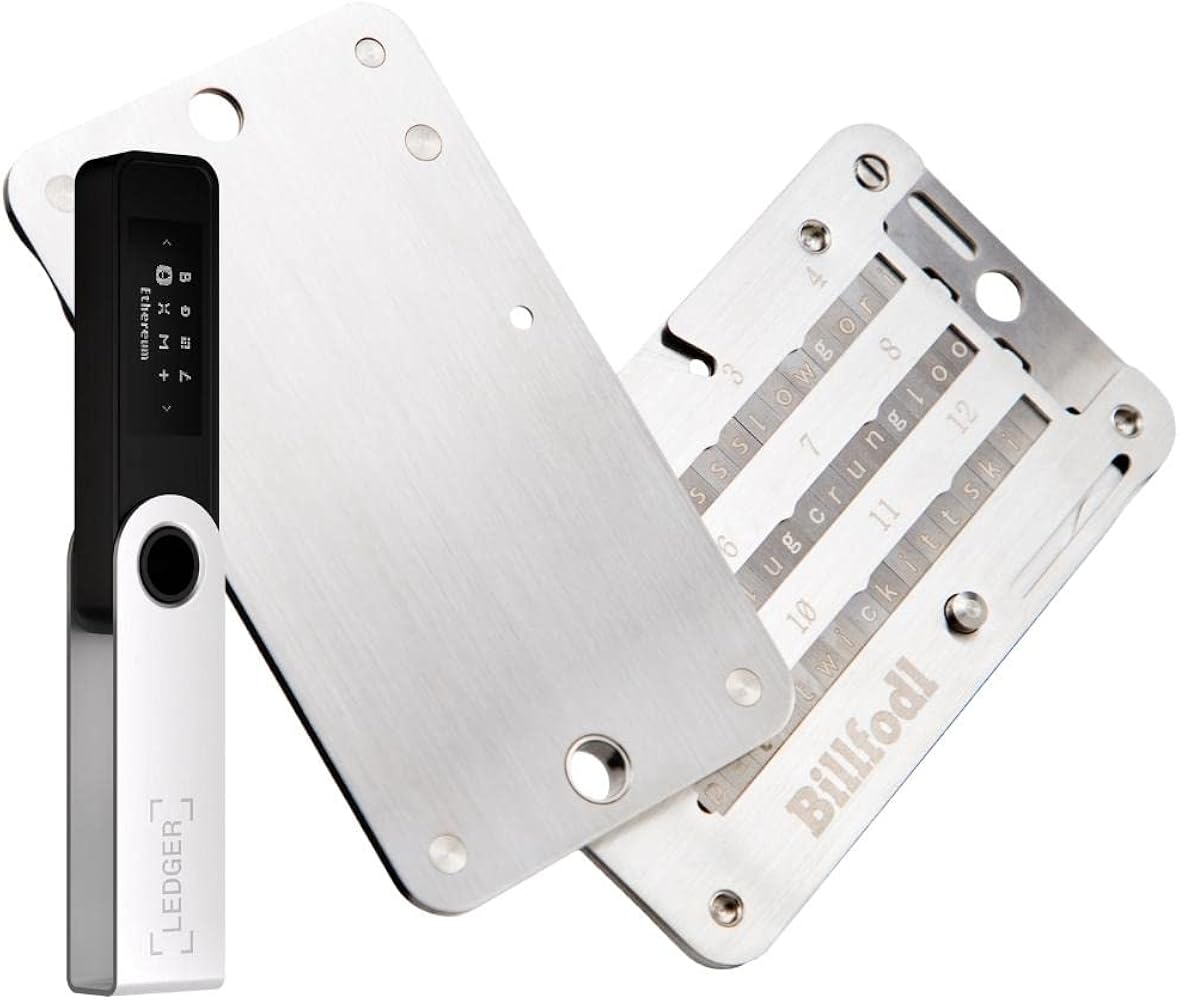
Top 5 Mobile Crypto Wallets for works best as a sequence, not a scramble through settings. Do the minimum first: confirm compatibility, connect the core hardware, update only when needed, and test the result before adding optional features. That order keeps the task understandable and makes failures easier to isolate. After each step, pause long enough for the interface to finish syncing. Many setup problems are timing problems disguised as configuration problems. If the same step fails twice, record the exact error, restart the smallest affected piece, and retry before moving deeper.
Helpful gear
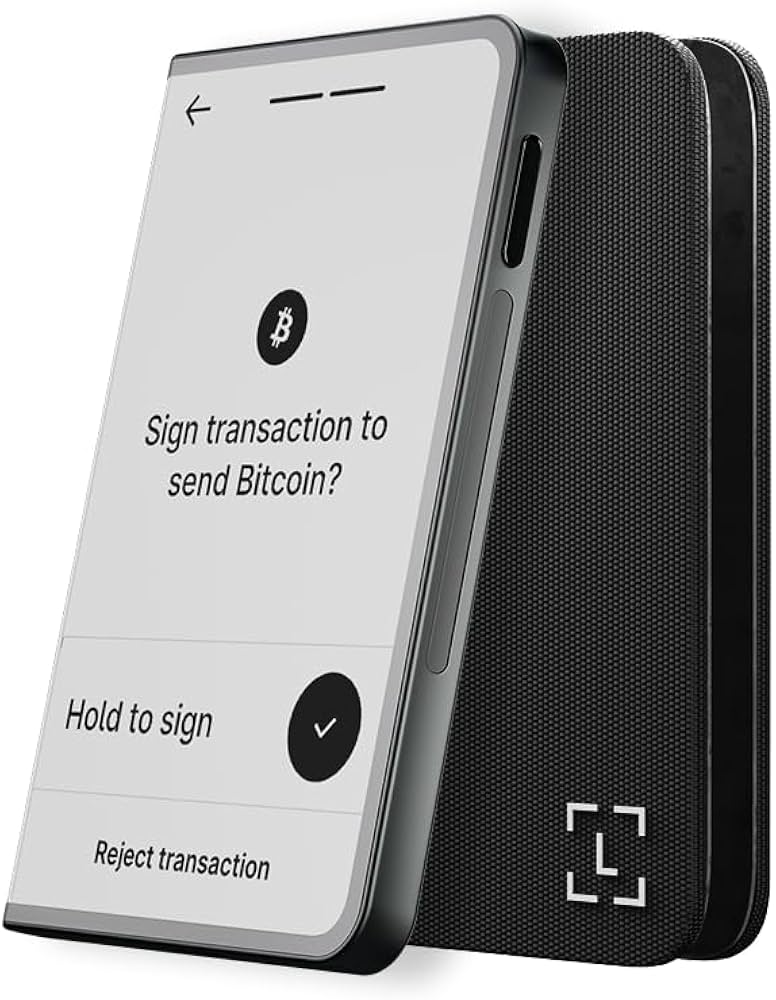
Use these product recommendations as a starting point, then choose the size, material, and price point that fit how you actually use the gear.
As an Amazon Associate, we may earn from qualifying purchases.
No comments yet. Be the first to share your thoughts!