5 Mobile Crypto Wallets for 2026: Secure Staking and DeFi
Selecting the right mobile crypto wallet in 2026 requires balancing self-custody security with seamless DeFi integration. The following five options represent the current industry standard for secure staking and transaction management.
1. Trust Wallet for multi-chain staking
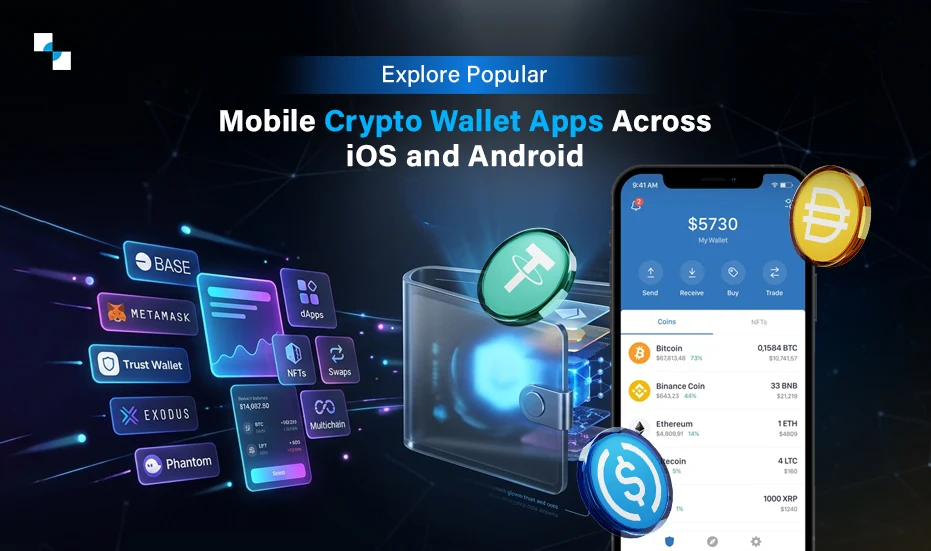
Trust Wallet supports over 70 blockchains, making it ideal for diversifying staking rewards across ecosystems. Its built-in DApp browser connects directly to decentralized exchanges, while integrated staking allows users to earn yields on assets like Ethereum and Cosmos without leaving the app interface. This all-in-one approach simplifies managing a multi-chain portfolio efficiently.

2. MetaMask for EVM DeFi access
MetaMask remains the gold standard for interacting with Ethereum Virtual Machine networks, offering seamless access to thousands of decentralized applications. Its robust extension and mobile ecosystem enables users to swap tokens, provide liquidity, and interact with smart contracts across Ethereum, Polygon, and Arbitrum with minimal friction and high reliability.
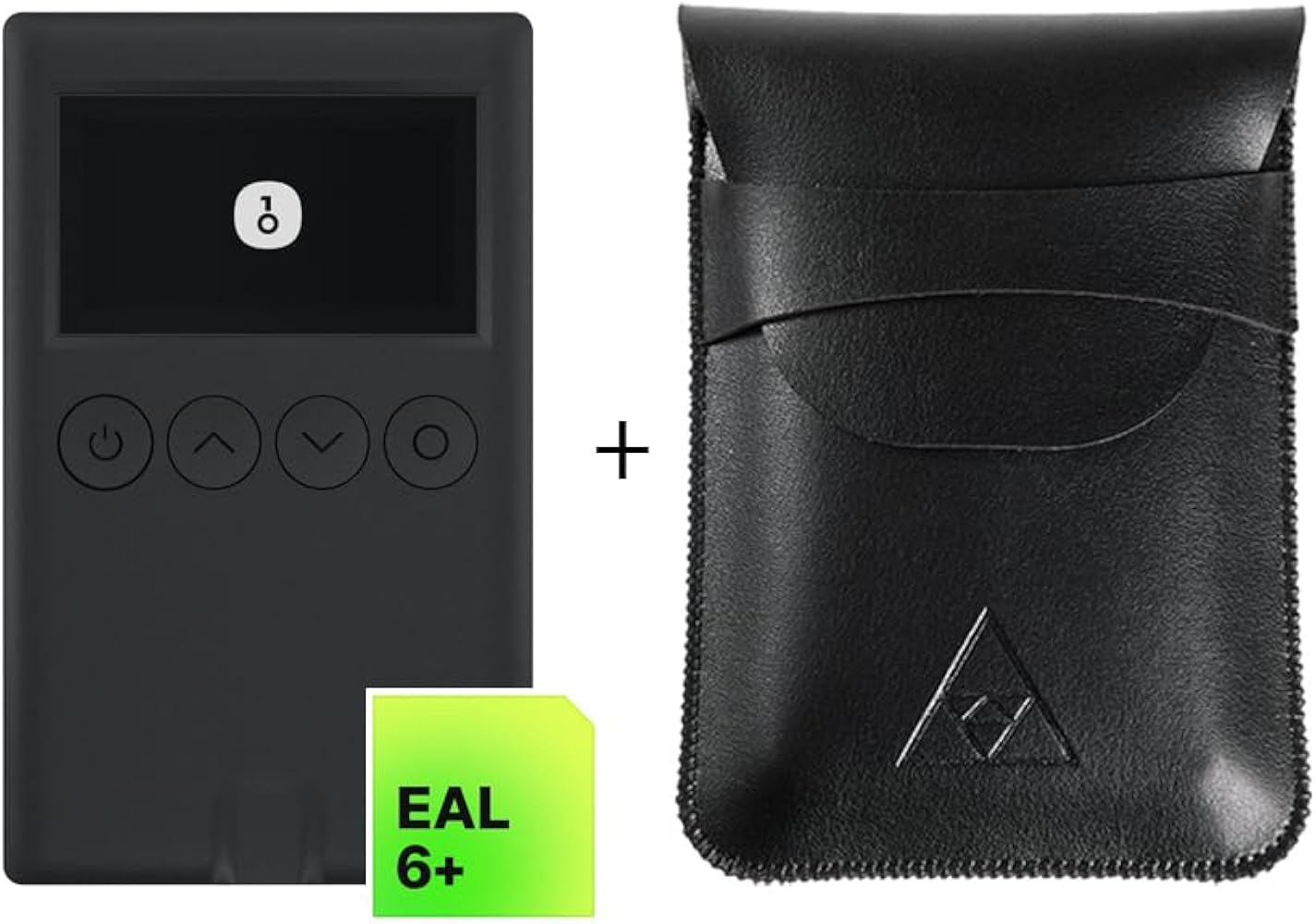
3. Coinbase Wallet for self-custody simplicity
Coinbase Wallet provides a user-friendly interface for non-custodial storage, bridging the gap between centralized exchanges and decentralized finance. It offers built-in swaps and staking options for major assets, allowing beginners to enter DeFi with confidence. The clean design prioritizes ease of use while maintaining full control over private keys and assets.
4. Phantom for Solana and cross-chain
Phantom dominates the Solana ecosystem, offering lightning-fast transactions and native staking for SOL and other SPL tokens. Its recent cross-chain swap integration allows users to bridge assets from Ethereum and Bitcoin directly within the app. The intuitive interface makes managing NFTs and DeFi positions on Solana effortless and visually engaging.
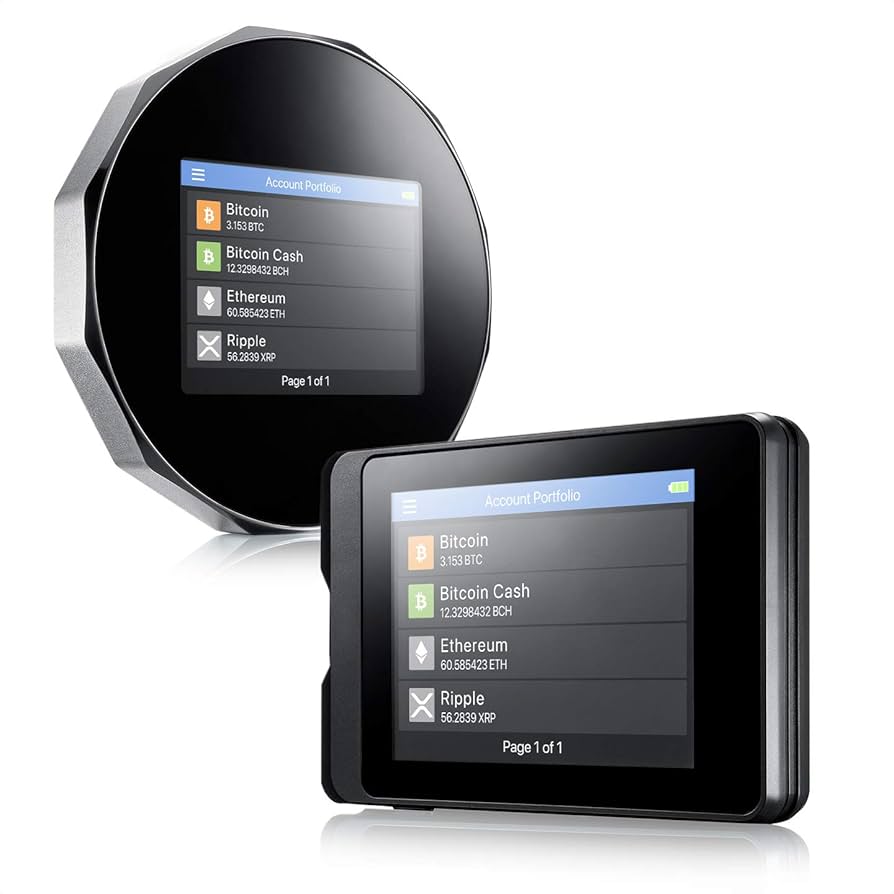
5. Ledger Stax for hardware-mobile pairing
The Ledger Stax combines premium design with bank-grade security, featuring a curved E Ink touchscreen for signing transactions offline. It pairs seamlessly with mobile apps like Ledger Live, Trust Wallet, and MetaMask, ensuring your private keys never touch the internet. This hardware solution provides ultimate peace of mind for high-value staking and DeFi activities.

How we picked the best mobile crypto wallet 2026
We evaluated mobile crypto wallets using three strict criteria: native staking ease, DeFi compatibility, and verifiable security. The goal was to identify tools that let you manage assets without sacrificing control or paying hidden fees.
Security and Staking
In 2026, security is non-negotiable. We focused on wallets that offer biometric authentication and non-custodial key management. For staking, we looked for native support that allows users to earn yields directly within the app, avoiding the need to bridge assets to external platforms. Trust Wallet, for example, supports over 100 blockchains with zero staking fees, making it a top contender for multi-chain users.
DeFi Compatibility
A mobile wallet must act as a gateway to decentralized finance. We tested each app’s ability to connect to major decentralized exchanges (DEXs) and lending protocols. The best wallets provide an integrated browser or deep-linking capabilities that allow seamless interaction with dApps without leaving the app interface.
User Experience
Finally, we assessed usability. A secure wallet is useless if it is too cumbersome to use daily. We prioritized interfaces that simplify gas fee management, transaction signing, and portfolio tracking. The leading wallets balance advanced features with intuitive design, ensuring that both beginners and experienced traders can navigate their assets confidently.
Compare Mobile Wallet Features Side by Side
Choosing the right mobile wallet often comes down to three factors: which blockchains you use, how you secure your keys, and whether you want to stake or trade directly from your phone. This comparison highlights five leading options for 2026, focusing on their core capabilities for DeFi and staking.
| Wallet | Supported Chains | Security Type | Staking & DeFi |
|---|---|---|---|
Trust Wallet stands out for its breadth, supporting over 100 blockchains with zero fees for staking, making it ideal for users holding diverse assets [src-serp-3]. MetaMask remains the standard for Ethereum and EVM-compatible chains, offering deep DeFi integration but with a narrower chain focus. Phantom has dominated the Solana ecosystem while recently expanding to EVM chains, providing a streamlined experience for NFTs and staking [src-serp-6].
For those prioritizing ease of use across multiple ecosystems, Coinbase Wallet and Exodus offer robust multi-chain support. Coinbase Wallet integrates seamlessly with the broader Coinbase ecosystem, while Exodus provides a user-friendly interface with built-in exchange features. All listed wallets are non-custodial, meaning you retain full control of your private keys.


As an Amazon Associate, we may earn from qualifying purchases.
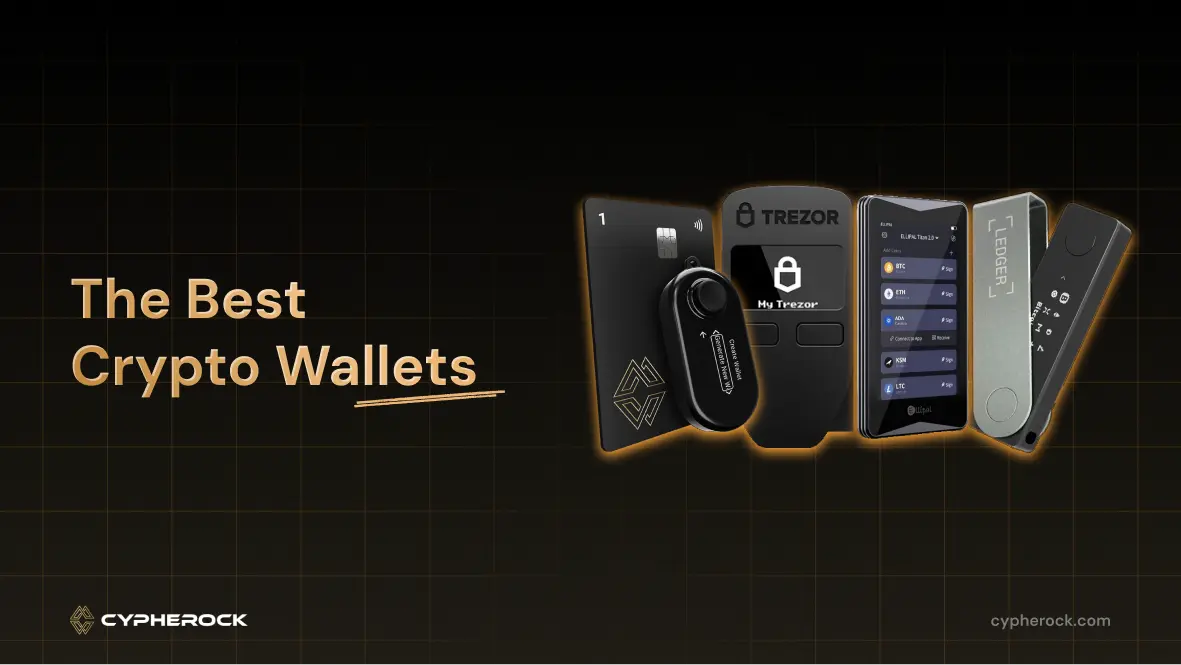
Pairing a mobile wallet with a hardware device like the Ledger Nano X or Trezor Model One adds a critical layer of security. These devices allow you to sign transactions securely on your phone without exposing your private keys to potential mobile malware. This combination is particularly recommended for users holding significant assets or actively engaging in high-value DeFi protocols.
Checklist for choosing your wallet
Before funding any account, verify that the app aligns with your specific security needs and supported assets. Use this ordered checklist to validate your choice.
Confirm the wallet allows you to write down and store a 12 or 24-word recovery phrase offline. If the app stores your keys on their servers or requires cloud sync for recovery, it is a custodial solution, not a true self-custody wallet. Look for apps like Ledger Live or Trust Wallet that emphasize offline backup.
Ensure the wallet supports the specific coins you intend to hold, such as Bitcoin, Ethereum, or Solana. For DeFi users, verify compatibility with networks like Polygon or Arbitrum. A mobile crypto wallet should clearly list all supported assets in its settings or app store description.
Send a minimal amount of crypto to the wallet to verify that deposits arrive correctly and that you can initiate a withdrawal. This confirms that the private keys are functioning and that the app’s interface accurately reflects your balance.
Check for biometric authentication (Face ID or fingerprint) and hardware wallet integration if available. Look for open-source code or third-party security audits, which are hallmarks of trustworthy software like MetaMask or Atomic Wallet.
Once you have completed these steps, you can confidently proceed to download or fund your selected mobile crypto wallet.
No comments yet. Be the first to share your thoughts!