Mobile DeFi has unlocked new ways to earn passive income, and with the Solana Saga phone, you can stake SOL and stablecoins directly from your pocket. As of November 10,2025, Solana (SOL) is trading at $169.18, reflecting a healthy 6.9% daily increase. This robust price action is fueling renewed interest in staking as a way to grow your holdings while supporting the network.
Person managing Solana staking rewards on a Solana Saga phone in a bright, modern environment

Why Stake SOL on Your Solana Saga?

Staking on mobile isn’t just about convenience - it’s about maximizing your crypto’s earning potential without sacrificing security or flexibility. The Solana Saga phone is purpose-built for seamless DeFi access, letting users interact with decentralized apps (dApps), manage wallets, and monitor rewards on the go. By staking SOL or stablecoins through trusted wallets like Phantom or Solflare, you can earn regular rewards while helping secure the rapidly growing Solana ecosystem.

Key benefits include:

  • Passive income: Earn staking rewards every epoch (about every 2-3 days).
  • Network participation: Support decentralization and security by delegating to reliable validators.
  • Mobile-first experience: Manage everything from your Saga device - no desktop required.

Step-by-Step Guide: Staking SOL Using Your Mobile Wallet

If you’re ready to get started, follow these steps to stake your SOL directly from your Solana Saga phone:

How to Set Up Phantom or Solflare Wallet and Stake SOL on Solana Saga
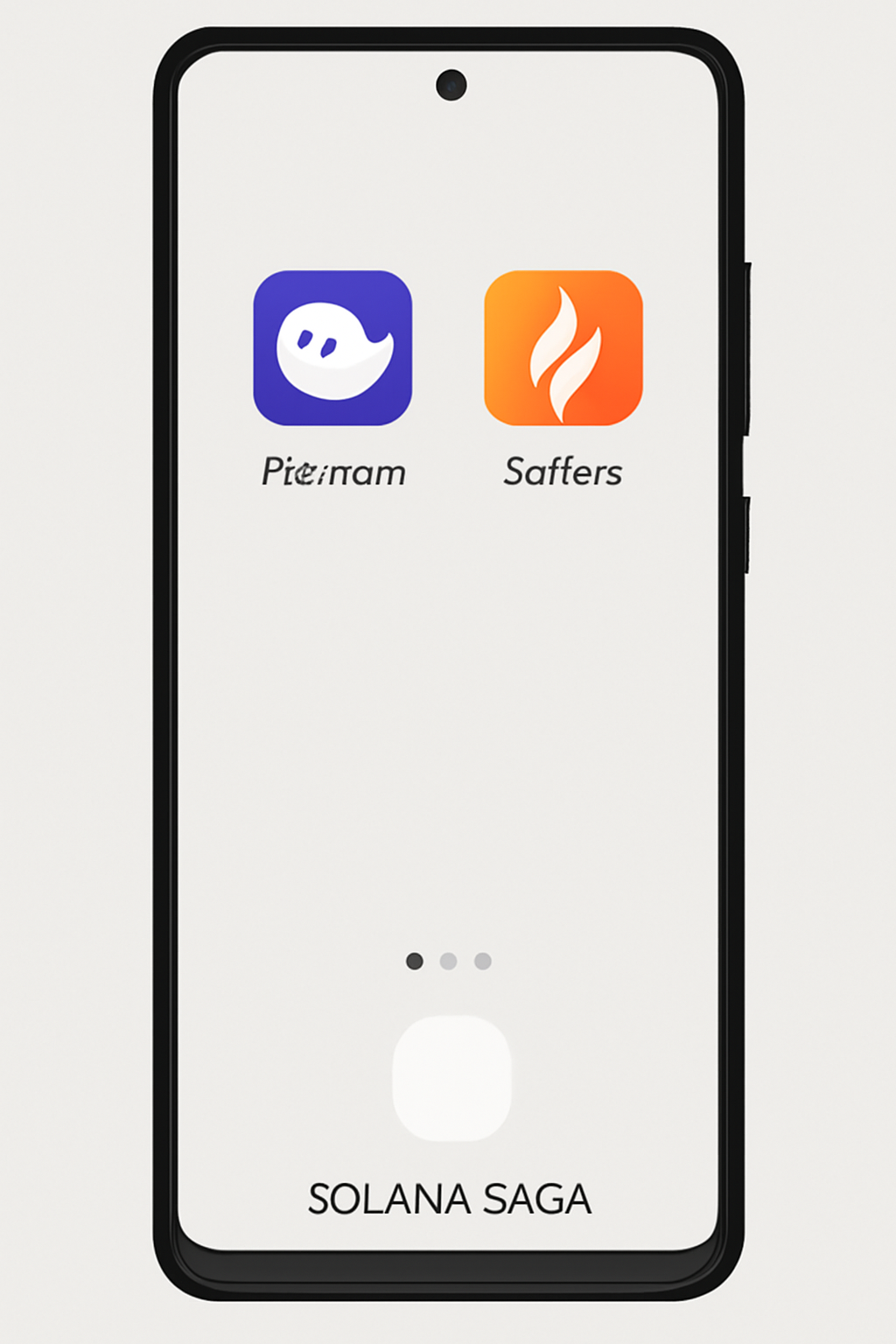
A Solana Saga smartphone displaying the Phantom and Solflare wallet app icons on its home screen, with a simple and clean interface, digital style.
Install Phantom or Solflare Wallet on Your Solana Saga
Begin by installing a compatible wallet app on your Solana Saga device. Phantom and Solflare are both user-friendly options that support SOL staking. Download your preferred wallet from the official app store and follow the on-screen instructions to set up your new wallet or import an existing one. Be sure to securely back up your recovery phrase.
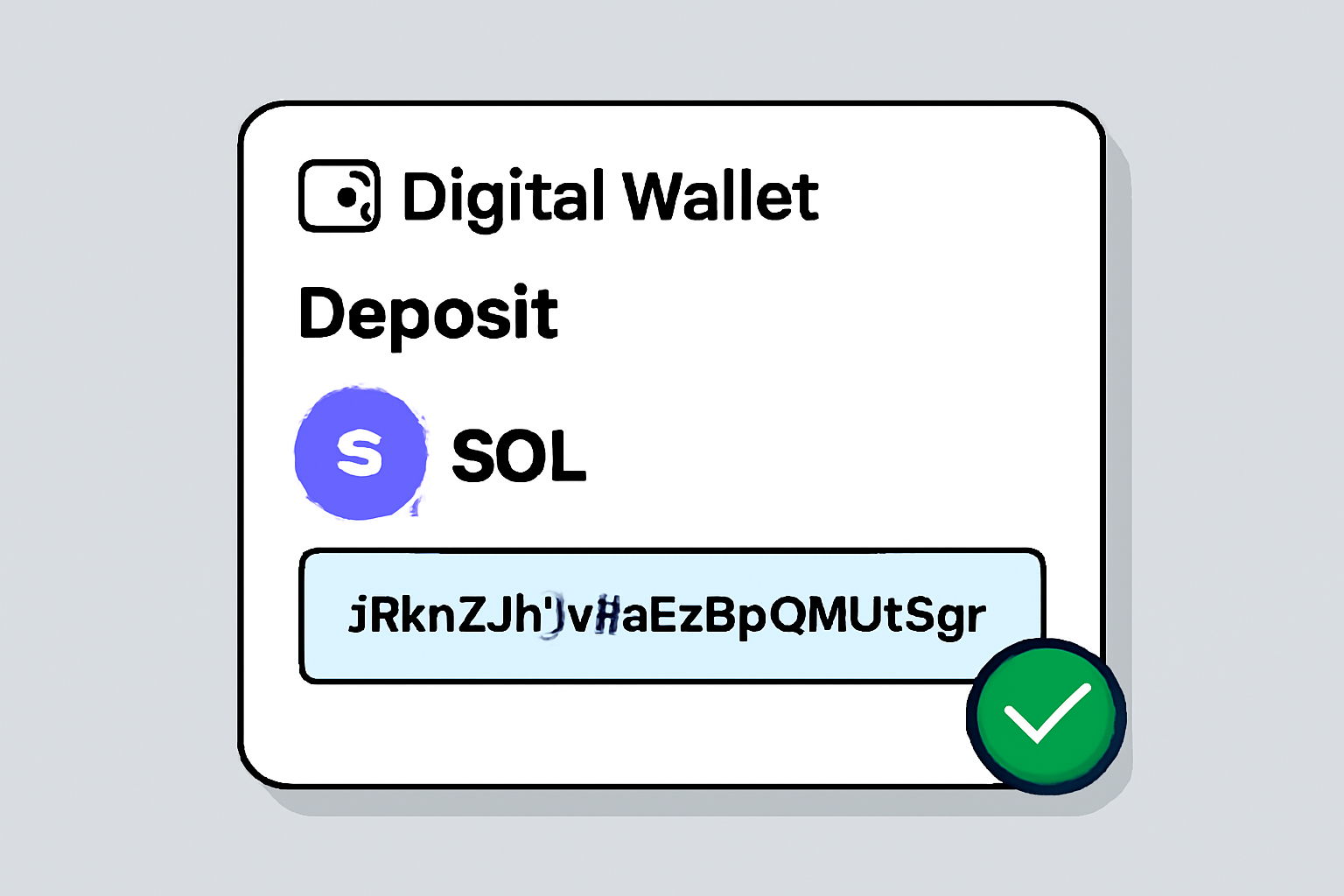
A digital wallet interface showing a deposit of SOL tokens, with a highlighted wallet address and a confirmation checkmark, modern and secure look.
Transfer SOL to Your Wallet
Purchase Solana (SOL) from a reputable exchange if you haven't already. As of November 10, 2025, SOL is trading at $169.18, up 6.9% in the last 24 hours. Transfer your SOL to your wallet by copying your wallet address and pasting it into the withdrawal section of your exchange. Always double-check the address before confirming the transfer.
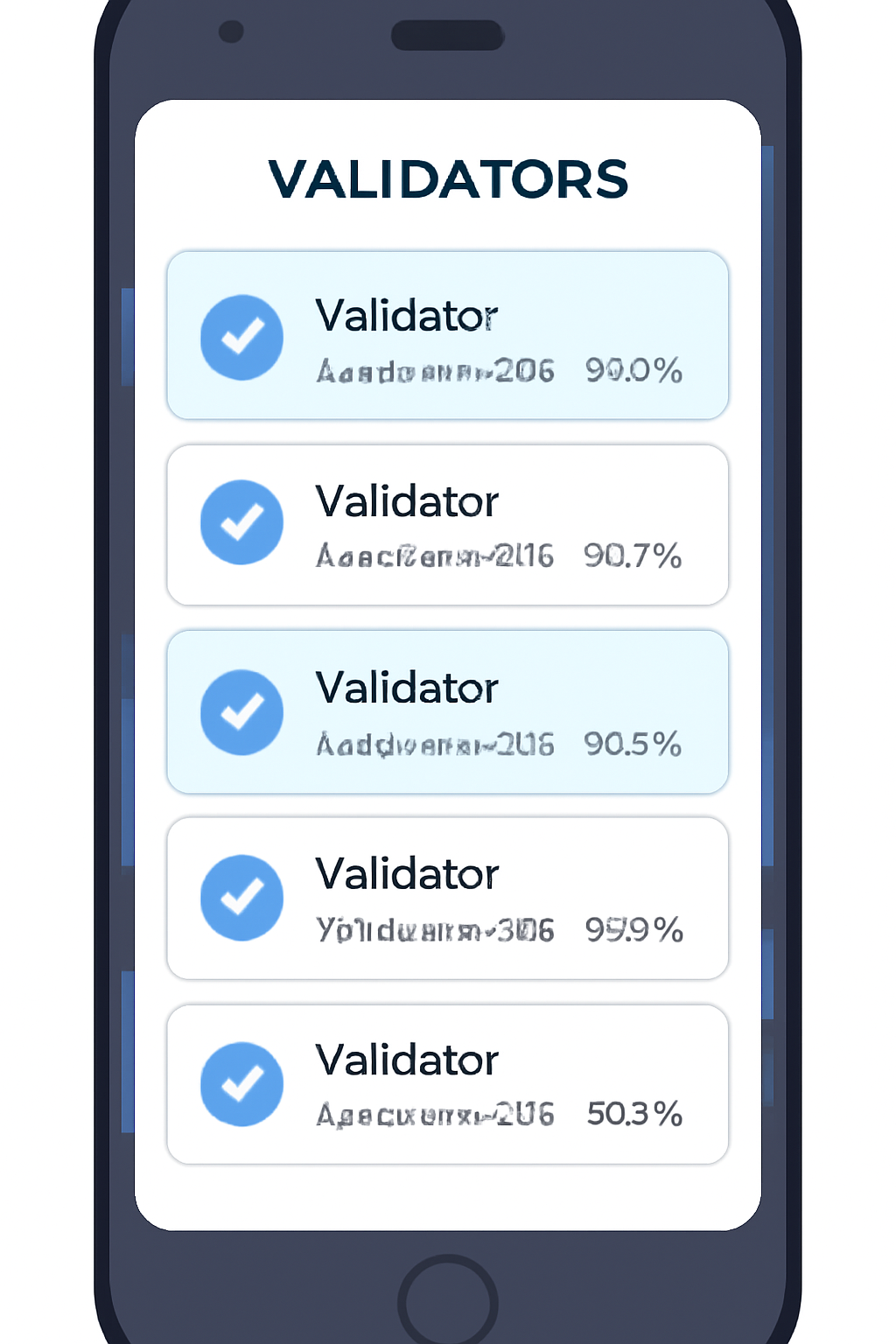
A list of validators on a mobile wallet screen, with different commission rates and uptime percentages, some validators highlighted, clean and informative style.
Choose a Reliable Validator
Validators are crucial for network security and performance. Within your wallet, review the list of available validators. Look for those with at least 95% uptime, reasonable commission rates (typically 5-10%), and a strong reputation. Supporting smaller validators can help decentralize the network.
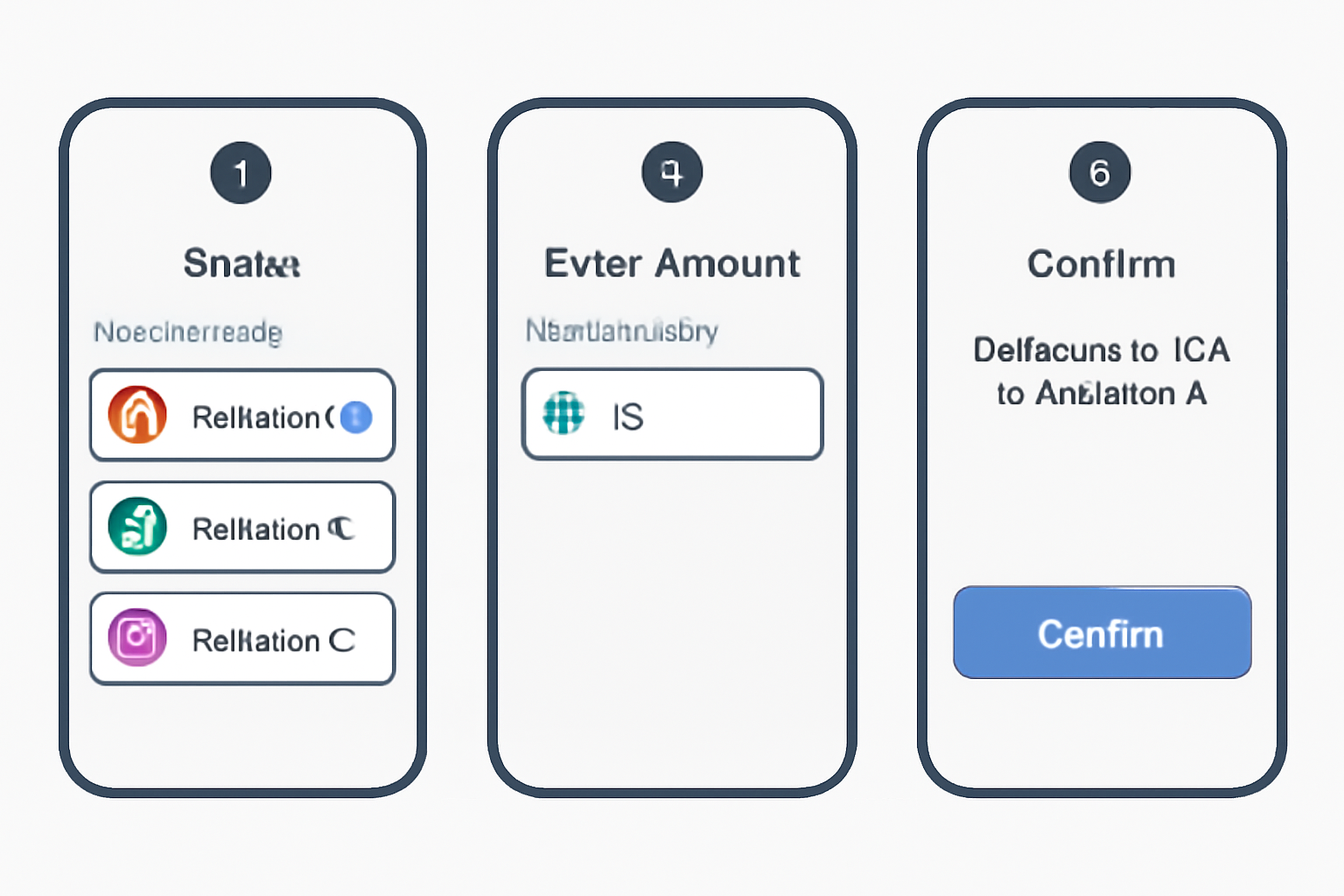
A mobile wallet interface showing the staking process: selecting a validator, entering the amount of SOL, and confirming the delegation, with a focus on clarity.
Delegate Your SOL to a Validator
Navigate to the staking or delegation section in your wallet. For Phantom, tap your SOL balance and select 'Start earning SOL' or 'Stake SOL.' For Solflare, go to the staking section and choose 'Delegate.' Search for your chosen validator, enter the amount of SOL to stake, and confirm the transaction. Your SOL remains in your wallet; you're simply delegating staking rights.
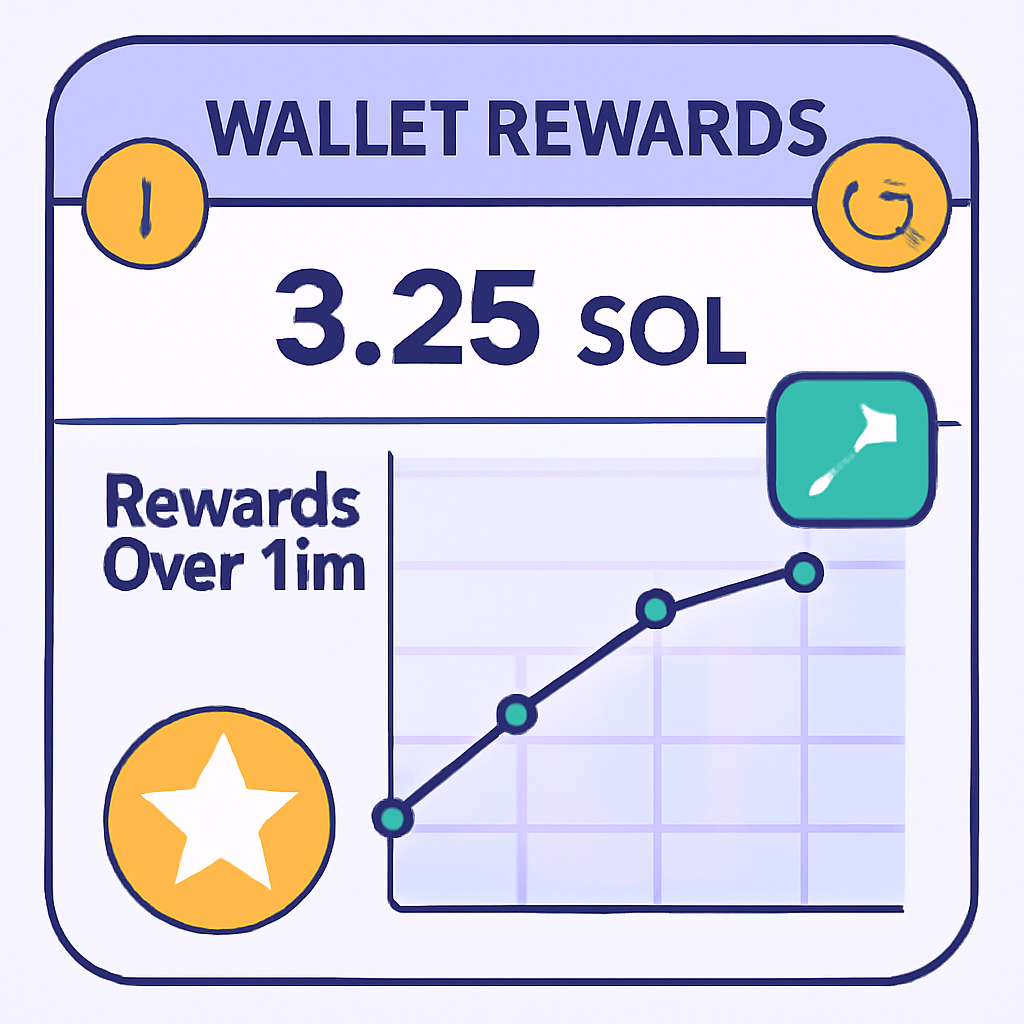
A wallet rewards dashboard showing increasing SOL rewards over time, with a graph and notification icons, cheerful and motivating style.
Monitor Your Staking Rewards
Staking rewards are distributed every epoch (about every 2-3 days). You can track your rewards directly in your wallet. Some wallets offer automatic compounding to grow your passive income even faster. Check your rewards regularly and enjoy watching your SOL balance grow.
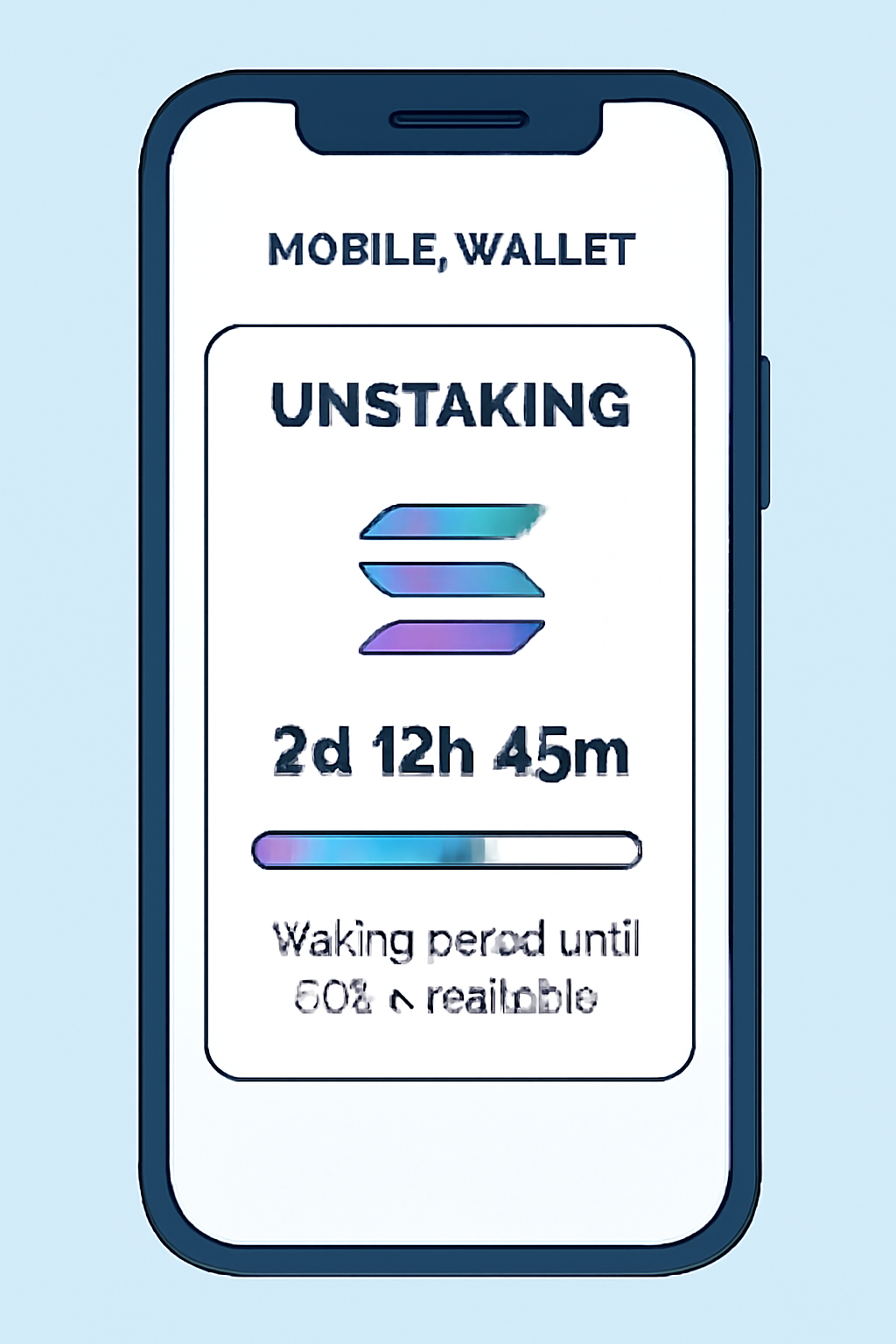
A mobile wallet showing an unstaking process, with a countdown timer and a progress bar, indicating the waiting period until SOL is available.
Unstake Your SOL When Needed
If you wish to access your staked SOL, initiate the unstaking process in your wallet. There is a deactivation period of about one epoch (2-3 days). After this period, your SOL will be available for withdrawal or transfer.
  1. Install a Compatible Wallet: Download Phantom or Solflare from the app store on your Saga device. Both support native staking features optimized for mobile.
  2. Transfer SOL to Your Wallet: Purchase SOL from a reputable exchange and send it to your wallet address on the phone (always double-check addresses for accuracy).
  3. Select a Validator: In the wallet app’s staking section, browse validator options. Consider uptime (aim for at least 95%), commission rates (typically between 5-10%), and community reputation. Supporting smaller validators can also help promote network decentralization.
  4. Delegate Your Stake: Choose “Stake” or “Delegate” in your wallet, select your validator, enter the amount of SOL you wish to stake, and confirm the transaction. Your tokens remain in your custody; only staking rights are delegated.

This process is designed for simplicity without compromising control over your assets. For more details on mobile-first DeFi setups with Saga, see our comprehensive guide here.

Earning Rewards: What to Expect After Staking at $169.18 per SOL

Your staked SOL will begin earning rewards almost immediately after delegation - typically distributed every epoch (~2-3 days). These rewards vary based on total network participation and validator performance but are automatically reflected in your wallet balance. Some wallets even offer auto-compounding features that reinvest earnings for maximum yield over time.

You can track both principal and reward balances in real time using built-in dashboards within Phantom or Solflare apps right from your Saga device.

Beyond SOL, many mobile-first users are exploring stablecoin staking and liquid staking tokens to diversify yield and manage risk. Platforms like Marinade Finance and Jito Network let you stake SOL and receive mSOL or JitoSOL, providing both staking rewards and the flexibility to use your tokens in other DeFi protocols. This is ideal for those who want to keep earning while participating in swaps, lending, or liquidity pools, all from your Solana Saga phone.

Staking Stablecoins for Mobile Yield

While native SOL staking is the foundation of passive income on Solana, earning yield on stablecoins (like USDC or USDT) is also possible through DeFi vaults and lending platforms. These options typically involve supplying your stablecoins to protocols such as MarginFi, Kamino, or Solend directly from your mobile wallet. In return, you’ll earn a variable APY that’s often higher than traditional savings accounts.

  • Choose a trusted DeFi app: Look for mobile-optimized dApps with strong security track records.
  • Connect your Saga wallet: Use in-app browser integration or WalletConnect to link Phantom or Solflare.
  • Select a vault or pool: Review APYs, protocol risk ratings, and lockup periods before depositing.
  • Monitor returns: Most apps display real-time earnings and allow withdrawal at any time (subject to protocol rules).

If you’re new to these strategies, our step-by-step guide to DeFi staking on Saga can help you get started safely.

Managing Risks and Maximizing Mobile Rewards

No strategy is without risk. Validator downtime can reduce rewards; poor validator performance might even result in slashing (loss of a portion of staked SOL). With DeFi stablecoin vaults, smart contract bugs or protocol insolvency are the main threats. Here’s how savvy mobile users protect themselves:

Safe Staking & Yield Farming on Solana Saga: Mobile Checklist

  • Install a Solana-compatible wallet (e.g., Phantom or Solflare) on your Solana Saga device📱
  • Purchase SOL from a reputable exchange and transfer it to your wallet (double-check the address!)🔒
  • Research and select a reliable validator (look for 95%+ uptime, fair commission, and good reputation)🔍
  • Delegate your SOL to the chosen validator through your wallet’s staking section🤝
  • Monitor your staking rewards every 2-3 days within your wallet📈
  • Consider liquid staking options (like Marinade Finance or Jito Network) for added flexibility, if desired💧
  • Understand and review potential risks: validator performance, network changes, and smart contract vulnerabilities⚠️
  • When ready, unstake your SOL and wait for the deactivation period (~2-3 days) before accessing your funds
Great job! You’ve safely set up staking and yield farming with SOL and stablecoins on your Solana Saga device. Enjoy your passive income and stay vigilant for new opportunities!
  • Diversify across multiple validators and platforms when possible.
  • Stay updated with validator status inside your wallet app.
  • Avoid unknown protocols, stick with audited projects supported by the Solana community.
  • Regularly review your positions; don’t "set and forget" entirely!

If you ever need to unstake your SOL, remember there’s a deactivation period of about one epoch (roughly two to three days). Afterward, funds become available for transfer or new investments, all manageable from the palm of your hand with Saga’s secure hardware integration. For more on securing your device for DeFi use, check our detailed guide: Saga phone security best practices.

Frequently Asked Questions

Staking SOL on Solana Saga: Your Essential FAQ

How do I start staking SOL on my Solana Saga device?
To begin staking SOL on your Solana Saga, first install a compatible wallet like Phantom or Solflare. Purchase SOL from a reputable exchange, then transfer it to your wallet. Inside the wallet, navigate to the staking or delegation section, choose a reliable validator, and delegate your SOL. This process is secure and your tokens remain in your custody throughout.
📱
What are the benefits of staking SOL on Solana Saga?
Staking SOL lets you earn passive income while supporting the Solana network's security and operations. With SOL currently trading at $169.18 (as of November 10, 2025), staking rewards can add up over time. Additionally, you help decentralize the network by choosing smaller validators, and some wallets offer features like auto-compounding to maximize your returns.
💸
How do I choose the best validator for staking?
When selecting a validator, consider their uptime (aim for 95%+), commission rate (usually 5-10%), and overall reputation. Supporting smaller validators helps with decentralization. Most wallets display validator stats to help you make an informed choice. Remember, your rewards depend on validator performance, so review their history before delegating your SOL.
🔍
What is liquid staking and how does it work on Solana Saga?
Liquid staking platforms like Marinade Finance or Jito Network let you stake SOL and receive liquid tokens (e.g., mSOL, JitoSOL) in return. These tokens can be used in other DeFi applications while still earning staking rewards. This approach offers flexibility and liquidity, but always research the platform for potential risks before participating.
💧
How and when can I claim or unstake my SOL?
To claim rewards, simply check your wallet after each epoch (about every 2-3 days); some wallets allow you to auto-compound. To unstake, initiate the process in your wallet and wait for the deactivation period (one epoch, ~2-3 days). Afterward, your SOL will be available for withdrawal or transfer—no need to rush, as your funds remain secure throughout.

The future of passive income is increasingly mobile-first, especially as Solana continues its rapid growth. With SOL at $169.18, now is an opportune time to explore how simple it can be to put your crypto to work while keeping full control via your Saga device. Whether you’re delegating SOL or experimenting with stablecoin vaults, the tools at your fingertips make earning yield more accessible than ever before.