
Solana Saga is not just another Android flagship - it's a purpose-built device engineered for secure, mobile-first interaction with the Solana blockchain and DeFi ecosystem. As the market price of Binance-Peg SOL (SOL) sits at $193.52, users are increasingly looking to protect their crypto assets while leveraging on-chain finance from their phones. This guide breaks down the technical steps and best practices to set up and secure your Solana Saga phone for seamless and safe mobile DeFi activity.
Understanding Solana Saga’s Security Architecture
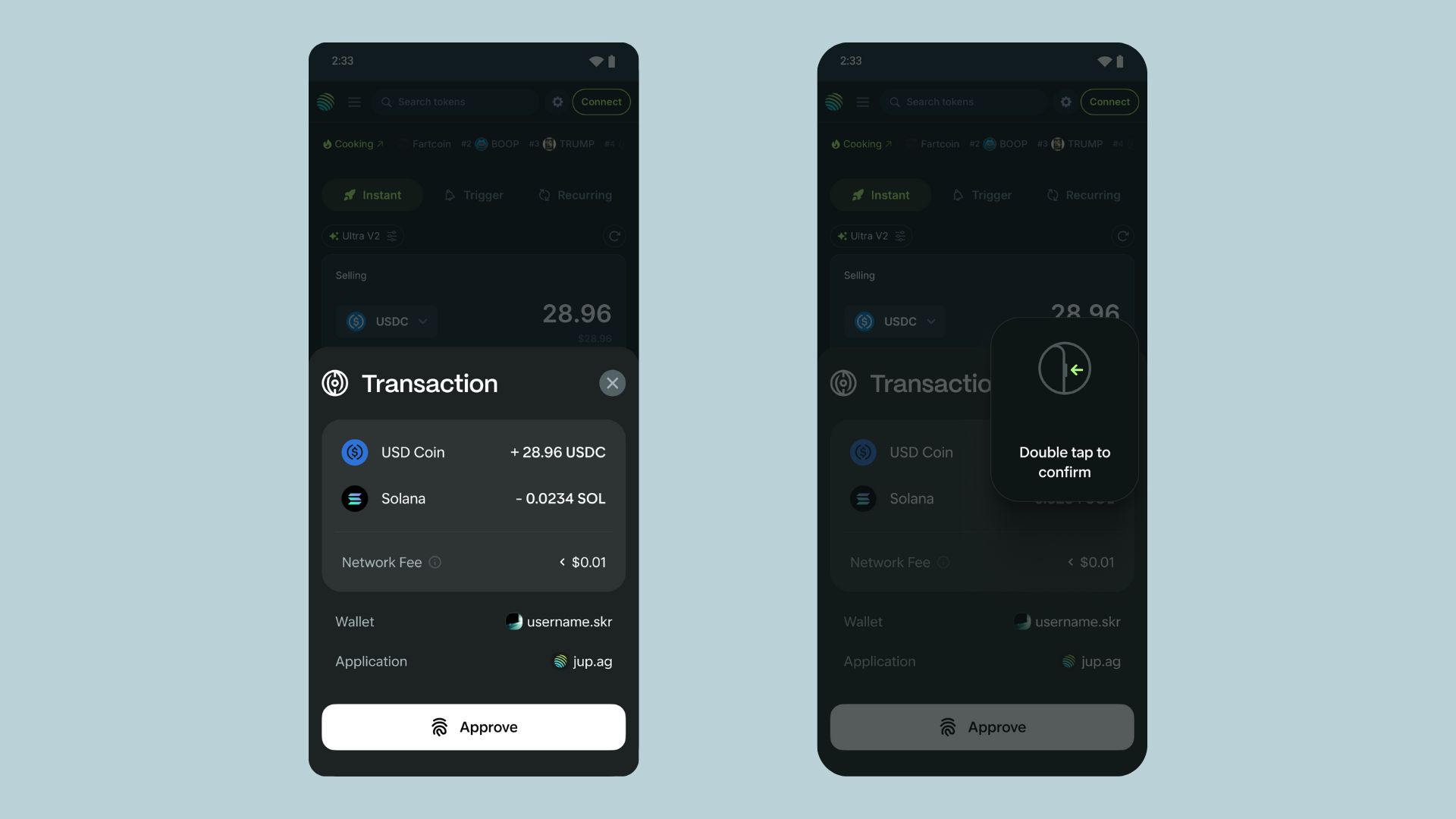
What sets the Solana Saga apart is its integrated security stack designed specifically for digital asset protection. The Seed Vault acts as a hardware-level enclave, isolating your private keys and seed phrases from the Android OS and application layer. This architecture ensures that even if a malicious app compromises your system, your core crypto secrets remain inaccessible.
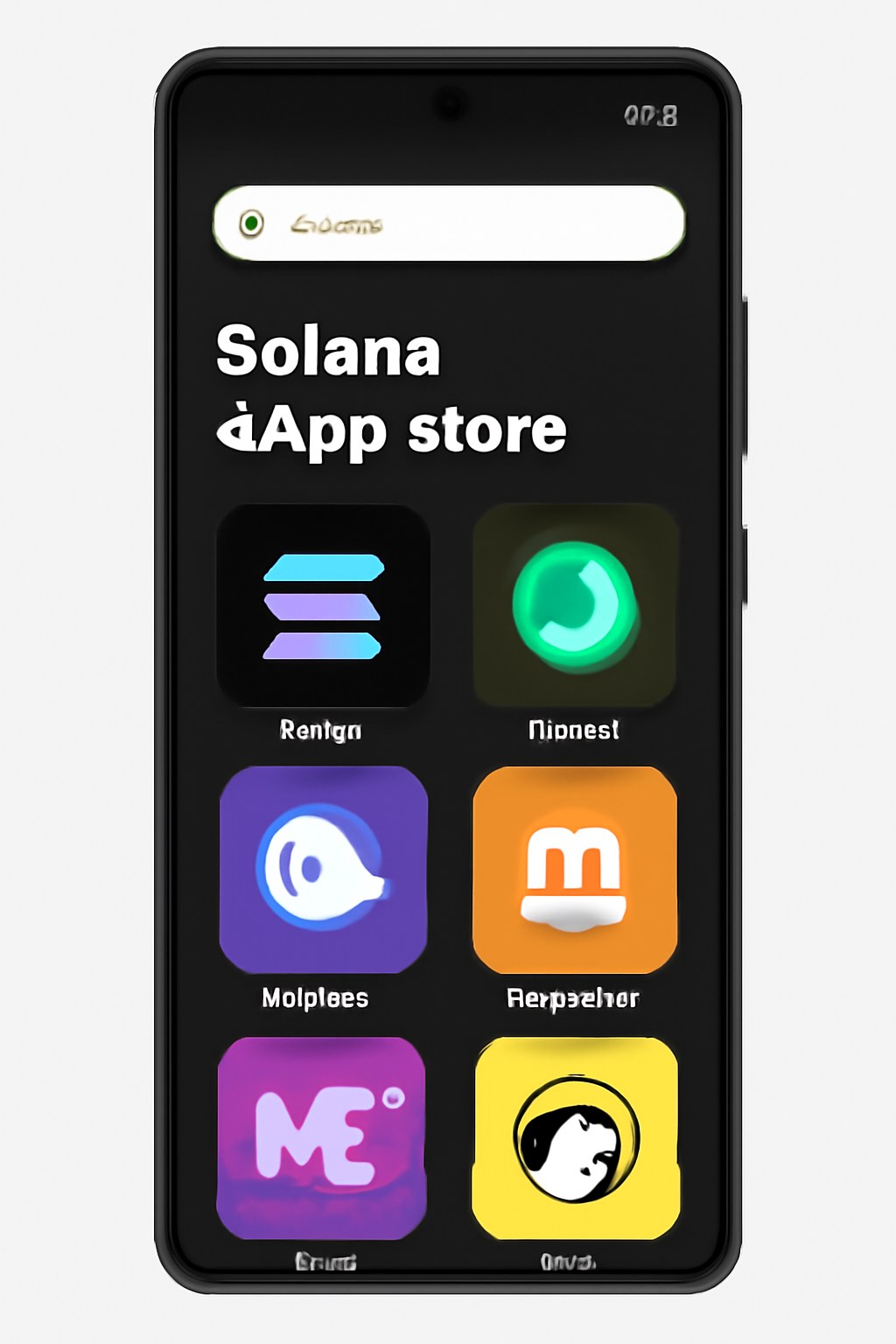
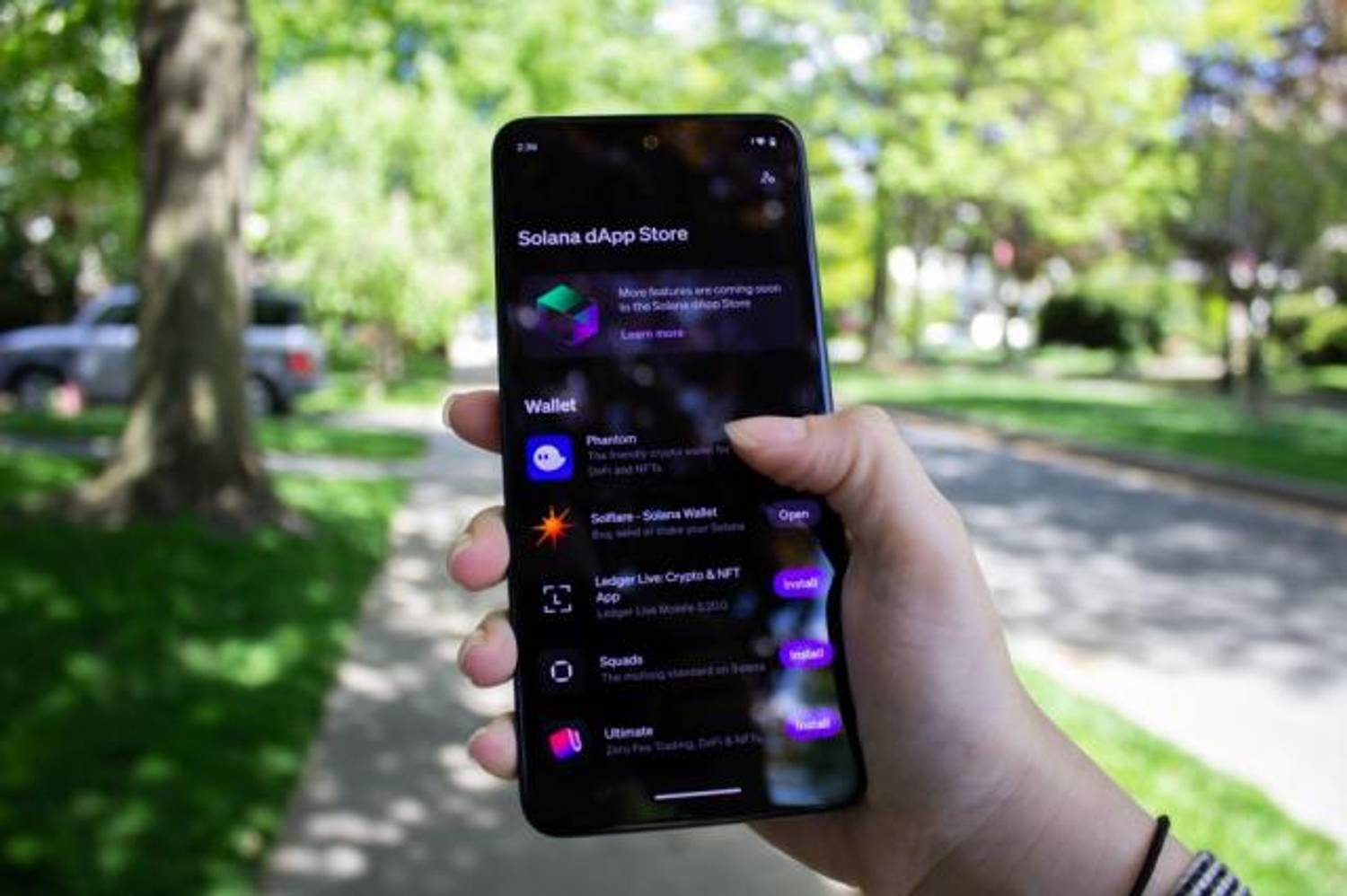
The dApp Store is another key differentiator. Unlike mainstream app stores, the Solana dApp Store is curated for Web3 apps with policies supporting NFT sales, DeFi protocols, and wallet integrations. Combined with features like SKR Token and TEEPIN for app verification, Saga provides a robust foundation for mobile DeFi participation.
Initial Setup: Laying a Secure Foundation
Begin by powering on your device (hold the power button for four seconds), connecting to Wi-Fi, and signing in with your Google account. Immediately check for system updates via Settings and gt; System and gt; Software Update. Keeping firmware current is critical given recent reports of discontinued software updates and emerging security risks (see Bitget coverage on post-support caution).
The next step is initializing Seed Vault:
- Create a new wallet: Navigate to Settings and gt; Seed Vault, select ‘Add a new seed phrase, ’ then ‘Create a new wallet. ’ The device will generate a unique 24-word seed phrase.
- Offline backup: Write down your 24 words on paper - never store them digitally or photograph them. Store this backup securely offline.
- Set a strong passcode: Follow prompts to set up a robust passcode or biometric lock (fingerprint recommended).
- Confirm initialization: Double-check seed phrase transcription before finalizing setup.
This hardware-enforced separation of keys from software ensures that even if an attacker gains control over Android OS or apps, they cannot access your crypto assets.
Installing Mobile DeFi Wallets With Seed Vault Integration
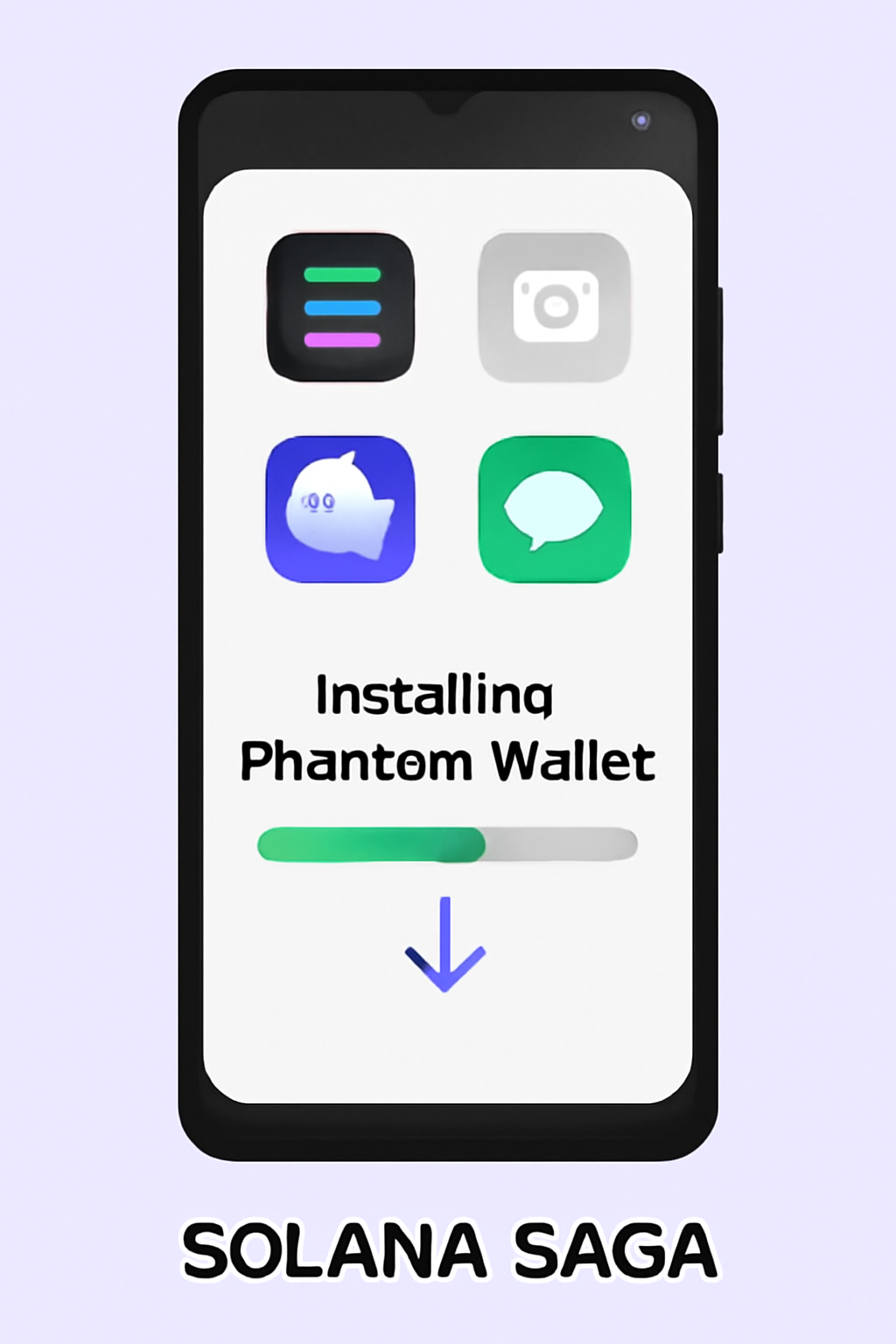
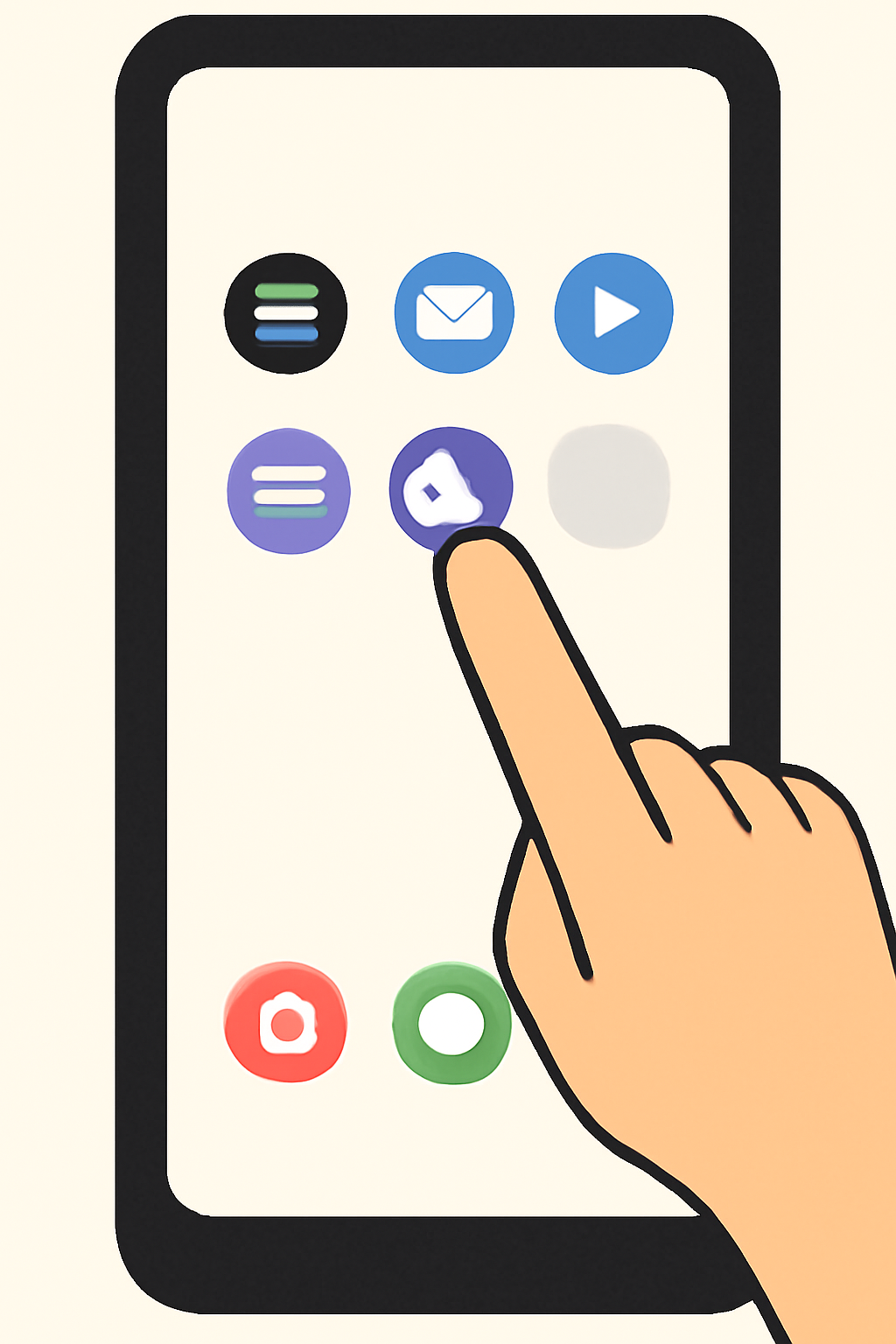
The next step in your secure mobile DeFi journey is installing wallets that natively integrate with Seed Vault. Both Solflare and Phantom, leading Solana wallets, are available in the dApp Store with direct support for hardware-enclave key management.
Install Phantom Wallet on Solana Saga with Seed Vault Integration
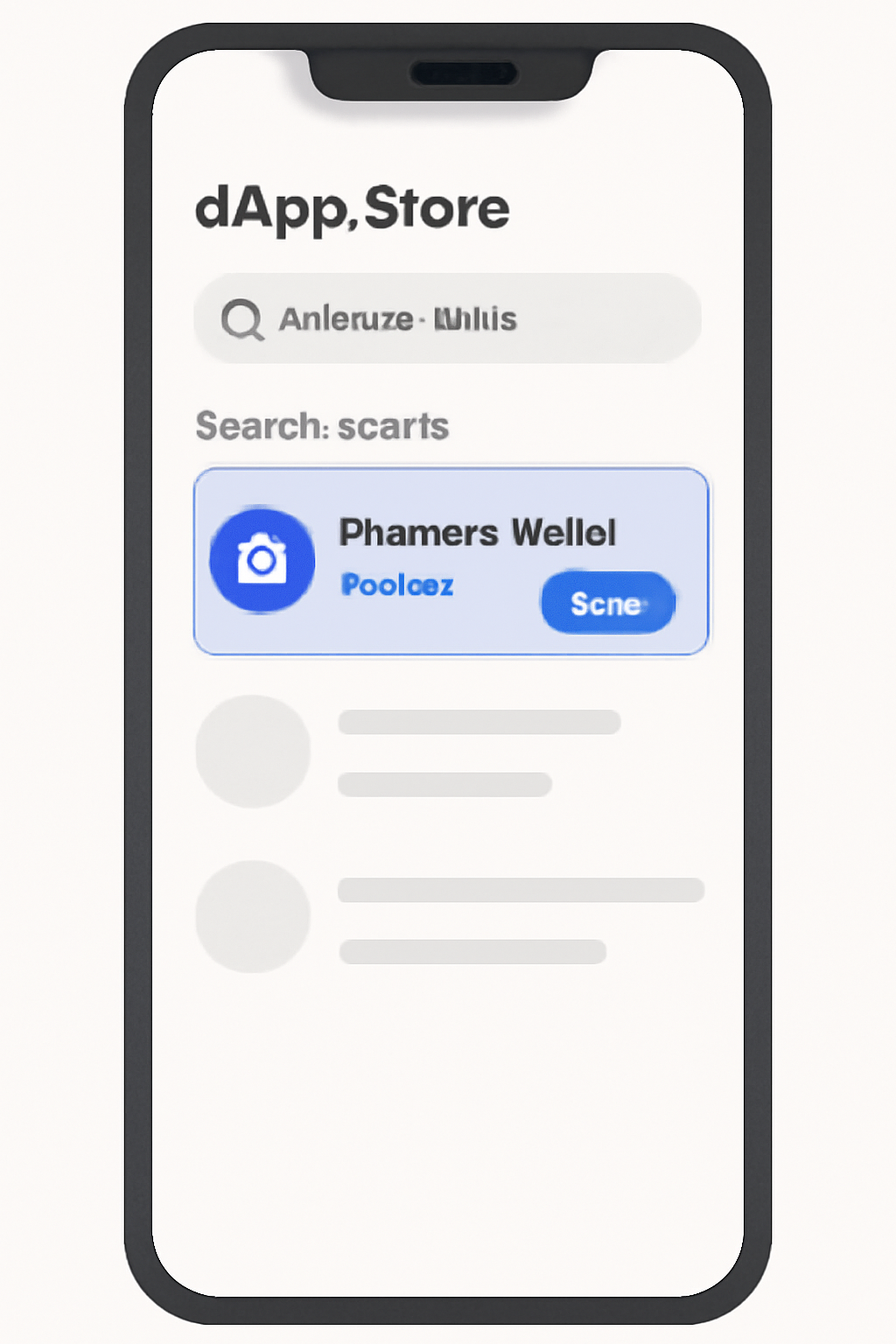
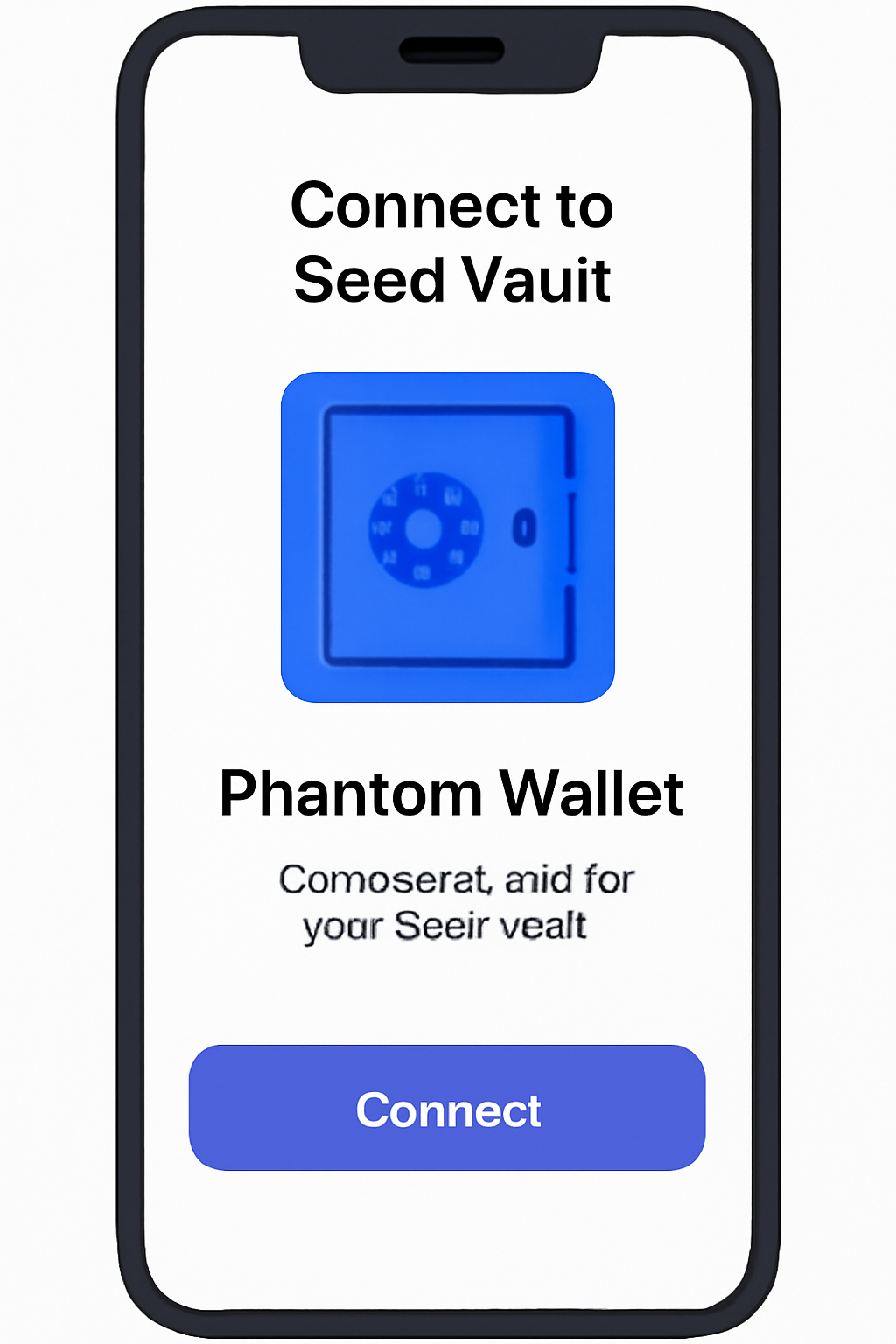
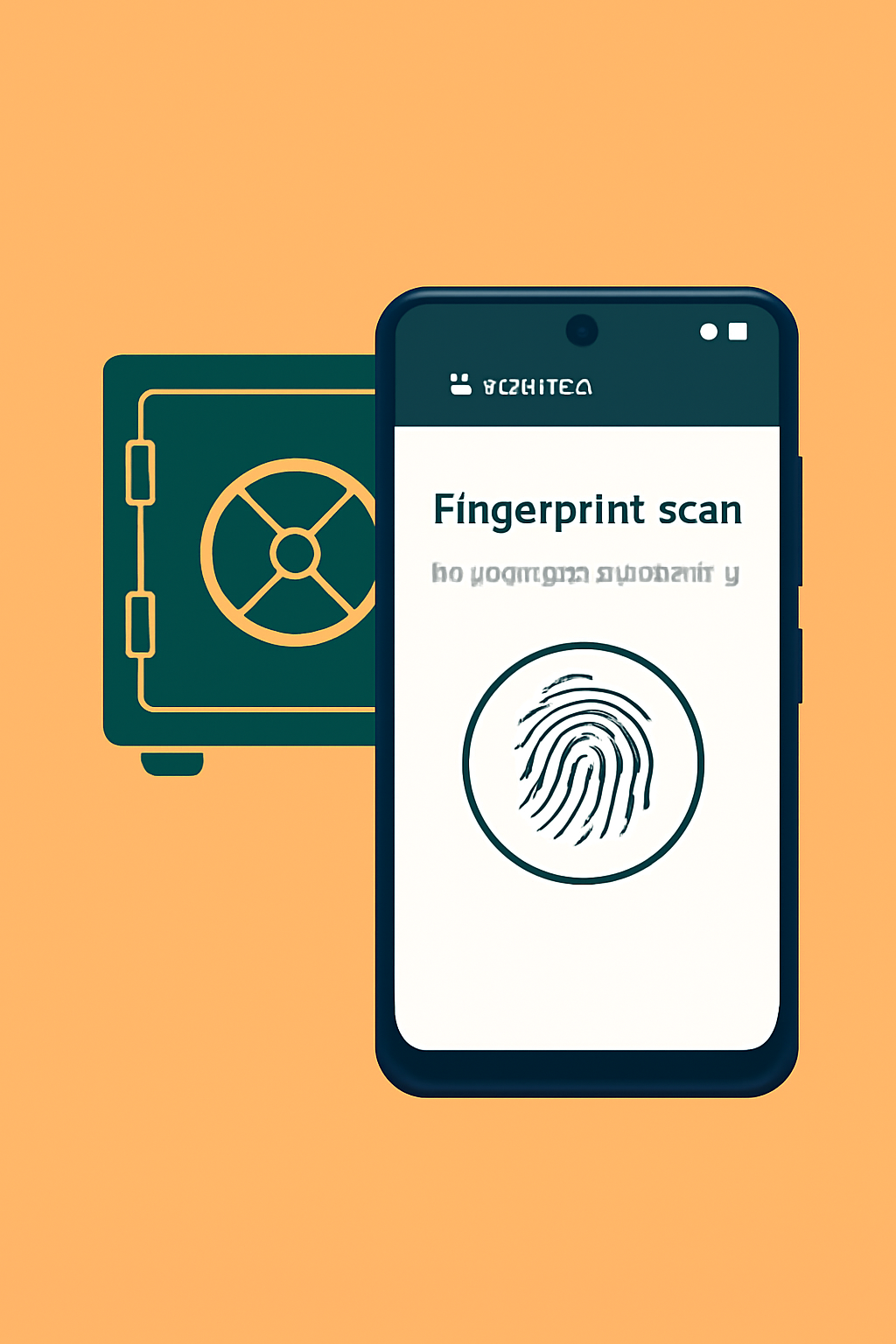
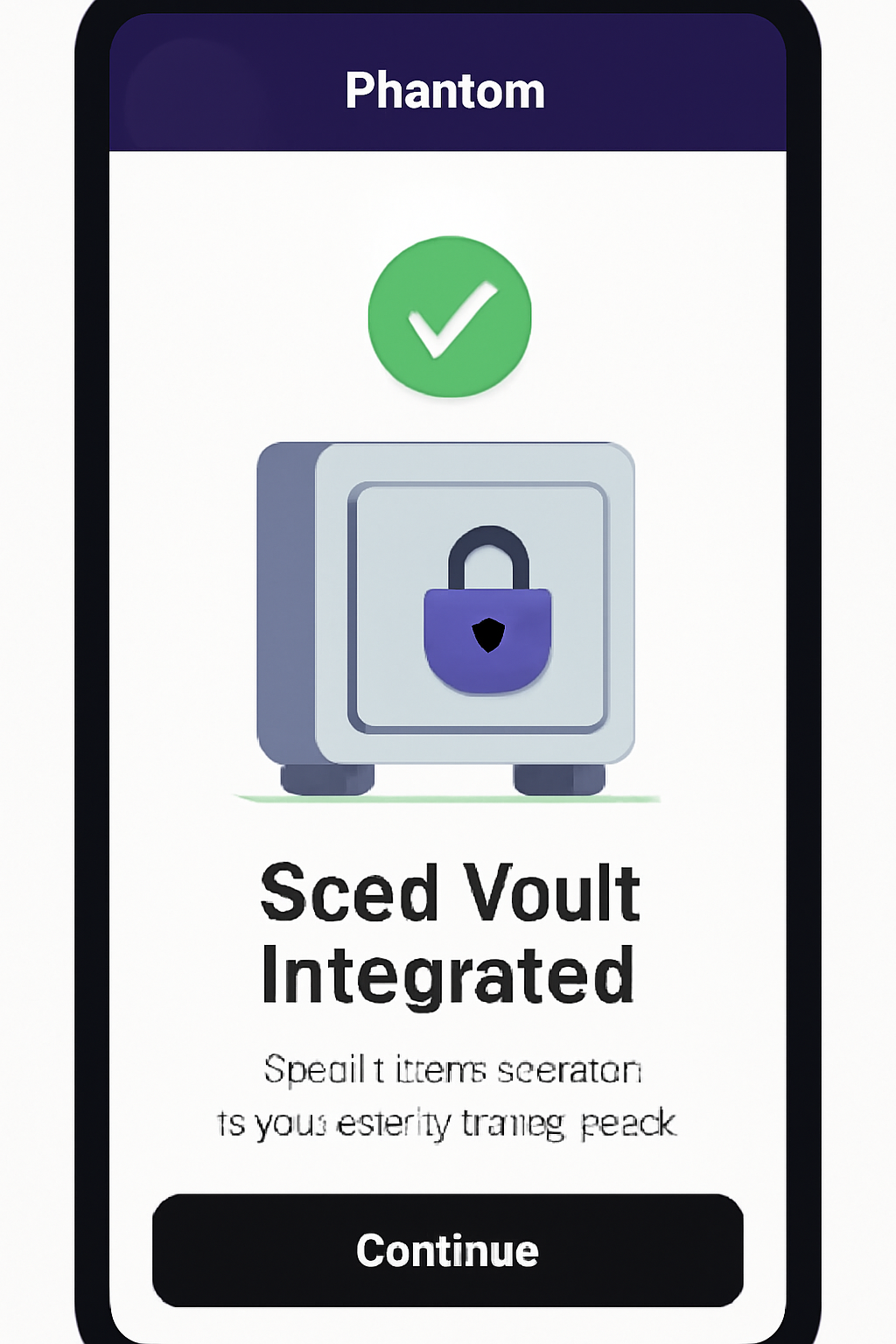
This approach minimizes attack surface by ensuring wallet private keys never leave encrypted hardware storage during transaction signing or dApp interactions.
If you want more granular instructions on wallet setup, refer to our dedicated guide at this link.
The Role of App Permissions and Device Hardening
Saga’s security doesn’t end at initial setup. To further reduce risk:
- Review app permissions regularly: Only allow necessary access for each app (e. g. , camera/microphone should be off by default).
- Avoid unlocking the bootloader: While tempting for developers, this undermines device integrity. Keep it locked unless absolutely necessary.
- Tighten lock screen security: Use long PINs or biometric authentication rather than simple patterns.
- Create regular backups: Back up non-crypto data securely but keep seed phrases strictly offline.
This layered approach aligns with best practices in both traditional mobile security and crypto-specific threat models.
Staying Ahead of Threats: Ongoing Security Practices
Securing your Solana Saga phone isn’t a one-time task. As the Solana ecosystem evolves and the value of Binance-Peg SOL (SOL) remains at $193.52, continuous vigilance is paramount. Mobile DeFi users must proactively monitor device security, especially in light of discontinued software updates and the resulting increase in attack vectors for unsupported devices.
Regularly audit your installed apps, focusing on those with access to the Seed Vault or sensitive permissions. Remove any unused dApps or wallets, as dormant software can become an attack surface over time. Leverage biometric authentication, fingerprint unlock remains one of the most effective barriers against unauthorized device access.
Be wary of sideloading APKs or installing apps from outside the official dApp Store, as these may bypass SKR Token and TEEPIN verification layers that help ensure app authenticity. If you’re developing or testing new dApps, always use a separate device or sandboxed environment to avoid cross-contamination with your main wallet keys.
Maximizing DeFi Potential While Minimizing Risk
Once your Solana Saga is hardened, you’re positioned to tap into the full spectrum of mobile-first DeFi applications. The curated dApp Store provides direct access to staking (Marinade. finance), trading aggregators (Jupiter), and lending platforms (Mango), all designed for seamless on-chain execution with hardware-enclave key signing. As always, verify that each dApp requests only the permissions it needs, overly broad requests can be a red flag.
Top 5 Mobile DeFi Apps for Solana Saga
- Solflare Wallet: A leading Solana wallet app, Solflare offers seamless integration with the Saga’s Seed Vault, enabling secure staking, asset management, and direct access to Solana DeFi protocols.
- Phantom Wallet: Phantom provides an intuitive interface for managing SOL and SPL tokens, connecting securely to the Seed Vault, and interacting with DeFi apps and NFTs on Solana.
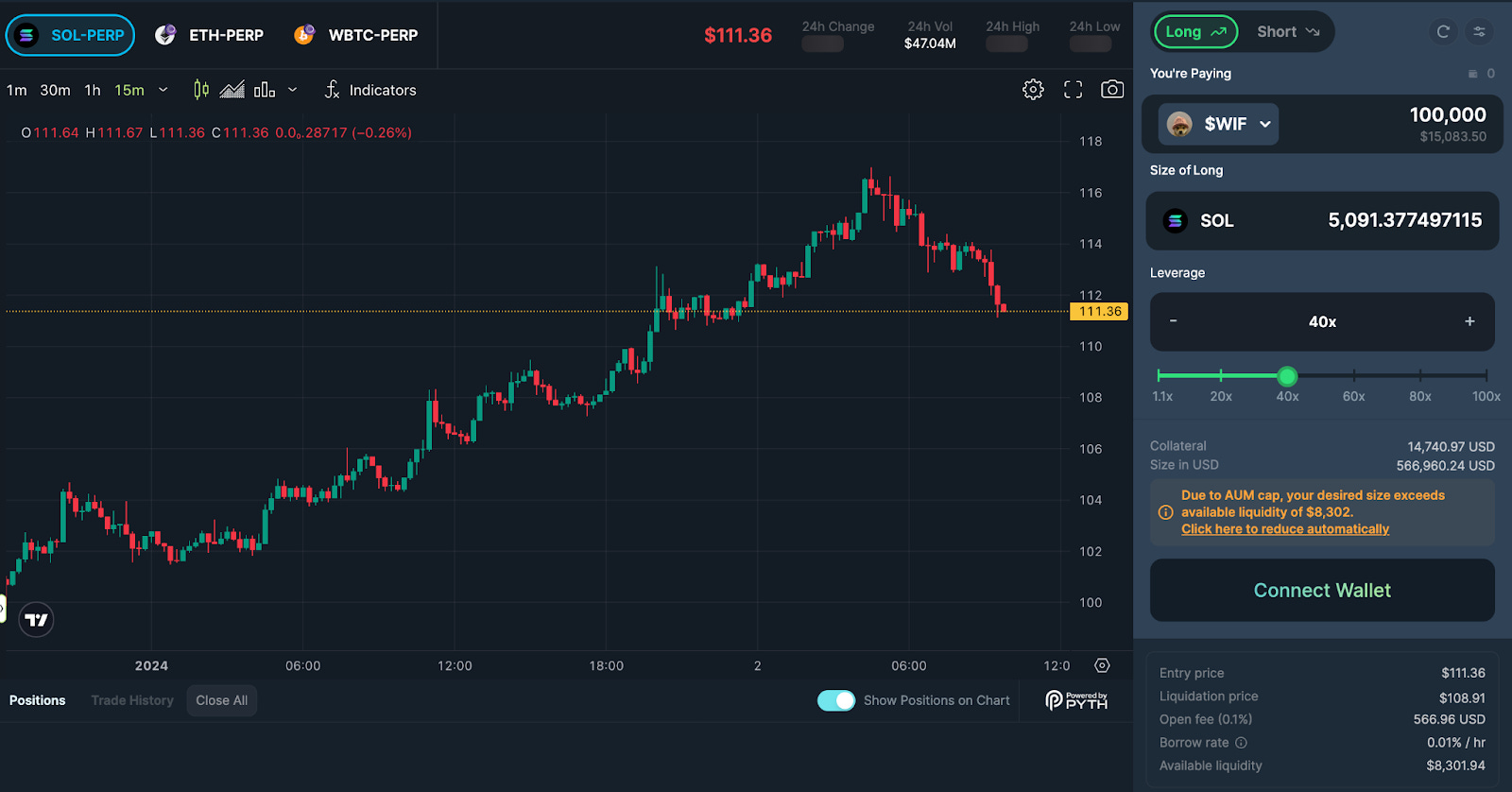
- Jupiter: Jupiter is Solana’s premier decentralized exchange aggregator, offering optimal swap routes and liquidity for SOL (currently $193.52) and other tokens, fully optimized for mobile use on Saga.
- Marinade Finance: Marinade allows users to stake SOL and receive mSOL, with a mobile-optimized interface for the Saga, leveraging the Seed Vault for secure staking and rewards management.
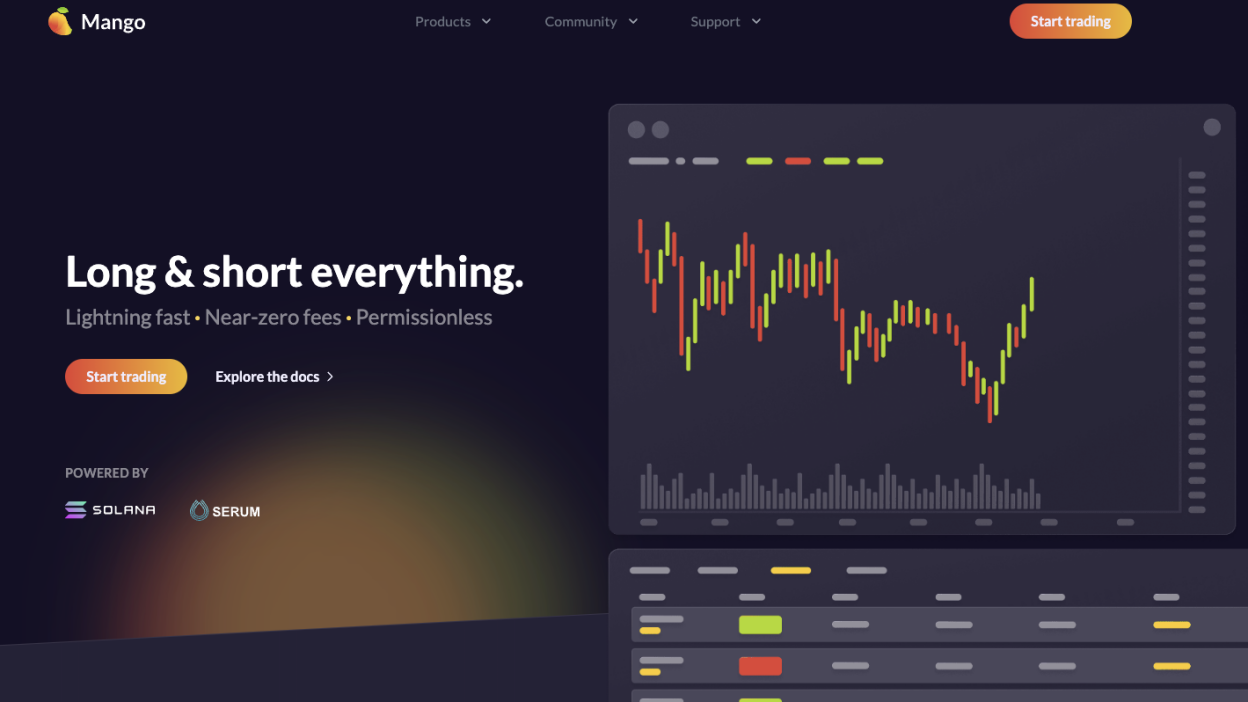
- Mango Markets: Mango delivers decentralized margin trading, lending, and perpetuals on Solana, with a responsive mobile app that integrates with the Saga’s security features.
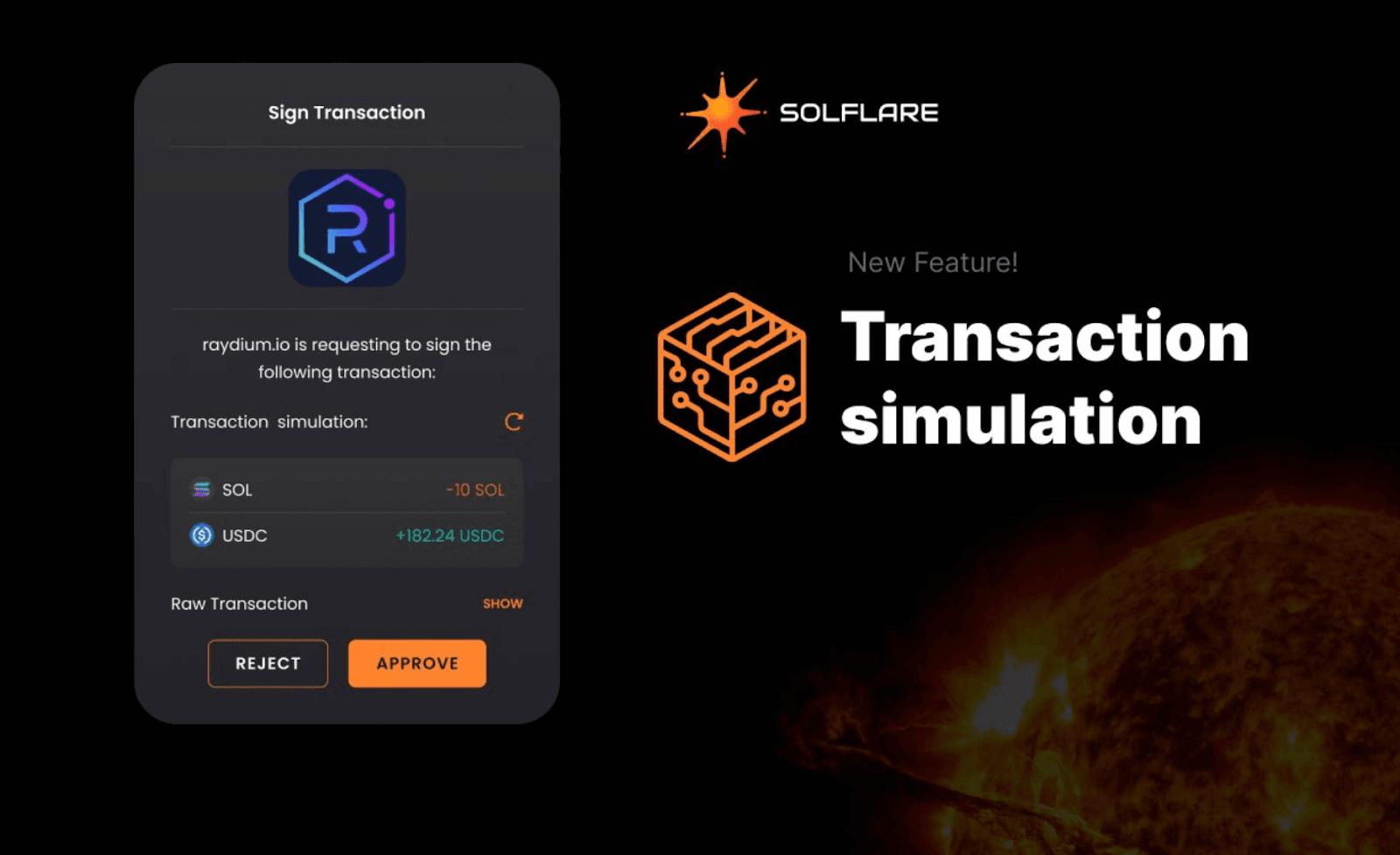
For asset management, consider using both Solflare and Phantom wallets in tandem, each offers unique features such as multi-account management, NFT galleries, and advanced transaction simulation. This dual-wallet approach lets you compartmentalize risk; for example, keep high-value assets in one wallet with minimal exposure while using another for daily transactions.
Monitor network conditions and price action directly from your phone. With SOL currently at $193.52, real-time notifications can help you respond swiftly to market volatility or governance changes within DeFi protocols. For advanced users, integrating Ledger Live via Solana Mobile Stack further elevates security by enabling cold-storage signing workflows directly from your Saga device.
Community Insights and Best Practices
The mobile crypto community is an invaluable resource for staying updated on emerging threats and evolving best practices. Engage regularly with forums like r/CryptoCurrency or follow reputable security researchers on X (formerly Twitter) to keep pace with zero-day exploits or new wallet integrations on Saga.
If you’re looking for comprehensive walkthroughs on using specific DeFi protocols securely from your mobile device, our dedicated guides, such as this complete guide for Saga phone users: offer step-by-step instructions tailored for both beginners and power users.
The Future of Secure Mobile DeFi
The discontinuation of official software support for Solana Saga presents both challenges and opportunities for self-custody advocates. While risks increase without ongoing patches, the robust hardware enclave model still provides meaningful protection if paired with disciplined operational security habits.
If you’re committed to maximizing both usability and safety in mobile-first crypto environments, treat your device as a high-value target, never share screenshots of sensitive screens online, avoid public Wi-Fi when conducting transactions, and periodically review our latest security recommendations here.
The intersection of usability and uncompromising digital asset protection is where devices like the Solana Saga excel, even as market dynamics shift and SOL’s price continues its ascent above $193.52. By following these technical best practices and staying engaged with trusted community resources, you’ll be well positioned to navigate the next evolution in secure mobile DeFi participation.

No comments yet. Be the first to share your thoughts!