
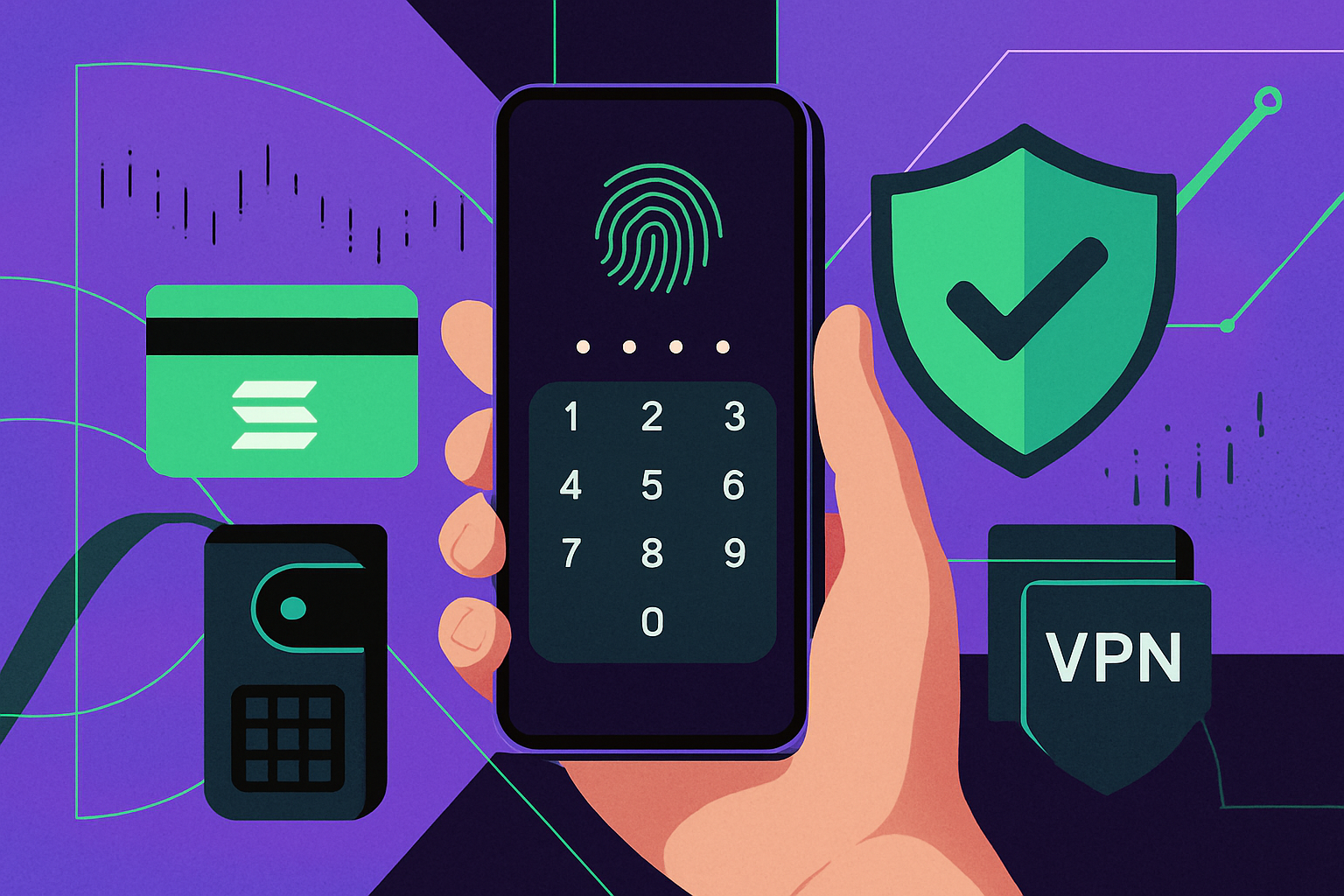
With the Solana Saga phone, mobile DeFi is more accessible than ever, but the convenience comes with unique risks. As Solana Mobile has discontinued official support and updates, users must be proactive in securing their devices and assets. Below, we break down the most critical strategies for safeguarding your Solana Saga phone and ensuring your mobile crypto transactions remain secure in 2025’s evolving threat landscape.
Biometric Authentication and Strong PIN: Your First Line of Defense
Enabling biometric authentication (fingerprint or facial recognition) alongside a robust device PIN is non-negotiable. This dual-layer protection ensures that even if your Saga phone falls into the wrong hands, unauthorized access to your crypto wallets is highly unlikely. Biometric entry not only speeds up wallet access but also significantly reduces the risk of brute-force attacks targeting traditional passcodes.
Choose a PIN that avoids obvious patterns or birthdays, and periodically update it to maintain optimal security. Remember, physical security is foundational in mobile DeFi - compromised devices often lead directly to compromised funds.
Install Only Official Wallet Apps: Phantom, Solflare and Trusted Sources
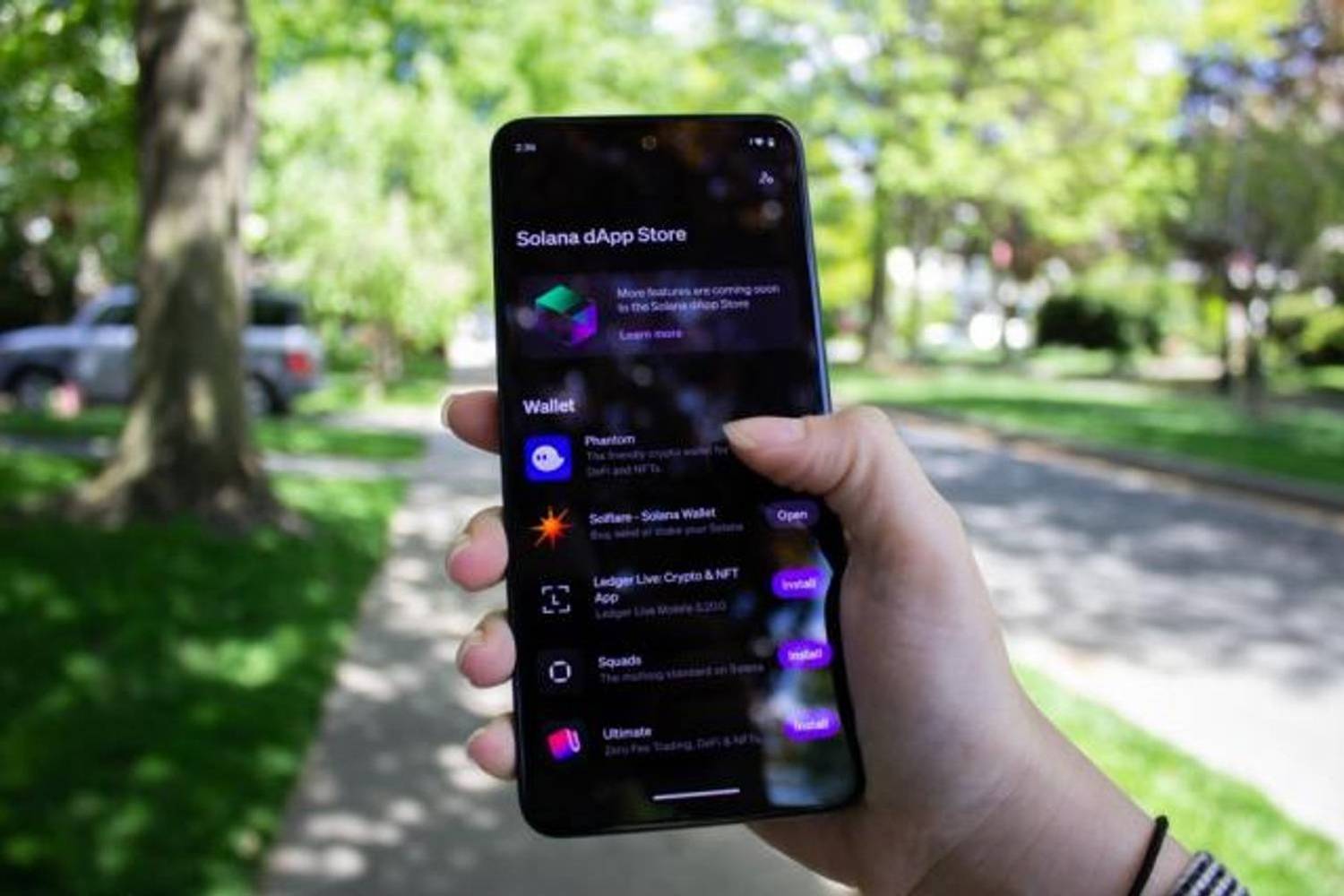
The temptation to sideload APKs or experiment with unverified wallet apps can be strong, especially as new DeFi protocols emerge. However, this is one of the highest-risk behaviors for mobile crypto users. Always download wallet apps such as Phantom, Solflare, or other reputable options from the Google Play Store or official dApp marketplaces.
Sideloading exposes your device to malware and phishing apps designed to steal seed phrases or private keys. Stick with verified sources - even if it means waiting longer for app updates or new features - as vetted applications undergo rigorous security checks before release.
Stay Updated: Firmware and Wallet App Maintenance
The discontinuation of official Saga support means you must be especially vigilant about updates. While firmware updates may no longer arrive automatically from Solana Mobile, it’s crucial to keep all other system and app components current. Most vulnerabilities are exploited through outdated software; regular maintenance closes these gaps.
- Check for OS patches: Even if manufacturer support has ended, third-party Android security patches may be available.
- Update wallet apps weekly: Enable auto-updates where possible or set reminders to review manually every week.
- See our detailed guide on managing updates post-official support
This discipline ensures you benefit from the latest bug fixes and protections against emerging threats targeting mobile DeFi users on legacy hardware.
Seed Vault and Hardware Wallets: Fortifying Your Private Key Security
One of the Solana Saga phone’s defining features is its Seed Vault, a hardware-backed enclave that keeps your private keys separate from the main Android OS. This isolation shields your cryptographic secrets from malware, rogue apps, and even some physical attacks. When performing DeFi transactions, always ensure you’re signing with keys managed by the Seed Vault or, for maximum protection, connect a reputable hardware wallet. This approach minimizes exposure to software vulnerabilities and is especially critical now that official updates are no longer guaranteed.
If you’re new to hardware wallets or want a step-by-step walkthrough on integrating them with your Saga device, check our comprehensive guide: How to Set Up DeFi Wallets on the Solana Saga Phone.
App Permissions and Network Security: Minimize Risk on Every Transaction
Many users overlook how much data crypto apps can access by default. Take time to restrict app permissions: only allow what’s strictly necessary (e. g. , deny camera, microphone, and storage access unless absolutely required). This reduces the attack surface if an app is compromised in the future.
Additionally, public Wi-Fi remains a notorious vector for man-in-the-middle attacks. Always use a reputable VPN when transacting outside trusted networks. A VPN encrypts your internet traffic, making it far harder for attackers to intercept sensitive information or inject malicious payloads during wallet interactions.
Proactive Strategies for Ongoing Security
Securing your mobile DeFi experience is not a one-time setup but an ongoing process. Here are some advanced strategies that every serious Solana Saga user should implement:
- Compartmentalize wallets: Use distinct wallets for daily spending and long-term holding. Compartmentalization limits potential losses if one wallet is compromised.
- Backup your seed phrase securely: Store it offline in multiple locations using fireproof and waterproof seed storage devices. Never photograph or upload it to cloud services.
- Explore more compartmentalization tactics in our advanced security guide
The Bottom Line: Vigilance Is Non-Negotiable
The discontinuation of official support places more responsibility on users, but also more control. By enabling biometric authentication and a strong PIN, installing only official wallet apps, maintaining up-to-date firmware and apps, leveraging Seed Vault/hardware wallets, minimizing app permissions, and securing your network connections with a VPN, you dramatically reduce risk vectors in today’s mobile-first crypto landscape.
Your assets’ security ultimately depends on informed habits as much as hardware features. Stay proactive, review your device settings regularly and keep pace with evolving threats by following expert resources like Mobile-First Crypto (Saga).
Top Strategies to Secure Your Solana Saga for DeFi
- Enable Biometric Authentication and Strong Device PIN: Activate fingerprint or facial recognition along with a robust PIN to prevent unauthorized access to your Solana Saga phone and crypto wallets. Biometric security adds an essential layer of protection against physical theft or tampering.
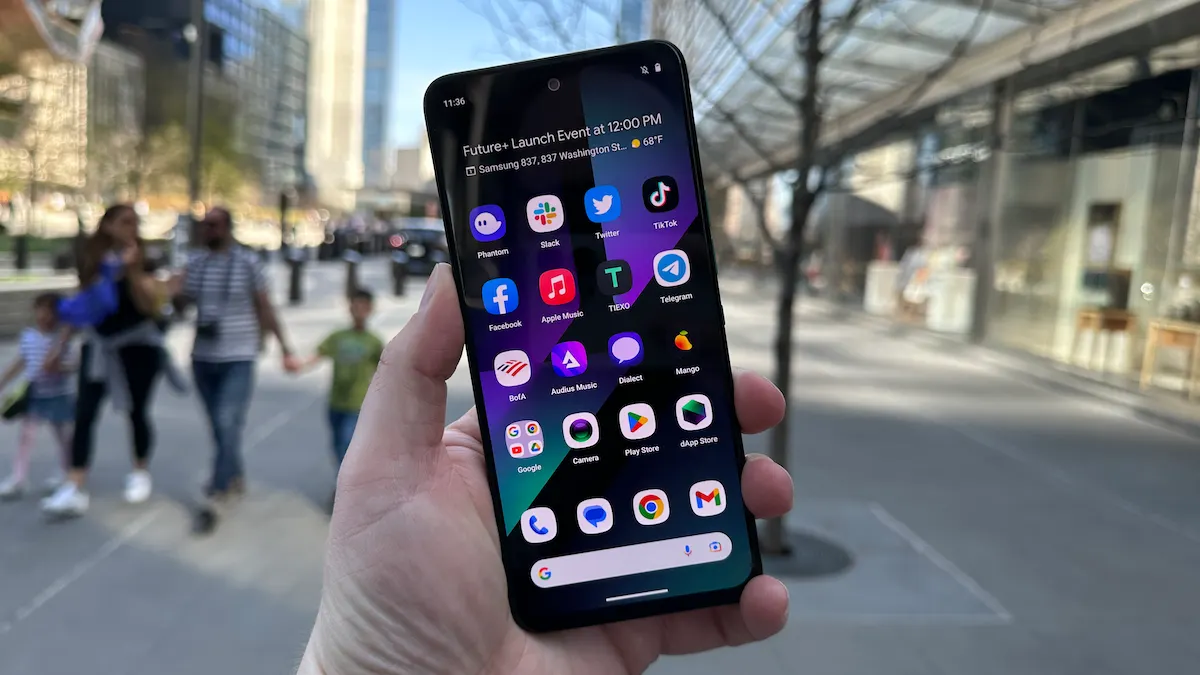
- Install Official Wallet Apps Only (e.g., Phantom, Solflare): Download wallet apps exclusively from the Google Play Store or other verified sources. Avoid sideloading APKs to minimize malware risk and ensure you’re using authentic, up-to-date wallet software.
- Regularly Update Device Firmware and Wallet Apps: Ensure your Saga phone and all crypto-related apps are running the latest versions to patch vulnerabilities. This is especially important since Solana Mobile has discontinued official updates—manual checks are now critical for ongoing security.
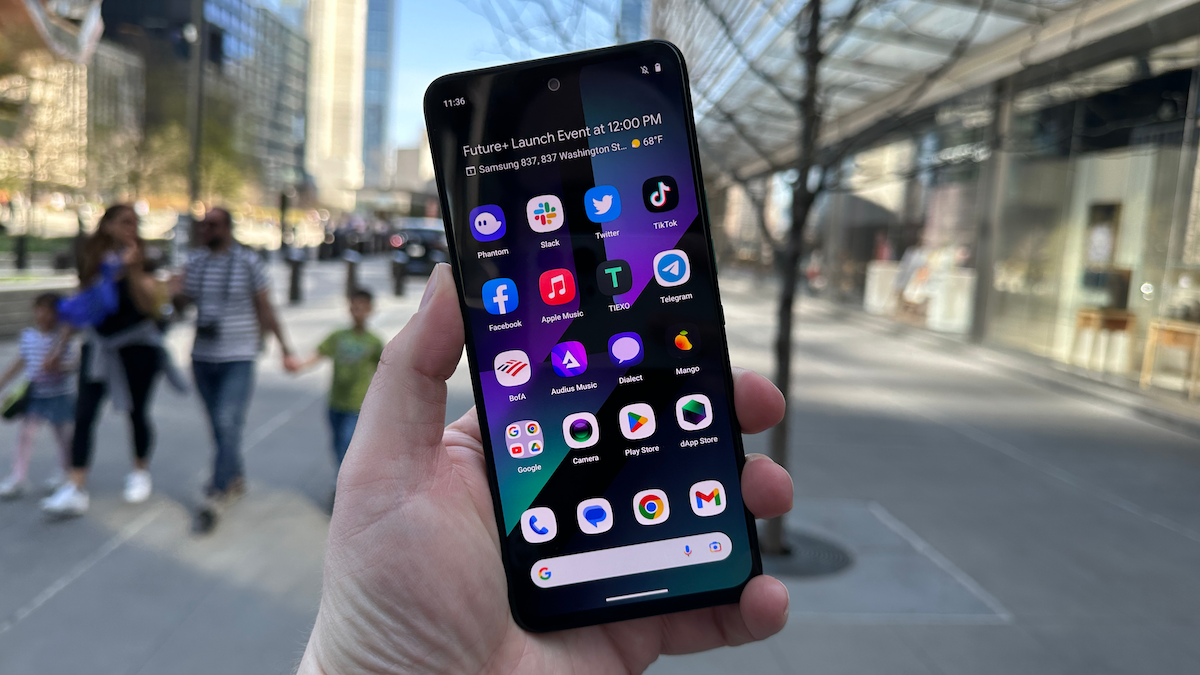
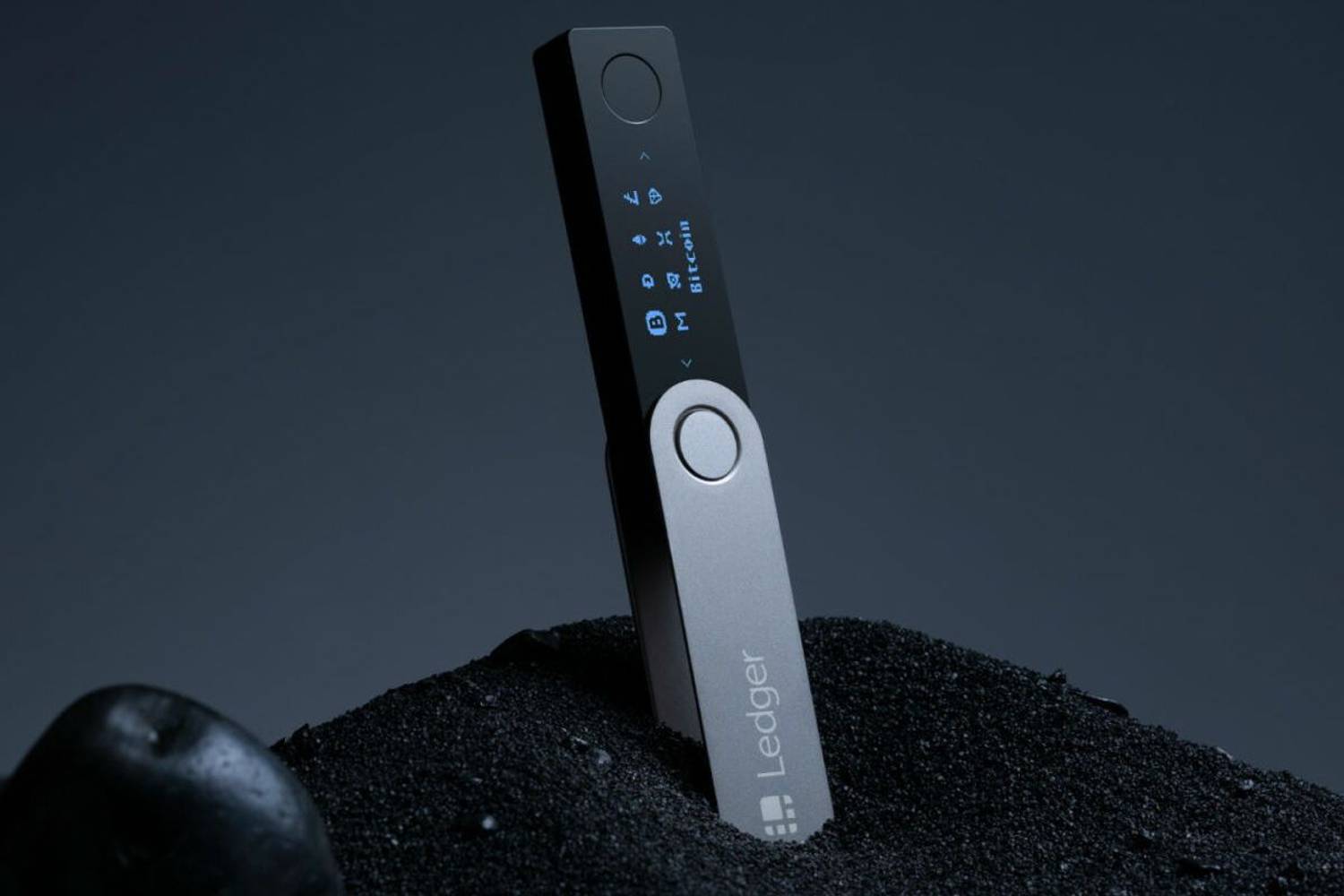
- Utilize Seed Vault and Hardware Wallet Integration: Store private keys securely using Saga’s built-in Seed Vault or connect with reputable hardware wallets like Ledger for added protection during DeFi transactions. This keeps sensitive credentials isolated from the main OS and potential threats.
- Enable App Permissions Minimization and Network Security: Restrict app permissions (camera, microphone, storage) for all crypto apps, and use a reputable VPN to safeguard transaction data on public Wi-Fi. Limiting permissions reduces attack surfaces, while VPNs help prevent network-based threats.

No comments yet. Be the first to share your thoughts!